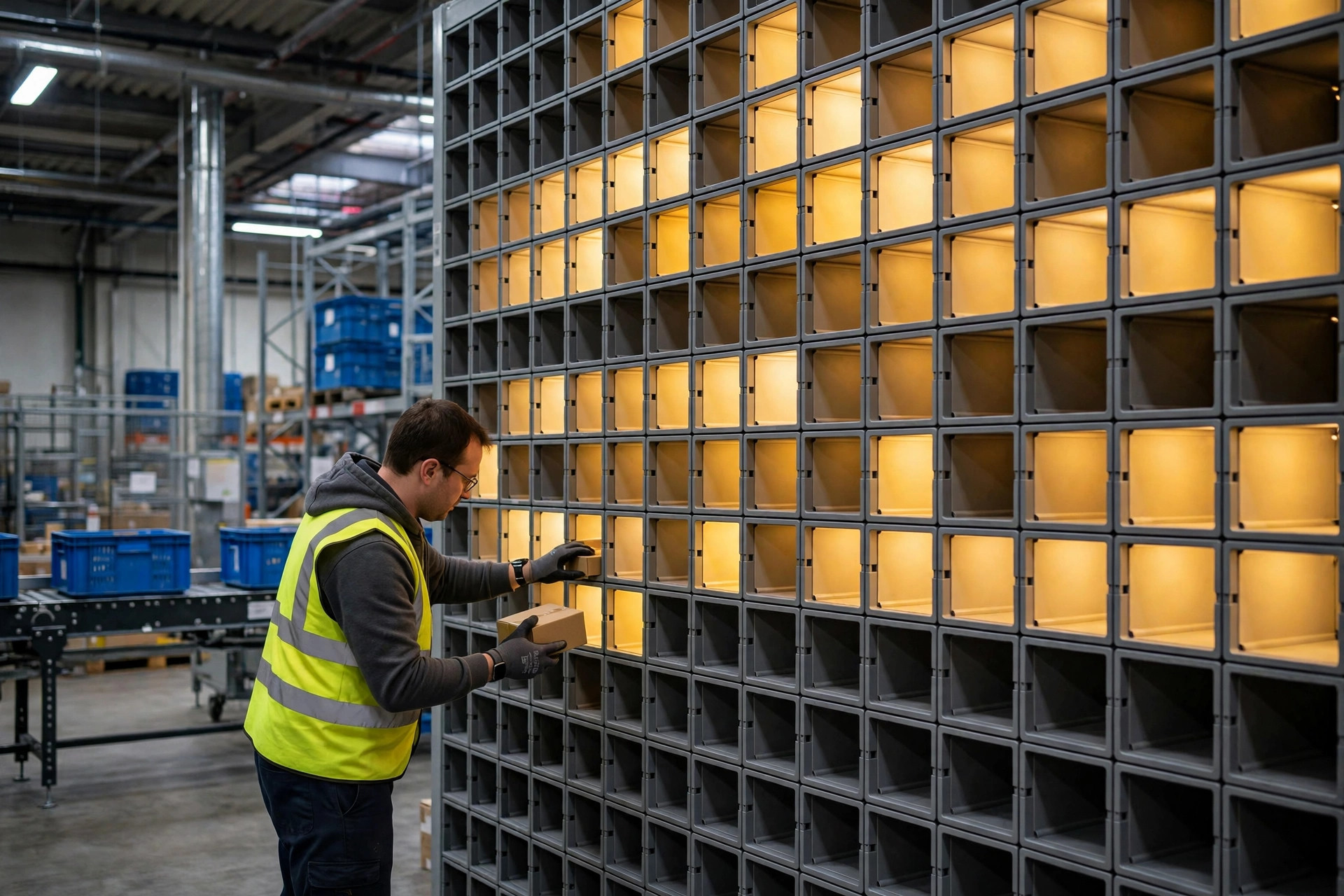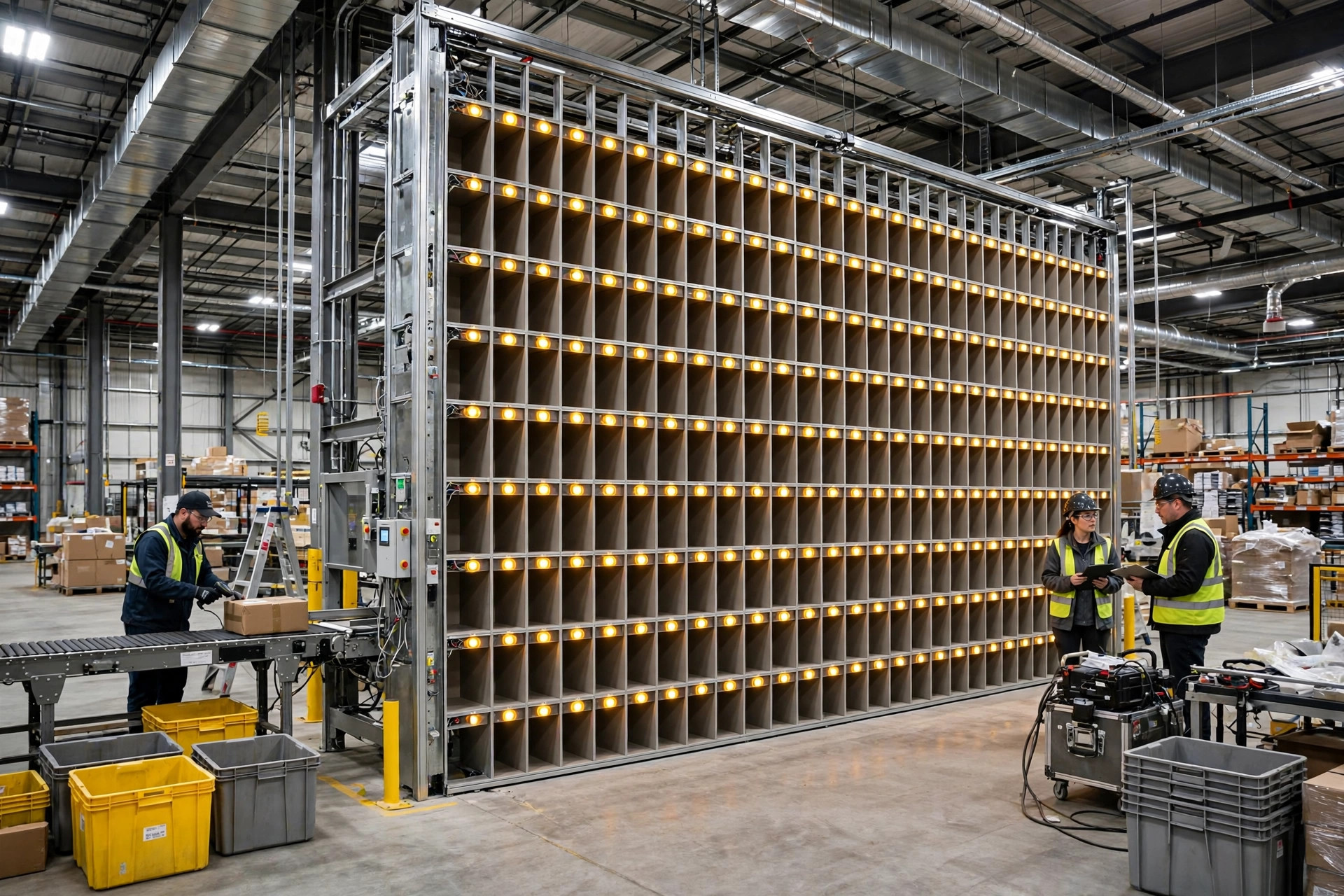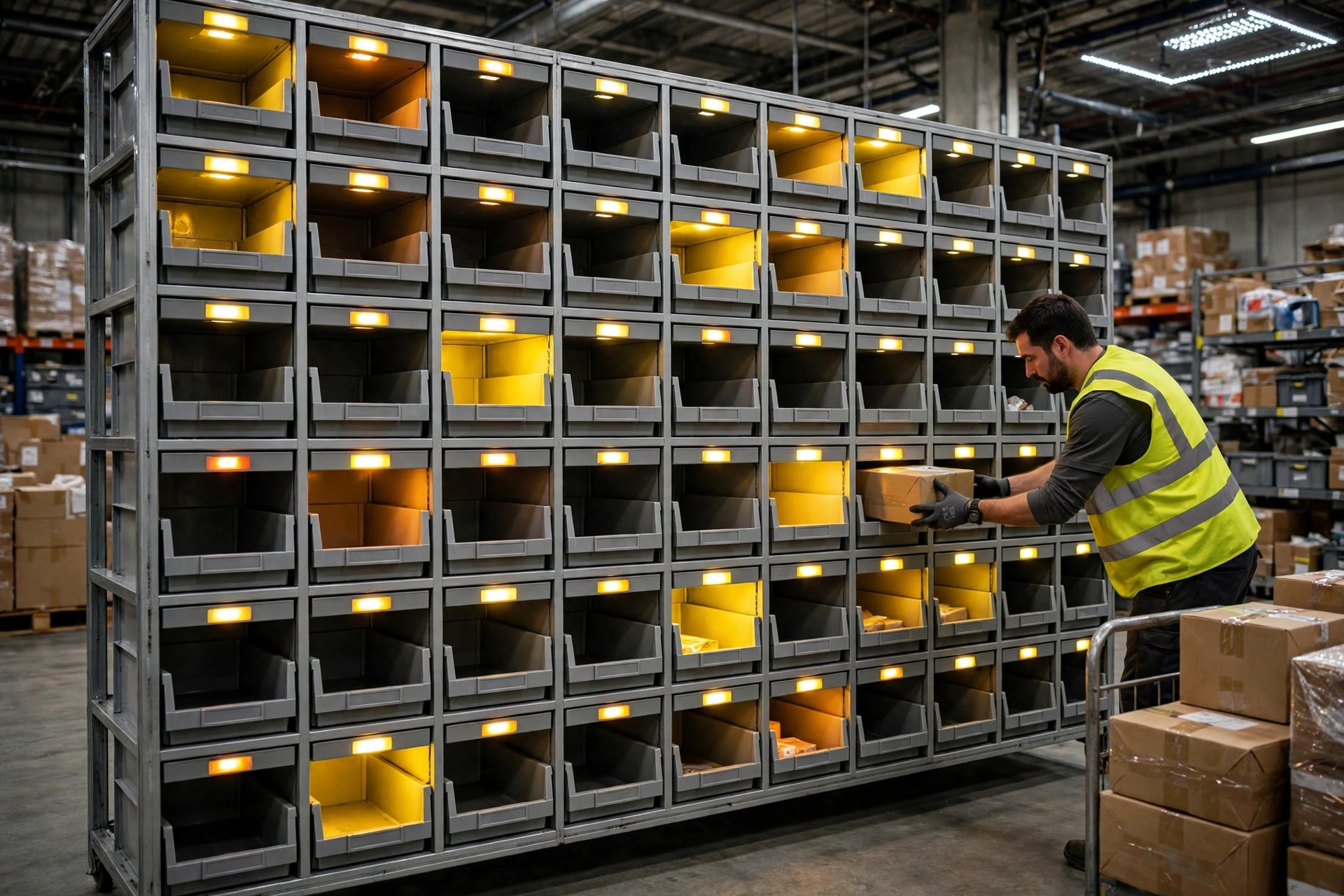
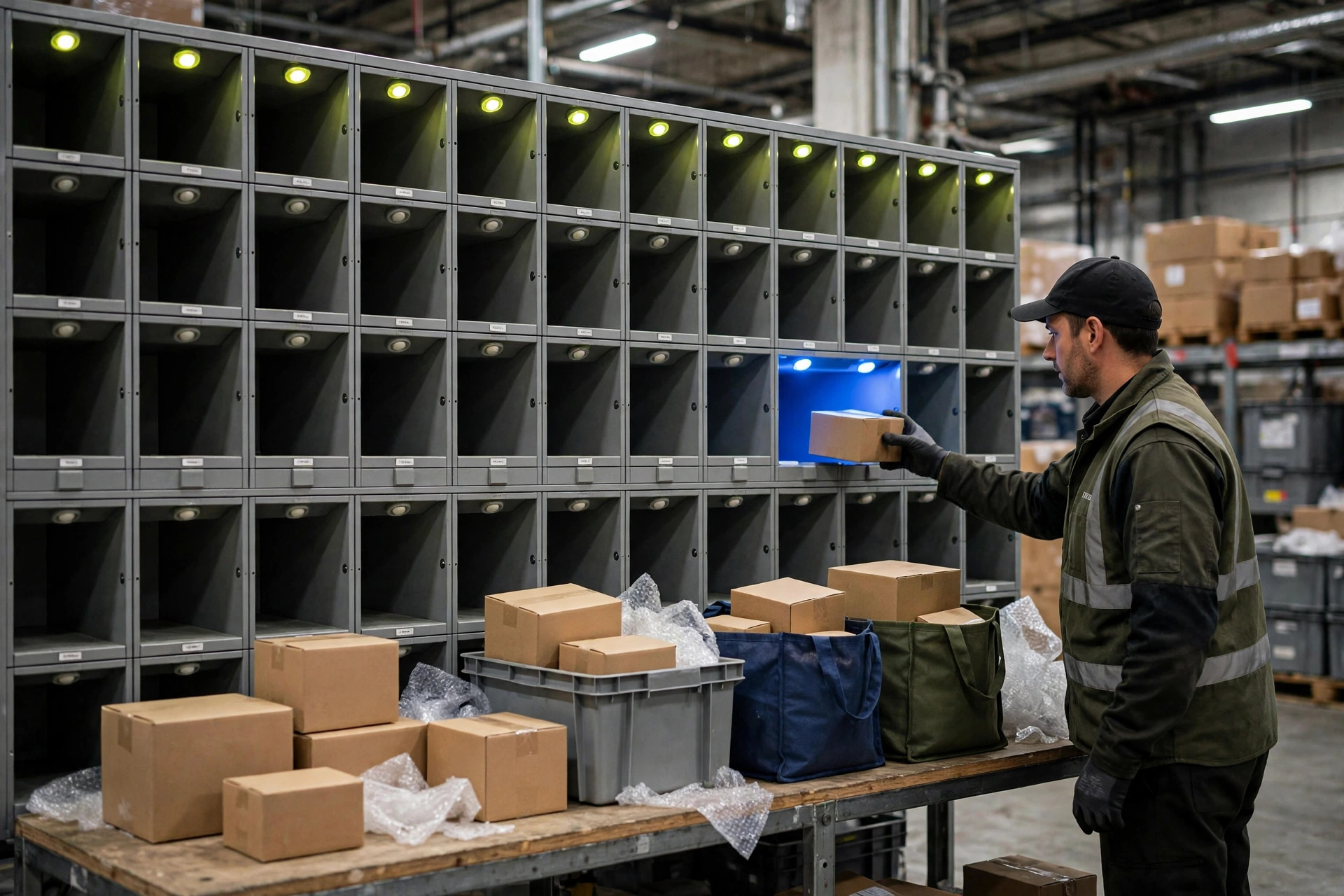
Let me start with how the thing actually works, because most of the hype skips this part. You can think of a put-to-light wall as a set of cubbies where every cubby has a light that talks to you. A picker walks up with a batch of goods, the light comes on above the order that item belongs to, the picker drops it in, presses the light to confirm, and the system deducts the quantity. Without lights, the same job runs on paper lists and eyeballs: read the order number, find the cubby, double-check, tick it off, and every error is caught by a human if it is caught at all. The light is not magic. It just takes the job of finding the cubby out of the picker's head and hands it to a beam of light.
Here is a small warehouse I actually worked with, an apparel seller in Zhejiang province doing three to four hundred orders a day, averaging two to three items per order, roughly doubling in peak season. Before the wall, they sorted on paper: one person would take goods for twenty or thirty orders at a time, stand in front of the rack, and match slips to cubbies one by one. Wrong shipments and missed items happened a few times a week. The refunds and reshipping did not cost a fortune, but the reputation damage added up. After the wall went in, pickers stopped reading order numbers and just followed lights, and the error rate dropped visibly. But let me pour cold water on that story right away: the wall paid off for this warehouse not because lights are miraculous, but because their order profile sat right in the sweet spot for lights — middling volume, few items per order, a moderate number of cubbies. Give the same wall to a warehouse with a different order profile and it becomes expensive decoration.
Where Put-to-Light Actually Beats Paper
Lights win in three places. First, cubby-finding speed. With paper, every item forces the picker's eyes to shuttle between the slip and the rack. Lights compress that into three muscle movements: see the light, drop the item, press the light. Once trained, the picker barely has to think. Second, error interception. Put an item in the wrong cubby and the light stays on, the system raises an alert, and the mistake is caught at the sorting table instead of at packing, at dispatch, or in a customer complaint. The rework cost differs by an order of magnitude. Third, onboarding speed. Paper sorting requires learning cubby rules and reading order numbers; a new hire needs about a week to work alone. Light-guided sorting takes half a day to learn, which is real money when you hire temporary staff for peak season.
But lights cost more than the wall itself, and this is where buyers get surprised. More cubbies mean more lights, controllers, cabling, and frames. The wall needs power, network, and integration with the order system, and implementation and debugging time is almost always underestimated. Maintenance is the quieter bill: individual lamps fail and need replacing, a controller fault can knock out a whole row, and a small warehouse without a dedicated maintenance technician waits on the vendor's remote support while sorting falls back to paper. You paid for automation and kept the manual backup anyway. So when you price a wall, include implementation, maintenance, and downtime fallback, not just the hardware quote.
The Thresholds: Order Volume and Cubby Count
Whether put-to-light pays off comes down to two numbers: batches per day and items per order. Too few batches — say two or three waves a day with modest orders in each — and the wall sits idle most of the day, pushing the equipment cost per order to an absurd level. Too many items per order is also a bad fit: an order with a dozen items means the picker walks back and forth to the wall a dozen times, and the walking eats the light's advantage. That profile suits discrete order picking, not put-to-wall sorting.
Here is a rough but practical dividing line. A warehouse doing a few hundred orders a day, two to three items per order, twenty or thirty orders per wave, and around forty or fifty cubbies will see the clearest benefit. A warehouse under a hundred orders a day, or one needing more than a hundred cubbies to cover a wave, should hold off and tighten up a paper-plus-scanner process instead. Cubby count deserves special caution: more is not better. More cubbies mean a wider wall, longer walking distances, and more time spent locating the lit cubby, which cancels out the density advantage. Wall width and ergonomics have to be calculated together, and plenty of vendors will not volunteer that point.
A home-goods ecommerce warehouse in southern China learned the opposite lesson. Their daily volume was healthy, but orders often contained bulky items that did not fit the cubbies. After the wall was built, bulky goods still moved through manual sorting, so half the process ran on lights and half on paper, and the error rate actually went up. They eventually split bulky items into separate waves and only ran small items through the wall, and the process settled down. The lesson is to examine your order profile before buying: bulky-item share, items per order, and wave rhythm. If those three numbers do not fit, the wall is an expensive ornament. For context on where the wall sits in the whole sorting chain, a put-to-wall secondary sortation guide explains the sortation stage well; the light wall is one link in that chain, not a cure for the entire chain.
When Not to Buy Lights, and the Maintenance Traps
Three situations earn a straight no from me. First, a small warehouse still proving its model, where paper plus a barcode scanner is plenty and the money is better spent on racking and packing benches. Second, a wildly unstable order profile — small items today, bulky goods tomorrow — where cubbies can never be sized right and the wall's rigidity works against you. Third, a warehouse that already runs a solid scanning process with a low error rate: the error cost the lights could eliminate will not cover the wall's cost and upkeep, and that is automation for its own sake.
The maintenance traps are worth naming in advance. Lamps are consumables; before a batch fails, individual lamps usually flicker first, so do not wait for a whole row to go dark before calling for repair. Every interface upgrade between the controller and the order system needs joint testing, so ask before any system upgrade whether the wall needs a test pass too. And once the wall's position is fixed, expanding cubby count means adding wall sections; expansion is not a software setting. None of these traps is fatal, but every one of them will find you during peak season.
So back to my usual rule: is the money worth it? Look at one number. Take the wall's monthly depreciation plus maintenance cost, divide by monthly sorted orders, and you get the light cost per order. Then take your current monthly cost of sorting errors — reshipping, replacements, customer service time — divide by orders, and you get the error cost per order. If the first number is smaller than the second, the wall pays. If it is bigger, fix the paper process first. Put-to-light is genuinely faster than paper, but faster does not mean worth it. Worth it is something you calculate, not something you decide from a demo video.
By Da Liu, Automation Engineer