Bottom line up front: when a barcode label won't scan, the scanner is almost never the problem. The problem lives in one of three places: printing, labeling, or scanning technique. The scanner takes the blame, but the label is what deserves the inspection. A picker standing in front of a rack, scanning and scanning while nothing reads, is not losing a few seconds. He is losing the rhythm of the whole pick line.
I have seen this exact failure three times, and every time the script is the same: the floor says the scanner is broken, they swap scanners, swap batteries, reboot, burn half an hour, and in the end it turns out to be the label. On the go-live night checklist, the label line is always the one nobody takes seriously.
The first time was the night before a client warehouse went live. Pick scan failures suddenly spiked. The floor's first reaction was that the scanners were bad, so they swapped three of them. Nothing changed. I walked over and looked at the printed label. The barcode was faint, the edges blurred. In the end we found the ribbon installed backwards. Thermal ribbons have a right side and a wrong side. Installed backwards, the barcode looks almost fine, but the scanner refuses to read it. The whole warehouse worked overtime reprinting labels that night, and go-live slipped to the next afternoon.
The second time was in a cold storage warehouse. Labels went on fine, then the cold made the label stock shrink and wrinkle, and the barcode wrinkled into waves with it. No scanner could read it from any angle. We changed the label material and moved the label to a flat, frost-free face of the carton, and the problem finally went away. A freezer is not an ambient warehouse. A label that behaves at room temperature changes its mind in the cold.
The third time was the most frustrating. A picker didn't want to bother walking up, so he scanned from two steps away, at a slant, too far and too angled. The scanner beeped and refused. A new picker walked up, aimed straight at the label, and it read on the first try. The scanner was fine. The label was fine. Where the person stood was the problem.
Why a Barcode Label Won't Scan: Four Root Causes
When a barcode won't scan, the cause is almost always one of four. Check them in this order.
First, the print darkness is wrong. Printhead temperature too low, and the barcode comes out pale, lines broken and incomplete, so the scanner can't read the full code. Too high is no better: the lines bleed together, fine bars fuse, and the scanner can't read it either. Darker is not better. Just right is better.
Second, the ribbon and label stock don't match. Ribbon installed backwards, ribbon run out unnoticed, ribbon and stock that aren't meant to pair, all of them print a weak barcode. A dirty printhead does the same thing. Dust and adhesive residue on the printhead leave gaps in the printed bars.
Third, the label goes on wrinkled, bubbled, or crooked. A label stuck over a carton edge, a tape seam, or an uneven surface carries a bent barcode from the start. One shaky hand during application, one air bubble pushing the label up, and the scanner can't get a clean read from any angle.
Fourth, the label gets worn or soiled. Labels get scuffed in handling, damp in the rain, scraped by a forklift, and the barcode wears away. Or the label sits on the bottom of the load and gets ground down through every move until it reaches the picker already ruined.
The Three-Stage Mistake-Proofing Checklist
Mistake-proofing has to cover all three stages. Guarding only one of them is the same as guarding none.
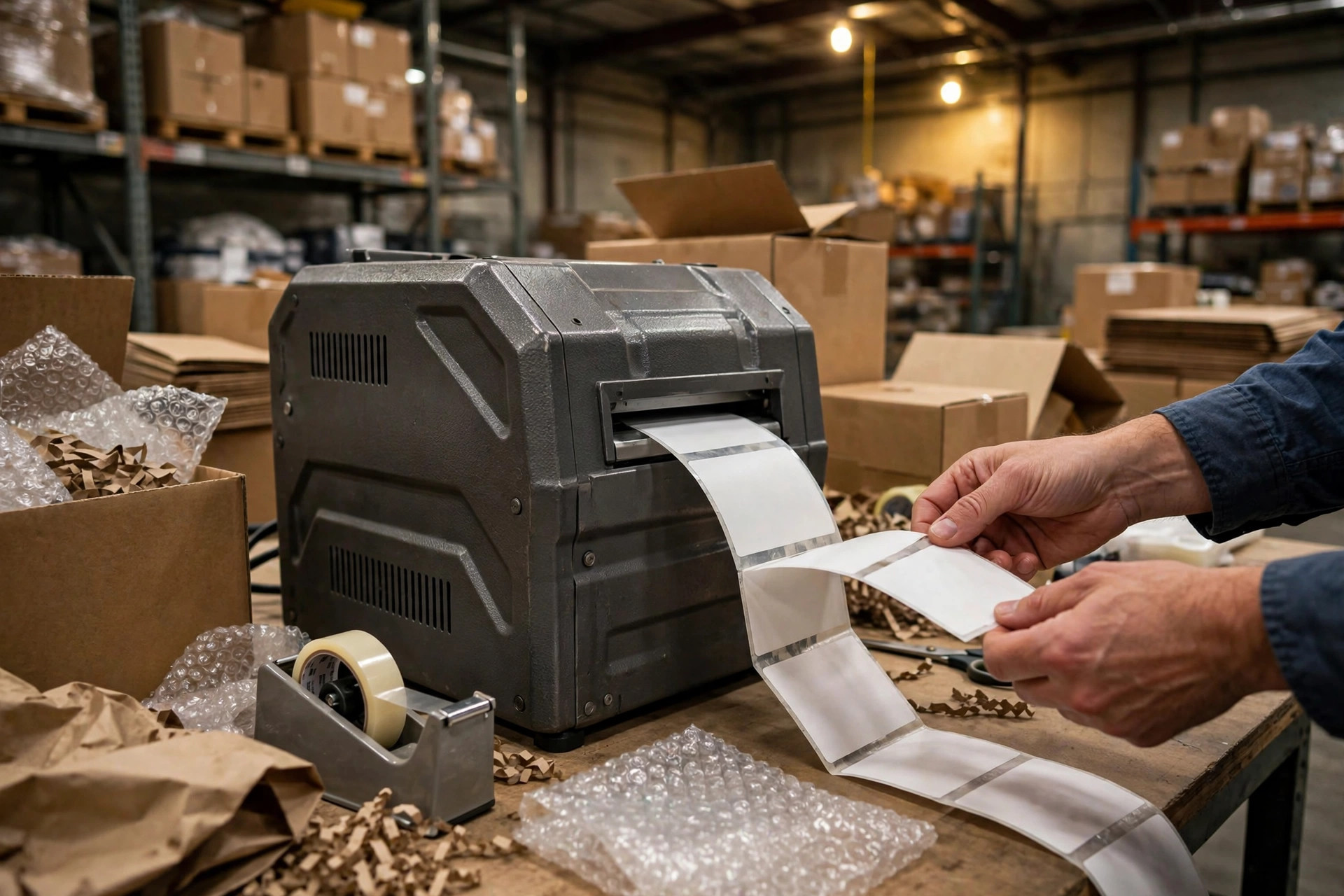
Printing: before the shift starts, print one test barcode and scan it. If it reads, start work. When loading the ribbon, check which side is which. Clean the printhead once a week, powered off, never live. Set the darkness so the barcode scans first time with clean lines, not to maximum. Print speed works the same way: the faster you print, the weaker the barcode. When you're in a hurry, drop one speed notch rather than push it.
Labeling: stick labels only on a flat, dry carton face with no tape seam. Smooth the label from the center outward with your palm to push air out. Keep at least a finger's width between the label and the carton edge, never on a corner. For cold storage or damp environments, pick the label material for that environment. Don't make an ambient label do a freezer's job.
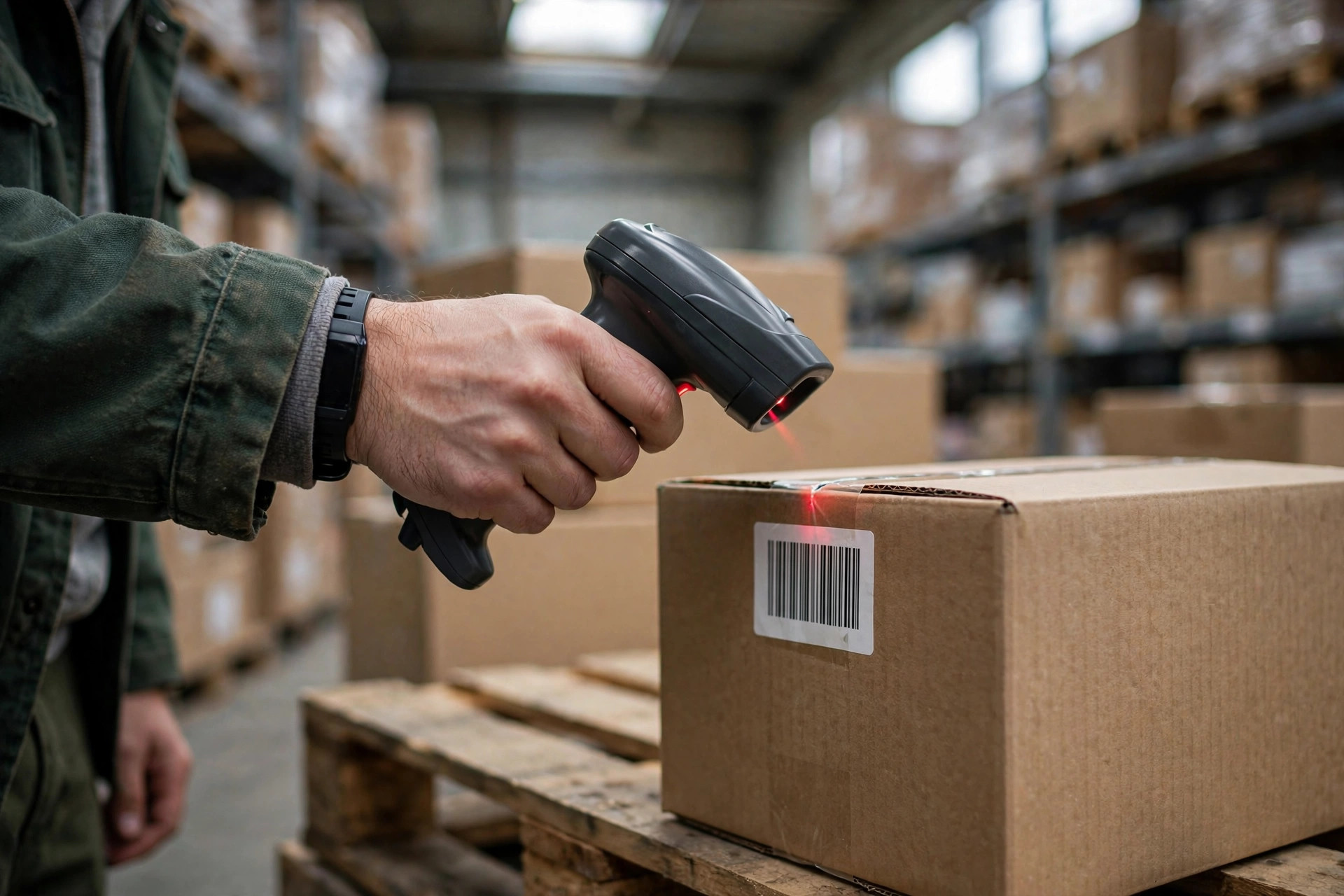
Scanning: hold the scanner square to the barcode, about a hand's length away, tilted no more than a hand's width off straight. When it won't read, try a different angle once, step closer once. If neither works, then suspect the label. Train pickers on this hands-on, not as a line in a slide deck.
Field Troubleshooting: Check the Label Before You Touch the Scanner
When a scan fails on the floor, the first reaction is always to look at the label, not to swap the scanner. Follow this sequence and you can usually find the cause within ten minutes.
| Step | What to check | How to tell |
|---|---|---|
| 1 | The label surface | Wrinkles, bubbles, wear, soiling: all visible to the naked eye |
| 2 | The barcode itself | Faint, bleeding, or missing bars point to a printing problem |
| 3 | Rescan at a different angle and distance | If it reads, it was scanning posture |
| 4 | Try a different scanner on the same label | If it reads, the first scanner needs service |
| 5 | Nothing reads | The label is dead: go to the reprint SOP |
Don't shuffle this order. Skipping the first two steps and going straight to a scanner swap is wasted time. I watched one floor swap four scanners before anyone noticed the whole roll of label stock had gone damp and every barcode printed weak.
The SOP for Replacing and Reprinting a Label
Once a label is confirmed dead, follow the reprint process. Don't let a picker handwrite a number and stick it on. A handwritten label is a future problem: sloppy handwriting, a wrong digit, and the cycle count turns into a mess.
Our SOP is four steps. First, the picker peels off the dead label and hands it to the shift lead, who voids that label number in the system. Second, the lead reprints a fresh label in the system, and the new label number gets linked to the same shipment. Third, the new label goes on a flat carton face, and it gets scanned on the spot. It only ships if it reads. Fourth, the voided label number goes in the shift log, so month-end counts reconcile.
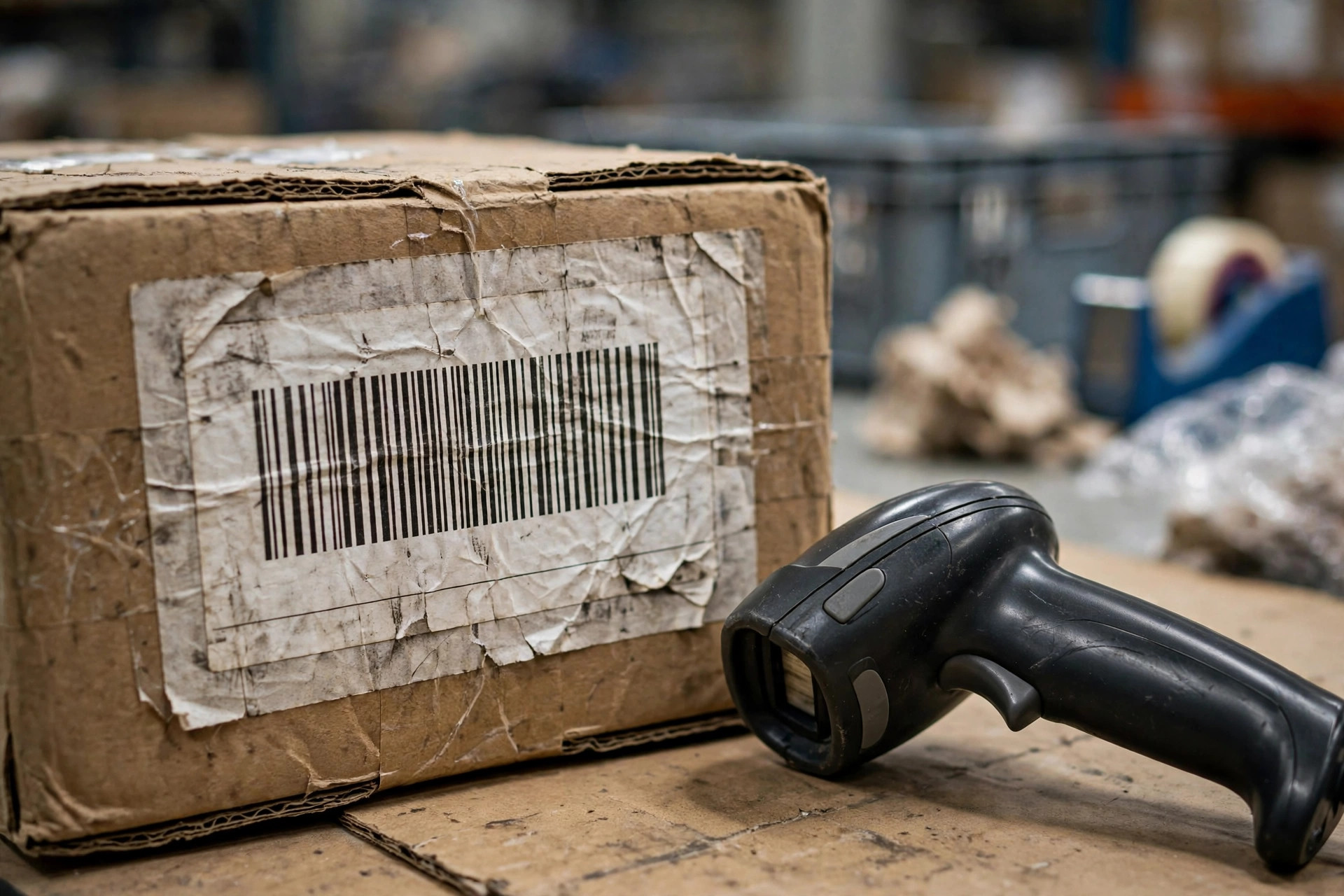
One detail on reprinting: if the old label doesn't peel clean, a new label stuck over leftover adhesive wrinkles just the same. If the residue won't come off, move the new label to a different spot, or lift the residue with clean tape first. Don't save the effort and stick straight over the residue.
Common Failure Points: I Have Seen This Exact Failure Three Times
A few failure points to close with, all of them things I have watched happen in person.
First, darkness cranked to maximum. Someone figures darker means blacker means easier to scan. Instead the lines bleed into a blob, the fine bars fuse, and the scanner reads nothing. Just right is what scans best.
Second, print speed maxed out. In a rush, the speed goes to the top, and the barcode smears faint. Drop one speed notch and the barcode comes out sharp. The minutes saved by rushing get spent twice over on reprinting labels later.
Third, labels stuck on tape. A label on top of the sealing tape wrinkles as the tape reacts to heat and moisture. Labels always go on the carton face, never on the tape.
Fourth, swapping scanners instead of swapping thinking. Three scanners swapped, nothing reads, and they're reaching for a fourth. The label printed weak. A hundred scanners won't fix it. Look at the label first, then touch the scanner. I say that three times on every project.
A barcode that won't scan is not a high-tech problem. It is fundamentals. Printing, labeling, and scanning, three stages, each mistake-proofed, and most of the floor's scan failures go away. Next time the floor shouts that the scanner is broken, make them bring you the label first.
By Lin Xiao, WMS Implementation Consultant