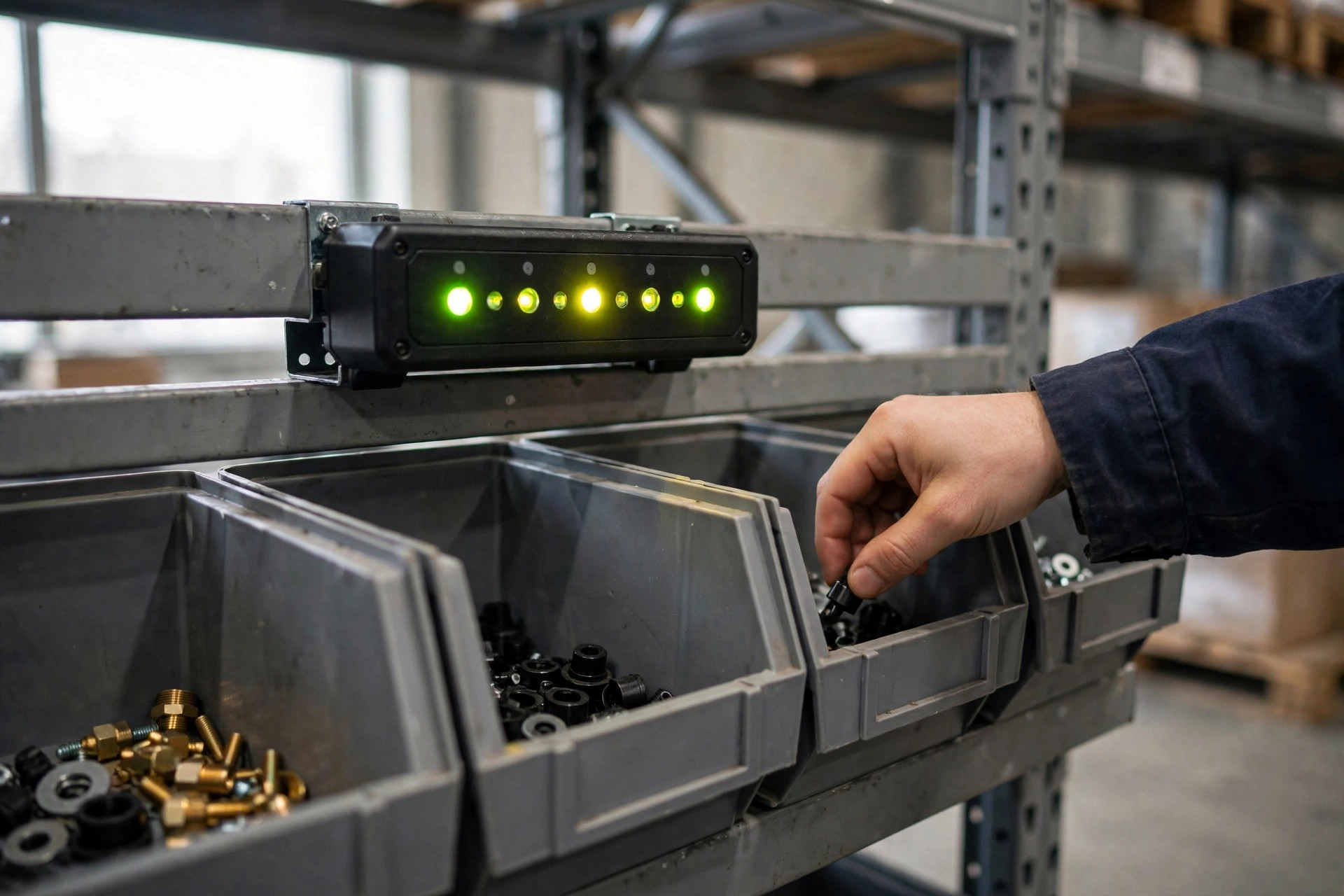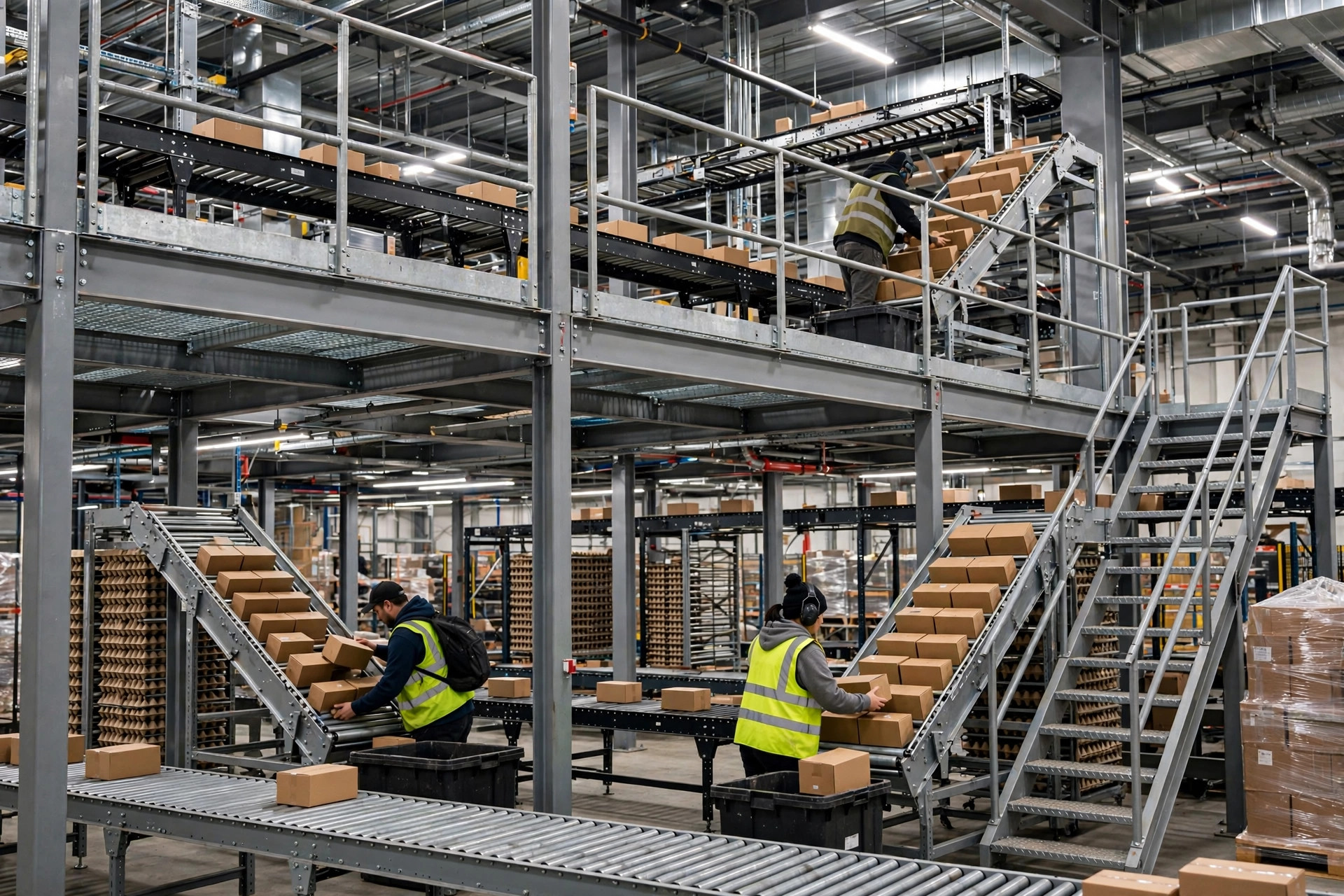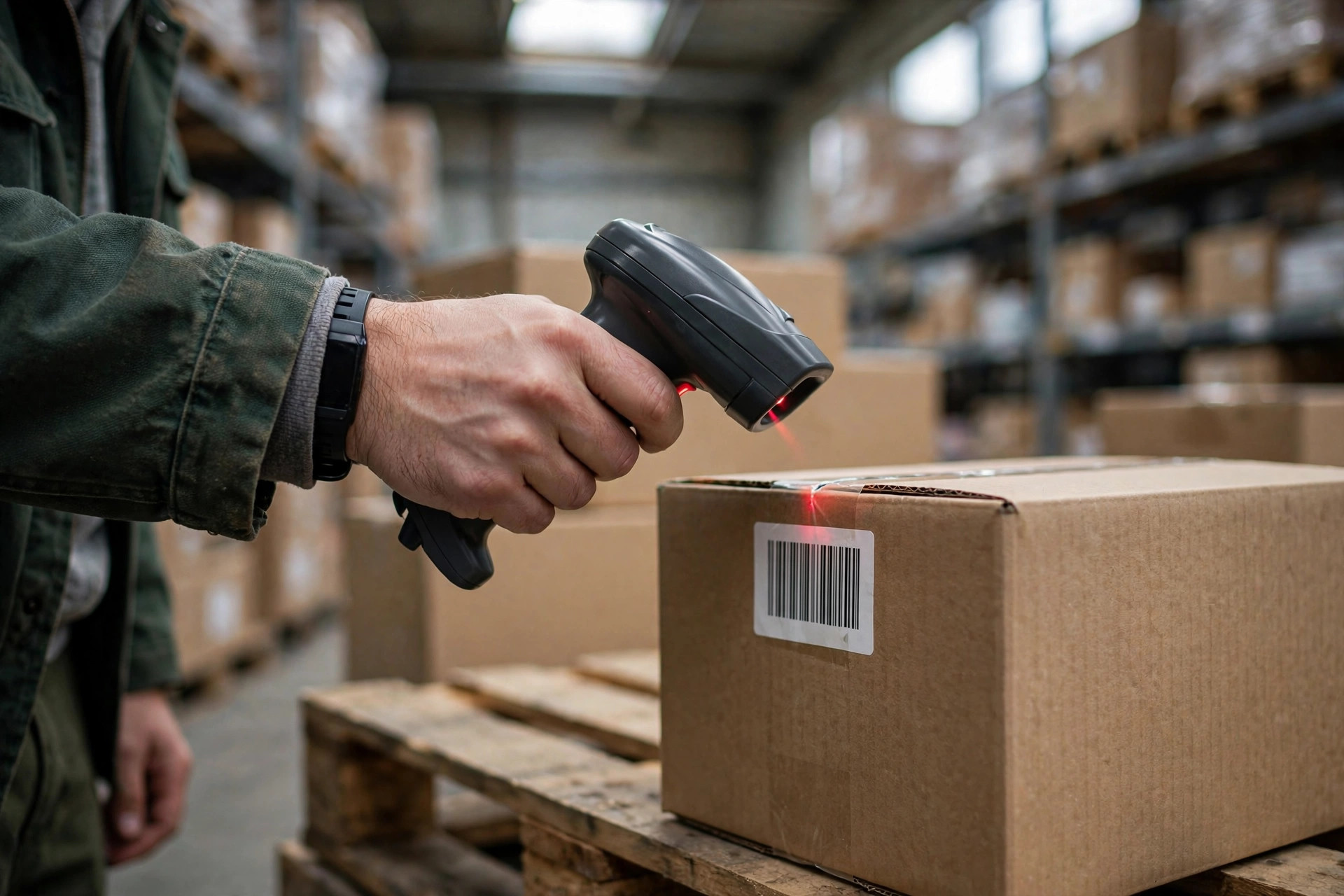
A warehouse barcode system setup comes down to three pieces: numbering rules, label printing, and scanning. Here is the conclusion up front — the numbering rules decide whether the system lives or dies, print quality decides how long it survives, and the scanner is just the hired hand that executes. I have watched too many warehouses buy the sequence backwards: thirty imported scanners first, labels printed however, numbering made up on the fly, and three months later the scan error log is a novel. I have seen this exact failure three times, and every rescue started the same way: rewriting the numbering rules from scratch.
Warehouse Barcode System Setup Starts With Rules, Not Scanners
The numbering scheme is the foundation. Get it crooked and no printer or scanner will save you. A warehouse only needs three kinds of codes, and each one gets a fixed format, a fixed length, and zero room for improvisation.
Location codes. Use a four-part fixed structure: zone, aisle, level, position. One letter for the zone, two digits each for aisle, level, and position, zero-padded — seven characters total. Aisle 03, level 02, position 15 in zone A becomes A030215. Fixed length makes WMS validation instant and lets a human spot which segment is wrong at a glance. Never allow free-form entries like "aisle 3 level 2" — six months later nobody can tell A3215 from A032015.
LPN (license plate number). Ten digits of running serial plus one check digit, eleven characters total, e.g. 26000012347. Unique across the whole warehouse, traveling with the pallet across zones. One pallet, one number, from receiving to shipping — every inventory move in the WMS hangs off it.
SKU codes. Use the product's existing barcode whenever one exists and keep a mapping table in the WMS. Only invent internal codes for unmarked or contract-manufactured goods, and cap them at 20 characters. Self-made SKUs are where chaos breeds: sales invents one set today, purchasing invents another tomorrow, and three years later one product has three codes and cycle counts never reconcile.
Check digits are mandatory. I use a mod-10 (Luhn) check digit, enforced by the WMS at every scan point — receiving, moves, picking. If one digit is wrong, the scan fails loudly. That single digit is what catches the operator typing at 2 a.m., half asleep.
One symbology for the whole building: Code 128. Here is the counterintuitive part — longer codes are not better codes. The longer the code, the denser the bars at the same label size, and the faster a slightly smudged print or a dusty label becomes unreadable. I keep working codes under 12 characters and print human-readable info on a separate line instead of squeezing the barcode into a thin noodle.
Printers and Scanners for Your Warehouse Barcode System Setup: One Decision Table Each
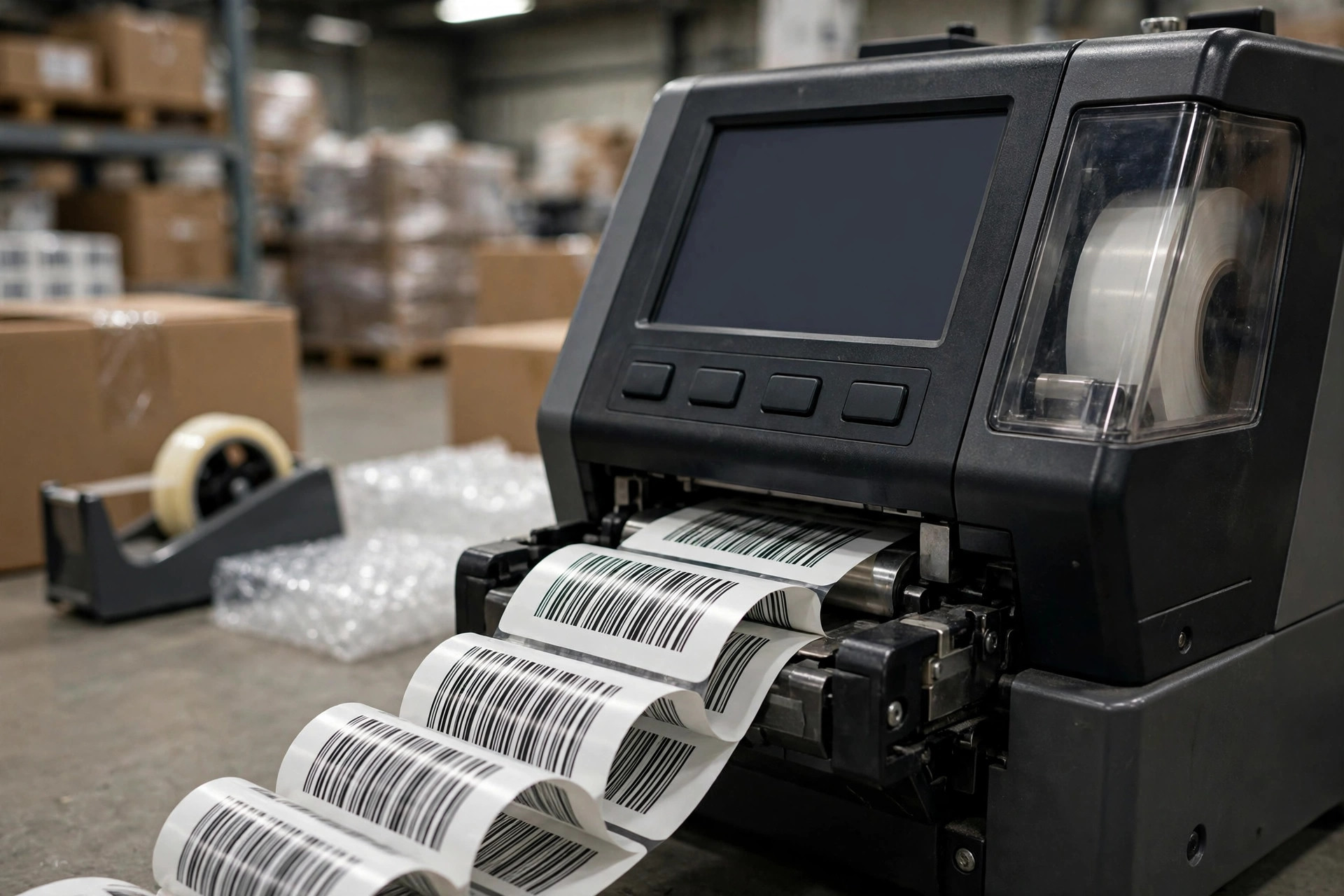
Printers first. Direct thermal or thermal transfer — one table settles it:
| Direct thermal | Thermal transfer | |
|---|---|---|
| Consumables | Labels only | Labels + ribbon |
| Durability | Fades in heat and sunlight within months | Scratch- and heat-resistant, lasts years |
| Best for | Shipping labels, temporary flow tags | Location plates, LPN labels, long-life IDs |
| Cost feel | Cheap machine, cheap consumables | Pricier machine, one extra consumable |
The line between desktop and industrial printers is one sentence: if you print over a thousand labels a day, or the line runs around the clock, buy industrial. Desktop units have plastic bodies — printhead life and continuous-duty capability are in a different league. I watched an e-commerce warehouse doing 3,000 orders a day print shipping labels on desktop units; seven or eight paper jams a day, and the downtime cost more than the price gap of two industrial machines within a quarter.
Now the consumables math, because the machine is a one-time purchase and consumables burn every day. A mid-size warehouse printing 2,000 outbound labels a day runs about 300 days a year — 600,000 labels. Even if thermal transfer costs just one cent more per label, that is $6,000 a year before counting the labor of reprinting faded ones. So choose the print technology by how long the label must live, not by the machine price gap.
Scanners are chosen by scenario, not by price:
- General picking and receiving: an area imager. Reads 1D, 2D, and codes off phone screens. The workhorse — if the budget allows, stop thinking and buy these.
- Tight budget, paper 1D codes only: a laser scanner. Cheap, but struggles in strong light and on reflective surfaces — think twice for outdoor or cold-storage use.
- Direct part marks (auto parts, manufacturing): a DPM-capable scanner. A regular scanner cannot read laser-etched marks; buy the wrong one and it is a paperweight.
- Cold storage and outdoors: low-temperature, long-range models. A standard scanner's battery drains fast at -20°C and the screen can fail. Do not send a room-temperature gun into a freezer.
The counterintuitive take on scanners: it is the worst place to save money and the worst place to overspend. A smeared label defeats a $1,000 scanner; a clean label reads fine on a mid-range imager. In a barcode budget, seventy percent belongs in labels and printing, not in scanners.
The Warehouse Barcode System Setup Go-Live Night Checklist
Every warehouse barcode system setup I have run ends with the same ritual on the night before go-live — printed, taped to the wall, checked off one by one:
- Numbering rules frozen in a document, WMS check-digit logic live. Pull 20 random codes, deliberately corrupt one digit, scan them in — every one must fail, or the validation is theater.
- Walk the entire warehouse and scan every location code: high bays, behind columns, corner aisles. Zero dead angles. Move any plate you cannot scan on the spot — do not leave it for after go-live.
- Print a full roll of labels nonstop on each printer. No jams, no ribbon breaks, printhead temperature normal. Testing with ten labels is not testing.
- Pair every scanner with the WMS: prefix, suffix, and carriage return set correctly; only Code 128 enabled, everything else switched off.
- Stock two weeks of consumables: labels, ribbons, plus one spare printhead. A printhead is a consumable, not equipment — with no spare, a failure stops the line.
- Rehearse the exception flow: reprint, void, reissue — and write down who is authorized to do each. Someone will print a wrong label in week one.
- Hands-on certification for everyone: 50 test scans each, zero errors in a row to pass. Scanning is muscle memory; laziness in training gets repaid double after go-live.
- Keep the old labels up for one week before removing them. The parallel period is when confusion peaks — do not rush tearing down the old plates.
Three Failures I've Seen Three Times
Failure one: labels that cannot take the cold. November 2023, a cold-chain food warehouse in Zhejiang, -25°C freezers. They had put up over ten thousand standard paper location labels before opening; condensation formed, and within three days a third of them had peeled off. Pickers navigated by memory and mis-shipments climbed. The fix: rip everything out, switch to low-temperature label stock with thermal transfer printing — three weeks of relabeling. Lesson: cold-storage labels get a condensation test — stick them, park them in the freezer for 72 hours, and only accept stock that is still firmly attached.
Failure two: mixed symbologies. June 2024, a 3PL warehouse in Shenzhen. Client A's carton codes were Code 39, client B's were Code 128, and the scanners had both enabled. During one big promotion, mis-scans caused over a hundred wrong shipments in a single day, and the client deducted service fees. The fix: standardize the whole building on Code 128, dual-code the old labels for a three-month transition, then retire Code 39. Lesson: enable exactly one symbology in the scanner and switch the rest off — every extra one enabled is another chance to misread.
Failure three: scan dead zones. September 2024, an auto-parts warehouse in Tianjin with 12-meter high-bay racking. Standard scanners could not reach the high location plates, so forklift operators climbed up and down all day and lost about twenty percent of their throughput. The fix: long-range imagers, plus moving the plates down to the 8-meter beam with the face tilted 15 degrees downward. Lesson: a location plate's height and angle are designed, not improvised — scan every plate with the actual gun before you call it done.
There is no black magic in a barcode system. Get the three pieces right — numbering, printing, reading — one at a time, walk the checklist before go-live, and opening day will not need a fire brigade.
By Lin Xiao, WMS Implementation Consultant