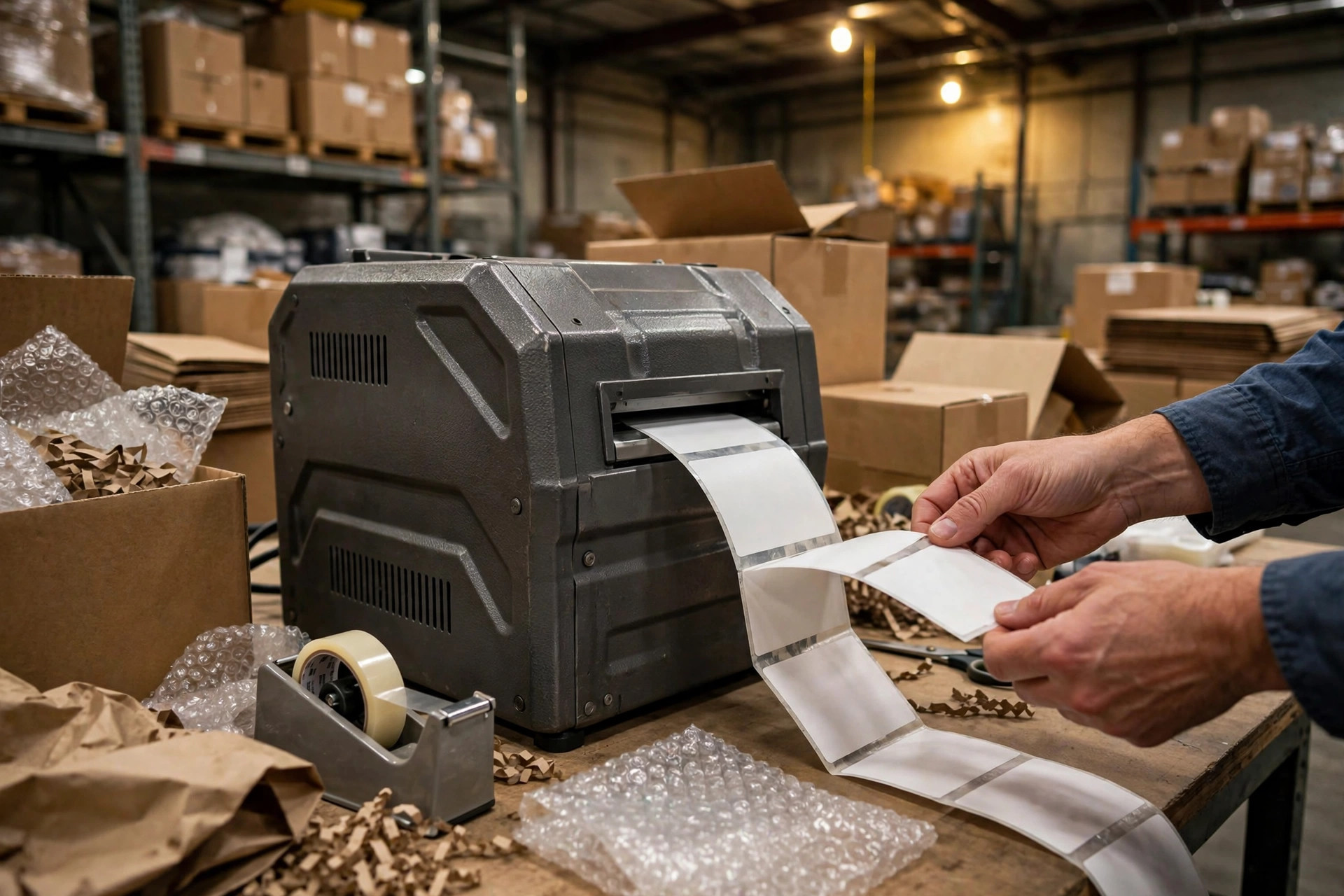
A label printer is like a vehicle. A desktop printer is a family sedan: fine for the school run, hopeless at hauling freight. An industrial printer is a box truck: ugly, loud, expensive to park, and it will run all day without complaining. The trouble starts when warehouses buy the sedan and then ask it to do the truck's job, or buy the truck and leave it idling in the yard. Industrial label printer selection, desktop versus industrial, is mostly a question of matching the machine to the workload, and the mismatch bill always arrives later.
How a label actually gets printed: thermal transfer vs direct thermal
Almost every warehouse label printer works by heat. In direct thermal printing, the printhead heats the label paper itself, and the paper darkens where it gets hot. No ribbon, fewer parts, lower running cost, and a label that fades. Leave a direct thermal label on a sunny dock or in a warm warehouse for a few months and the text washes out. That is fine for a shipping label that lives for a week. It is not fine for a pallet label or a compliance label that has to stay readable for months.
Thermal transfer works differently. The printhead heats a ribbon, and the ribbon melts ink onto the label. You can think of it as a tiny hot stamp. The result resists light, heat, moisture, and rubbing far better, which is why long-life labels are almost always thermal transfer. The price is the ribbon itself, one more consumable to buy, store, and load, plus one more thing that can wrinkle and ruin a print run.
So the first question is not desktop or industrial. It is how long the label has to live. A label that dies with the shipment can be direct thermal. A label that has to survive months on a pallet, or pass a customer inspection half a year later, needs thermal transfer. Buying an industrial printer and then running direct thermal labels through it for short-life shipping work is a classic case of paying twice for durability you never use.
The daily volume line: when a desktop label printer stops being enough
Now the structure. Desktop, commercial, and industrial printers differ in three places that matter: the printhead, the frame, and the paper path.
The printhead is the heart. A desktop printhead is built for light duty and short runs; run it all day and it overheats, lines start dropping out, and the head dies early. An industrial printhead is built for continuous duty, with a wider heat sink and a duty cycle designed around long runs. In practice, an industrial head is designed to last for hundreds of thousands to over a million labels, while a desktop head wears out far sooner under the same workload. That gap, not the sticker price, is where the real money sits.
The frame is the second difference. A desktop printer is mostly plastic, light enough to lift with one hand, and it rattles on a packing table when a forklift rolls past. An industrial printer is a metal chassis, heavy, bolted down, built to absorb vibration and dust. The paper path is the third: industrial machines run wider label stock, hold bigger rolls, and keep tension steady over a long run, so the print stays aligned at hour six the way it looked at minute six.
| Class | Built for | Typical daily volume | Printhead life | Frame |
|---|---|---|---|---|
| Desktop | Light, intermittent use | A few hundred labels | Short | Plastic |
| Commercial | Steady mid-volume work | Roughly the middle band | Medium | Mixed metal and plastic |
| Industrial | Continuous, all-day printing | Thousands and up | Long | Full metal |
The volume line that separates them is a rule of thumb from practice, not a manufacturer spec: below a few hundred labels a day, a desktop machine is usually enough. Between a few hundred and roughly two thousand a day, the commercial class starts to make sense. Past a couple of thousand a day, or any shift where the printer runs for hours without a break, the industrial class earns its keep. And the number that matters is the peak, not the average. A warehouse that prints 300 labels on a normal day and 3,000 during peak season should be sized for the peak, because the failures always arrive in the peak week.
A 3PL warehouse in eastern China learned that the expensive way. They bought desktop printers for three packing stations because the purchase price looked kind. The first peak season, two printheads died in the same week, the third printer started dropping lines, and the team spent two nights reprinting labels by hand. The replacement heads plus the overtime cost more than the price gap to industrial machines. The cheap printer was not cheap; the bill just arrived in a different month.
Label printer consumables math: printhead, ribbon, and label stock
The purchase price of a printer is the smallest part of its cost. The real bill is consumables, and the biggest line item is the printhead, which is a wear part, not a lifetime part. A head dies early for predictable reasons: dust and adhesive buildup, wrong heat settings, and label stock with rough or abrasive coatings. Cleaning the head on schedule is the cheapest maintenance in the warehouse, and skipping it is the most expensive saving.
Ribbon math is the second line. Thermal transfer needs ribbon, and ribbon cost per label depends on ribbon width, label width, and how much ribbon is wasted between labels. A common waste is running a ribbon far wider than the label, which throws away ink on both edges every single print. Matching ribbon width to label width is a small decision that pays for itself across a whole year of printing.
Label stock is the third line, and the one people argue about most. Cheap labels look like savings until they jam, leave adhesive on the rollers, or fade before the customer scans them. A label that fails at the customer's dock costs a reshipment, a chargeback argument, or a lost shipment, which is a few hundred times the few cents saved on the roll. When the label matters, buy the stock that matches the job and test it on your own printer before committing to a bulk order.
The maintenance traps: dropped dots, wrinkles, and ribbon creases
The most common failure is dropped dots: a line of the barcode goes missing, the scanner rejects the label, and the packer blames the scanner. Nine times out of ten it is the printhead, either dirty or with dead heating elements. Clean it first. If the same dots stay missing after cleaning, the head is done, and no amount of settings adjustment will bring it back.
Label wrinkling usually comes from uneven tension or a misaligned roll. The label stock feeds crooked, the print goes diagonal, and the edges crease. The fix is mechanical and boring: reseat the roll, check the guides, make sure the stock path is straight. Ribbon wrinkling is the same family of problem, and it usually means the ribbon is wider than the label, the tension is off, or the printhead pressure is uneven. A wrinkled ribbon prints a wrinkled barcode, and a wrinkled barcode is a failed scan at the far end.
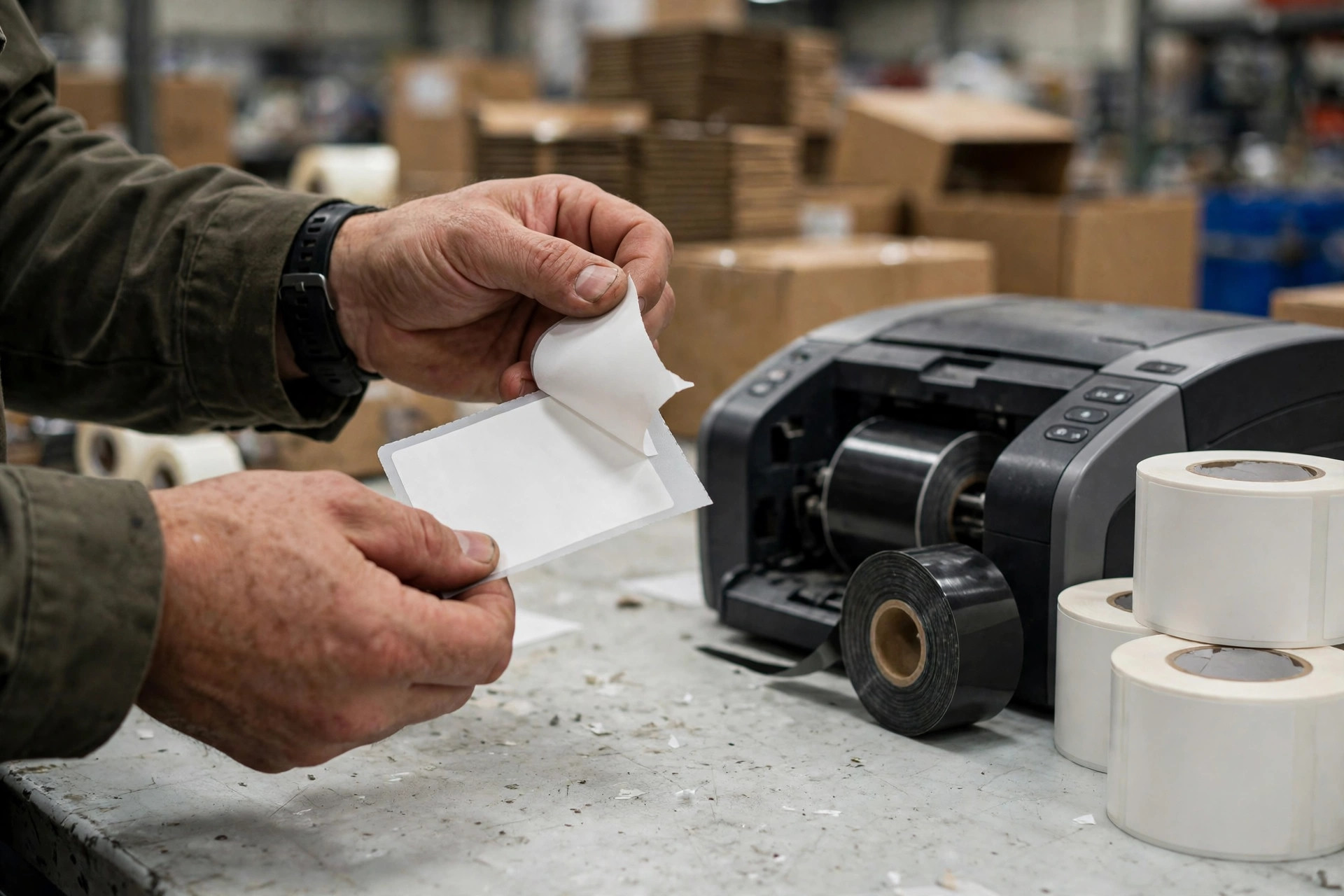
Here is a judgment that annoys people: most printer problems are not printer problems. They are consumables problems, settings problems, or maintenance problems wearing a printer costume. Before replacing a machine, clean the head, check the heat and speed settings, reseat the stock and ribbon, and print a test label. Half the printers that get written off as dead come back to life after twenty minutes of that.
So is the industrial machine worth the money? Do not answer from the price tag. Answer from one number: your total cost per thousand labels, purchase price plus heads plus ribbon plus stock plus reprints plus downtime, spread over the labels you actually print. If the desktop machine wins that number at your volume, buy the desktop machine and feel no shame. If the industrial machine wins it, the premium was never a premium, it was a discount paid upfront.
By Da Liu, Automation Engineer