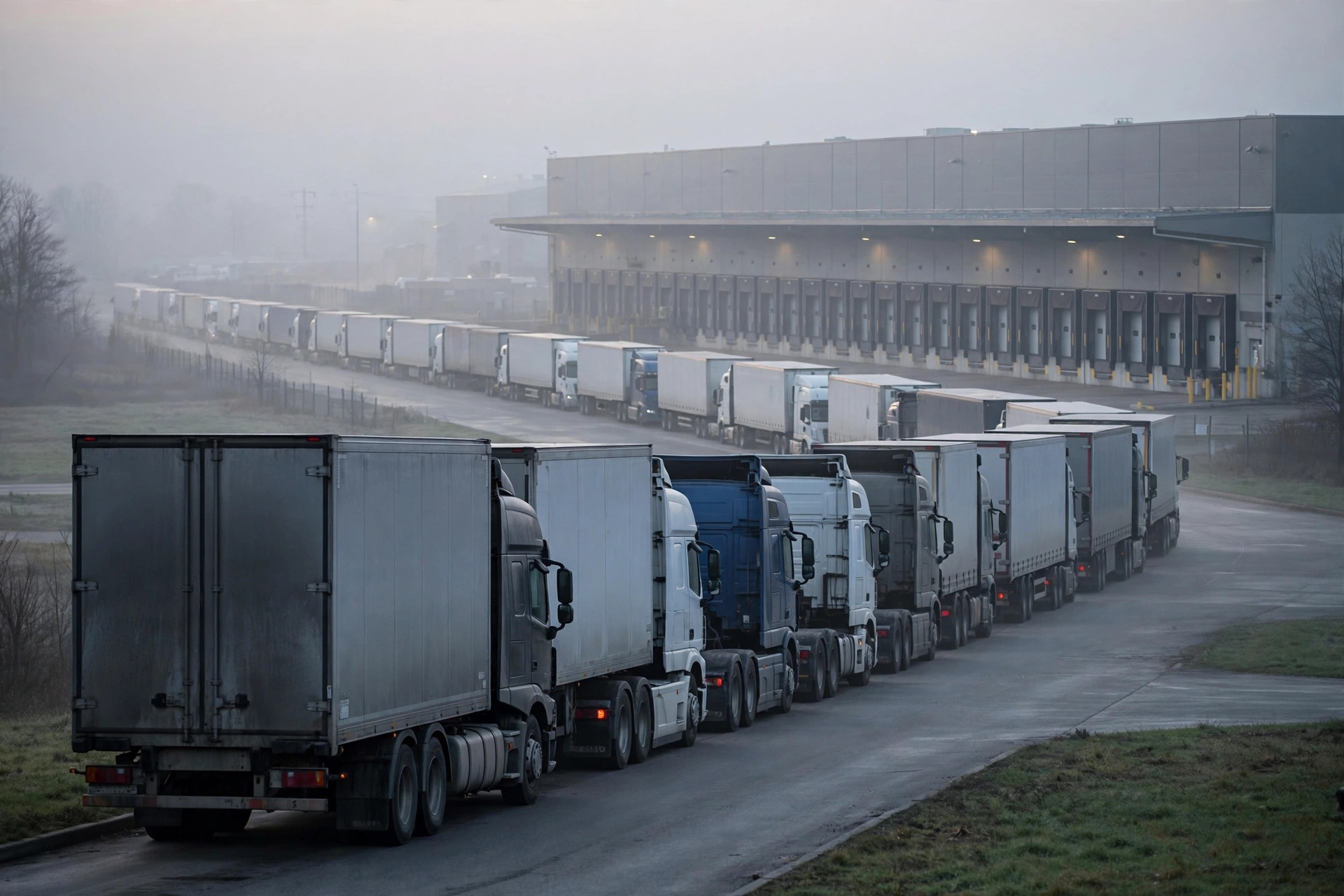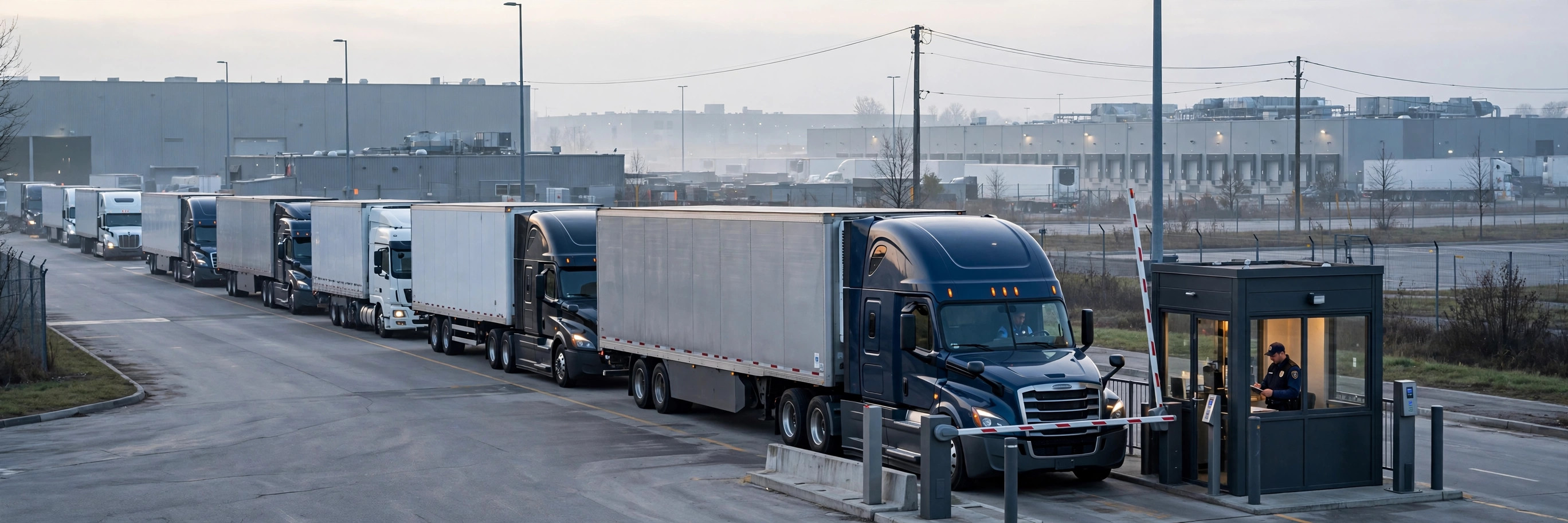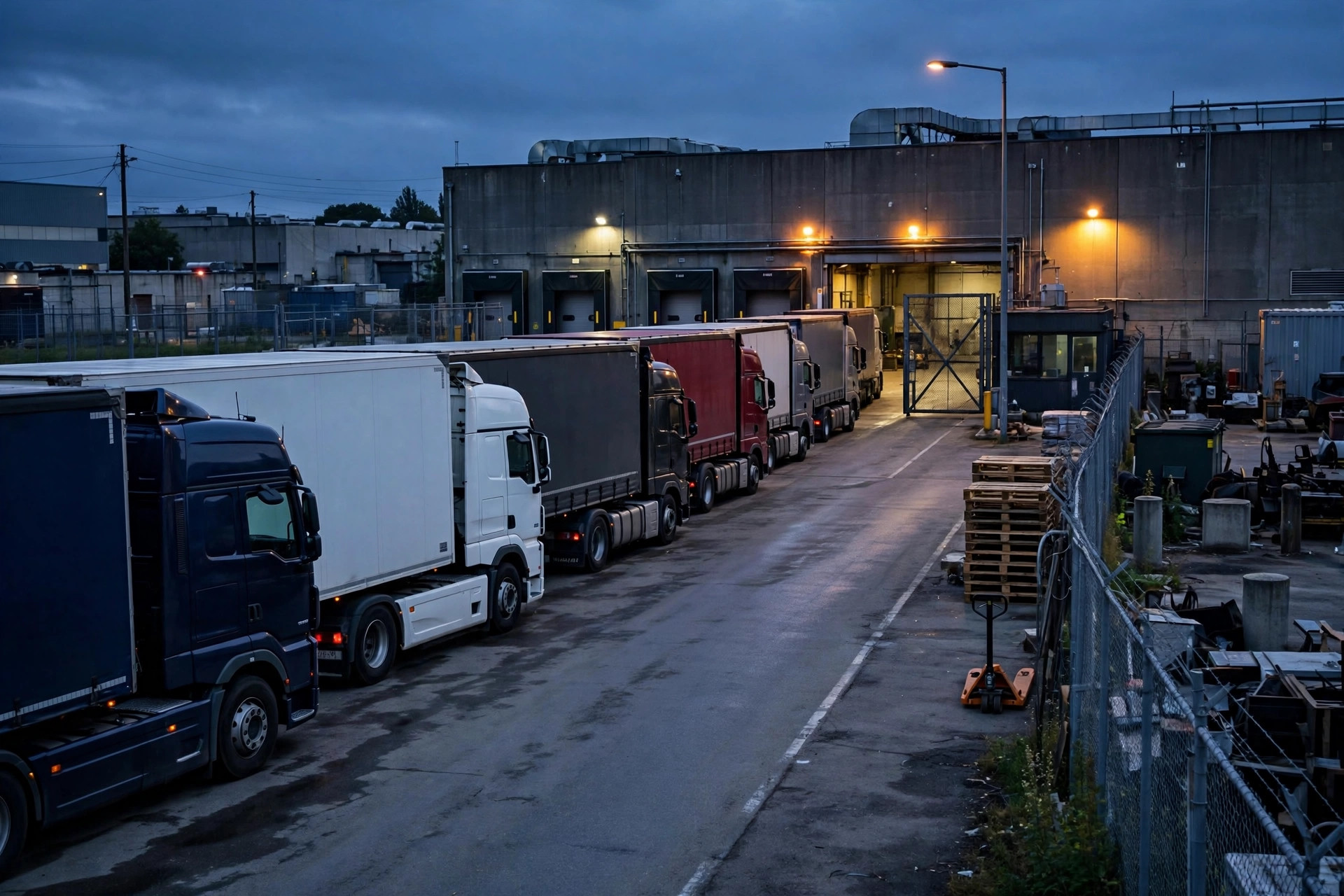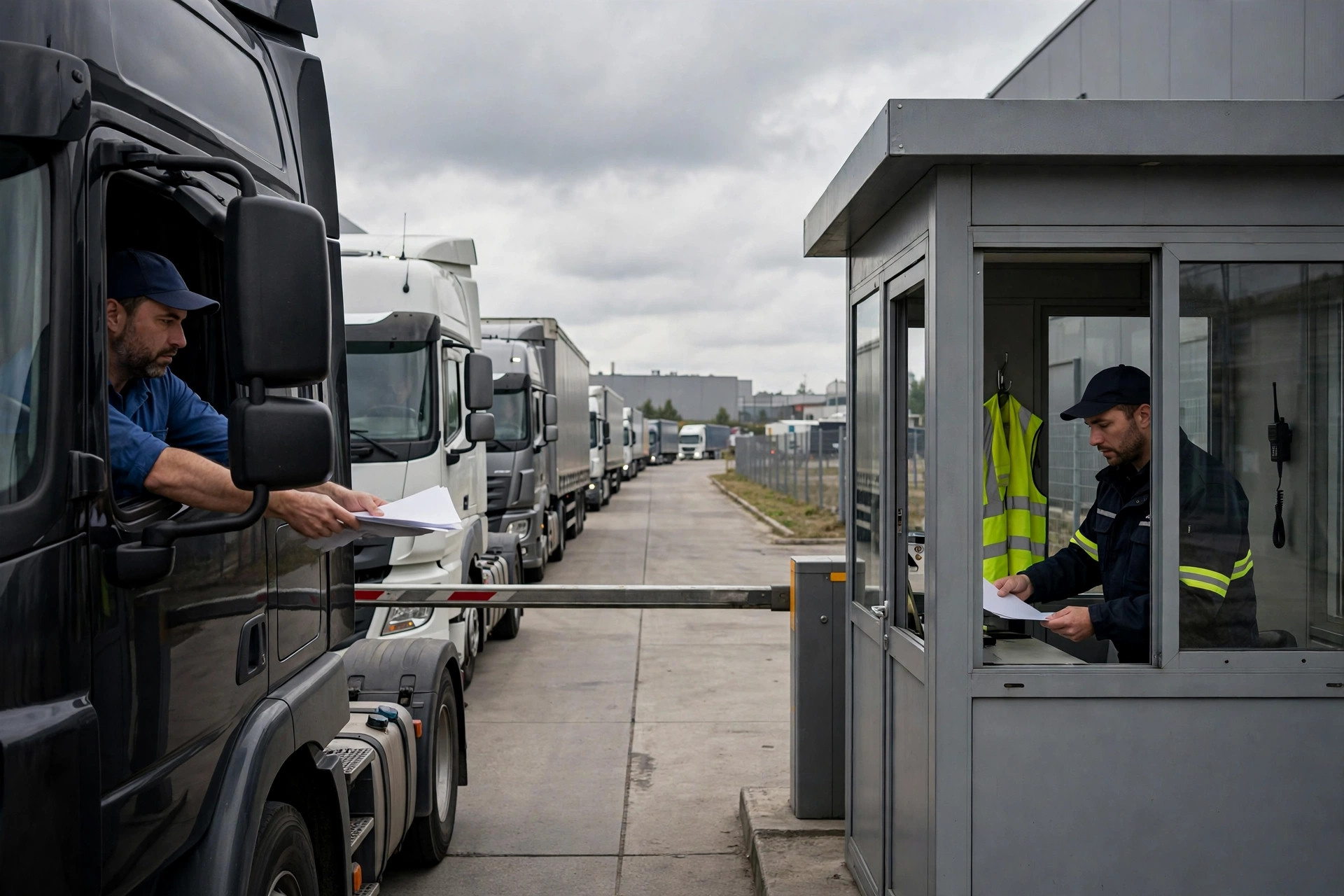
Bottom line up front: if you want to shrink turn time, leave the loading dock alone — for now. Across 30+ YMS rollouts, nine times out of ten the real problem isn't loading speed. It's the queue at the gate and the paperwork. Queuing and check-in routinely eat 60% of total turn time. Shave 10% off loading and you save minutes; cut the queue in half and you save half an hour. I've seen this exact pitfall three times — same script every time: the client buys more forklifts, adds headcount, and drivers are still lined up at the gate.
Why Slice Turn Time Into 4 Segments: Do the Math First
Turn time is simple: gate-in to gate-out. But a single total is a reporting number, not a diagnostic one. Segmenting tells you where the disease is: long queues mean appointments and the gatehouse are out of sync; slow check-in means document flow; slow loading means labor and equipment; slow release means signatures. Four segments, four owners. No ownership, no improvement.
| Segment | What happens | Typical range | What "broken" looks like |
|---|---|---|---|
| Gate queue | Truck arrives, waits outside the gate | 0.5–2 hrs | Morning rush, walk-ins cutting the line |
| Gate check-in | ID verification, documents, dock assignment | 10–40 min | Paper forms copied by hand, drivers queuing at the window |
| Loading / unloading | Docking, loading, counting | 0.5–1.5 hrs | Random dock assignment, waiting on forklifts or crew |
| Gate release | Sign-off, gate opens | 5–30 min | Truck loaded, paperwork still unsigned |
A "healthy" turn time sits around 2 hours; past 3 hours, treat it as abnormal. The queue alone can eat more than half of it. Attack queue and check-in first — highest return.
Do the math: a yard handling 60 trucks a day, cutting average dwell from 3 hours to 2, frees 60 truck-hours daily. That's real capacity unlocked without buying a single piece of equipment.
Segment by Segment: The Compression Checklist
Segment 1 — Gate queue. Appointments with time windows. Spread arrivals across the day in 15–30 minute slots; reserve 10–15% flex slots for ad-hoc trucks; tell each driver the window by text or a gate display ("your window is 10:00–10:30; if you're early, use the staging area"). Walk-ins go to staging, no cutting the line. I've seen this pitfall three times: appointments go live, but the guard still keeps a paper logbook — two systems, two realities, same chaos at the gate. Appointments and the gatehouse must read from the same data. Non-negotiable.
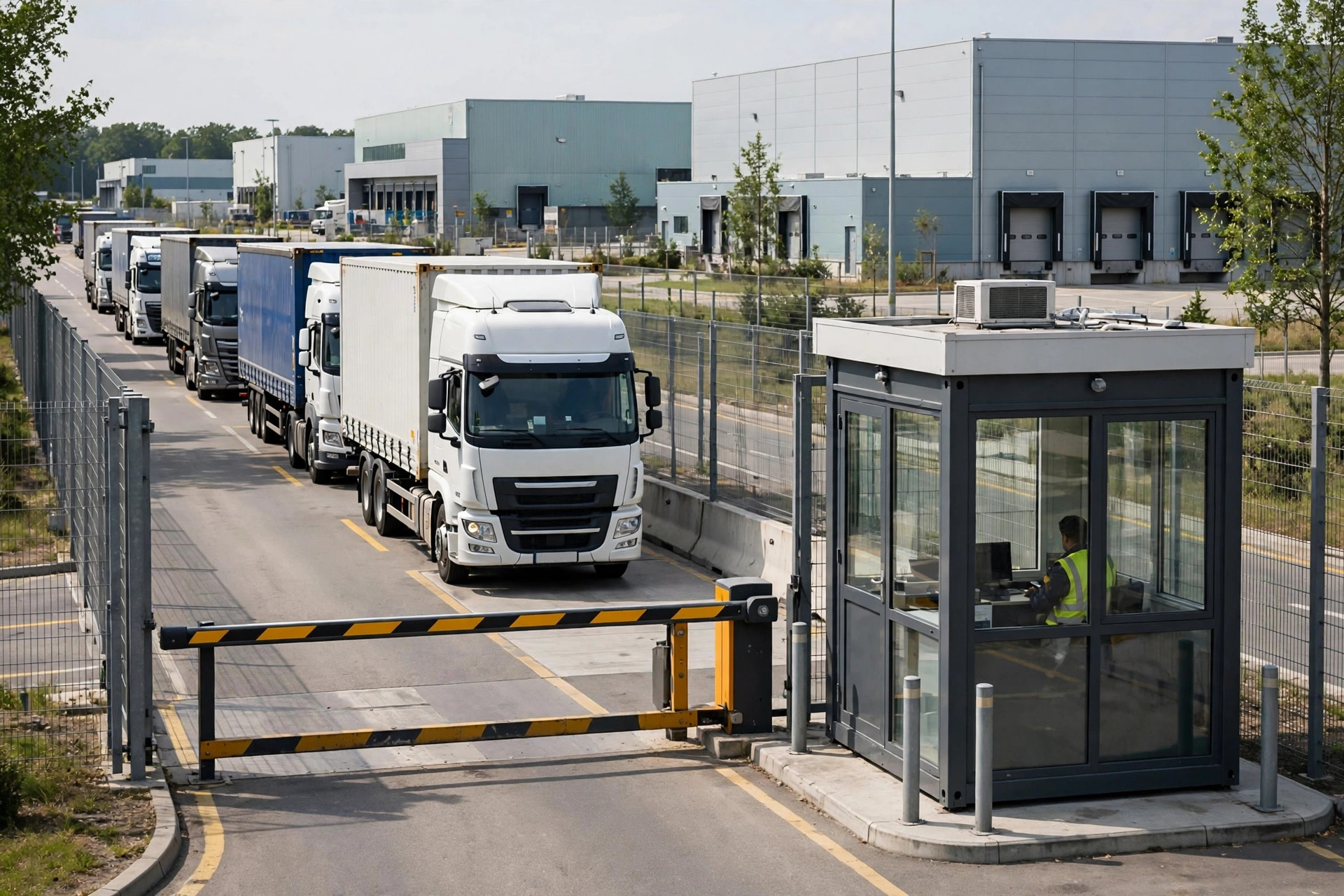
Segment 2 — Gate check-in. Target: from 20–40 minutes down to under 5. Pre-upload documents (driver or carrier uploads the BOL and delivery orders before arrival); license-plate recognition pulls up the appointment automatically; driver self-checks in with a QR scan, no need to leave the cab. Real case: a food distributor client averaged 25 minutes at check-in because drivers handed over four paper documents and the guard copied them by hand — including mistyped plate numbers. Pre-upload plus plate recognition took it to 5 minutes. At 80 trucks a day, that's roughly 26 hours of waiting eliminated daily.
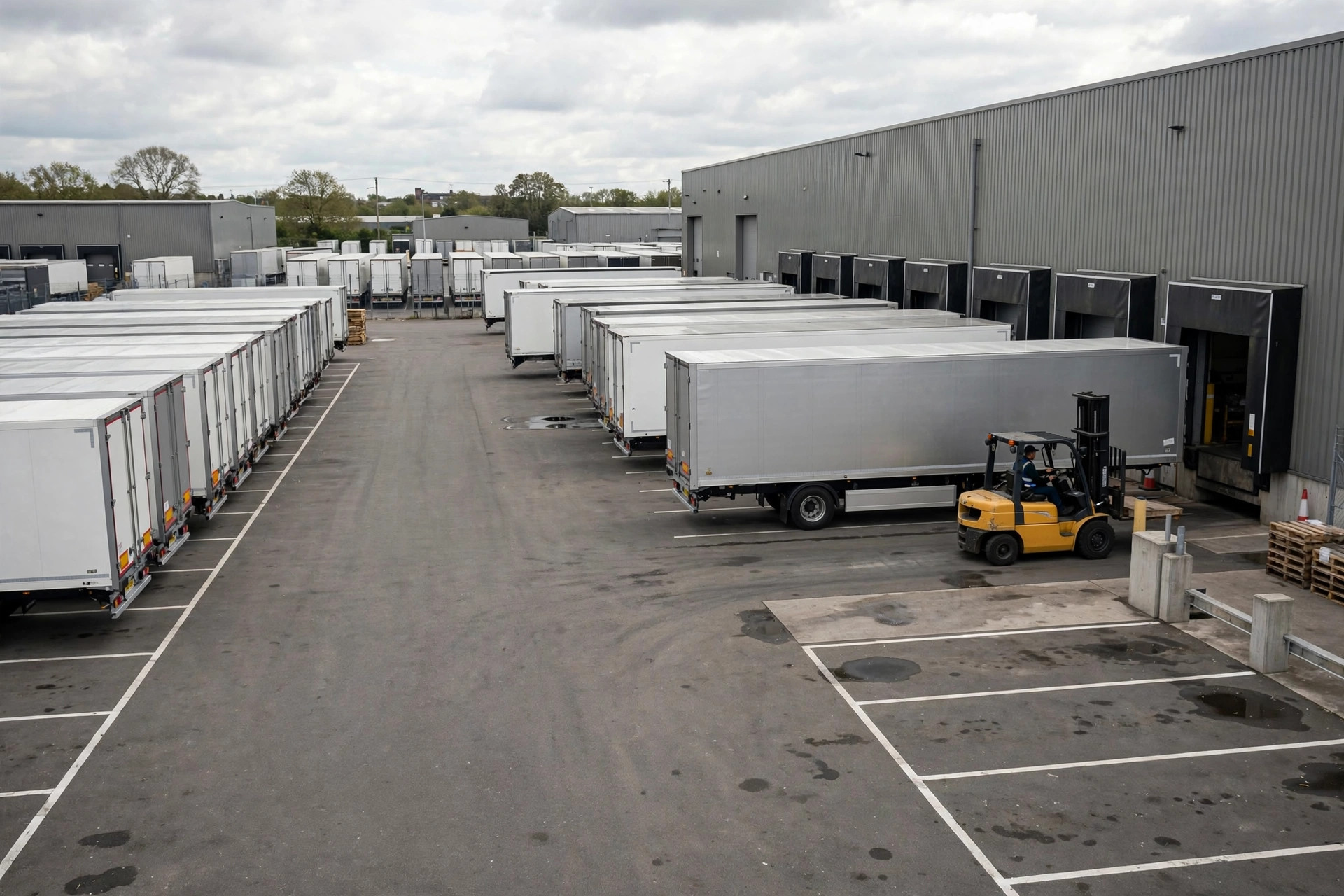
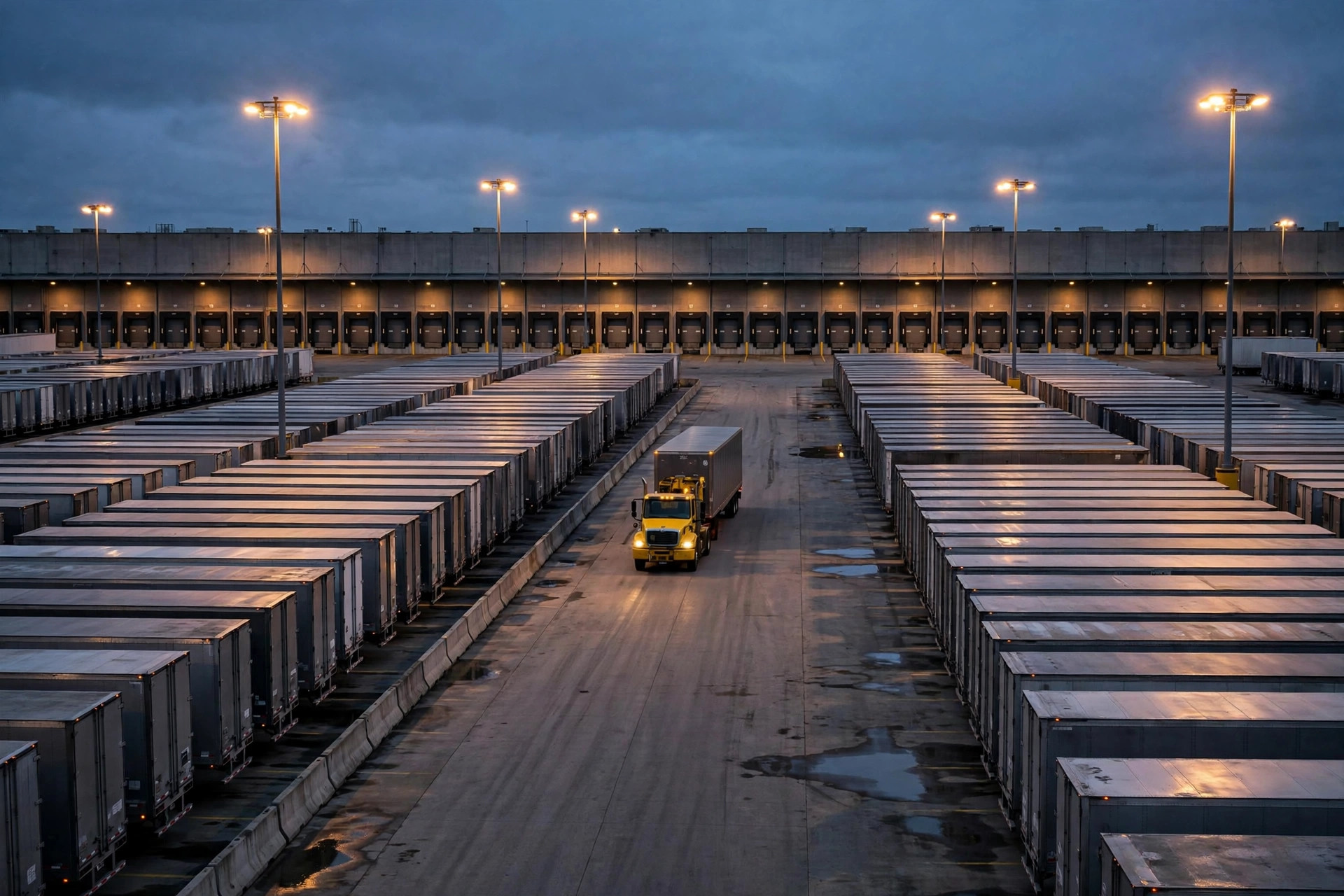
Segment 3 — Loading / unloading. Automate dock assignment — YMS assigns docks by appointment and cargo type before arrival, so the driver knows the dock number at the gate. Push tasks to the crew early: truck arrives, crew is ready. Exceptions (shortages, damage) get photo evidence and a defined workflow on the spot — don't let the truck sit while someone makes phone calls. Note: this segment has a clear ceiling. Diminishing returns on more people and machines; don't burn big money here.
Segment 4 — Gate release. The forgotten segment. E-sign on the driver's phone when loading finishes; documents generate automatically; the same plate recognition that let the truck in clears it out. Plenty of yards have the truck loaded and the driver waiting half an hour outside the office for a signature. It gets "averaged away" in the report, but the driver's clock is real.
Two Real Crash Scenes
Crash scene one: 2024, a 3PL doing e-commerce fulfillment in Southern California. Average dwell 4.2 hours; 2.5 of them in the gate queue. The owner's first instinct: "loading is too slow" — he was about to sign for six new forklifts. Two weeks of segment data showed loading at 50 minutes, perfectly fine; the queue was 2.5 hours because every truck was "appointed" for 9 a.m. Fix: 30-minute appointment windows plus a call-board display at the gate. Six weeks later: 2.1 hours average. Zero forklifts bought.
Crash scene two: a cold-chain client, 35-minute check-in. Temperature logs, sanitation certificates, vehicle disinfection proof — three documents, three stamping windows. You can't delete the process, so we moved it: drivers upload everything the day before for pre-clearance; at the gate it's plate verification plus spot checks only. Check-in down to 8 minutes. Lesson: if you can't cut a process, front-load it — never make the truck wait at the gate while you review.
Counterintuitive: Faster Loading Doesn't Always Mean Shorter Turn Time
Here's the counterintuitive bit: speeding up one segment can leave the total unchanged — or worse. Cut loading from 60 to 40 minutes while the release signature still takes 30, and the truck still sits in the yard. The bottleneck just moved from segment 3 to segment 4; the driver's experience is "you load faster, I still can't leave." So judge by the total, never by a single segment's KPI. One more trade-off: the stricter the appointment regime, the better the on-time rate — and the worse the flexibility. Ad-hoc trucks and dropped trailers can't squeeze in. Always keep 10–15% flex windows. Rigid rules need soft buffers; don't build the system into an iron plate.
Go-live eve checklist:
- Are all five timestamps instrumented in YMS? (gate in, check-in done, dock start, loading done, gate out — not one missing)
- Do appointments and the gatehouse read the same data? (Two datasets = two realities)
- Are red lines set per segment? (Queue over 1 hour, check-in over 15 minutes → auto alert)
- Is the release signatory named? (No driver should wander the site hunting for a signature)
- Review the segment report daily for the first week — don't wait for month-end
There's no magic to shrinking it: segment it, time it, cut it piece by piece. Act first, buy equipment later.
By Lin Xiao, WMS Implementation Consultant