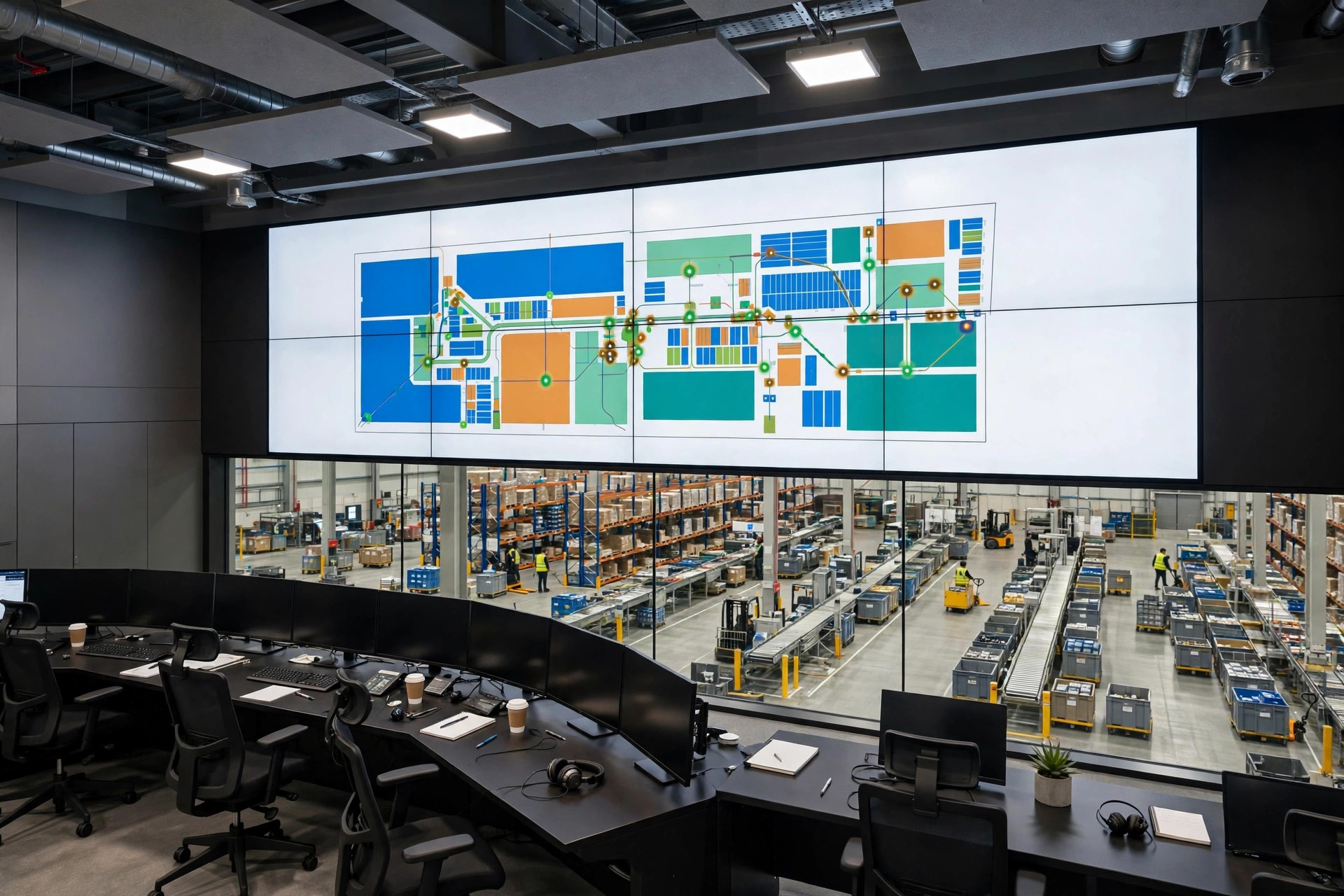
A picking task in WES has sat at "executing" for forty minutes. The AGV hasn't moved. The wave is stuck. The task rotted.
I'm from the equipment side — ex integration project lead. So I don't see a software state machine when I look at WES task scheduling; I see old equipment failure modes in a software costume. This is a field guide to WES stuck task timeout recovery: why tasks rot, how to set the timeout numbers, and how to redispatch without making a mess.
Why tasks rot: the chain has four links, and WES only watches one
A WES task travels four hops: WES → WCS → device controller (PLC or industrial PC) → the actuator (AGV, conveyor, lift, robot arm). WES marks the task "executing" and waits for a receipt from below.
Think of it like ordering food delivery. The app says "on its way." The rider's phone died, or he delivered to the wrong building. The app still says "on its way." The order is dead; the status is a lie. Stuck tasks fall into three families:
Family one: the device never got the task. Network jitter, a WCS restart, a PLC comms drop. WES shows "executing"; the device shows nothing, because it never heard of this task.
Family two: the device got it, then choked halfway. An AGV stops for an obstacle, a conveyor motor trips, someone opens a lift's safety gate. The device alarms, the PLC knows, but the receipt back up was bolted on later and incompletely.
Family three: a human took the goods. WES tells an AGV to pick a pallet from lane 3. The AGV arrives, lifts — nothing there. A manual forklift took it twenty minutes ago and the transaction hasn't been posted. The device reports "pick failed," but the WES state machine has no failure branch out of "executing." The task hangs. Forever.
Same root cause: WES initiates "task in progress" but never closes the loop. A timeout recovery mechanism is an alarm clock strapped to every task — no word by the deadline, and the system intervenes on its own.
Timeout thresholds: the heart of WES stuck task timeout recovery
On too many projects, the timeout threshold is whatever the consultant typed: 300 seconds, 600 seconds, one value for everything. That's the first trap.
Thresholds must be set per task type:
Timeout = measured normal execution time × 1.5 + comms tolerance
Measure it in the field. An AGV transport task runs 90–120 seconds (a fully loaded 1-ton AGV needs about 75 seconds just to cross an 80-meter aisle). So the threshold is 120 × 1.5 + 30 = 210, rounded to 240 seconds.
Pair it with heartbeat detection: WES polls WCS every 30 seconds; three missed heartbeats and you recover immediately.
Here's the counterintuitive part: a timeout set too short is worse than one set too long. Short thresholds feel responsive — that's software thinking. On the floor, a fully loaded AGV slows 20% on ramps and brakes for pedestrians; a normal 100-second task can occasionally run 160. Set the threshold at 120 and WES rips the task back while it's still legitimately working. Recovery means "cancel the original, dispatch a new one" — now two AGVs race to the same location. Collisions, double picks. I've seen a 90-second threshold generate 40+ false recoveries a day at peak — and that's why a short timeout manufactures its own accidents. A long timeout costs you a stuck task hogging resources. A short timeout makes the system manufacture its own accidents. Take 1.5× the measured worst case, add comms tolerance, and don't gamble on the equipment's bad days just to look fast.

Case one: 180 AGV tasks fake-dead after a WCS restart
November 2024, an e-commerce site in eastern China — automated high-bay plus 28 AGVs. Promo day, 10 AM: over 180 transport tasks in WES all showing "executing." Half the fleet parked.
WES logs: all tasks dispatched. WCS logs: a service restart around noon — after which WCS had lost its in-memory list of in-flight tasks but never told WES. WES kept waiting for 180 receipts; the AGVs, getting no reissued instructions, just sat there. Collective fake death.
Root cause in one sentence: WCS had no task reconciliation after restart. The fix: on startup, WCS reports all local task states to WES within 5 minutes; WES marks everything "in my list but missing from yours" as timed out and redispatches. Plus a WES-side heartbeat: three missed heartbeats from a WCS, and WES freezes all executing tasks under it for manual confirmation before batch redispatch.
The numbers: 30-second heartbeat, three strikes, 5-minute post-restart self-report. Bought with one ruined promo day.
Case two: a manual forklift "stole" the pallet, task hung for 6 hours
March 2025, a 3PL warehouse in southern China. WES dispatched an AGV to pick from location B-01-01. The AGV arrived, lifted — empty. A manual forklift had taken the pallet half an hour earlier; the transaction went through a different process with a delay.
The AGV reported "pick failed." But the WES state machine had exactly one exit from "executing": complete — the implementer figured "failures get handled manually" and never mapped failure receipts. The task sat in "executing" for six hours until the night-shift supervisor spotted it. Worse, WMS showed the shipment as "in picking," and downstream packing stations waited on it.
The fix: complete the failure branches — pick failed → auto-check inventory (was it moved manually?) → book-vs-physical mismatch → mark abnormal, alert a human, trigger replenishment. Old equipment-side saying: if "failed" isn't a state in your state machine, failures become "executing forever."
The dead-task troubleshooting chain: peel it top-down
A task is stuck. Don't restart services first — work this order, top down. Two rules: match the task ID first (the two sides often number differently), and one look at the floor beats an hour of logs.
| WES | Task status, timeouts, heartbeat records | Executing past threshold, no receipt | WES task monitor, task logs | | WES→WCS link | Did the instruction reach WCS? | Task ID missing from WCS logs | WES dispatch log vs WCS receive log | | WCS | Task decomposition, device assignment | Never assigned a device, or assigned an offline one | WCS task queue, device online table | | WCS→PLC link | Comms interrupted? | Nothing on the PLC side; comms alarms | PLC comms status word, ping, switch logs | | PLC / device | Working? Alarming? | Alarmed and stopped; goods taken manually | HMI alarm history, go look |
Redispatch: the nightmare is "one order, two deliveries"
After timeout recovery comes redispatch, and here's the trap: the original task might not be dead — its receipt might just be lost. You dispatch a fresh task, the original AGV "comes back to life." Two vehicles, one job — a duplicate-pick alarm at best, two AGVs nose to nose in an aisle at worst.
- Cancel first, then redispatch. Send a cancel and wait for WCS to confirm — the cancel needs its own timeout and retry.
- Ask the device what it's actually doing. Goods already on board? Don't redispatch — correct the status to "executing (confirmed)" and keep waiting.
- Give the new task an idempotency key. Embed the original task number (e.g., TASK-8848-R1); WCS and PLC dedupe on it — the same key received twice executes once. The last gate against "one order, two deliveries."
Idempotent design is the fundamental prevention. Think of a parcel tracking number: scanned twice, counted once. The WES task number must be unique and traceable across the whole chain — WES to WCS to PLC. Decide it at design time; bolting it on later hurts.
Prevention: kill the rot at the design stage
Maintenance pain is design debt. The checklist:
- The state machine must be closed. Out of "executing" you need four exits: complete, failed, cancelled, timed out. Every missing exit becomes a new species of "executing forever."
- Thresholds per task type, never one-size-fits-all. 1.5× measured normal time + comms tolerance. Experience values — calibrate against your actual system.
- Heartbeat plus timeout. 30-second heartbeat, three missed = dead, timeout as backstop.
- Restarts must include task reconciliation — report state within 5 minutes of restart, WES diffs the lists.
- Manual interventions need a system entry point — forklift moves must leave a trace so WES knows "I touched this shipment."
- Log every cancel and redispatch with operator, timestamp, reason. When something blows up, read the log before assigning blame.
Watch this one number: after timeout recovery goes live, tasks sitting in "executing" with no progress for over 30 minutes should drop to single digits per month. Still in double digits? Then at least one of your three — thresholds, heartbeats, reconciliation — is decorative.
By Da Liu, Automation Engineer