Bottom line up front: when a WES exception wave surfaces mid-execution — pickers already on the floor, tasks already dispatched — do not touch the whole wave in 9 out of 10 cases. Handle the problem orders themselves: split them out, or hold them in place. Replanning the entire wave looks like the most "thorough" fix. Across 30+ go-lives, I have found it is also the most expensive response. Here is the standard playbook: 7 steps, each mapped to a concrete system action.
What a WES Exception Wave Actually Is
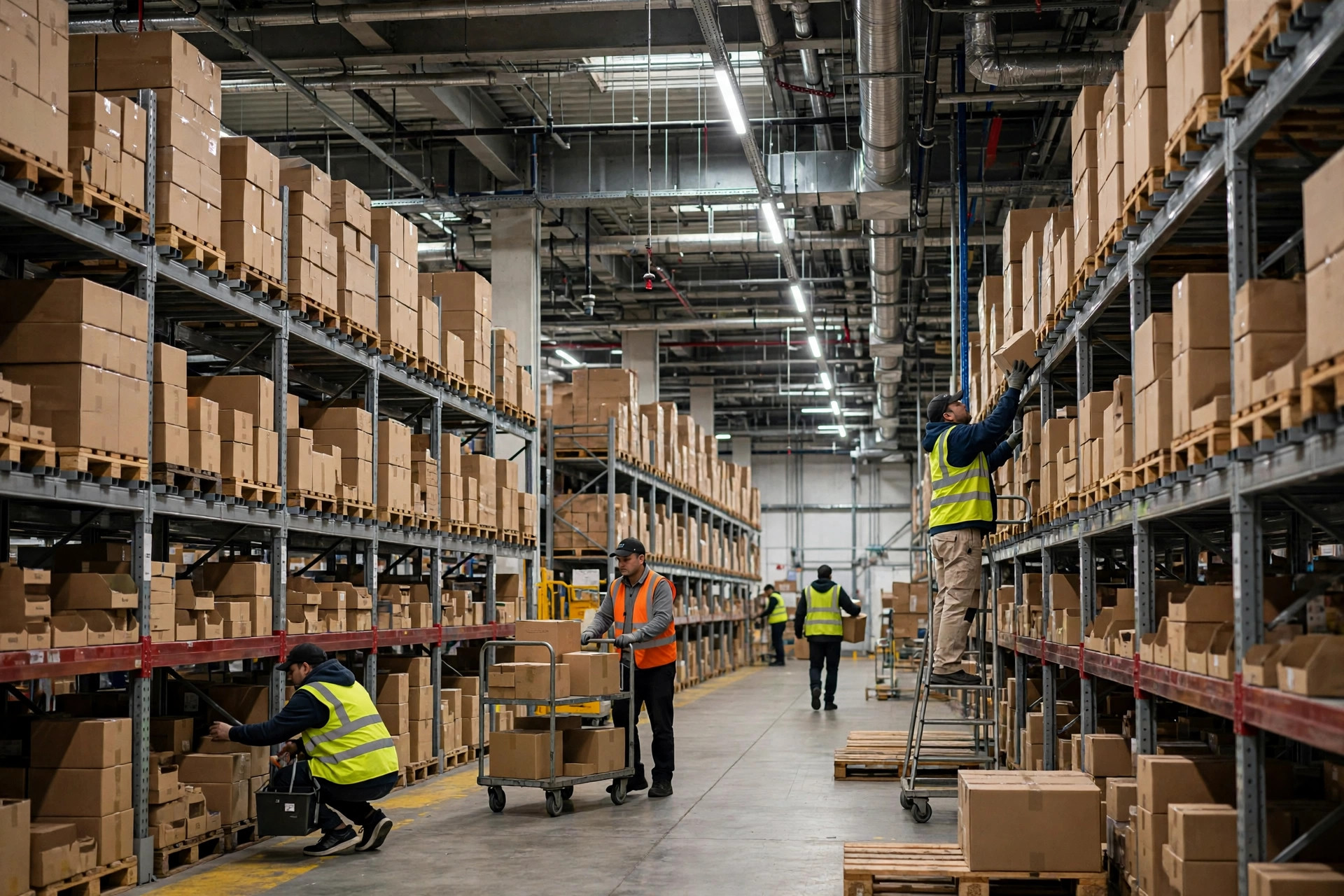
A wave is the WES batching orders under some rule set and releasing them for picking all at once. A WES exception wave means the wave is released, tasks are dispatched, pickers are walking the aisles — and then problems surface: an order's inventory doesn't reconcile, a customer changes an address mid-flight, QA locks a few SKUs.
The distinction that matters: order-level exceptions (one or two orders are bad) versus wave-level exceptions (the wave structure itself is wrong — the waving logic grouped orders that should never have been grouped). These get handled completely differently. Most field cases are order-level. But people panic and start touching the whole wave. I have seen that mistake three times.
Why Mid-Execution Handling Is So Hard: Three Locked Constraints
Once a wave drops, three things are locked: the pick path (pull orders out and the route changes — without re-dispatching, the picker's list no longer matches the system), container allocation (one tote serving several orders; split one out and the sort wall must be recalculated), and the ship cutoff (the wave is sequenced against cutoff times and carrier appointments; a full replan is measured in hours, and the linehaul truck does not wait). Touching the whole wave almost always costs more than handling just the problem orders.
The 7-Step Checklist for a WES Exception Wave
From my go-live night checklist. Run these in order. Skip none.
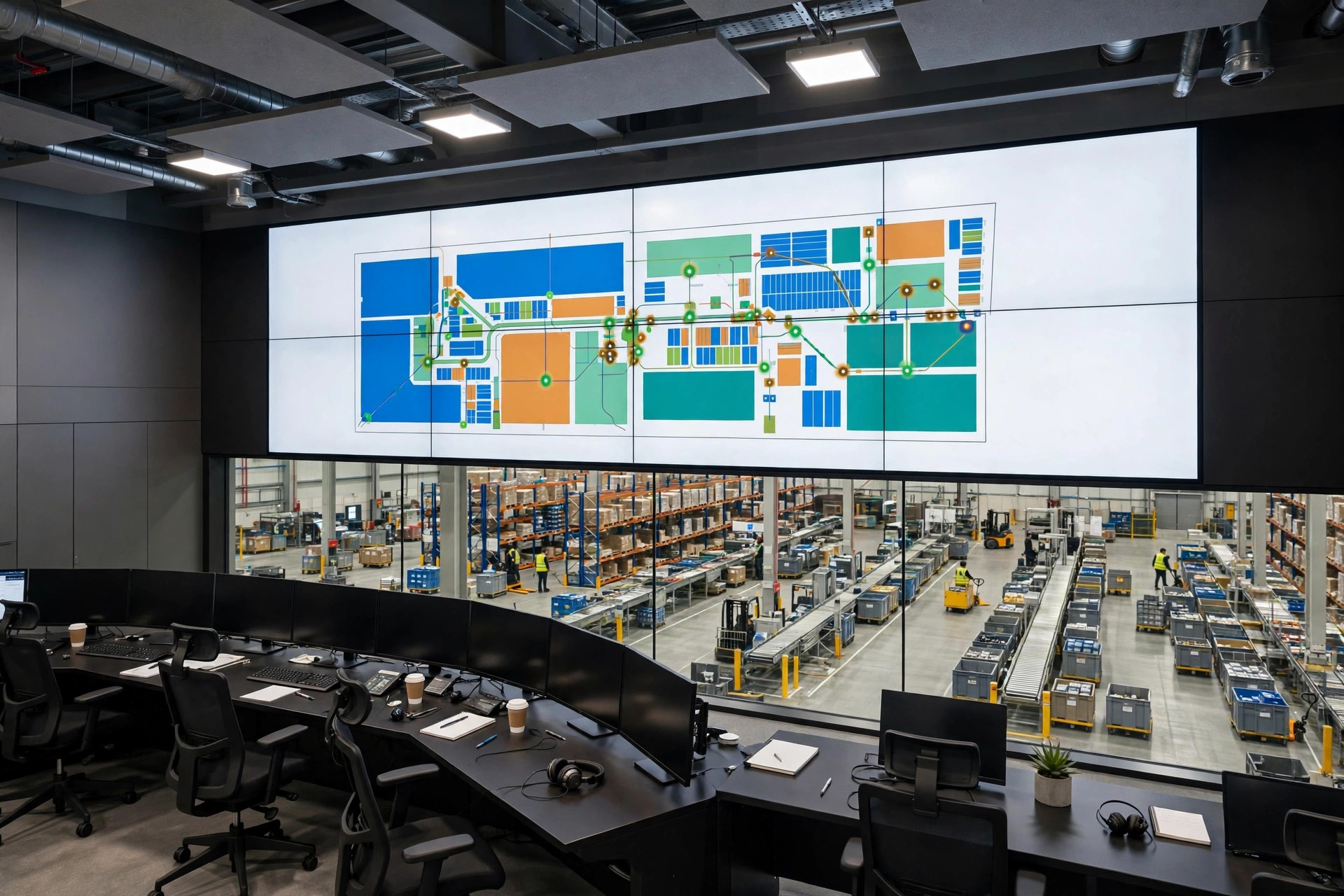
Step 1: Classify in 30 seconds — order exception or wave exception? Check bad-order count and distribution in wave monitoring. A small slice (3 bad orders in a 200-order wave) means order exception, full stop. Over roughly a fifth, or the waving rules themselves are broken, means wave exception. Thirty seconds. No meetings.
Step 2: Freeze the problem orders. Set them to hold in the WES. Keep them from being picked and packed. Every minute of delay is another minute a picker might pull one.
Step 3: Verify the real state of inventory and locks. Check three things before any split-or-replan decision: (1) does the available inventory for those SKUs actually exist; (2) is anything locked by QA, finance, or another department; (3) what the lock reason is, who can release it, and how long that takes. I have seen this pitfall three times — someone sees "50 on hand" and replans on the spot, except those 50 are QA-locked, and the picker finds an empty slot.
Step 4: Pick your move from the disposition matrix. Next section. Choose one of four — split, hold, full replan, manual intervention — based on "how urgent the bad order is × whether the problem is quickly fixable."
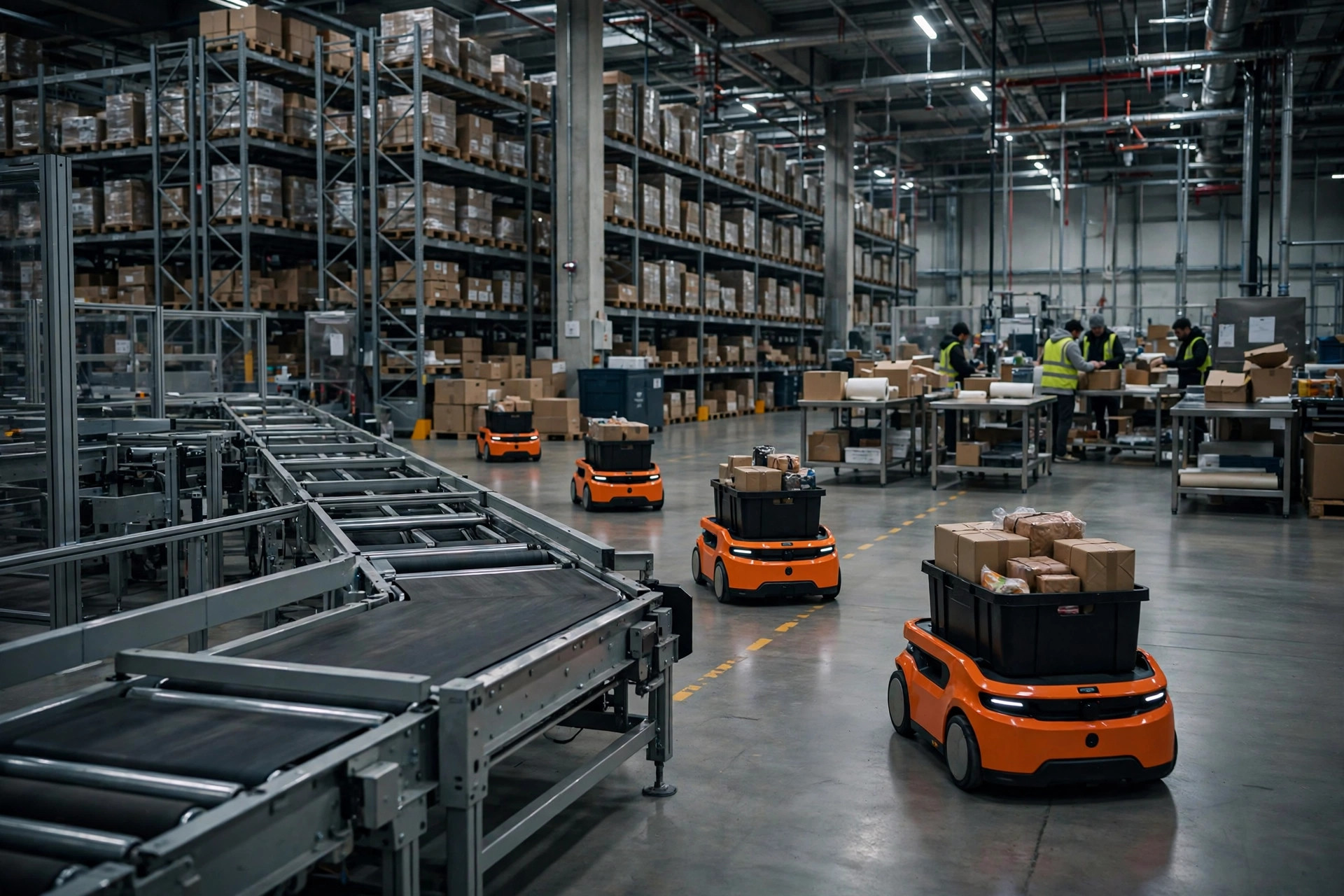
Step 5: Execute the split/hold, and sync the pick tasks. Remove the problem orders from the wave in the WES; form a new wave or roll them into the next pending one. And — the step everyone forgets — re-dispatch or incrementally update the tasks already on the pickers' handhelds. Split in the system without updating terminals, and pickers keep working the old list.
Step 6: Recalculate sort slots and container assignments. The sort wall slots, sort labels, and tote mapping all need recalculating. Labels already printed and applied? Void and reprint. Never hand-edit.
Step 7: Log the exception cause and close the loop. Which order, what went wrong, what you did, who approved it. Skip this and the same exception returns next month.

The WES Exception Wave Disposition Matrix
Horizontal axis: how urgent the problem order is (does it threaten the cutoff). Vertical axis: how quickly the problem can be fixed (before this wave's cutoff).
| Fixable fast | Not fixable in time | |
|---|---|---|
| Urgent (cutoff at risk) | Manual intervention: hand-pick + manual verify so this order makes the truck; everything else untouched | Split: pull the problem order out; ship the current wave normally |
| Not urgent | Hold: freeze it, fold it into a later wave once resolved | Hold: freeze and wait; if it never resolves, cancel or reschedule |
Why the quadrants land this way:
- Top right (urgent but not fixable) → split. The most common case. An SKU is short, replenishment is 2 hours out, but the wave cuts off in 1 hour. Extract the order, ship the wave, expedite the problem order separately. Waiting means the whole wave misses the truck.
- Top left (urgent and fixable) → manual intervention. A wrong address corrected within 10 minutes. Print a manual pick ticket, hand-pick, verify, slot it into the pack line.
- Bottom row (not urgent) → hold. A non-urgent order costs almost nothing to hold. Wait for inventory or the lock to clear, then fold it into a later wave.
Notice: none of the four quadrants says "replan the whole wave." A full replan is valid in exactly one situation — your Step 1 classification came back "wave exception," meaning the waving rules themselves are broken. In 30+ projects, I have seen that twice.
Two Stories From Real Go-Lives
Story one: 2022, a 3PL warehouse in eastern China, peak season.
Around 8 PM the wave was down — 300+ orders, pickers on the floor — when 40+ orders from a major account turned out to have wrong addresses; the customer's ERP had shifted the address fields. The supervisor's instinct: "Pull the wave back and replan!" I was on site. I stopped him.
The math: a full replan — re-waving plus re-dispatching — costs at least 40 minutes; re-stowing already-picked goods, another 30. Cutoff was 10 PM, linehaul at 10:30. After a replan the truck was gone.
What we did: held all 40+ orders and split them into a standalone exception wave. The remaining 260+ ran normally and cut off at 9:40. Correct addresses landed at 9:10; the exception wave was picked separately onto an 11 PM extra run. Both batches shipped on time — the customer never knew. Had we replanned, we would have sacrificed all 300 orders; the split cost one extra 40-order mini-wave — the cheapest way to resolve a WES exception wave of this shape.
Story two: 2023, an e-commerce fulfillment center in southern China, a week before a big promo.
This one looked like a replan case. It wasn't. A hot SKU showed 800 units in the system but barely 200 on the floor — touching 90+ orders. The ops director ordered a full replan: "90+ orders — what else can we do?" Fifty minutes later the new wave was down, pickers re-walked — and the slot still held 200 units, because the inventory variance was never fixed. Replanning just ran the same error twice. Those 90+ orders still had to be split out manually. Fifty minutes wasted, 100+ unrelated orders delayed.
I have seen this pitfall three times: using "replan" to fix a "data" problem. Replanning fixes how orders are grouped. It cannot fix whether the goods exist.
A Counterintuitive Call
Replanning an entire wave to save one urgent order is a losing trade 99% of the time.
The instinct says the order matters (big account, penalties, the boss is watching), so it deserves the big mobilization. But a full replan's cost is certain and borne by the whole wave — re-waving, re-dispatch, re-stowing, cutoff risk for every order behind it. The benefit of saving that one order is uncertain and belongs to that one order alone.
The right posture: spend the smallest possible action to save that order — manual intervention, a separate pick, jumping the pack queue, a standalone shipment. Those costs stay on that one order.
The remaining 1%: when it is not "one order has a problem" but "the waving rules are wrong and the whole wave's structure is broken" — temperature-controlled orders mixed into an ambient wave. Then not replanning means everything downstream is wrong. But that is the Step 1 "wave exception" classification, not the "there's an urgent order" situation.
Common Failure Points, From the Go-Live Night Checklist
- Splitting orders without updating the handheld tasks. The wave changed in the system; the picker still holds the old list. The most common failure there is — no contest. Fix: after Step 5, confirm refreshed tasks on the terminals.
- Hand-editing sort labels. Slots changed after the split, and someone "saves time" with a pen. Month-end reconciliation won't tie out. Fix: void and reprint — pennies.
- Held orders with no owner become dead orders. Hold means "paused," not "solved." Every held order needs an owner and a deadline; unresolved past 24 hours escalates automatically.
- No exception cause logged. The same variance returns next month. Step 7 is not optional.
- Confusing "wave exception" with "order exception." The most expensive mix-up of all. Fix: classify in the first 30 seconds.
Wave exceptions are not a contest of how smart your system is. They are a contest of the 30-second judgment call and the 7 steps that follow. Get the classification right, keep the action small, and the damage stays small. Touch the problem orders first; think about the wave second.
By Lin Xiao, WMS Implementation Consultant