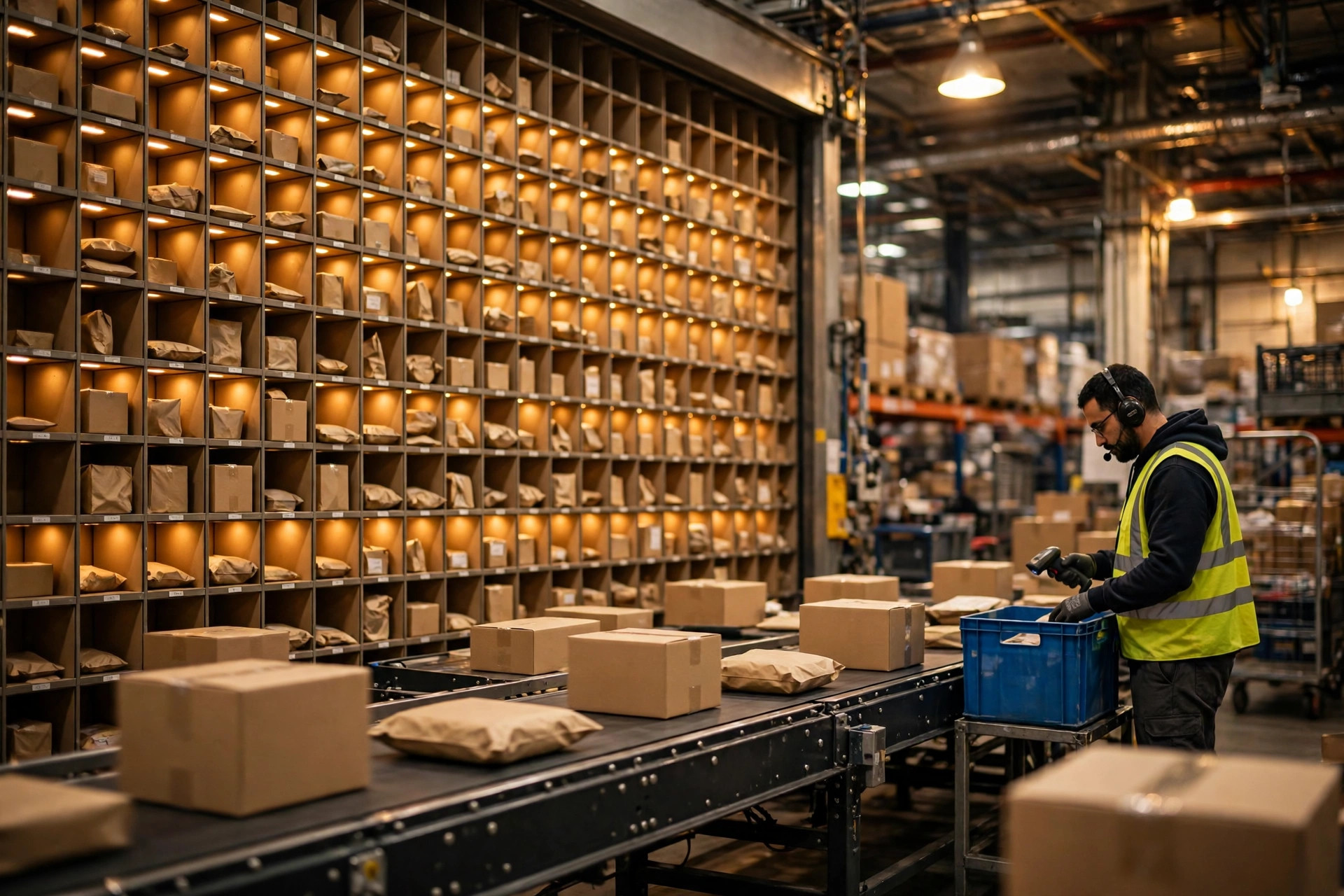
Last fall I walked into an auto-parts warehouse with over 30,000 SKUs. Batch picking was already in place. The problem was the wall. Their pick and sort wall had 96 cubbies, and a peak-season wave ran 140 orders at a time. The cubbies ran out, so operators stacked the overflow on the floor and ran a second round after the first one cleared. That added two and a half hours to secondary sortation every day, and mis-ships started creeping up. Nothing was broken. The wall was just bought too small.
Let me be blunt: if you get the sizing math wrong on a sort wall, you pay for it in labor every single peak season after that. Hardware bought wrong once keeps charging you rent.
Cubby Count: Count Orders, Not SKUs
The first question people ask me is, "We have 30,000 SKUs, how many cubbies do we need?" That question is wrong before it starts. Cubbies map to orders open in the same wave, not to SKUs. Think of it like parking spaces: you need as many spaces as there are cars parked at the same time, not as many as there are car models in the world.
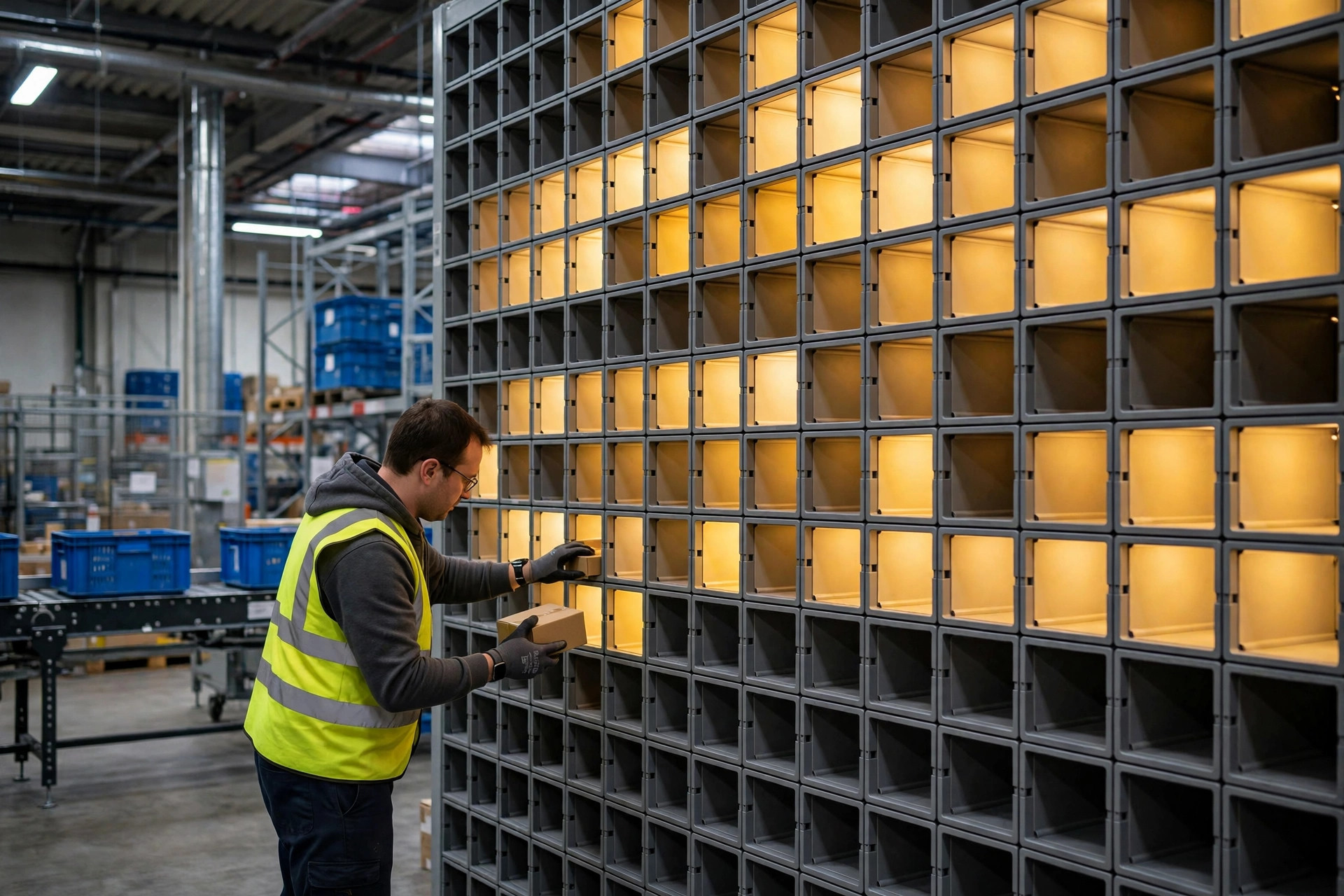
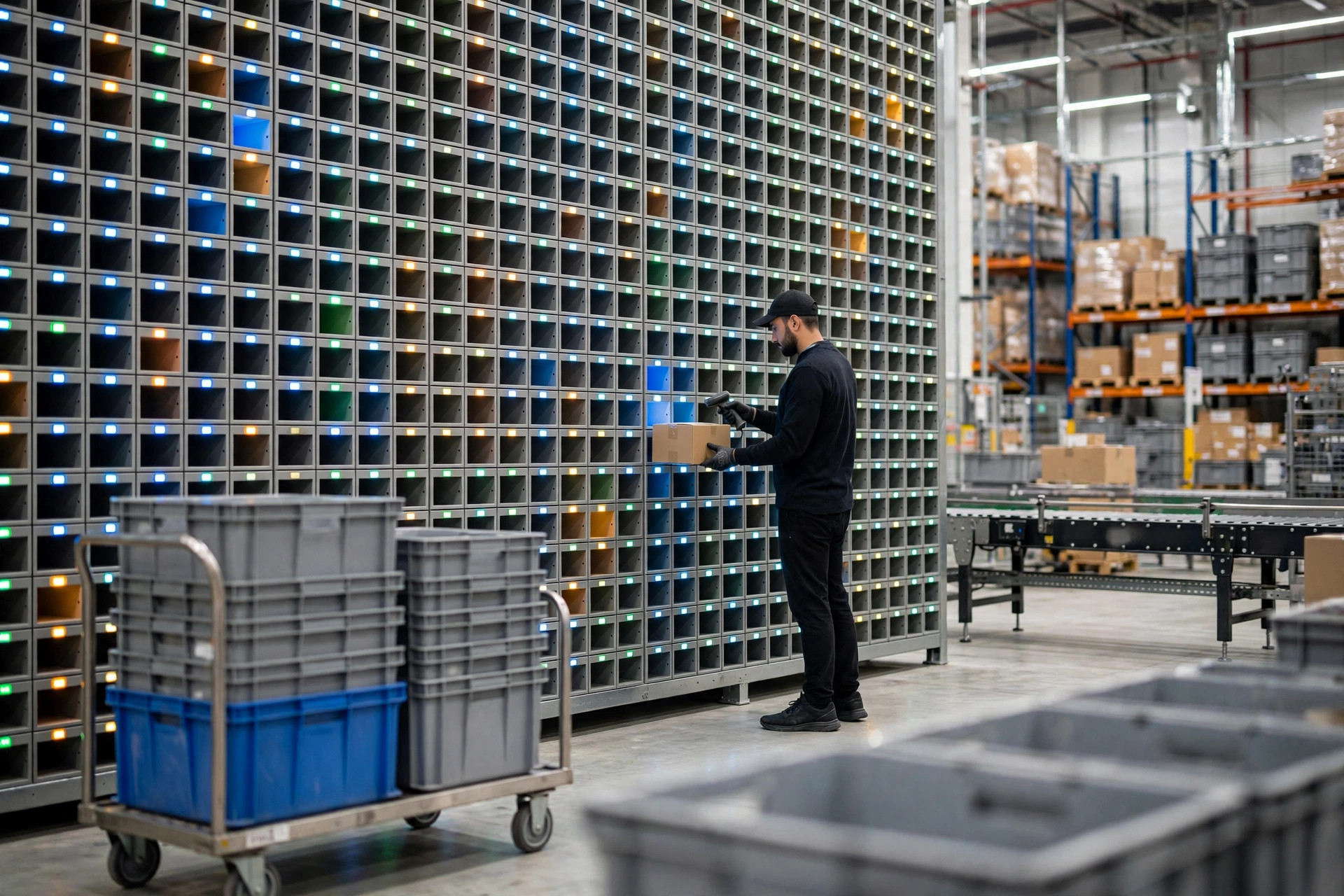
The math is simple: cubby count = maximum orders per wave × roughly 1.2 for headroom. That auto-parts warehouse ran 140 orders per wave against 96 cubbies, a shortfall of 44 — at least one extra round every day. But more is not always better, either. Once a wall stretches past a person's comfortable reach, operators start walking back and forth and the pace drops. Around 120 cubbies per wall is a common practical ceiling. Beyond that, add a second wall or split the wave smaller.
One more number to watch: cubby size. Small auto parts fit eight to ten pieces in a cubby without trouble. Apparel and shoe boxes fill a cubby with two or three items. Size the cubby too small and it fills up before the order is complete, and you are shuffling product all over again. Before you sign anything, test with your three largest items. Do not trust the catalog numbers.
If you want the underlying workflow straight first, read this guide to how put-to-wall secondary sortation actually runs. Get the process clear, then come back and do the hardware math. That order matters.
Lights, Displays, and Scanning: Don't Cheap Out on the Wrong Piece
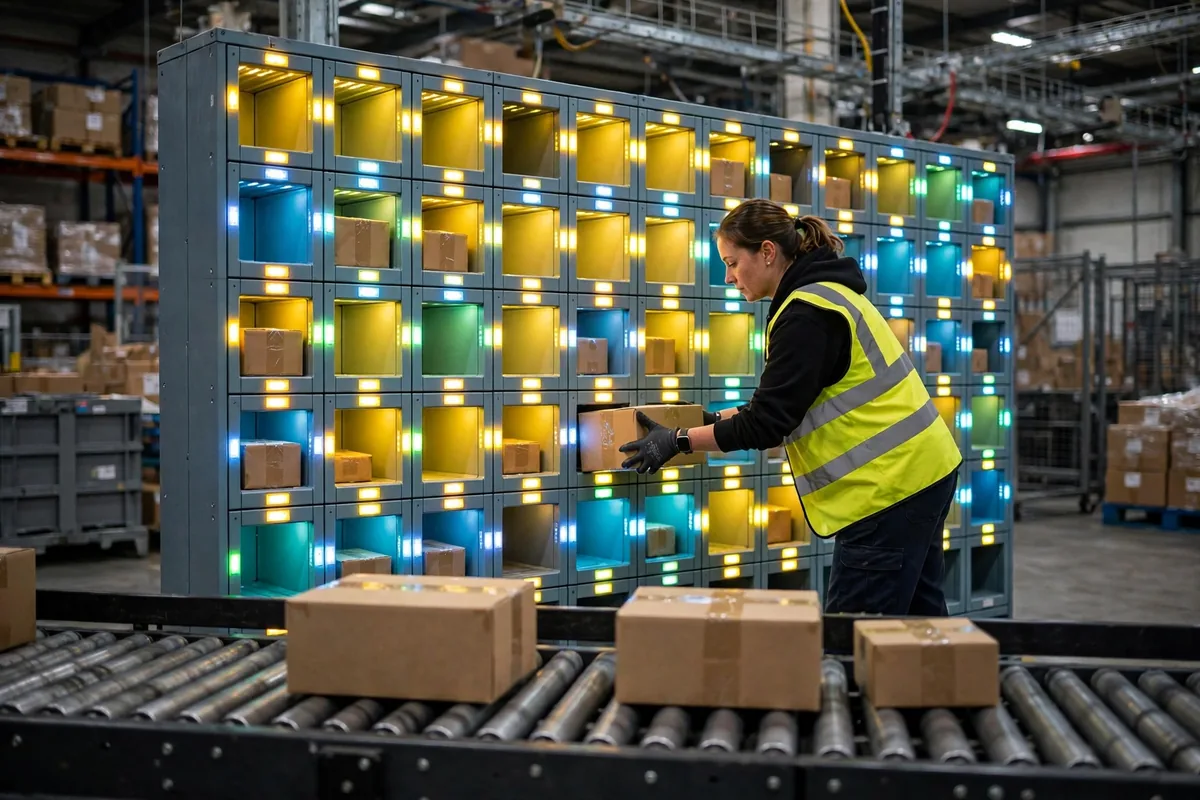
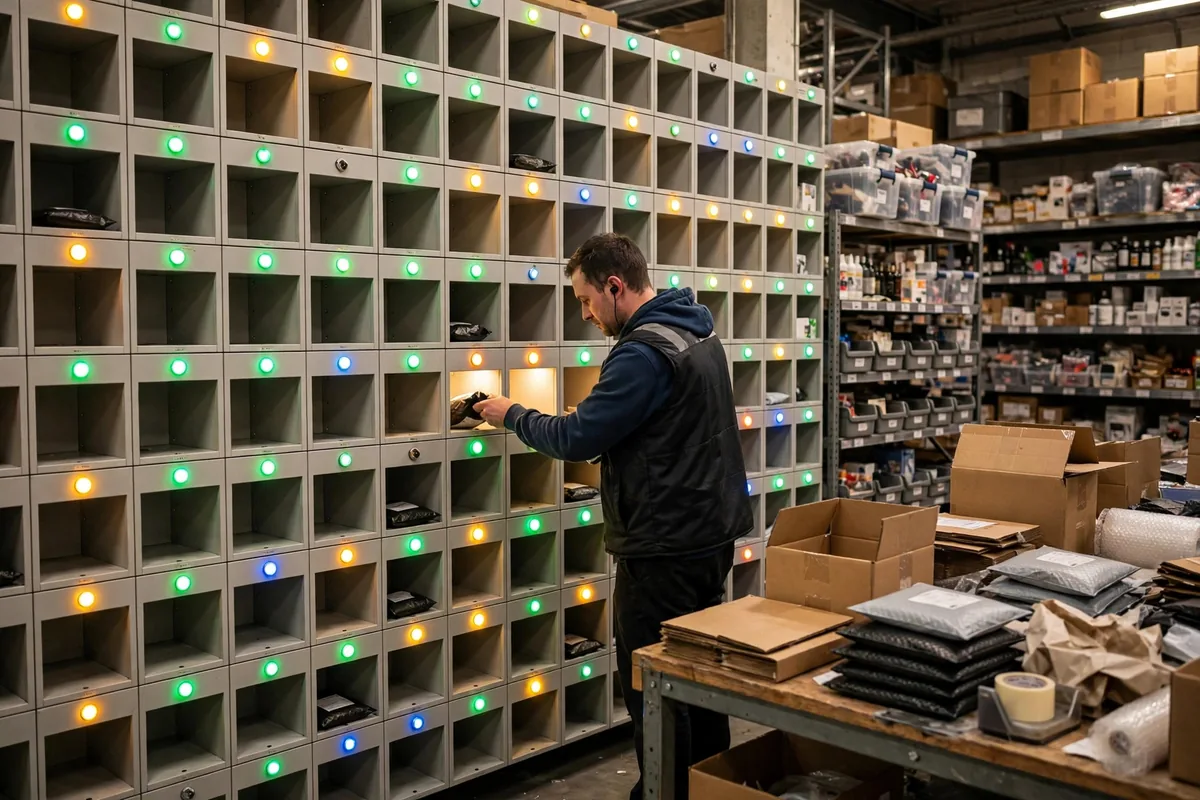
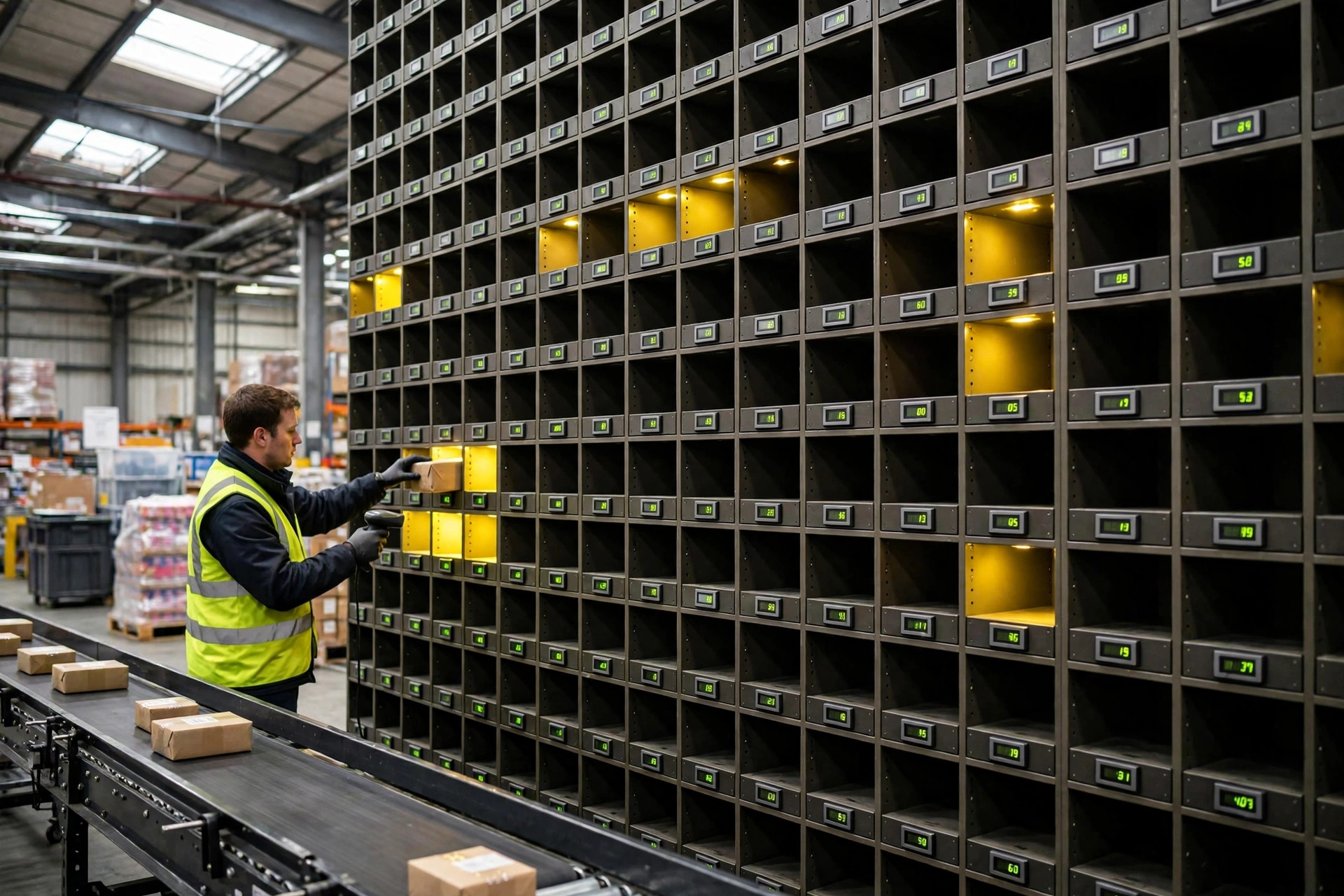
A wall's hardware is three things: lights, displays, and scanning. The light is the put-to-light lamp — scan an item, the light comes on, and you know exactly where it goes. The display is the small screen on each cubby showing the quantity. Scanning is the check: scan the wrong item and the light stays on, so the error stops at the wall instead of leaving in a box.
Of the three, you can buy cheap lights. You cannot cheap out on the displays and the scanner. I saw one warehouse skip the numeric displays to save money — operators put quantities away from memory, three pieces or four, all in their heads. Come peak season, mis-ships doubled. Retrofitting displays onto that wall cost more than the displays would have cost in the first place.
There is a real benchmark here. In published put-to-light implementations, a trained operator sustains 400 to 500 scans and puts per hour, with accuracy above 99.9%. That is not a ceiling. That is what normal looks like when the lights, displays, and scanning are all in place and the process is running smoothly. If your wall is running at less than half of that, do not blame the people first. Check the hardware: slow light response, a scanner that misses barcodes, a display too small to read at arm's length.
Now let me take a shot at a fake requirement I keep hearing: a load cell under every single cubby for piece-level verification. It sounds impressive until you price it. A weighing module adds a few hundred dollars per cubby, so a 120-cubby wall costs tens of thousands more, and all it buys is moving the check half a step earlier than the pack-out station. The money is better spent on scan verification and a cubby-full alert. Stopping a mis-ship at the wall is cheaper and more effective than weighing it.
Conveyor Feed and Expansion: A Pick and Sort Wall Can't Be an Island
A pick and sort wall can run as fast as it wants. If the feed dries up, it is still idle. Upstream of the wall is batch picking; downstream is packing. The most common failure I see is no buffer conveyor in front of the wall — pickers dump product at the wall and operators sort while waiting for someone to haul the next tote over, and the whole rhythm falls apart. Leave room between the wall and the conveyor for at least half a wave's worth of product, and count that space when you plan the floor.
Plan expansion before you buy, too. If your SKU count is still climbing, the wall has to accept more cubbies, more lights, more modules, and the controller and software need spare capacity. The most miserable retrofit I have seen was a welded wall: SKUs grew from 20,000 to 30,000, no cubbies could be added, so they bolted a second temporary wall next to it that the same system could not control, and operators ran between two walls. That whole mess cost one question nobody asked up front: can this grow later?
So What Does the Sort Wall Math Look Like
The numbers below are a worked example, built on that auto-parts scenario — swap in your own labor rates and wave sizes. A 140-order wave against a 96-cubby wall means one extra round a day, two operators, 2.5 extra hours. At a $35 hourly labor cost, that is $175 a day, about $44,000 across 250 working days. Adding a 48-cubby wall — hardware, lights, displays — runs a little over $30,000 on the same assumptions, so it pays for itself in under a year.
| Option | Cubbies | Extra labor per day | Extra cost per year (worked example) |
|---|---|---|---|
| Status quo: 96 cubbies | 96 | Two operators, 2.5 hours | About $44,000 |
| Add a 48-cubby wall | 144 | Roughly none | About $0 |
| Split waves, keep the wall | 96 | One extra wave changeover daily | About $15,000 |
Here is the counterintuitive part: the bottleneck is rarely the wall itself. It is the feed rate in front of the wall and the pack-out rate behind it. Buy the biggest wall in the catalog and starve the feed, and the lights can blink all day for nothing. Align the feed and pack-out pace first, then look at whether the wall is big enough. That order is not negotiable.
So is the money worth it? It comes down to one number: steady puts per operator per hour. Below 300, the problem is the wall's configuration and the upstream feed, not the people. Above 400, the wall is earning its keep. Measure that number first, then decide whether to add a wall.
By Da Liu, Automation Engineer