Here is the short version: the wall itself is about a third of what an automated put wall setup actually costs. The real money goes into plugging the wall into your WMS and WCS, then getting lights, scanning, and wave logic to behave on live orders. A 3PL operator running apparel e-commerce asked me last year whether $40,000 for a 60-slot wall was cheap or expensive. I told him to flip to the last page of the quote. Integration and commissioning, added together, cost more than the wall.
Think of it like buying PC parts. The case is cheap. What costs money is assembling everything, installing the system, and making it run stably. A put wall is no different.
What a put wall actually does
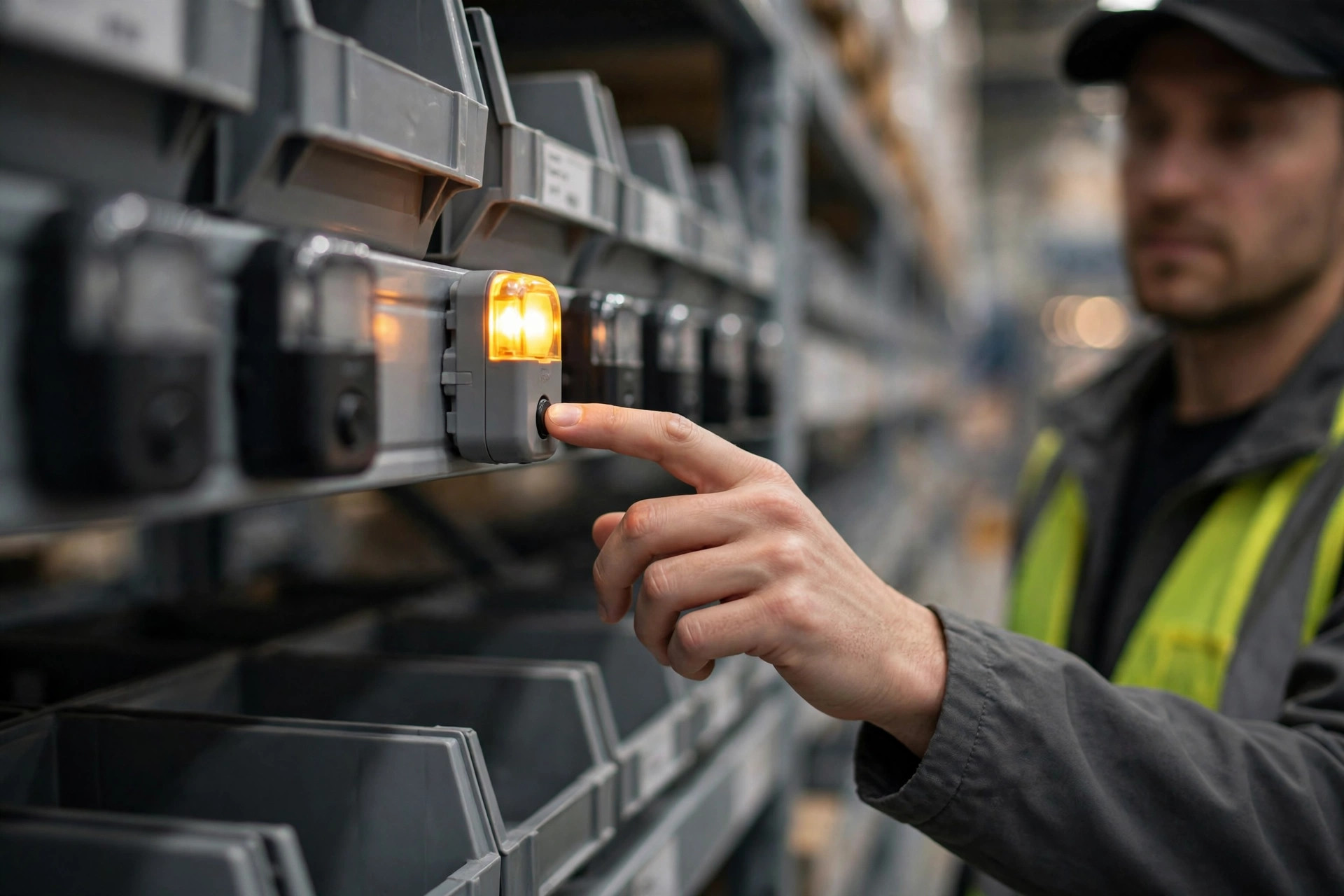
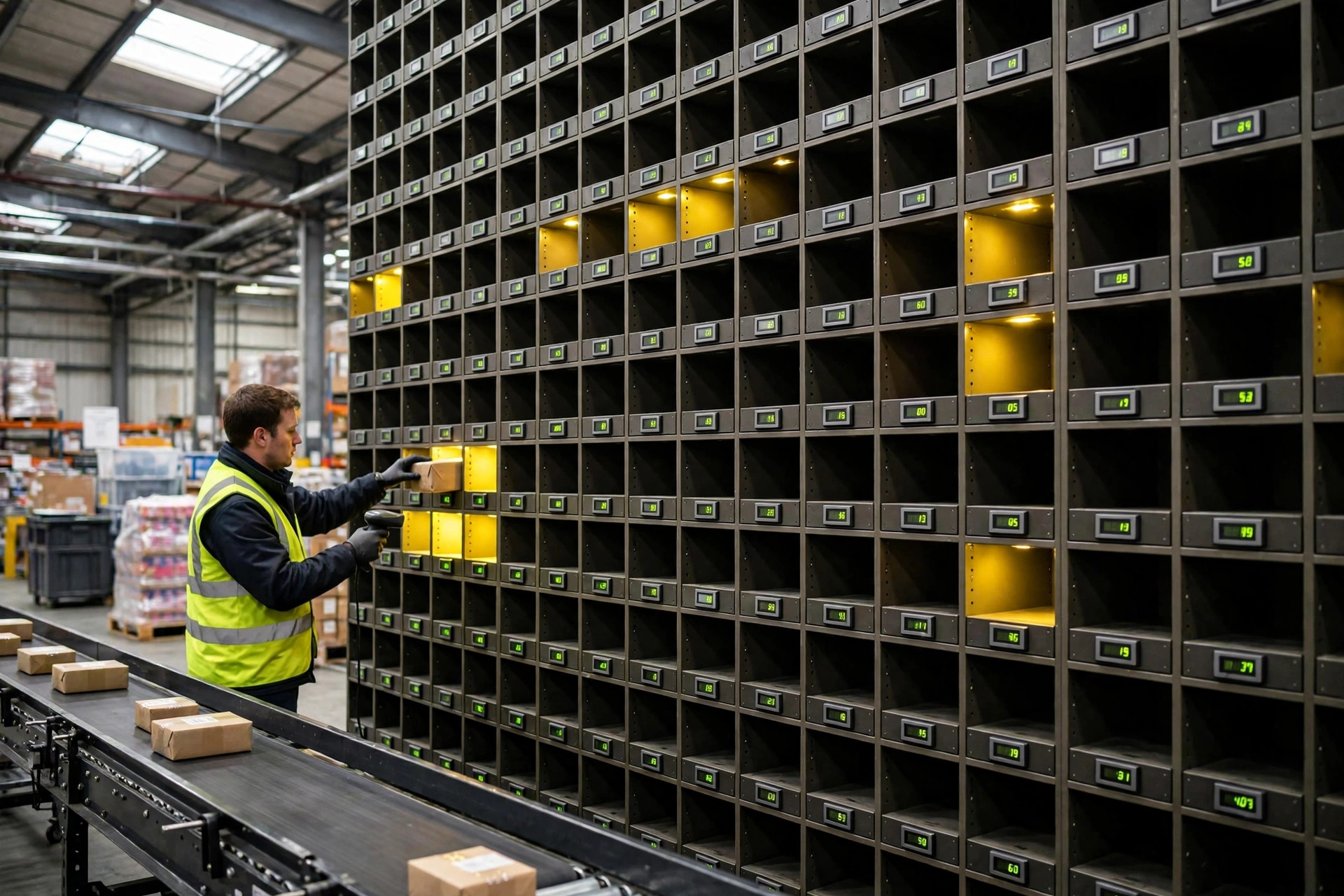
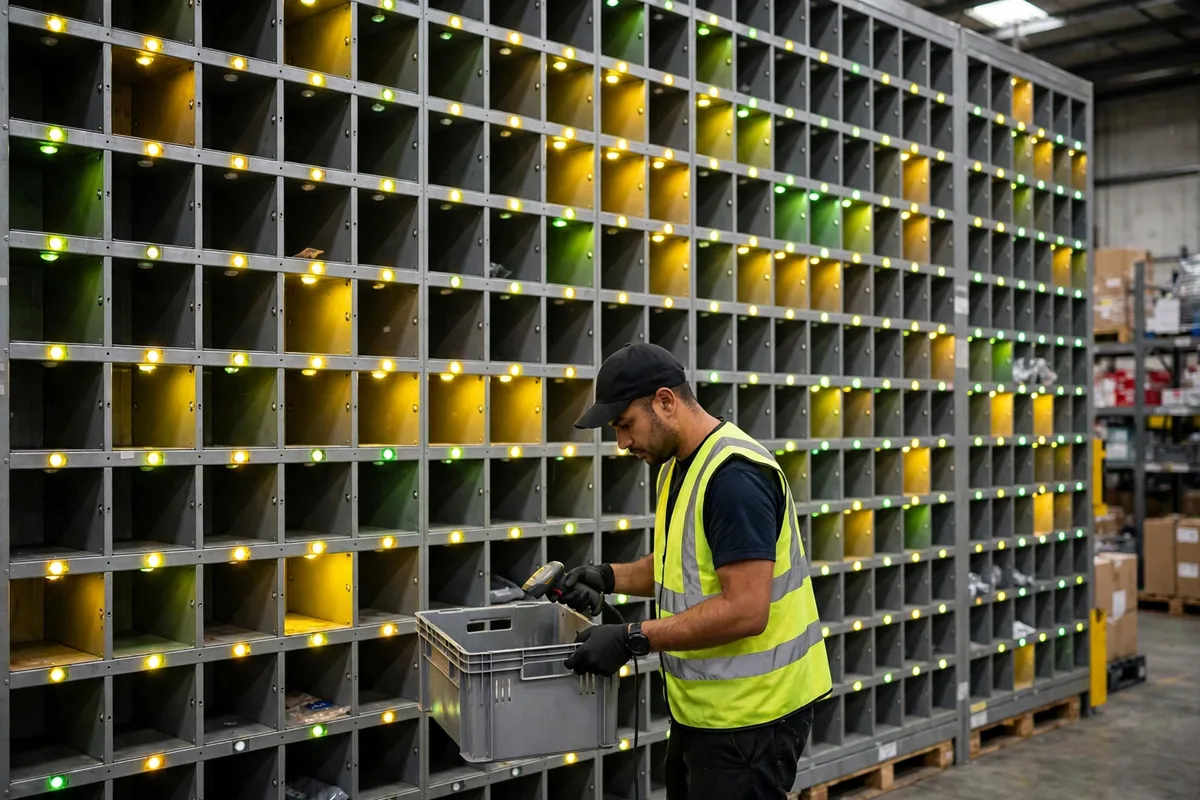
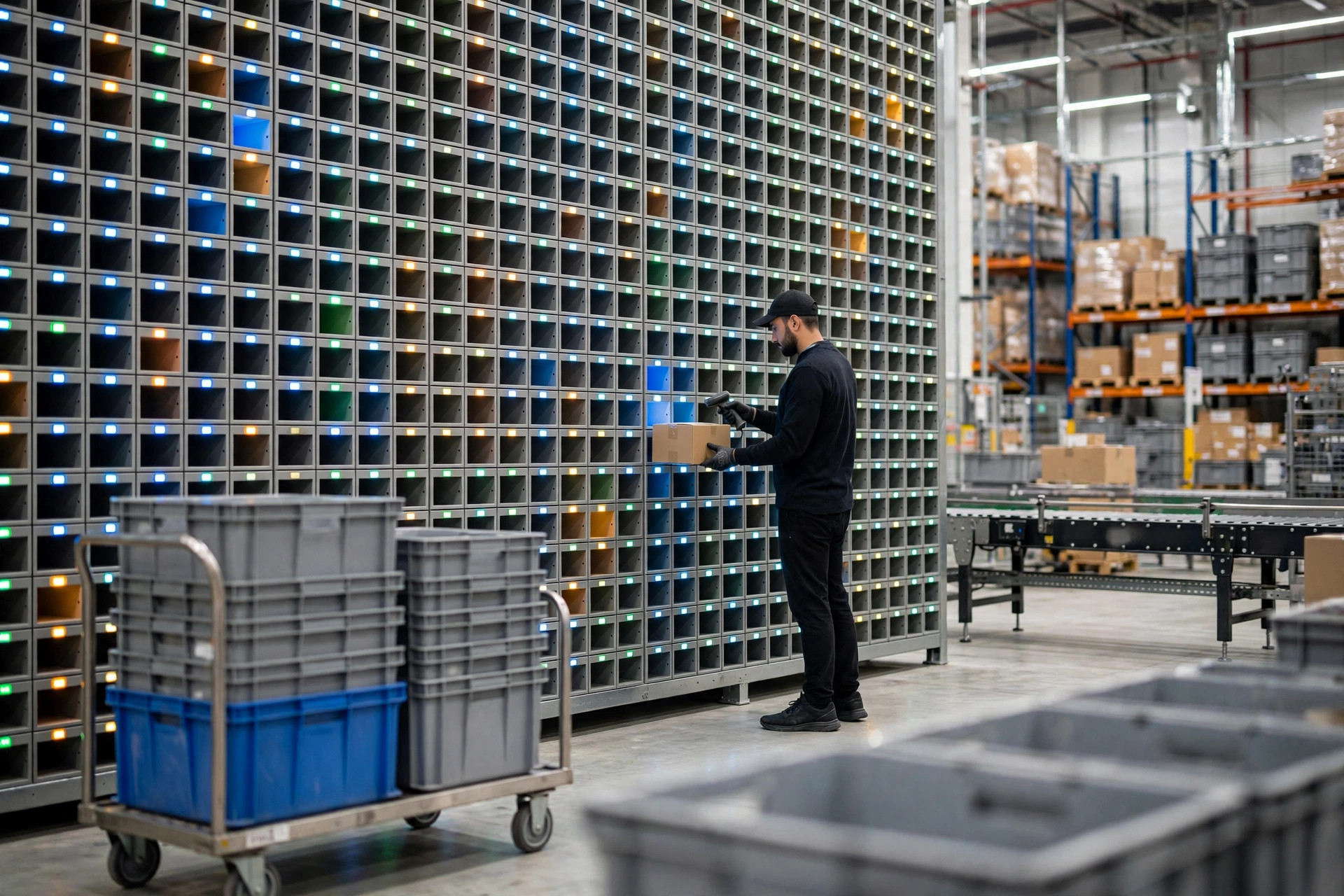
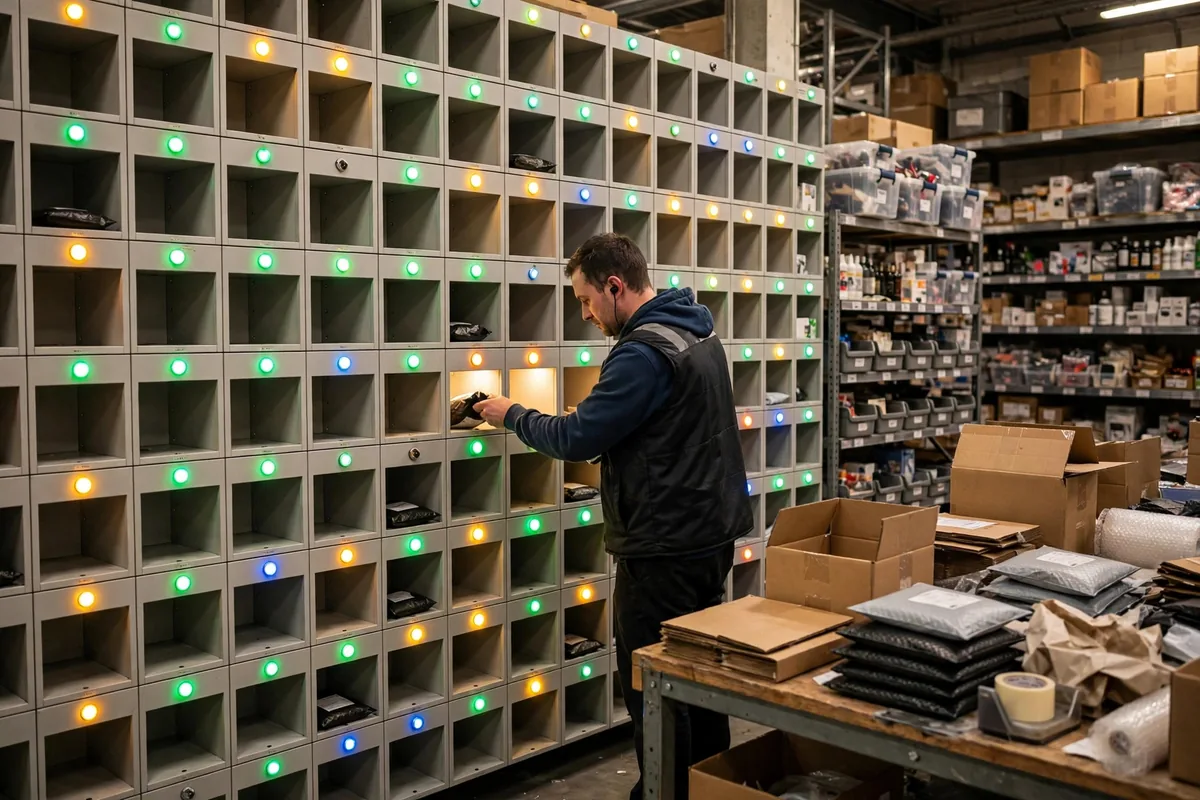
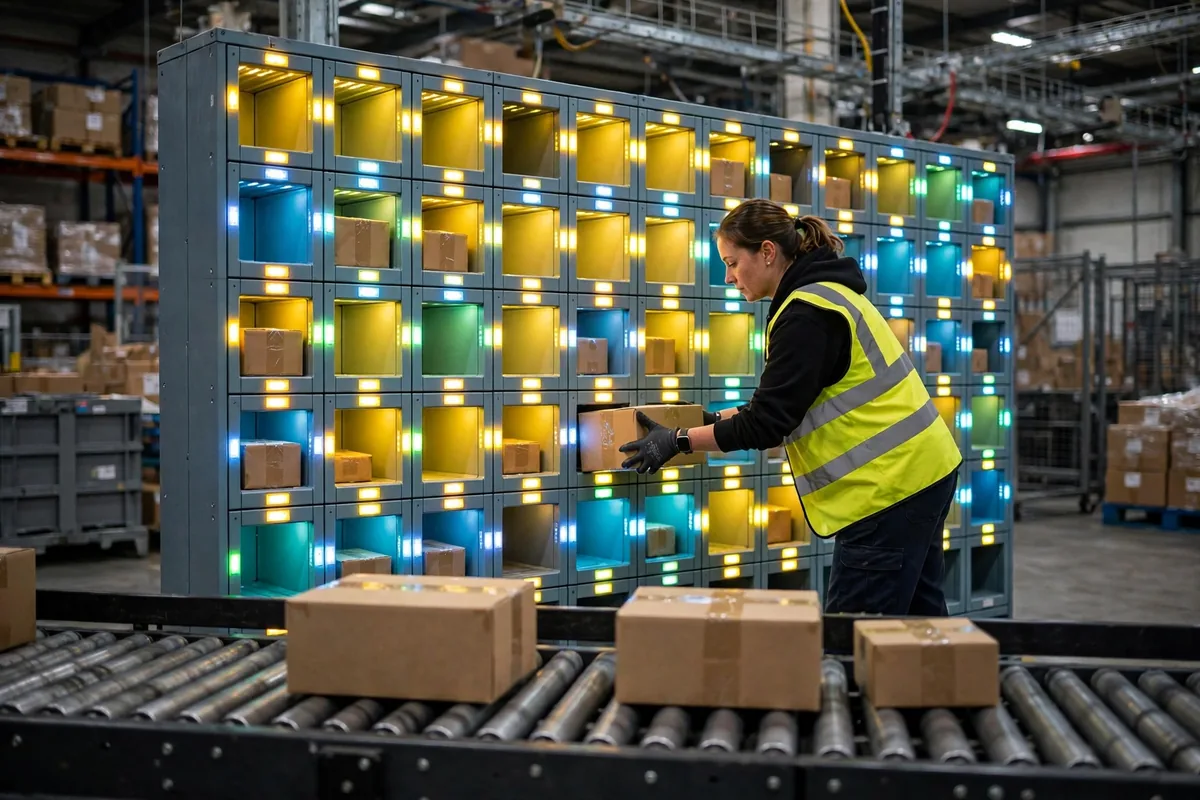
Before you can read a quote, you need the principle straight. Three steps: a batch picker pulls a whole wave of orders in one trip and pushes the cart to the wall; the operator scans one item, and the cubby for that order lights up; the item goes into the lit cubby, the operator hits confirm, the light goes out. When a cubby is full, the order is complete and a packer pulls it from the other side.
You can think of it as a cafeteria serving line in reverse: instead of people queuing for windows, goods queue for cubbies. One cubby is one order. When it fills, the order is done.
The ceiling is not the cubby count. It is the people. A single operator confirms somewhere around 550 to 900 placements per hour in real operation, depending on how far they reach, how clean the scans are, and how much they wait for the next light. That is why I always say: do not ask what the wall costs first. Ask how many orders per wave, and how many lines per order. If you have not profiled your orders, the wall you buy is just an expensive shelf.
The A.C. Moore case makes the point well. The big US arts-and-crafts retailer needed faster shipping, so it had nine custom put walls built, each handling roughly 500 order bins at a time, with 52 buttons and nearly 6,000 LEDs per wall, a Raspberry Pi as the brain of each wall, and an MQTT interface talking to its WMS. They did not switch everything on at once: three walls went live first in a new Chicago warehouse, and once those were tuned, the other six went in just before Black Friday, running nearly two days straight through peak. That is the normal way to bring a wall up — prove a small batch, then open the rest.
The three bills in an automated put wall setup
How much? Here is the breakdown. The table below is a scenario estimate for a standard 60-slot wall: hardware unit prices are anchored to published industry ranges, integration and labor are estimated from typical mid-size 3PL quotes. Good enough to check a vendor quote against. For a signed contract, use a measured quote.
| Cost item | Range (USD) | Notes |
|---|---|---|
| Wall frame and cubbies | $8,000–$15,000 | Steel frame, cubbies, chutes; varies with cubby size and tiers |
| Light modules, 60 sets | $9,000–$21,000 | $150–$350 per light module, including light, button, and display |
| Controllers, wiring, power | $5,000–$10,000 | Controllers, cabling, power, network; more tiers cost more |
| Scanners, screens, station gear | $3,000–$6,000 | Handheld scanners, wave display, station PC |
| WCS/WMS integration | $15,000–$40,000 | Interface build, wave logic, exception handling; the usual overrun |
| Installation, commissioning, training | $8,000–$15,000 | On-site install, joint testing, operator training |
| Total | ~$48,000–$107,000 | Excludes civil works, electrical upgrades, rack changes |
See the pattern? At $150–$350 per light module — a published industry range — small light-guided cells commonly come in under $100,000 installed, while larger zones can pass $500,000. Frame plus lights is under half the total. The integration line is the variable. The older your WMS interface and the stranger your wave logic, the bigger that line gets. If a quote says "integration included" with no person-days attached, ask before signing: how many rounds of joint testing, and who handles exception orders?
One more trap: more cubbies is not automatically better. Measured data says an 18-slot wall does 180–320 orders per hour per station, while a 100-slot wall does only 150–260 per station — because the operator walks twice as far. The big wall wins on how many orders it can hold at once, not on speed per person. Multiply cubbies by five and the price multiplies four to six times while per-operator output falls. Whether that trade is worth it depends on your order profile, not on the cubby count.
Automated put wall setup timeline: is eight weeks enough?
The day hardware arrives, the project is only half done. Here is a reference timeline for a standard 60-slot wall, assuming floor, power, and network are ready:
| Phase | Work | Duration |
|---|---|---|
| Week 1 | Site survey, order profiling, cubby count | 1 week |
| Weeks 2–4 | Hardware build, shipping, receiving | 3 weeks |
| Week 5 | Mechanical install, wiring, power-on | 1 week |
| Week 6 | Light and scan tuning, per-cubby tests | 1 week |
| Week 7 | WCS integration, wave logic end-to-end | 1 week |
| Week 8 | Trial run, operator training, acceptance | 1 week |
Week 7 is where schedules slip, not installation. One mismatched field in the WMS, a wave that will not close, a light on the wrong cubby — the whole wall waits on a developer. My rule: write integration into the contract as fixed person-days plus an overrun rate, and the vendor's urgency changes overnight. Note that lightweight light walls play a different game: some vendors publish a 15-minute assembly and a 5-minute operator training, renting at $10 per light block per month. That is a small wall for a simple job, not the same animal as the eight-week build above. Do not apply a small wall's timeline to a big project.
And here is the counterintuitive one: the real bottleneck is usually not the wall, it is packing. A wall placing 1,200 items an hour in an automated put wall setup means nothing if packing can only release 700 orders an hour. Size packing first, then size the wall. Get the order backwards and the money is wasted. If you want to see where the wall sits between batch picking and packing, our secondary sortation guide walks through that stretch of the flow in detail — worth reading before you build.
Worth it or not? One number decides
Do not look at the total price. Look at the cost per order after go-live. The math is simple: spread the build cost over three years, add annual labor and maintenance, divide by the orders handled over those three years. If that number is more than 20% below your current manual sortation cost per order, build it. If it is only 5% lower, one peak-season wobble flips it upside down, and you are better off fixing wave logic and slotting first.
I have seen the fake demand too many times: a small warehouse doing 800 orders a day insisting on a 100-slot wall, half the cubbies empty all year, the lights looking very pretty. Eight hundred orders a day, an 18-slot wall and two trained operators, more than enough. A wall is a tool, not a status symbol. If the volume is not there, the brightest lights in the building are just wasted electricity.
By Da Liu, Automation Engineer