How much does one light cost? I get asked that question at least twenty times a year, and my answer never changes: don't ask about the light first. Ask how many orders your warehouse ships a day. For a small ecommerce operation, a put to light system for ecommerce lives or dies on that one number. Below the threshold, the lights are decoration.
Last fall I visited a small beauty-products ecommerce warehouse in Dongguan, under 2,000 square meters, shipping around 800 orders a day. The owner had seen a put-to-light wall at a trade show and wanted to sign on the spot, because a competitor had cut its picking error rate after installing one. I asked him to hold off and spent half a day watching his picking line. His catalog had fewer than 400 SKUs. His pickers knew where everything was with their eyes closed. The errors were happening at packing, where the wrong shipping label went on the box, and lights would have done nothing about that. That wall would have cost real money and fixed nothing. That is what a false requirement looks like: a problem lights cannot solve, dressed up as a lighting project.
What a Put to Light System Actually Does
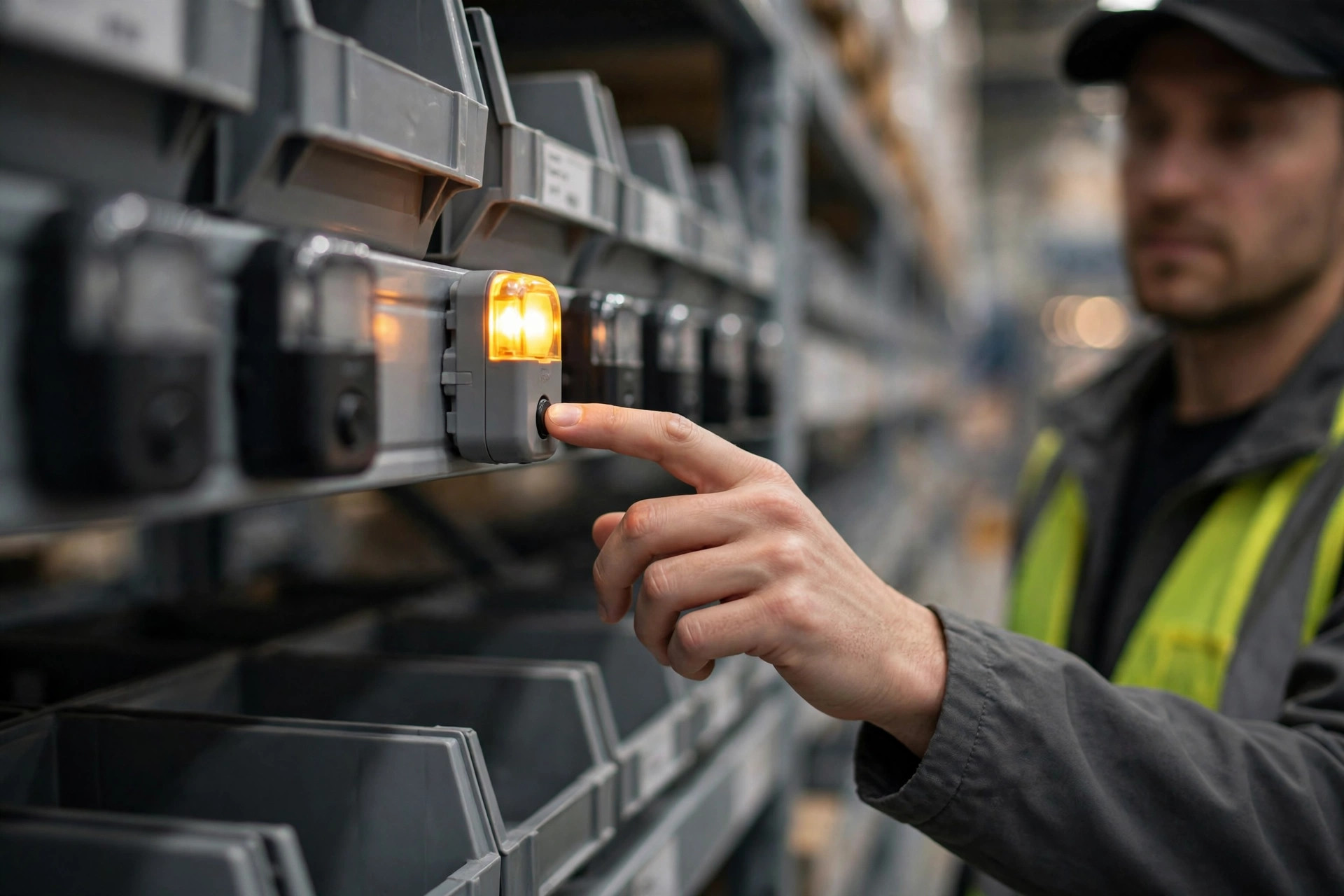
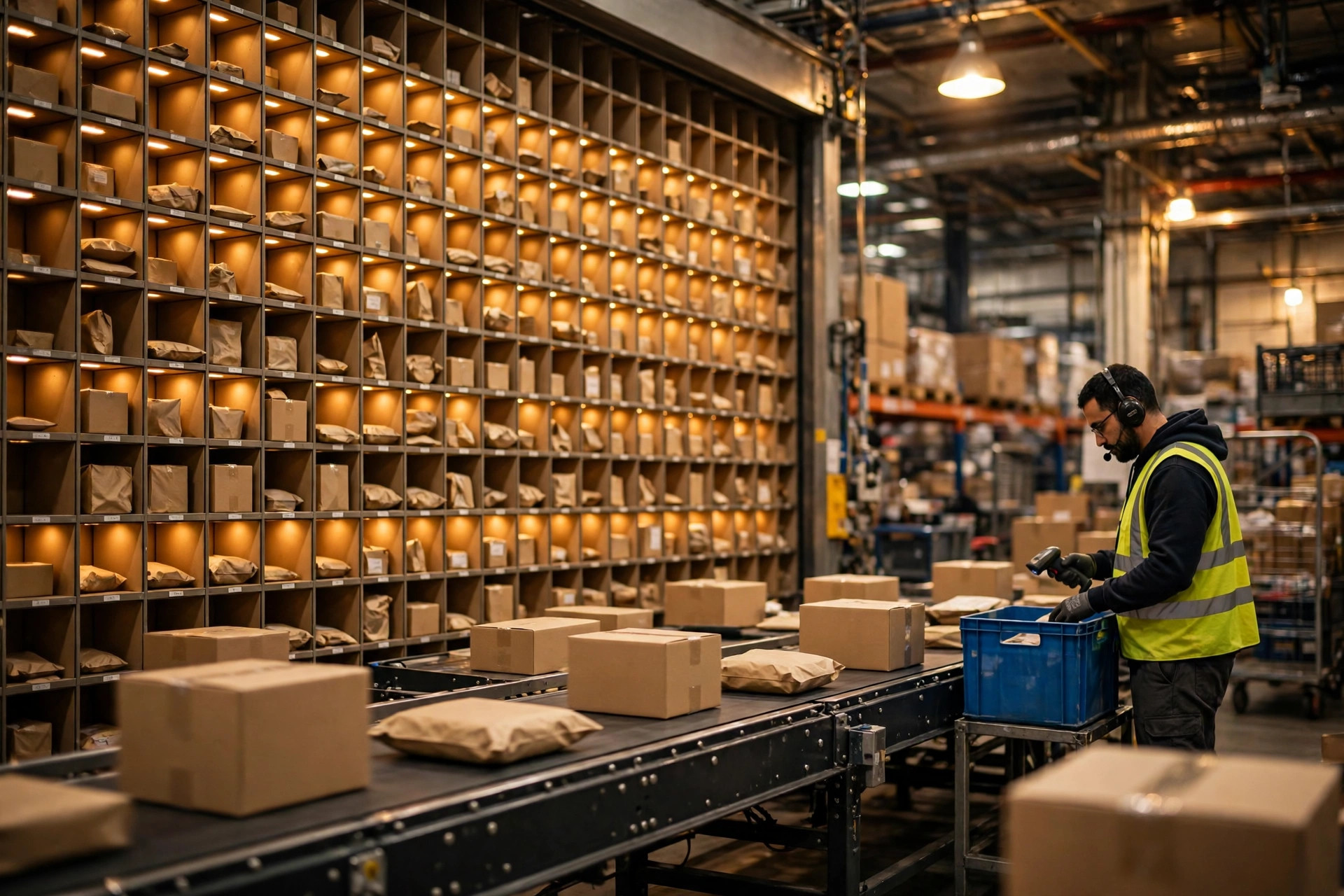
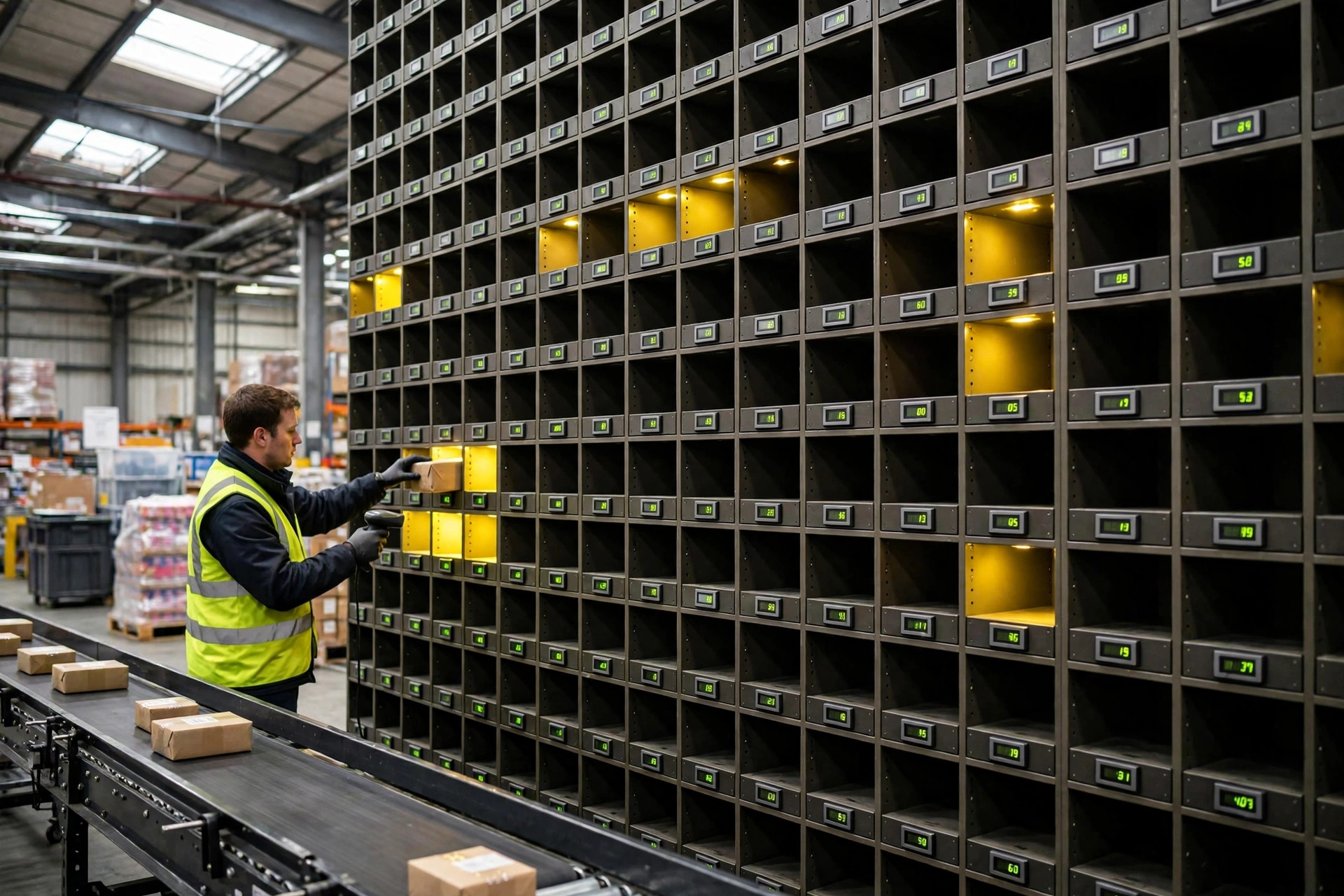
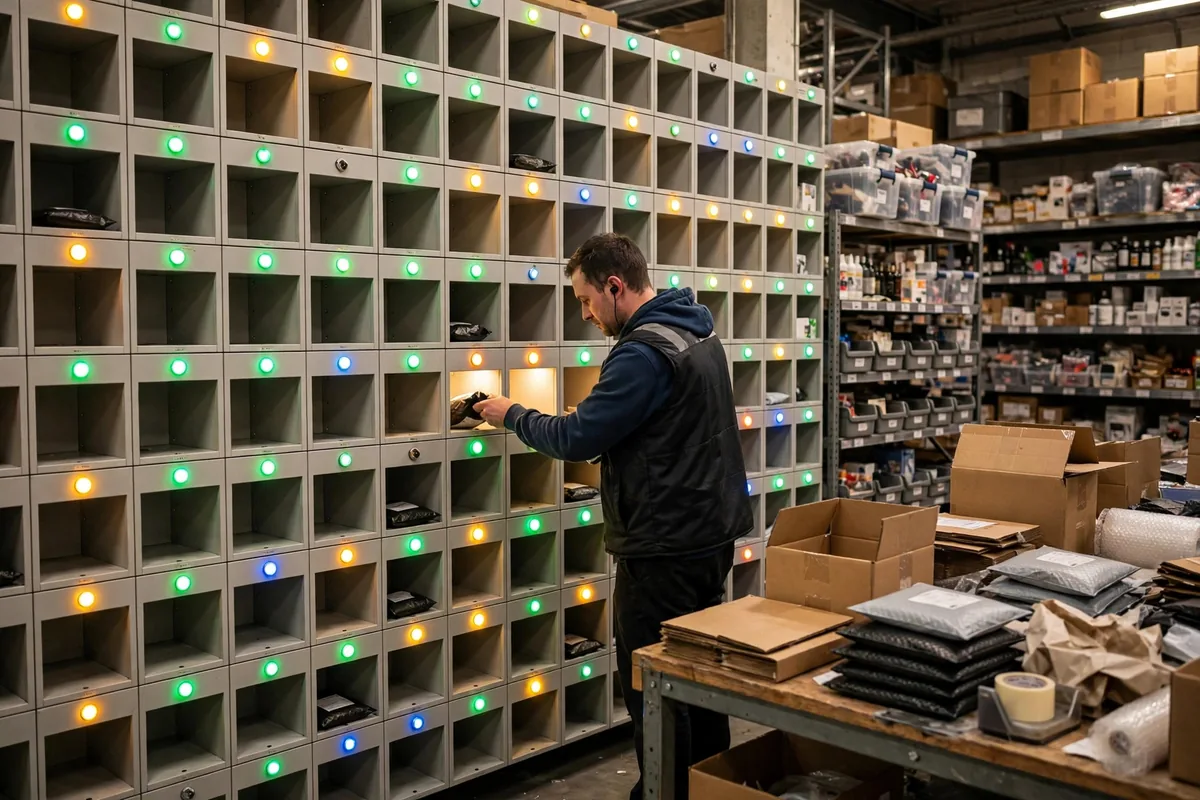
Think of put to light as traffic lights for your warehouse. An order comes in, the system works out how many units go in each cubby, and the matching light turns on. The picker follows the lights, drops the goods in, hits the confirm button, and the light goes out. Nobody reads a pick list, nobody memorizes a location. Eyes follow the light. The value comes down to two things: speed and accuracy. Speed, because you skip reading, searching, and checking. Accuracy, because a light never puts a unit in the wrong cubby.
But there is a premise most people skip over. Lights save the time spent finding and verifying. If your warehouse is small, with a few hundred SKUs, and the picker is two steps from the shelf anyway, the time saved is too small to pay for the hardware. The value only scales up in one scenario: lots of order lines, SKUs spread across many similar-looking cubbies, and pickers making choices all day where a tired brain starts making mistakes. That is where the lights earn their keep.
The wall itself and the sorting wall often get talked about as if they were different things. They are the same logic applied at different stages. If you want the nuts and bolts of wall structure and cubby layout, this guide to put to light sort walls for ecommerce fulfillment covers the build in detail. My job here is the question that guide doesn't answer: should a small warehouse install one at all, and when?
The Order Volume Where Put to Light Starts Paying
Here is my dividing line: once daily volume holds steady above 1,500 orders, start seriously evaluating a put to light system for ecommerce. Below 1,500, fix your paper process first. A worked example shows why.
Take a 60-cubby wall as a hypothetical example. At an assumed 300 yuan per cubby for the light, controller, cabling, and installation, the wall runs about 30,000 yuan all in. These are illustrative figures, not quoted prices; vendor quotes vary widely. On throughput, assume paper picking runs 60 orders per hour per picker and the lights lift that to 90. At 800 orders a day, that saves roughly 4.5 labor hours daily. At an assumed picker cost of 30 yuan per hour, that is 135 yuan saved a day, which means about 222 working days to break even, close to a year. And that ignores replacement lights, controller maintenance, and training seasonal temps. For an 800-order warehouse, the math barely works.
At 1,500 orders a day, the math flips. The same assumptions save more than 8 hours a day, around 250 yuan, and payback drops inside six months. Error reduction starts paying too. A single ecommerce return easily costs tens of yuan once you add shipping, customer service, and restocking. Cutting the mis-pick rate from 5 per thousand to 1 per thousand saves real money. So my verdict is blunt: put to light is not an early investment. It is the standard fit once volume arrives, and premature spending before that.
There is one number that matters even more than order volume: lines per order. If every order is a single item, one line, the lights add almost nothing. The picker grabs and goes. Once average lines per order reach 3 or more, the lights start working hard. Most owners have never pulled that number. It takes ten minutes in your system. Pull it before you sign anything.
Put to Light vs Voice Picking vs Paper
Three routes solve the same accuracy problem: paper is cheapest, lights sit in the middle, voice is the priciest but frees both hands. For a small warehouse, climb the ladder one rung at a time and don't skip steps.
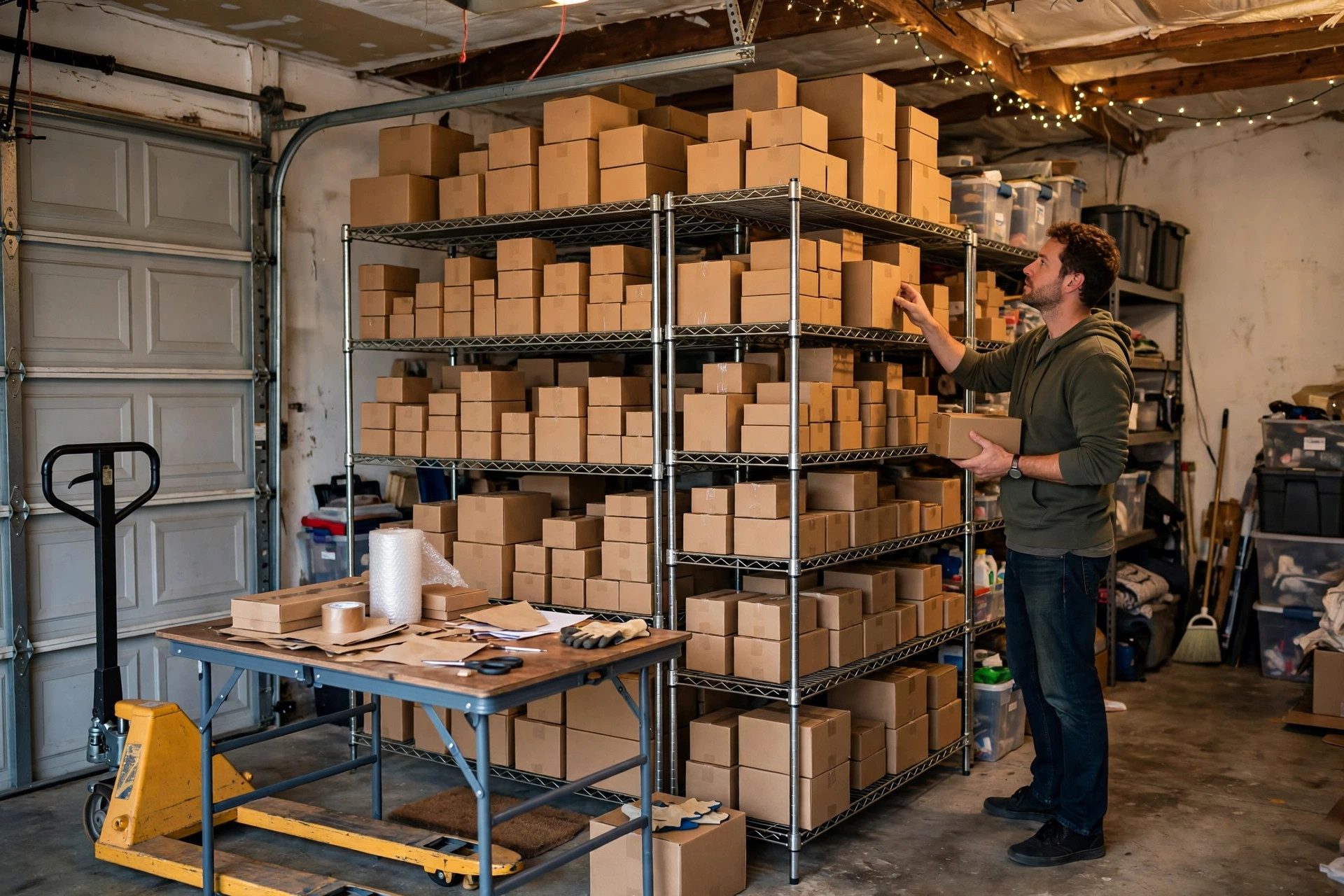
Under 500 orders a day, paper plus scan verification is enough. Spend the money on location coding and ABC classification instead; the return beats any hardware. I watched a 300-order-a-day warehouse re-slot its SKUs by pick frequency and cut travel distance by about a third without buying a single device. Between 500 and 1,500 orders, consider a light setup for high-frequency SKUs only and keep paper for the slow movers. A hybrid wall cuts the investment dramatically. Above 1,500 orders, evaluate a full wall, or look at voice picking. Voice suits scattered SKUs and jobs where both hands stay busy, like bulky items, but it is sensitive to ambient noise and training takes longer. A small warehouse jumping straight to voice is asking for trouble.
One more selection trap: proprietary lights and controllers. Some vendors lock you into their own controllers, so every expansion cubby has to come from them at their price. Before signing, ask three questions: does the controller support an open protocol, can your own staff replace a dead light, and does the system integrate with your current WMS? Get clear answers and half your future maintenance headaches disappear.
Where Installations Actually Go Wrong
Installing the lights is not the finish line. In the projects I have worked on, most problems in the first three months came from maintenance, not installation. First, light burnout: a cubby light cycles thousands of times a day, and when it dims, pickers start placing by memory and the error rate bounces straight back. Second, slotting drift: ecommerce SKUs turn over fast, and a hot product from three months ago may be dead stock today. If the cubby layout doesn't move with demand, the lights shine on the wrong products. Third, seasonal temps: the operation looks simple, but a first-day temp still freezes. The training sheet has to fit on one page and hang on the wall where it can be read on the spot.
Here is the counterintuitive part: the throughput gain after installation is usually smaller than vendors claim. Their doubled-efficiency figures come from lab conditions. A real warehouse has carton changes, replenishment, and exceptions the lights don't touch. A 20 to 30 percent overall gain is the realistic outcome. Anyone expecting one wall to fix all efficiency problems will be disappointed. A light does one job, putting the unit in the right cubby. Everything else still depends on process and people.
So is the money worth it? Watch one number: daily orders multiplied by lines per order, holding high for three straight months. Until then, get your paper process, location coding, and scan verification right. That saves more money than any wall of lights.
By Da Liu, Automation Engineer