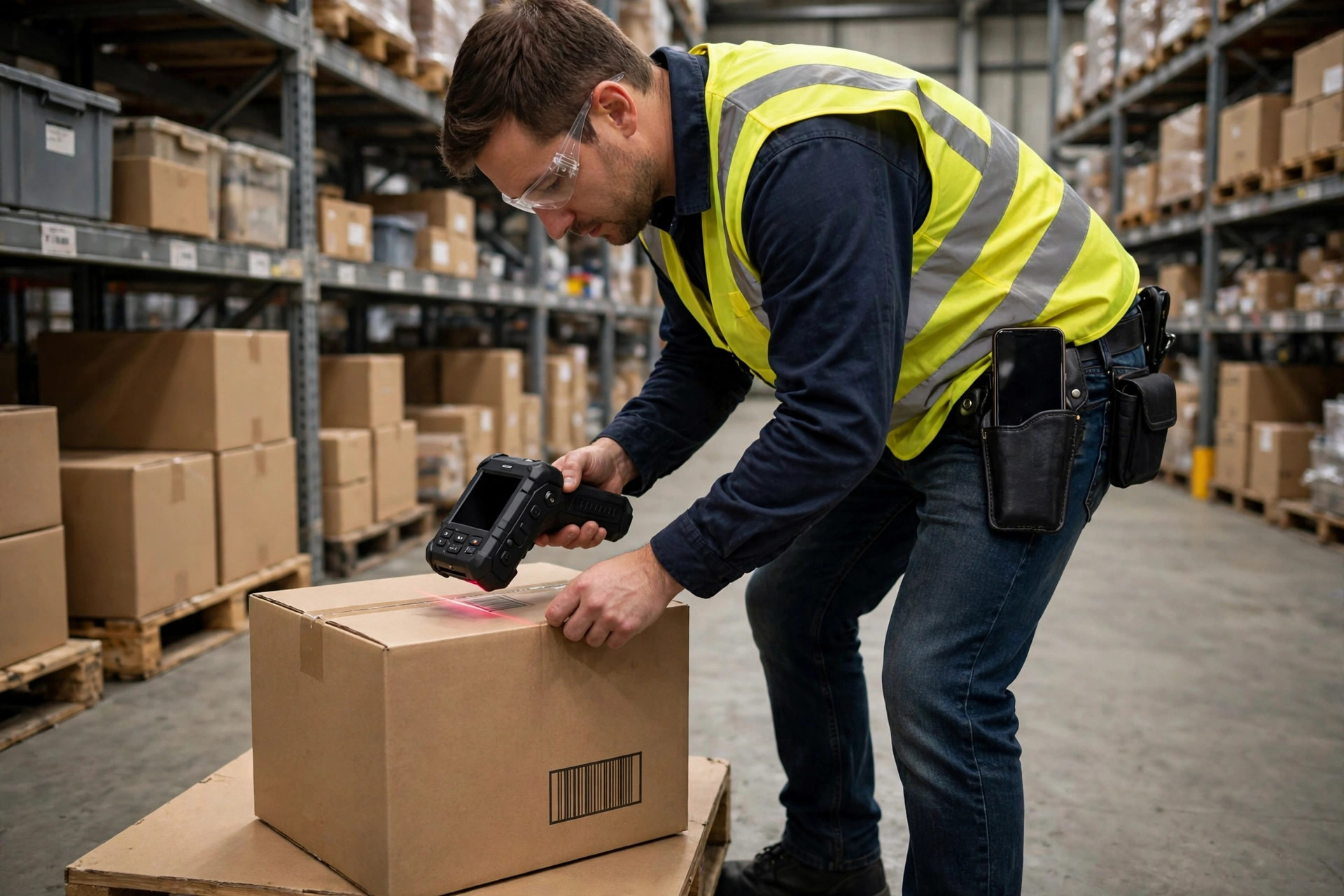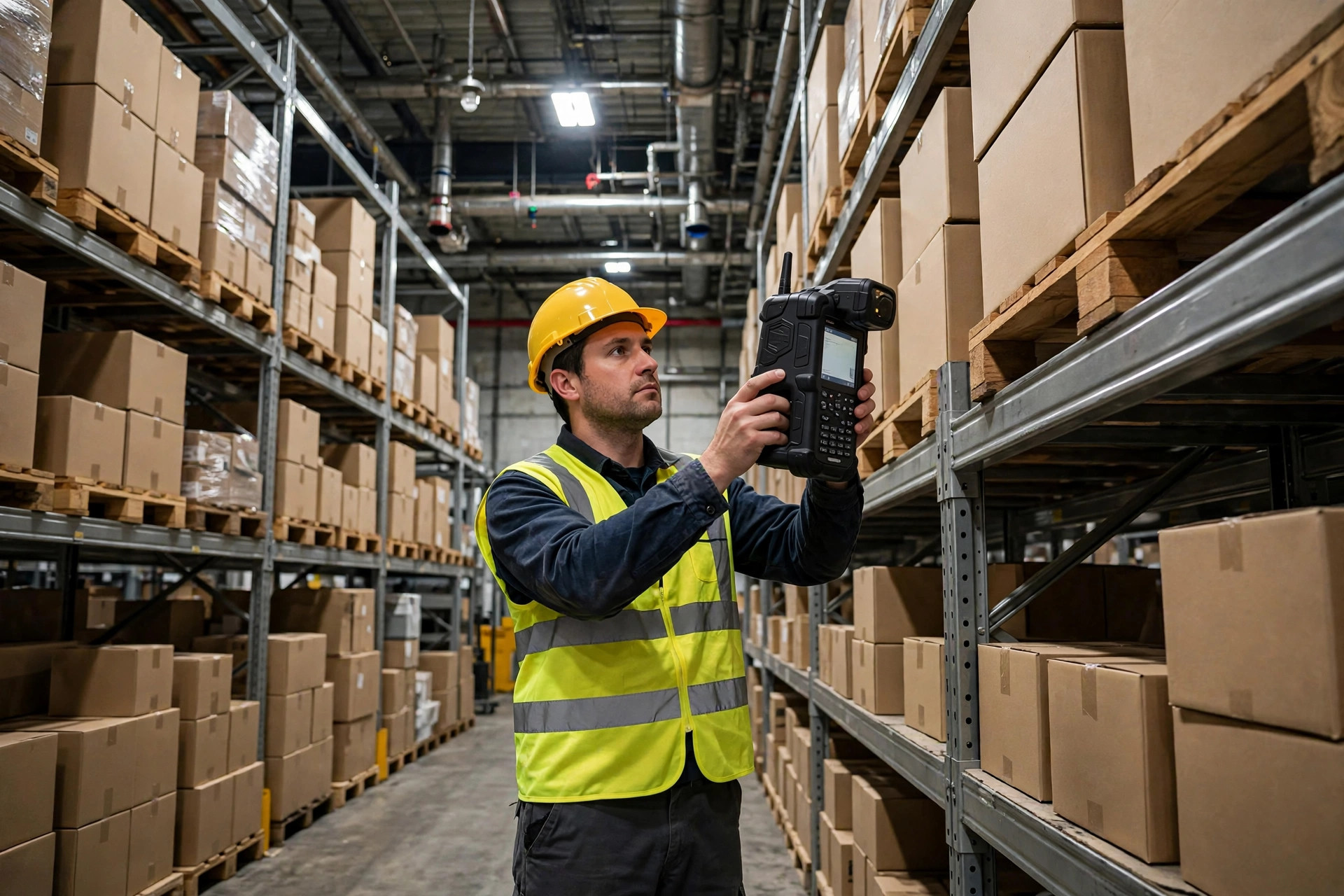
6:40 on a Monday morning, the week before peak, the night-shift lead was waiting at the warehouse door. "Boss, we've got a problem. Xiao Li dropped his handheld terminal, the screen's cracked, and it won't scan. The pick line's been waiting forty minutes." That cracked screen was the warehouse PDA handheld terminal selection problem in miniature.
The device was less than a year old. Brothers, my first thought wasn't the repair cost. It was the math: six people on a pick line, standing still forty minutes — four labor hours burned before the day started, peak orders queuing behind us. Fix it wrong and we'd live that morning every day of peak.
Let me be honest: a warehouse PDA is the one thing nobody thinks about until it breaks. It scans, it connects, it runs the system. But it's the most abused equipment in the building. A picker scans a thousand times a day, drops it a few times a week, runs the battery flat by clock-out, and in winter must survive the cold room. Buy the wrong one, and every dollar you saved comes back twice over in downtime and rework.
How the Problem Built Up
Our old fleet had been in service for three years, and the problems piled up slowly, not all at once.
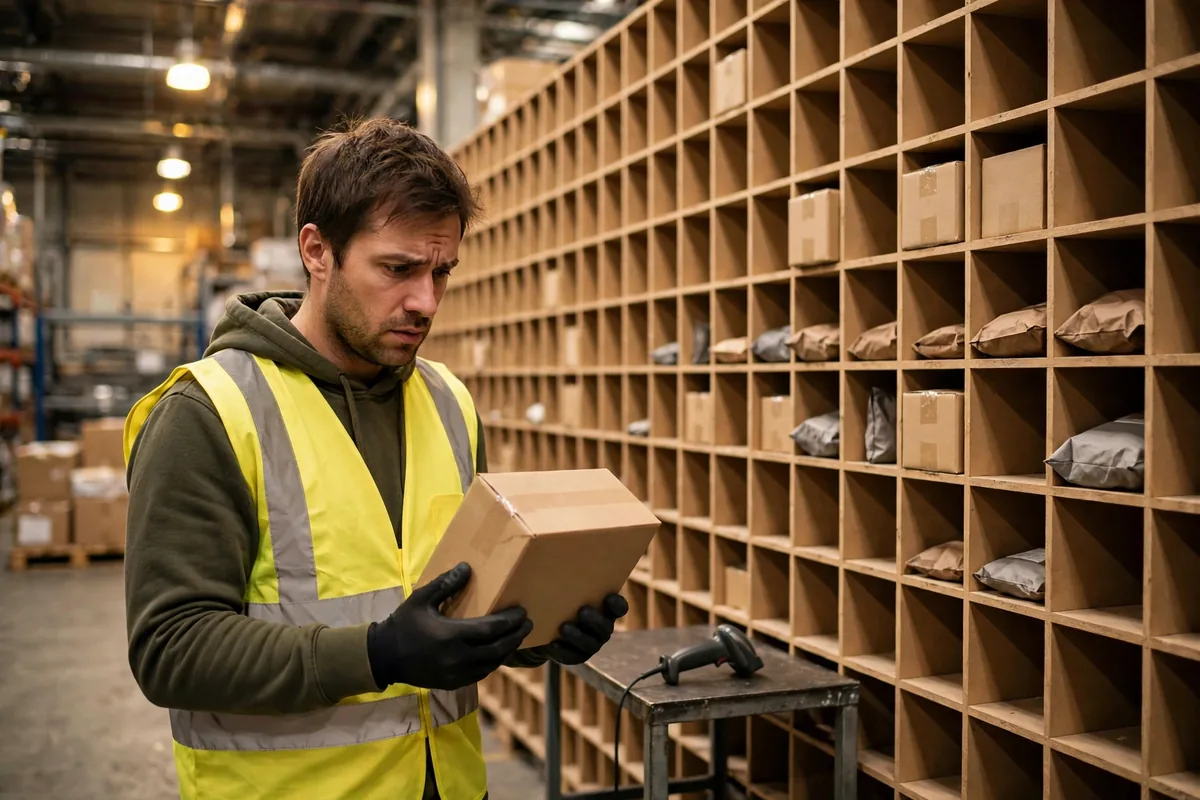
Scanning went first. One batch arrived with barcodes printed too light, and the old heads waved back and forth two or three times before they'd read. A new guy got frustrated and started jabbing the device at the barcode — the harder he pressed, the less it read — while pallets stacked up behind him. The veterans teach new hires on day one: "Don't rush it, change the angle, pull back a little." But during peak, who has time to hunt for the right angle?
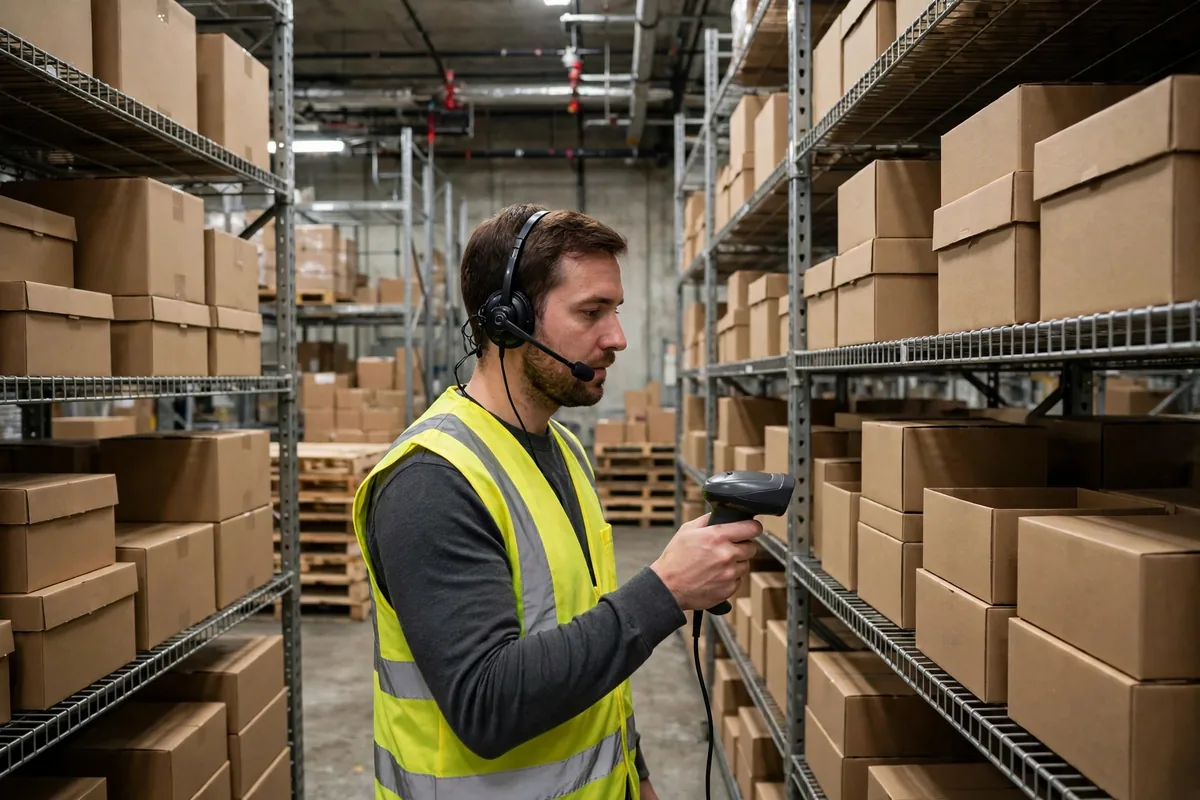
Then the batteries. Around three in the afternoon, icons turned red and devices rotated back to the charging cabinet, which holds a dozen or so — the rest queued. Pickers without a device went back to paper slips, and one wrong number meant digging through it at stocktake.
Then durability. A drop from a rack a meter off the ground is a normal day here. Some devices cracked on the first fall, some survived three. A repair means a week without it; keep using a cracked one and the scan rate drops daily.
Brothers, none of these looks big alone. Together they leak money every day — not a flood, a slow leak.
How We Tested: Three Loan Units, Two Real Weeks
Last October I borrowed three sample units at different price points, one per shift, and ran them two real weeks on real work. No lab tests — just our warehouse, our freight, our pace.
The cheap one looked fine on day one and scanned fast. Day two, through the cold-room door, condensation fogged the screen and blinded the scan head. Day three it fell off a forklift, chipped a corner, and the battery cover came loose — after that we wrapped it in tape every morning. Verdict: fine for a mild, light-duty site; in our multi-temperature warehouse, a repair ticket waiting to happen.
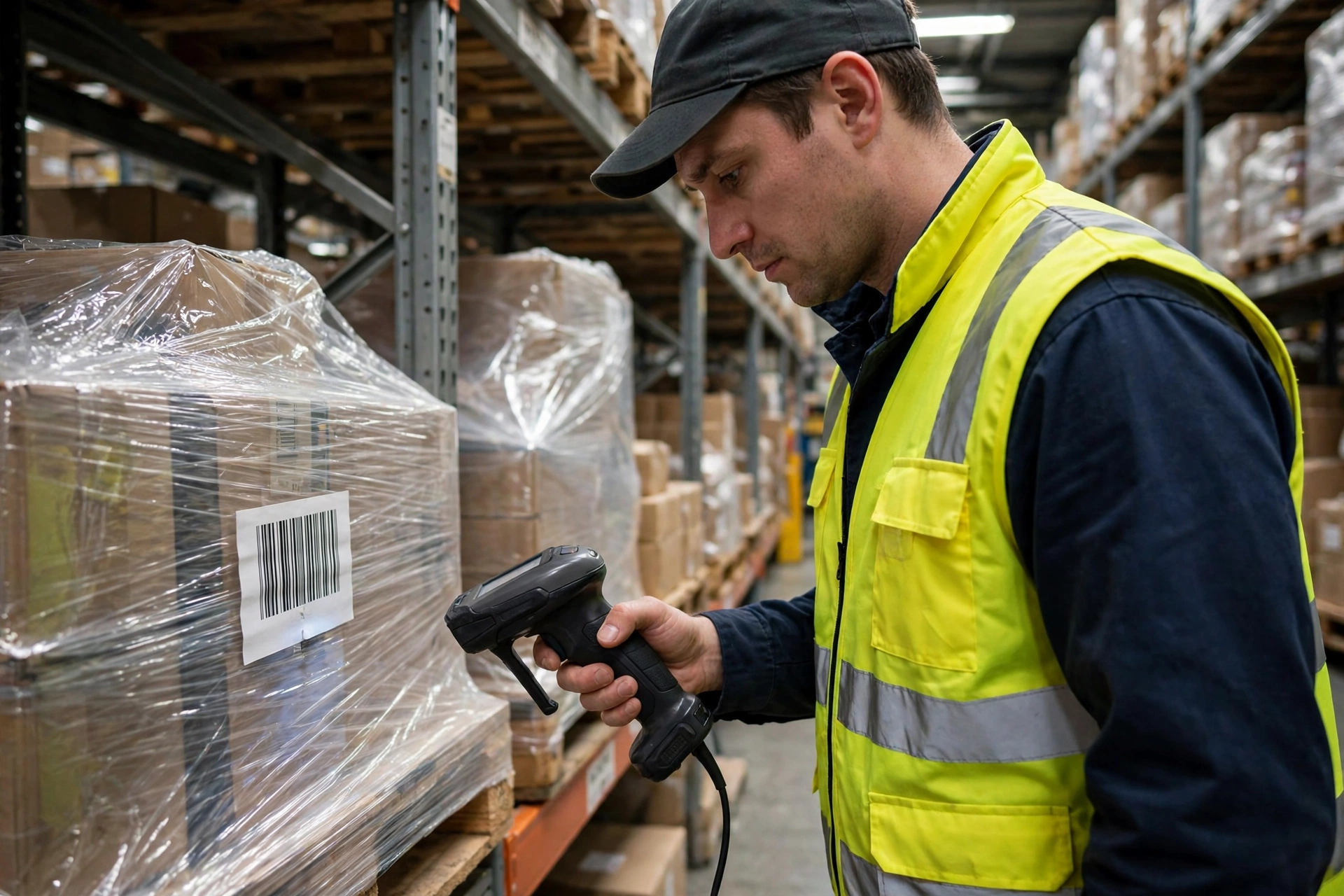
The mid-range unit was dustproof and waterproof, with a reinforced housing. Over two weeks it hit the floor four or five times, picked up scratches, and never missed a beat. Its imager read damaged barcodes and labels under shrink wrap — steadier than the laser unit. And the battery was swappable: swap at lunch, work all afternoon, no queuing at the charger — that's the one we kept.
The flagship was the most comfortable — biggest screen, fastest scans, highest price. But it was heavy, and after eight hours pickers' wrists were done. One veteran told me privately: "Boss, it's good, but I'd rather carry the lighter one." A device your people don't want to hold doesn't get used, no matter how good the spec sheet looks.
Two weeks told us what no brochure could: warehouse PDA handheld terminal selection isn't about the prettiest spec sheet, it's about the unit your people will happily carry all day, that survives a drop and takes a fresh battery in thirty seconds.
PDA Selection: The Three Calculations — Ruggedness, Scanning, Battery
Ruggedness first. Two numbers tell you most of it: the ingress protection rating and the drop height, usually 1.2 to 1.8 meters, dustproof and waterproof as the baseline for a multi-temperature warehouse. Honestly, treat the numbers as a starting point and look at the housing: thickened corners, cushioning around the screen, a proper latch on the battery cover. Our rule: the sample gets dropped for a week before we talk price.
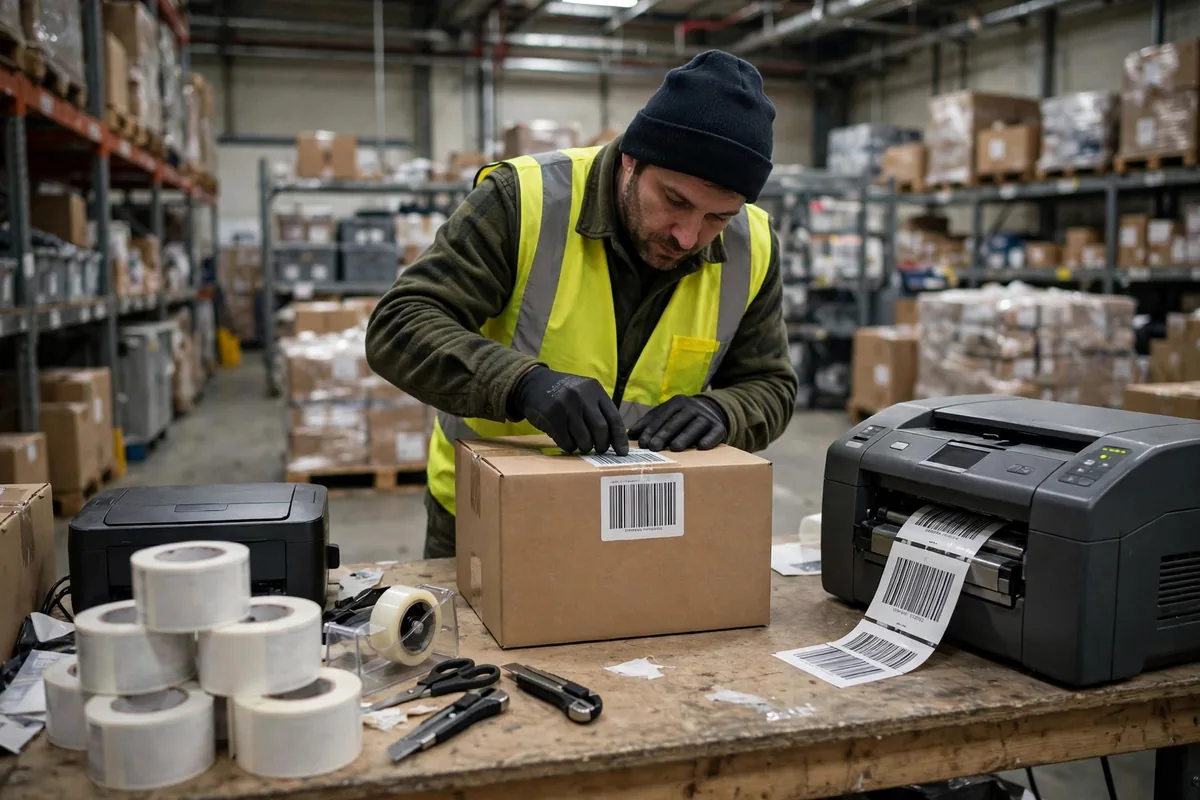
Scanning next. Laser and imager are two different roads. Laser is cheaper and fast on clean barcodes, but it struggles with damaged codes, wrinkled labels, and reflective film. An imager costs more but reads damaged codes, screen codes, and small 2D codes. Our whole fleet is imager now, for one reason: we can't control the print quality of every supplier's barcode.
Battery last — the one people underestimate most. Two things matter: rated runtime and whether the battery is swappable. Rated runtime is measured under the vendor's conditions, not ours; a unit rated for ten hours realistically gives us seven or eight. What saves the day is a swappable battery: one swap at lunch doubles your effective runtime, and one spare per device beats a bigger built-in battery.
Do those three calculations and the decision is one sentence: don't pay for features you'll never use, and don't save money on the things your people touch daily.
Handheld Terminal Buy or Lease: The Math We Actually Ran
Late last year, procurement asked about the new small warehouse: buy or lease? I sat down with Lao Zhou, who watches our costs. What follows is a worked example based on our scale — plug in your own numbers.
A mid-range device bought outright runs about 600 dollars, used three years, with two repairs at roughly 45 dollars each plus a spare battery at about 90. Three-year total: roughly 780 dollars. Leasing at about 22 dollars a month is roughly 790 over three years, repairs and replacement included — a broken unit gets swapped, no factory wait.
Over three years the totals come out nearly the same. The difference is two things. First, a leased unit that breaks is someone else's problem — no downtime during peak. Second, a bought unit is yours after three years, but by then it's basically ready for retirement, so the residual value is close to nothing. Our rule: main warehouse, long-term use — buy. New warehouse, temporary peak crew, uncertain scale — lease for six months, get running smoothly, then decide.
One more detail: we now keep ten percent spares — twenty devices in service, two on the shelf. Before spares, one repair meant a whole team sharing one unit. Now spares sit next to the charging cabinet, and a broken device swaps in five minutes.
What We Do Now, Every Time
Our warehouse now has a fixed routine for picking devices — new procurement staff can follow it blind.
First, define the scene. Light work at room temperature, heavy work in the cold room, high-frequency scanning — three different devices. Until the scene is nailed down, no brands, no prices.
Second, borrow sample units and run them for two weeks — real shifts, real scenes: drops, cold rooms, continuous scanning. Keep a small daily log: scan failures, battery swaps, drops. After two weeks, the log decides, not the salesperson.
Third, negotiate batteries and spares as part of the deal — bought separately they're expensive, bundled they're much cheaper. The spare ratio goes into the contract, and spares must be on site a month before peak.
Fourth, when the devices arrive, put a name on every unit. Whoever takes one owns it — dropped, lost, or wet, report it the same day. Damage rates have dropped sharply since we started. And when veterans train new hires, lesson one is: "This device is your livelihood. Break it and you're the one whose work stops."
Let me be straight: in warehouse PDA handheld terminal selection there's no universal right answer, only the one that fits your warehouse. You can copy a spec sheet and compare prices, but you can't copy how the device feels in your people's hands, the temperature in your building, or your suppliers' barcode quality. Borrow two sample units and run them for two weeks — that beats a hundred pages of spec sheets.
One reminder for anyone replacing devices now: don't just look at the purchase price. Add up the downtime, rework, repairs, and spares. Sometimes the expensive device is actually the cheapest one — and the cheap one that breaks daily and keeps everyone waiting is the one that really costs you.
By Chen Feng, Warehouse Operations Manager