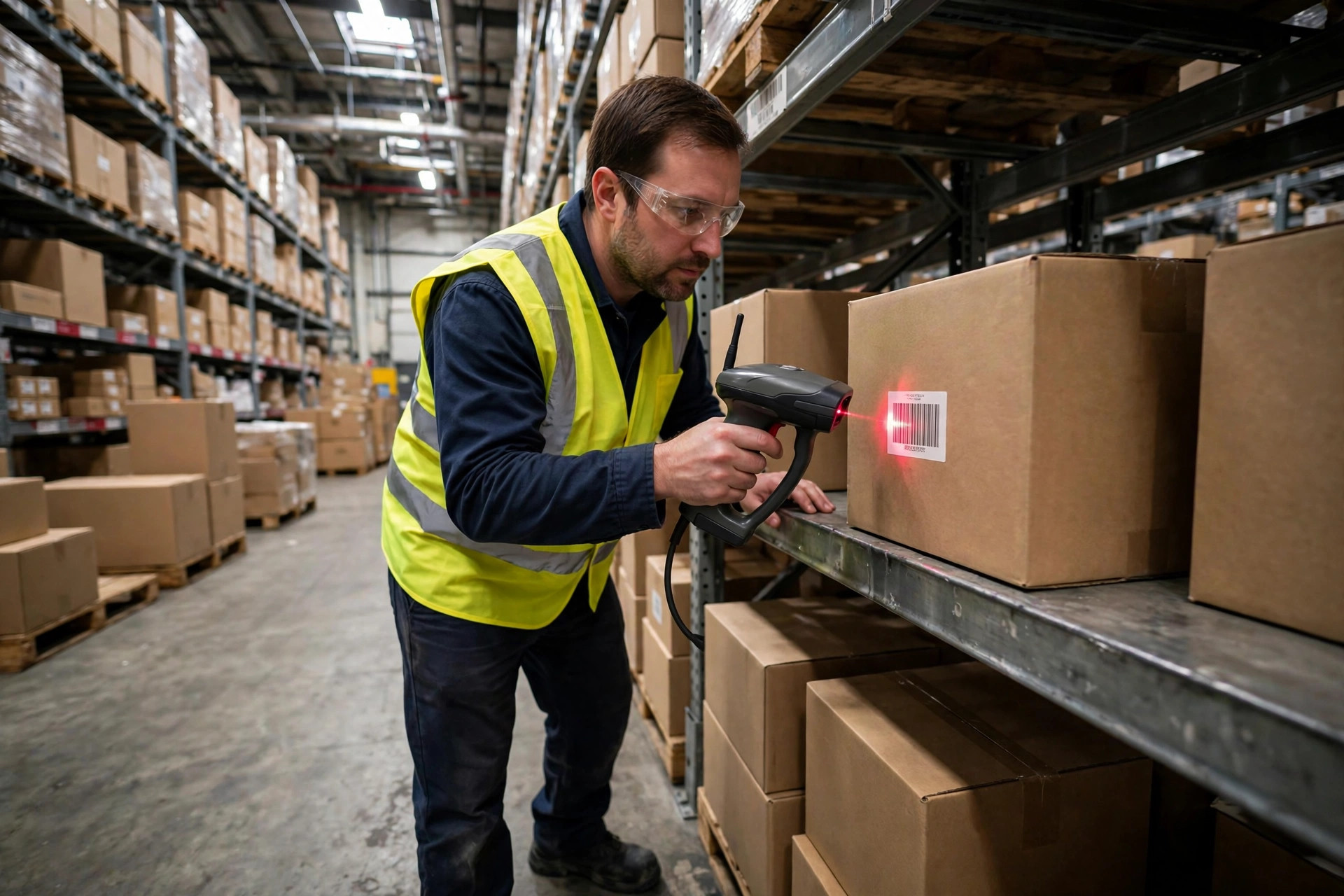
Warehouse smartphone scanning vs handheld is not a specs debate. It is a three-year bill, and most warehouses get the answer wrong because they only look at the first line of it. A phone looks free. A rugged terminal looks expensive. Run both out to year three, per picker, and the ranking often flips. Sometimes it flips back. This article lays out the three bills that decide it: what you buy, what breaks, and what slow scanning quietly costs you.
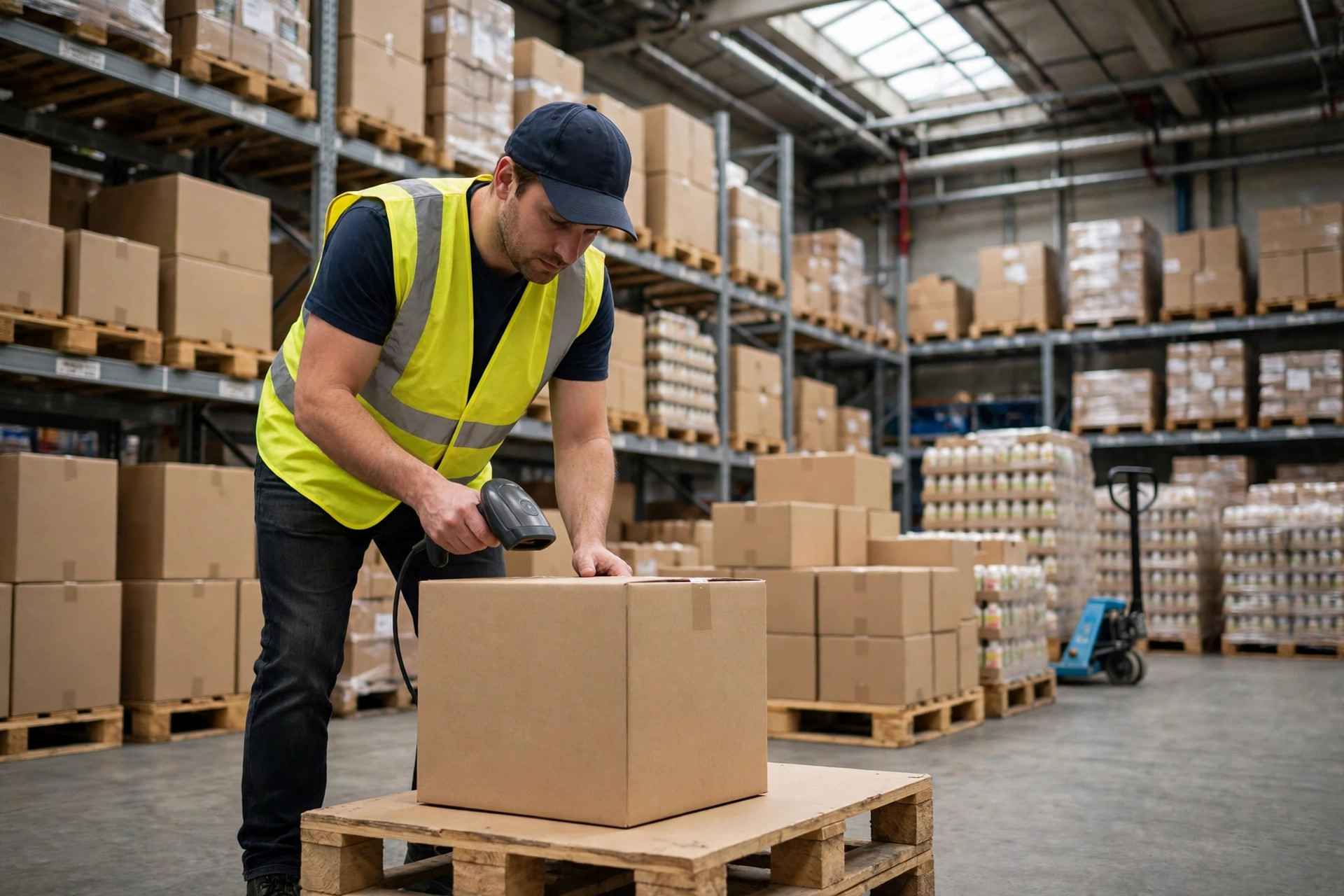
Start with a warehouse I walked in the summer of 2025, a third-party operation in Ontario, California, about 40,000 square feet. Forty-two pickers were scanning with their own phones plus a cheap Bluetooth scanner, the kind that costs less than a team lunch. The manager showed me the real numbers, not the brochure ones. Seven phones broken in three months. Three cracked screens, two swollen batteries, close to $9,000 in replacements and repairs in a single quarter. That was the visible bill. The hidden one was bigger: unlocking the phone, opening the app, and lining up the camera added roughly four seconds per order. At 6,000 orders a day, that is more than six hours of labor a day, paid for in overtime through peak season. Everything the phones saved on hardware, the warehouse gave back in payroll. The phones were not bad devices. They were the wrong device for that volume.
Warehouse Smartphone Scanning vs Handheld: The Three-Year Math
The only honest comparison is total cost of ownership over three years, per device, with five line items: purchase, accessories and repair, replacement cycle, rework from mis-scans, and the labor cost of slower scanning. The figures below are an illustrative model built on typical mid-size warehouse assumptions, not a vendor quote; check current list prices on the manufacturers' official sites before you budget. The structure is what matters, and it holds up across brands:
| Cost item (3 years / device) | Phone + Bluetooth scanner | Rugged handheld terminal |
|---|---|---|
| Purchase and accessories | ~$700 | ~$1,800 |
| Repair and replacement | ~$900 | ~$300 |
| Batteries, cases, consumables | ~$150 | ~$120 |
| Rework from mis-scans | ~$600 | ~$200 |
| Labor cost of slower scanning | ~$1,500 | baseline $0 |
| Three-year total | ~$3,850 | ~$2,420 |
Read that table twice. The phone setup costs less than half as much to buy and ends up costing nearly 60 percent more over three years. The gap does not come from repair bills, though those help. It comes from seconds and rework, compounded daily. A terminal's trigger scan, physical keys, and drop-rated body buy you a few seconds per order and a few fewer returns to the shelf. At high scan volumes, that difference pays for the terminal many times over. At low volumes, the same table tips the other way, which is exactly the point: the right answer depends on your volume, not on the device.
Warehouse Smartphone Scanning vs Handheld: Durability and First-Time Scan Rates
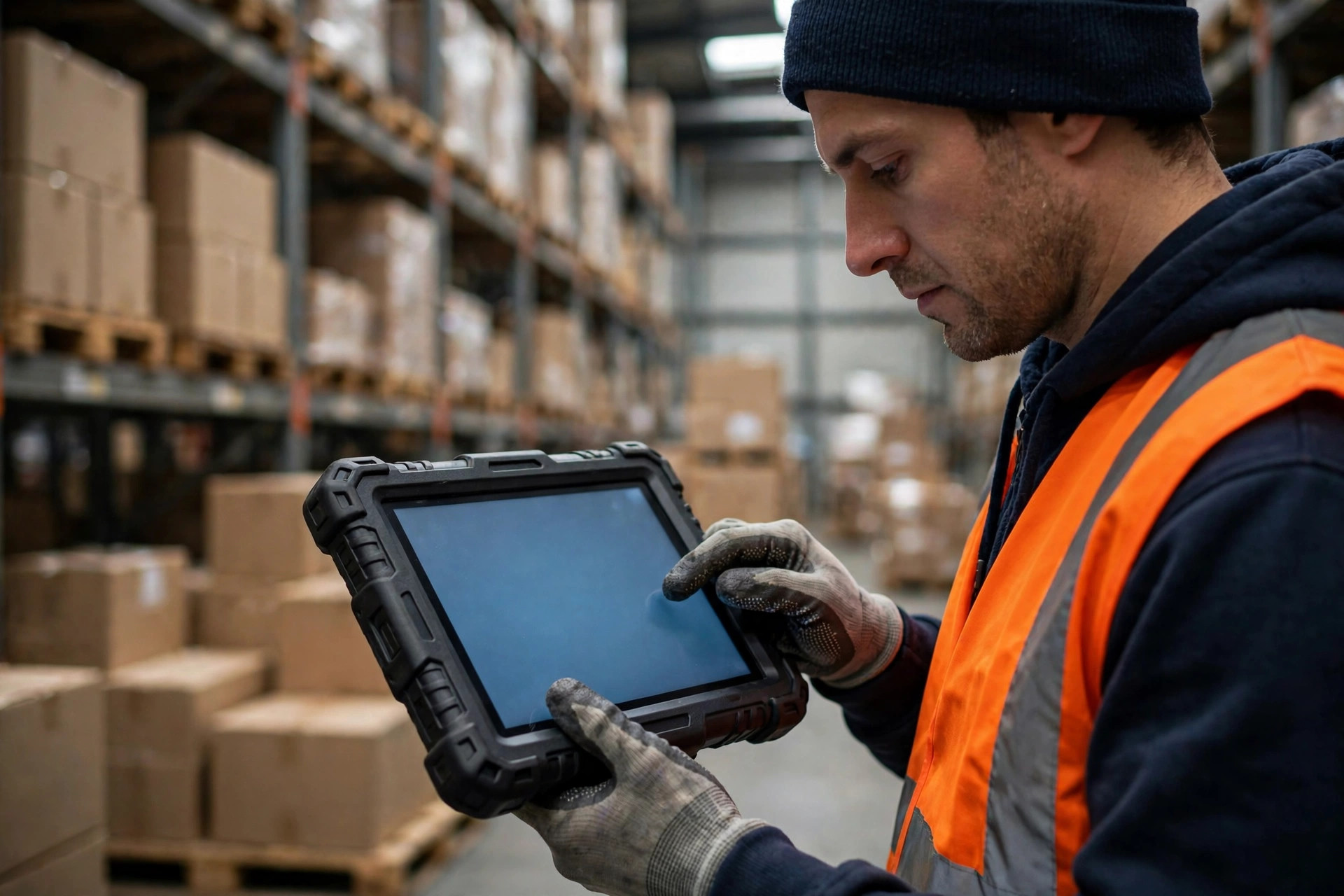
Durability first. A rugged terminal rated for 1.8-meter drops and dust and water resistance is built for concrete floors; a consumer phone in a thick case survives a drop or two, then starts failing in quieter ways. The most common death I see is not a shattered screen. It is a charging port clogged with dust, a phone that will not charge on night shift when there is no spare. Terminals have swappable batteries: swap and keep working. A phone with a dying battery is a phone out of service, and in peak season, waiting on a repair is waiting on revenue.
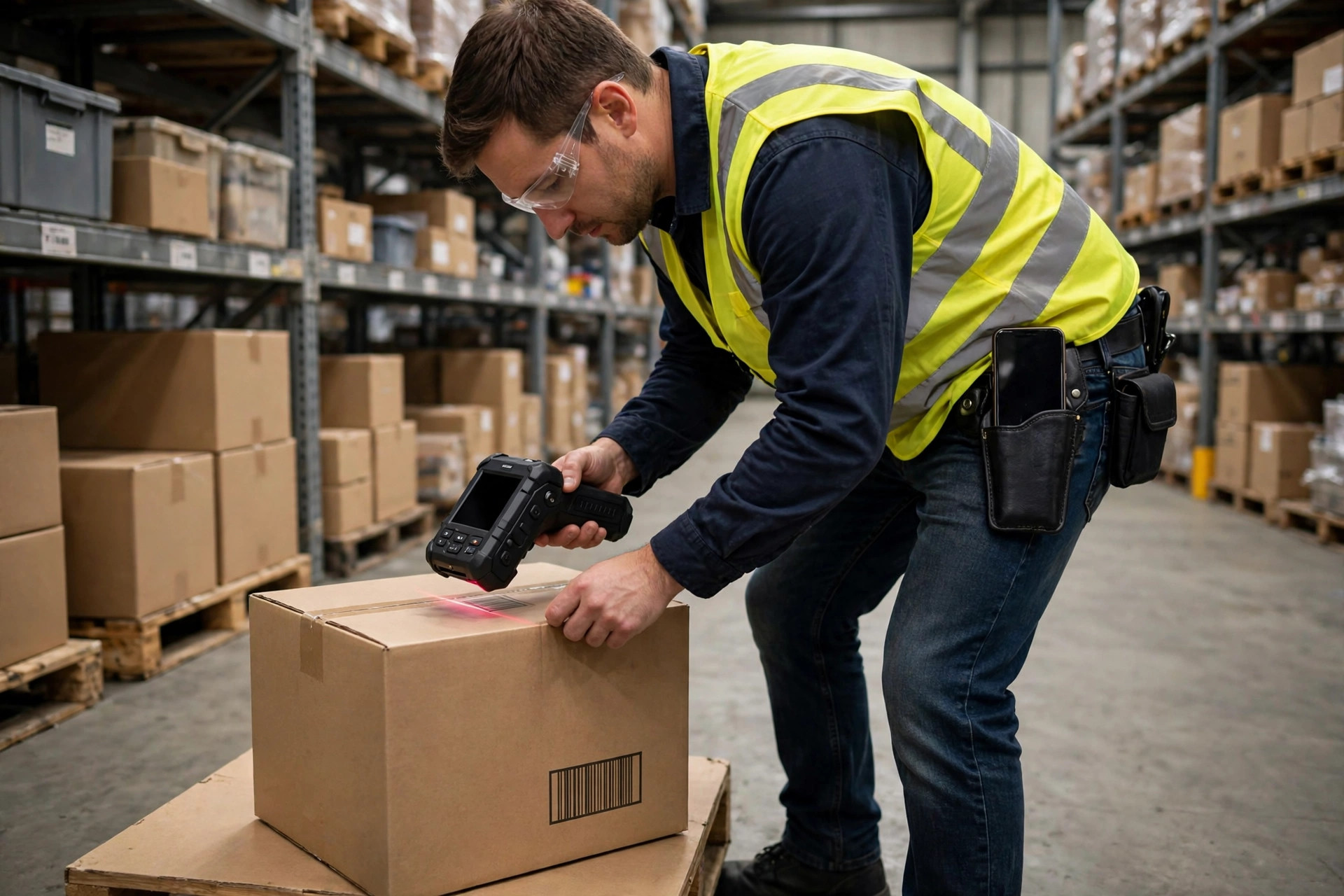
Then the scan rate, where the counterintuitive finding lives. The gap between phones and terminals is mostly not about camera megapixels. It is about how the scan happens. A terminal scans on a trigger pull, one-handed, gloved, at odd angles, on damaged labels. A phone needs two hands, a tap on a screen that gloves do not reliably register, and a viewfinder you cannot always see in bright light. Early in 2026, an e-commerce warehouse in Shenzhen handling home goods ran a head-to-head on 2,000 incoming labels with a high share of damaged barcodes. Phones achieved roughly a 91 percent first-time scan rate; terminals reached about 98 percent. Seven percentage points sounds small until you multiply it by thousands of orders a day and count the rework, the re-picks, and the customer service tickets. Scan rate is invisible on a quiet Tuesday and very expensive in peak.
There is one more line item people leave out of the model: management. Bring-your-own-device sounds like zero procurement, but it creates real administration: which phones can run the warehouse app, how data is wiped when someone leaves, what happens when an operating system update breaks an old handset. Company-owned terminals are boring to manage, and boring is cheap. In a small team this cost rounds to zero. Past a few dozen staff, it becomes a real line in the budget, and it favors the terminal.
A Decision Framework: Three Lines to Draw
Do not decide on gut feel. Draw three lines around your own operation. First, daily scans per person. Below about 300 scans a day, phones are usually good enough, and the savings are real. Above about 800, terminals almost always win, because the efficiency gap alone repays the price difference within a year. Between those lines, look at the second line. Second, environment. Cold storage, dust, moisture, and frequent drops point straight at terminals; phone repair bills climb fastest exactly in those conditions. Third, workforce churn. High shares of temporary and part-time staff make phones attractive, since onboarding is fast and training is minimal. But temporary staff are also hardest on equipment, so budget their damage rate at roughly 1.5 times your permanent staff rate, or your model will lie to you.
The biggest savings lever is one most warehouses miss: do not buy one device for everyone. Mix the fleet by role. High-frequency pickers get terminals; receiving, cycle counting, and supervisors doing occasional scans keep phones with Bluetooth scanners. That Ontario warehouse landed exactly there: 28 of its 42 pickers moved to terminals, the other 14 stayed on phones. Total equipment spend came in about 30 percent below an all-terminal fleet, with roughly half the rework of the all-phone setup. The cheapest fleet is rarely the cheapest device. It is the expensive device placed only where it earns its keep.
So here is the calculable conclusion. High daily scans, harsh environments, and damaged barcodes mean the terminal wins on a three-year total, even at more than double the purchase price. Low daily scans, a clean indoor environment, and a tight budget mean the phone setup is genuinely sufficient, and buying terminals would be money spent for no return. Take your own daily order count, your rework rate, and your last year of repair receipts, plug them into the table above, and trust the number that comes out over any vendor's pitch. That is the whole decision, and it fits on one page.
By Lao Zhou, Logistics Cost Analyst