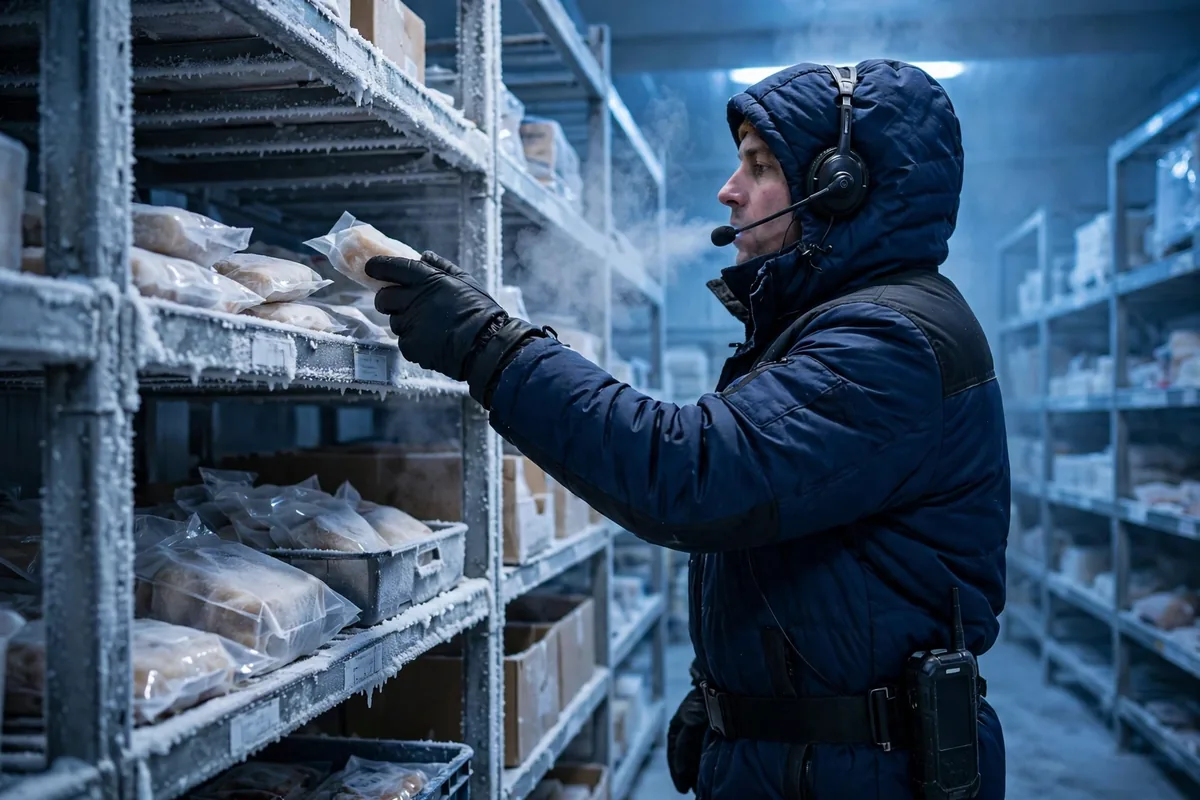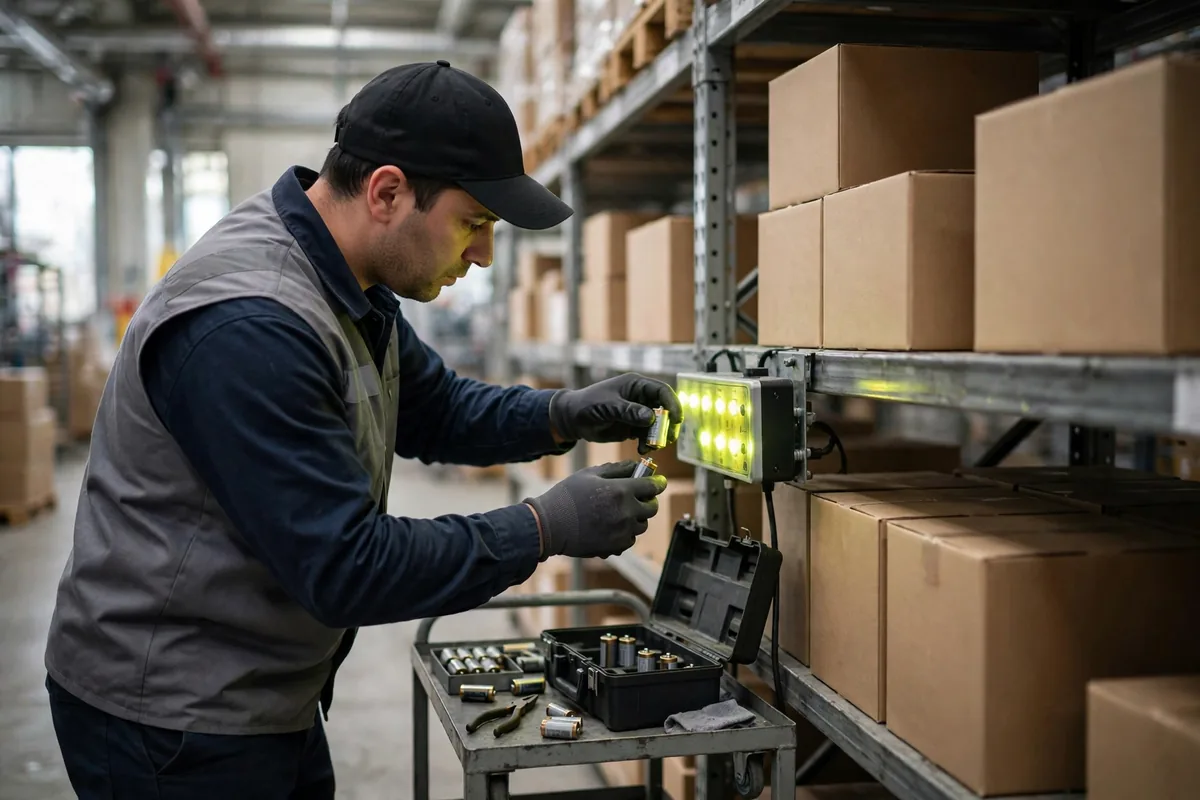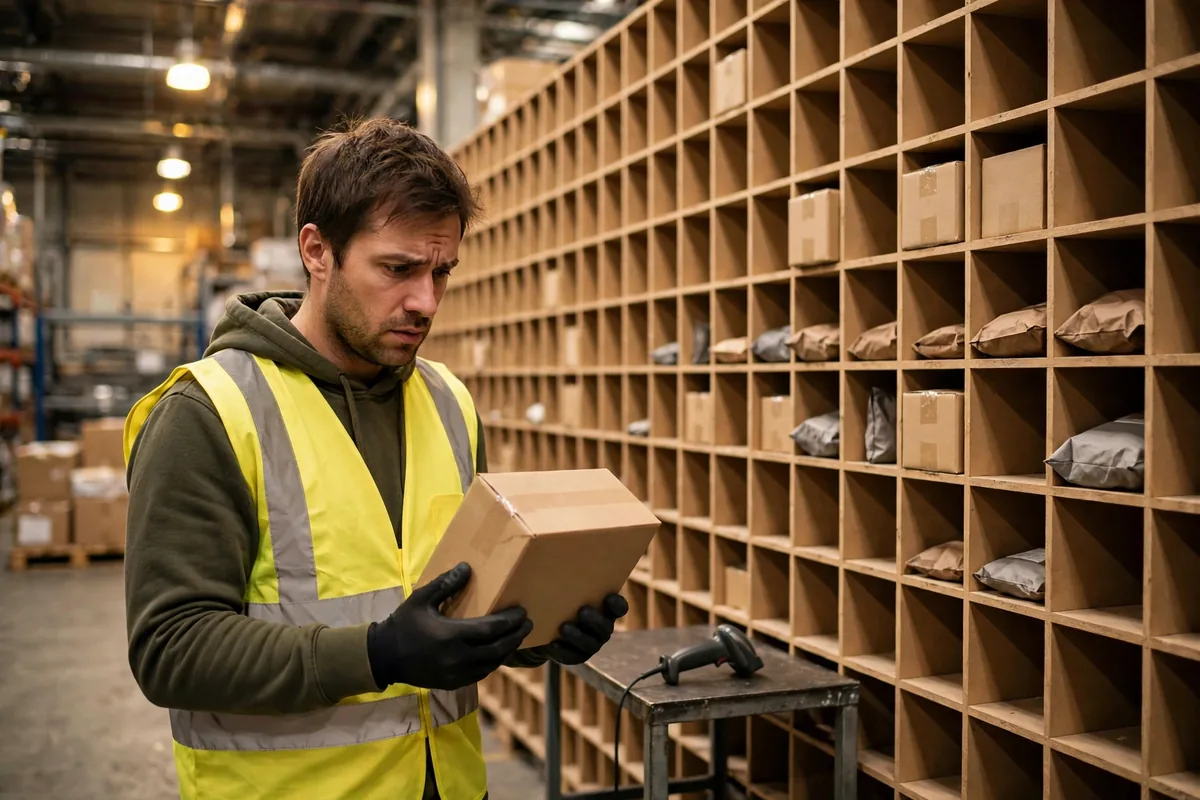
A warehouse pick and sort wall is at its most photogenic on acceptance day. I watched too many walls score full marks at acceptance and turn into the building's most congested corner within three months. The equipment was not the problem. The problem was the exceptions that showed up every day: items that would not scan, labels half-covered by tape, oversized pieces that did not fit any cubby, items dropped into the wrong cubby, and cubbies that filled up with nobody coming to clear them.
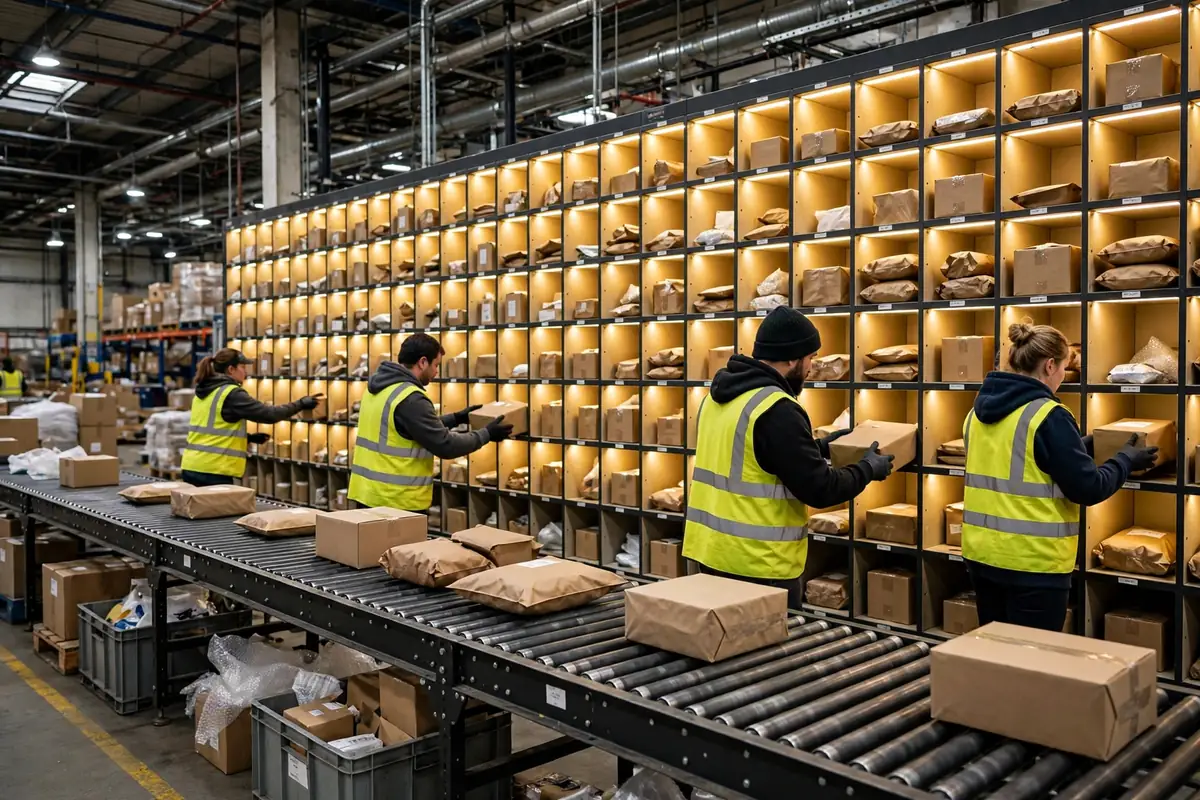
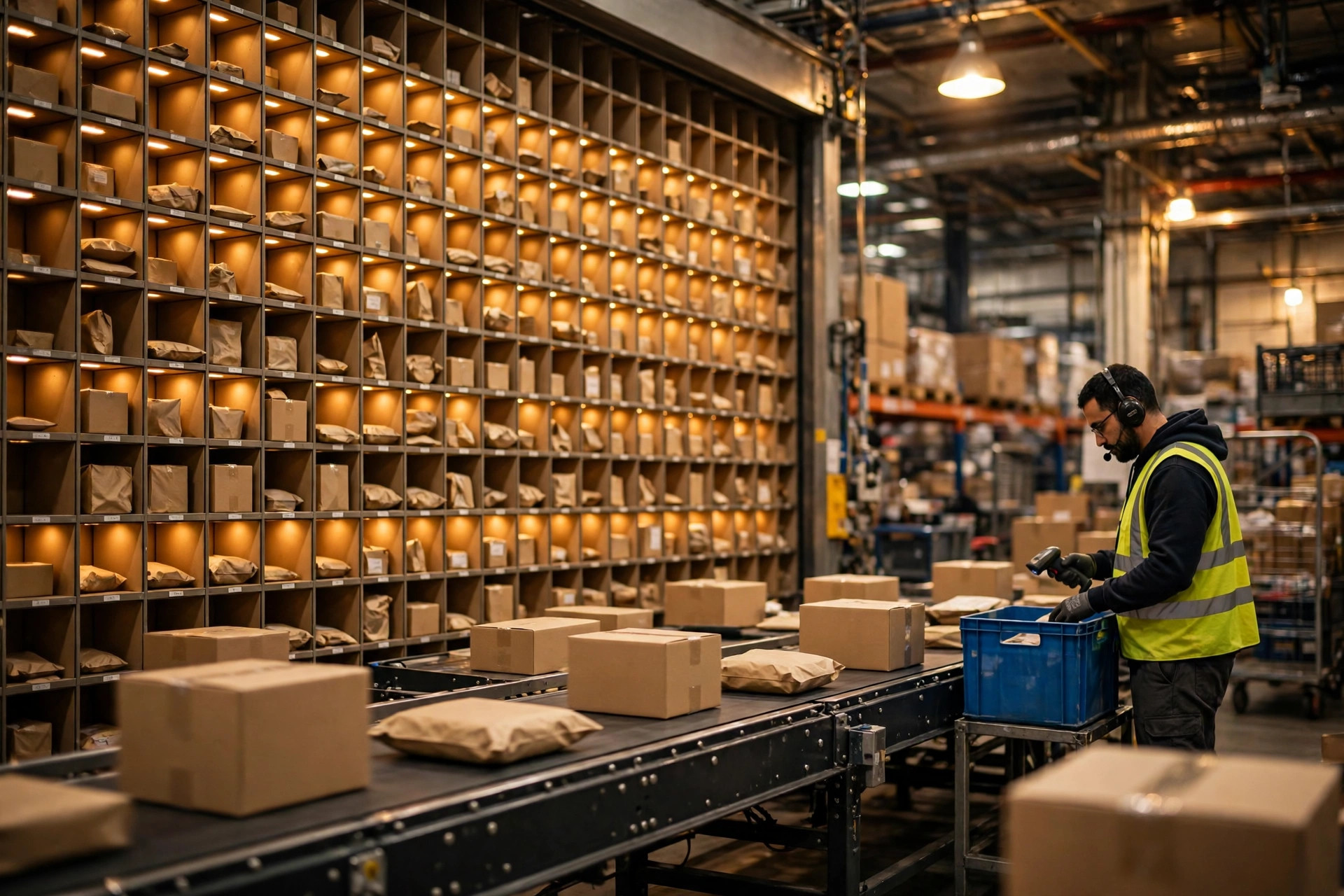
Start with the principle. Think of a sort wall as a grid of lit cubbies: batch-picked goods are thrown into the cubby that matches each order, and once a cubby is complete the whole order goes to pack. An exception is an item with no legal identity inside that flow — the system cannot recognize it, or it recognizes it and has nowhere to put it. It has exactly two fates: it stops where it is and drags the whole line down, or somebody stuffs it into a random cubby and it becomes the next order's mis-ship.
The five faces of trouble on a warehouse pick and sort wall
Exceptions fall into five kinds.
The first is the no-read. The label is there; the code will not decode. The usual causes: poor print quality, a label across a seam or a curved surface, and tape covering one corner of the code. Vendor-tested figures put first-read rates for fixed-mount area imagers at roughly 99.5–99.9%, and handheld 2D imagers at 99.0–99.9%. That remaining fraction, multiplied by tens of thousands of items a day, is dozens to hundreds of exceptions daily.
The second is the damaged or missing barcode. A carton gets knocked on a conveyor or clipped by a forklift, and half the label is gone. No quick fix — someone looks up the order number by hand, and if that fails, traces the item back to the pick.
The third is the oversized or overweight piece. Every cubby has a size limit. Plenty of warehouses only test regular items before go-live and never measure the oversized share, so the first week after launch a pile of big items is queuing beside the wall every day.
The fourth is the mis-sort: the wrong cubby, lit or unlit. The system believes the order is complete, the pack station packs whatever is in the cubby, and the wrong item ships with somebody else's order.
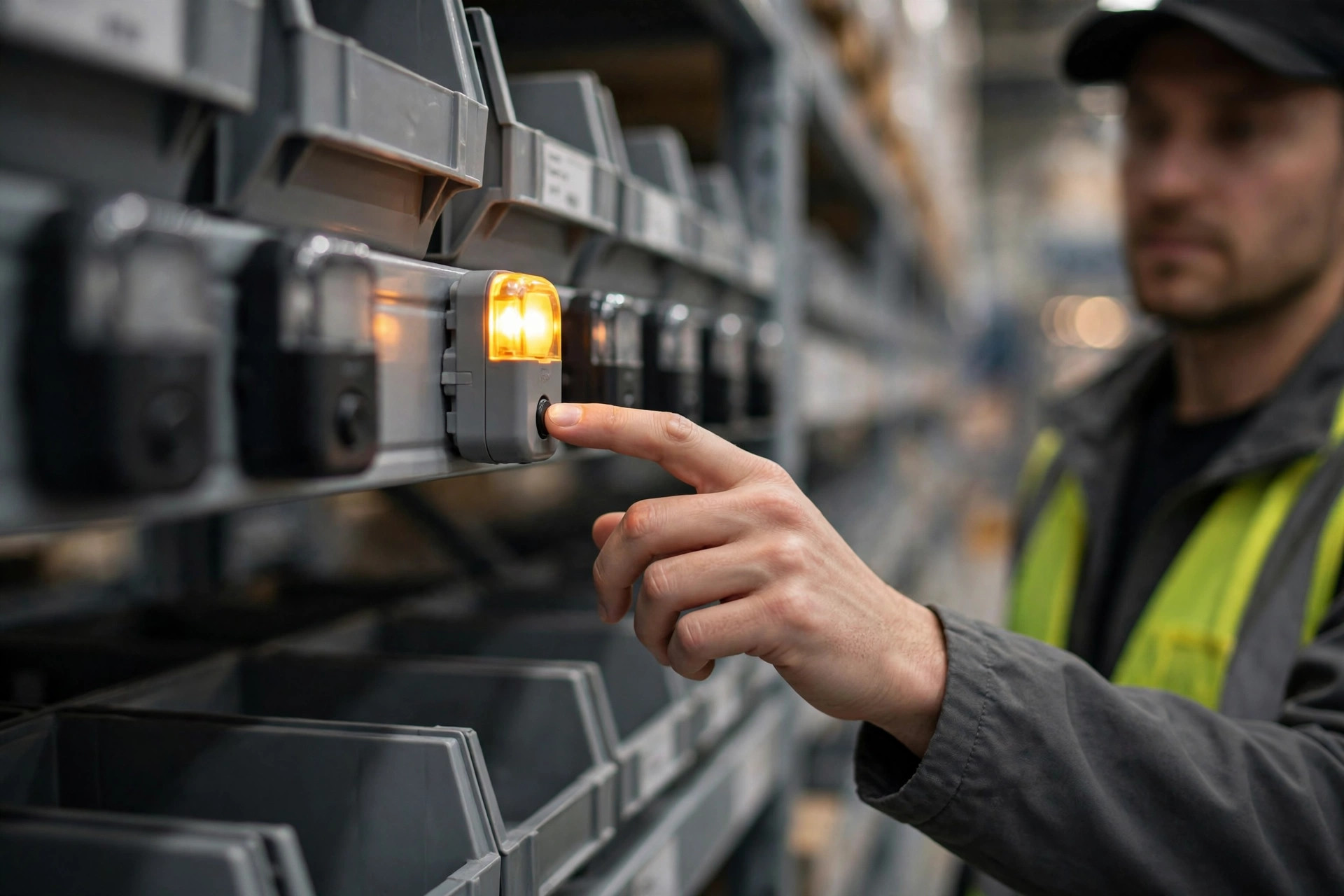
The fifth is the full cubby nobody clears. The order in the cubby is complete and should have been taken to pack, but the pack station is busy and the cubby stays occupied — a rhythm problem, not an equipment problem.
Three exits: the exception playbook for a warehouse pick and sort wall
One iron rule: an exception must never be handled on the main line — stop it for one minute and everything behind it waits. It needs a destination within seconds, and there are only three: recirculate for a second scan, go to the exception desk, or be held for its order.
Recirculation fits items that might read on a second pass — a bad angle, a glare. The cost is loop capacity: a full loop blocks the main line just as surely as a stopped belt. One chance only — if it still does not read, straight to the exception desk.
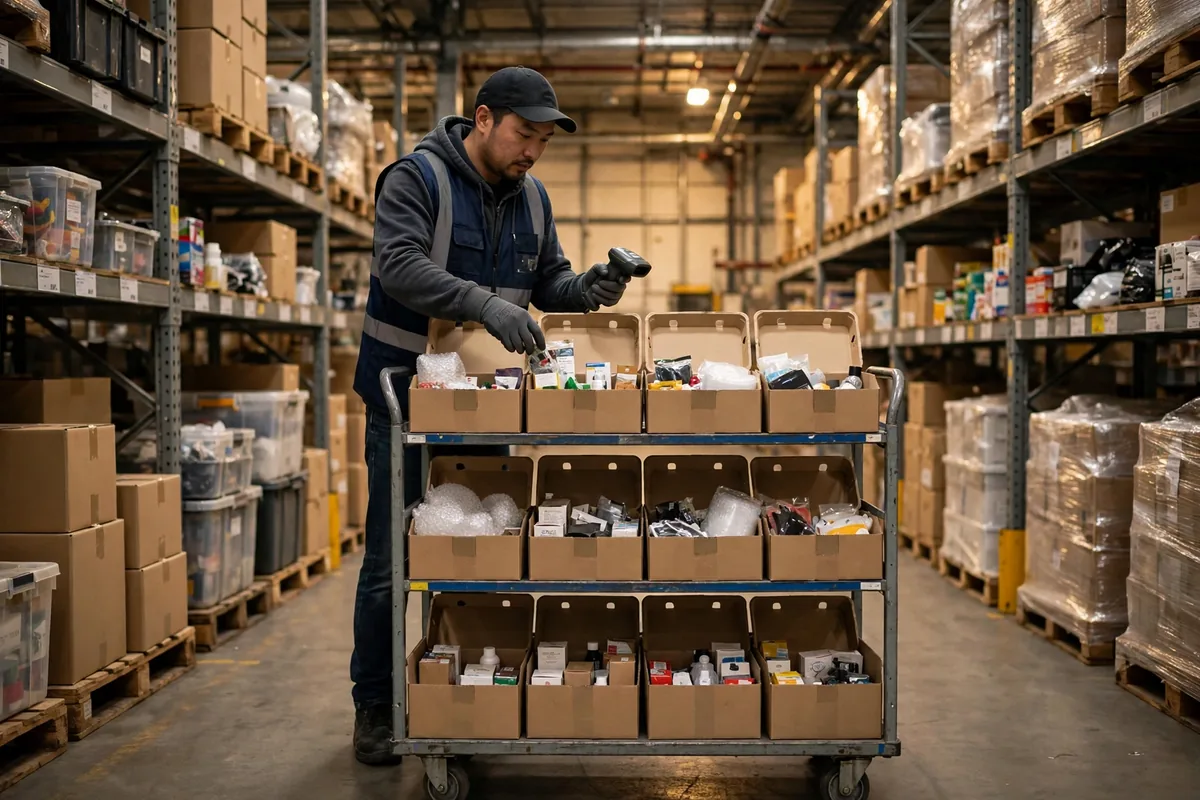
The exception desk is the core of the system: one bench, one handheld scanner, one terminal that can look up orders. Four steps: rescan; key in the order number by hand; check the pick record; tag it "pending investigation," photograph it, and file it. Nothing stays overnight — anything uncleared needs a supervisor's signature to roll over.
Holding fits items that are correct but temporarily homeless — a full cubby, or a suspended order. The hold area is separate, each item tagged with its order number and hold time. Unclaimed after four hours, it triggers an automatic alert: probably a mis-sort, or a cancelled order.
Two scenes from warehouses I worked in; figures are illustrative scenarios. In November 2025, a 3PL warehouse in Ontario, California pushed about 24,000 items a day through its wall at peak, and the exception rate spiked to 4.8%. The desk accumulated more than 1,100 items a day, around 300 still uncleared at night shift's end. Upstream, a new label printer's ribbon had not been adjusted properly and a whole batch of labels printed faint — first-read rate fell below 97%. The printer was adjusted; the rate was back under 1% the same day.
The second scene: a Texas e-commerce warehouse in March 2026, where full cubbies kept recurring. One day of measurement settled it: the wall threw 900 items an hour, the pack station could only clear 780 cubbies an hour, and the missing 120 piled up beside the wall. The fix was moving the "cubby full" warning earlier — the light turned amber when an order was one item short of complete, and the pile-up vanished the same day.
The exception-rate control table: what counts as normal
Counterintuitive part: a lower exception rate is not always better. Driving it to zero costs more than the exceptions themselves. Premium labels for everything, double scanning every item — you can push the rate below 0.3%, but you will spend three times what the exceptions were costing you. Exception rate is a business metric, not a quality contest.
| Exception type | Normal range (illustrative) | First action | Escalation trigger |
|---|---|---|---|
| No-read | 0.5%–1.5% | One recirculation pass | Over 2% for one hour — check printer, labels |
| Damaged barcode | 0.2%–0.5% | Manual order-number entry | Over 0.8% in a day — check upstream packing |
| Oversized / overweight | 1%–3% by category | Straight to the oversized pack area | Rising share — re-check cubby dimensions |
| Mis-sort | Under 0.1% | Re-check and re-throw the whole cubby | More than 3 in a day — check lights and training |
| Full cubby uncleared | 0 | Amber early warning, pack-station prep | Same cubby uncleared 2 hours — supervisor steps in |
Now the money. Suppose a warehouse pushes 20,000 items a day through the wall at a 2% exception rate: 400 exceptions a day. At 2 minutes each, that is 800 minutes, about 13.3 labor hours. At $25 an hour, that is $333 a day, about $83,000 over 250 working days a year. Cutting the rate from 2% to 1% saves more than $40,000 a year — enough for two good printers plus a year's label stock. Figures are illustrative scenario assumptions; the cost sits in labor hours, not equipment depreciation.
Mis-sorts deserve a separate line: their cost sits in customer service and returns, not at the exception desk. One mis-ship — return freight, reship freight, service time — easily passes $30. That is why the control line for mis-sorts has to be far tighter than for no-reads: a no-read only costs time, a mis-sort costs money. My rule: scan once more to confirm rather than throw from memory. Two seconds saved, $30 lost on one wrong order.
One pseudo-need worth firing at: the "AI camera that automatically identifies exceptions." The problem was never "we don't know what this item is" — it is "we know what it is and still have nowhere to put it." A camera can read the surviving characters on a damaged label. It cannot fix a full cubby, a suspended order, or an oversized item that does not fit. Get the three basics right first — desk, recirculation rule, hold area — then talk about recognition upgrades.
The exception playbook is a different question from how the wall itself is chosen. For the selection logic, cubby sizing, and the basic flow of a put-to-wall secondary sortation system, see our earlier guide. This article answers only one question: once the wall is running, where do the exceptions go every day?
A final maintenance note. Wipe the scanner lenses once a week — dust builds up slowly and first-read rate slides down before anyone notices. Ribbons and print heads are consumables: if the printed code comes out faint, the person who changed the ribbon owns the problem, not the wall. Read the exception desk log every day: which type is rising, which hours it clusters in, which SKU family it hits. Those three numbers tell you what to fix next month.
Is the money worth it? Look at one number: the cost of one exception. If a clean item costs $0.10 to move through the wall and you can keep an exception under $0.50, the playbook pays for itself. Past $1.00, you are not handling exceptions — you are feeding an inefficient process. Work out that number first, then decide: add people, add equipment, or go back and fix the labels.
By Da Liu, Automation Engineer