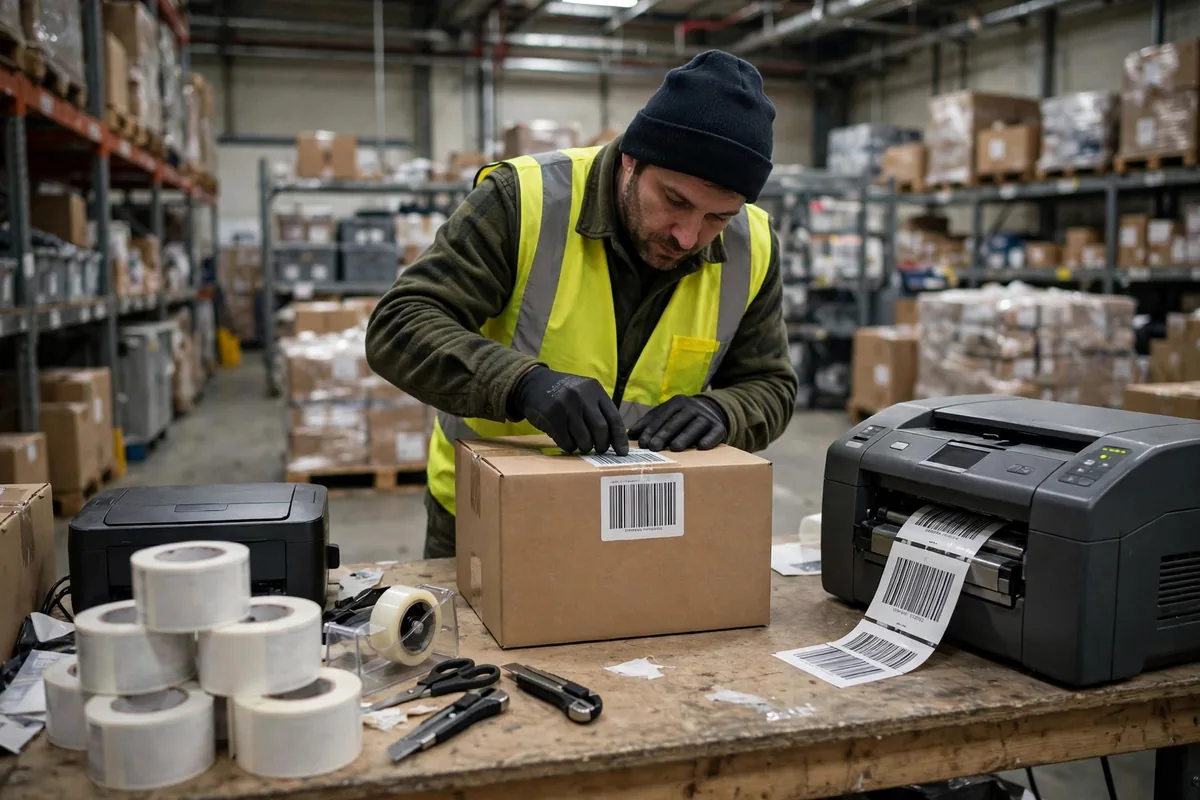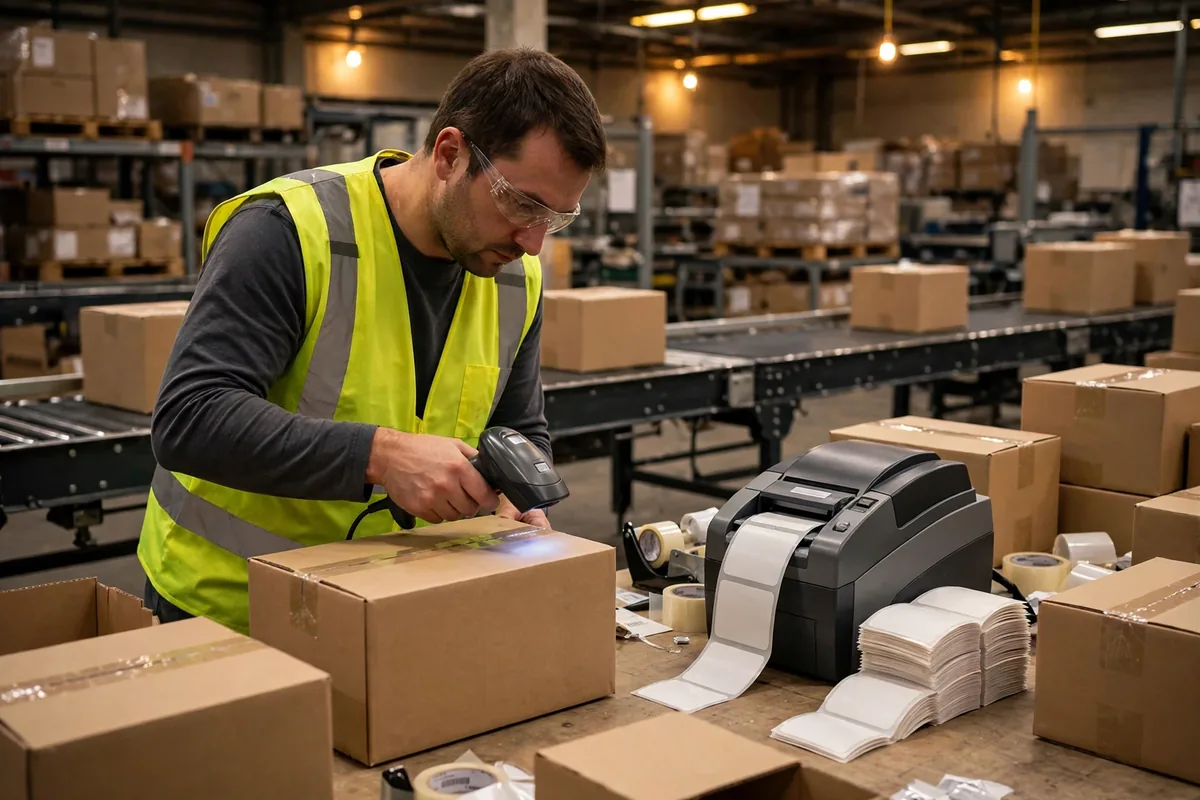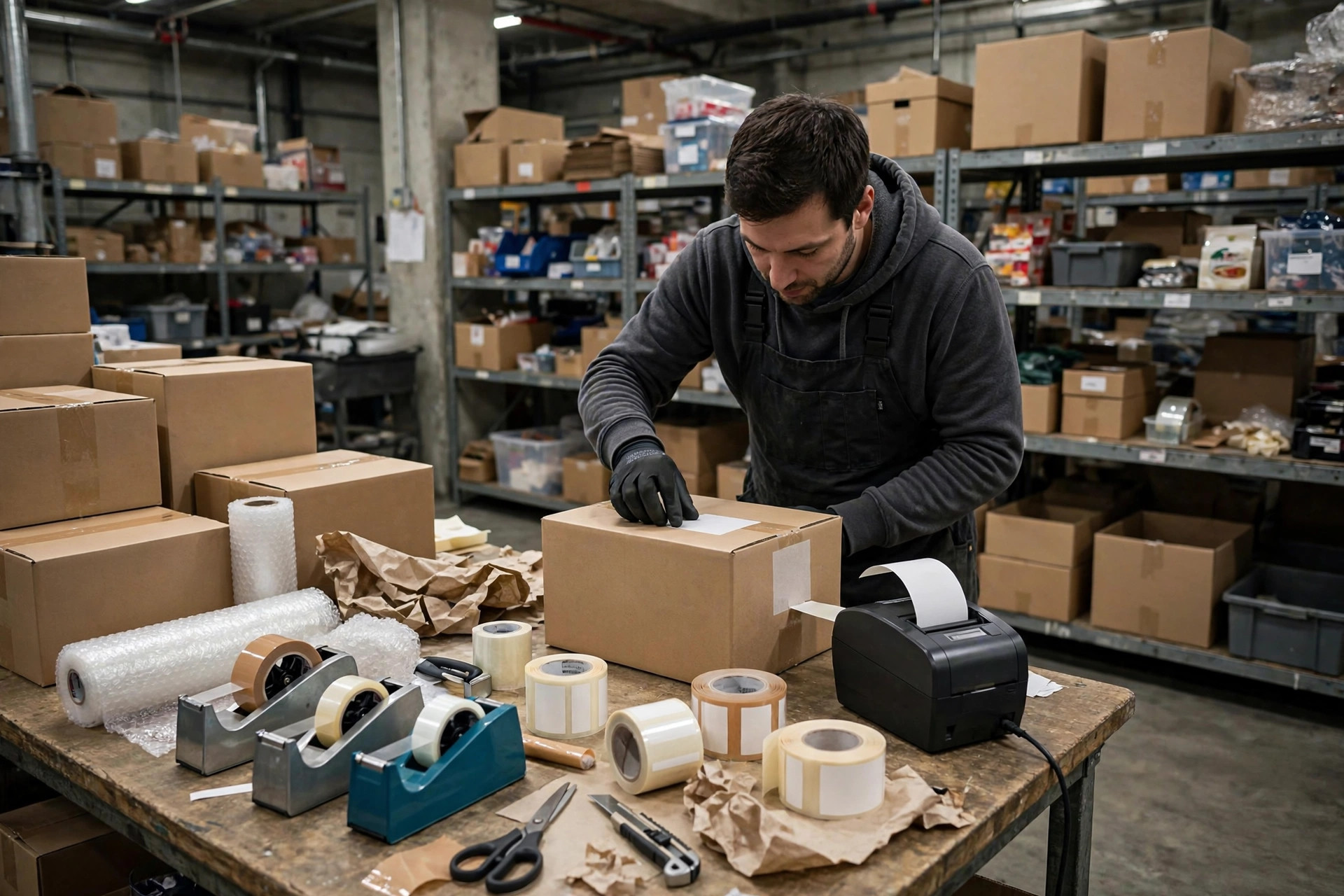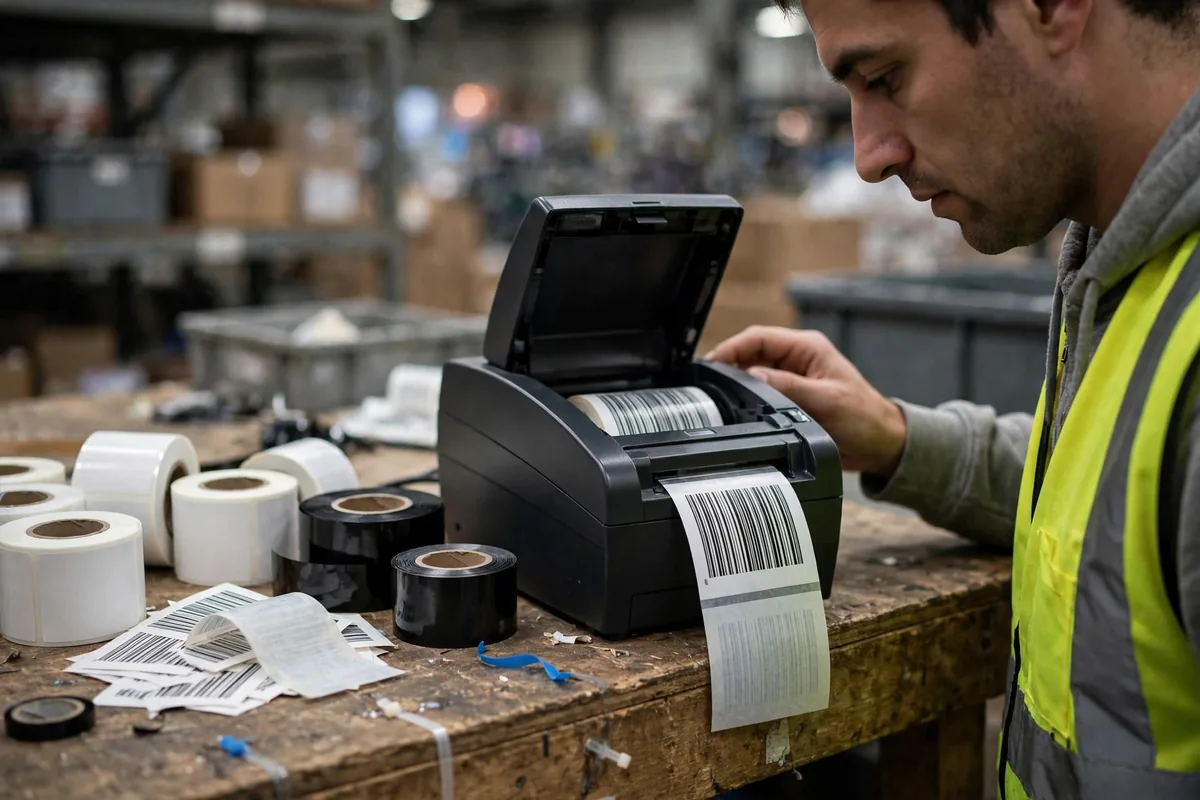
Let me put the conclusion up front: when warehouse barcode printing systems and printers start producing faded, broken, or unscannable labels, the printer itself is usually innocent. The culprit is almost always a mismatch among four parts — printer, ribbon, label, and template. People replace the printer first and wonder why the new one prints just as badly, because the fault was never in the printer. My order never changes: characterize the failure first. Whole batch faded, or occasional labels? Break always in the same position, or random? Started right after a consumable change, or with nothing changed? Those three questions cut the search space roughly in half before you touch a setting.
Barcode Printing Basics: How Thermal Transfer Actually Works: Heat, Pressure, and Speed Fighting Over One Label
Thermal transfer printing is, at heart, a printhead heating up and melting ink off a ribbon onto a label — like ironing a design onto fabric: too little heat and it never bonds, too much and it smears, too fast and heat never transfers, uneven pressure and one side goes faint. Three variables fight over the same label: temperature, speed, and pressure. Temperature and speed sit on a seesaw — raise speed and each patch gets less heat, so print goes pale; drop speed and heat piles up, so fine lines blur. Pressure is separate: uneven pressure gives a label solid on one side and ghostly on the other, which looks like a printer defect but is usually just unlevelled pressure knobs.
Barcode Printing's Four-Part Match: Printer, Ribbon, Label, Template, One by One
Part one is the printer, and the two things that matter are resolution and printhead condition. A 203dpi head is the workhorse for shipping labels; 300dpi belongs on small labels and dense barcodes. A very small barcode on a 203dpi head has narrow bars only a dot or two wide, so the slightest blur makes it unscannable — a resolution shortfall, not a quality failure. Printhead condition has a crude but reliable test: print a solid black test strip, and a white line running the full height means a dead element. A dead element cannot be compensated for by raising temperature, because no amount of heat replaces a heating point that no longer fires. Replace the head.
Part two is the ribbon, in three grades: wax, wax-resin, and resin. Wax is cheap and fast, fine for plain coated-paper labels in short indoor circulation. Wax-resin survives more abrasion and light moisture. Resin resists abrasion, solvents, and heat, suiting outdoor, cold-chain, and chemical environments — but it costs most and needs higher temperatures. Using wax on PET synthetic labels is like writing on plastic with a watercolor pen: the pen is fine, the surface is wrong. Ribbons also have a direction problem: coated-side-in versus coated-side-out, and winding one the wrong way means the printhead heats the back of the ribbon, so the first label comes out blank. Check orientation before calling for repair.
Part three is the label, where both material and adhesive must fit the job. Coated paper is cheap and prints beautifully but hates water and abrasion. PET synthetic labels are waterproof and scuff-resistant but demand wax-resin ribbon or better. Direct thermal paper needs no ribbon but fears heat, light, and friction — a label left in a sun-baked vehicle fades — so it suits short-life documents, not asset tags that must last months. Gap sensing matters too: a miscalibrated sensor or inconsistent label gaps lets print position drift until barcodes land across a seam, where no scanner can read them. After switching batches, print ten test labels first.
Part four is the template, where the most common false demand hides. A barcode stretched, squashed, or passed through design software with altered proportions may look like a barcode while being unreadable: narrow-bar width, wide-to-narrow ratio, and the quiet zones on either side all matter. If text eats into the quiet zone, the scanner cannot find the start; if scaling shrinks narrow bars below printer resolution, a 203dpi head cannot place a single dot reliably. The fast isolation test: same printer, ribbon, and label, but a plain standard template. If the standard label scans, the original template is at fault; if not, move to hardware.
| Symptom | Check this part first | Most likely mismatch |
|---|---|---|
| Whole batch pale | Temperature/speed, ribbon grade | Speed too high, or resin ribbon at wax temperature |
| Fine lines blurring | Temperature, label material | Temperature too high, or coated paper overheated |
| Fixed vertical white line | Printhead | Dead element — replace the head |
| Random breaks, patchy print | Ribbon, label surface | Wrinkled ribbon, or damp, bubbled labels |
| Print rubs off | Ribbon grade, label material | Wax on PET, or job needs wax-resin or better |
| First label completely blank | Ribbon direction | Coated side wound the wrong way |
| Print position drifting label by label | Gap sensor, label batch | Sensor uncalibrated, or inconsistent label gaps |
| Looks like a barcode but will not scan | Template | Barcode stretched, quiet zone crowded, narrow bars below resolution |
Two Shop-Floor Cases: Same Printer, Two Completely Different Root Causes
The first case comes from summer 2024, at an e-commerce warehouse where outbound labels suddenly stopped scanning for three days. The team replaced the printer — no change — then the ribbon — no change — then nearly replaced every scanner in the building. On site I asked the three questions: did it start after a consumable change? Yes, a new label batch the previous week. Whole batch bad? No, intermittent. Same position? No, random. Ten labels on the previous batch all scanned; ten on the new batch, three failed. The fault was the label batch itself: its coating was uneven, and some spots did not take ink. The supplier had changed its coating process without notice, and the batch went back. The lesson: isolate one variable at a time; swapping printer, ribbon, and labels together destroys the evidence.
The second case comes from early 2025, at a cold-chain warehouse whose pallet labels lost print overnight in the cooler. Labels printed fine at room temperature, then went blotchy after a night in cold storage. The team assumed temperature was too low and kept raising it until barcode edges blurred — and print still flaked off. The real cause was ribbon grade: wax ribbon bonds weakly in cold, damp conditions, and pallet handling friction finished the job. Switching to wax-resin ribbon and returning temperature to normal fixed it the same day. The expensive part was not the ribbon price difference; it was the labels ruined by overheating plus the rework labor. Temperature solves temperature problems; adhesion problems need the right ribbon grade.
The Maintenance Traps: What You Save on Consumables, You Pay Back in Downtime
Three traps show up most often. First, never cleaning the printhead: paper dust and ribbon residue build a film, heat stops transferring, and print gets paler week by week. Power off, let the head cool, wipe in one direction with an alcohol swab — never scrub back and forth. A high-volume station earns a daily wipe; a low-volume one, weekly. Second, stocking ribbons and labels separately and mixing them freely, so nobody can trace which combination was running when something fails. Manage ribbon-and-label as a numbered pairing: a validated combination gets a number, and operators load by number. Third, the false demand for bigger hardware: not every "won't scan" justifies a 600dpi industrial printer when the fault is a template that stretched the barcode. Before approving any upgrade, print one control label on a standard template with standard consumables — if it scans, the upgrade budget stays at zero.
Is the Money Worth It? Watch This One Number
No slogans here, just one calculation: add up the monthly rework hours this printer causes — reprinting, rescanning, hunting for goods, correcting orders, handling complaints — and multiply by the operator's hourly cost. If that figure runs above a new printhead's price for two months in a row, replace the head. If it runs above a new printer's monthly depreciation, then talk about replacing the machine. Most warehouses that run this calculation find the money they actually need is not new hardware at all, but half a day aligning ribbon grade, label material, and template dimensions once, properly. When the equipment is not at fault, do not make it take the blame.
For the other half of the story — how the whole system should be set up in the first place — see warehouse barcode system setup: labels, scanners and printers. That guide covers building from scratch; this one covers troubleshooting once it is running.
By Da Liu, Automation Engineer