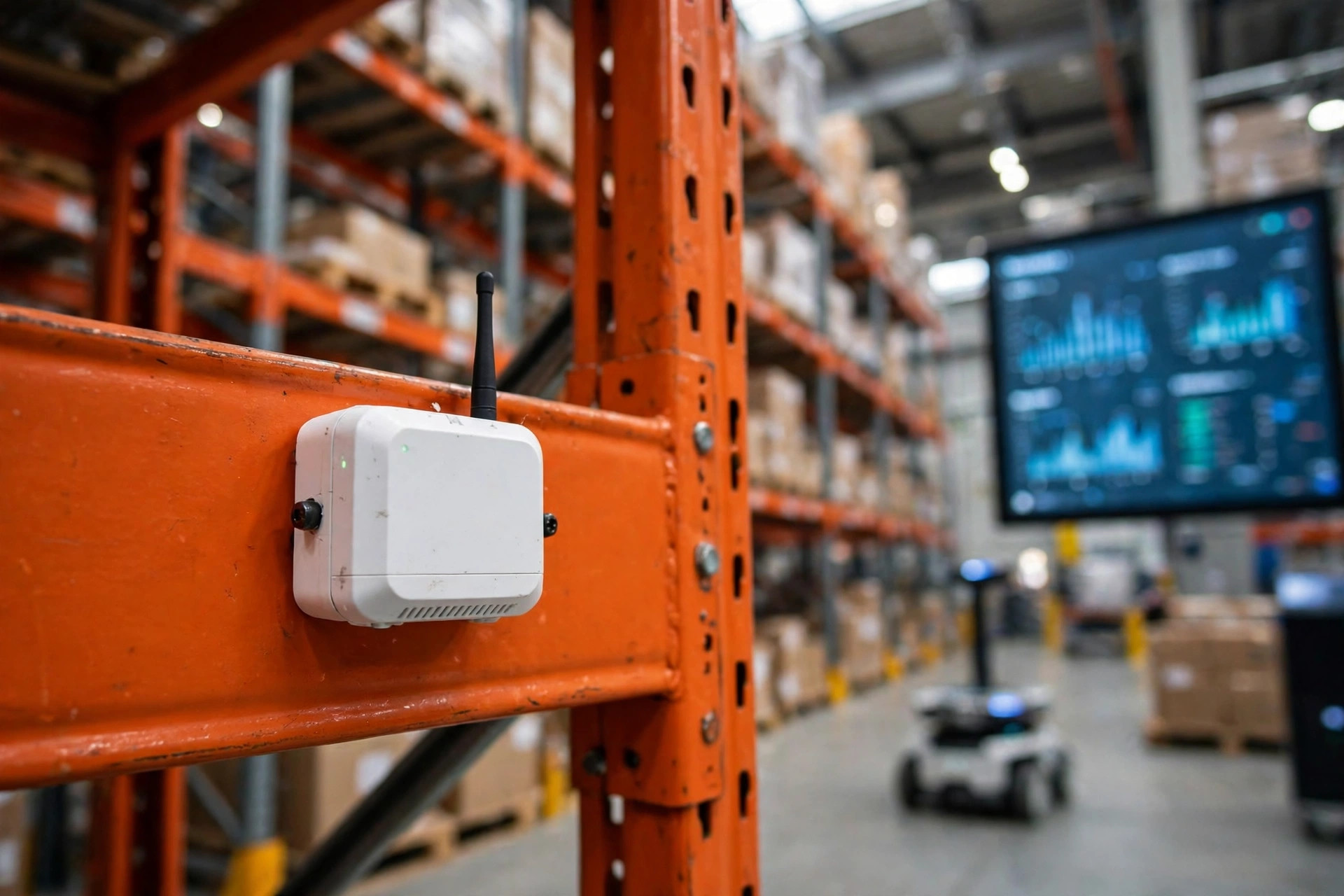
Short answer: warehouse temperature and humidity monitoring pays off in three places — placement, alert triage, and power-outage continuity — and buying fancier probes alone is the fastest way to waste the budget. I have watched this play out the same way more than once: a warehouse installs an impressive-looking system, leaves a blind spot behind the racks, lets alerts pile up until nobody reads them, and loses several hours of data in a power cut. When a customer then asks what happened to their goods, the team has charts for everywhere except the one place that matters. This is a pitfall I have seen three times, and each time the rescue cost far more than getting placement right in the first place.
Temperature and Humidity Monitoring: Three Budgets Worth Arguing About
Placement decides whether you are looking at reality. Alerts decide whether anyone acts. Continuity decides whether you can reconstruct what happened afterwards. Accuracy comes after those three. A single misplaced sensor can mislead a whole building, however pretty the average looks on a dashboard. An alert system that cannot tell a minor blip from a real excursion will train people to mute it. And a gap in the record during an outage undermines everything that came before it, because the missing hours are exactly the hours a customer will ask about.
Think about an ordinary ambient warehouse in summer. Sensors in the open aisles may read comfortably while the air trapped behind a tall rack row near a sun-heated wall runs noticeably hotter and damper. Show a customer the aisle chart when their cartons arrive damp, and they will not accept it as an explanation. A cold room is even less forgiving: every door opening pulls in warm, moist air, condensation forms near the entrance first, and a sensor at the far end may not react for hours.
Placement: One Table, Applied Zone by Zone
Do not place sensors by drawing an even grid on a floor plan. Walk the building first, split it into four kinds of zone, and fix the placement logic for each one in writing. That list becomes the go-live checklist.
| Zone | Placement rule | What teams usually miss |
|---|---|---|
| Rack aisles | Mid-aisle, around working height, so readings reflect the working environment | The deep rack interior, where air barely moves |
| Docks and doorways | One point inside and one outside, to see the gap across the door | The outdoor side, so condensation at the door has no visible cause |
| Cold rooms | Near the door, near the cooling unit outlet, and in the far corner | The far corner, which nobody visits daily |
| Mezzanines and high bays | Paired high and low points, to reveal stratification | The high point, where heat collects unnoticed |
In August 2023, a third-party warehouse outside Hangzhou learned this the hard way. The site covered more than 8,000 square meters of ambient storage for household goods, with over 20 sensors spread through the aisles. It looked thoroughly covered. The failure sat behind one tall rack row, less than half a meter from the wall: the wall absorbed heat all afternoon, air behind the rack barely circulated, and cartons on that row softened with damp. When the customer complained, every aisle chart looked normal, because the affected stock sat in the one place nobody had measured. The fix cost almost nothing — four extra points, two high and two low behind that rack row — and on the first hot afternoon afterwards, the high point behind the rack read several degrees above the aisle, with clearly higher humidity. The money saved by skipping those points had already been spent several times over on claims and rework.
One more placement rule belongs on every checklist: record the height of each point. A reading at floor level and a reading near the ceiling are two different stories. Wherever it matters, keep a paired reference point nearby, so a single jumping sensor can be checked against its neighbor before anyone raises an alarm for the whole building.
Alert Thresholds and Escalation: Tiered, Never One-Size-Fits-All
The worst alert design is a single threshold for the whole building and one identical alarm for every problem. Small events ring constantly, large events blend in, and the team stops believing the system. Thresholds should vary by product and zone, and escalation should be written down with times attached.
| Level | Typical trigger | Who responds | Escalation if unhandled |
|---|---|---|---|
| Notice | One point briefly out of range, recovering within about 15 minutes | Shift lead takes a look | To the supervisor after about 30 minutes |
| Warning | Several points in one zone out of range, or one point out for about an hour | Supervisor inspects on site | To the warehouse manager after about 2 hours |
| Emergency | Cold-room temperature climbing steadily, or humidity far out of range for hours | Warehouse manager plus the equipment lead, together | Immediate phone call, plus the transfer plan |
Do not copy threshold numbers from another warehouse's table. Food, consumer goods, and ambient storage tolerate different conditions, and even two zones in one building may need different limits. My approach is to sort products into three bands, set working thresholds as approximate figures with roughly a 10 percent buffer against normal sensor fluctuation, and get the customer to sign off on them. Treat all figures as approximate and confirm them against measured conditions and the manufacturer's specifications. A threshold the customer has agreed to is a shared reference when something goes wrong; a threshold nobody discussed is just an argument waiting to happen.
In March 2025, a cold storage site near Ningbo showed what happens when triage is missing. The system produced more than 40 alerts a day: door openings, defrost cycles, and sensor drift all mixed together. By the third day, the night shift had stopped reading them one by one. On the ninth night, one cooling unit lost capacity and temperature climbed slowly for over three hours. The real warning sat buried among dozens of routine notices, and nobody picked it out. By morning inspection, stock near the door had partially thawed, with losses above 200,000 yuan on that batch alone. Looking back, the genuine signal had been there all along. It had simply been drowned out.
That leads to a judgment many operators resist at first: more sensors can make monitoring worse. Double the points and you often double the alerts, and a team that cannot work through them will drift from reading each one to clearing them in bulk. Place points where they represent a real problem, and filter alerts down to a number humans can actually handle. The bottleneck is rarely too few probes.
Continuity After a Power Cut: Temperature and Humidity Monitoring Must Not Go Dark
Power cuts are the most underestimated part of the whole setup. People assume that when power returns, the data simply resumes. In practice, many probes stop sampling when they lose power, and when the system comes back it jumps from the last pre-cut reading to the current one, leaving the middle blank. A customer asking what their goods went through during the outage gets no answer, and that blank stretch is harder to explain than an excursion itself.
On the go-live checklist, I insist on testing this live, not accepting a verbal assurance. The test has four steps. First, confirm each probe has battery backup or an independent supply that keeps it sampling for roughly four to eight hours, with the exact duration taken from the manufacturer's specifications. Second, confirm the gateway stores readings locally while the network is down and uploads them automatically once it reconnects, with no manual export step. Third, pull the breaker for real — about 30 minutes — and check that the restored curve has no gap. Fourth, write down the alert plan for an outage in advance: a local buzzer, a text message, or a queued push once the network returns, with at least one channel that reaches the duty team while the network is still down.
One detail matters after recovery: do not smooth the restored curve. Mark the backfilled data with its upload time and keep the original break visible. A continuous curve with its gap clearly marked is far more credible to a customer or an auditor.
If I had to compress the whole job into one piece of advice, it would be this: walk the placement, pull the alarm test, and pull the breaker before go-live. Three practical checks, done in person, matter more than buying a more expensive probe.
By Lin Xiao, WMS Implementation Consultant