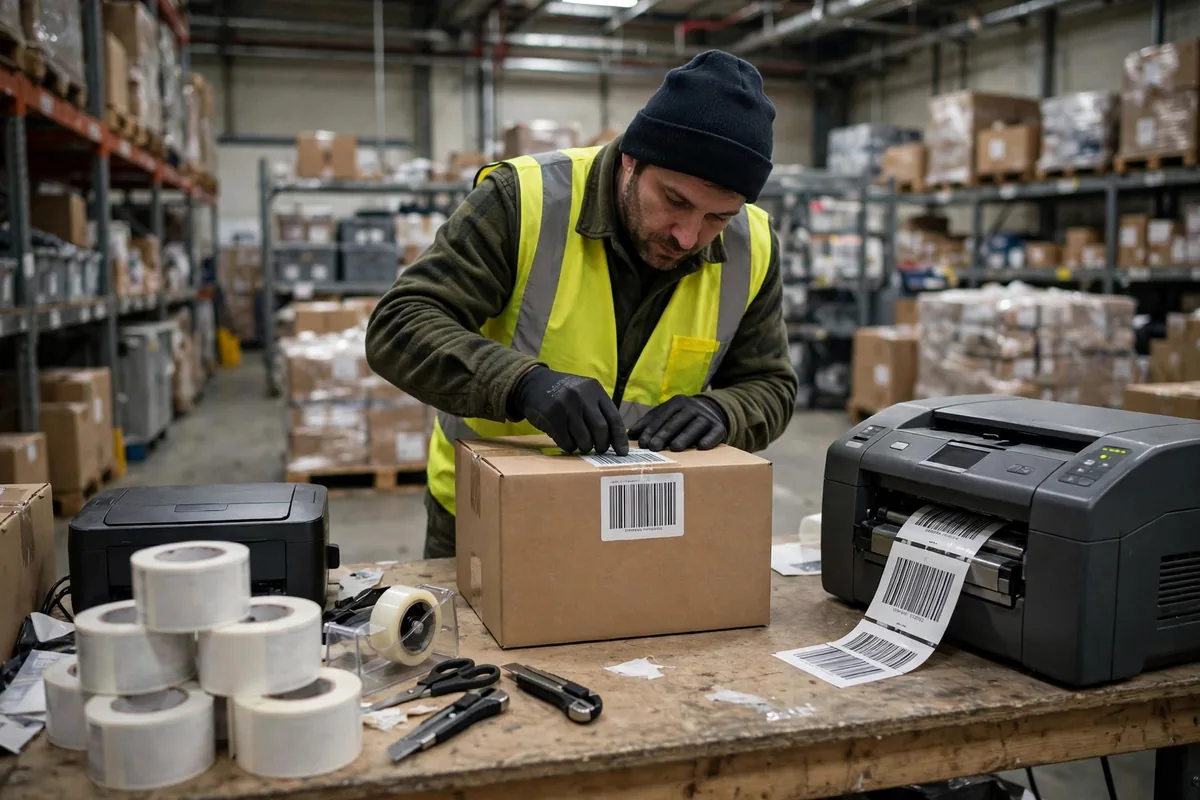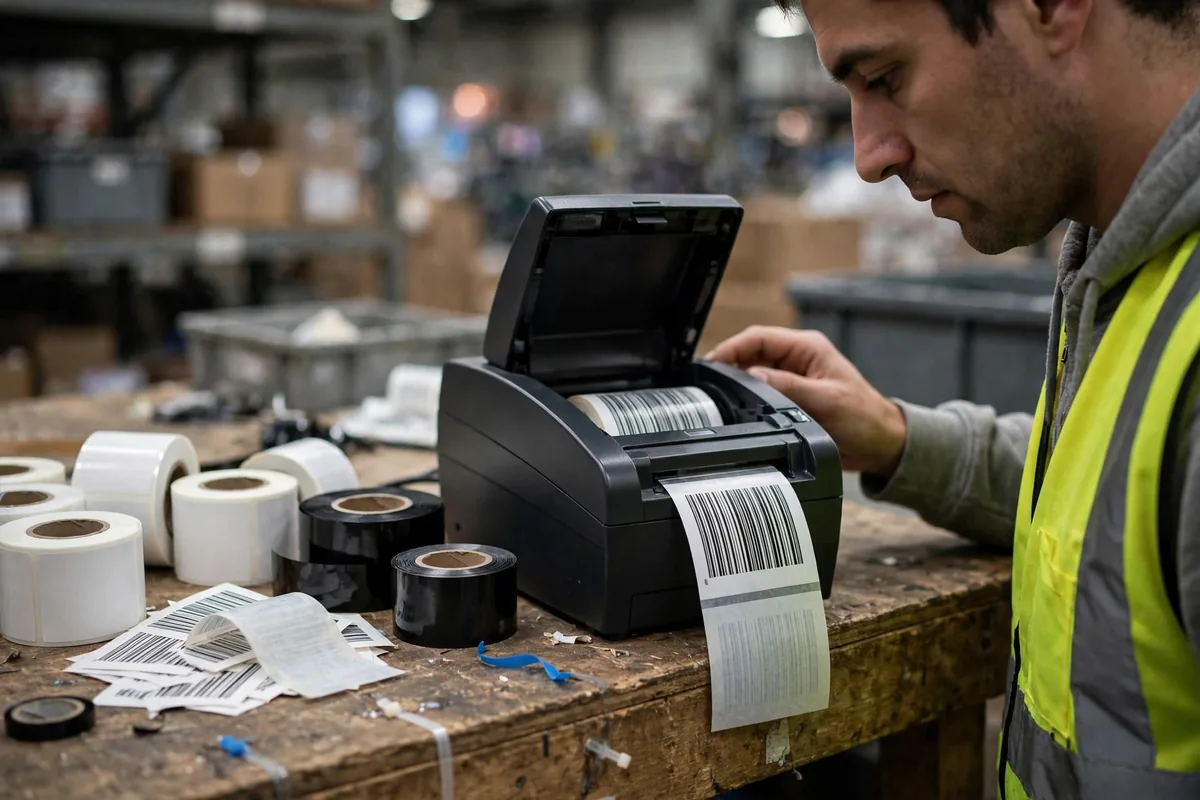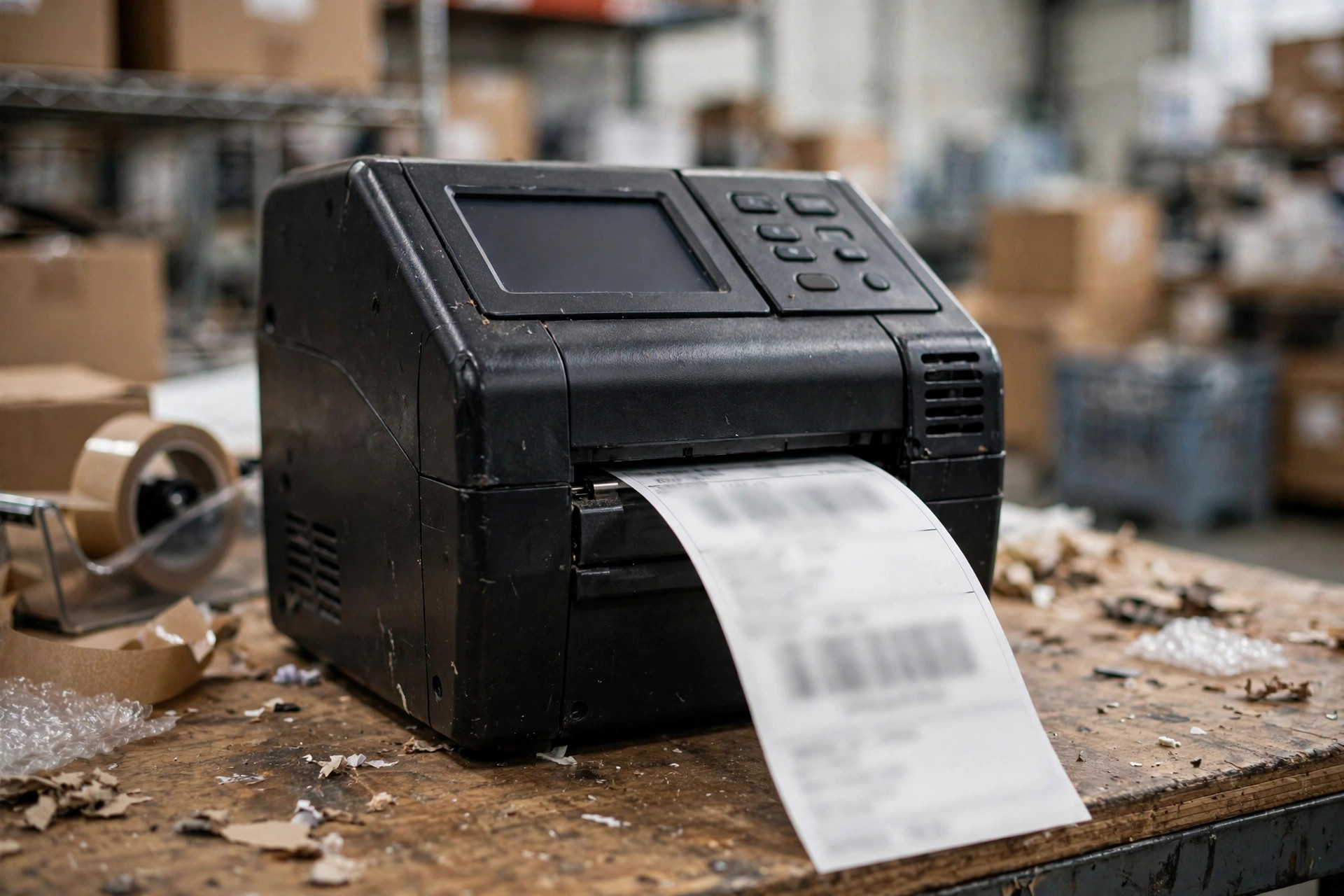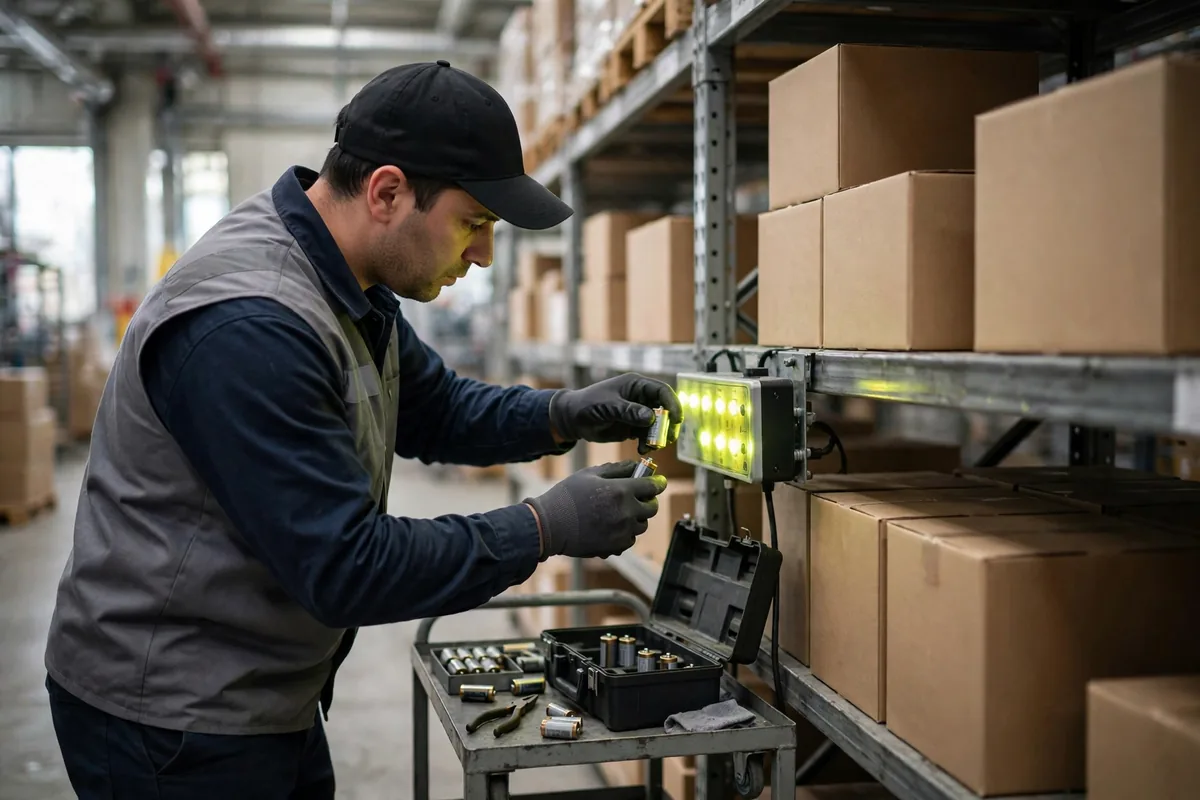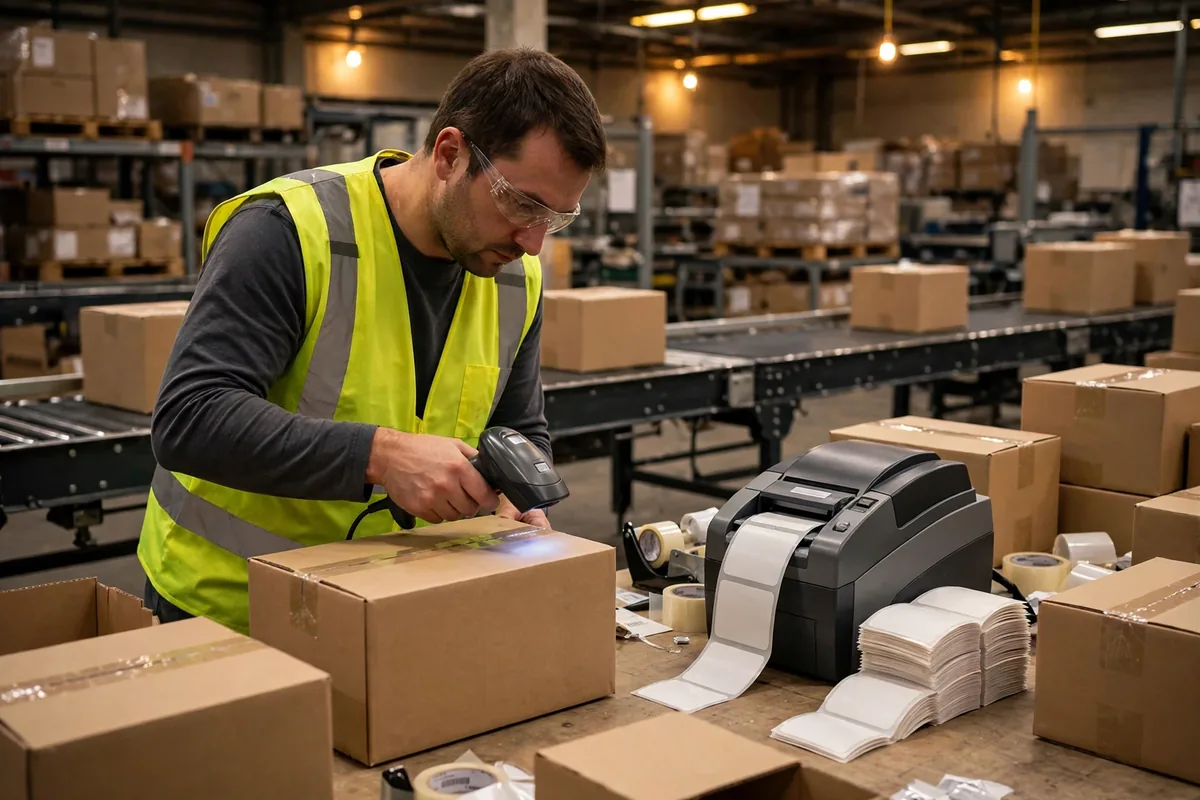
A warehouse barcode printing setup is the kind of equipment nobody notices until it stops working. The printhead dies, pickers stand around holding unlabelled cartons, scanners beep at thin air, and someone down the line starts writing carton numbers by hand. It is a small machine with an outsized blast radius.
Here is an illustrative scenario: in November 2024, a third-party warehouse outside Chicago that handles home goods switched to a new label supplier one week before peak season. By the second day, the inbound team found roughly one label in twenty that would not scan. The print looked washed out at the edges, as if it had been smudged by water. The team replaced the printhead first. Same problem. Then the scanner. Same problem. Three days of digging later, the cause turned out to be a mismatch: the new label stock's coating did not bond with the ribbon they had always used, so the print rubbed off with a touch. Inbound throughput fell sharply for those three days, and several trucks waited an extra day at the dock. The peak-season rhythm never really recovered that week.
Warehouse Barcode Printing: Where Thermal and Thermal-Transfer Part Ways
The difference between the two technologies comes down to one sentence: with direct thermal, the paper itself darkens under heat; with thermal-transfer, a ribbon melts ink onto the paper. Think of it this way: direct thermal is like writing on a sticky note with a pencil — fast, cheap, and the writing fades when it gets hot, sunny, or rubbed. Thermal-transfer is like painting letters on a wall — one extra step in the process, but the result survives sun, abrasion, and handling.
The dividing line is not price. It is how long the label has to live. A temporary tag that goes on a tote and comes off the same day is a direct-thermal job, full stop. A label that travels with the goods for months, goes through a freezer, crosses an ocean in a container, and gets scanned a dozen times on a sortation line — that is thermal-transfer territory, and there is no honest substitute.
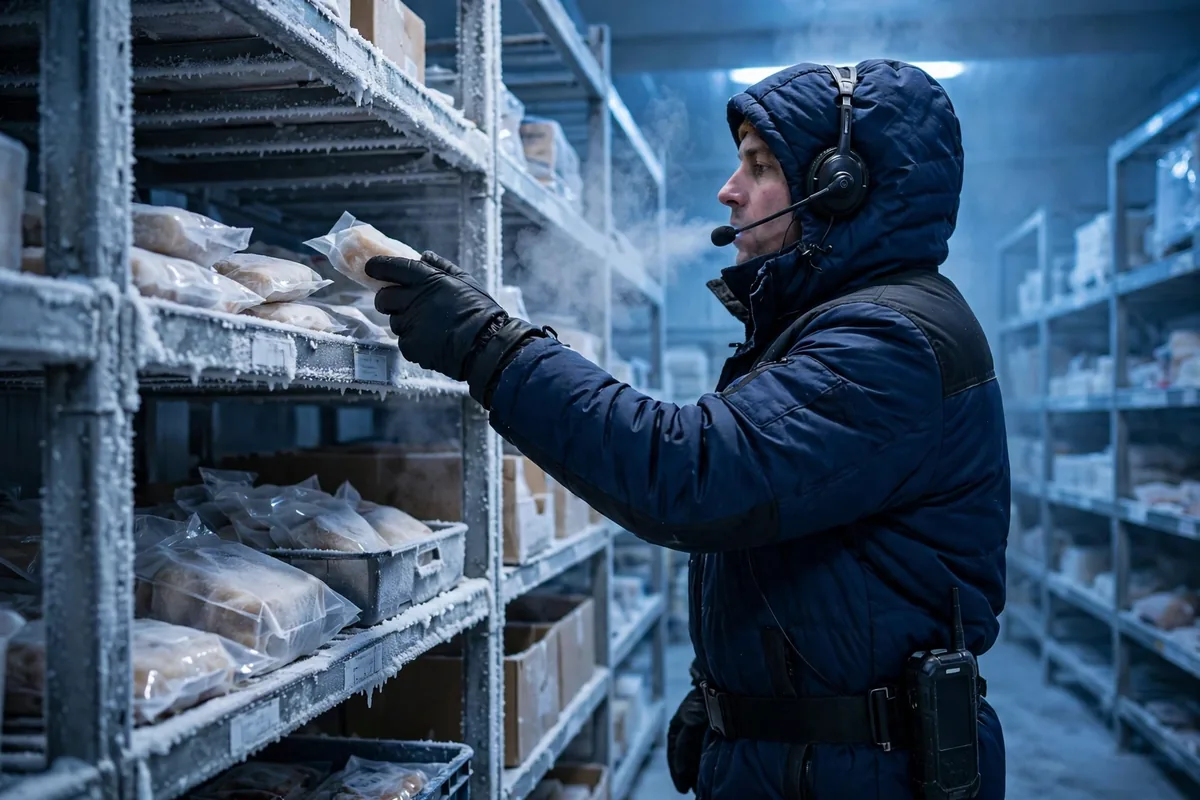
Environment is the second dividing line. Hot workshops, sun-baked dock doors, oily auto-parts warehouses: direct-thermal print fades to unreadable within weeks in those conditions, while a correctly matched thermal-transfer ribbon holds. Here is an illustrative scenario that catches people off guard: the same warehouse's freezer zone once ran direct-thermal labels on frozen pallets to save a step, and the labels curled at the edges and greyed out in the cold, humid air until the scan rate collapsed. Switching to thermal-transfer with a low-temperature face stock made the problem disappear. Freezers are not direct-thermal country, and most people only believe that after they have paid for the lesson.
Do not judge either option by the printer's price tag alone. Direct thermal drops the ribbon from the consumables list, but its coated label stock costs more per roll than plain thermal-transfer face stock. Thermal-transfer adds ribbon spend and buys cheaper paper. Look at the hardware price and direct thermal seems cheaper; spread the cost across every label printed, and the arithmetic can flip the other way.
When Labels Won't Scan: A Five-Step Troubleshooting Chain
When labels fail, there is a fixed order to the investigation, and following it saves days of guessing. Start with the paper. Did the supplier change? Is the face stock, coating, and adhesive the same specification as before? Print the same layout on an old roll and a new roll side by side, and the difference usually jumps out at you.
Then look at the ribbon. Ribbons come in three grades — wax, wax-resin, and resin. Wax is cheap and only pairs with plain coated paper; resin costs more but stands up to abrasion and chemicals. A paper-ribbon mismatch is the single most common cause of print that rubs off in warehouse barcode printing, and it is also the easiest to miss because both components look fine on their own.
Next, the printhead. Carbon buildup, scratches, or a dead heating element will print characters with missing strokes and broken lines, and the scanner will give up halfway through a code. A printhead is a consumable, not an heirloom. A regular wipe with an alcohol pad clears buildup and buys real extra life.
Then check the print settings. Density set too low gives faint print; speed set too high means the ribbon never fully melts before the label moves on. Those two dials are the most commonly fiddled-with settings on any warehouse floor. Drop the speed one notch, raise the density one notch, print a test batch, and most of the time you will see the change immediately.
If none of that explains it, look at the scanner and the barcode itself: a low-grade barcode, a quiet zone crowded out by text, or a label applied wrinkled will defeat even a good scanner. If you want to sort out the whole system — labels, scanners, and location coding — in one pass, this walkthrough of setting up a warehouse barcode system, labels and scanners included is a useful checklist to work through item by item. It beats swapping hardware at random.
Warehouse Barcode Printing Maintenance Math: Printheads and Consumables
In warehouse barcode printing, the printer's purchase price is only the opening line. Consumables and downtime are where the money actually goes. The table below is a hypothetical example, estimated for a mid-volume warehouse, meant to show the shape of the cost — not a quote from any vendor:
| Item | Direct thermal | Thermal-transfer |
|---|---|---|
| Printer purchase | Hypothetical example: about 12,000 yuan per unit | Hypothetical example: about 15,000 yuan per unit |
| Label stock, annual | Hypothetical example: about 90,000 yuan | Hypothetical example: about 50,000 yuan |
| Ribbon, annual | None | Hypothetical example: about 30,000 yuan |
| Printhead replacement | Hypothetical example: once every 2 years | Hypothetical example: once every 3 years |
| Annual downtime cost, estimated | Hypothetical example: about 20,000 yuan | Hypothetical example: about 10,000 yuan |
The counterintuitive part sits in the second and fifth rows. Direct thermal saves the ribbon and pays for it in pricier label stock. Thermal-transfer printheads last longer because the ribbon sits between the head and the paper, so they wear slower and get replaced less often. Spread over three years, the thermal-transfer total often comes out lower — provided your labels genuinely need to survive. For a tag that gets torn off after a day, thermal-transfer is just burning ribbon for nothing.
Two maintenance habits are worth keeping. Do not wait for a printhead to die completely before replacing it; faint, broken print is the warning sign, and dragging it out only scraps whole batches of labels. And do not buy bargain-bin ribbon: cheap ribbon sheds powder that gums up the printhead, and whatever you saved on ribbon comes back as a printhead bill.
A Decision Table: Four Questions That Pick the Printer
Forget agonising over models. In warehouse barcode printing, four questions settle the choice, and the answers pick the printer themselves. How long must the label live? A day — direct thermal. Months on the road — thermal-transfer. What environment? Dry and room temperature, either works; freezer, heat, oil, or outdoors, thermal-transfer with the matching face stock. How many labels a day? A few hundred, a desktop printer is fine; ten thousand or more, go straight to an industrial unit, because a desktop machine will not survive a peak season running flat out. Who maintains it? If nobody on site knows the equipment, pay extra for a model with automatic calibration and foolproof ribbon and paper loading; if you have a dedicated maintainer, then you can talk about value for money.
Those four answers will eliminate most of the catalogue. For what remains, run a small trial with your real label stock and ribbon (hypothetical example: 200 labels of each), leave them for a week, then scan them again. Only order in bulk after they pass. There is no single right printer — only the right printer for your goods, your environment, and your volume. Whether the money was well spent comes down to one number: the fully loaded cost of a single label, hardware, consumables, and downtime included. Whoever is lower wins.
By Da Liu, Automation Engineer