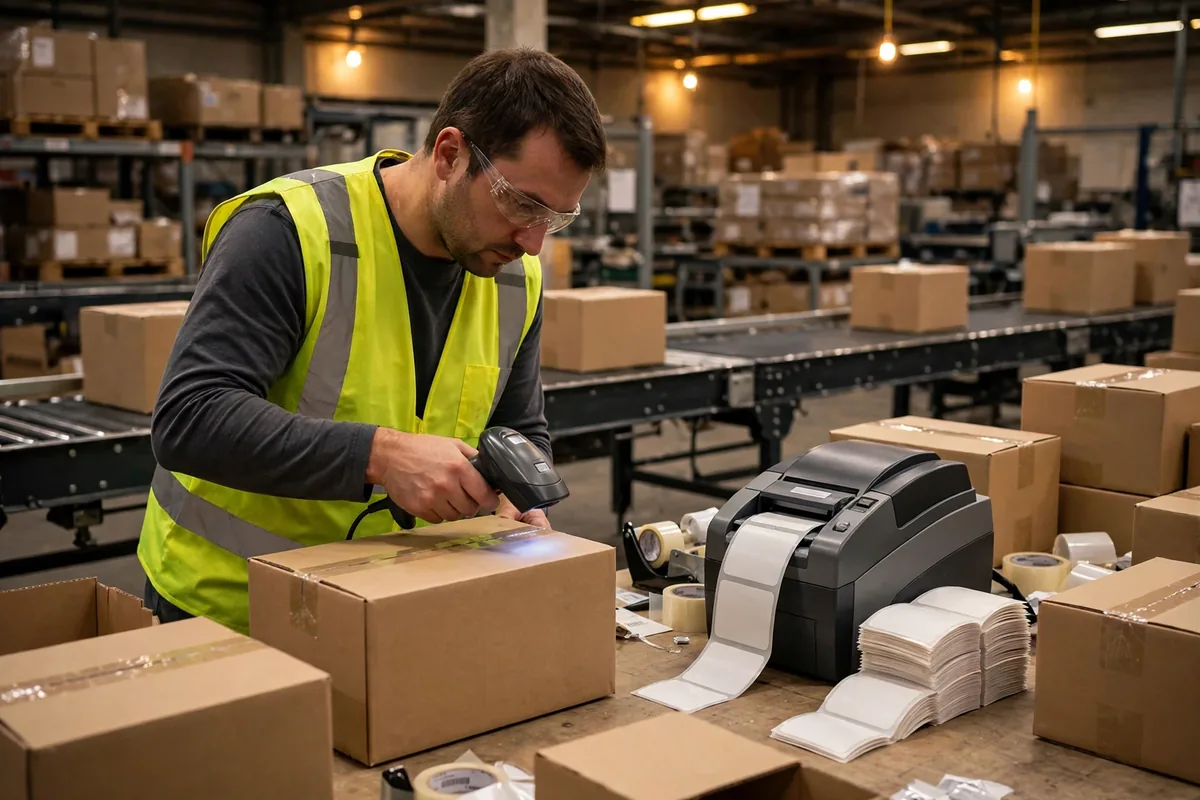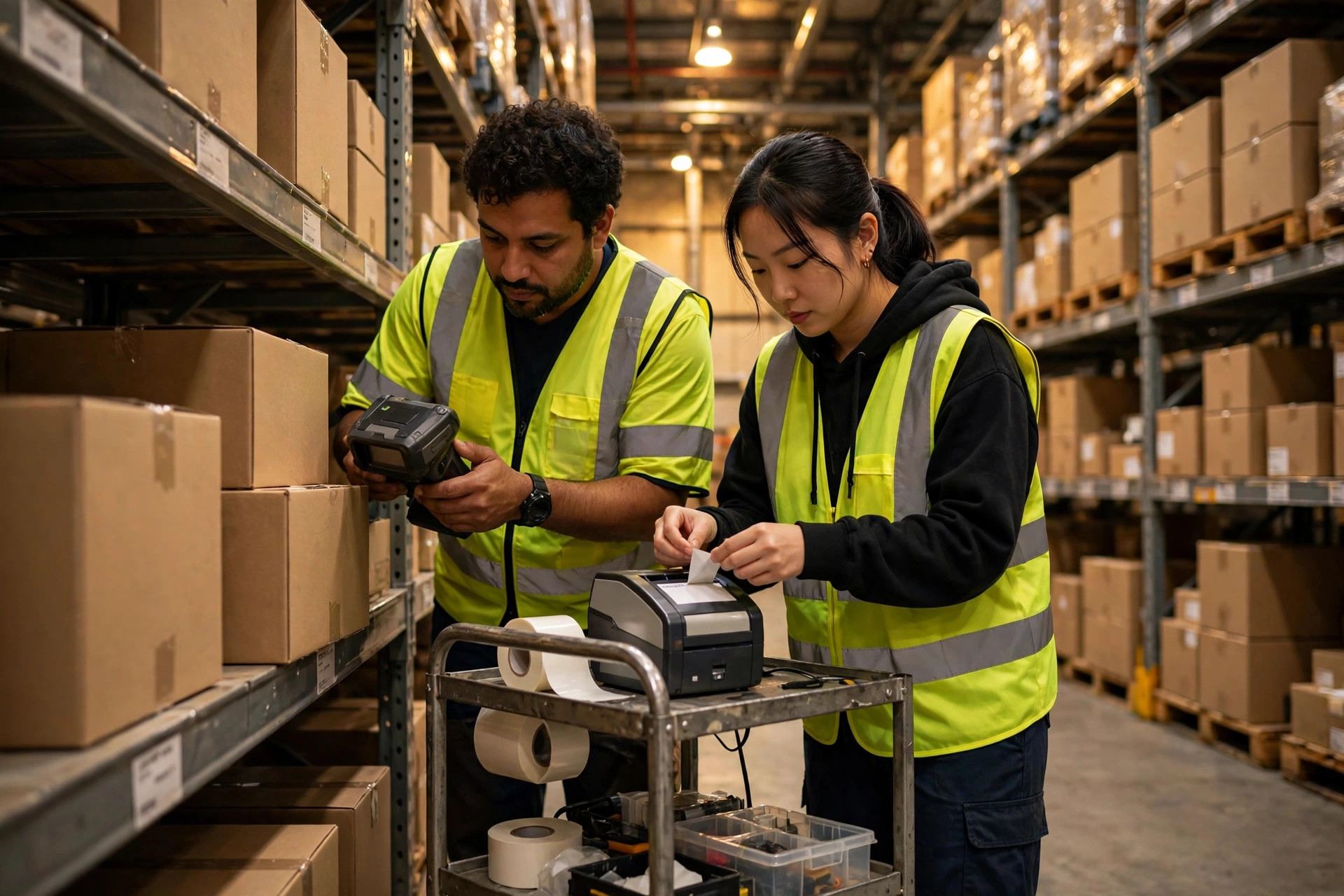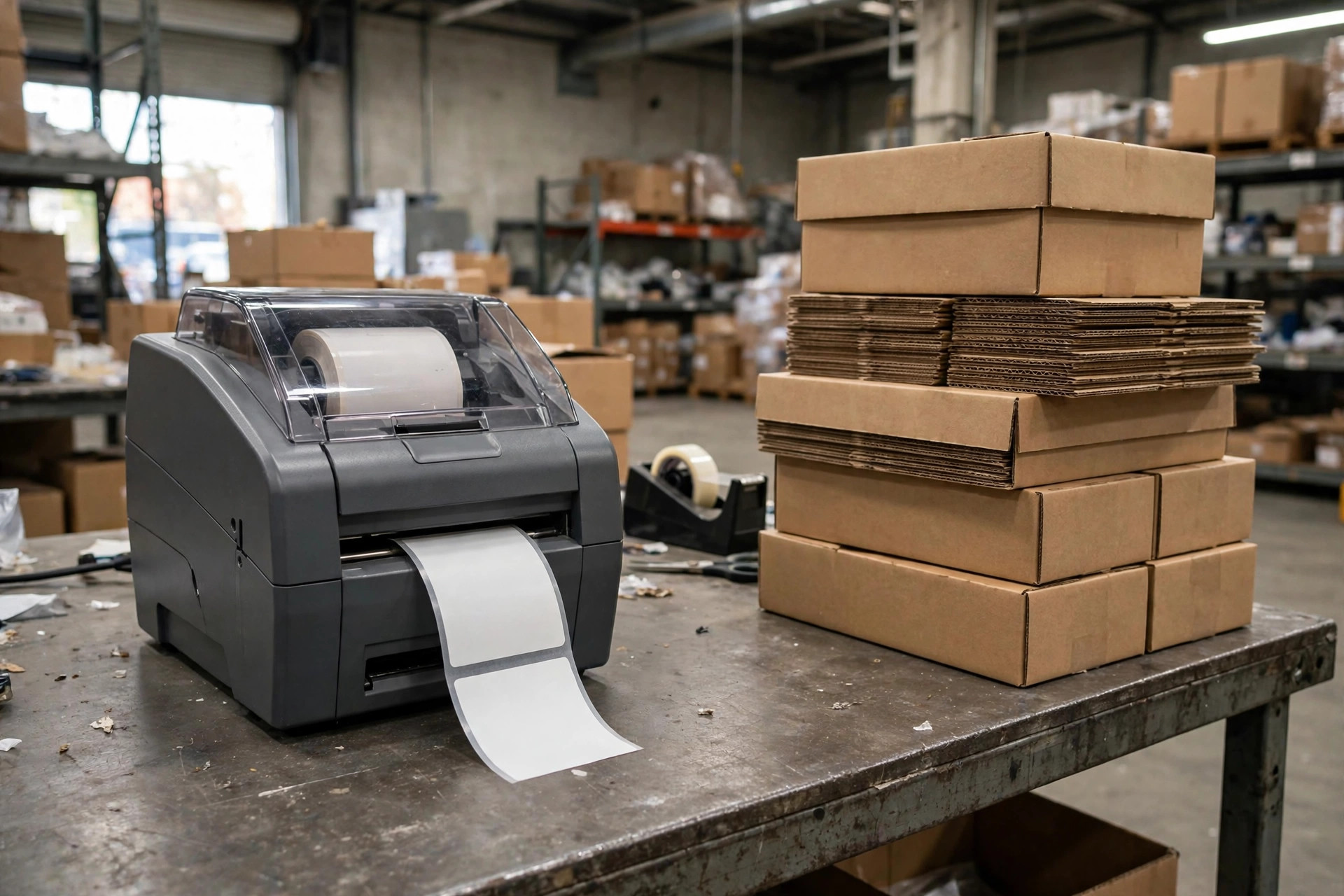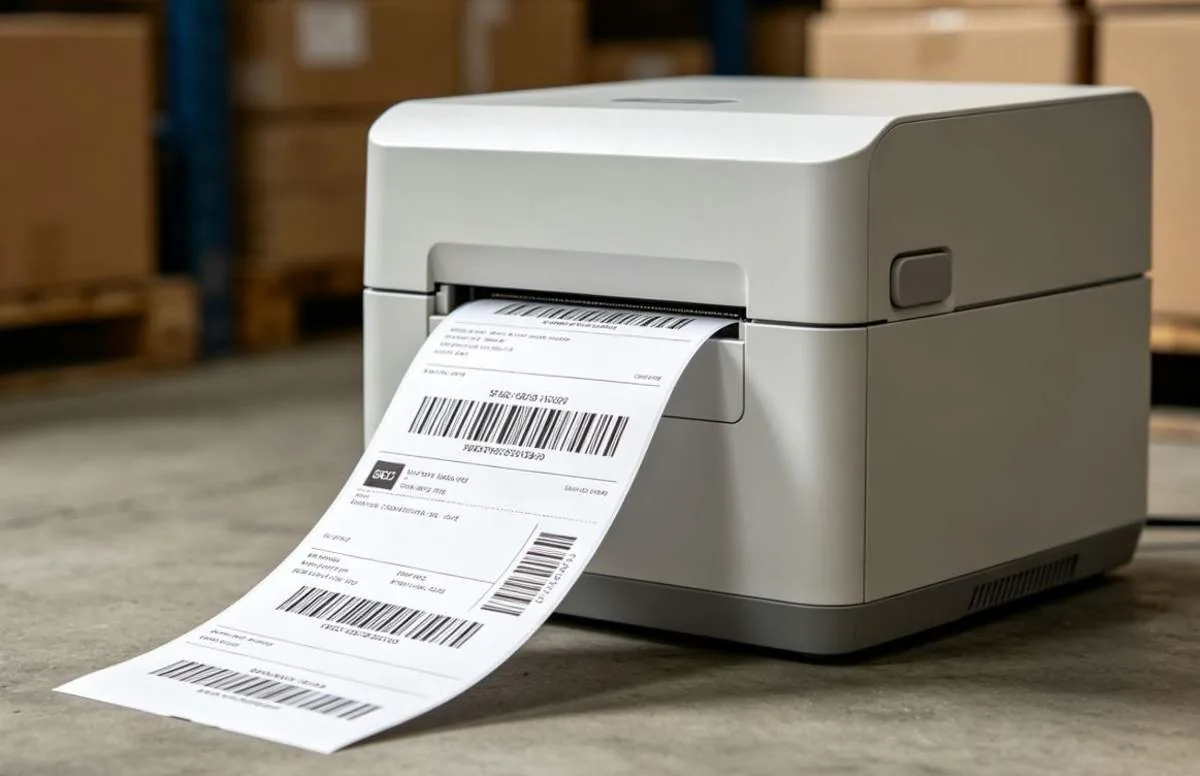
I once repaired a printer that was not broken. The buyer was, and the lesson applies to warehouse barcode printing systems & printers everywhere. A warehouse printing two or three hundred outbound labels a day had bought an industrial machine built to run all day, and it sat in the corner gathering dust. The ribbon expired before the printhead wore out. It was like buying a commercial espresso machine for one cup of coffee a day: the maintenance cost more than the coffee.
Most warehouse barcode printing systems & printers are chosen backwards. People compare machine prices and forget the three questions that actually decide the answer: how long must the label last, how many labels do you print a day, and where does the label live? Answer those three and the model picks itself. Skip them and you will buy the wrong machine, however good the spec sheet looks.
Direct Thermal vs Thermal Transfer: Warehouse Barcode Printing Systems Live or Die on Label Life
Direct thermal is simple. Think of it as writing with heat. The printhead heats coated paper and the paper changes colour. No ribbon, no ink, fewer parts to manage. It is fast and cheap to run, and changing a roll takes seconds. The weakness is written into the principle: the print resists neither heat, light nor friction. A label left near a sunny dock door fades over months. A label stuck beside a hot machine fades faster.
Thermal transfer adds a ribbon. The printhead heats the ribbon and transfers wax or resin onto the label. The image is printed on, not burned in, so it survives heat, light and abrasion far longer. The price is a second consumable to buy, load and tune. A ribbon that is too narrow leaves the edges blank. A ribbon loaded backwards prints nothing at all.
Consider a hypothetical case. In July 2025, a 50,000-square-foot third-party warehouse east of Los Angeles ships 8,000 orders a day in peak season. Its outbound labels live for hours: they are printed, stuck on a carton and scanned out the same day. Direct thermal is plenty here, and the money saved on ribbon, plus the minutes saved loading it, adds up fast. The same warehouse has location labels that must stay readable on racking for a year or two, and return labels that travel through several hands and get scanned repeatedly. Print those on direct thermal and in six months pickers will be hunting by memory because the scanner cannot read a faded barcode. That is the expensive mistake.
The dividing line is plain. If a label lives less than a month, start with direct thermal. If it must live more than six months, go thermal transfer. In between, look at where it sits. Indoors, at room temperature, away from windows, direct thermal can hold. Beside a door, a window or a heat source, thermal transfer is the safer bet.
When an Industrial Warehouse Barcode Printer Earns Its Keep
The difference between industrial and desktop models is not print quality. It is stamina. Think of a family car and a delivery truck: both drive, but the truck is built to run ten hours a day without stopping. Industrial machines have metal frames, better printhead cooling and stronger paper feed, so they can print for hours without slowing down or jamming. Desktop machines are light, cheap and small, and they are fine for a few hundred labels a day at a pack bench.
Take another hypothetical case. An e-commerce warehouse prints 3,000 labels on a normal day and 12,000 in peak, most of them inside a three-hour afternoon window. A desktop printer starts to overheat in the second hour, slows down, jams once, and the whole outbound line waits five minutes. That is where an industrial model earns its money. Reverse the numbers and the answer reverses too: a small warehouse printing 200 labels a day gains nothing from an industrial machine. The model will be discontinued before its printhead wears out.
Here is a piece of false demand worth calling out. Many buyers assume industrial means sharper printing. It does not. Sharpness comes from printhead resolution, not from the size of the chassis. A desktop printer can match the same resolution. Paying industrial money for sharpness is one of the most common wasted purchases in warehouse barcode printing systems & printers. The only honest reason to pay for industrial is volume: your daily continuous print load is more than a desktop machine can survive.
A printer, a scanner and a label stock have to be chosen together. One great printer cannot rescue a system where the label, the ribbon and the scanner do not match. The barcode system setup guide walks through how those three pieces fit, and it is worth reading before you lock in a model.
Do the Consumables Math Before You Buy a Printer
Judging a printer by its purchase price is the easiest selection mistake to make. The machine is a one-off cost. Consumables are a daily cost. The number that matters is the full cost per label, not the discount on the box.
| Model | How it prints | What it fears | Best for | Consumables | | Direct thermal desktop | Heat changes coated paper | Heat, light, friction | Short-life outbound labels | Label stock only | | Thermal transfer desktop | Ribbon transfers ink to label | Wrong ribbon, bad loading | Labels kept for months | Labels plus ribbon | | Thermal transfer industrial | Ribbon transfers ink to label | Long idle periods | High-volume continuous printing | Labels plus ribbon |
Here is a hypothetical worked example. Assume a warehouse prints 4,000 labels a day, 300 days a year, which is 1.2 million labels a year. Assume direct thermal stock costs one unit per label and thermal transfer costs one unit plus the ribbon share, so each label costs more. Over a year, that ribbon difference alone can exceed the price of a desktop printer. That does not mean always choose direct thermal. It means calculate what the extra life is actually buying. If the label lives one day, the extra spend is waste. If it must live two years, the extra spend is justified.
There is also a hidden cost: downtime. A jammed printer, a wrongly loaded ribbon, or a dirty printhead stops the outbound line. One hour of stopped shipping often costs more than a year of ribbon price difference. When you choose, count ease of use too: how fast can a picker change a roll, how easily can a jam be cleared, and can a new operator learn the controls in one try? None of that appears on a spec sheet, and all of it shows up on a busy night.
Maintenance: Where Warehouse Barcode Printers Actually Fail
A printhead is a consumable, not a lifetime part. Its life is measured in distance printed. When it wears, characters lose strokes and white lines appear. Many teams wait until the scanner fails before replacing it, but the right moment is when the first white line shows. Keep printing and the cost is not a printhead, it is a whole batch of unscannable labels.
Ribbon brings three traps. First, width must match the label: too narrow and the edges print blank, too wide and you waste money and invite wrinkles. Second, ribbon types differ: wax, wax-resin and resin survive abrasion very differently, and a label for outdoor use, a cold room or a chemical product should never use the same ribbon. Third, ribbon hates damp storage. A roll left in a damp corner prints a blurred image.
Daily care is three habits, and in warehouse barcode printing systems & printers they matter more than any setting on the spec sheet. Clean the printhead and platen roller regularly with an alcohol wipe, never scrape them with anything hard. When you change a ribbon, check the paper path for torn fragments. And do not crank the print darkness to maximum: higher darkness wears the printhead faster. Set it just dark enough to scan reliably. Maximum darkness buys reassurance with printhead life.
So is the money worth it? Look at one number: full cost per label. Spread the machine price over the total labels you expect to print, add the paper and ribbon cost per label, and you have the real price of the machine. Low cost per label, stable scan rates and few stoppages mean the purchase was right. A cheap machine with a high cost per label and constant jams is expensive, whatever the invoice said.
By Da Liu, Automation Engineer