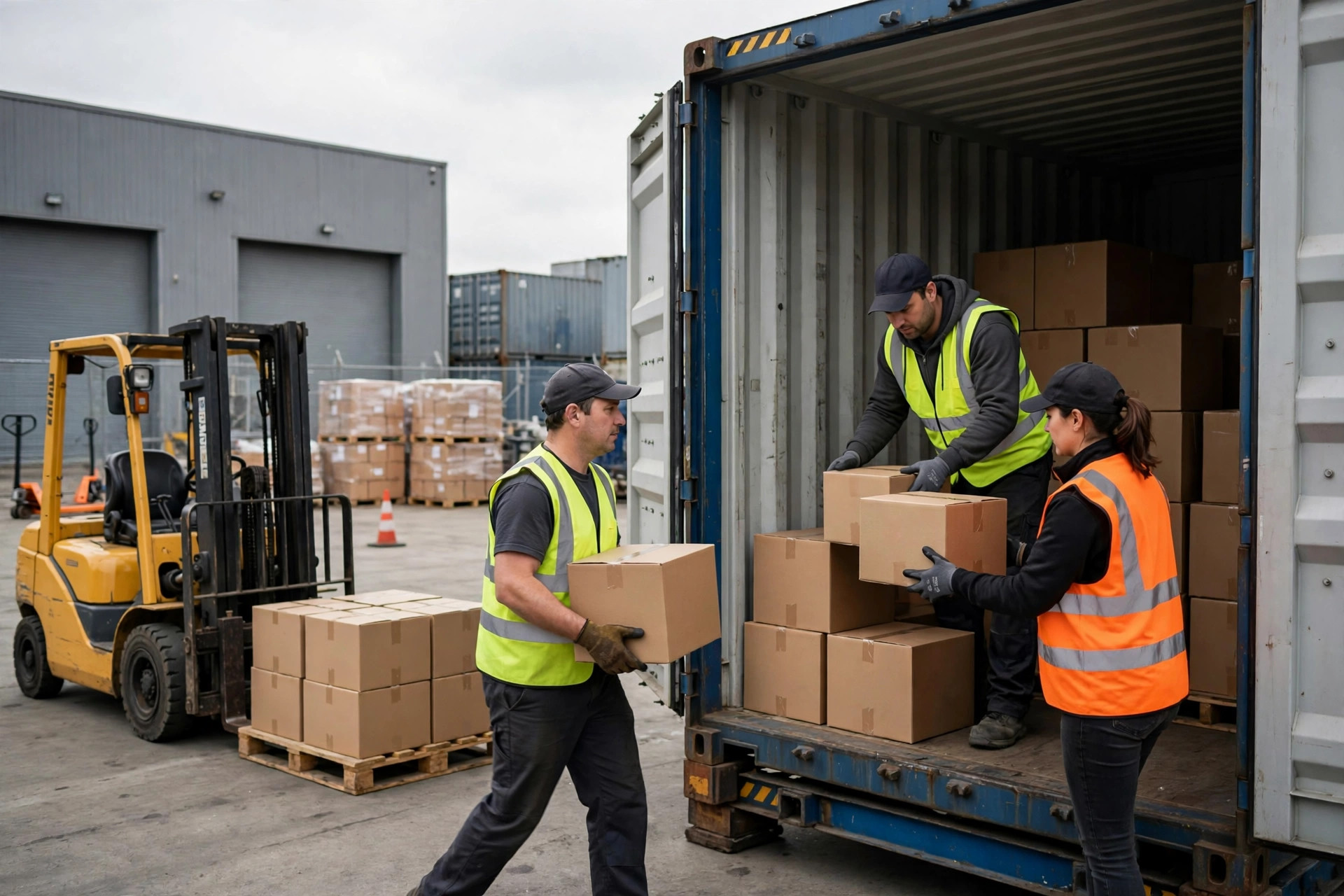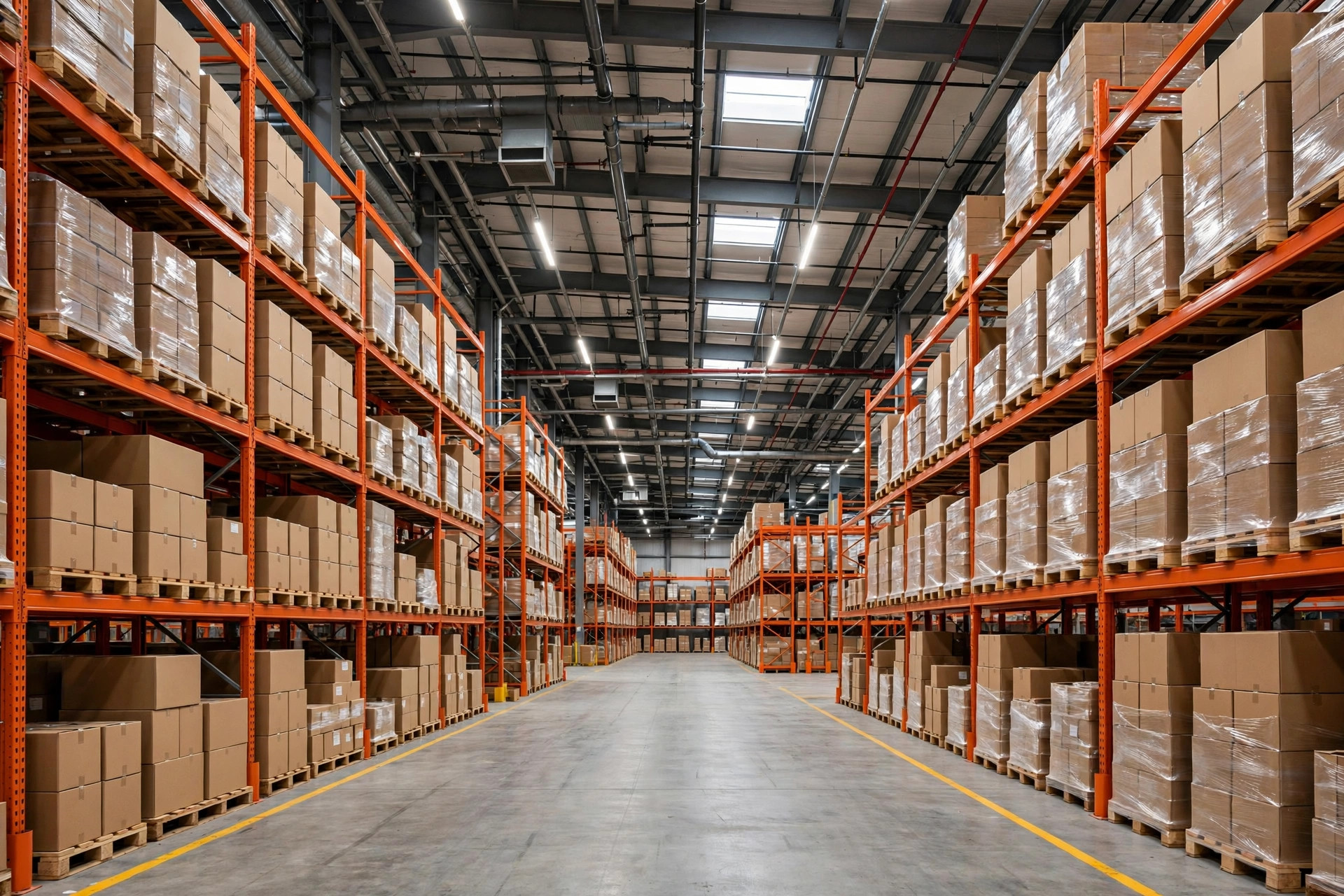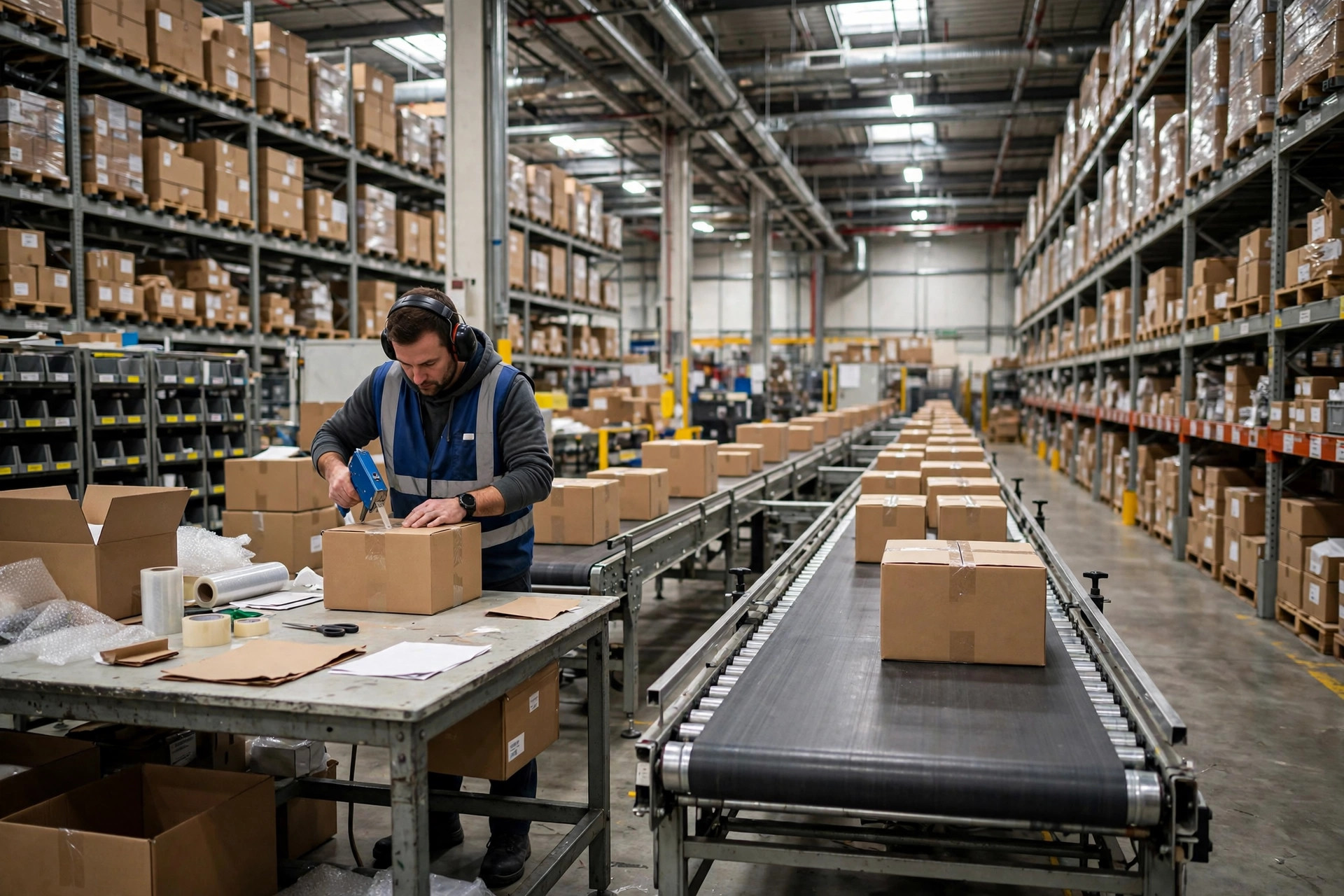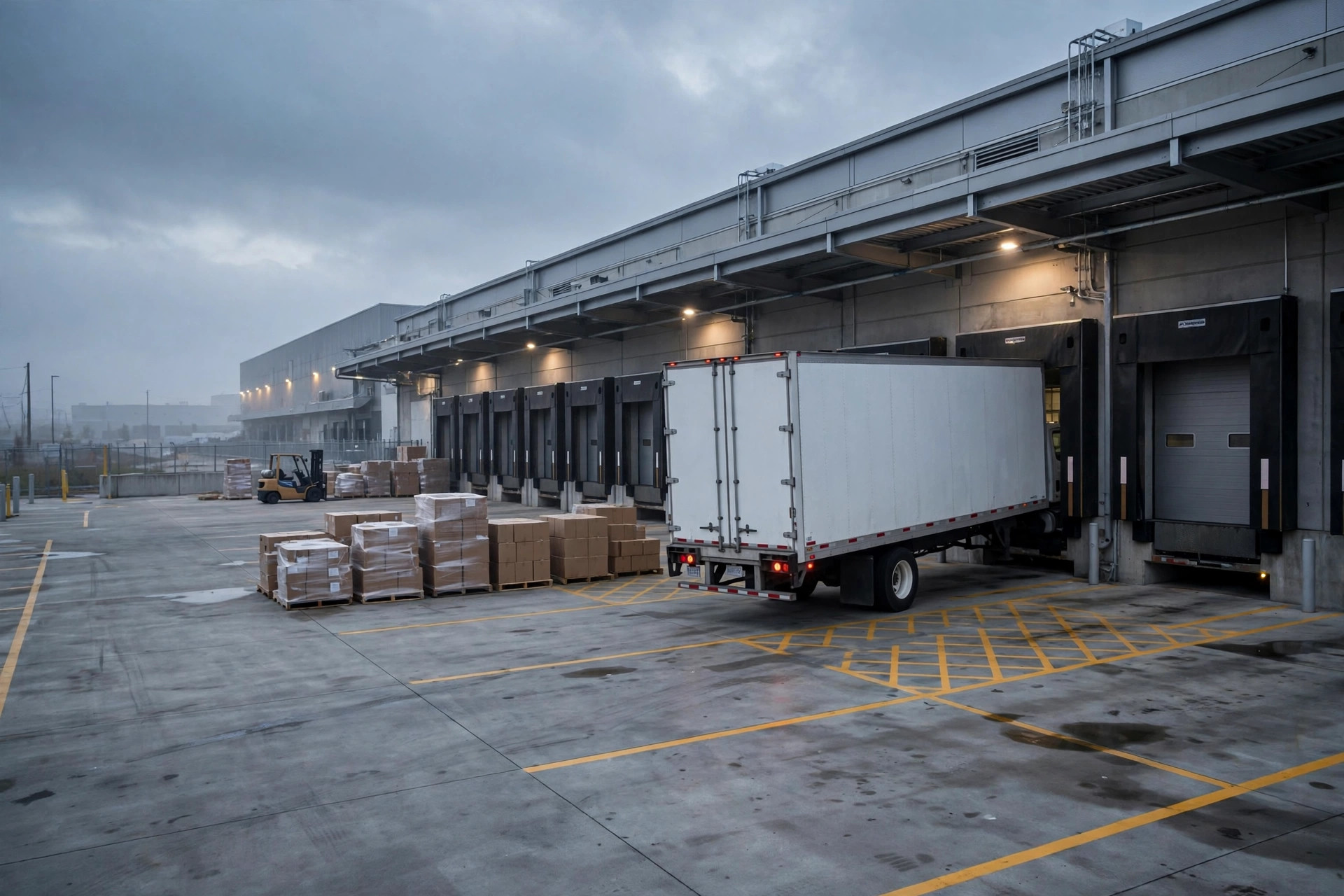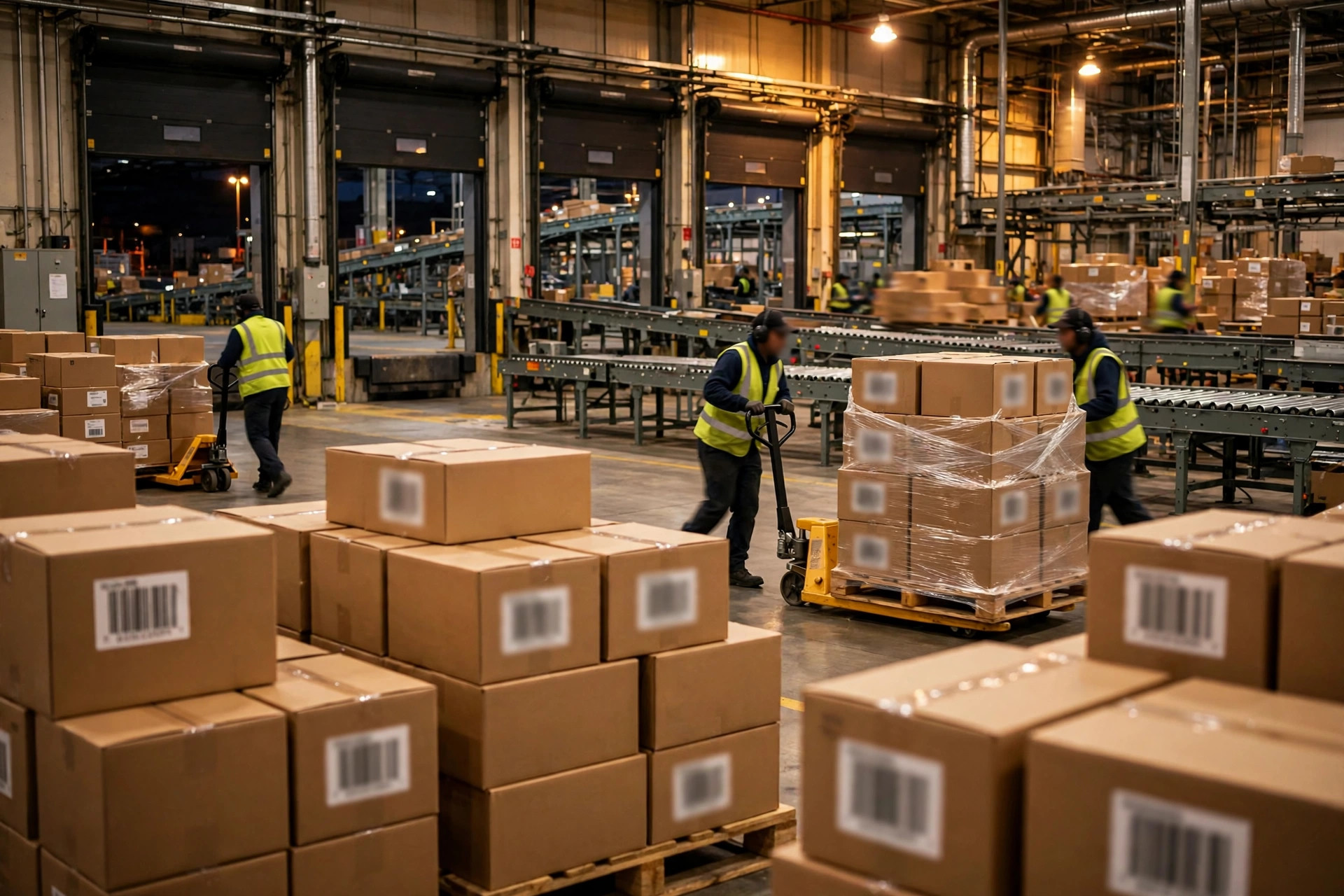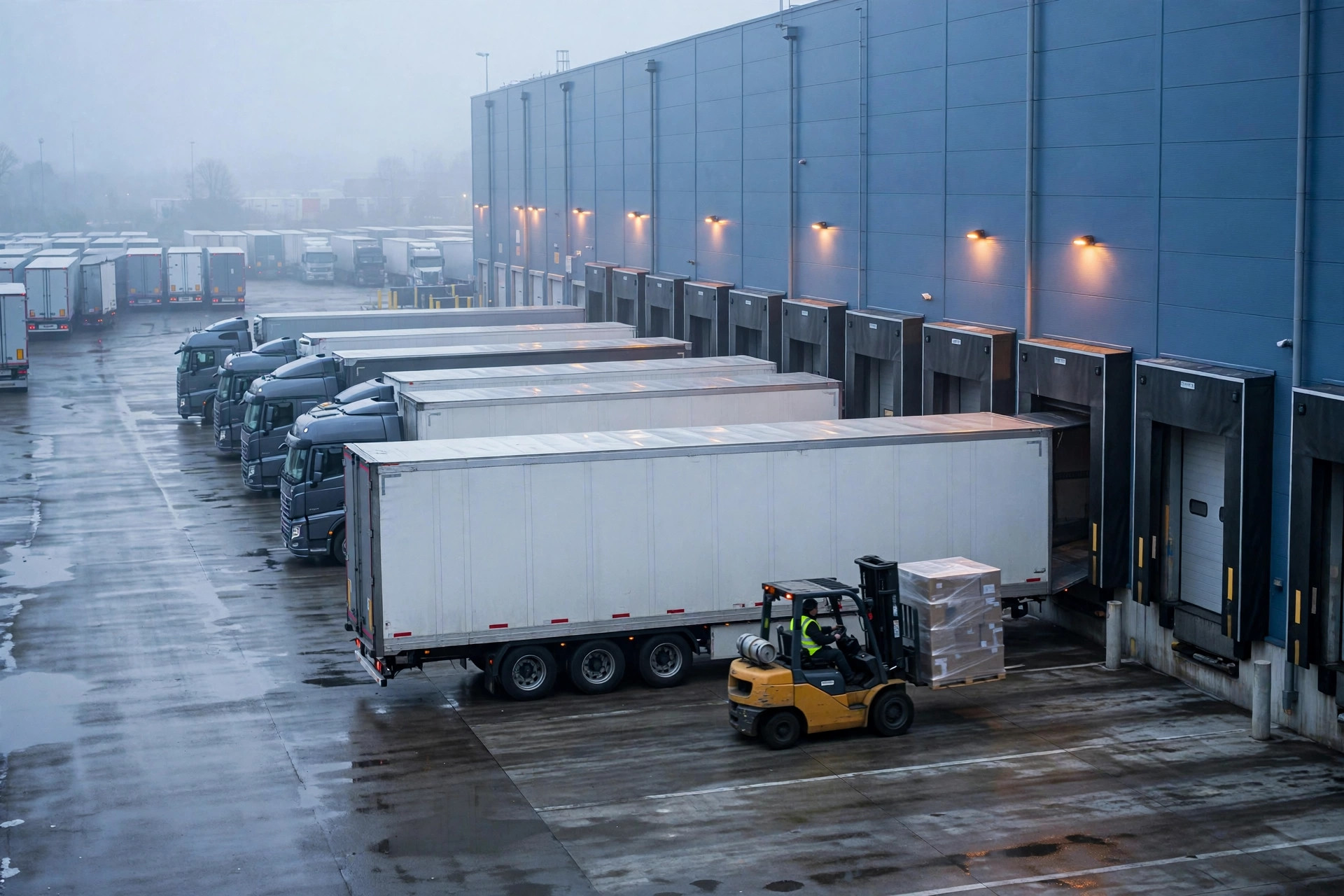
Here is my verdict up front: with Walmart WFS, freight does not die inside the warehouse. It dies at the gate. Appointments, labeling, and shipment mismatches — I would put seven out of ten WFS inbound rejections on those three. The warehouse itself is not hard to get into. The hard part is the three minutes at the receiving door: the receiver glances at your labels, checks them against the appointment, and it is either in or the whole truck turns around.
I have watched too many sellers pour money into ads and plan their WFS inventory to the last unit, only to have the truck refused at the gate and go out of stock in peak season. This piece puts everything I have learned on the table: how to book appointments that actually hold, how to label so nothing comes back, and the red lines at the gate you do not cross.
A true story first: 12 pallets, stuck at the gate the night before Black Friday
November 2024, two weeks before Thanksgiving. A home-storage seller I work with had freight coming off the water in LA, deconsolidated and palletized at a 3PL in Rancho Cucamonga — 12 pallets, more than 4,000 units, staged for WFS to be ready for Black Friday.
The appointment was booked. The driver arrived on time. Then the receiver at the gate checked the appointment against the pallet labels: the shipment ID on the labels did not match the system. The 3PL had printed the labels from the previous shipment's template — off by one digit.
Two sides to this. The receiver was not wrong: a mismatch going in means chaos downstream. But that one digit cost the seller everything. All 12 pallets were rejected on the spot, the driver waited more than three hours at the gate for dispatch, and the whole load went back to the 3PL. New labels, new appointment — and WFS dock slots in peak season were booked out nine days. By the time the freight got in, Black Friday was over.
I ran the math with him afterward. The visible costs — the return haul, nine extra days of 3PL storage, the rebooked truck — ran into the low thousands of dollars. The invisible cost was worse: out of stock through Black Friday week, the listing's rank cratered, and it took all of December to climb back. In inbound, the most expensive cost is never freight. It is the stockout.
Since then, I tell every WFS seller the same thing: the appointment and the labels are your last — and cheapest — quality inspection before the freight leaves.
WFS Inbound Appointments: You Are Not Booking Time, You Are Booking Certainty
WFS inbound follows the same logic as FBA: create the inbound shipment in Seller Center, the system tells you which fulfillment center and how much, you palletize and label, then you book a delivery window and the truck shows up inside it. The process is simple. The word "on time" is not.
Here is a counterintuitive take: booking early is not booking well.
I see sellers lock in a dock slot while the freight is still on the water, thinking early means safe. Then the vessel slips, deconsolidation runs late, and the freight cannot make the window. Now you either reschedule — in peak season that pushes you back a week — or you run the truck empty, and the driver charges you either way. Two sides: a WFS dock slot is a scarce resource, and booking one you cannot use burns your money and your credibility. Book too late, and the freight sits at the 3PL burning storage fees.
The right way is to plan backward. This is the countdown template I give clients, counting back from the must-be-in-the-warehouse date:
| Milestone | Action | Why the buffer exists |
|---|---|---|
| T-14 | Create the shipment in Seller Center, confirm the destination FC and quantities | In peak season, start a week earlier — the system can reassign your destination |
| T-10 | 3PL palletizes and labels, photographs everything | Labels get a second pair of eyes before the freight moves |
| T-7 | Book the truck, lock the dock window | Leave room to reschedule — never take the first slot of the day |
| T-3 | Confirm the freight is ready with the 3PL, re-verify the appointment and label photos | Never skip this. Nine out of ten gate disasters get caught here |
| T-1 | Driver confirms the run, carries the appointment confirmation and packing list | Paper plus digital; the driver needs them on the phone too |
| T-0 | Arrive 1-2 hours early, driver waits for the dock call | Better early and waiting than one minute late |
See where the real work is? That T-3 verification. Appointment number, shipment ID, pallet count, unit count — four numbers, ten minutes, and it stops most gate disasters before they start.
WFS Inbound Labeling: Three Layers, One Mistake Sends It Back
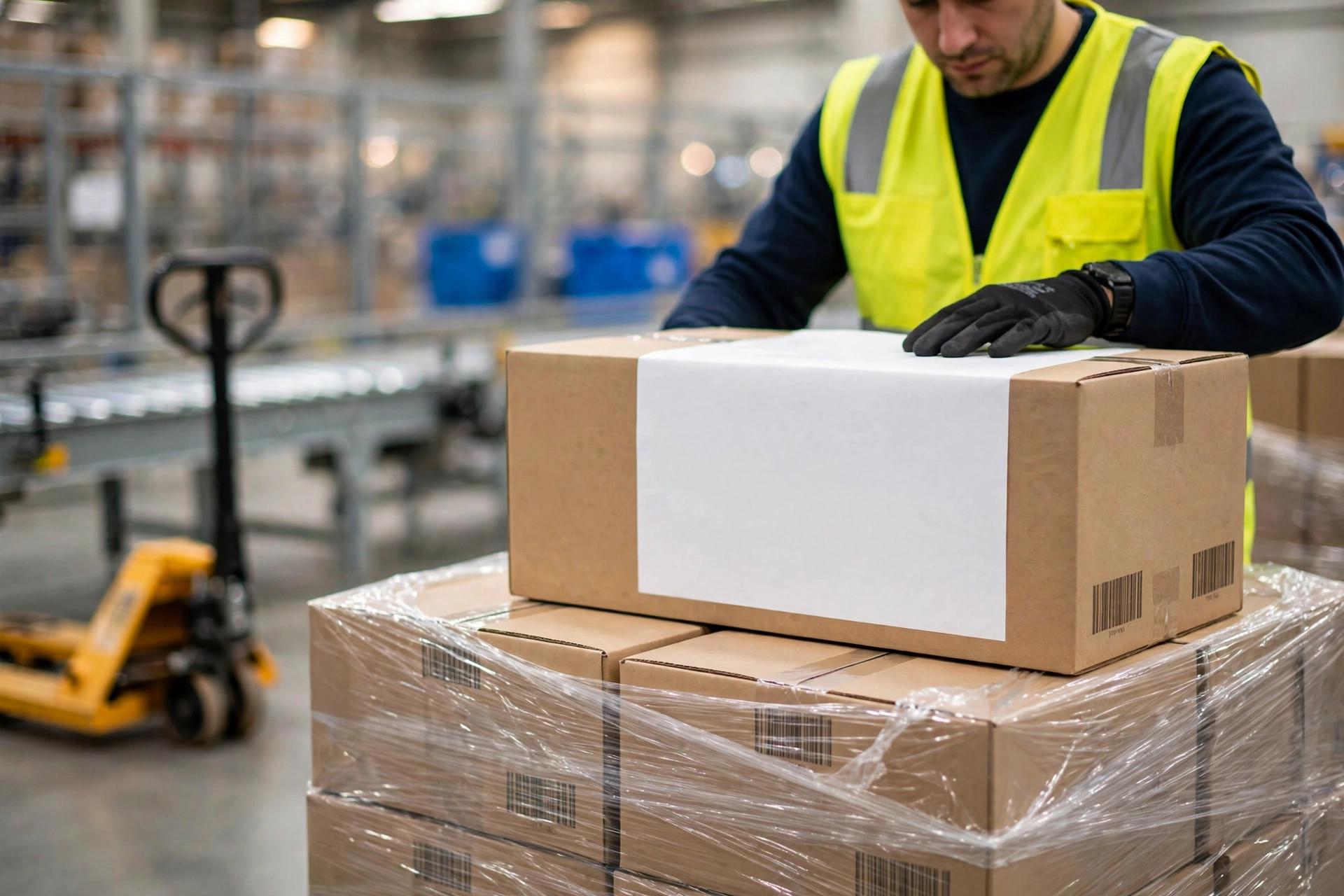
Labeling is the second-biggest killer at the WFS gate. The logic runs in three layers, each doing a different job:
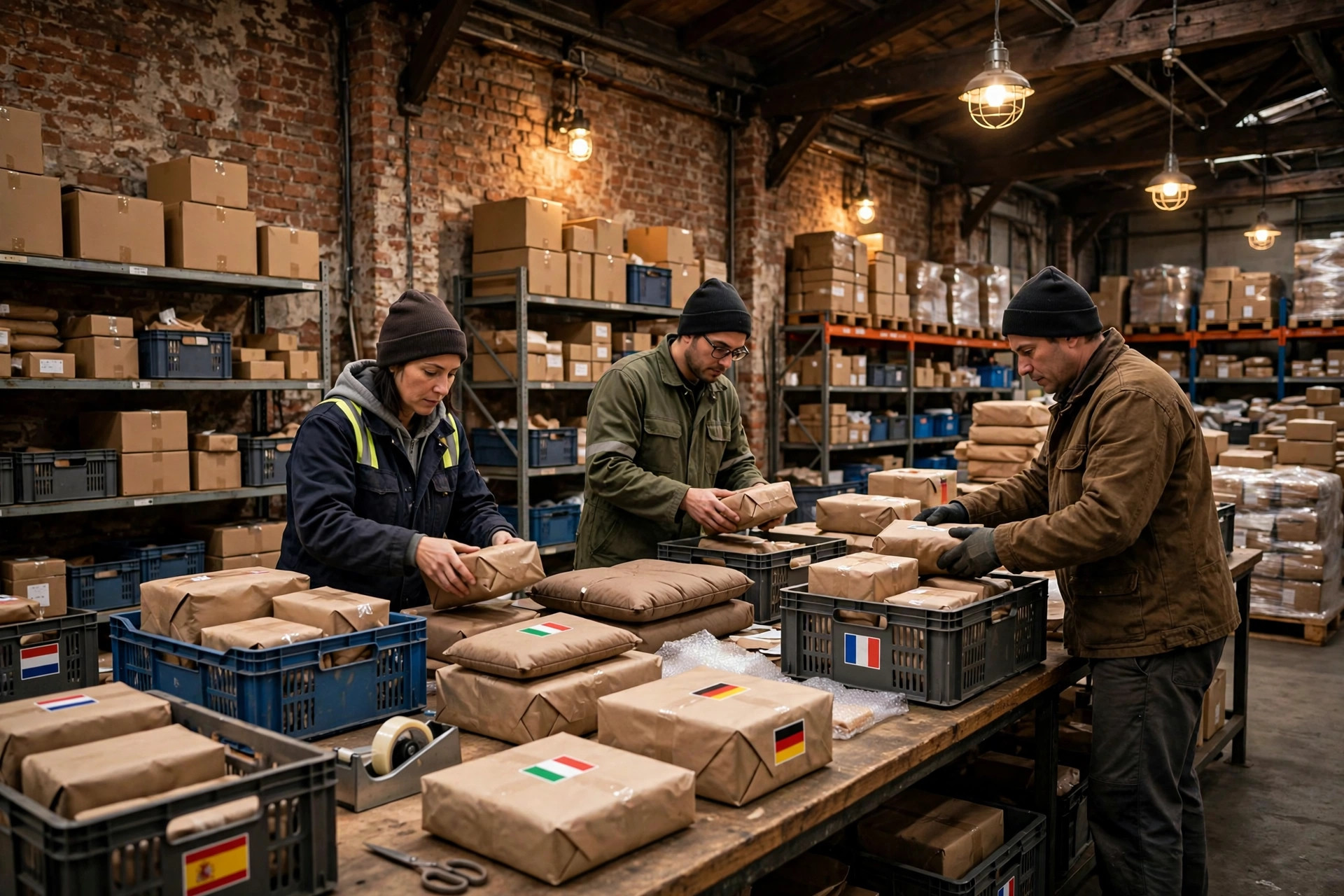
Layer one: the unit label. Every sellable unit needs a scannable barcode, covering the factory retail barcode where Walmart assigned a new code. The classic ways to die: a barcode on a curved surface, printed crooked so it will not scan, or two barcodes on one product and the scanner reads a conflict.
Layer two: the carton label. Every outer carton marked with what is inside and how many. The number-one killer here is the old label nobody removed — a recycled carton still wearing the previous shipment's marks, and the receiver cannot tell which one is real. The other is slapping the label across the tape seam: tape wrinkles in humidity, and the barcode dies with it.
Layer three: the pallet label. Shipment information scannable from all four sides of the pallet. Plenty of operations label one side; the forklift turns the pallet around and the receiver is staring at a blank face while trucks stack up behind you.
The hard specs — label dimensions, barcode symbology, placement — get updated by Walmart from time to time, so always go by the latest policy published in Walmart Seller Center. Do not treat last year's screenshot as this year's standard, and do not take a forwarder's "we always label it this way" as gospel.
A second true story. Early 2025, a pet-supplies seller mixed three SKUs on one pallet to save a few pallet positions on freight. The cartons were labeled, but the pallet label showed only one SKU. Gate inspection found three SKUs against one label — mismatch, whole truck rejected. The freight saved was under two hundred dollars. Re-palletizing, re-labeling, rebooking the dock: two weeks gone. Mixing SKUs saves freight and gambles the entire shipment's timeline. The expected value is always negative.
The WFS Rejection Red Lines: What Gets You Turned Away at the Gate
Print this table and pin it on the wall of your 3PL's shipping area. Nearly every WFS gate rejection is one of these:
| Red line | How the gate judges it | What one hit costs | How to prevent it |
|---|---|---|---|
| Late or missed appointment | Past the window, the dock goes to the next truck | Deadhead truck plus the rebooking queue, 7-10 days in peak | Confirm with the driver at T-1, keep 2 hours of slack |
| Shipment ID versus label mismatch | The scanned label does not match the system | Whole truck rejected on the spot | T-3 check of the four numbers, photos on file |
| Mixed SKUs, undeclared | Inspection finds SKUs beyond the label | Whole truck or pallet rejected | One SKU per pallet; mixed pallets separated, labeled, and declared |
| Unscannable barcode | The gate scanner cannot read it | Carton or pallet rework | Spot-check ten percent after labeling; curved surfaces and seams get extra attention |
| Old labels not removed | One carton, multiple marks | Treated as a mismatch | Recycled cartons get de-labeled by a dedicated checker |
| Damaged pallet, over height or weight | Eyeball plus tape measure | Rejected or re-palletized on site | Pallet spec written into the 3PL contract; report overages in advance |
| Damaged or damp cartons | Opened in inspection | Whole carton rejected | Check ocean freight after deconsolidation; re-box anything rained on |
Enforcement varies by fulfillment center, and the fine print on timelines and appeals changes — the latest policy in Walmart Seller Center is the source of truth. Confirm the habits of your destination FC with your 3PL in advance.
One last trade-off, the question I get asked most: the truck got rejected — does arguing with the receiver help?
Bluntly: no, and it backfires. The receiver follows the sheet. Win the argument and the freight goes in — then your shipment gets flagged for enhanced inspection and every future load gets torn apart. The right move is to accept the rejection, write down the reason, photograph everything, and run the appeal and rebooking through Seller Center. In the WFS system, sellers who own the mistake and fix it fast sail through the gate next time. Sellers who fight at the gate stay stuck there.
Is WFS inbound hard? Yes and no. It turns being careful into a hard requirement — appointment on time, labels right, shipment matches freight. Get those three right and the three minutes at the gate are a formality. Get them wrong, and everything upstream — the ads, the product, the rank — can be vetoed in three minutes at the door.
Your next WFS shipment: did the T-3 check happen?
By Lao Mi, Supply Chain Veteran (20 yrs)