Amazon changed the rules again. I've said that for five years and I'll keep saying it — but this time it's not just a complaint. The FBA delivery appointment system (CARP) looks like a simple scheduling form. Get it wrong and one missed appointment can cost you thousands of dollars, plus your entire peak season.
I've been burned twice — once on the East Coast, once in California. Here's the full story: what to do the day your truck gets turned away, how long rescheduling actually takes, what one missed appointment really costs, and the checklist I run before every shipment now.
What Actually Happens When You Miss an FBA Delivery Appointment
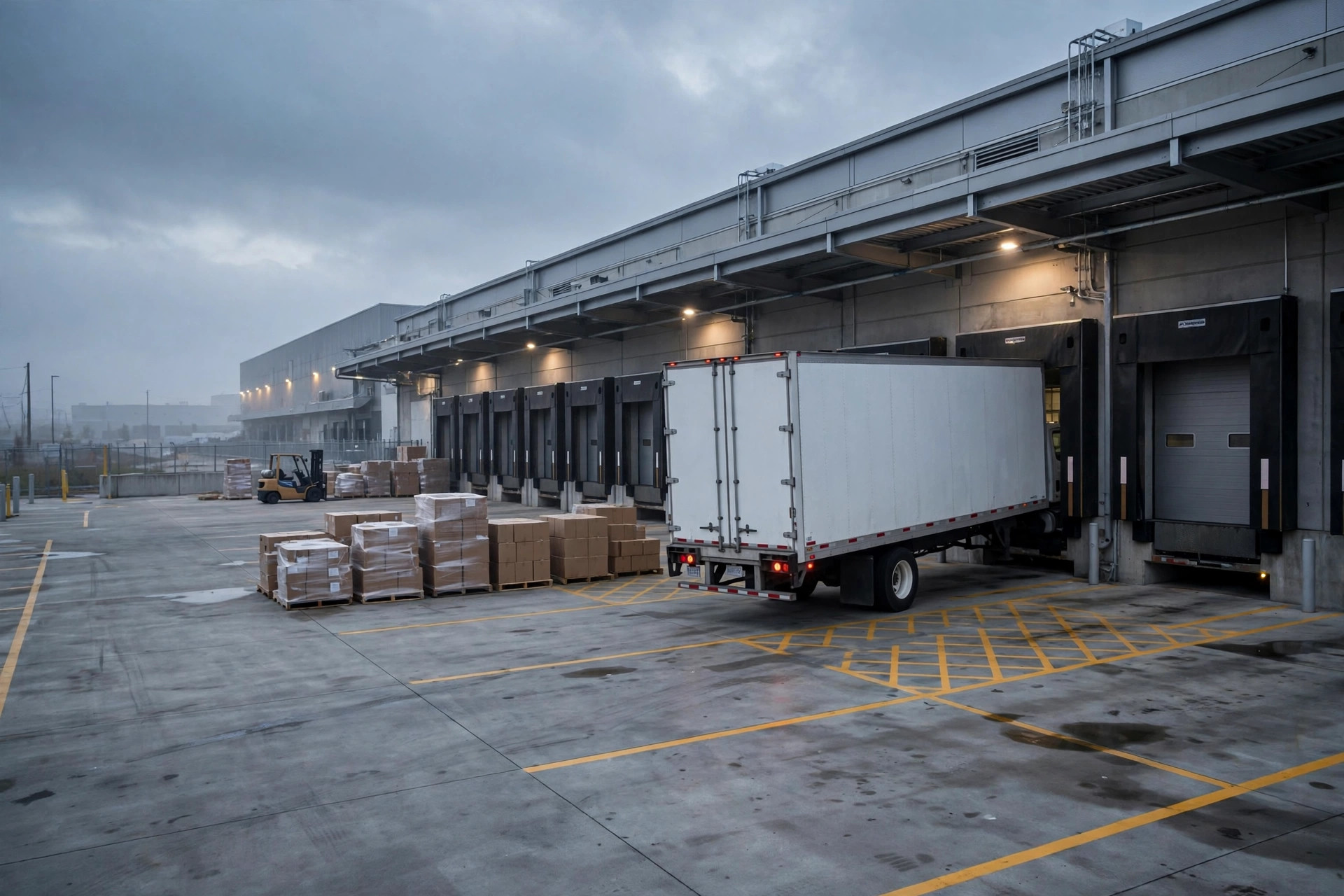
The first time was November 2025, two weeks before Black Friday. My Christmas-season inventory was headed to ABE8 on the East Coast. The appointment window was 10 AM. The driver's previous stop in New Jersey ran long — he rolled up at 11:05 AM.
The dock worker glanced at the appointment sheet and waved him off. Window closed. No delivery today.
I spent half an hour arguing with my forwarder on the phone. He said there was nothing he could do — Amazon's delivery appointment windows are hard lines, not suggestions. One hour late and one day late look exactly the same in the system: a no-show.
The second time was March 2026, at ONT8 in California. The truck arrived on time, and the whole load still got rejected. The carton count on the PO didn't match the actual delivery — off by a dozen cartons. They wouldn't even unload it. The truck turned straight around.
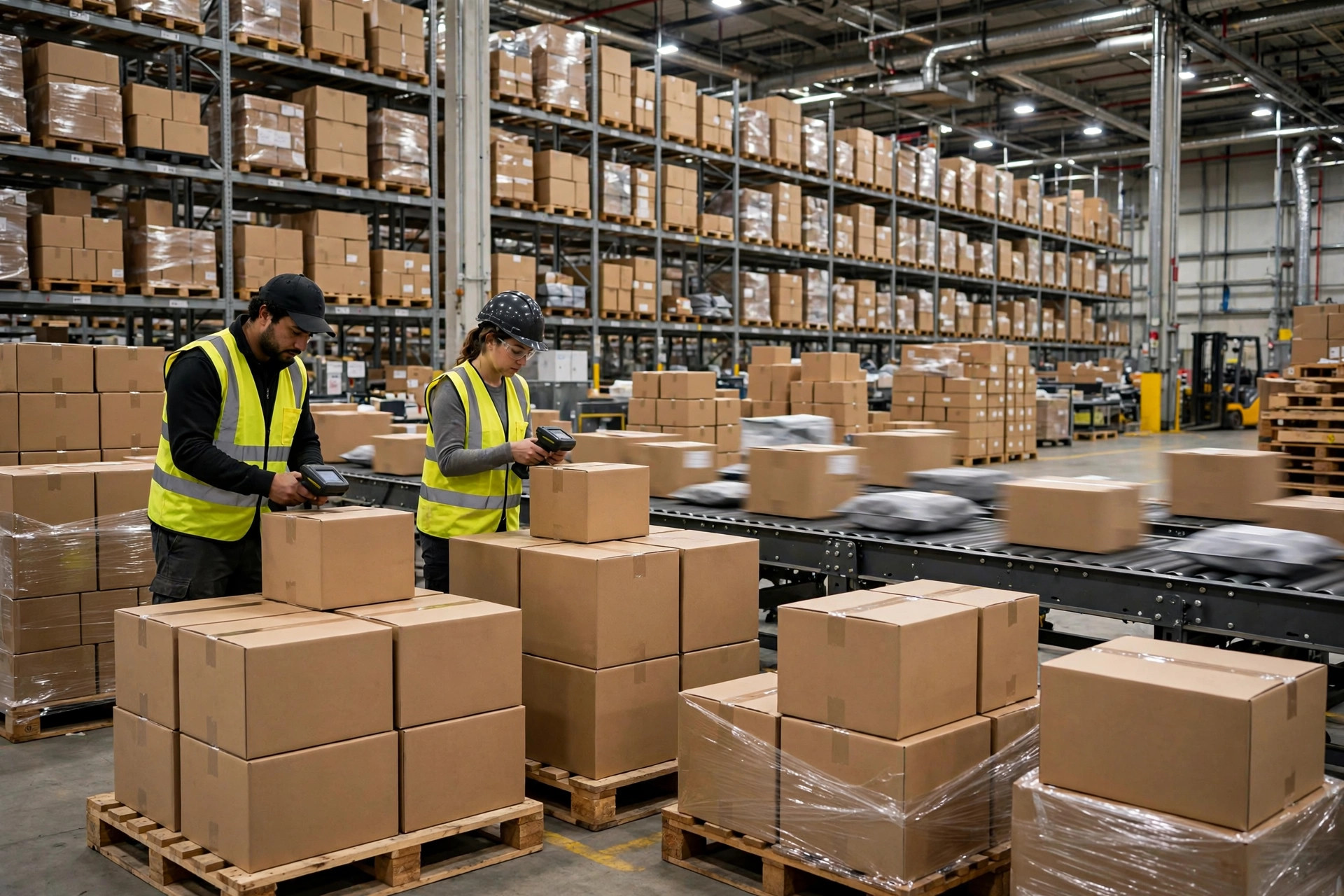
Two different causes, one lesson: at the dock, Amazon only recognizes the appointment and the PO. Not your explanation.
Rescheduling After a Missed Appointment: How Long It Really Takes
The day of the rejection, my forwarder pulled the container back to their New Jersey transload warehouse. Then the rescheduling grind began. Here's the real timeline:
- Day 0 (rejection day): Confirm temp storage with the forwarder, cancel the original CARP appointment
- Day 1–3: Forwarder tries to grab a new appointment slot — peak season, nothing available soon
- Day 17: Finally secure a new delivery window
- Day 18: Second delivery attempt, accepted
- Day 23: Everything checked in and available for sale
Twenty-three days from rejection to sellable inventory. Black Friday? Long gone. My Christmas inventory missed the biggest traffic window of the year.
Off-season is kinder — the March reschedule only took 6 days. But in peak season (October through December), expect this: waiting 2–3 weeks for a new appointment is normal, not the worst case.
The Real Cost of a Missed FBA Appointment
Most sellers only count the wasted trucking. That's the small part. Here's the full accounting from my November 2025 disaster:
| Cost item | Amount |
|---|---|
| Deadhead fee (truck turned away at the gate, returned empty) | ~$450 |
| Transload storage (unload + $150/day × 17 days) | ~$2,550 |
| Second delivery trucking | ~$600 |
| Wasted ad spend (ACoS spiked from 28% to 45%, forced to cut budgets) | ~$800 |
| Lost Black Friday sales (est. 800 units missed × $6 margin per unit) | ~$4,800 |
| Total | ~$9,200 |
See the split? Direct costs (trucking + storage) ran about $3,600. The hidden costs (ads + lost sales) were nearly two-thirds of the total.
That's why I call the delivery appointment a "small thing that fails big." Whatever time you save grabbing an aggressive slot, you pay back several times over when it blows up.
Who Pays? Splitting the Bill Before You Argue About It
After a rejection, the seller, the forwarder, and the trucking company love pointing fingers at each other. Here's how I break it down now:
Driver arrived late → the carrier/forwarder's problem. If your forwarder owns the whole move, the lateness is on them, and the deadhead and storage fees should be theirs — but only if you put that in the quote in writing before you start. A verbal agreement is worth nothing.
PO carton count or label mismatch → your problem. That's a QC failure before the freight ever left. No one else to blame. I owned the March one in full.
System glitch or canceled appointment slot → have your forwarder file a case. CARP occasionally glitches and appointments vanish. Tell your forwarder to screenshot everything immediately and open a case with Amazon. The success rate isn't high, but with a complete evidence chain, forwarders usually absorb part of the cost.
One line to remember: put "who pays if the truck gets rejected" in an email before you ship, not after you're already arguing.
The Uncomfortable Truth: Most Rejections Are the Seller's Fault
Here's the part that stings. I asked around in a few seller groups — out of ten rejected deliveries, eight turned out to be the seller's own mistake: wrong carton count on the PO, labels on the wrong boxes, or an appointment time that reflected "when I hope the truck arrives" instead of "when the truck can actually arrive."
The most common trap: sellers book the earliest available slot instead of a slot the driver can realistically make.
In peak season, CARP slots are first-come-first-served. Snagging an 8 AM slot feels like a win — until your container is still 200 miles away and the driver can't get there even driving overnight. That's not a win. That's a trap you set for yourself.
I do the opposite now: first ask the driver "what's the earliest you can actually be there," then book a slot 1–2 hours after that. I'd rather wait half a day than gamble on being on time.
My Pre-Shipment Checklist
Before every shipment, I run this list. No exceptions:
- Pad the appointment time: driver's promised arrival + 2 hours = the booked window. In peak season, +3 hours.
- Triple-check the PO: carton counts, SKUs, labels — checked by two people. After the March incident, I added "photograph every pallet during loading" to the routine.
- Confirm 48 hours ahead: appointment number, warehouse code, driver's phone — all three parties confirm in one group chat.
- Lock peak-season slots early: from October on, book at least 2 weeks out. Don't wait until the container is loaded to start hunting.
- Have a backup warehouse plan: if one warehouse won't give you a slot two tries in a row, switch the split shipment. Amazon's warehouse assignment logic changes every year — don't die on one hill.
I won't go deep on policy details here. Amazon's inbound policies change constantly — always go by the latest policy in Seller Central. What was true when I wrote this may shift in three months.
Tried it myself. It works: since April 2026, I've run this checklist on 11 FBA inbound shipments. Zero rejections. What you save isn't just the thousands in disaster costs — it's the peace of mind of staying in stock through peak season.
By Ah K, E-commerce Seller (5 yrs)