8:40 AM. The shift handover had just ended when the ops manager shoved his phone in my face. On screen: last night's warehouse sorter barcode read rate report — 98.2%, in red. His first words: "Are the scan heads dying? Should we replace them?"
I've spent over a decade doing automation integration, and I've had this exact conversation at least fifty times. Every time, I pour the same bucket of cold water first: don't condemn the scan heads yet. When the read rate slips to 98%, nine times out of ten the fault isn't in the scanner at all — it's on that little shipping label. Today we'll settle the bill properly: the principle, the dividing line, and the maintenance traps. All in one go.
How Read Rate Is Actually Calculated
Principle first. Without it, every discussion is superstition.
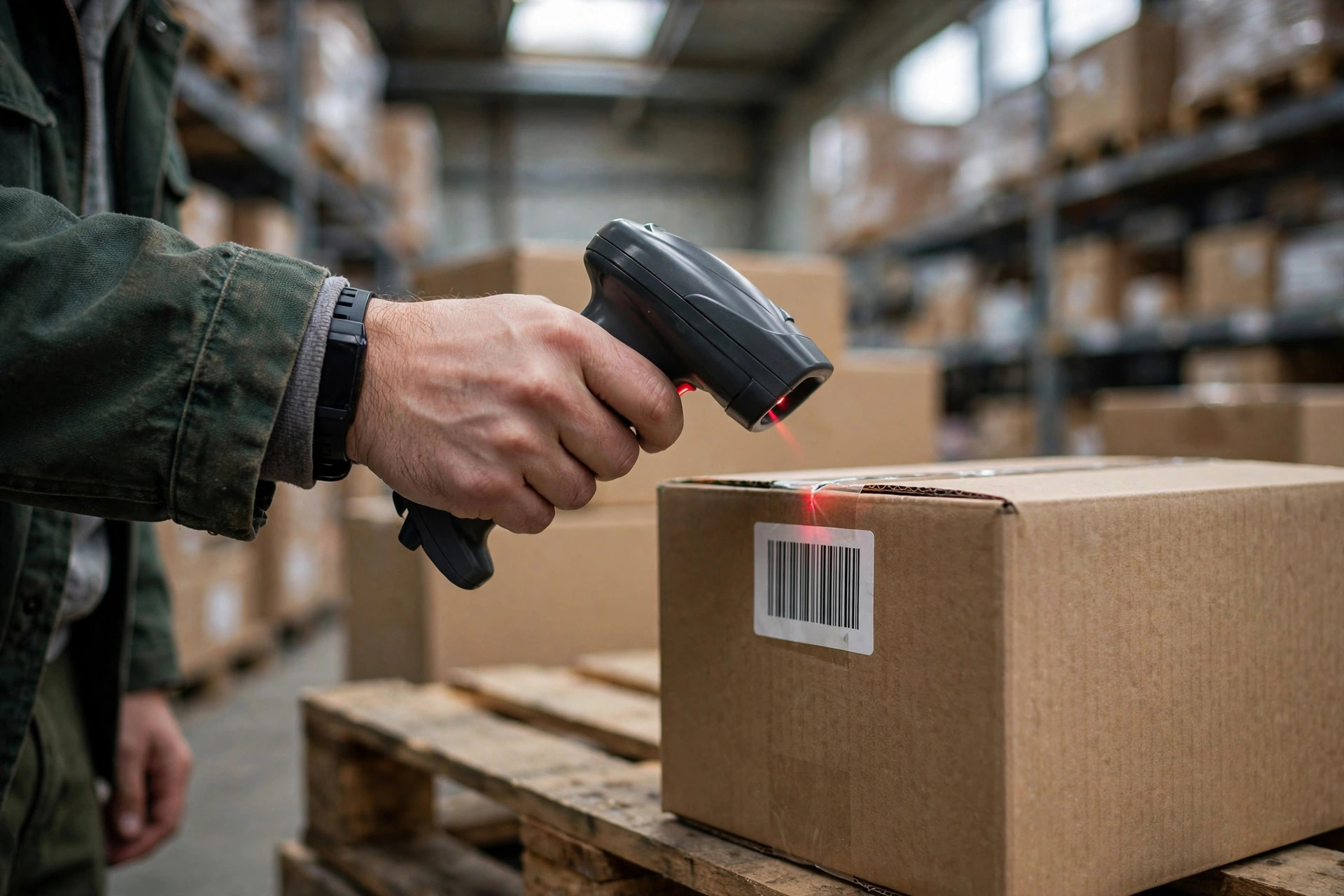
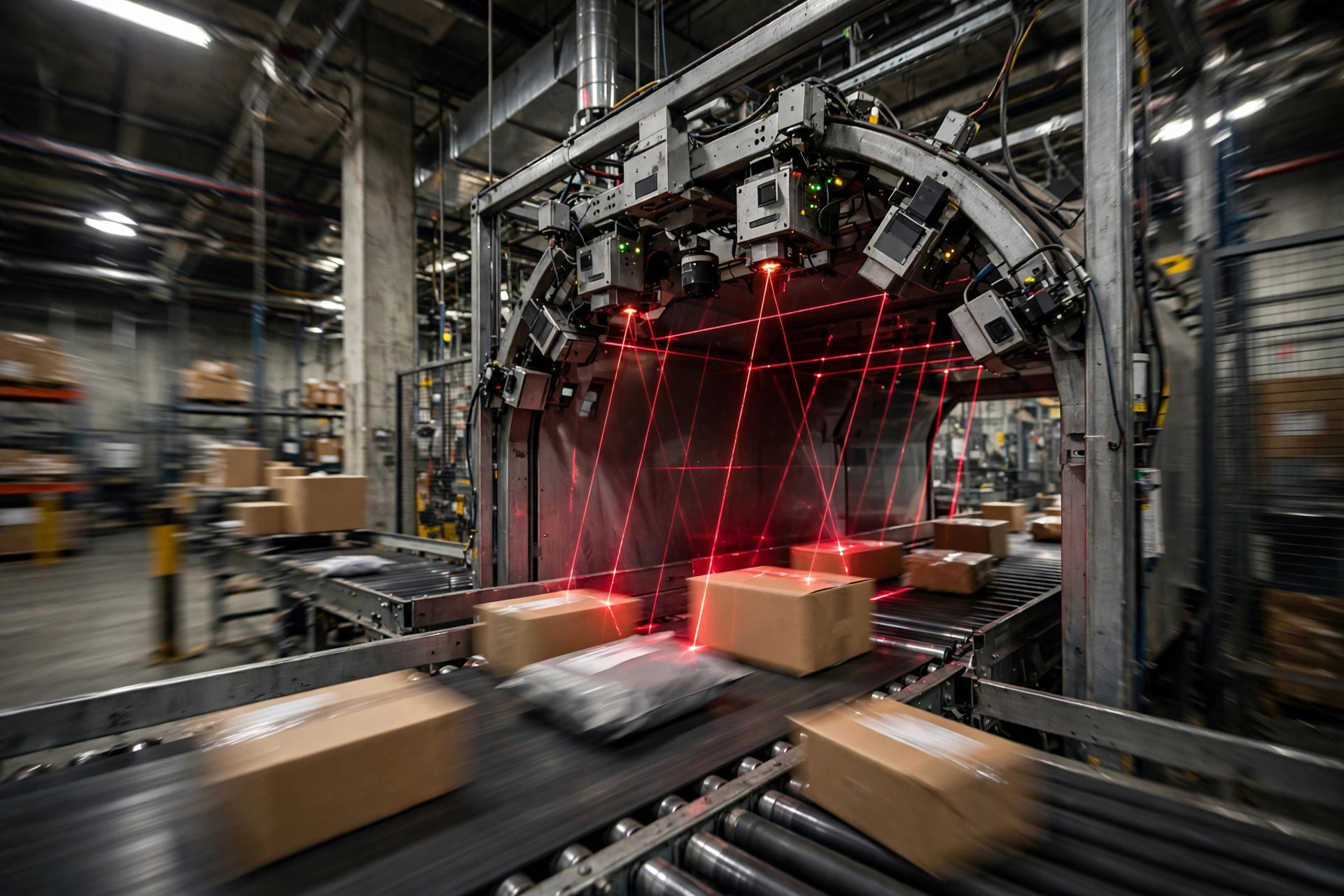
Think of it like a toll-booth camera on a highway: the parcel is the car, moving through the scan zone at around 2 meters per second; the scan head is the camera, with a window of a fraction of a second to "read the license plate." Or picture a teacher calling roll: out of 100 names, 98 answer "here," and 2 stay silent — the sorter has no idea where those 2 parcels go, so it kicks them into the no-read chute and waits for a human to claim them.
The formula is simple: read rate = parcels successfully read ÷ total parcels that passed through the scan zone.
Note the denominator: "that passed through." Parcels jammed on the belt or held back by an e-stop don't count. So the number on the report always looks a little better than what you feel on the floor — that's trap number one. The report says 98.2%; your gut says barely 97%.
In this industry, sorter acceptance criteria are usually written at 99.5% or above (check your equipment vendor's spec and your contract). Dropping from 99.5% to 98% looks like just 1.5 points, but the number of no-read parcels triples. That's trap number two: read rate is a "success rate," but your cost lives in the "failure count" — and the failure count is brutally sensitive to tiny point changes.
Below 98%, Every Tenth of a Point Is Money
No-read parcels don't walk themselves to the chute. Every one needs manual handling: pull it from the exception chute, read the label, re-scan it with a handheld gun, put it back on the belt. A skilled operator takes about 45 seconds per parcel — that's the norm.
Let's do the math for a warehouse running 30,000 parcels a day (labor at the typical US warehouse scale of twenty-something dollars an hour, 300 working days a year):
| Read rate | Daily no-read parcels | Daily manual hours | Annual labor cost |
|---|---|---|---|
| 99.5% | 150 | ~1.9 hrs | ~$12,000 |
| 99.0% | 300 | ~3.8 hrs | ~$25,000 |
| 98.0% | 600 | ~7.5 hrs | ~$50,000 |
See it? Sliding from 99.5% to 98% burns nearly $40,000 a year in extra labor — before you even count peak-season overtime and the knock-on cost of mis-ship complaints. That's why I say: every 0.1 point of read rate is real money.
Print Quality: A Three-Way Ownership Split
Money settled. Now, who owns the problem? In the field I always triage in this order: the print side → the application side → the scan side. The scan side goes last, because it's the most expensive — and the least likely culprit.
First, the print side: this is where 80% of problems live.
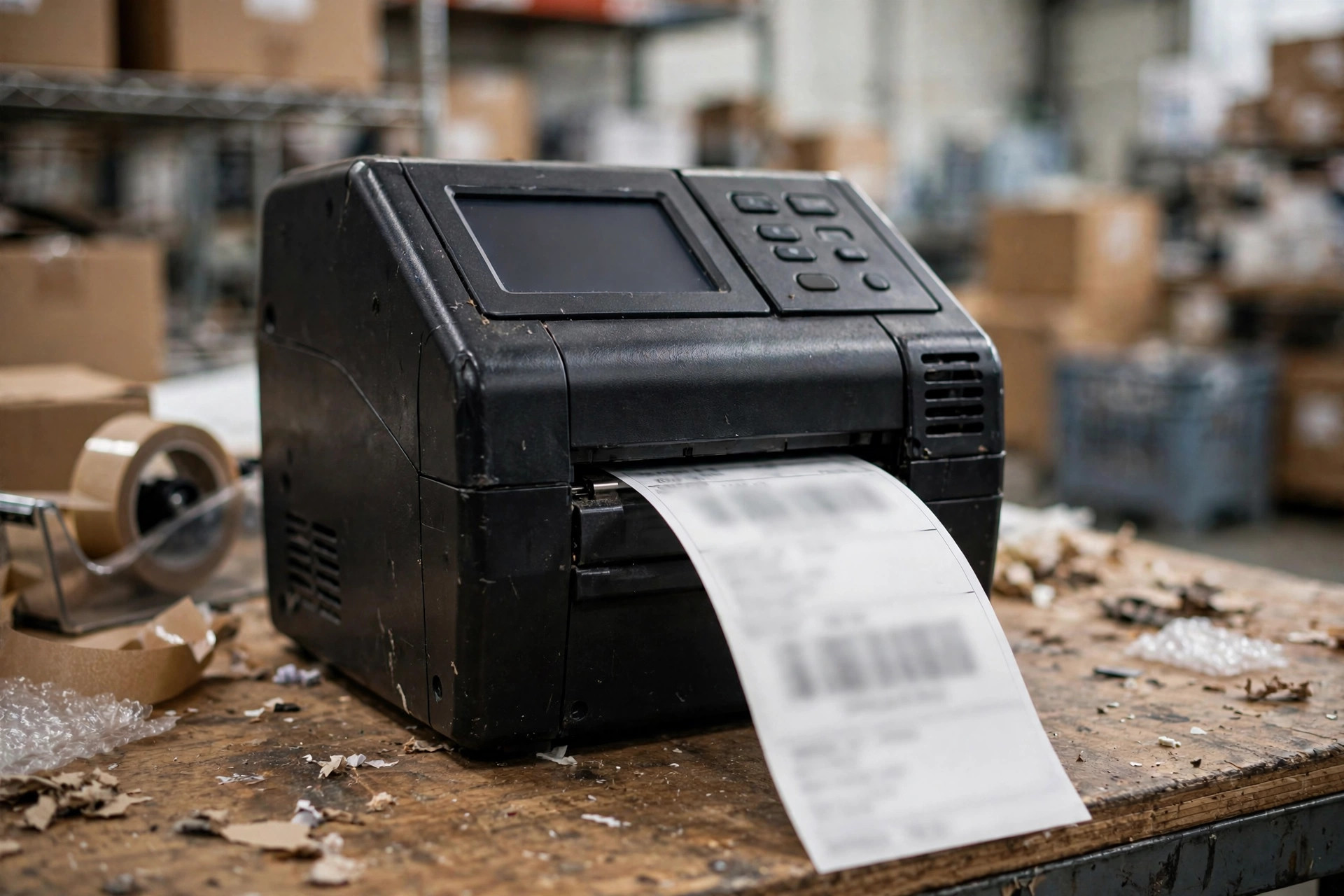
Barcode print quality has an international standard, ISO 15416, grading barcodes A through F. In a sortation environment, C is the floor and B is where you sleep well at night. A dirty printhead, darkness set too low, a cheap ribbon swap — and the bars start breaking up and fading, dropping the grade straight to D. No scan head, however expensive, can read a broken barcode.

In 2023, an apparel e-commerce warehouse in eastern China — about 25,000 parcels a day — watched its read rate slide from 99.4% to 98.1%. Ops blamed aging scan heads; the integrator quoted a scan-array upgrade. My first move on site wasn't to look at the scan heads. I asked for 20 no-read labels and ran them through a barcode verifier — every single one graded D. Further digging: the printheads hadn't been cleaned in three months, and someone had switched to a cheap ribbon whose black just wasn't black enough. Cleaned the printheads, switched back to the original ribbon, bumped darkness up one notch. Three days later: 99.5%. Not a cent of new hardware.
Second, the application side: a crooked label wastes even perfect printing.
In 2024, a 3PL warehouse in the US Midwest installed an automatic label applicator and got stuck at 98.3%. The labels themselves graded a fine B. The problem was the applicator's guide wheel had drifted — labels kept landing on the box's tape seam, and when the tape compressed and wrinkled, the barcode wrinkled with it. The fix was almost embarrassingly simple: adjusted the guide wheel by 3 millimeters and shrank the label one size to clear the seam. Two weeks later: 99.4%.
Remember this inspection habit: with a no-read label, check "where it was stuck" first, then "how it was printed." Wrong position — that's the applicator's fault. Right position but unreadable — that's the printer's fault.
Third, the scan side: check it last, but check it properly.
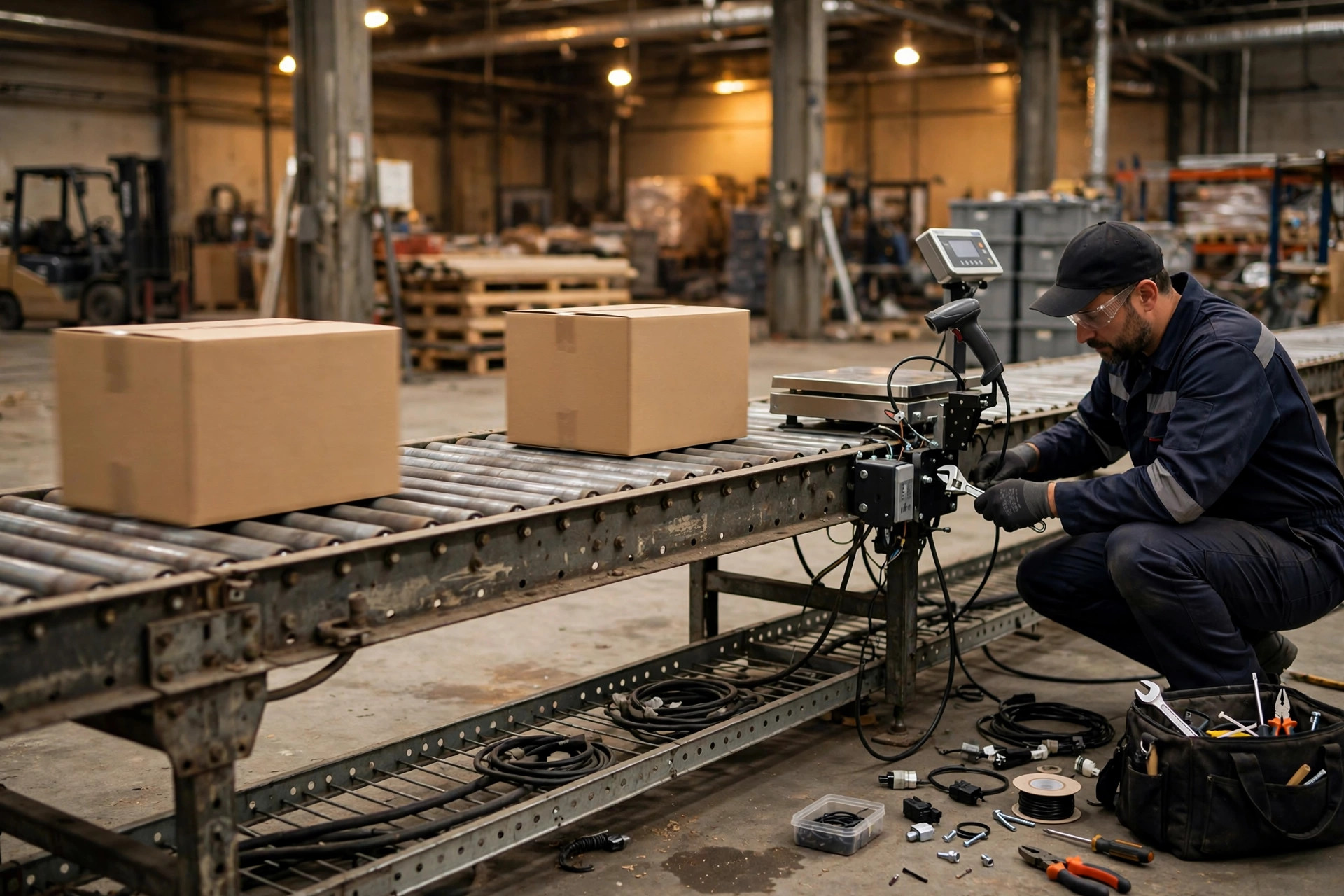
Dusty lenses, laser tubes at end of life (vendors typically spec MTBF in the tens of thousands of hours — check the datasheet), focus drift on the scan heads — the odds of these being the real culprit are under 10%. But when they are, the replacement bill is serious. So my rule stands: rule out print and application first, then touch the scanners.
Time for a rant. Every time read rates drop, someone proposes two "solutions": "upgrade the scan heads from 4-sided to 6-sided," or "add AI vision re-check." Both sound advanced. Both are pseudo-requirements. A broken barcode looks broken from six sides too; a D-grade print is unreadable to AI as well — AI can't do fortune-telling. Get your print quality above grade B first, then talk upgrades. That's spending small money to solve a big problem. Reverse the order and you're spending big money to solve a small one.
The 30-minute triage (take it, it's free):
- Pull 20 random no-read labels and run them through a barcode verifier. Below grade C — print side, case closed.
- Look at the time distribution of no-reads. Clustered after shift changes or ribbon swaps — consumables or human factors.
- Look at photos of the labels. Crooked, wrinkled, reflective — application side.
- None of the above — now check scanner lenses and focus.
Worth the Money? Watch This One Number
Stop asking "should we replace the scan heads?" Ask yourself one number instead: what's your no-read rate? Sliding from 99.5% to 98% burns $40,000 a year in labor — while a handheld barcode verifier costs a few hundred dollars and a printhead cleaning costs nothing. Which one do you do first? Not a hard choice.
Read rate is like blood pressure on a physical exam: when the number looks bad, the root cause is rarely the heart — it's the lifestyle. The label is the sorter's lifestyle.
By Da Liu, Automation Engineer