We had a client ask me last October: "Susan, can ShipStation automation rules really pick the cheapest carrier for every order by itself? My team is still choosing carriers by hand, and our shippers have basically developed muscle memory."
I told him yes — with one condition. Misconfigure the rules, and every automated order loses money on autopilot.
He's a home-goods seller in Los Angeles, doing 500 to 600 orders a day, shipping everything USPS because it was simple. Before last Black Friday I built him a rule set. Three months later his monthly shipping spend went from roughly $42K down to about $35K — close to twenty percent. Today I'm taking that setup apart, plus the wrecks I've watched over the years. Dear clients, bookmark this one.
What ShipStation Automation Rules Actually Look Like
Don't let the word "automation" intimidate you. A ShipStation automation rule has exactly two parts: trigger criteria plus an action. An order comes in, the system walks the rule list top to bottom, and the first rule that matches wins. Everything below it gets skipped.
The criteria get granular: package weight, destination state and ZIP, product SKU, order value, selling channel, residential versus commercial address. The actions are blunt: assign a carrier and service, add insurance, tag the order, pick a package preset. It's all under Settings → Automation → Automation Rules — one sortable list.
Here's the insider part most sellers miss: rules execute in order, and order is everything. I've seen sellers build fifteen beautiful rules with airtight conditions, then lose it all on sequencing. Ninety percent of automation disasters are sequencing disasters, not logic errors. It's never "which rules" — it's "which rule goes first."
Three Rate-Shopping Strategies, and the Trade-Off Nobody Warns You About
The most valuable action in the rule engine is rate shopping — real-time carrier comparison, cheapest option wins automatically. But "cheapest" comes in three flavors, and picking the wrong flavor hurts more than having no rules at all.
Strategy one: pure cheapest rate. Every order shopped across every carrier, lowest price wins. Maximum savings, maximum chaos. Carriers change daily — USPS today, UPS tomorrow, FedEx the day after. Delivery times swing, your support team can't keep one script, and every lost package starts with "wait, which carrier was this one on?" The bigger your volume, the harder your support team cries.
Strategy two: cheapest within a carrier pool. You restrict the comparison — say, USPS versus UPS only, FedEx as fallback. You save a little less, but transit times stay predictable and support only memorizes two playbooks. This is the sweet spot for most sellers.
Strategy three: preferred carrier plus fallback. Your negotiated carrier is the default (say you have a strong UPS contract), and rate shopping only triggers on overweight, remote ZIPs, or abnormal quotes. Built for high-volume sellers with real contracts, where consistency beats pennies.
| Strategy | Savings | Transit consistency | Support cost | Best for |
|---|---|---|---|---|
| Pure cheapest | Highest | Poor | High | Price-sensitive small sellers with tough support |
| Cheapest in pool | Medium | Good | Low | Most sellers |
| Preferred + fallback | Lowest | Best | Lowest | High-volume sellers with negotiated rates |
One more thing from the vendor side of the table: ShipStation's built-in carrier rates — like USPS Commercial Pricing — sometimes beat the contract you negotiated yourself. Small sellers, don't rush to sign a carrier agreement. Run on platform rates for two or three months, build your own volume data first, then negotiate. Walking into a rate negotiation with no data is walking in to donate.
Automation Rules in Practice: Three Routing Lanes
Enough theory. Here's the "three routing lanes" skeleton I build for clients — get the bones right, add muscle later.
Lane one: light parcels (1 lb and under). Assign directly, don't shop. Carriers barely differ at this weight; the pennies you save won't cover the latency of a rate lookup. One rule: weight ≤ 1 lb → USPS Ground Advantage or equivalent. Clean.
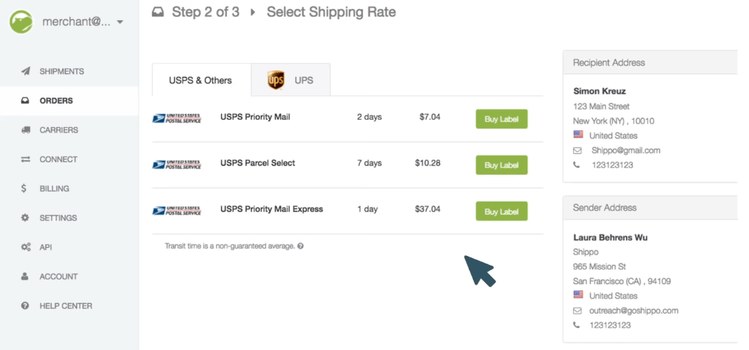
Lane two: 1 to 5 lbs — the rate-shopping battlefield. This is where most of your orders live and where comparison pays off most. Rule: weight 1–5 lbs → rate shopping across USPS, UPS, and FedEx. One critical setting: restrict the shop to ground-tier services only. Cross-service comparison is the classic rookie mistake — congratulations, your "cheapest" option just shipped overnight.
Lane three: heavy and remote. Rule: weight over 5 lbs, or destination in AK, HI, PR, or remote ZIPs → fixed assignment to FedEx Home Delivery or UPS Ground. USPS transit promises get shaky in remote zones, and one lost package there costs more in support time than you saved all month.
Add one more lane most people forget: residential versus commercial address routing. UPS and FedEx slap residential surcharges on home deliveries; USPS doesn't. So add a condition — address type = residential → bias toward USPS. ShipStation auto-detects address type, but mixed-use addresses get misclassified constantly. More on that disaster below.

Three Wrecks I've Actually Seen
Wreck one: rules fighting each other. March 2025, a beauty seller called me in a panic. His list had two rules: "weight ≤ 2 lbs → USPS" and "destination California → UPS." California light-parcel orders matched both, and the system always executed whichever ranked higher. Every California order in March shipped on the expensive option before anyone noticed. The lesson: conditions must be mutually exclusive. After writing rules, run ten historical orders through them and check each one lands where you intended.
Wreck two: address misclassification. A client selling mostly to businesses — commercial addresses — set up "residential → USPS" routing. Sound logic. But ShipStation's address database classified a batch of his office-building addresses as residential, and UPS residential surcharges applied anyway, thousands of dollars over a month. The lesson: don't blindly trust automated address typing. Manually review key customer addresses, or replace the address-type condition with ZIP-plus-maintained-whitelist logic.
Wreck three: the insurance threshold. Rules can auto-add insurance above an order value — beautiful in theory. One seller set auto-insurance above $100, but his declared value field carried cost, not retail price. A shipment went missing, the carrier paid out on declared value, and he recovered cost while the margin evaporated. The lesson: insured value equals retail price. And carrier-included coverage versus third-party insurance (like Shipsurance) are different animals — read the coverage terms before you check the box.
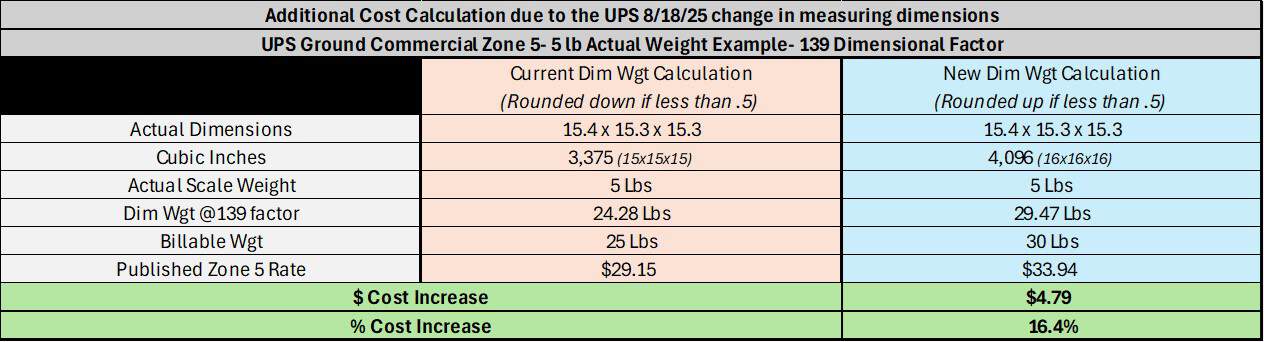
One standing note: carrier rates, discounts, and surcharge schedules change constantly. Always go by each carrier's current published policies — never treat last year's screenshot as gospel.
The Real Value Was Never the Savings
Here's the counter-intuitive take: the money rate shopping saves you is the small prize. The big prize is the 90-day rate report you take into your next carrier negotiation.
Think about it. You walk in with a report: last 90 days, 2–5 lb parcels, how many went UPS, how many went FedEx, how many went USPS, who was cheapest in each weight band — all documented. You slide it across the table and say, "this volume could all be yours next quarter, so let's talk discounts." That is negotiating with data, and it beats begging on the phone by a mile.
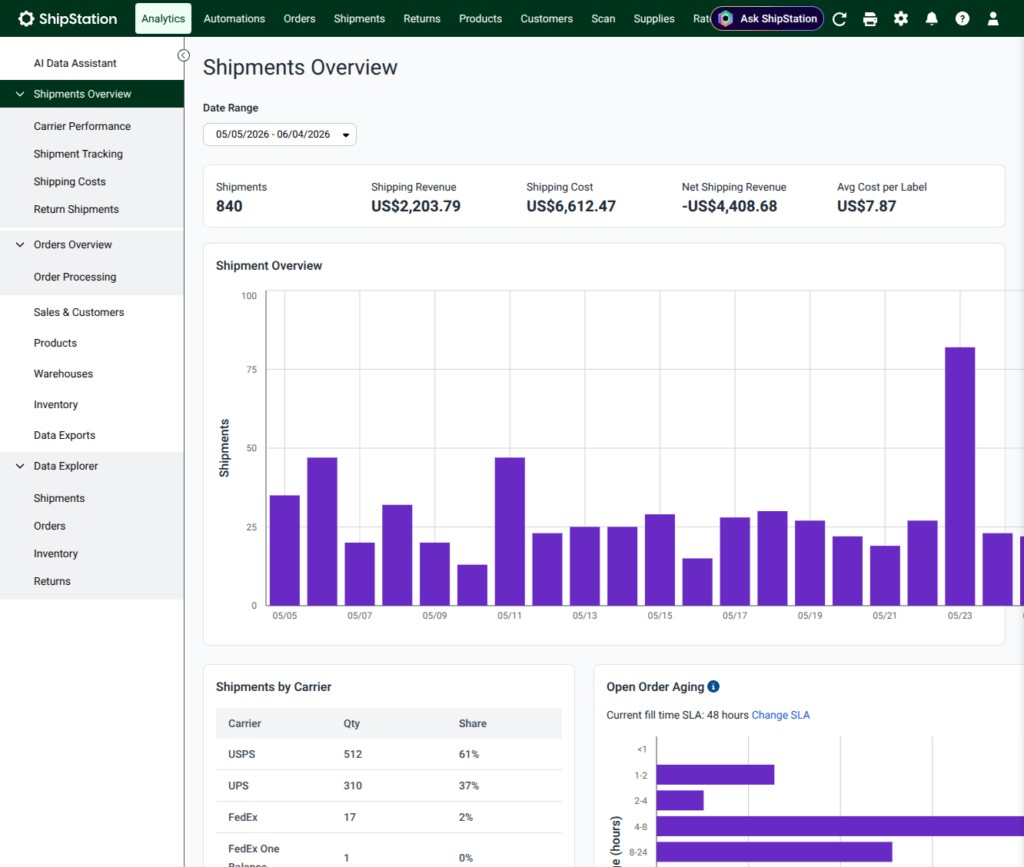
So my advice: building the rules is step one. Every month, export your ShipStation shipment report and look at actual carrier mix and cost. That report has three uses — squeezing your current carrier, courting a new one, and your year-end contract review. Every use is money.
Next time you're at the negotiating table, ask these three questions:
- "Can my contract rate beat ShipStation's platform rate? If not, why should I give you the volume?"
- "Is quarterly review in the contract? When my volume grows, do my discounts grow with it? Don't talk annual to me — my volume grows monthly."
- "Residential and remote surcharges — any caps or waivers? If not, who absorbs that cost in peak season?"
Ask those three, and the rep across the table will know they're not dealing with an easy mark — I mean, a "valued partner."
By Susan, 3PL Sales Director