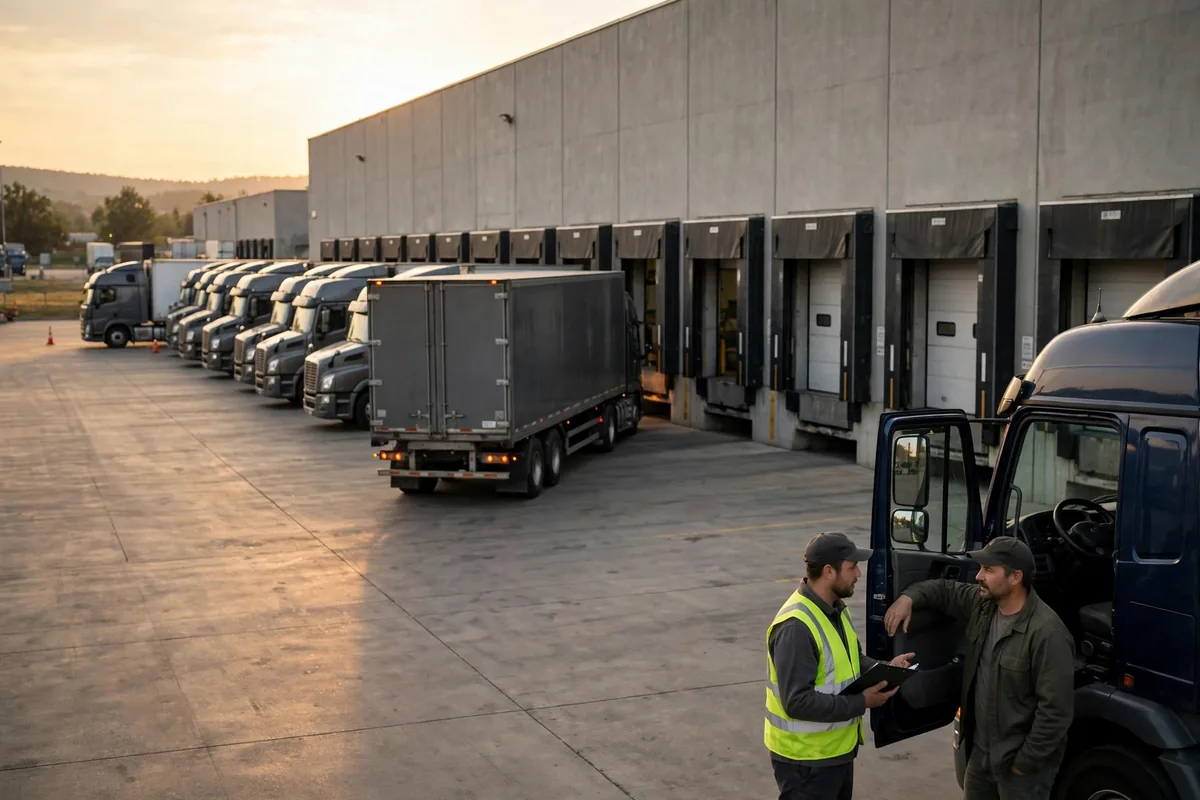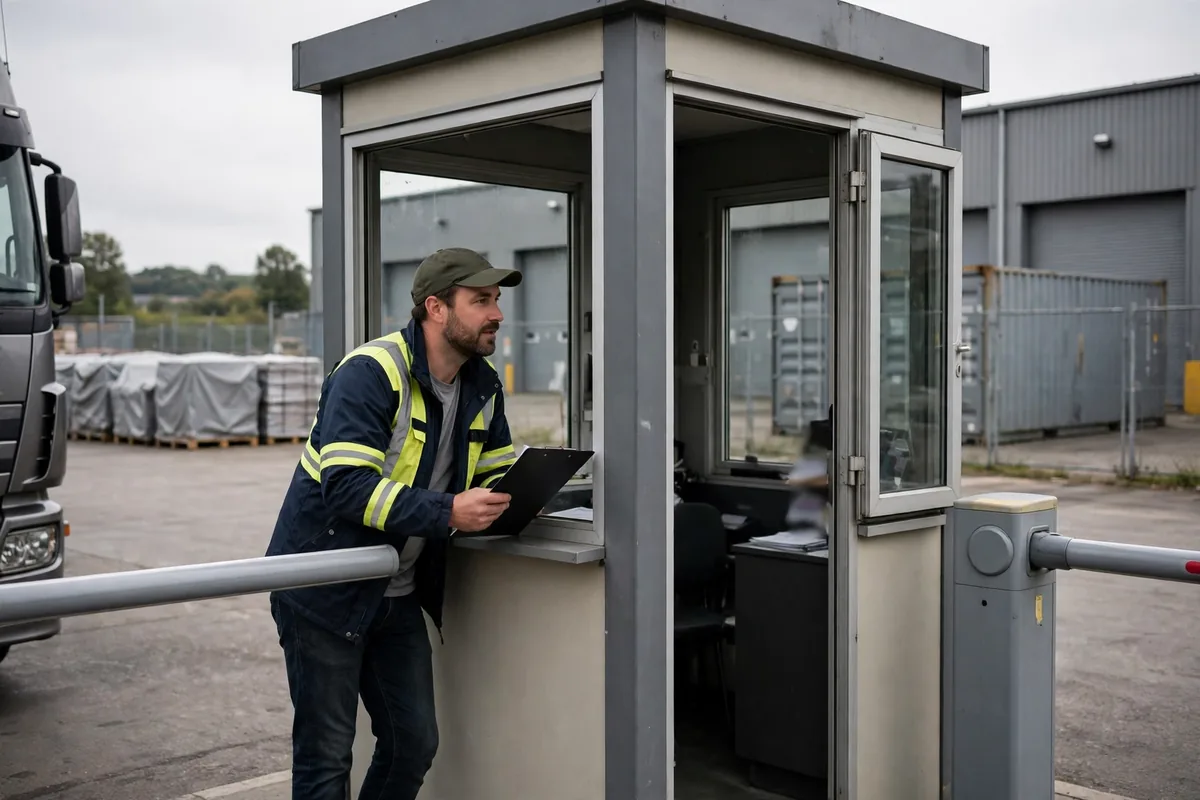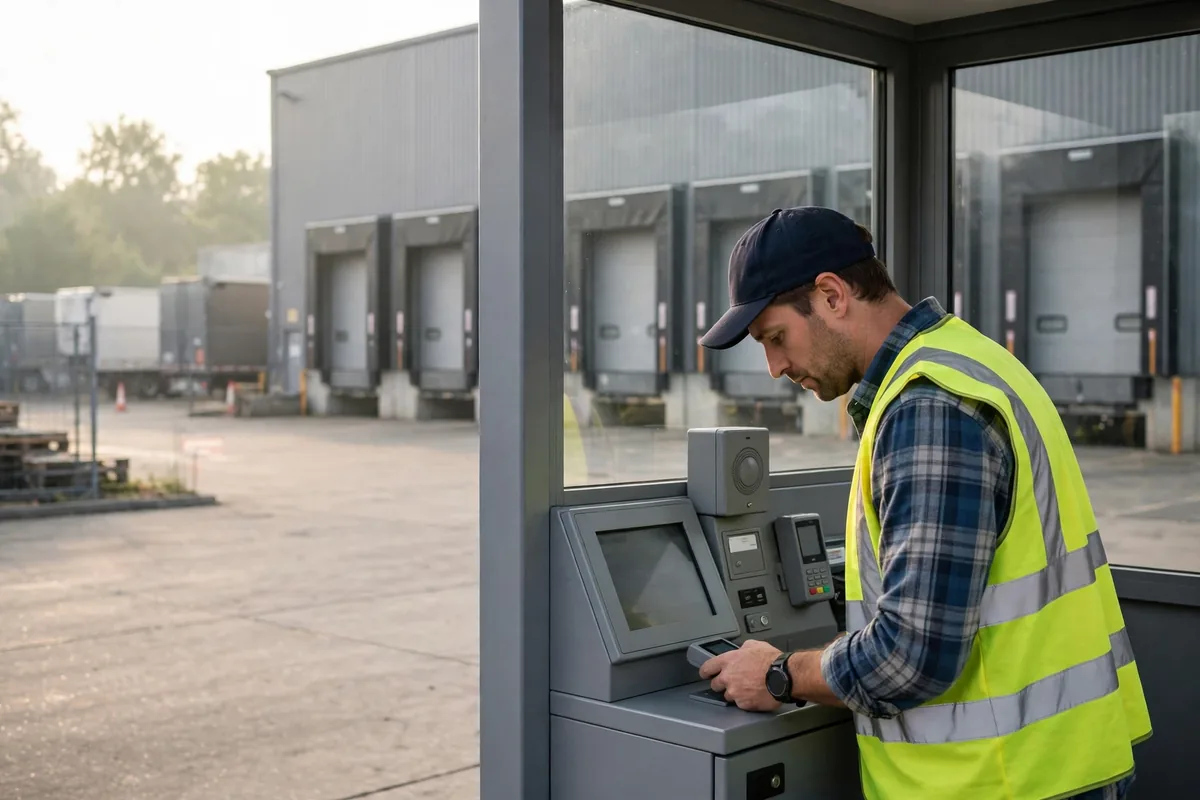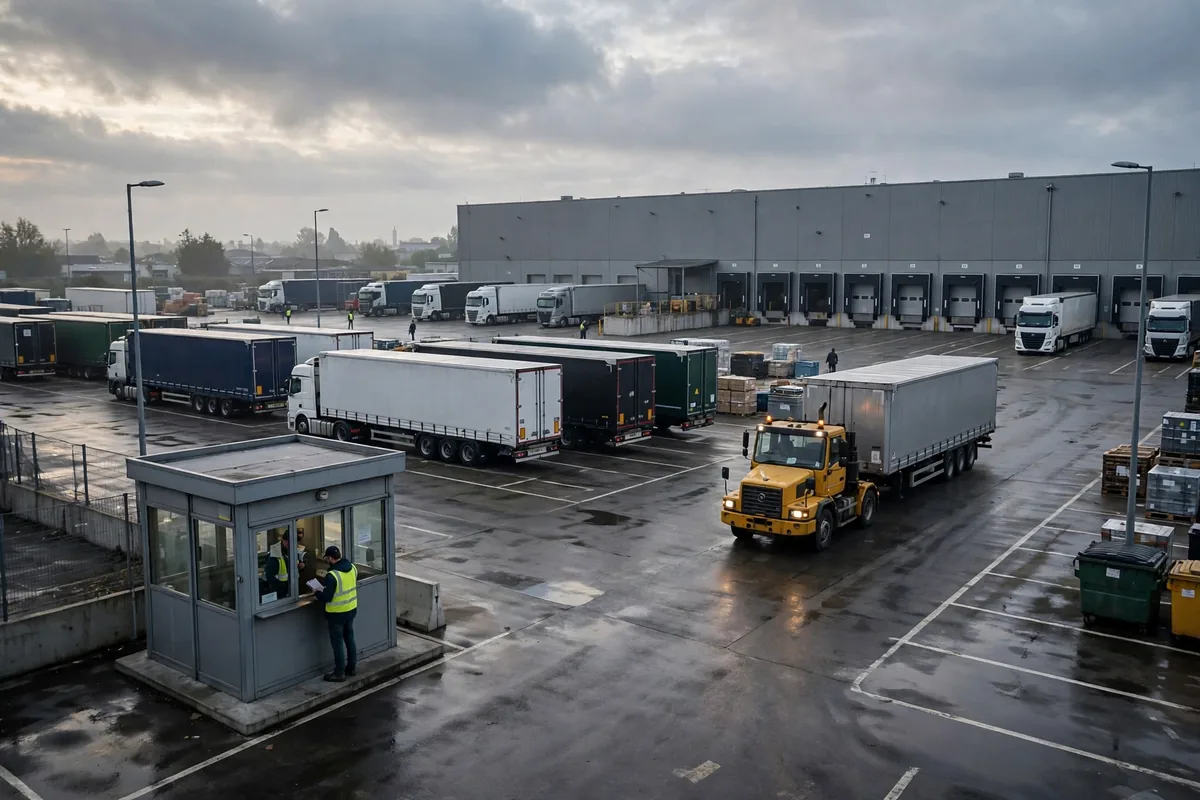
Here's the short version: judge a yard management system (YMS) on three jobs — appointments, gate check-in, and dock assignment. If those three don't work in your yard, nothing else matters. I've run more than 30 go-lives, and I've watched this same mistake three times or more: a warehouse buys a YMS after a slick demo, then drivers keep queuing at the gate because nobody uses the appointment book, dock assignment is still done from memory, and trailer locations are still tracked by walking around shouting.
In July 2026, a 3PL in Stockton, California published a vendor case study: after rolling out a yard management system, average dock wait per truck fell by 45 minutes. One vendor case, not a universal promise — but it proves waiting in the yard is not a law of nature.
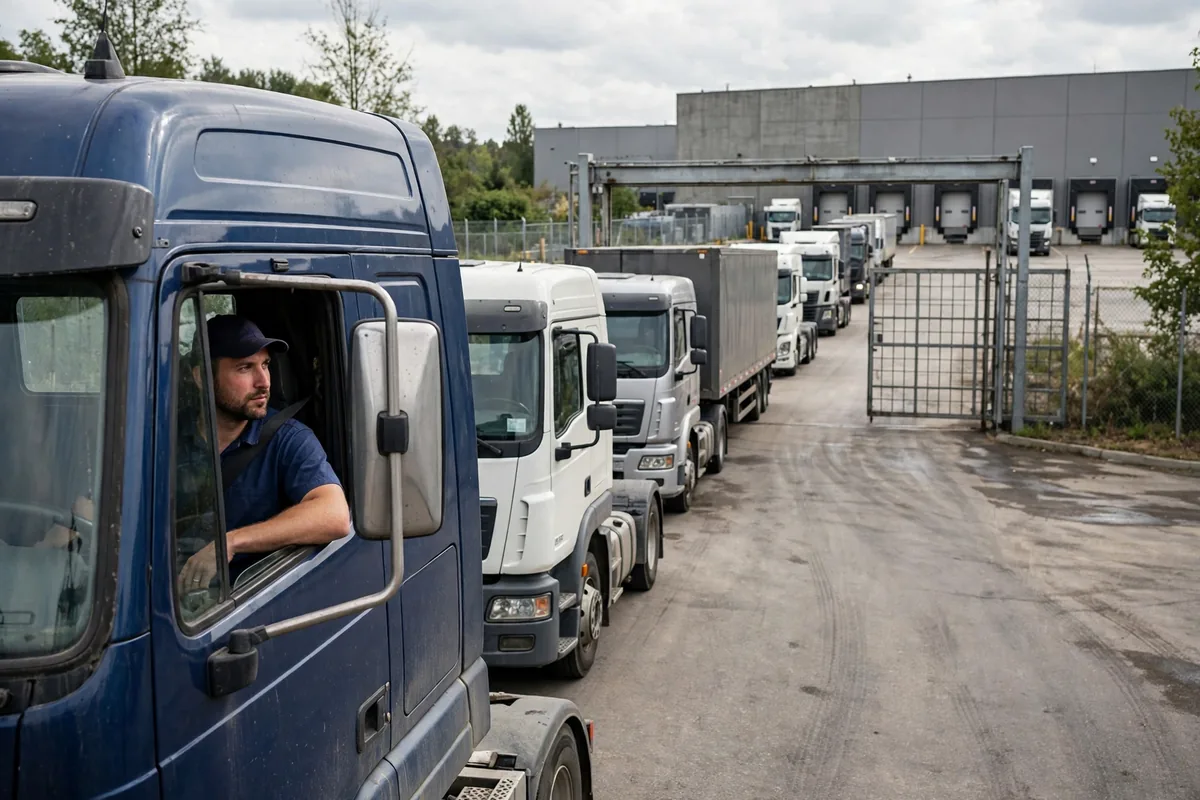
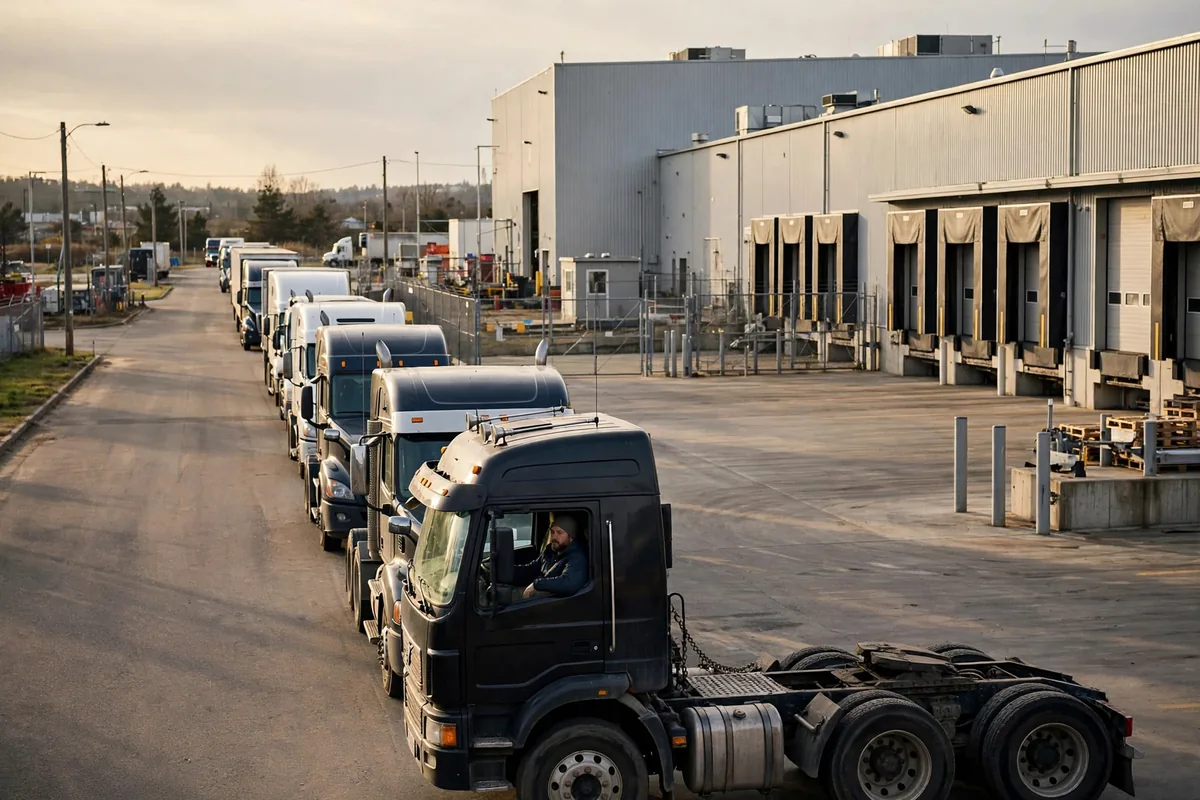
I saw the other side of it on a project in fall 2024, at a home-goods distribution center near Los Angeles — 12 dock doors, 60-plus trucks a day. Between 9 and 11 in the morning the gate backed up eight trucks deep, and the longest-waiting driver had been sitting there four hours, asleep in his cab, while the receiving team waited inside for freight and customer service apologized on the phone. The root cause was embarrassingly simple: appointments lived in a spreadsheet, the guard shack kept a paper log, dock assignment lived in the shift lead's head, and trailer locations lived only in the forklift drivers' memories. Four islands of information, no complete yard map. Before we touched software, we spent two weeks fixing the process: carriers booked online a day ahead, the guard scanned drivers in, docks were assigned from the appointment book, and trailer positions were counted into the system once a day. Go-live day itself was uneventful — because the real work was already done. I won't quote the final numbers as a trophy; every yard's baseline is different. But the direction was right: waiting came down, empty dock time shrank, and driver complaints dropped by half first.
Yard Management System Needs: Must-Haves, Nice-to-Haves, and Showpieces
Step one in any YMS selection is sorting features into three buckets. Must-haves are the things without which the system is decorative. Nice-to-haves help once the basics run. Showpieces look great in a demo and gather dust after go-live.
There are five must-haves. First, appointment management: carriers book, reschedule, and cancel online, and the system checks dock capacity — when a slot is full, it's full, no phone calls and no favors. Second, self-service gate check-in: the driver scans a code or enters an appointment number, and when the scan fails there is a human fallback — one broken kiosk must never block the whole queue. Third, dock assignment: the system assigns doors by appointment, freight type, and priority, the lead can override, and every override is logged with who did it and why. Fourth, trailer inventory and location: every trailer's spot and status is searchable in the system, so finding a trailer stops being a shouting exercise. Fifth, a live board: how many trucks are queued, which dock frees up next, which truck has overstayed — all visible at a glance.
Nice-to-haves include license-plate recognition, text alerts to drivers, inbound pre-advice synced from the WMS, and automatic detention calculations. All good — after the must-haves are stable. The classic showpiece is a fancy 3D yard map or AI arrival prediction. The map looks impressive; what a dispatcher actually needs is a sorted list. And when nobody honors appointments, a prediction engine is just guessing with better graphics. I've seen that movie three times: applause in the demo room, nobody opening that screen three months later.
Where YMS Ends and WMS and TMS Begin
The second classic trap is buying the same job twice because the boundaries are fuzzy. Remember this line: the WMS runs the inside of the building, the TMS runs the road, and the YMS runs the yard — from the gate to the dock door. The WMS knows where freight sits and how it gets picked. The TMS knows where the truck is on the highway and when it arrives. The YMS knows where the truck parks once it's inside, which dock it goes to, and when it leaves. Only three handoffs connect them: the TMS pushes estimated arrival into the YMS for appointment planning, the YMS pushes actual arrival and departure times back to the TMS, and the YMS tells the WMS when a trailer is confirmed at a dock so receiving can get ready. Any integration beyond those three is burning money.
Before signing, make the vendor demo those three handoffs with your real data — not a slide with an architecture diagram. What can't run in the demo won't magically work after go-live. And get data ownership in writing: trailer positions, arrival and departure times, wait durations — that's your operating asset, and you must be able to export all of it if you switch systems. No vendor lock-in on your own data.
A Scoring Sheet for Yard Management System Selection
Here's the scoring framework I use on every selection. The weights are an illustrative scenario — adjust them to your yard.
| Criterion | Weight (illustrative scenario) | How to verify |
|---|---|---|
| Self-service appointments with capacity checks | 25% | Have a carrier book for real; can a full slot block a booking? |
| Gate check-in and failure fallback | 20% | Walk the manual process with the network down and the scanner broken |
| Automatic dock assignment with logged overrides | 20% | Run last week's real schedule through the assignment logic |
| Trailer inventory and live board | 15% | Pick 5 trailers at random; system location vs. physical spot |
| The three WMS/TMS handoffs | 10% | Run them with real data, not a diagram |
| Implementation time and training cost | 10% | Ask how many weeks to go live and who trains whom |
Here's a counterintuitive judgment: the vendor with the longest feature list is often not the best pick. A yard management system is won or lost on the hardest 20% of scenarios — a no-show appointment, a driver arriving two hours early, a dock going down mid-shift and needing a swap. Demos always run the happy path. Force the vendor to demo the exception path. If the exceptions flow smoothly, the system is real.
There's also a trade-off most buyers don't want to face: the more standard the product, the faster the go-live — but the more you must change your own process. The more customized it is, the closer it fits today — but the slower the rollout and the pricier every upgrade. My rule of thumb: under 20 dock doors and under 80 trucks a day, take the standard product and change your process, not the software. Multiple sites, a hundred doors, dozens of carriers — that's when customization earns its keep.
The Night-Before-Go-Live Checklist
The go-live checklist is my trademark, and it's the step most often skipped. The night before go-live, tick every box: appointments for the next two weeks are loaded; the guard, the dispatcher, and the receiving team have each practiced hands-on — not just watched a training video; the paper fallback for a dead network or broken scanner is printed and taped up in the guard shack; dock assignment rules have been run against a real schedule and signed off by the shift lead; every trailer's starting position has been counted and entered; the three WMS and TMS handoffs have passed integration testing; and the rollback plan is written down and posted — if the system fails tomorrow morning, how do we receive trucks, in plain words.
The most common failure point is carriers who were never told. A week before go-live, send every carrier instructions: how to book, what to scan at the gate, who to call if they can't find their dock. My practice is to station someone at the gate every morning peak in the first week, helping drivers scan, logging every problem, fixing it the same day. Survive that week and the system lives. Skip it and the system dies.
One last piece of advice: a YMS is not magic that fixes a yard by itself. It only puts into software the order your yard was supposed to have already. If nobody honors appointments, nobody owns dock assignment, and nobody counts trailers, no software will save you. Set the rules first, then let the system enforce them. Don't get that order backwards. Tomorrow morning, do one thing: count how many trucks are queued at your gate, and how long each has waited. That number is where your selection starts.
By Lin Xiao, WMS Implementation Consultant