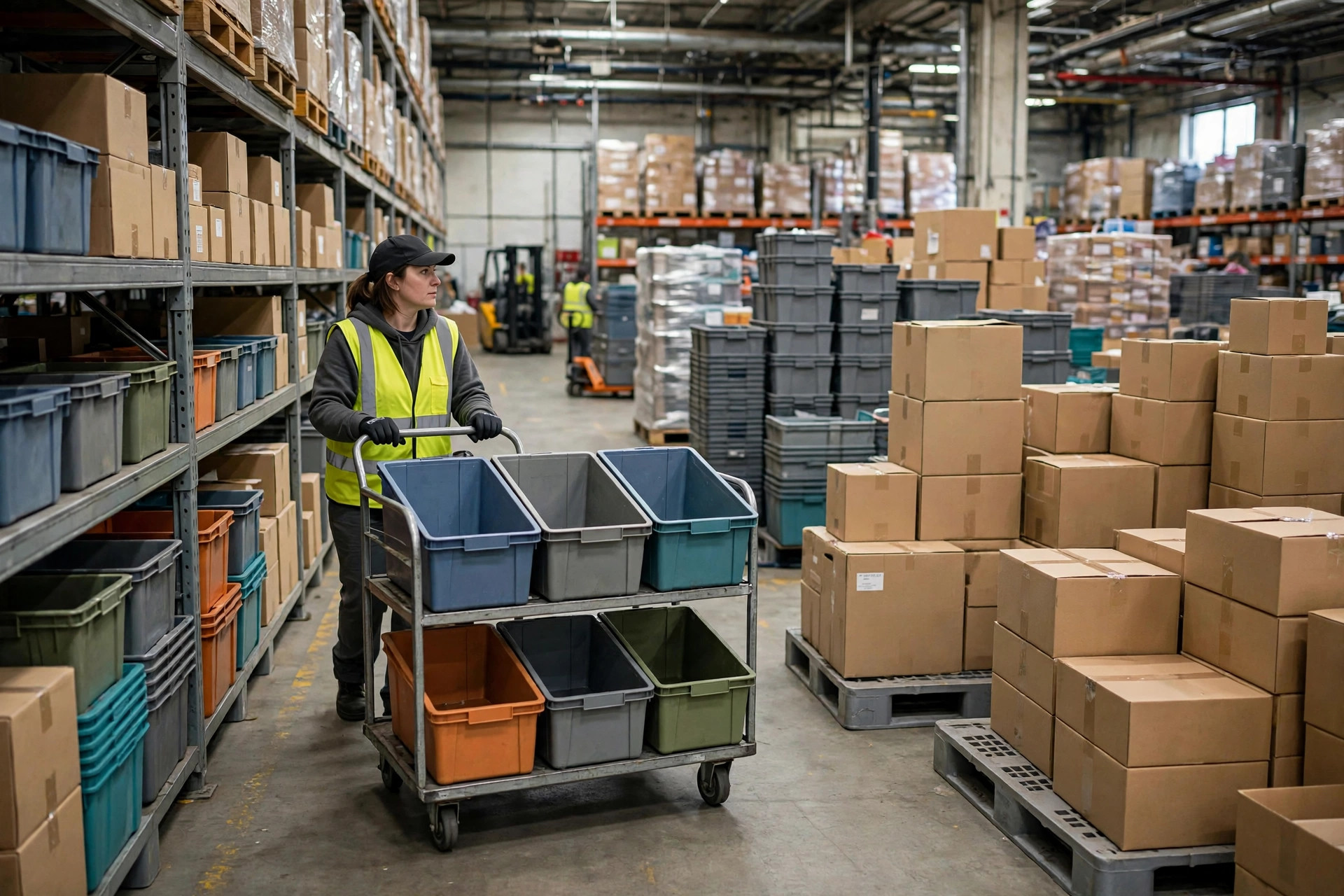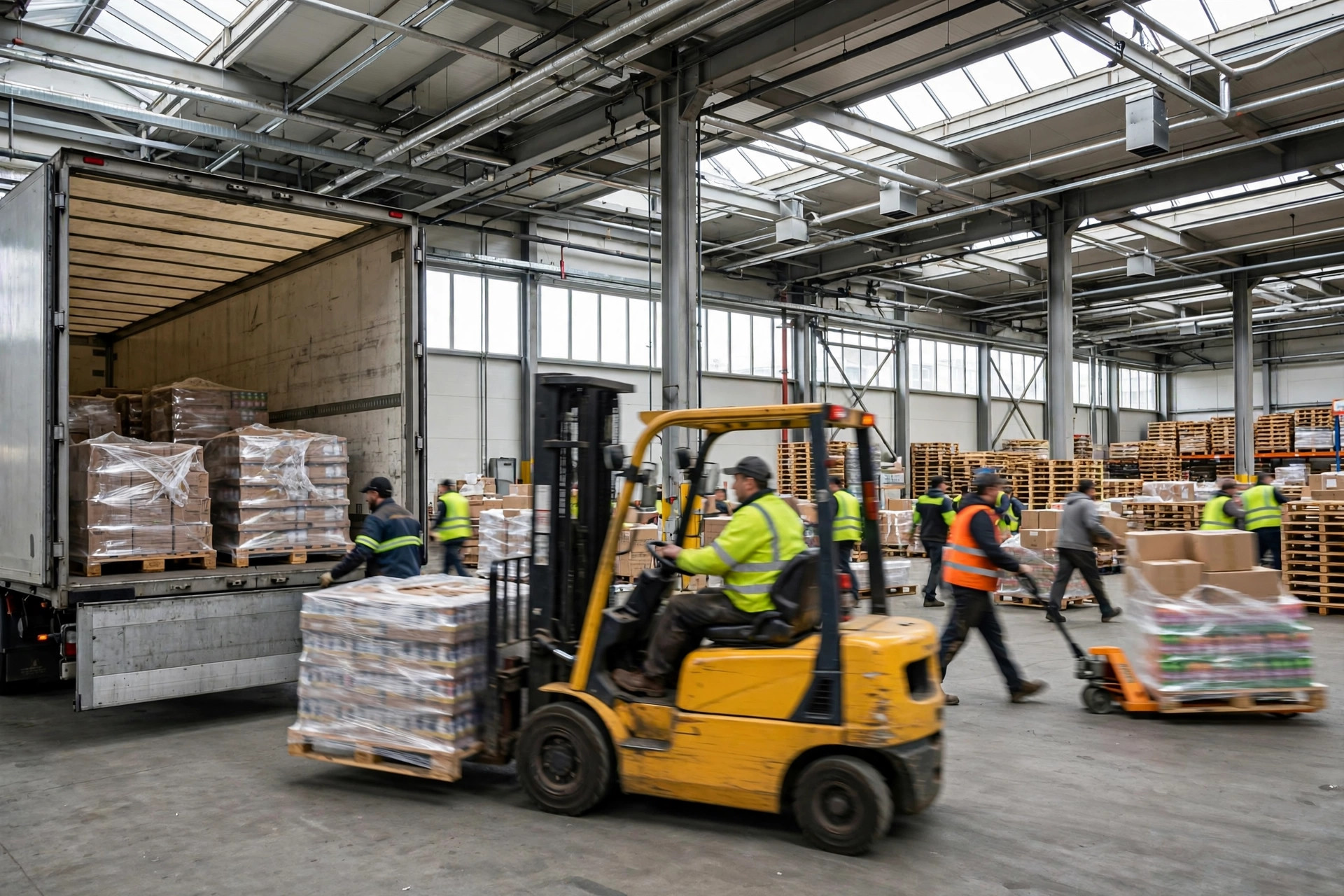
Here is what drives me crazy. It is 2:30 in the morning, a wave is forty orders short, the WES dashboard is glowing red, and a dozen tasks have been sitting there stuck for forty-seven minutes. Nobody knows. The shift lead is outside smoking. The duty manager is asleep. And the system? It faithfully logged every single minute of the delay — and did absolutely nothing about it.
This happened in 2023 at a 3PL running fresh food distribution in Southern California. A conveyor section jammed that night, and a stack of pick tasks piled up upstream of the jam. In the WES, those tasks went from "in progress" to "timed out" to "exception" — without a single notification to anyone. By the time the 6 AM shift discovered it, the reefer departure window had closed. A full truck got pushed to the afternoon run, and between the penalty and the emergency overtime, the bill was ugly.
During the postmortem I asked their IT one question, and they just stared at me: "How many timeout escalation rules do you have configured in your WES?" The answer was zero. The system had the feature. In three years, nobody had ever configured it. Their WES was an expensive dashboard — pretty, and useless.
Stuck tasks do not unstick themselves
There is a widespread misunderstanding about warehouse execution systems: that once you install one, exceptions somehow resolve on their own. They do not. Tasks get stuck for a dozen mundane reasons — a conveyor jam, an AMR losing localization and spinning in place, a picker who put the RF gun in a pocket to use the restroom, a label printer jam that hangs the print-and-apply task. Not one of these fixes itself. Every one of them needs a human. The only thing the system can do is wake up the right person at the right time.
Timeout escalation boils down to one sentence: give every task a "if nobody touches this by now, we have a problem" deadline, and when the deadline hits, automatically shove the problem in front of someone who can fix it. Without that mechanism, your WES is barely a step up from a spreadsheet — just a more expensive one.
Set thresholds by task type, not by gut feel
The most common mistake is a single timeout threshold for everything — say, thirty minutes across the board. That is pure guesswork. Different task types have normal durations that differ by orders of magnitude. One ruler for all of them gives you exactly two outcomes: the threshold is too loose and genuinely broken tasks lie there for hours, or it is too tight and the shift lead's phone gets carpet-bombed with false alarms until he mutes notifications on day three — at which point you lose the real alarms too.
My approach is tiered by task type, with two lines per tier: a warning line that nudges the operator, and an escalation line that goes up the chain. The numbers below are the starting configuration I use — not gospel. Run two weeks of your own data, then tune them to your actual takt:
| Task type | Warning line | Escalation line | Escalates to |
|---|---|---|---|
| Conveyor / sorter tasks | 3 min with no progress | 10 min | Equipment lead → duty manager |
| AMR transport tasks | 5 min with no movement | 15 min | Automation engineer → duty manager |
| Manual pick tasks | 50% over standard time | 2× standard time | Shift lead → ops supervisor |
| Replenishment tasks | 30 min unstarted | 1 hour | Shift lead → planner |
| Wave-level progress | 15 min behind plan | 30 min behind plan | Duty manager → ops manager |
One principle for setting the lines: the escalation line must sit comfortably ahead of the "disaster" deadline. If the reefer leaves at 6 AM, a wave escalation line at 5:50 is a joke — you need enough runway for a human to actually intervene. I usually work backwards from "thirty minutes before things go wrong." The second principle: escalate to someone who is on shift and can make decisions. Routing a night-shift escalation to an ops manager who works days is the same as routing it nowhere — the escalation chain has to match the roster.
Build the chain so the right person gets woken up
Thresholds set, the next step is the escalation path. The best setup I have seen runs three levels, each with "no response keeps climbing":
Level one: in-system notification plus RF gun vibration to the operator or shift lead, auto-escalating after five minutes of silence. Level two: SMS plus a phone call to the duty manager, while the WES pins the affected tasks to the top in red. Level three: automatic playbook — pause new task releases for the wave, convert stuck tasks to manual handling, and send the ops manager a summary. That third level often needs custom development or WMS integration to pull off, so ask about it during vendor selection, not after go-live.
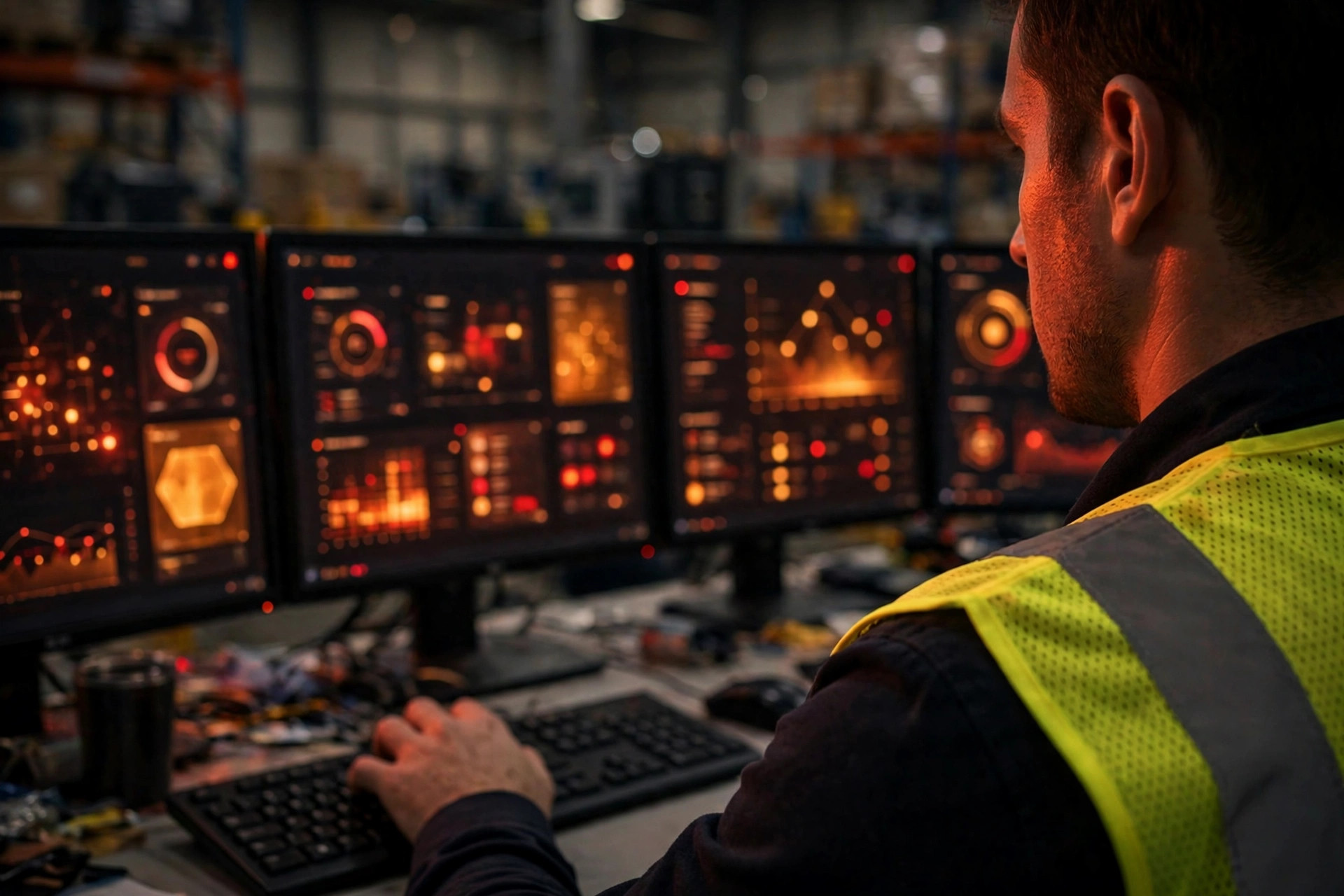
One layer gets missed constantly: tying WES escalation into WMS and WCS alarming. WES timeout escalation should not be an island. On a conveyor jam, the WCS usually knew ten minutes before the WES task timed out — the motor overload alarm was already ringing. If the two alarm streams are siloed, you get two teams staring at two screens, neither aware the other is already responding. My rule: equipment exceptions defer to WCS alarms, task exceptions defer to WES, and both feed one escalation chain with one rollup for the duty manager. If you can, pull WMS wave status in as well — the WMS knows the wave is behind plan before individual WES tasks start timing out. Do not wait for the timeouts to tell you what the wave already knew.
One thing you can do tomorrow: tonight, open your WES admin console and check whether timeout escalation rules exist. If they do not, configure exactly one — for pick tasks, warning at 1.5× standard time, escalating to the shift lead. One rule. Run it for a week. You will come back and thank me. You bought the system to use it, not to admire it.