Here's the verdict up front: never rely on a single replenishment trigger for your forward pick zone. I've done 30+ WES implementations, and the most common way projects die: only inventory-level triggers configured, then pickers standing in front of empty slots on day one while replenishment tasks sit in a queue. The setup that actually works layers all three trigger types: inventory level as the floor, wave-demand forecasting for lead time, and time windows as the safety net. This post covers each trigger's configuration and failure cases, plus how to rank replenishment against picking when they compete for people and equipment.
Why One Trigger Type Is Never Enough
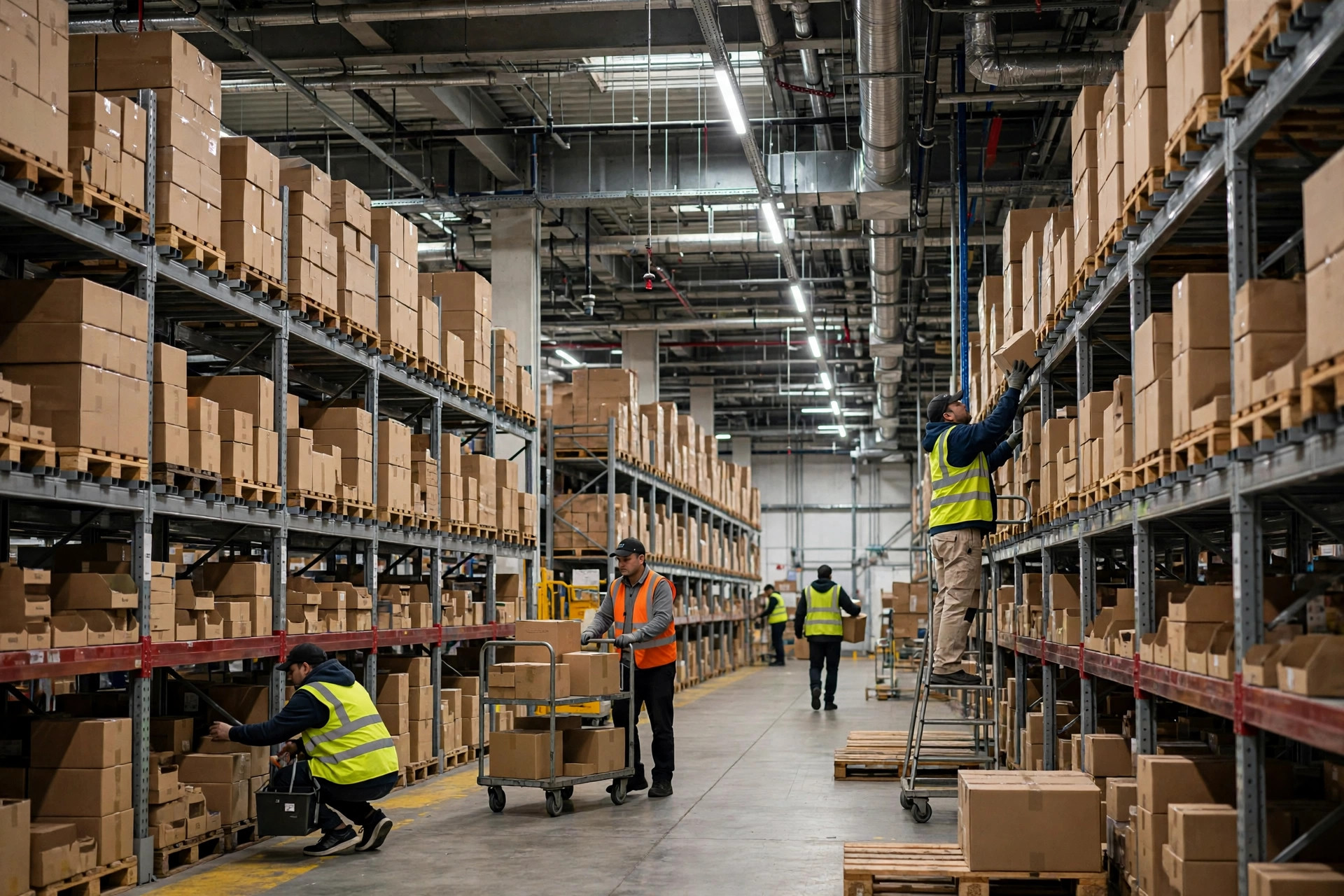
The forward pick zone has a built-in contradiction: slots are small and turn fast. You want fast movers in ergonomic reach to cut picker travel, but ergonomic slots don't hold much inventory, and one big wave drains them. What WES does here is math on time: how long slot inventory lasts, how long replenishment takes, and whether the gap between those two numbers leaves a picker waiting.
Each trigger type answers only one of those questions. Level triggers answer "how much is left right now." Wave-forecast triggers answer "how much is about to be consumed." Time-window triggers answer "did anything slip through." Configure only one and you're driving with one eye closed.
Trigger Type 1: Inventory Level (Min/Max) — Hold the Floor
The simplest logic: when pick-face inventory drops below min, generate a replenishment task; stop at max. Configuration checklist:
- Set min as (maximum consumption during replenishment lead time) + safety buffer — maximum, not average. Averages guarantee a promo-day blowup.
- Set max as physical slot capacity minus 10–15% working space. Overstuff a slot and the replenisher can't fit product in without rework.
- Tier min/max by ABC velocity: raise min for A movers, keep it low for C movers so you don't burn replenishment labor on slow SKUs.
- Exclude in-transit replenishment quantity. Deduct already-generated, unexecuted tasks from the trigger calculation, or the slot gets duplicate orders.
I've seen this failure three times. The worst was an e-commerce DC in eastern China doing roughly 20,000 orders a day, where min had been set on average daily consumption. On promo day at 10 a.m., one hot SKU's pick face drained in 40 minutes while replenishment lead time was 25 minutes — min never survived long enough to fire a task. Worse, the system issued three duplicate orders for the same slot — nobody had excluded in-transit quantity. The fix: reconfigure hot-SKU min on hourly peaks, add dedupe logic overnight. Since then, "in-transit exclusion" is a mandatory line on my go-live eve checklist.
Trigger Type 2: Wave-Demand Forecast — Buy Yourself Lead Time
The logic: once WES receives the wave plan, it works backward from each SKU's wave demand — if a pick face won't survive the wave, generate the replenishment task early. Configuration checklist:
- Forecast on "wave demand + in-flight orders," never on historical daily averages alone. History doesn't know what you're shipping today.
- Calculate the trigger threshold backward: first decide "replenishment must complete X minutes before the wave starts," then back out the task release time.
- Add a data-quality gate: if SKU coverage in the wave plan drops below 95%, automatically fall back to level triggers. Don't forecast on incomplete data.
- Give hot and promo SKUs their own rules. Don't share thresholds with regular SKUs.
Failure case: one 3PL had beautiful forecast triggers, but the wave plan arrived as a manually imported spreadsheet, routinely two hours late. Every forecast ran on stale data — tasks fired early one hour, late the next. The lesson is blunt: forecast triggers are only as good as upstream data. WES needs a freshness check — if the wave plan hasn't updated within the configured window, fall back to level triggers and raise an alert.
Trigger Type 3: Time Windows — The Safety Net
The logic: at fixed times, sweep the pick faces and top up everything below a line. Configuration checklist:
- Put the window in the gaps between waves — never sweep during a shipping peak, when a flood of replenishment tasks just adds noise.
- The safety-net line can be looser than min. Its job is catching what the first two missed, not doing the heavy lifting.
- Throttle it: cap the number of replenishment tasks per window so one sweep can't flood the floor.
- Track tasks-per-window as a metric. Consecutive windows at zero mean the first two triggers are healthy; a sudden spike means something upstream broke.
Failure case: one warehouse set its window to "every hour on the hour." Each sweep generated 200+ replenishment tasks the team couldn't finish, the backlog snowballed, and the WES task pool jammed solid. The fix: one window every four hours with a 60-task cap per window. Remember: the safety net is there to catch misses, not to do the main job.
Comparing the Three: What to Pick and How to Combine
| Dimension | Level Trigger | Wave Forecast | Time Window |
|---|---|---|---|
| Problem solved | Don't run dry | Don't wait | Don't miss |
| When it fires | Inventory drops below min | Wave plan arrives, calculated backward | Fixed-time sweep |
| Strength | Simple, robust, no upstream data needed | Maximum lead time, promo-proof | Easiest to build, catches everything |
| Weakness | Reactive; a wrong min means failure | Depends on wave data quality | Too frequent and it floods the task pool |
| Best fit | Every warehouse's baseline | Warehouses with a reliable wave plan | Supplement to the other two |
| My recommendation | Mandatory, ABC-tiered | Configure it if the wave plan is trustworthy | Mandatory, but throttled |
Now the counterintuitive part: earlier triggers aren't always better. Firing replenishment early explodes the task count — replenishers and pickers fight over aisles and equipment, and pick productivity drops. I've seen the extreme: min set so high the slots never emptied, but replenishment ate nearly 40% of floor labor while pickers dodged replenishment carts all day. The goal of replenishment logic isn't "slots are always full." It's "pickers never wait for product." Those two goals are exactly one lead time apart. Nailing that distance matters more than raising the waterline.
When Replenishment and Picking Fight Over Labor: How to Rank Them
This is the rule most teams get backwards. My priority list — every line paid for with a project:
- Normally, picking (outbound) outranks routine replenishment. Outbound is a promise to the customer; replenishment is internal efficiency. The customer promise always comes first.
- But urgent replenishment outranks ordinary picking. When a slot is empty and the wave is waiting on it, the pick tasks on that slot are dead anyway — refill first, then pick.
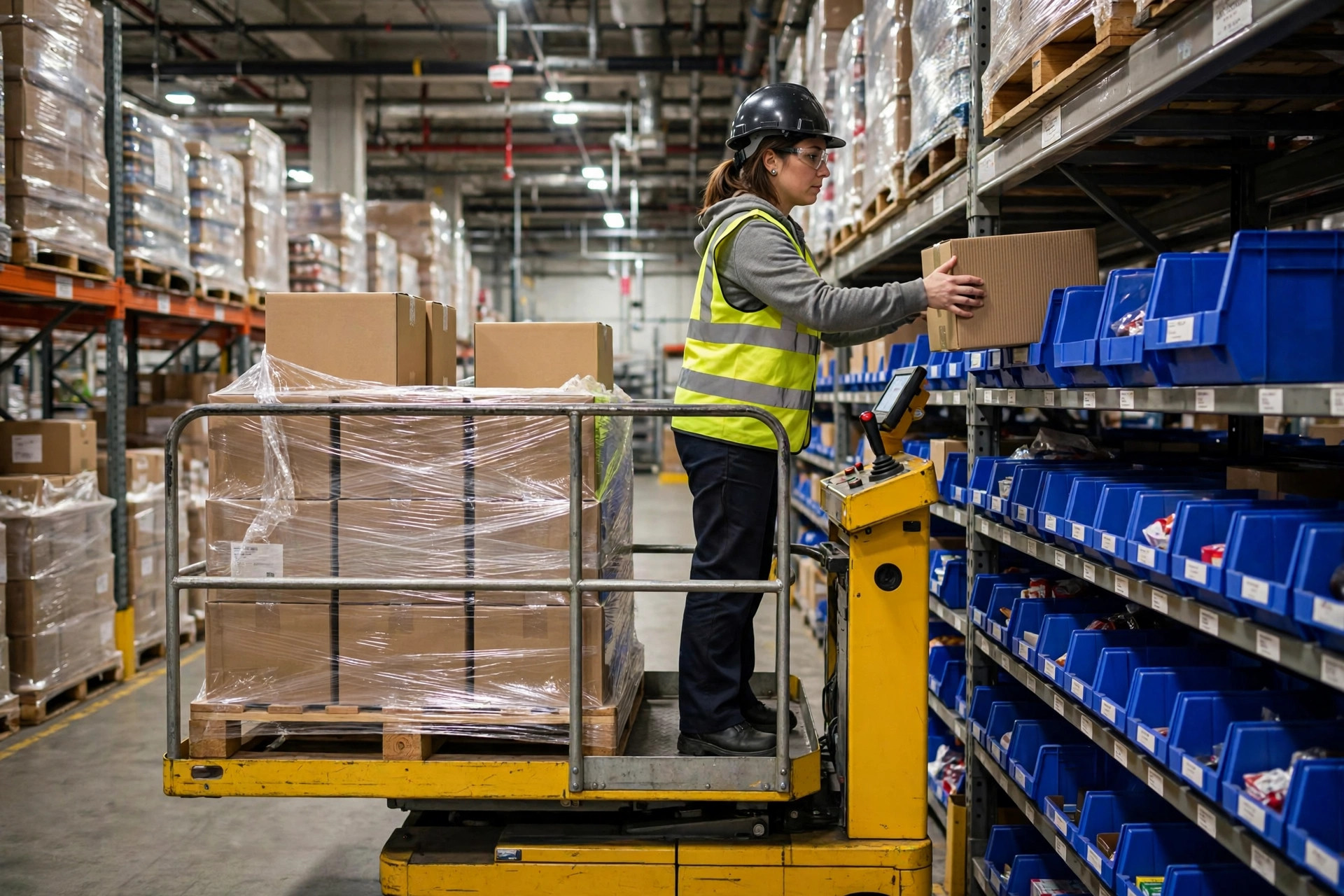
- Separate the equipment: replenishers on reach trucks or pallet jacks, pickers on order pickers, staggered by time or aisle — no head-on deadlocks in the same aisle.
- Make priority dynamic in WES: auto-elevate replenishment tasks 30 minutes before a wave starts; elevate picking once the wave is running. A hardcoded priority will punish one side eventually.
- Shift handover: unfinished replenishment tasks must be handed over as an explicit checklist, never as "next shift will handle it." Next shift gets busy, and the task vanishes.
I've seen this failure three times, always the same script. One go-live eve, the client insisted on "replenishment first" because "pickers must never wait." On promo day, replenishers clogged every main aisle, pickers couldn't get their carts in, and the ship SLA blew up. We flipped it overnight to "picking first, urgent replenishment jumps the queue," and the next day recovered. So don't argue replenishment-first versus picking-first with me — the answer is "it depends," written into the rules so WES switches automatically.
Go-Live Eve Checklist: 12 Items for Replenishment Logic
- Every forward pick slot has min/max configured by ABC tier — not one number for the whole building.
- In-transit replenishment exclusion is configured and tested against duplicate orders.
- Wave plan feeds WES with under 15 minutes of lag, with a freshness alert in place.
- Forecast data-quality gate configured: auto-degrade below coverage threshold.
- Time windows sit in wave gaps, with a per-window task cap.
- Hot and promo SKUs have their own level and forecast rules.
- Priority rules set: picking above routine replenishment, urgent replenishment above ordinary picking.
- The 30-minute pre-wave replenishment elevation rule is live.
- Equipment and aisle deconfliction confirmed with the floor team.
- Replenishment lead time is measured, not guessed.
- The tasks-per-window monitoring dashboard exists: alert on both sustained zero and sudden spikes.
- The cross-shift replenishment handover template is ready with named owners.
Go check how min is configured on your forward pick slots tomorrow. If it's one number across the building, skip sleep tonight and start with ABC tiering.
By Lin Xiao, WMS Implementation Consultant