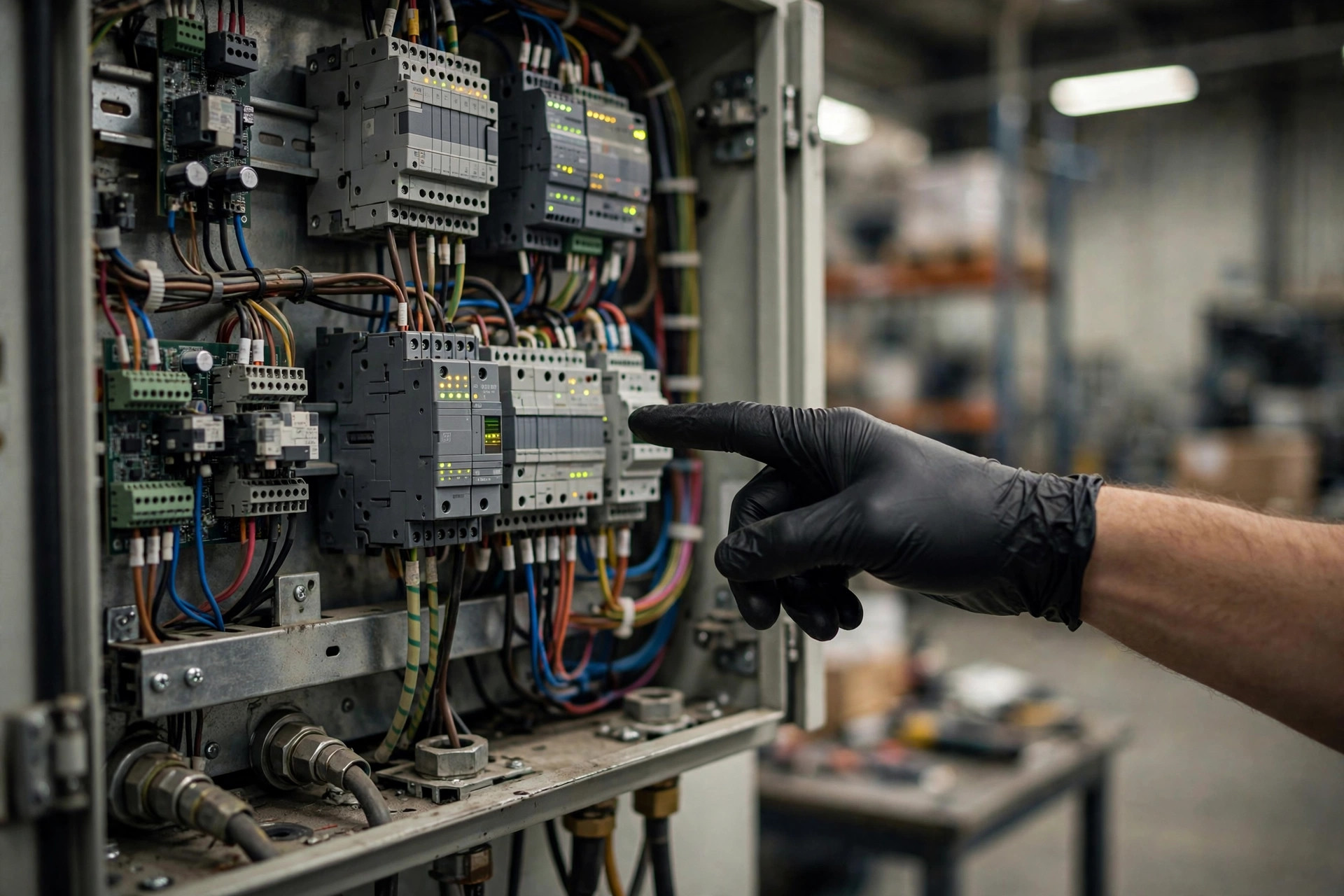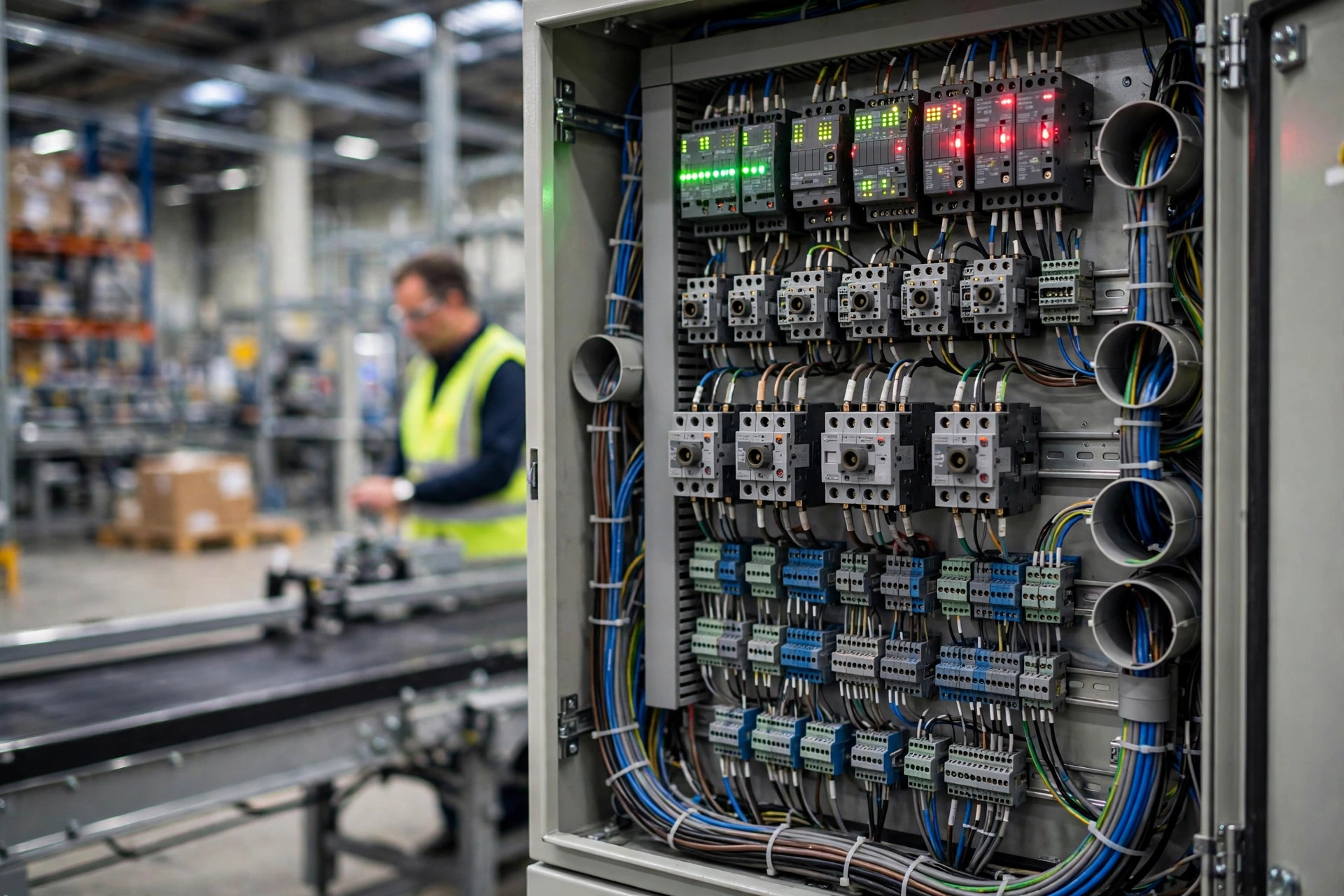
We had a client, a 3PL running a warehouse out in Ontario, California, that commissioned a new conveyor sortation line last fall. On handover day, the equipment vendor sent one engineer who stood in front of the HMI for two hours, clicked through thirty-odd screens, and closed with "that's everything, call me if you have questions." Within the first month, the night-shift operator called that engineer four times at 2:40 in the morning — the screen was a wall of red alarms, the operator recognized none of them, and was too scared to touch anything. Forty minutes of phone-guided troubleshooting later, the line was running again. The client's ops manager vented to me afterward: "We bought this system, but the interface feels like we're renting it."
This is not an edge case. Vendor training is routinely a checkbox exercise: the vendor needs to move on to the next project, so they deliver the training, get the signature, and they're gone. The person actually standing in front of the screen at 3 a.m. can't read the alarms, won't touch manual mode, and can't tell the next shift how many times the line went down today. And guess who takes the heat? Those of us on the 3PL sales side — the client's operations manager can't fix it at midnight, so he calls us first to complain about "the system you recommended."
So let me lay it out plainly: on a WCS HMI, there are exactly five screens an operator truly needs to master. Master those, and they can handle eighty percent of common situations on their own.
The five screens, in the order that matters
One: the overview screen. This is the god's-eye view of the whole line — every conveyor, sorter, and lift drawn as blocks and arrows. Green means running, gray means idle, red means fault. An operator's first instinct should be a single sweep: is there any red? Wherever the red is, that's where the problem is. The classic rookie mistake is zooming into one device's details before looking at the big picture. The order never changes: sweep for red first, then drill into the red segment.
Two: the alarm screen. The most important one, and the one with the most traps. Alarms generally come in three levels: warning (yellow, the line is still running — say, a photo-eye signal getting flaky), fault (red, a section has stopped), and e-stop (the whole line is down, usually a safety gate opened or someone hit the emergency stop). The operator only needs to learn three things: the alarm level, which device raised it, and when.
Here's the trap only someone on the vendor side would tell you about: acknowledging an alarm is not the same as resolving it. The "acknowledge" button on the HMI just tells the system "I saw it" — it silences the buzzer. The stopped conveyor is still stopped. The jammed cartons are still jammed. Another client of ours, an e-commerce DC in Phoenix, learned this the hard way: an operator saw a red alarm, hit acknowledge, the buzzer stopped, and he figured that was that and went back to other work. The conveyor stayed stopped, cartons kept piling up upstream, and forty minutes later the entire main line was gridlocked — over two hours of downtime. Acknowledging is step one. Step two is the fix. Step three is the reset on the HMI, without which the equipment won't restart. Acknowledge, fix, reset — skip one and you're not done.
Three: single-device manual control. Click into any device and you'll find an auto/manual toggle. Here's the counterintuitive part: manual mode is not for operators to use in production. It exists for training, troubleshooting, and maintenance. When is it allowed? Exactly one scenario: the equipment is stopped, the upstream is clear, and the local e-stop is pressed or the lockout tag is on. This is where rookies cause real damage — in auto mode they see a conveyor not moving and flip it to manual to "help it along," which immediately fights the upstream auto logic and smashes cartons together. One rule: production runs in auto, manual is for stopped-line troubleshooting only, and you announce it out loud before touching it.
Four: jam and exception handling. Jams are the most common exception on a conveyor line. The HMI will flag the jam location, usually down to the gap between two photo-eyes. The operator's drill is fixed: read the jam point number from the HMI, walk to the matching equipment tag on the floor, pull the wedged carton, come back and reset on the HMI. The key is to stop hunting by gut feeling — follow the number on the screen, which matches the tag plate bolted to the equipment. During training, have the operator take a jam number from the HMI and find the tag on the floor. Once the numbers line up, that skill is checked off.
Five: reports and shift handover. At handover, there are only three numbers that matter: pieces processed this shift, alarm count, and fault-related downtime. Those three numbers are everything the incoming shift needs to judge "what mood is this line in today." Too many warehouses do handover as a verbal "all good," and the next shift walks straight into a wall of alarms. Write the three numbers down, in the handover log, every shift. Make it a habit.

A three-day HMI onboarding checklist for new operators
Don't expect one two-hour training session to teach anyone anything. What actually works is three days — half a day shadowing, half a day hands-on — with a checkbox for each skill:
| Day | What to learn | Pass standard |
|---|---|---|
| Day 1 | Overview screen: recognize every device icon and color, explain what each line segment does | Point at any segment at random and name the equipment and its current state |
| Day 1 | Alarm screen: the three alarm levels, where the acknowledge button is | Read any alarm back: level, device, timestamp |
| Day 2 | Jam handling: read the jam point number from the HMI, find the tag on the floor, clear the carton, reset | Complete a full simulated jam cycle independently |
| Day 2 | Manual mode: when it's allowed and when it's absolutely not | Recite the "auto only in production" rule and explain why |
| Day 3 | Handover numbers: where to find throughput, alarm count, and downtime | Fill out a handover log independently |
| Day 3 | Full drill: three simulated common alarms, handled independently | No phone calls for help — resolve all three solo |
That checklist has a second use: it's your acceptance-test weapon.
The insider move: write "operator independence" into acceptance criteria
Here's a piece of vendor-side inside baseball. A lot of vendor after-sales support is billed per incident — every midnight phone call where they walk you through a reset is a line item. So ask yourself: what incentive do they have to fully train your operators? The training is delivered, the signature is collected, the money changes hands; the less your operators know, the more service tickets follow. That's not to say vendors are villains — it's just that the business model doesn't naturally reward "teaching the customer to fish."
There is exactly one fix: add a line to your acceptance criteria — the operator must independently handle common alarms. Write it like this: at acceptance, a client-side operator (not the vendor's engineer) independently resolves three simulated alarms on the HMI — one jam, one sensor fault, one e-stop reset. The vendor's people are not allowed to touch the screen or give instructions during the test. All three pass, and the training item is accepted.
Put that in the contract and watch the training transform overnight. It stops being "two hours of slides" and becomes "we train until your people can do it," because the vendor doesn't get the acceptance payment otherwise. You already paid for the training — don't let it go to waste.
Next time you're negotiating a contract, ask these three questions: one, is training delivered when the slides are done, or when the operator can run the screens alone? Two, do the acceptance criteria include independent alarm handling by our operators? Three, is after-hours phone support billed per call or included in the warranty? Ask those three and the vendor will know they're not dealing with an easy mark.
By Susan, 3PL Sales Director