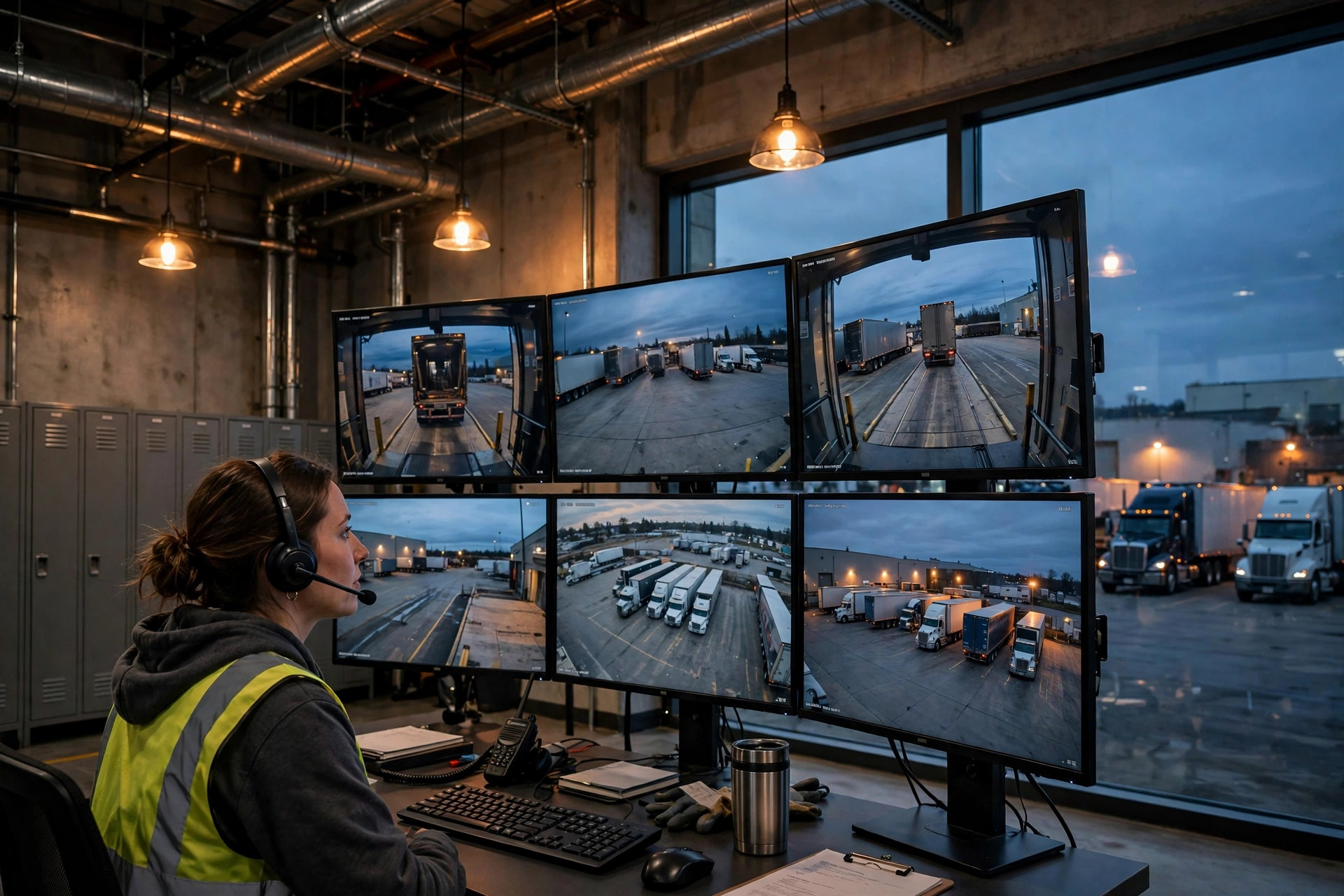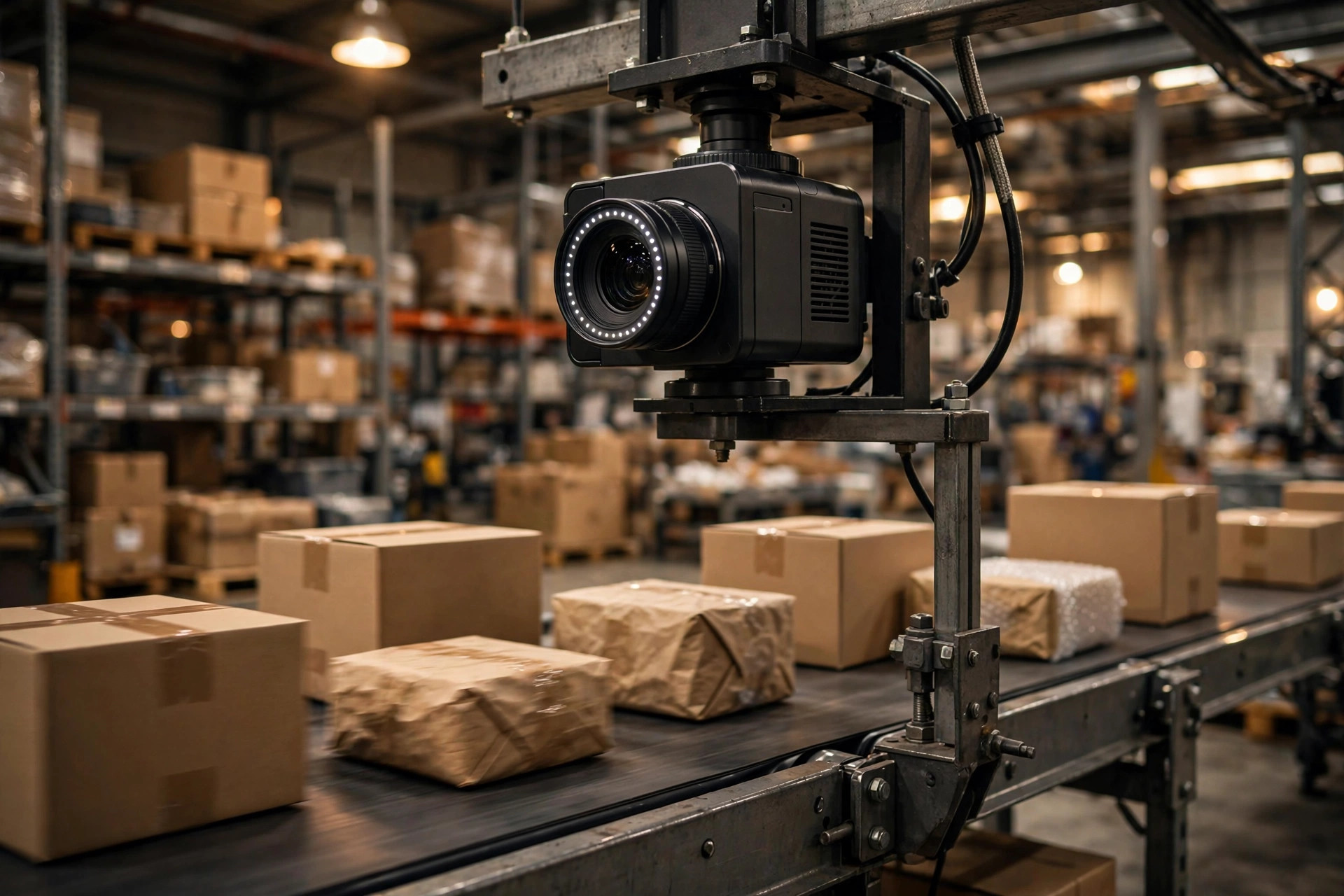
Here's my verdict up front: when a warehouse vision AI loses accuracy after deployment, the model is almost never the real problem. The real problem is everything around the model — the light, the cameras, the data, and the way you ship new versions.
I've watched this scene play out too many times. A vendor demos on a laptop: 99% accuracy on the training set, pretty charts on a projector, the whole room applauds. Two months after go-live, accuracy in the field has slid into the low 90s, operators are manually re-checking every order, and the boss wants to know where the money went. The vendor shrugs: "Your site conditions changed."
Training-set accuracy is a closed-book exam. Production is an open-book exam where someone keeps flicking the lights.
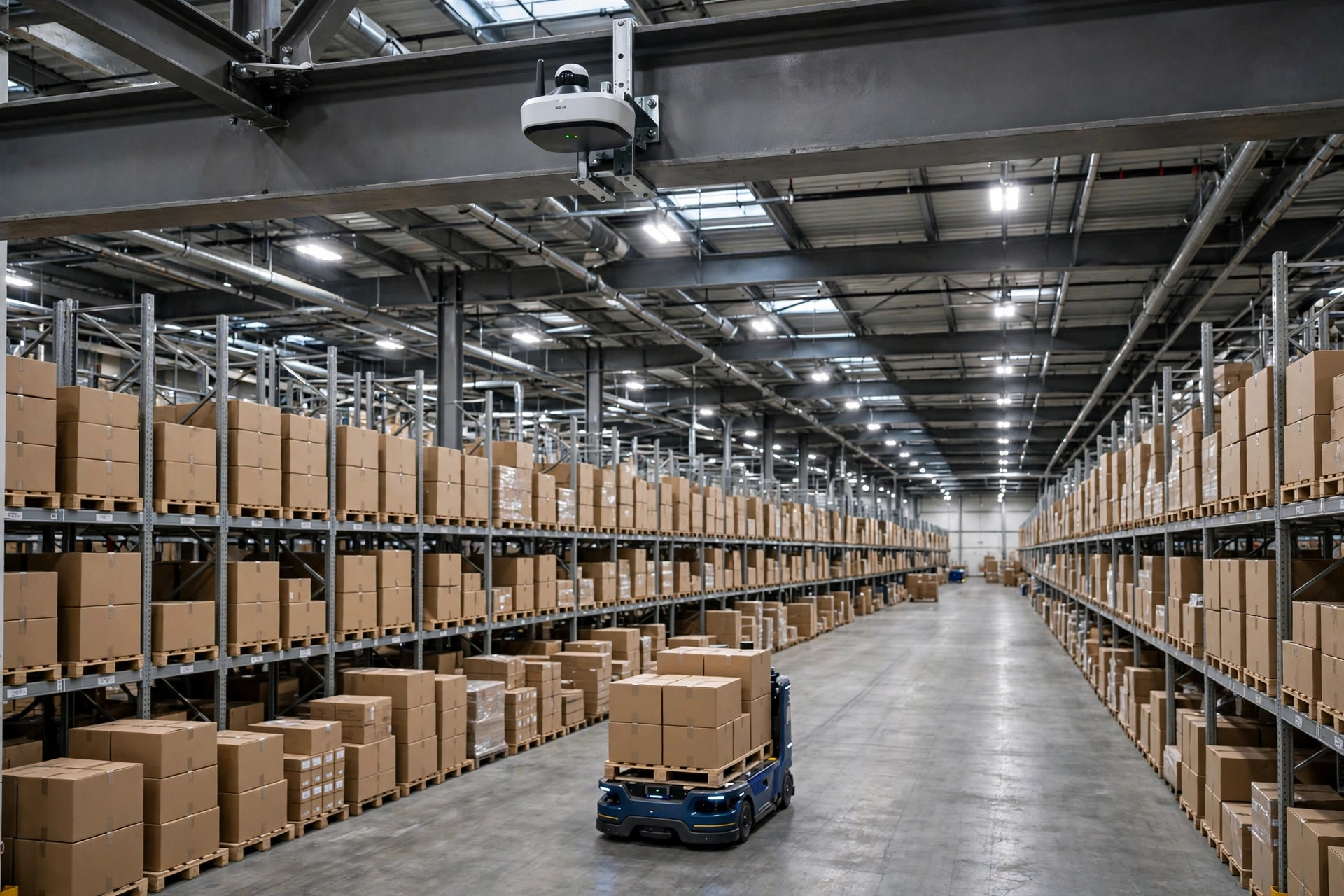
Let me walk through the root causes, one by one. First: light. Warehouse light never sits still. A dock door opens and sunlight hits the conveyor. Night shift runs under different lighting than day shift. By autumn the sun sits at a different angle and a station that worked fine in June is suddenly full of glare. I remember a published case well: a vision inspection system built on Jetson Orin hardware scored 99.8% in the lab, then false positives spiked to 15–20% after deployment — traced back to sunlight streaming through a window, making reflections on metal parts look like defects. Cardboard, tape, stretch film — warehouse surfaces are mirrors. Nobody escapes this one.
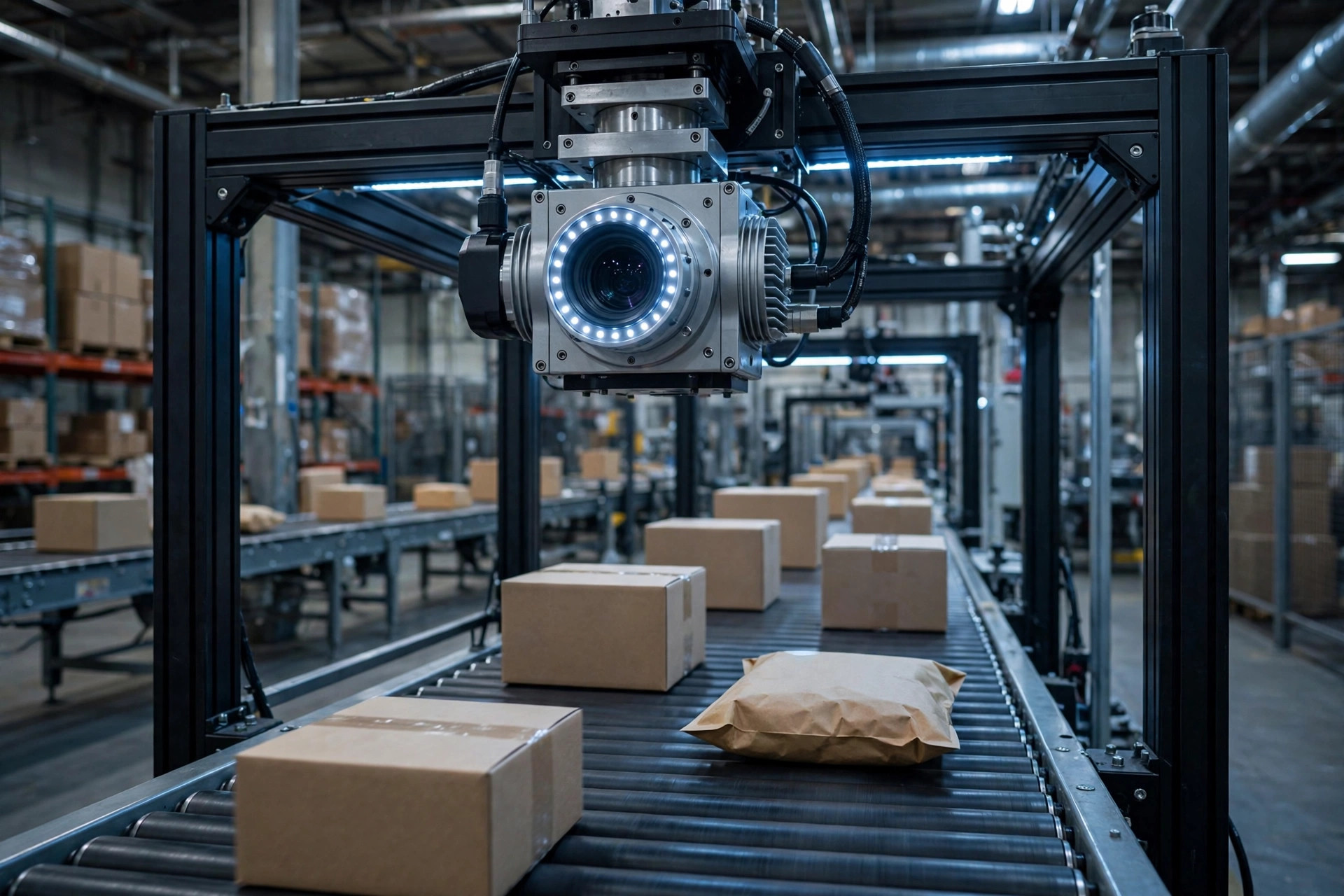
Second: the cameras move. A forklift clips a mounting bracket and the angle shifts a few degrees. Dust builds up on the lens for three months. Conveyor vibration smears the image. A few degrees sounds trivial, but for a model doing positioning or counting, a new angle is effectively a new dataset.
Third: the goods change. New SKUs arrive, a brand changes its box color, a logo gets redesigned, stretch film switches from clear to black — none of it in the training data. Fourth, and sneakier: the preprocessing in production doesn't match training. The model was trained on normalized images; an engineer skipped a normalization step to save a few milliseconds of latency. Training-serving skew like this throws no errors. It just quietly eats your accuracy.
Fifth is one even many algorithm teams miss: the labels themselves drift. The same QC crew judges "does this scratch count as a defect" differently in January versus July. The model is learning from a moving target.
So here's the one-liner: the model didn't get worse. The world changed. And most warehouse vision deployments are completely unprepared for a changing world.
Version Your Models Like You Version Your Slotting
Start with an ugly habit. In too many projects, model management is a folder containing model_final_v2_real_final.pth. Which dataset trained it? What hyperparameters? Did the preprocessing change? Nobody can say. Something breaks and you want to roll back — roll back to what, exactly?
Version management has one non-negotiable rule: any model that ever went live must be fully reproducible. A version number has to bind three things together — the dataset version, the code version, and the hyperparameters plus random seeds. Training data gets snapshotted as an immutable artifact that nobody touches afterward. If any link is missing, the day something breaks you'll be guessing which link changed.
How do you snapshot a dataset without overengineering it? Simple: every training run stores the file list plus hash values of the training set, with sampling ratios and augmentation methods written into the training log. If someone asks "what exactly was this version trained on" and you can answer in three minutes, you pass. Teams that can't answer end up debugging with superstition.
The second survival item is rollback. The standard for vision model iteration is one-click rollback: a bad new version gets swapped back to the last stable one within minutes — no retraining, no code changes. If you can't do this, don't talk about iteration. Look at the horror stories where accuracy collapsed: often the disaster wasn't that the new version was bad, it was that the new version was bad and there was no way back, so the site ran on a broken model for weeks.
Then comes the deployment-strategy decision, and I'll give you my verdict directly. Three standard industry patterns: shadow mode, canary deployment, blue-green deployment. Shadow mode runs the new model on live traffic alongside the old one — the new model's outputs are logged but never acted on. Zero risk, purpose-built to answer "how does this model behave on real traffic." Canary deployment lets the new model serve a small slice of real traffic — say 5% for a week — then ramps through stages like 20%, 50%, 100% if everything holds, keeping the blast radius small. Blue-green deployment is an instant cutover between two full environments, suited to "must-switch" moments like changing camera models or overhauling preprocessing.
My call for warehouse vision: the standard path is two weeks in shadow, then a canary ramp. Never skip shadow and go straight to canary — every order a canary serves is real business, and one wrong QC call is one wrong shipment. A wrong shadow prediction is just a line in a log. The order matters.
Those two shadow weeks aren't idle, either. Watch three numbers: the disagreement rate between the new and old models, which SKUs the disagreements cluster on, and whether the new model is clearly steadier on high-confidence samples. If disagreement stays high and you push to canary anyway, you're flying blind. During canary, watch business metrics, not just technical ones: did manual re-check hours go down, did the misship rate move. An upgrade with good technical metrics and flat business metrics isn't an upgrade. It's churn.
Too Many Alerts Is the Same as No Alerts
After go-live comes the second battlefield: monitoring. Plenty of projects peak on launch day because nobody notices when the model starts rotting. By the time the operations team senses something wrong, the model has been degrading for two months.
First, watch the right metrics. False positive rate and false negative rate must be tracked separately, because they burn two different kinds of money. False positives burn labor: the model flags a problem that isn't there, and every flagged order forces someone to stop and re-check. Push the false positive rate high enough and operators start ignoring the system — your AI investment is dead on arrival. False negatives burn real cash: defective goods slip through and ship to customers, turning into returns and chargebacks. A dashboard that only shows "overall accuracy" is self-deception — a model at 95% accuracy could be 2.5% false positives plus 2.5% false negatives, or 4.5% and 0.5%. Those are two completely different businesses.
You also need to distinguish four different kinds of "broken": data drift (the inputs changed — lighting, new packaging), prediction drift (the model's output distribution changed), concept drift (the input-to-answer relationship itself changed, e.g., QC standards got tightened), and plain engineering bugs (a feature pipeline went down). Different causes, different cures. Reaching for "add more data and retrain" the moment accuracy dips treats the wrong disease nine times out of ten — if the camera is crooked, a hundred retrains won't help.
Finally, alert fatigue, which I single out because it's the most common way these systems die. Set thresholds too loose and a rotting model alerts nobody. Set them too tight and the on-call person gets dozens of alerts a day and starts mass-dismissing them unread. My experience: two alert tiers, no more. Tier one: accuracy dropped past baseline, handle it today. Tier two: trend is deteriorating, look at it this week. Any alerting scheme with more than two tiers is effectively no alerting scheme.
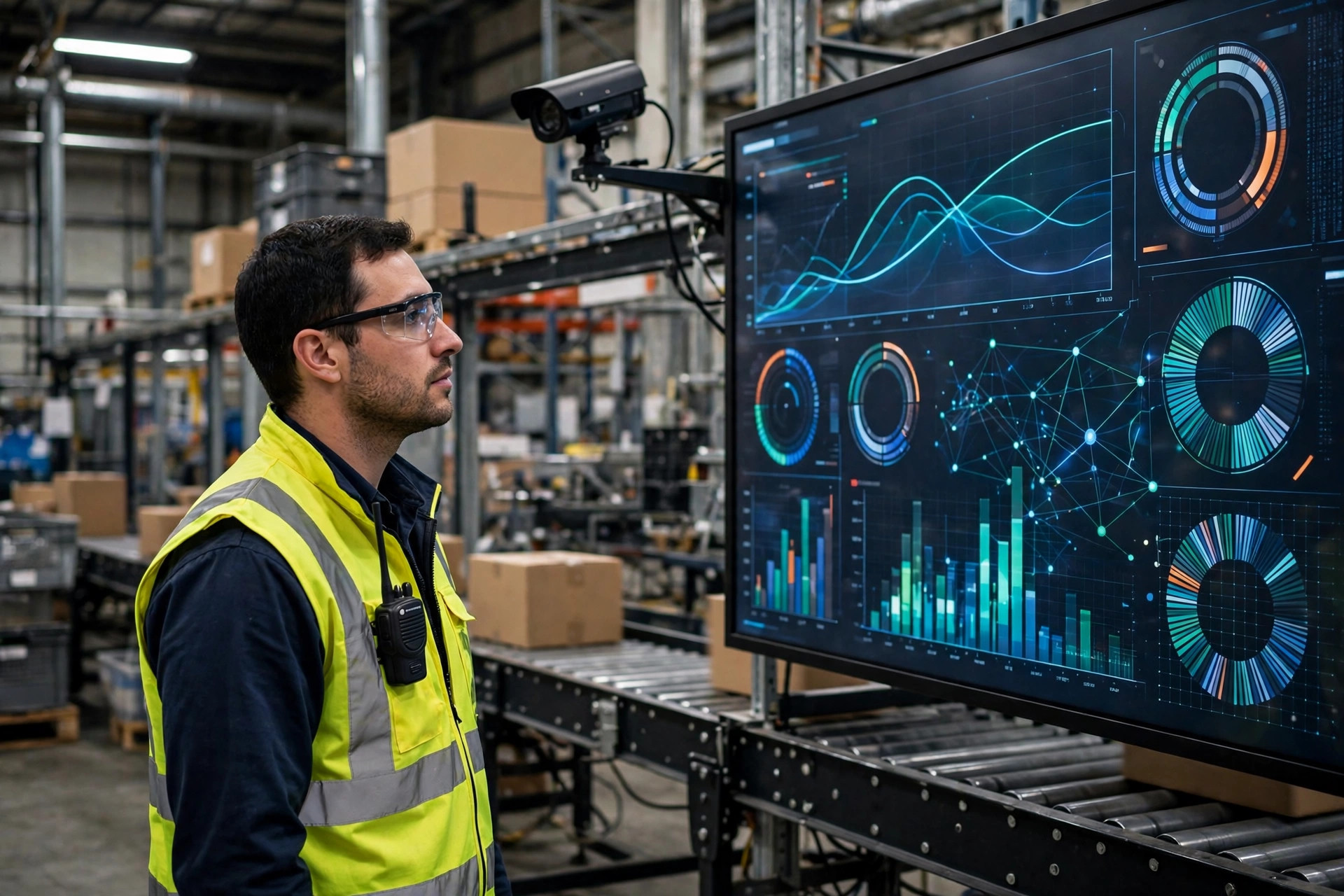
No grand theories for the ending. Just one thing you can do tomorrow.
Starting today, have the system save its production images, randomly pull 100 a day, have a human re-check them, and log how many were false positives and false negatives. Keep it up for two weeks. What you'll get is the single most valuable asset in this whole project: a true accuracy curve from the field. Everything above — versioning, canary rollout, alert thresholds — only works once that curve exists. Without it, every parameter you tune is a guess.
In this business, the winner is never the team with the most accurate model. It's the team that finds out first when theirs stops being accurate.