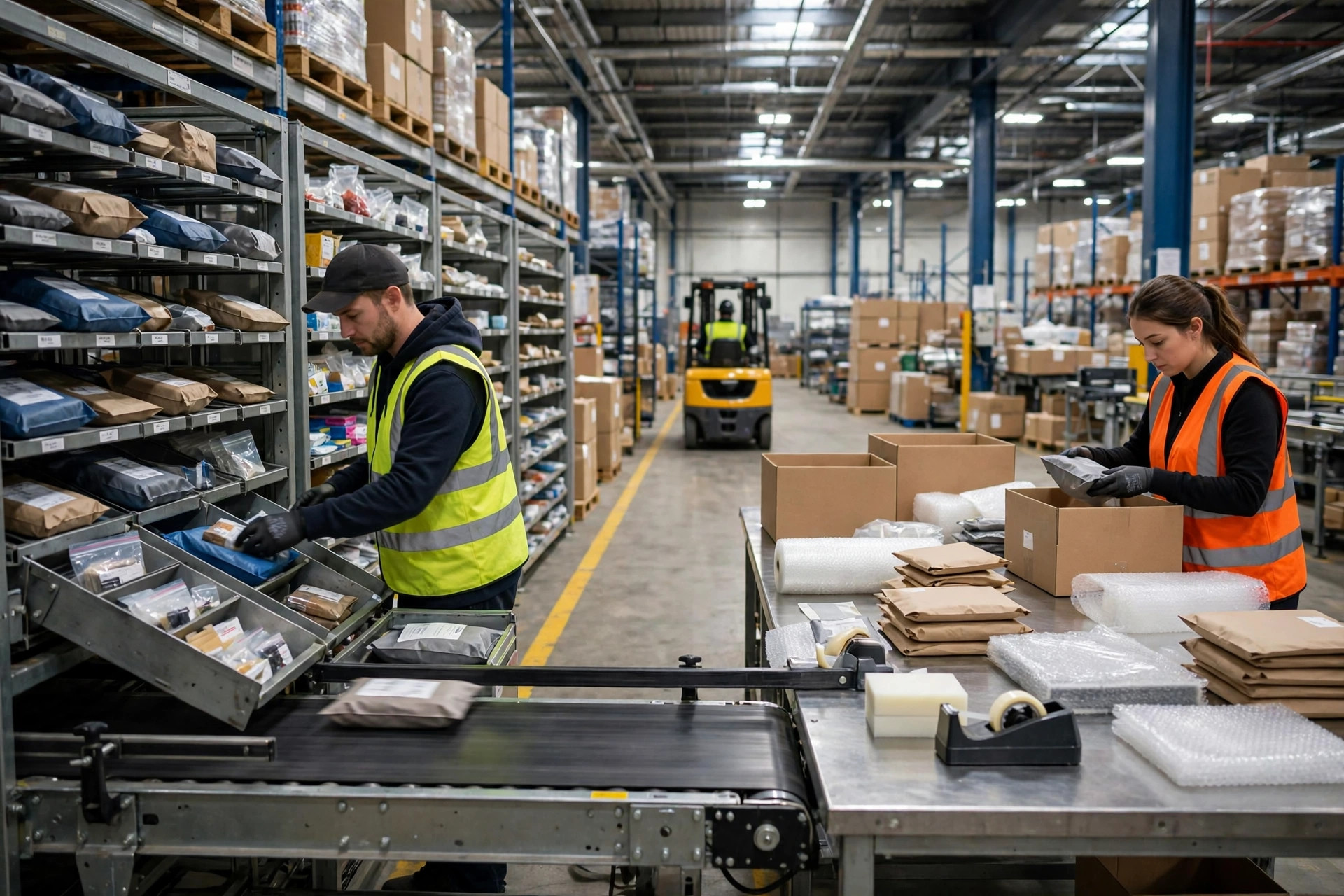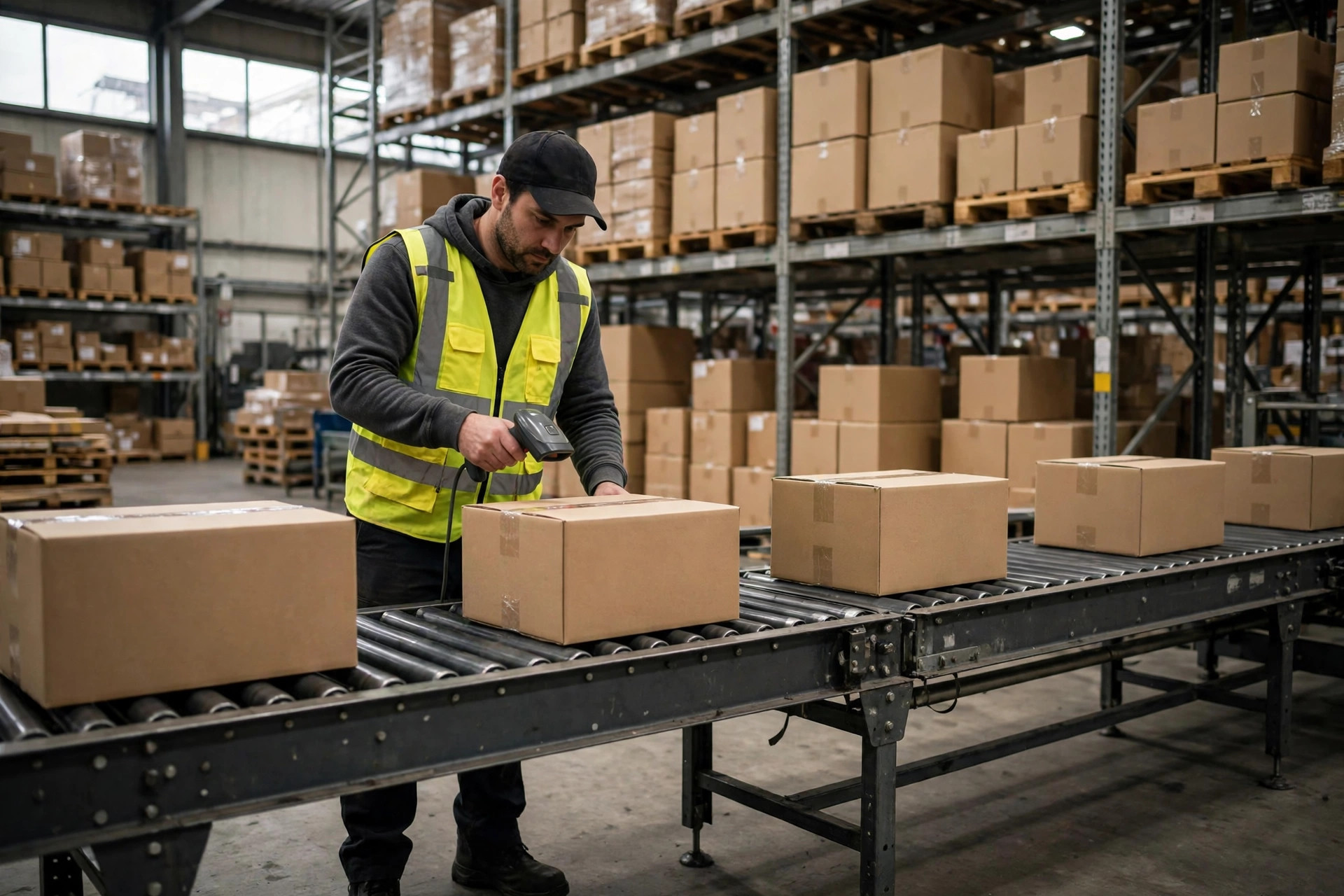
Bottom line first: rack location labeling durability is about placement and installation first, and material second. Too many warehouses obsess over which label stock to buy, then stick the label right where forklift forks scrape the beam end, or on a cold-store surface that frosts over. The best material in the world will not survive a bad placement. This article is not about coding schemes or check digits. It is about the physical label itself: how it dies, where to put it, how to pick the material, and how to run inspection and replacement so scan rates stay up.
I have seen this exact failure three times. The first was in November 2023, at a third-party apparel warehouse in Ningbo that had gone live on a WMS less than two months earlier. Pickers complained every day that codes would not scan. On site, the cause was obvious: beam labels were stuck on the outward face of the beam, exactly where forklift forks brush past when pallets slide in and out. After three months, most labels on high-throughput locations were scuffed. And the damage was not spread evenly. The fastest-moving locations failed first, and those are precisely the locations scanned most often. Once first-scan rates dropped, pickers started keying location numbers by hand, and hand-keying brought mis-picks with it. The lesson was blunt: the cost of a dead label is never just a replacement label. It is the whole chain of manual rework that follows.
How Rack Location Labels Die: Five Ways
Name the enemy before you fight it. Label failures fall into five buckets, and each one needs a different fix. Lumping them together as "durability" gets you nowhere.
The first is abrasion. Forklift forks, pallet edges, and push carts all scrape labels. Damage clusters on low beams and on locations near aisle corners where traffic is heaviest. The second is glare. A glossy label surface, or a warehouse that just upgraded to brighter lighting, can wash the barcode out under a scanner beam. The label is not broken; the light is erasing it. The third is peel-off, the classic cold-store failure: the label looks solid when applied, then low temperatures and frost shrink the adhesive layer and the whole label curls away from the beam. The fourth is dirt: dust, oil, and moisture filming over the code so scans become intermittent, which is the most frustrating kind of failure because it works just often enough to hide. The fifth is aging and fading. Locations near windows and dock doors get sun exposure, contrast fades slowly, and by the time anyone notices, a whole batch of labels is barely readable.
A case from March 2024, at an e-commerce warehouse in Hangzhou, combined the last two. The pick zone sat next to the loading dock. Spring humidity was high, dust was heavy, and the warehouse used plain paper labels. Within six months, labels on the two rack rows nearest the dock were gray and yellowed, and scanners needed repeated attempts at the right angle. The same batch of labels deeper inside the warehouse was basically fine. The point is not that the labels were bad. It is that label life varies several-fold across zones in one building, so selection and inspection cannot be one-size-fits-all.
Before You Pick a Material, Fix the Placement
Placement is the first line of defense for rack location labeling, and it costs nothing. Check three things before anything goes on a beam.
Keep the label out of the forklift fork path. Do not put it on the beam end face where forks can strike it; shift it a few centimeters inward or to the side, and abrasion risk falls immediately. Make the scanning posture natural. The label height and angle should let a picker standing in the aisle raise the scanner and read it without bending or stretching. Awkward postures mean the scanner muzzle keeps bumping the label and the beam, which kills labels fast and annoys people. And keep labels off surfaces that catch direct light or frost. A horizontal, upward-facing surface collects dust and frost, so prefer a vertical face, and test-scan under the actual lighting before fixing the position.
Once placement is right, talk material. There is no "best" material, only the right match for the environment. This is the selection framework I use on implementation projects. Costs are relative tiers, not prices; confirm actual specifications with the vendor:
| Zone | Direction | Relative cost | Replacement rhythm |
|---|---|---|---|
| Ambient inner zone, low frequency | Film-laminated paper label | Low | Replace on inspection findings |
| Ambient high-traffic aisle | Thick film or rigid plate | Medium | Replace when damaged, not in batches |
| Cold store, damp zone | Low-temperature adhesive with laminate | Medium | Full check before winter |
| Outdoor dock, heavy dust and oil | Rigid plate with protective face | High | Judge by protective face condition |
Now run the numbers, because this is where warehouse managers change their minds about labels. Take a 20,000-location warehouse. Suppose label damage and dirt add an average of 30 seconds per order in re-scanning, hunting for codes, and verifying. At 500 orders a day, that is 250 minutes a day, roughly half a person-shift burned on scanning friction alone, before counting mis-pick rework from hand-keyed locations. Set against that, label spending is a tiny fraction of a WMS rollout budget, yet it touches every operator's hands every day. Run that math once and labels stop looking like something you "just stick on."
Here is the counterintuitive part: the most expensive label is not always the most durable. I have seen a warehouse plate its entire racking in rigid boards, only to find the boards too stiff to sit flat on curved beam faces. Edges lifted, a fork caught one, and whole plates came off, performing worse than a conformable laminated label. Durability is material plus installation plus environment; buying on a spec sheet alone means you only checked one third of it. There is also a trade-off worth stating plainly: a bigger, bolder label is easier to find but more likely to get hit; a small, tucked-away label survives longer but costs seconds on every find. My rule is simple: high-frequency locations get the larger label with a scrape-proof position; low-frequency locations get the standard size, with fit and dust resistance prioritized.
A Rack Location Labeling Inspection SOP for Your Go-Live Checklist
Labels are not a fit-and-forget job. Without an inspection routine, every material quietly degrades until scan rates collapse. This SOP is ready to lift into your go-live checklist.
Step one, zone-based frequency. Inspect high-frequency pick zones monthly, cold stores and dock-adjacent rows monthly, and low-frequency inner zones quarterly. Inspection runs by zone on a roster, with a named owner, not as an occasional whole-warehouse sweep. Step two, check only three things per label: does it scan, is it stuck down, is it legible. Any failure gets logged. Step three, replacement rules: damaged, peeling, or twice-failed scans get replaced on the spot; lightly soiled labels get cleaned and re-tested, replaced only if they still fail. Step four, keep records. Log the zone, how many labels failed, and which of the five failure modes each one belongs to. If the same zone shows the same failure mode leading for two months running, that zone has a selection or placement problem that needs a batch fix, not another round of one-by-one replacements.
One more item for the go-live checklist: do not let the label line read just "labels applied." Make it verifiable. Sample 50 high-frequency locations and require first-scan success to meet the warehouse's own target. Sample 20 cold-store locations and require flat adhesion with no lifted edges. Test dock-adjacent locations for glare under real lighting. Any checklist item you cannot phrase as a pass-or-fail test will come back as rework after go-live. I have seen this pitfall three times, and I do not want to see it a fourth.
By Lin Xiao, WMS Implementation Consultant