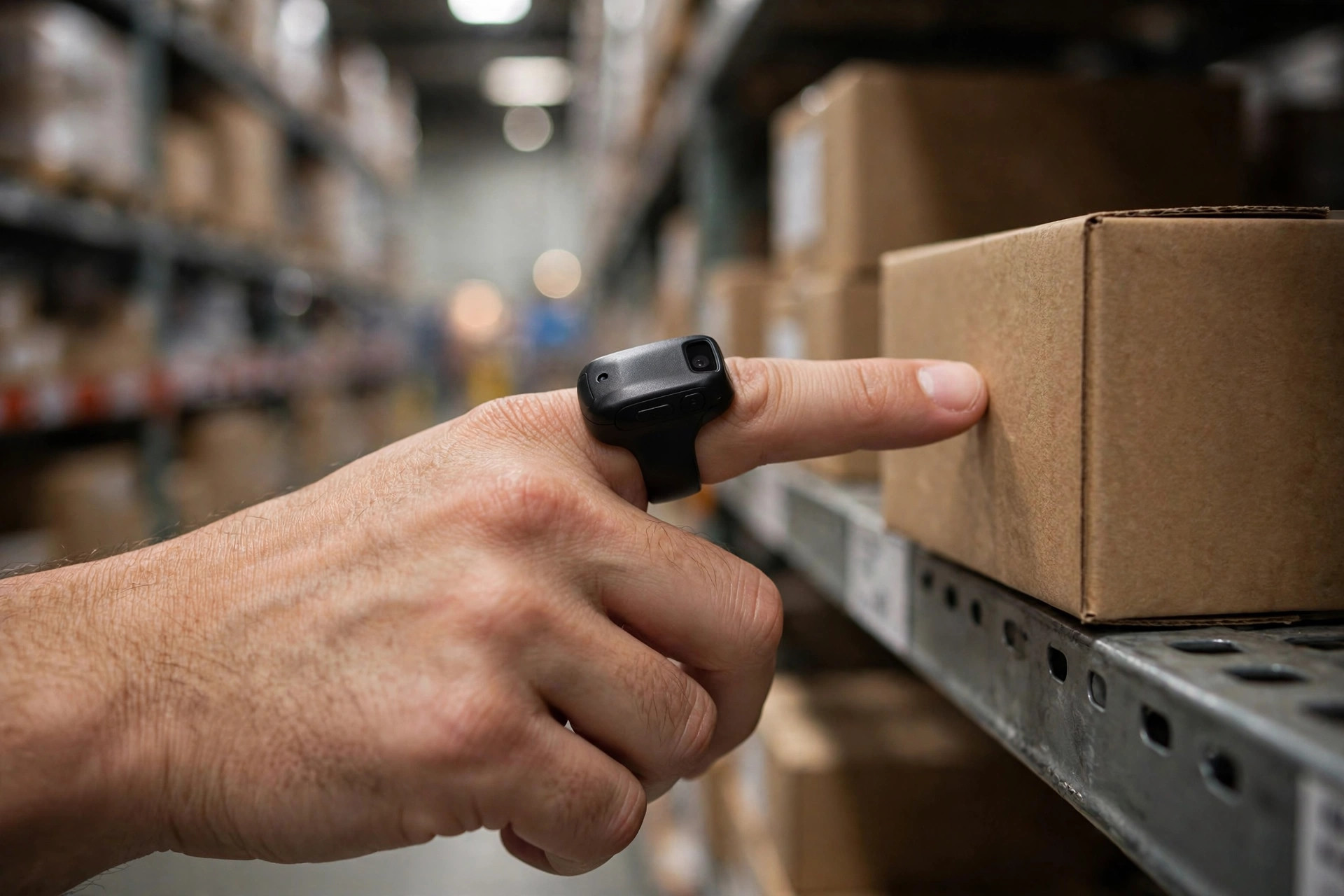
Last month I was called into an e-commerce warehouse to troubleshoot their wireless. The picking supervisor's complaint: the warehouse WiFi died the moment you walked into the high-bay racking area. PDAs would spin trying to scan a barcode, and every picker rebooted their device three or four times a day. I walked the aisles with a survey tool, came back, and told him: this isn't a signal problem. The whole deployment is wrong from the ground up.
Start with the physics. Why is warehouse WiFi so hard? Think of it like shouting inside rows of iron lockers. Metal racking hits radio signals twice: blocking — after passing through two rows of fully loaded racks there's barely anything left; and multipath reflection — the signal bounces around the steel frames until the PDA receives nothing but echoes it can't decode. You can think of it this way: office WiFi is talking in an empty living room; warehouse WiFi is shouting inside a steel maze. Completely different game. Bringing office experience into a warehouse is asking for trouble.
The Three Root Causes of PDA Disconnects
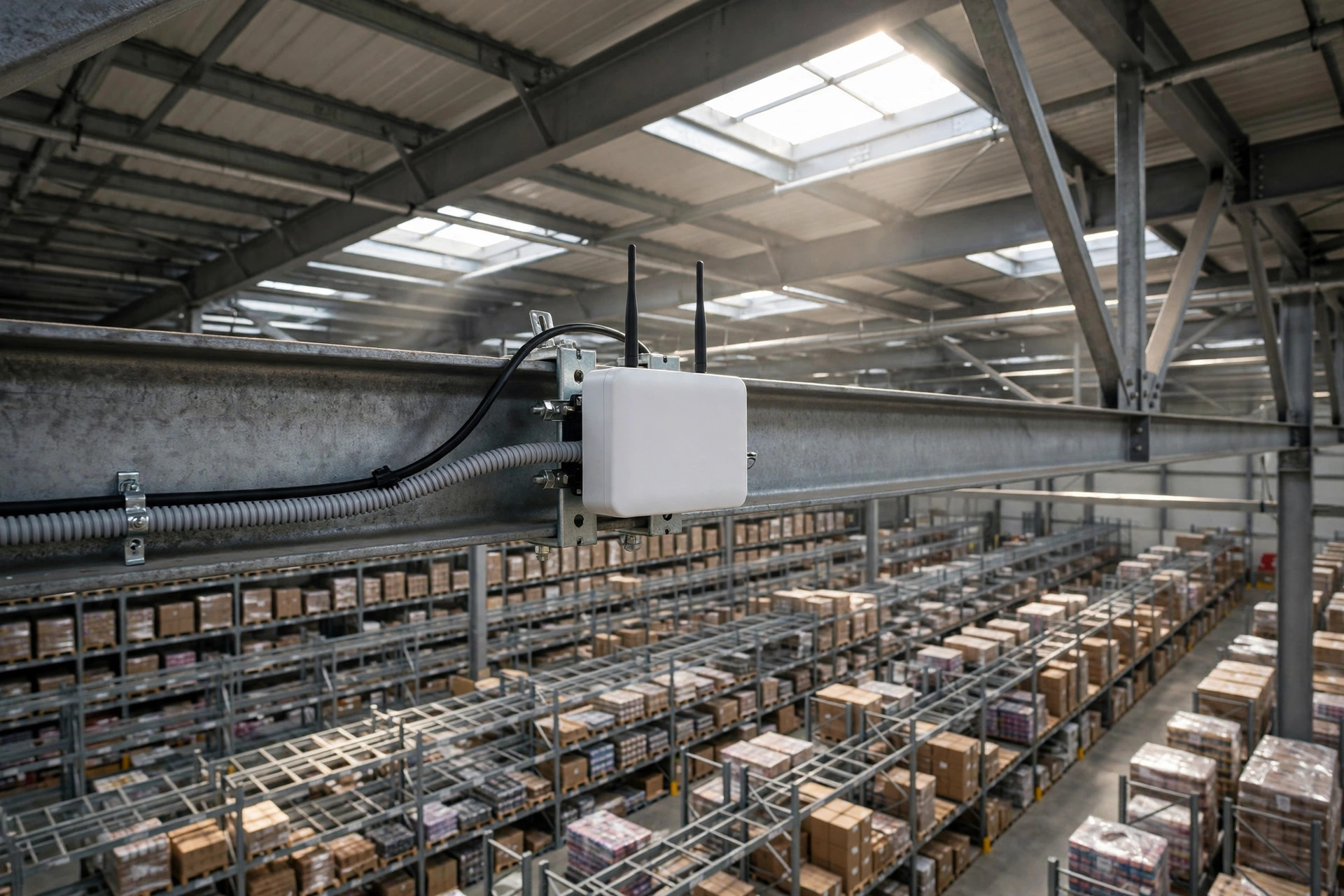
Root cause one: APs placed by floor area, not by aisle. This is the most common way to die. Plenty of integrators walk in with "one AP per few thousand square feet" and sprinkle them evenly like pepper. But inside a warehouse, what sits between the AP and the PDA is 8–10 meters of steel racking — counting on the signal to punch through is wishful thinking. The correct approach is aisle-based: one AP at each end of every aisle, letting the signal travel down the aisle. Never count on it going through the racks.
In 2024, an e-commerce warehouse in eastern China — 50,000-plus square meters — opened with APs spread evenly by area. Deep in the high-bay area, PDAs dropped the moment pickers reached the middle of an aisle. They had to walk back to the aisle entrance to "borrow" signal before scanning; travel paths were wrecked. We surveyed it and the verdict was one sentence: every AP was mounted directly above the racking, and the racks ate the signal. The fix was simple: move the APs to the aisle ends. We barely added any units, and the disconnects essentially vanished. The problem was never too few APs — every single one was in the wrong place.
Root cause two: picking the wrong band between 2.4 GHz and 5 GHz. Time to fire at a pseudo-requirement: some clients think "5 GHz is faster, so all-5 GHz is an upgrade." Inside a warehouse, that's a downgrade. 5 GHz penetrates far worse than 2.4 GHz — two rows of racking and it's gone. And PDAs scanning barcodes move tiny packets; they never come close to saturating bandwidth. What you need is penetration and stability, not speed. Think of it like choosing a delivery vehicle: you don't need a sports car, you need a pickup that handles bad roads.
An auto-parts client opened a new warehouse at the end of 2024 and went all-5 GHz to keep things simple. In the first week, PDAs dropped in droves mid-aisle, WMS tasks stopped flowing, and the receiving dock backed up into a line. We ended up dual-band: PDA traffic on 2.4 GHz for connection reliability, office areas on 5 GHz for speed. Remember this dividing line: for mobile terminals like PDAs and scanners, always protect the connection first. Staying connected matters a hundred times more than being 10 milliseconds faster.
Root cause three: roaming handoffs — disconnects with full signal bars. This is the most counterintuitive one: the PDA shows full bars and still drops. The reason is that PDAs are sentimental — they cling to a weakening AP and refuse to roam to a stronger one nearby. Think of a phone call on a high-speed train: full bars, but the handoff between towers fails, and the call drops anyway. A picker crosses a dozen AP coverage zones per shift; if roaming doesn't hand off cleanly, the experience is "it freezes every so often" — the most maddening kind of failure.
2.4 GHz vs 5 GHz: The Warehouse WiFi Trade-off
Let me spell out the band choice. 2.4 GHz penetrates well and reaches far, but it has only three non-overlapping channels — 1, 6, and 11 — so APs start fighting each other as density grows. 5 GHz is clean and fast but can't get around racking. So the standard warehouse answer is dual-band division of labor: 2.4 GHz in the working zones (aisles, receiving, shipping docks) to keep PDAs connected, 5 GHz in offices and meeting rooms for speed. Anyone who tells me "one band across the whole warehouse is simpler" gets the same advice: you're saving half a day of configuration and paying for it with daily disconnects.
AP Placement: Survey First, Count Later
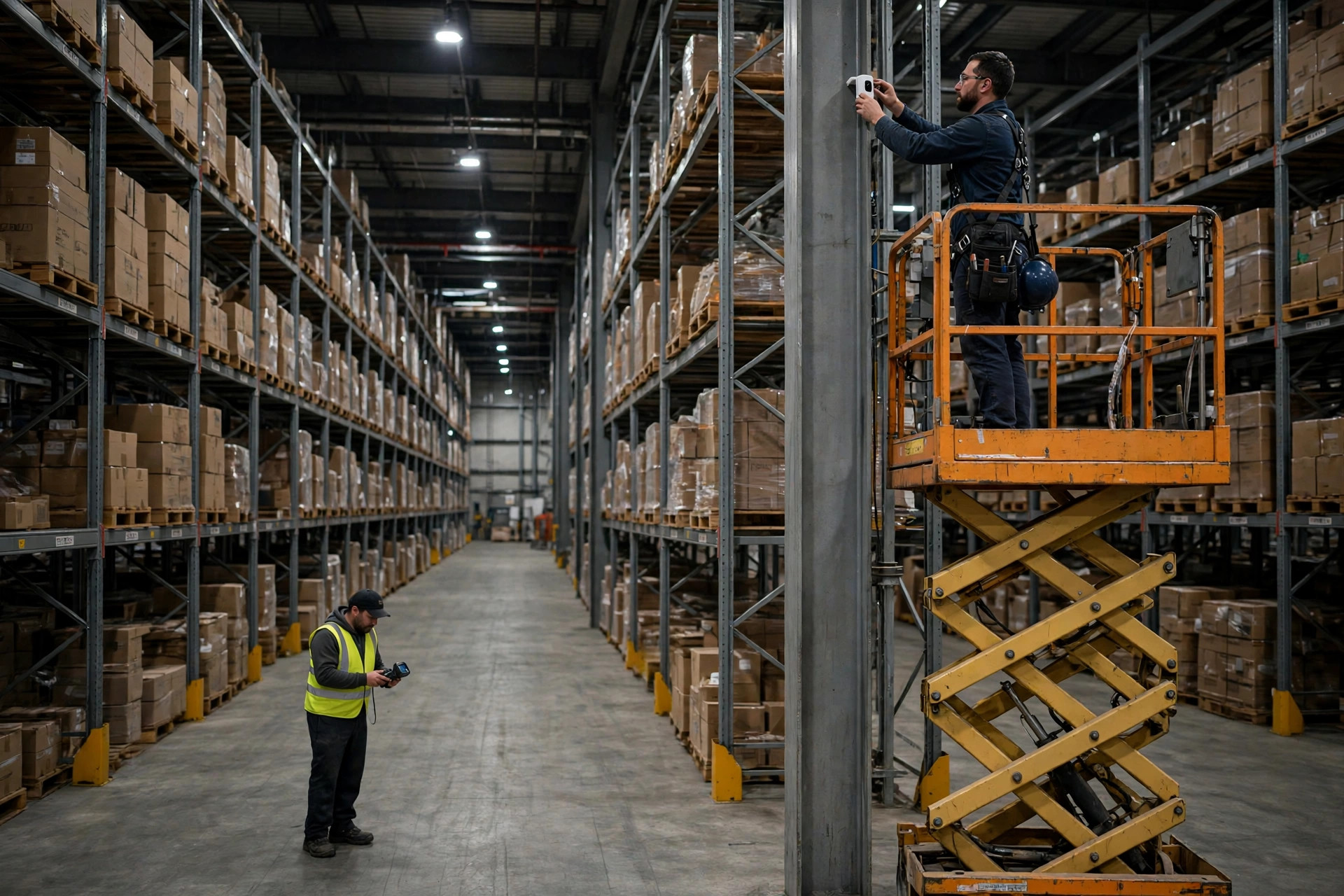
Here's the dividing line: which warehouses deserve a professional wireless site survey, and which can get by on rules of thumb? My rule is simple: racking over 6 levels, aisles longer than 80 meters, or more than 50 PDAs — don't skip the survey. The survey fee is pocket change next to the cost of ripping everything out later. Small warehouses with low racking and fewer than 20 PDAs can usually follow the rule of thumb — APs at both aisle ends, dual-band, don't crank the power — without disaster.
One trap to watch: bigger AP transmit power is not better. Crank it up and coverage reaches further, but the PDA's return path can't keep up — the AP shouts loud, the PDA shouts back and the AP can't hear it. One-way conversation, still a disconnect. Like two people shouting across a valley, one with a megaphone and one with bare lungs — hearing doesn't mean conversing. Check the AP vendor's official deployment guide for power and placement parameters; don't guess.
The Maintenance Traps: When Disconnects Come Back, Check These Three
One: channel planning. As APs get added over time, channels drift into chaos, 2.4 GHz APs interfere with each other. Check periodically for overlap and retune where needed.
Two: the PDA's roaming threshold. Many PDAs ship with conservative roaming aggressiveness — they cling to a weak AP instead of moving on. Follow the device vendor's official recommended values for this parameter; tuning by gut feeling can take down the whole floor.
Three: AP firmware and controller versions. Don't chase the latest, but don't go three years without upgrading either. A lot of "suddenly started disconnecting" cases turn out to be a default behavior changed by some upgrade. Check versions before hardware — that order saves you half the troubleshooting time.
The Math: What a Day of Disconnects Actually Costs
Run the numbers and the investment decision makes itself. All assumptions below — plug in your own warehouse's figures: one disconnect costs 3–5 minutes of reconnecting and rescanning; one picker hits 4 a day; 30 pickers on the floor; hourly labor at local rates. 30 people × 4 incidents × 4 minutes ≈ 8 hours a day. Over 22 working days that's 176 hours a month. At hourly labor cost, that's thousands of dollars evaporating monthly — and that doesn't count mis-ships, missed scans, or the supervisor hours spent firefighting.
And the fix? One professional survey plus relocating and adding a handful of APs — a one-time spend that typically pays for itself in two to three months of recovered labor. So I'll end with the old line:
Whether the money is worth it comes down to one number — the labor hours your warehouse loses to disconnects each month, times the hourly rate. If that's bigger than the fix, don't hesitate.
By Da Liu, Automation Engineer