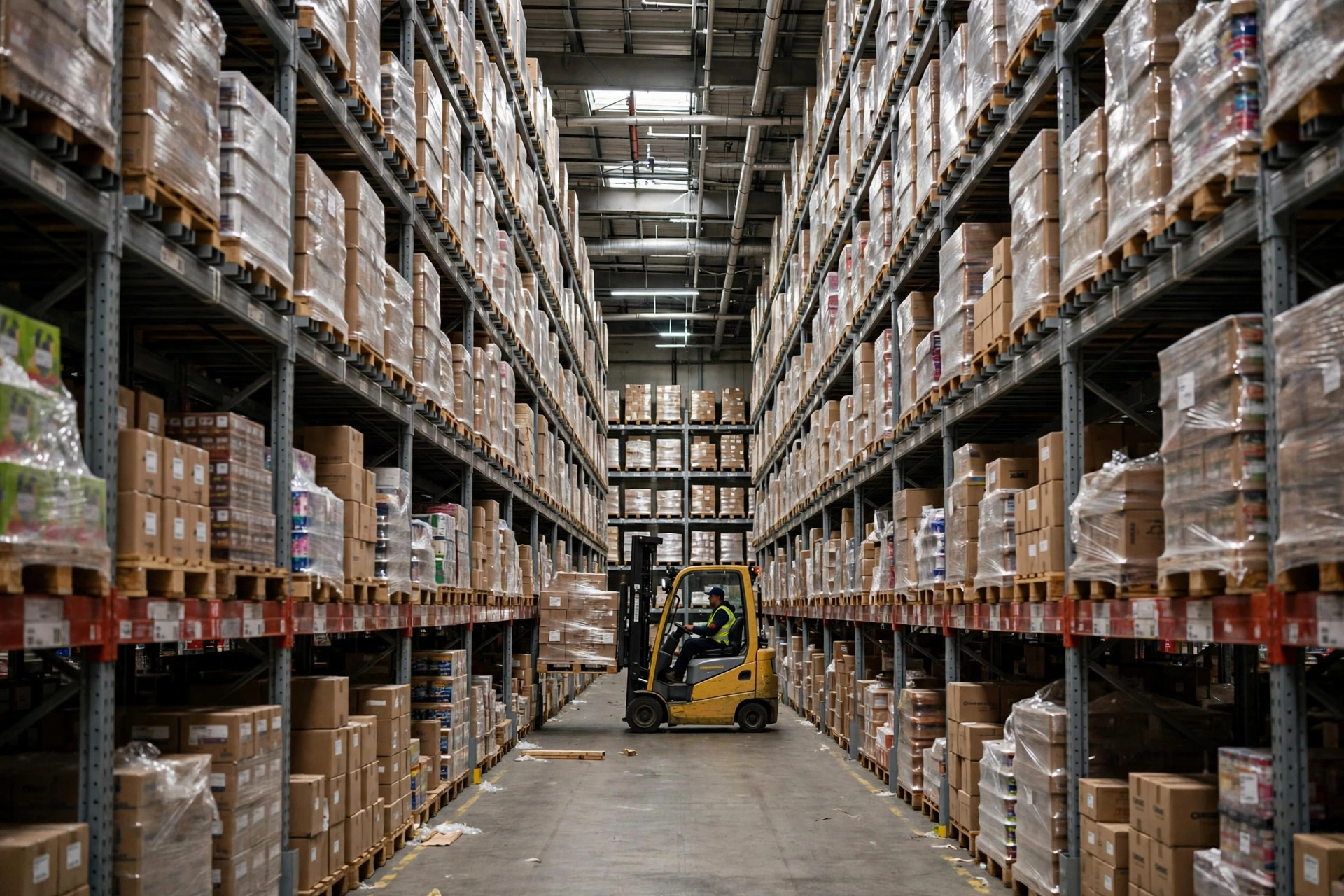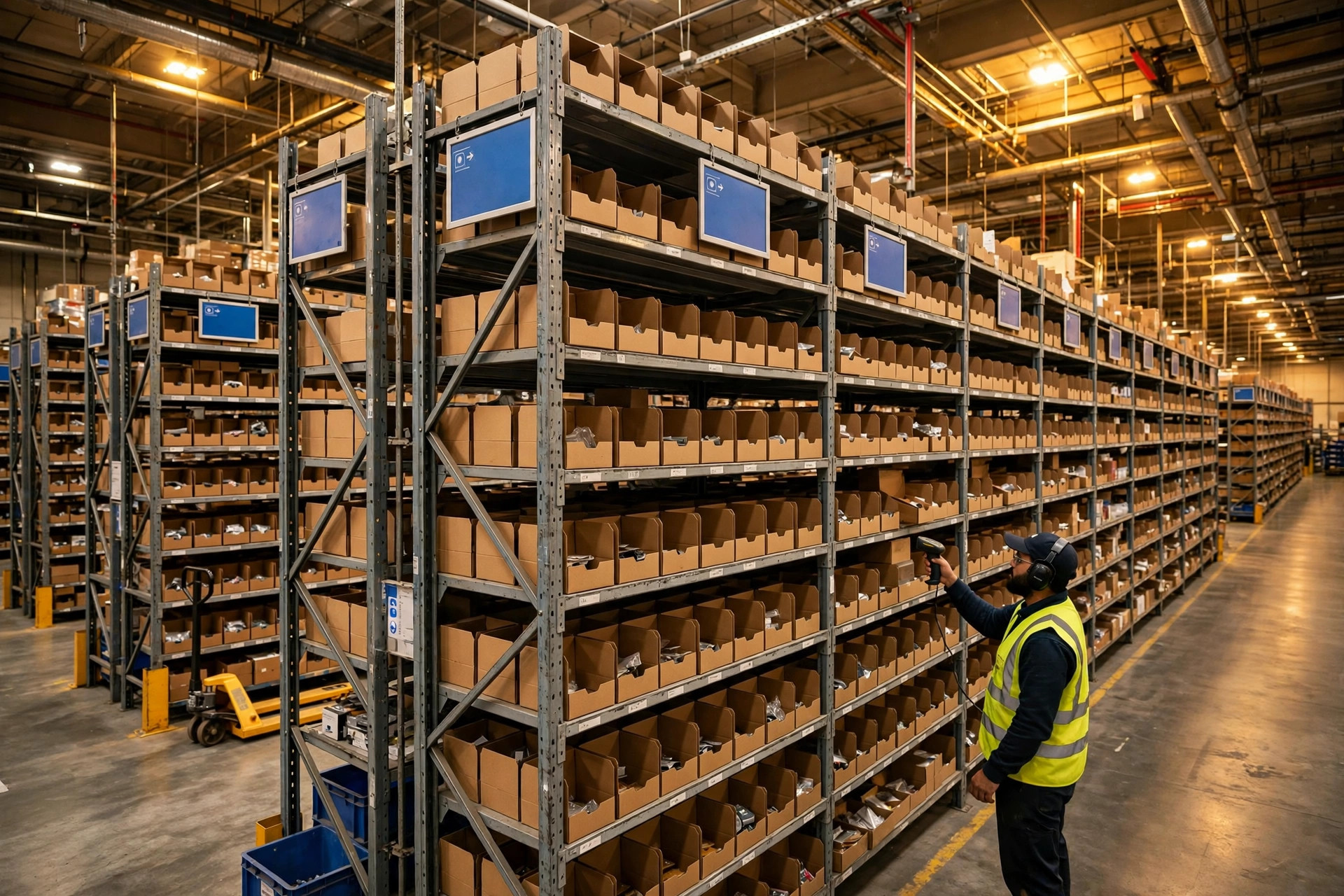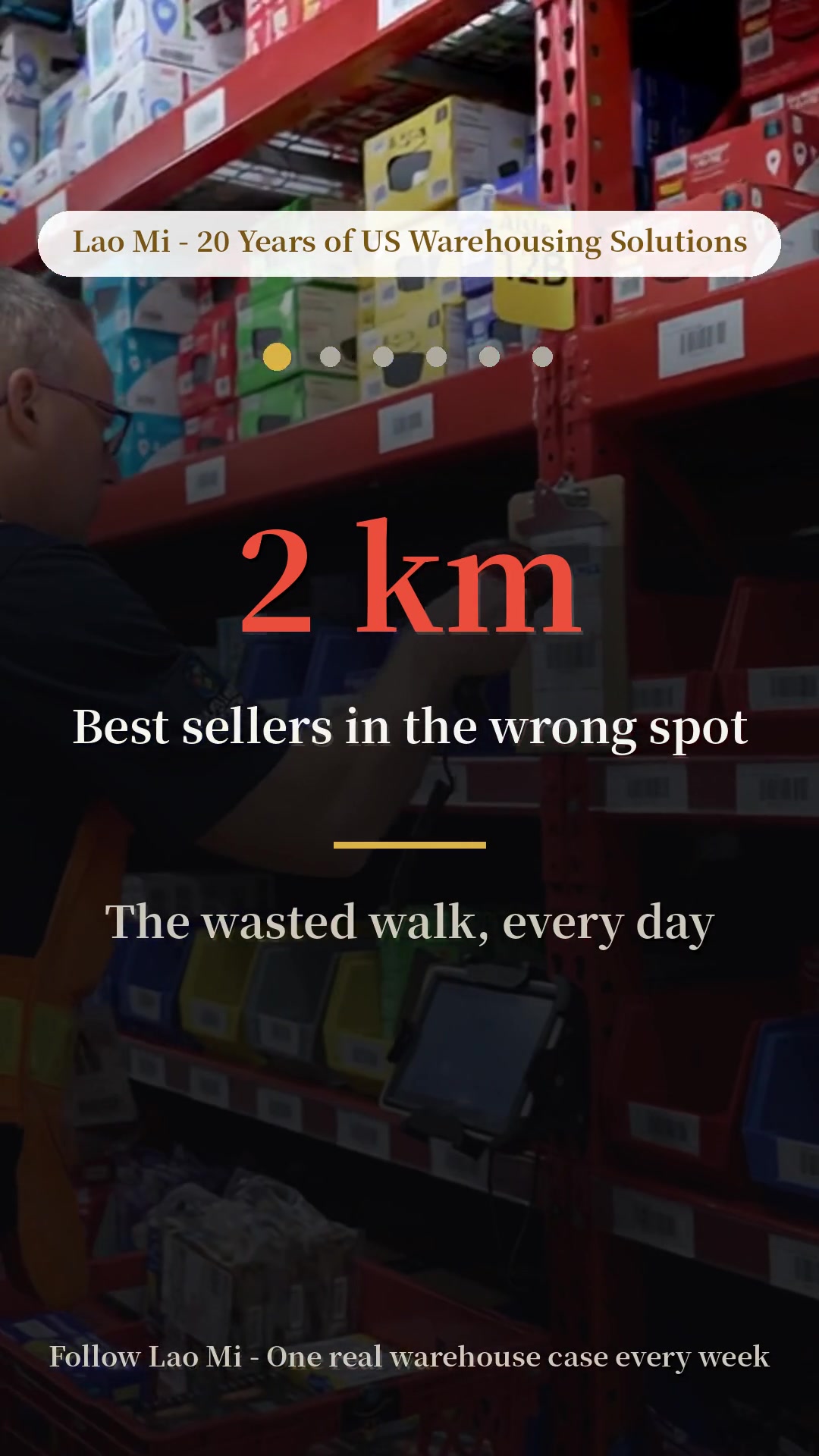
We had a client who bought slotting software in 2023. First-year license plus implementation ran into the tens of thousands of dollars. The first three months were beautiful — average picker travel distance dropped by roughly twenty percent, overtime during peak season went down, and the owner bragged about it to everyone. Then in year two, the person running the data quit. Nobody picked it up. Three months without a refresh and the slotting recommendations started drifting from reality. Pickers complained, management quietly went back to manual slotting. Tens of thousands of dollars, spent on an expensive lesson.
I watch this movie several times a year. So today, no algorithms — just straight talk from the vendor side of the table: what slotting software actually does, what scale justifies it, and three things the software vendor won't tell you.
What This Software Actually Does
Warehouse slotting software does one thing: it puts the fastest-moving goods closest to the picker.
Break it down and it's three pieces. First, ABC analysis — ranking SKUs by velocity into A (daily movers), B, and C (dead stock that moves a few times a year). Excel can do this too, but the software recalculates weekly. Doing it by hand gets old fast.
Second, affinity analysis. Diapers and wipes always ship together, so the software suggests adjacent slots — one pick run instead of two. That "80% of buyers who buy A also buy B" pattern? No human slotting by gut feel will ever find it.
Third, replenishment suggestions. A-items belong in the golden pick zone — waist height, closest to the aisle — but golden slots are limited. When something goes viral it needs topping up; when it cools off it needs to move out. The software tells you daily: these 20 slots should change.
Get it? It doesn't solve "do we have stock." It solves "is the stock in the right spot." The mistake I see buyers make most: expecting it to fix inventory accuracy. That's a WMS and cycle-count problem. Don't blame slotting software for it.
What Scale Justifies the Price Tag
This is the question clients ask me most. My rule of thumb: three dimensions, one line.
| Dimension | Excel is fine | Worth buying software |
|---|---|---|
| SKU count | Under 2,000 | Over 5,000 |
| Daily order lines | Under 1,000 | Over 3,000 |
| Re-slotting frequency | Quarterly, manageable by hand | Monthly churn, humans can't keep up |
Hit two out of three on the right side, and it's worth a serious conversation. Hit all three, buy it. All three on the left side? Save your money — Excel plus a supervisor who understands ABC classification will do just fine.
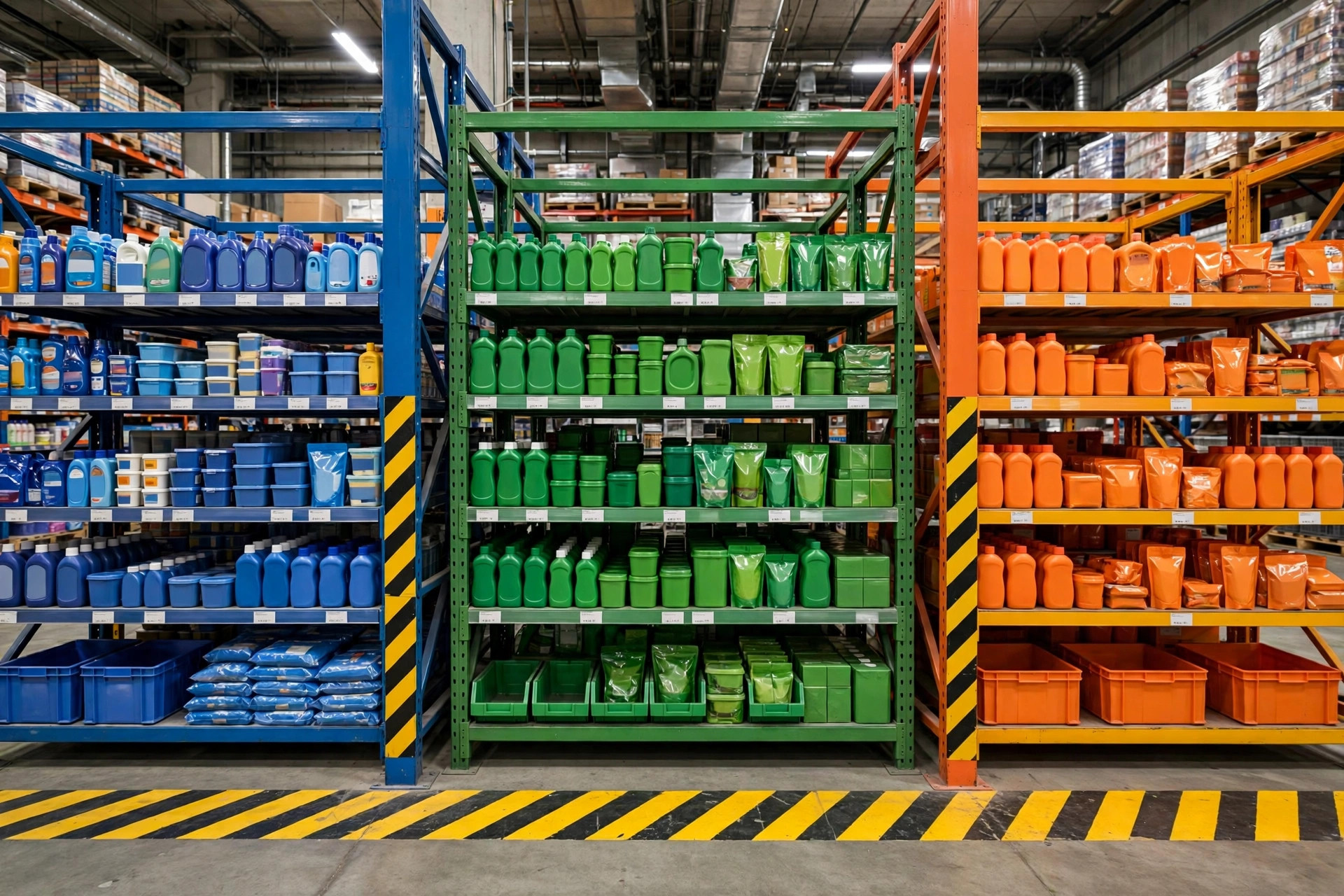
What about the middle ground — 3,000–4,000 SKUs, 2,000 lines a day? My advice: first ask how much of your current WMS's built-in slotting module you're actually using. Most WMS platforms ship with basic ABC analysis and slot recommendations that were never turned on during implementation. Max out what you already own before shopping for standalone software. The vendor will never volunteer that advice.
One more dimension people miss: does your SKU mix change? Some warehouses have a stable assortment — slots set three years ago still work, and software would be wasted. Others run promos and seasonal goods with the mix changing monthly; humans can't re-slot fast enough, and that's where the software earns its keep.
Three Things the Vendor Won't Tell You
First: data quality decides everything. Slotting software eats your last twelve months of order history. If that data is dirty — returns never reversed, transfers never posted, count variances everywhere — the recommendations come out garbage. The vendor's demo runs on squeaky-clean sample data. Before you sign, make them run your real data, then have your most experienced picker sanity-check the output. If the veteran says it looks right, it's right.
Second: it needs a dedicated owner. This is the priciest hidden cost. The SKU mix changes monthly, so someone has to re-run the analysis monthly and push re-slot tasks. Nobody does that job, and within three months the recommendations are stale. That client from the opening story died on exactly this hill — the owner of the process left, nobody inherited it, and expensive software became shelfware. Before buying, decide who that person is and write it into their job description.
Third: the WMS integration is a trap. The best slotting recommendation in the world is a paperweight if it can't write back to your WMS. That "standard interface" line on the quote usually covers only the most basic field mapping. Getting re-slot tasks auto-issued and execution results auto-confirmed almost always means custom development — billed separately. Who builds it, how long it takes, whose SLA covers it when it breaks: if that's not in the contract, go-live day is finger-pointing day.
Three Questions for Your Next Contract Negotiation
Stories told, insider secrets spilled. Here are your three negotiation questions — memorize them:
One: "Exactly how many of my people and how much data prep does implementation need — and will you put that in the contract?" Turn your effort into their commitment. Don't let "we'll just need a little cooperation from your side" become a bottomless pit.
Two: "Who owns the integration with my WMS, and whose SLA covers it when it breaks?" An interface with unclear ownership is the first thing to blow up after go-live.
Three: "How is renewal priced — by SKU count or by user count? Can we lock the year-two increase in writing?" Year-one pricing is bait. The real money is the renewal. An uncapped increase is a blank check.
Slotting software is good stuff — but good stuff has to land in the right place, the right way. Below the scale line, Excel hits just as hard. Above the line, with a well-negotiated contract, it's a money printer. Below the line, or with a sloppy contract, you're that client from the opening: tens of thousands spent on a lesson.
By Susan, 3PL Sales Director