
Bottom line up front: if you're wondering why your WMS is so slow after year one, nine times out of ten it has nothing to do with your server specs. The culprits are always the same five: bloated transaction tables, RF wireless problems, no archiving policy, piled-up waves and tasks, and custom reports hammering the production database. Work through my checklist below and you can turn it around in one to two weeks. I've seen this exact failure three times. Same script every time.
In March 2024, a 3PL warehouse in Rancho Cucamonga called me in. 120,000 square feet, 8,000 orders a day, WMS live for 14 months. Pickers told me every RF scan confirmation took 5 to 8 seconds to respond. At 2,000+ scans per person per day, that's nearly 3 hours of standing around waiting on the system. The owner's first instinct was a server upgrade — the vendor quoted $28,000. I walked the floor and checked: CPU was sitting at 30%, memory had headroom. The hardware wasn't the problem.
Same story in Fresno, November 2023. An e-commerce brand warehouse, and customer service couldn't pull up a historical order without a 40-second spinning wheel — right before peak season. They were about to rip out the whole WMS. Six days of archiving and index work brought queries back under 2 seconds, and nobody mentioned replacing the system again.
Here's the diagnostic checklist I built from those rescues, ranked by hit rate.
Culprit #1: Bloated Transaction Tables (The Biggest Reason Your WMS Is So Slow)
Receiving records, pick tasks, wave history — nobody touches them in year one, and row counts grow from hundreds of thousands to tens of millions. Plenty of WMS queries don't paginate; they scan the whole table. When data grows 10x, query time doesn't grow 10x — it grows 30 to 50x.
How to confirm: ask your DBA or the WMS vendor's support to check row counts and sizes on the three core tables. Over 5 million rows with zero archiving history? That's your culprit. This check takes 10 minutes. Do it first.
The fix, in four steps:
- Full backup before touching anything. Then spot-check 20 historical orders to prove the backup actually restores. A backup you can't restore isn't a backup.
- Move completed documents older than 13 months to archive tables. Archiving is not deleting — finance still needs them for audits; they just stop clogging daily queries.
- Rebuild indexes and update statistics immediately after archiving. Most teams skip this: the tables slim down but the execution plans still assume the fat versions, so you gain nothing.
- Have floor staff test the three high-frequency actions — scan confirm, order lookup, wave run — and don't sign off until all three respond in under 2 seconds.
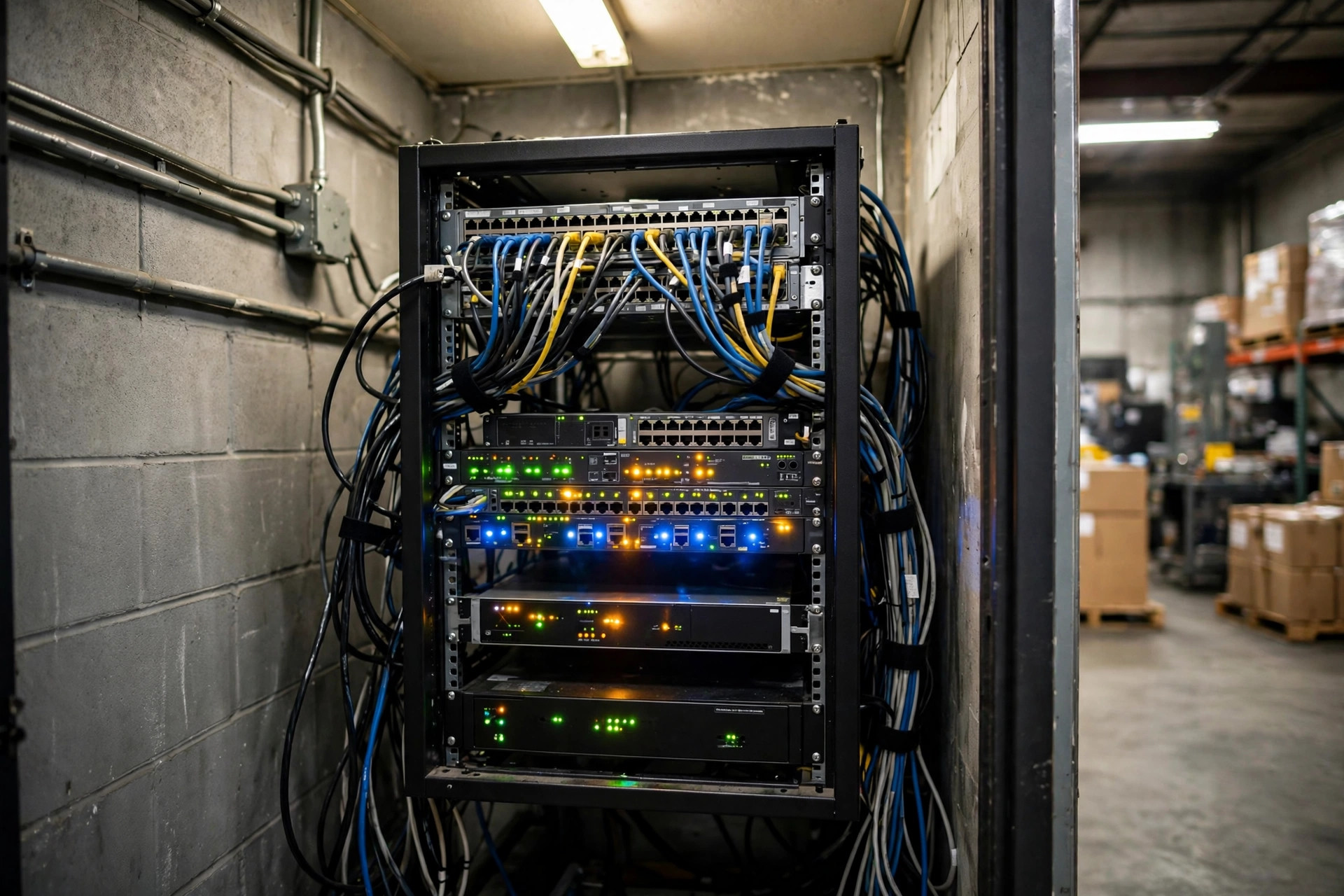
Culprit #2: RF Wireless — Roaming Drops That Slow Every Scan
I've seen this pit three times, and every time the owner blamed the software first and the wireless turned out guilty. Warehouse AP layouts get planned for an empty building. Once racks go up and inventory fills in, dead zones appear. RF guns roam back and forth between APs, packets drop, retransmits pile up — and on screen it just looks like spinning.
The diagnostic is low-tech but works: take an RF gun, walk the full pick path, and log signal strength plus roam events per zone. Watch three spots especially: ground level under high racks (metal shelving shields signal), cooler doors (temperature swings mess with devices), and the dock area (few APs, big space).
Fix actions:
- Add APs or re-aim them in weak zones, then re-test roaming. Handoffs need to complete in under 100 milliseconds.
- Set the RF guns' roaming aggressiveness one notch higher so they jump to the stronger AP early instead of clinging to a weak signal.
- Check channel interference. Rogue wireless cameras or Bluetooth gear in the warehouse all fight over 2.4 GHz — clear out what doesn't belong.
Culprit #3: No Archiving Policy — The Tables Will Get Fat Again
Culprit #1 is the emergency fix; this one is the permanent cure. Plenty of companies archive once and never again. A year later the tables are fat again and the slowness comes back. That's not a technical problem — the archiving never became policy.
Step by step:
- Set retention rules: 13 months for transaction documents, 6 months for log data. Get finance and operations to sign off — don't let IT decide alone.
- Make archiving a scheduled job that runs quarterly and emails a report of archived rows and freed space.
- Name an owner. Who runs it, who verifies it — write it into the runbook. A policy with no owner is no policy.
Culprit #4: Piled-Up Waves and Stuck Tasks
Unfinished waves and stuck task orders accumulate, and the WMS scans the entire pending pool every time it assigns work. The Fresno warehouse at its worst had 400+ unassigned tasks, half of them zombie tasks from three months back that nobody owned — but the system dutifully scanned all of them, every time.
Fix actions:
- The pending pool must hit zero before end of shift. Whatever can't clear gets an owner and a reason, same day.
- Any task stuck over 24 hours auto-alerts the supervisor. Don't wait until it's a mountain.
- Review wave templates quarterly. SKU mix and order profiles change; running year-one wave rules against year-two reality is how pileups start.
Culprit #5: Custom Reports Slowing the Database to a Crawl
Finance wants margin reports, ops wants SLA reports, and IT takes the shortcut of pointing them at the production database. At 9 AM the whole warehouse starts working, the big report starts running, and the database chokes. I've watched one report freeze every RF gun on the floor simultaneously.
One rule: reports never touch production directly. Route them to a read replica or the data warehouse, schedule the heavy ones overnight, and let daytime users read results. For reports already live, audit every one: which database, what time it runs, how long it takes. Non-compliant ones get a deadline to fix.
The Math: Hardware Upgrade vs. Real Optimization
| Option | Cost | How long it helps | My verdict | | Bigger server, more RAM | $20,000–30,000 | 2–3 months of relief, tables keep growing | Treats the symptom, wastes money | | Archiving + index rebuild | 1–2 weeks of labor, near-zero purchase | Sub-second queries, good for a full year | Fixes the cause — do this first | | Replace the WMS | Hundreds of thousands + 6-month implementation | Same data habits, same ending | Last resort |
The counterintuitive call: when the system slows down, reaching for hardware first is wrong nine times out of ten. The bottleneck isn't compute — it's data hygiene and habits. You can buy hardware. You can't buy habits.
Common Ways Teams Blow It (Pre-Go-Live Checklist Level)
- Archiving without a verified backup — or a backup nobody tested restoring. Same as no backup.
- Slimming the tables but skipping the index rebuild. Wasted effort.
- Adding APs without re-testing roaming. Full bars standing still, drops the moment you move.
- Fixing only new reports while legacy ones still hit production. Audit all of them.
- Never writing the archiving policy into the runbook. The person leaves, the policy dies.
Do three things this week: check row counts on the three core tables, walk the pick path with an RF gun logging signal, and ask finance which database that big report connects to. Once those three are done, you'll know exactly why your WMS performance degraded — then work the checklist one item at a time. Don't try to fix everything in one shot.
By Lin Xiao, WMS Implementation Consultant