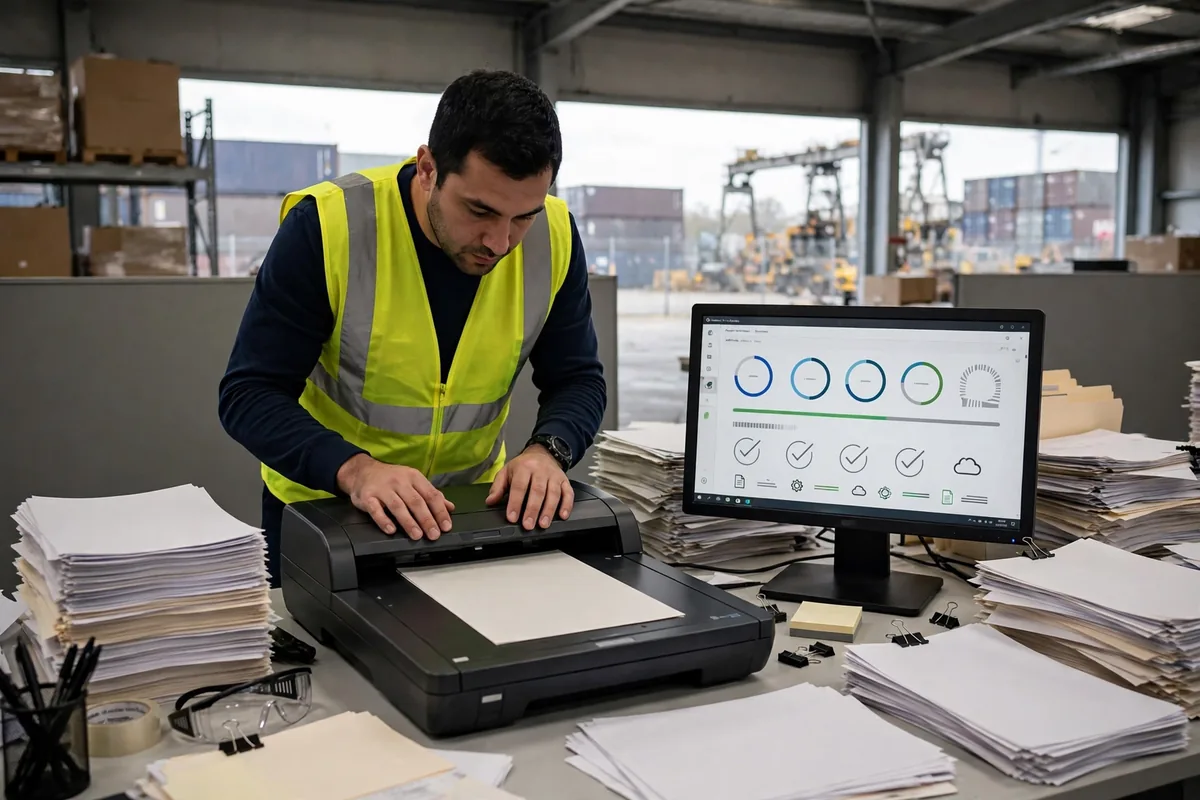
Bottom line first: on clean printed bills of lading and packing lists, warehouse OCR document recognition clears 99% accuracy, and that's good enough to use. But the moment your documents carry handwriting, stamps, or fold creases, field-level accuracy can fall to 60–85%. Go live without a human review net at that point and you're digging your own hole. Whether it's "accurate enough" is never the vendor's call. It depends on what your documents actually look like and whether your process can catch what the machine misses.
I've seen this pitfall three times. Picture a freight forwarder's export warehouse in Shenzhen that switched on OCR for bills of lading in March 2025. The vendor demo showed 99% accuracy. Week one in production, it fell over. A container number had been hand-corrected by one digit on the paper, the OCR read an 8 as a 3, and the system built the outbound order against the wrong container. The box sat at the destination port for two extra days before anyone caught it. Demos run on clean printouts. Real documents are never that clean. The night before go-live, I had the client pull the 200 ugliest documents from the past month and run them through. Accuracy dropped more than 20 points on the spot. If that test had happened two weeks earlier, the whole incident would never have happened. (Scenario illustration: figures are illustrative.)
Warehouse OCR Accuracy: First, Be Clear What You're Measuring
The vendor's 99% and your 99% are often two different numbers. Character-level accuracy means one character wrong in a hundred. Field-level accuracy means every character in a field must be right for the field to count. A bill of lading with 25 fields at 95% field accuracy passes end to end only 0.95 to the power of 25 — about 28% of the time. That's the counterintuitive part: each individual number looks fine, yet most documents still need rework.
Public benchmarks put the ranges like this: clean printed text, above 99%; invoices and other structured documents, 91–97% at the field level; handwritten fields, 62–85% at the field level; and the straight-through processing bar for financial documents sits at 99.9% field-level accuracy. Sources: published benchmark tests (Apryse and TomasTC 2026 reports); confirm against your vendor's own measured results. Scan resolution has a floor, too: 300 DPI is the starting point validated across test after test. Go below it and accuracy falls faster than you'd expect.
Bill of Lading, Packing List, Customs Declaration: Three Documents, Three Playbooks
Don't treat documents as one bucket. A bill of lading, a packing list, and a customs declaration have different layouts, different fields, and different failure modes. Selection and fallback have to be split accordingly:
| Document | Typical accuracy (public benchmarks) | Most common failure | Fallback |
|---|---|---|---|
| Bill of lading | 99%+ on printed copies | Stamps covering text, handwritten container-number corrections | Match the B/L number against the booking system; lock the order on mismatch |
| Packing list | 91–97% field-level | Table rows shifting, quantity columns slipping a line | Cross-check carton count against piece count; block on a difference of one |
| Customs declaration | Below invoice levels on mixed-language forms | Hand-corrected commodity codes, multilingual product names | Whitelist-check commodity codes; route suspicious hits to human review |
Picture a forwarder in Ningbo whose customs declaration once carried a hand-corrected commodity code. The OCR read it faithfully, the system filed under the wrong code, and customs held the shipment for three days. The post-mortem was clear: the problem wasn't recognition accuracy. Nobody had put a whitelist check on the code. The OCR read the characters right and the business still got it wrong.
Go-Live Night Checklist: Don't Launch Until All Ten Are Ticked
This is the go-live night checklist. Tick each item, one by one. If any item is open, don't launch:
- Scan at 300 DPI or better. Anything below that gets rescanned first and never enters the recognition queue.
- Your template library covers every document format you handle. New formats go into the library before launch, never guessed live.
- Format-check the three critical fields — B/L number, container number, commodity code. Validate container numbers against their check digit. Anything malformed goes straight to the exception queue.
- Match every recognition result against the booking and customs systems, ticket by ticket. Mismatches lock the order. Nothing auto-releases.
- Staff the exception queue. Put reviewers on the shift roster. Don't expect the system to digest its own exceptions.
- Start review at 100%. Run two weeks, watch the measured accuracy, then step down the review rate. Never start at sampling.
- Have the rollback switch ready. If accuracy drops, cut back to manual entry the same day — and make sure someone on shift knows how to pull it.
- Build a glossary for multilingual product names first. Machine-translated names never go straight into declaration fields.
- Keep a separate sample set of the three dirty-document types — stamps, creases, chop marks across the fold — and retest monthly.
- Publish a daily accuracy report in week one, with both field-level and whole-document numbers. A report that only shows character-level accuracy tells you nothing.
When Warehouse OCR Document Recognition Falls Short, the Fallback Process Is the Real Product
Plenty of projects die because they treat warehouse OCR document recognition as a liability waiver. That's the reality of warehouse OCR document recognition for bills of lading: the machine reads characters, your process owns the meaning. When accuracy falls short, the process has to absorb it, and the way to do that is tiered review: above 99% field accuracy, sample 5%; between 95% and 99%, review 20%; below 95%, review everything, field by field. Review rates aren't guessed. They're adjusted weekly against measured accuracy.
Here's a worked example for a warehouse handling 500 documents a day, showing what review staffing actually costs:
| Field-level accuracy (hypothetical) | Review rate (hypothetical) | Documents reviewed per day (hypothetical) | Review staff (hypothetical, 150 docs per person per day) |
|---|---|---|---|
| Above 99% | 5% sample | 25 | Under 1 person |
| 95–99% | 20% review | 100 | About 1 person |
| Below 95% | 100% review | 500 | About 3–4 people |
See the pattern? Accuracy dropping from 99% to 95% doesn't double review staffing. It quadruples it. That's why selection can't rest on demo numbers: the vendor's 99% was measured on clean samples, and if your real documents only hit 95%, your review team drowns on day one. My rule: test with your own dirtiest documents. The number you measure is your number. The vendor's number is only a reference.
Tick the checklist the night before go-live, measure your own real accuracy, and set review rates from that measurement. OCR buys you speed, not immunity. When a document is wrong, the responsibility is still yours.
By Lin Xiao, WMS Implementation Consultant