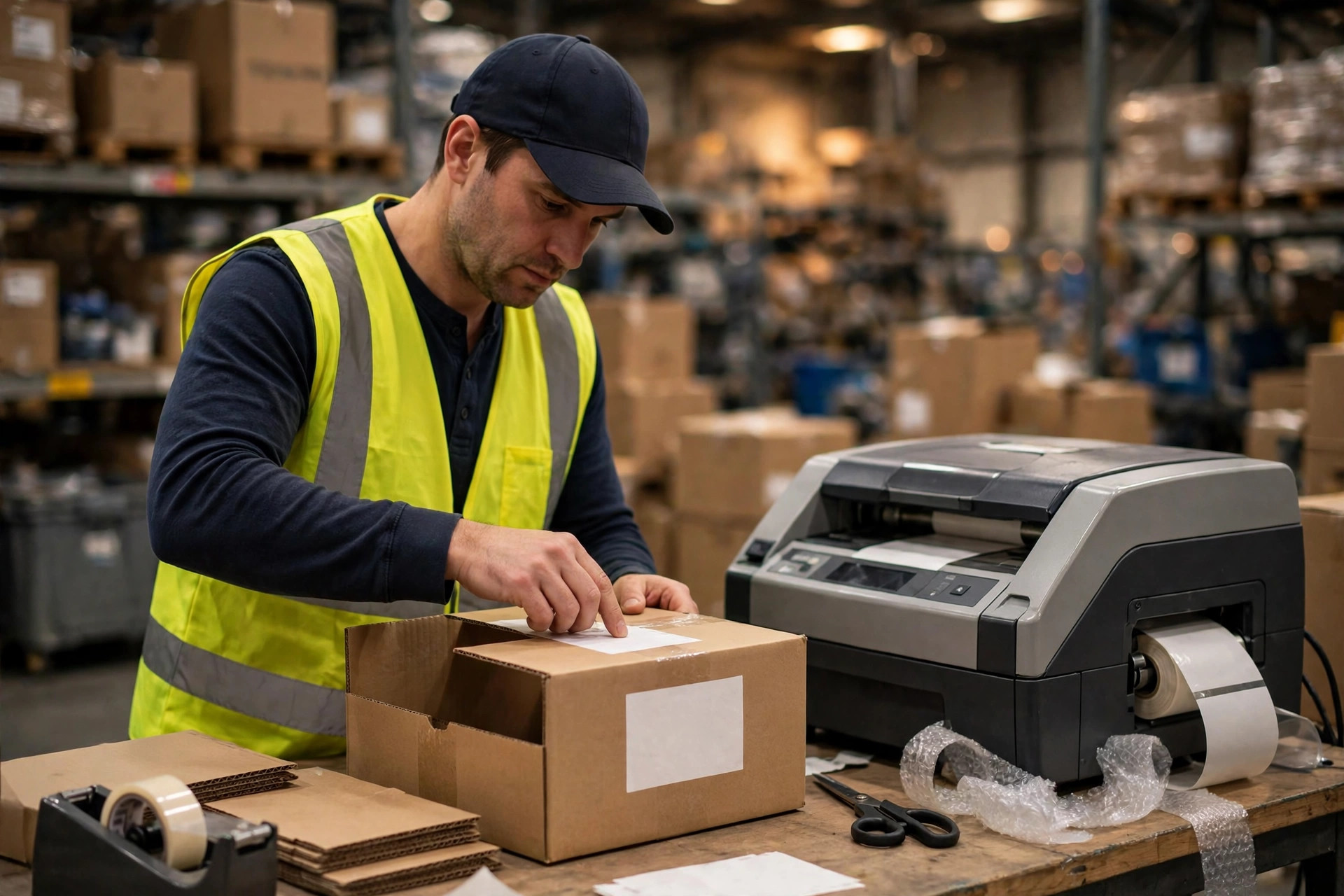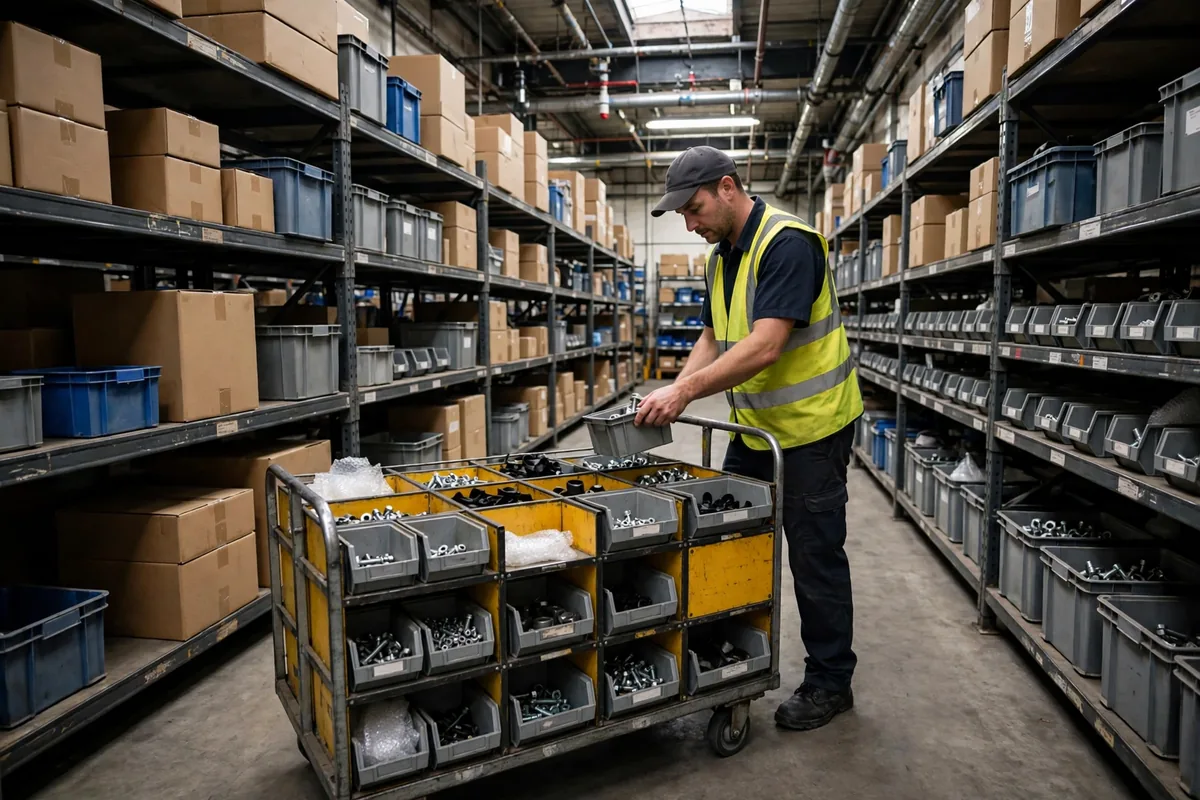
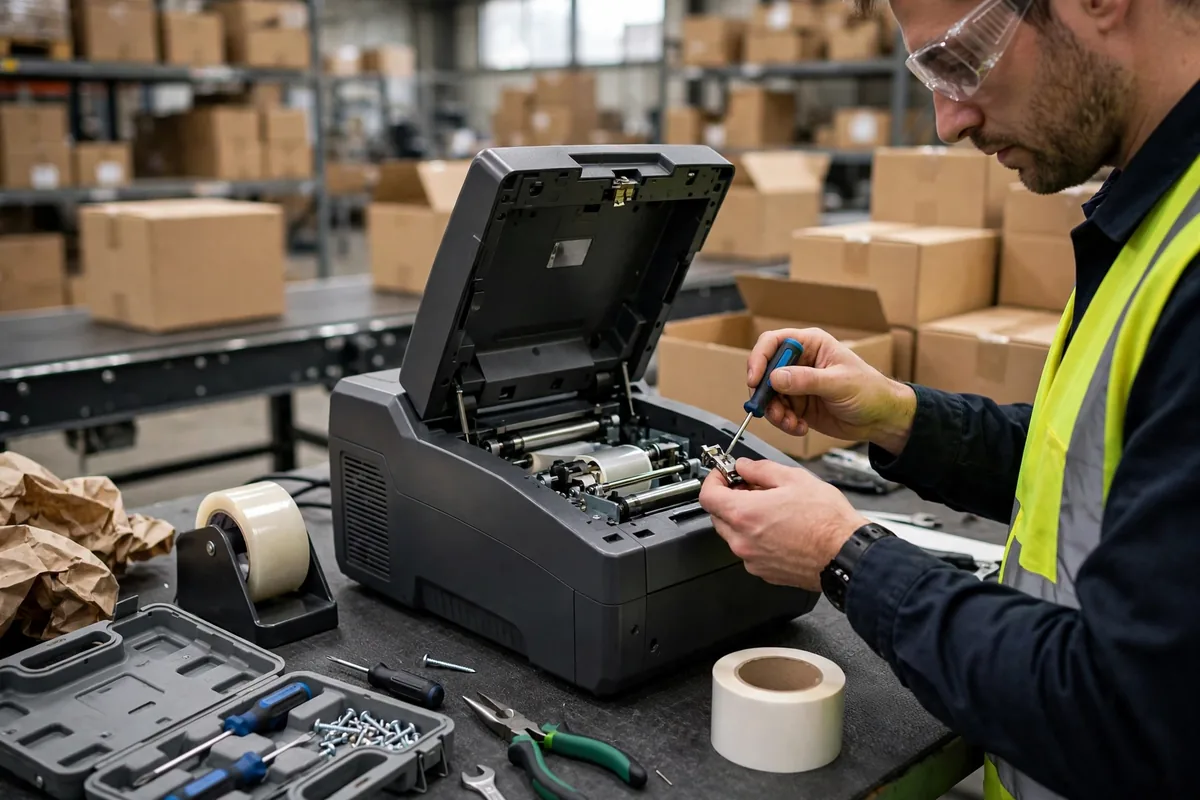
Let me say it plainly: in warehouse label printer downtime cost, the expensive part is almost never the printer. Think of a label printer as the ignition switch of your outbound line. The machine itself sits in the range of a modest industrial device, with exact prices varying by model and sales channel, but the moment it stops producing labels, packing, weighing, handover, and loading all stand around waiting. It is the warehouse equivalent of a truck immobilized by a failed spark plug: the part is small, the paralysis is total.
During my years working for an integrator, I watched warehouses spend serious money on sorters and conveyor lines while managing label printing like office supplies. Fix it when it breaks. Order paper when it runs out. Wipe the printhead with whatever is nearby and keep going. That approach survives quiet weeks without a scratch, and then, predictably, it fails during the two hours before carrier cutoff on the busiest day of the season.
Warehouse label printer failures: the cost is never the machine
Run the chain reaction in numbers you can picture. A mid-sized e-commerce warehouse runs six packing benches, and on a peak evening it processes several hundred parcels an hour. At twenty minutes to eight, the label printer starts spitting out intermittent blanks. Troubleshooting takes twenty minutes while the benches, unable to pack without labels, stand effectively idle. Weighing and checking back up behind them. By the half-past-eight cutoff, a batch of orders still has no labels and rolls to the next day. No major system failed in that story. The loss was still real: close to an hour of effective labor across six benches was discounted, a batch of orders missed the day's line-haul departure, and someone still had to handle the follow-up messages and rebooking the next morning.
That is the actual structure of warehouse label printer downtime cost, and it stacks in three layers. The first layer is idle labor: packers, checkers, and movers all waiting on the same small device. The second layer is service failure: missing cutoff means the freight leaves a day late, and time-sensitive channels absorb extra handling and communication. The third layer, repair and parts, is the only one most warehouses record. The first two layers routinely add up to several times the third, which is why so many operations conclude every year that label printers are cheap, while losing money in exactly the same place every year.
A second case is quieter and, in my experience, more common. A clothing warehouse in eastern China staffed its peak season with temporary workers paid by the piece. Its printer's worn printhead produced faint barcodes that scanners needed two or three attempts to read. Nobody treated it as a fault; the shift simply felt slow. Yet those few extra seconds per parcel, multiplied across the night's volume, consumed several additional labor hours and forced the site to add two more temporary workers just to make cutoff. Printheads rarely fail dramatically. They prefer this slow-boil failure mode, and by the time anyone investigates, the money has already been spent.
The counterintuitive point is this: the most dangerous state for a label printer is not dead, but half-dead. A dead printer gets immediate attention. A half-dead printer gets tolerated, and tolerance quietly manufactures a long tail of hidden cost that nobody can trace afterward.
Printer downtime boundaries: spares, backups, and cleaning rhythm
You do not beat downtime with faster repairs. You beat it by drawing the boundaries before anything breaks, and the right dividing line is recovery time, not equipment price.
Start with cleaning and the printhead. On an industrial label printer, the printhead is a consumable. Its rated life is normally expressed in printed length or operating time, it varies considerably by model, and the manufacturer's manual is the authority for any specific unit. What is consistent across models is that paper dust, adhesive residue, and poor-quality label stock shorten real life well below the rating. The practical routine is simple: wipe the heating-element area with anhydrous alcohol and a lint-free cloth on a rhythm tied to volume. A high-volume site should put that wipe into the shift-handover checklist, not wait until print turns faint. Once a printhead shows a fixed vertical white line or a dead dot pattern, no amount of cleaning restores it. Replace it. Continuing to run it simply transfers scanning failures to the entire shift.
Next, separate spare parts from a spare machine, because they solve different problems. Spare parts cover consumables and wear items: printheads, platen rollers, cutters, and the label and ribbon sizes you actually use. These are relatively controllable in cost and simple to swap, so running out of them is a management failure, not bad luck. A spare machine covers whole-unit failure. If your site has a single outbound point and one printer carries all labeling, a same-model backup, or at least a unit that can be switched in quickly, is not really equipment spending; it is recovery-time spending. The decision test is one question: if this printer dies completely tonight, can outbound switch to another path within half an hour? If yes, you do not need a backup unit. If no, buy one and stop gambling peak-season orders on a single point of failure.
| Situation | On-the-spot action | Basis for the call |
|---|---|---|
| Faint print, slower scanning | Clean the printhead first; if unchanged, replace it | A fixed white line or dead dots means hardware damage |
| Occasional jams on one unit | Clear the paper path and test a fresh roll | Rule out a bad media batch before calling repair |
| No power or mainboard fault | Switch to the backup unit; send the failed unit out | Recovery time outranks repair cost |
| No backup near cutoff | Slow down and split flow across other benches | Protect cutoff first, repair properly after |
One popular idea deserves to be called out: dual printers with automatic failover, sold as real automation. Most mid-sized warehouses do not need it. Reliable failover in label printing comes from a same-model backup, drivers and templates installed in advance, and a one-page switching card taped to the wall. When a failure hits, an operator who can swap machines in under a minute beats an elegant automatic architecture every time. Spend the money on an extra printhead and a handover cleaning habit before spending it on theatrical redundancy; the arithmetic is not close.
The repair-or-replace call follows the same logic. If only wear items such as the printhead or roller are at end of life and the rest of the unit recovers fully after replacement, repair it. If the mainboard has become unstable, the paper path is worn enough to jam repeatedly, or the manufacturer no longer supplies key parts, every repair is life support for an old machine, and the repair bills plus repeated downtime will soon pass the order-of-magnitude cost of a new unit. Compare ranges, not a single brand's price in a single week, because model and channel differences make that kind of comparison meaningless.
One last detail sites overlook: the labels themselves. Adhesive and thickness vary between batches, and skipping paper calibration after a media change produces skipped labels and offset printing that looks exactly like a machine fault. I once set a deliberately crude rule at a site: calibrate after every media change, test-print after every head change, check remaining stock at every handover. Three sentences taped next to the machine, and calls about label problems dropped by more than half within six months. There is no sophisticated algorithm in any of this. There is only the difference between turning small actions into habits before a failure, and writing them into a post-mortem afterward.
In the end, label printer management is a discipline problem disguised as a technology problem: whether cleaning is scheduled into shifts, whether wear parts carry a minimum stock, and whether anyone has actually practiced the switch. Get those three right and a failure is a few minutes of inconvenience. Get them wrong and the smallest machine in the building can keep the entire outbound line working overtime with it. Which kind of warehouse yours is comes down to one number: the last time a label printer failed, how many minutes passed before the first good label came out again.
By Da Liu, Automation Engineer