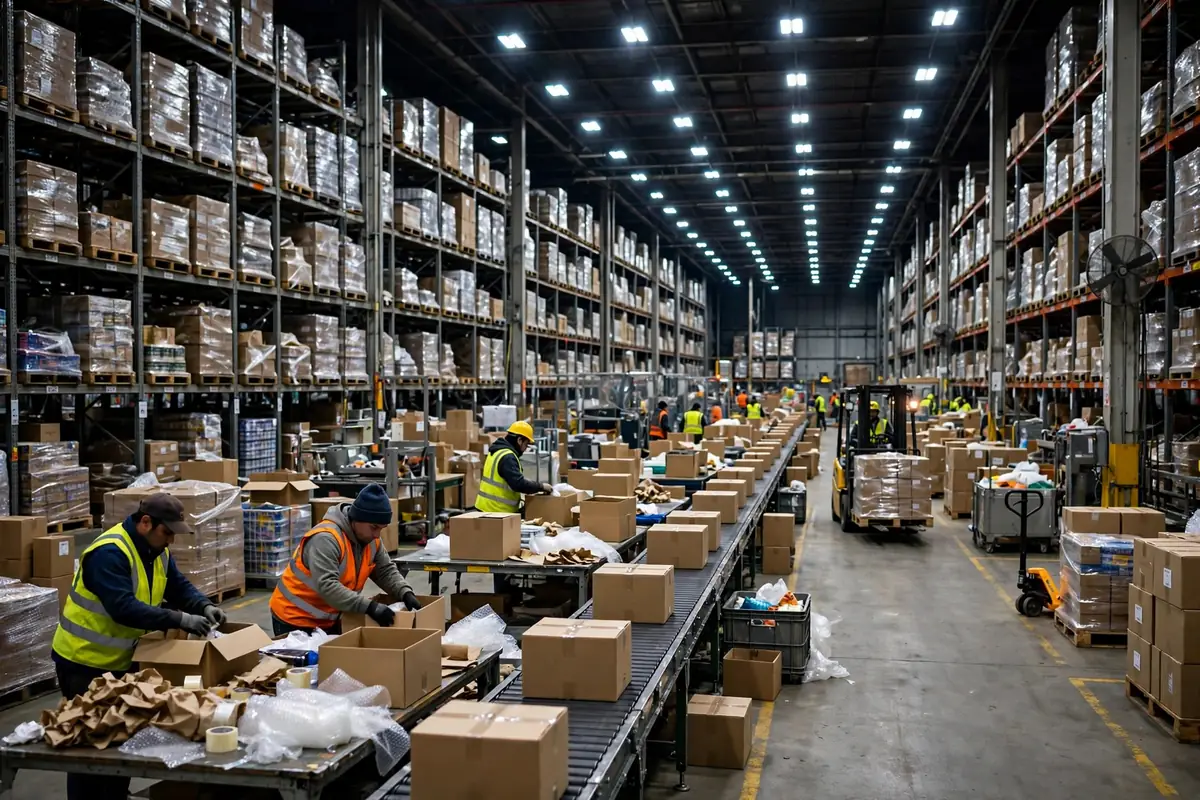
One of our clients first asked me, seriously, about a warehouse label printer backup plan on a Friday at four in the afternoon. It was the first outbound peak after a big promotion. Parcels were stacked up waiting for labels, the carrier cutoff was creeping closer by the minute, and the main label printer suddenly started feeding blank sheets. The floor supervisor called me with people shouting in the background. He said, Susan, the client is in the group chat asking why there are no tracking numbers yet, and I cannot print a single label.
My first instruction was not to fix the machine. Fixing machines is the engineer's job. In a moment like that, a sales person counts only one thing: what does each minute of downtime cost? It is not a few labels. It is the cutoff. Miss the cutoff and parcels leave a day late. A day late hurts the marketplace on-time shipping score. And if the client's contract carries outbound service levels, it becomes real penalty money. That is the first lesson of any warehouse label printer backup plan: sequence before repair. Get freight moving first, fix the printer second.
Grading the failure before you touch anything
Afterwards we helped that client grade printer failures into three levels, and the table now hangs on the packing-area wall. The point of grading is not paperwork. It is to let floor staff act without debating while the clock runs.
| Level | Typical situation | First move | Loss limit |
|---|---|---|---|
| Level 1 | One printer jams, runs dry, or feeds crooked | Switch to the spare on the same bench; tag the failed unit for repair | Printing restored within minutes |
| Level 2 | All printers in one packing zone down, or a driver/template fault | Borrow print capacity from another zone; print in cutoff order, urgent orders first | Protect every order inside today's cutoff |
| Level 3 | Site-wide label system failure | Switch to a manual waybill process for priority orders only; proactively notify clients about the rest | Protect core clients and high-value orders first |
The most valuable line in that table is the proactive notification in Level 3. Many warehouses hide an incident and hope to fix it quietly. Clients do not hate a late shipment nearly as much as they hate learning about it from the carrier or the marketplace dashboard first. Report it yourself and you get a complaint. Let the client discover it and you get a much longer renewal meeting.
Spares and consumables: the hardware floor of a warehouse label printer backup plan
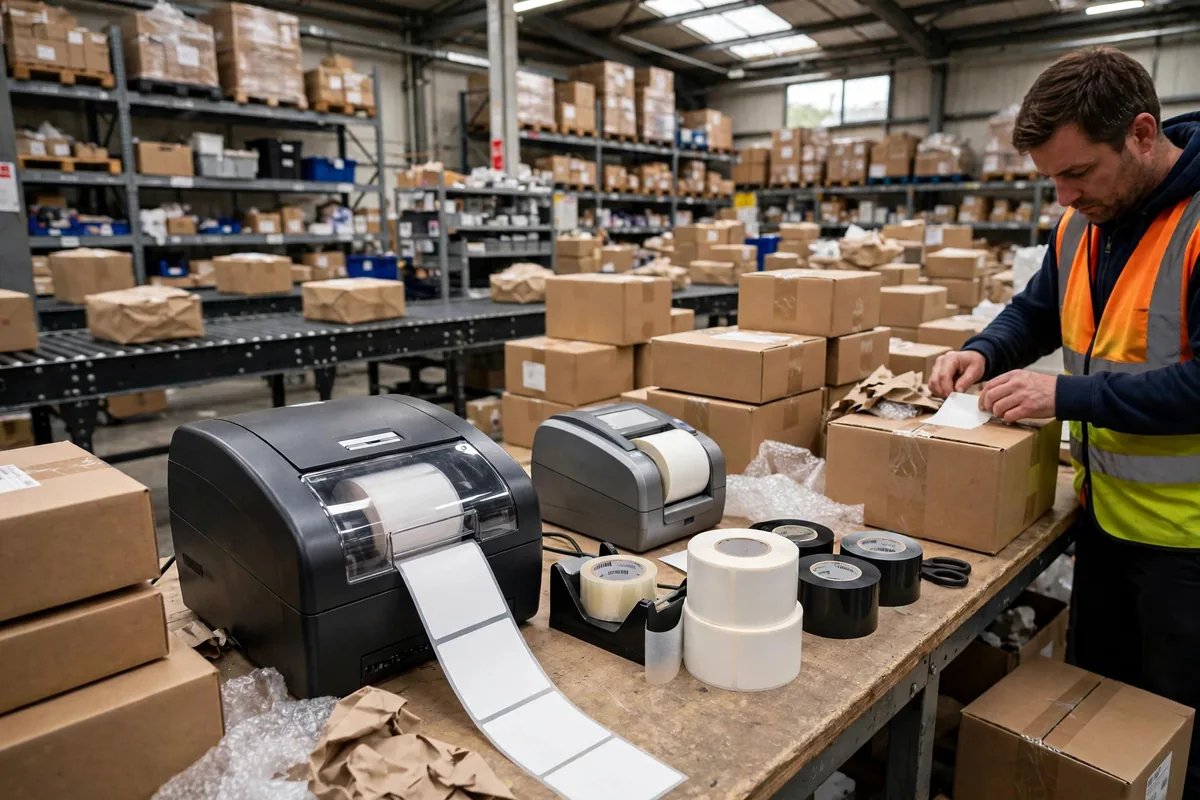
After that Friday, the client funded three changes. First, every packing line got a primary printer plus a spare that rotates into daily use. Rotate is the key word. A spare that sits untouched for six months will betray you: we watched another client power up a shelf-kept backup during an emergency and get broken, faded lines from a dusty print head. The team then burned twenty minutes around that machine, which was worse than having no spare at all, because hope delayed the real workaround.
Second, consumables got their own buffer math. Labels and ribbons are cheap until the day they stop a warehouse. During peak, keep an extra safety layer of stock within arm's reach of the packing benches, not locked in an upstairs storeroom behind a requisition form. The calculation is simple illustrative math, not a universal standard: take your historical peak daily order volume, multiply by a safety factor you choose, and divide by the labels per roll. That tells you how many rolls should physically sit in each packing zone. Run the numbers with your own volumes; do not copy another warehouse's factor.
Third, drivers and templates are preloaded and proven. A spare only counts if a computer can print from it immediately: driver installed, label template built in the system, and one real test label printed, scanned, and validated. Templates are the sneaky failure. Machine fine, media fine, template off by a few millimetres, and the barcode will not scan at the carrier hub, so the parcel comes back anyway. A driver disc in a drawer is not a backup plan.
Borrowed printing and manual waybills: the stop-loss order
Here is the counterintuitive part: manual waybills are not a disgrace. Printing in the wrong order is. When every printer is down, sort the queue by cutoff time and push the most urgent orders through whatever channel works, handwritten waybills or a borrowed printer at a neighbouring site. Order the recovery correctly and the loss stays contained. Print the big, unhurried orders first and the urgent ones miss the linehaul, and that is when real money leaves.
A home-goods client of ours learned this the expensive way. A driver fault took their printers down, the floor recovered printing in plain order-number sequence because it felt fair, and a batch meant for that evening's linehaul sat at the back of the queue and left late. At the monthly review the client raised it line by line. I will not publish their penalty figure, but it was enough to hurt for a quarter, and the outbound service clauses in the contract came back stricter. Penalty structures vary by contract, so check your own agreement and the latest official policy wording; just remember that in most contracts a printer failure is the warehouse's performance problem, not force majeure. The words equipment failure rarely excuse anything.
Borrowed printing has its own checklist. Before you print at another bench or a sister site, confirm the waybill format matches yours, the barcode quality passes a scan test, and the label sequence can be reconciled with your system records afterwards. The classic borrowed-printing disaster is freight that physically shipped with no matching outbound record, leaving customer service blind when a buyer asks where a parcel is. Keep a simple log: time window, which machine, which order numbers, then reconcile every order back in the system the same day.
Write the plan into the contract, not into a drawer
One insider note from the sales side: sophisticated clients now ask, in tenders and renewals, exactly what happens when outbound equipment fails at peak. Some write the answer into the service terms: number of backup units, response time, escalation steps. If your warehouse label printer backup plan is real, showing it wins points at the negotiation table. If you improvise one on the spot, experienced buyers can tell within two questions.
For daily discipline, I give clients three habits. Run a switchover drill in a quiet period every month: actually stop the primary printer and run an hour of orders on the spare. Put consumable safety stock on the purchasing list with an automatic reorder line, so no one's memory guards it. And after every incident, however small, write a three-line review: how long it stopped, which orders were hurt, what we do first next time. A plan earns its keep at two in the morning, when the person on shift can open it and follow it without calling anyone.
Next time you negotiate a contract, ask these three questions: how many backup printers can be printing within minutes, who watches the peak-season label stock, and when everything stops, which orders do you protect first and how fast will you tell me? The more specific the answers, the safer your freight.
By Susan, 3PL Sales Director