Let me give you the verdict first: in warehousing, digital twins are 90% theater and 10% genuinely useful. I'm putting that up front so you don't get seduced by a vendor's demo reel.
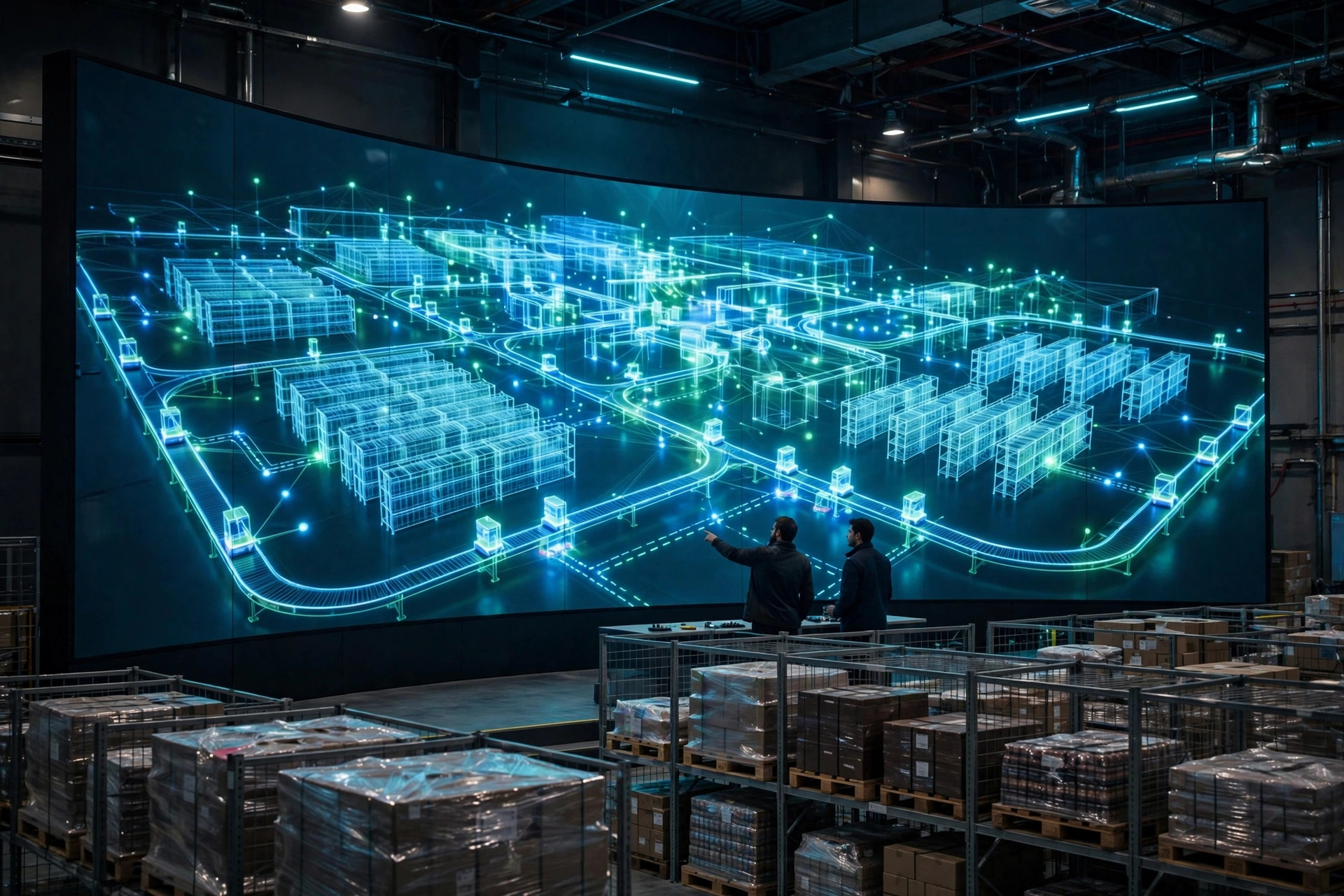
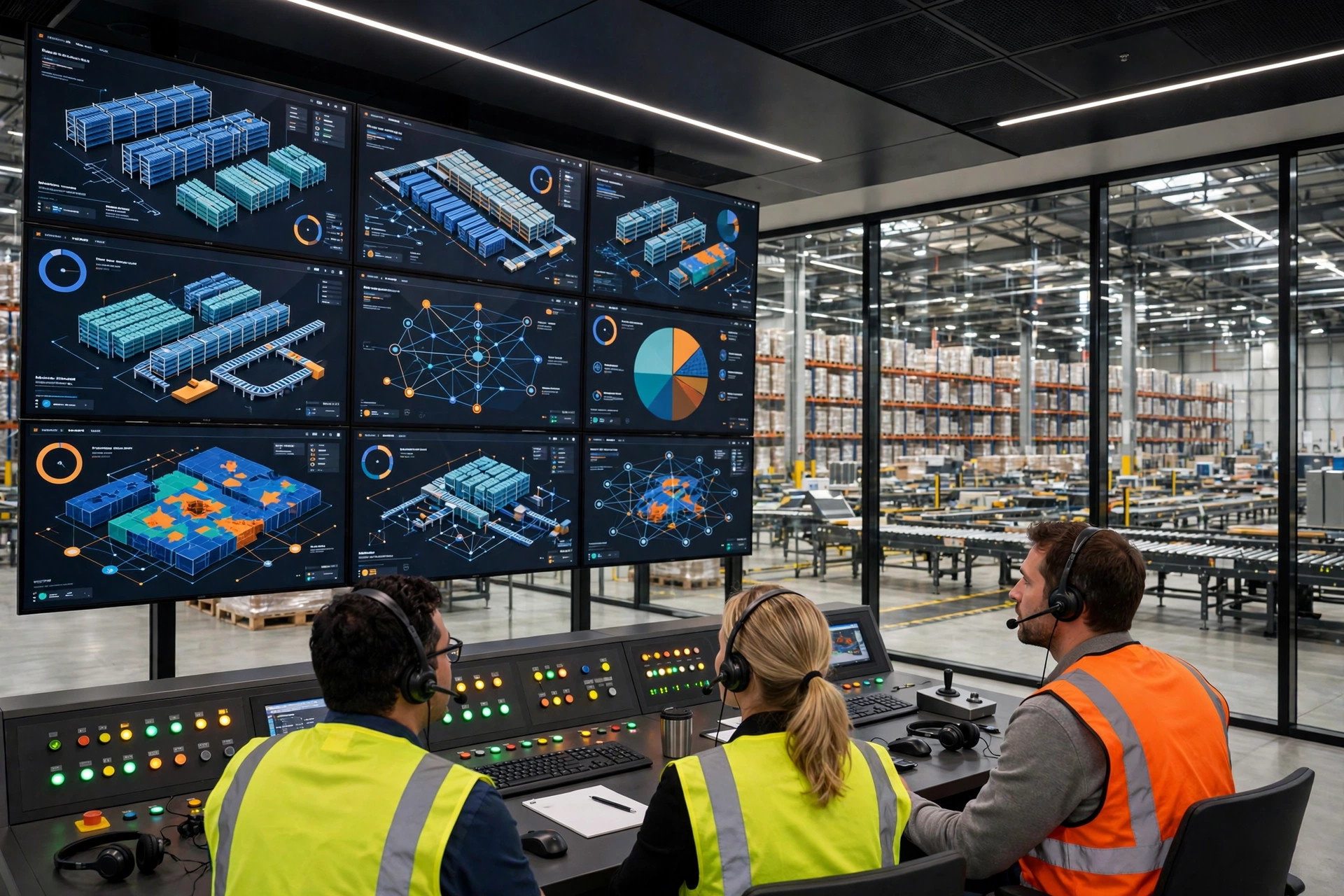
Two years ago I visited a 3PL outside Chicago. a gorgeous 3D warehouse model rotated on the big screen — racking, forklifts, conveyors, rendered like a video game. Their IT director was proud. "This is our digital twin. Cost us $180K." I asked: can this model tell me how many pallets will back up at the audit station tomorrow at 10 AM? He paused. "I'd have to check with the vendor." That screen is still rotating. Nobody has updated the model since. It's wallpaper.
That's the industry's most common misunderstanding: confusing a digital twin with 3D modeling. Pretty to look at, simulating absolutely nothing.
What a warehouse digital twin actually simulates
The useful part is behavioral simulation, not visual fidelity. A real twin simulates four things:
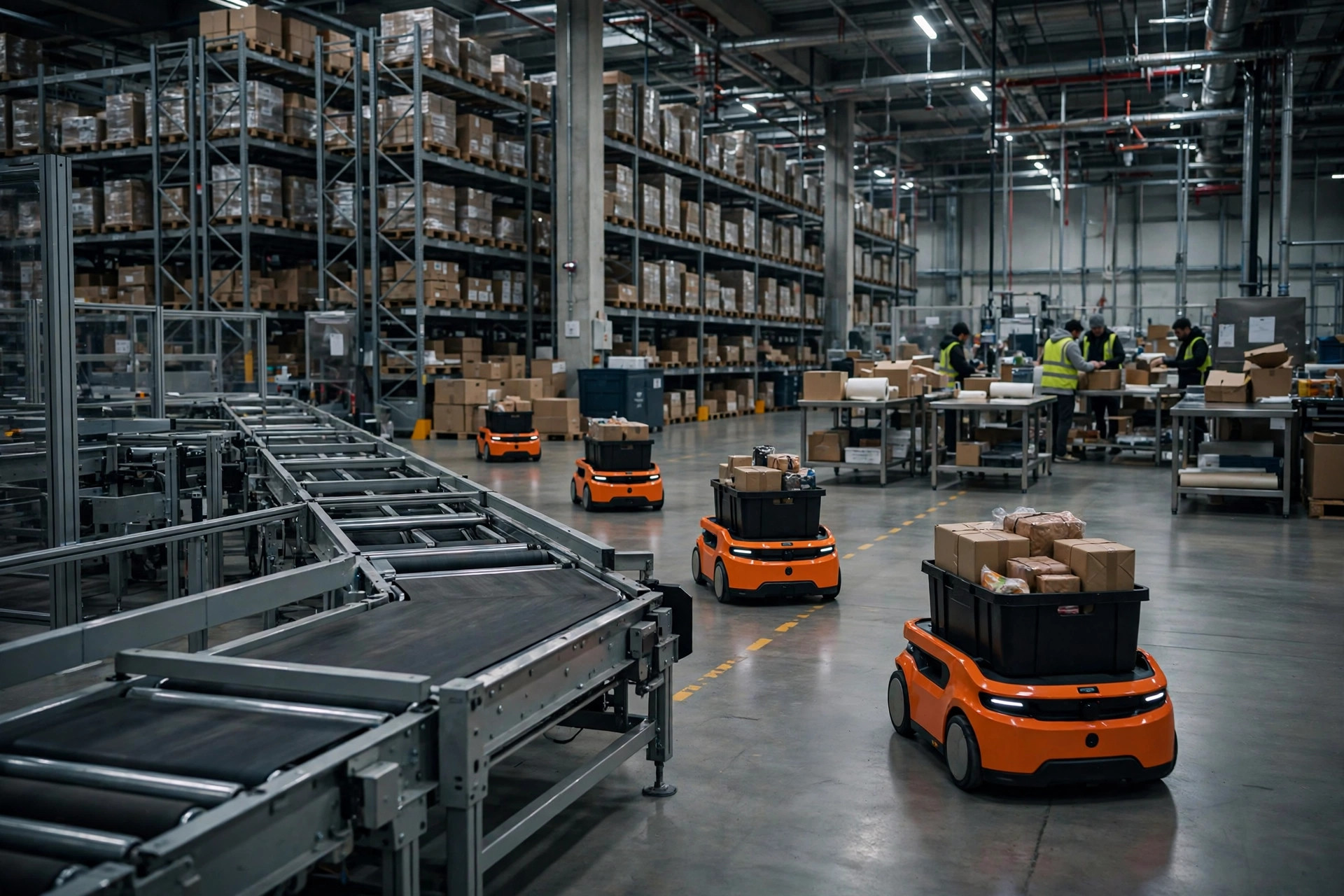
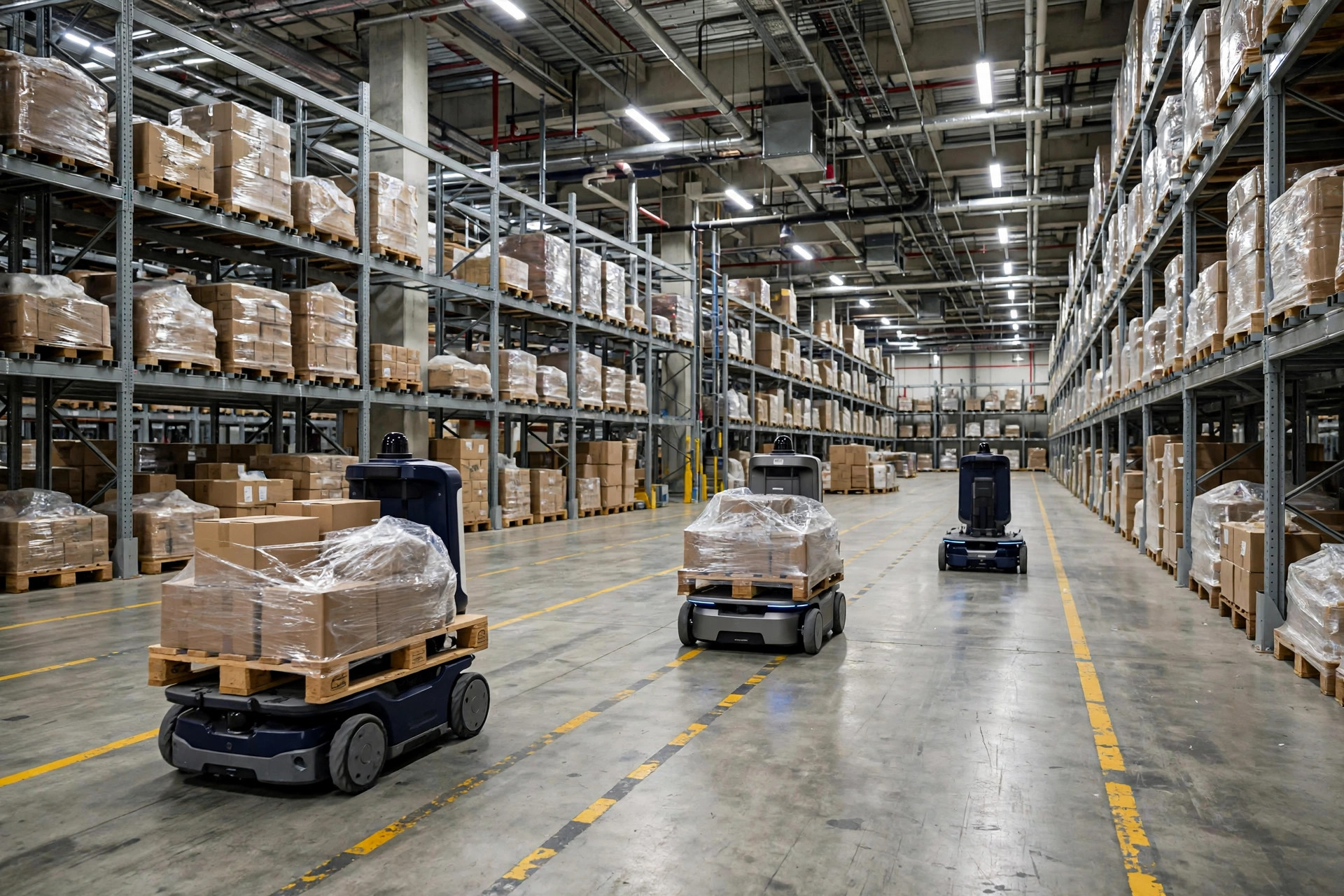
First, equipment behavior. AMR travel speeds, charge cycles, mean time between failures. Conveyor throughput rates. How many minutes a crane takes per storage cycle. These aren't drawn — they're parameters fitted from real operating data.
Second, order and task flows. How the WMS releases tasks, how they queue, how they get executed. Change a wave rule or a priority rule, and the simulation shows you tomorrow's bottleneck before it happens.
Third, people movement. How long it takes a picker to walk from zone A to zone B. How many people the audit stations need. Whether the goods-to-person stations can keep pace. That comes from measured travel data, not imagination.
Fourth, replaying abnormal scenarios. Last peak season, the audit area blew up at 2 PM on a Black Friday afternoon. Understaffing, or waves released too aggressively? Replaying it in the model with historical data beats three days of post-mortem meetings.
Not one of these is about how pretty the 3D model looks. A digital twin simulates process and behavior — the visuals are just a bonus. If a vendor talks rendering quality and particle effects but never mentions data sources or calibration, they're selling you an animation, not a digital twin.
Where it ends and 3D visualization and WMS reports begin
3D visualization answers "what is happening now." Forklift icons moving on a screen, a slot turning red. It's a monitoring tool. It sees the present; it doesn't predict.
WMS reports answer "what happened." Yesterday's order count, pick efficiency, units per labor hour. They summarize history; they don't simulate the future.
A digital twin (behavioral simulation) answers "what if." What if peak-season volume doubles? What if we add five AMRs? What if the audit area goes from 8 stations to 12? It's the only one of the three that can answer that question.
They solve completely different problems. If what you need is "a big screen that looks impressive when the boss walks by," 3D visualization is enough — and an order of magnitude cheaper. If what you need is "validate the expansion plan before we spend the money," you need simulation.
Who should actually build one: the verdict
Warehouses doing under 5,000 orders a day, or running a simple single-process operation, should stay away. That might offend a few vendors, but it's the truth.
Why? Because the value of simulation comes from the cost of getting complex decisions wrong. In a 2,000-order-a-day warehouse, adding a station or two pieces of equipment is a call an experienced manager can make. If the call is wrong, the damage is limited. Building and maintaining a twin costs tens to well over a hundred thousand dollars a year — the decision value it creates can't cover that.
The ones worth considering look like this: over 5,000 orders a day and growing; mixed processes across temperature zones, multiple waves, and multiple equipment types; planning an expansion, a major equipment change, or a WMS replacement; or a history of expensive gut-call mistakes — like the operation whose new AMR fleet all queued up at an undersized charging area. Pay that tuition once and you'll know exactly what simulation is worth.
The data checklist for building the model
This is the most important section. When a vendor pitches you, the first question isn't about 3D quality — it's whether you have the data. If you can produce the following, simulation has a shot. If not, don't start the project.
- WMS task logs: at least three months, including task creation time, release time, execution start and completion, task type, and locations involved. You need both peak and off-peak data — build the model on off-peak data alone and every prediction will be wrong.
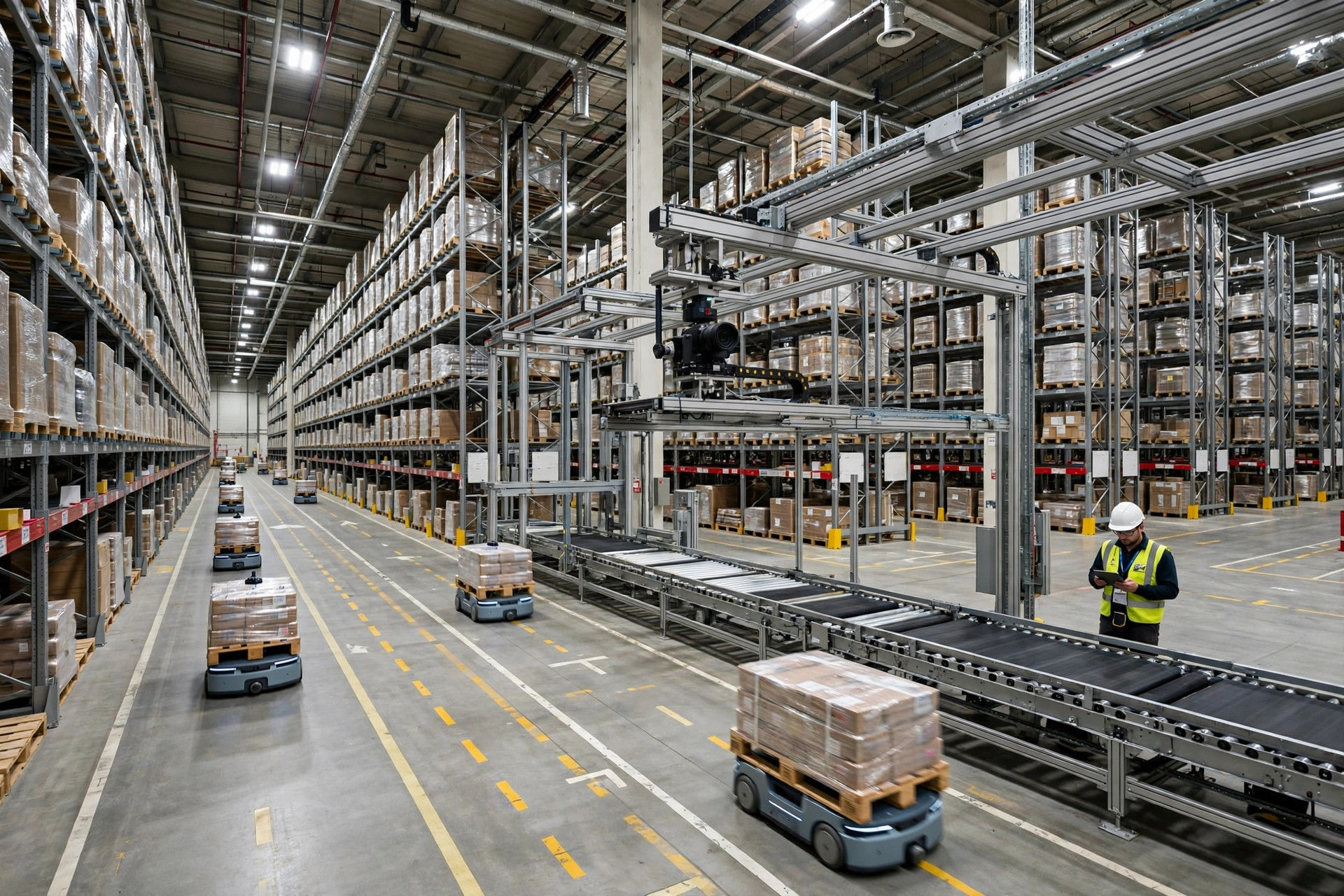
- Equipment operating data: PLC or equipment logs from AMRs, conveyors, and cranes — speeds, fault codes, downtime durations, charging records. Plenty of older equipment has no data interface at all — confirm this before the project starts, not mid-build.
- Measured travel data: actual picker and forklift driver paths and travel times. Shadow people with a stopwatch for a week, or deploy UWB tags for two. Without measurement, people movement is "estimated from experience," and your simulation accuracy gets cut in half.
- Order profile data: order line distribution, SKU concentration, wave rules, cutoff times. This all lives in the WMS — just export it.
- Abnormal event records: equipment failures, system outages, and capacity blowouts over the past year — when they happened, how long they lasted, what they affected. Simulating abnormal scenarios depends entirely on this.
A simulation model is only as good as your data. Garbage in, garbage out, no matter how expensive the model.
Three traps everyone falls into
Trap one: nobody maintains the model after it's built. This is the most common way these projects die. A warehouse is alive — SKU mix, wave rules, and equipment all change, and every parameter in the model goes stale. A digital twin is not a one-time build; it's an ongoing commitment. Someone — in-house or contracted — needs to recalibrate parameters at least quarterly. A project that budgets for construction but not maintenance ends as conference room wallpaper.
Trap two: the accuracy-versus-investment tradeoff. Some teams demand "99% fidelity" from day one — every slot, every vehicle's acceleration curve modeled. The project drags on for a year and blows the budget. My advice: get the first version to 80% accuracy, enough to answer magnitude questions like "how many stations to add." Going from 80% to 95% accuracy can double the cost while adding limited decision value. Solve "does it exist" before "is it precise."
Trap three: vendor lock-in. The model lives on the vendor's proprietary platform. Data formats and parameter definitions are a black box. Three years later you want to switch vendors and you're starting from zero. Before signing, get it in writing: who owns the model source files and parameter documentation, whether data interfaces are open, what the export formats are. If it's not in the contract, it will cost you later.
A minimum viable pilot checklist
If your operation qualifies, remember: pilot first, never go full-warehouse on day one — and you'll have an answer in three months:
- Scope one scenario. Simulate exactly one concrete question — "should the audit area go from 8 to 12 stations?" or "will the charging area handle 5 more AMRs?" The more specific the question, the easier it is to verify whether the simulation was right.
- Prepare the data. Per the checklist above, gather only the data relevant to the pilot scenario. Export the WMS logs, get the equipment data interfaces working, shadow travel paths for a week.
- Build the smallest model that works. Enough to run this one scenario — nothing more. If the vendor says modeling takes three months, cut it to six weeks by shrinking the scope to the pilot.
- Blind-test against history. Feed last peak season's numbers in and see whether the predicted bottlenecks match what actually happened. If they don't line up, tune the model before trusting it with a real decision.
- Make one real decision. Use the simulation to support an actual operational decision, and record the gap between the prediction and the outcome. Only then do you know what the tool is worth in your building.
- Do the math. Compare total pilot investment (modeling, data work, labor) against the cost it helped you avoid or optimize. If the ROI doesn't work, stop — don't feed the sunk cost.
One last honest word. Digital twins have been riding the AI hype wave, and vendor slide decks keep getting prettier. But a warehouse is a place of throughput and cost, not storytelling. Whether it's worth it always comes down to three questions: is your operation complex enough, is your data good enough, and will someone keep maintaining it. Three yeses — then talk about starting. One no — fix the fundamentals first.