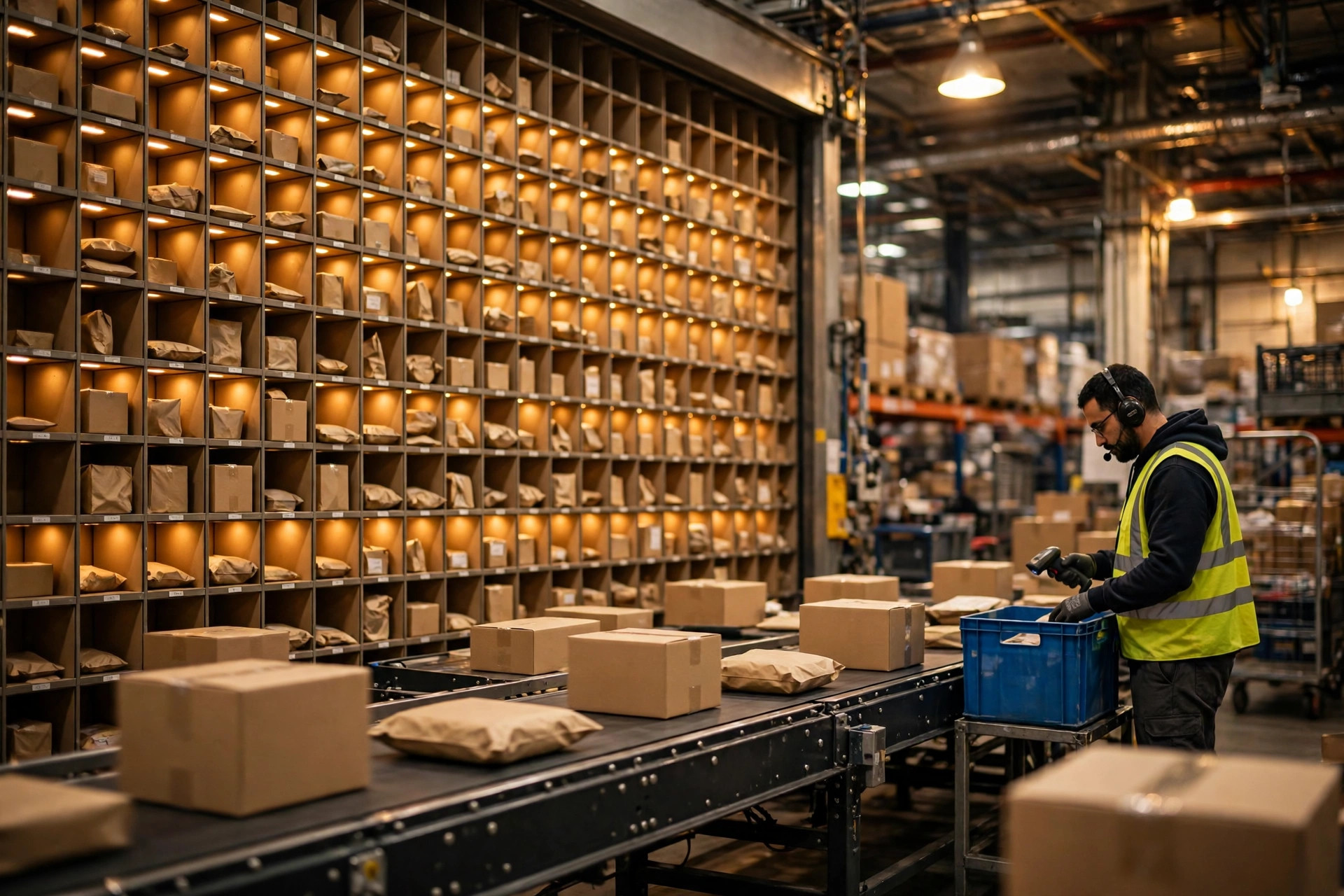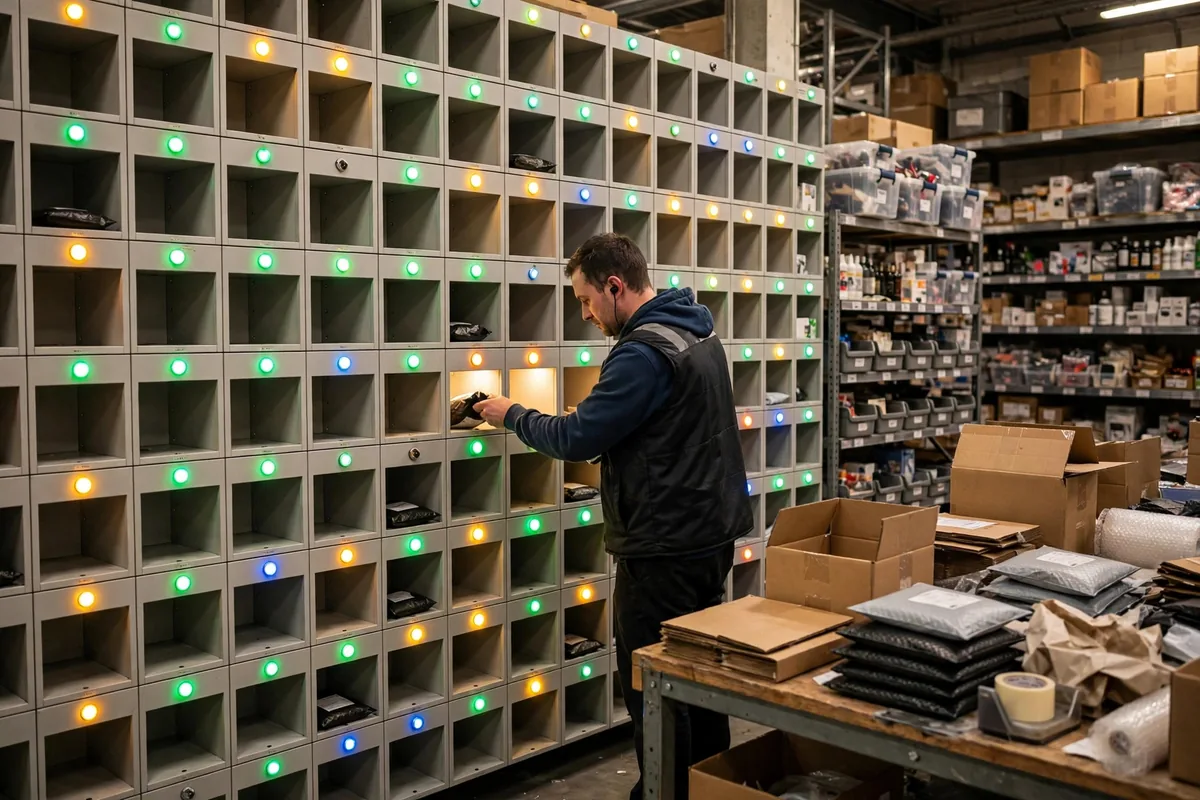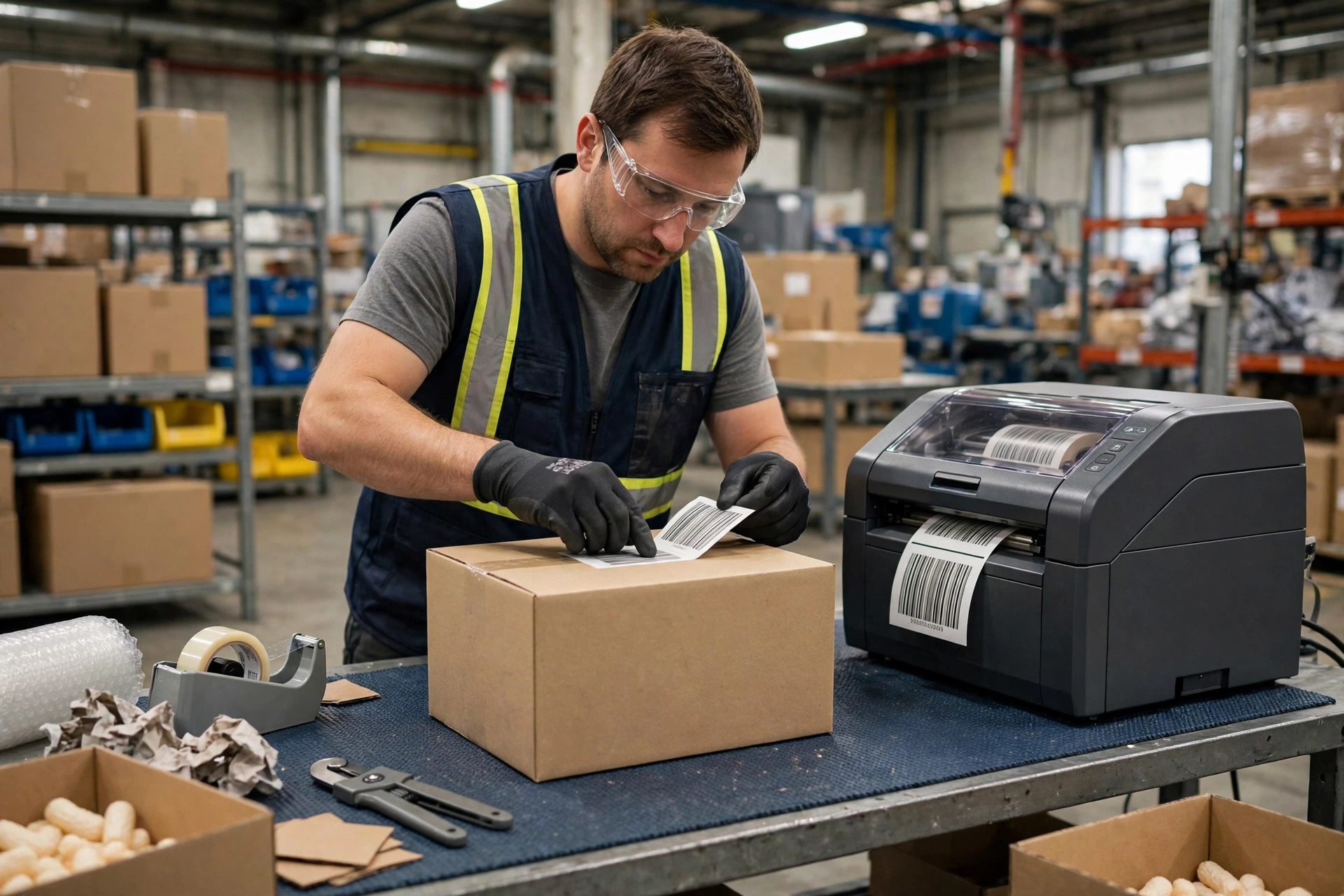
We have a client, and their warehouse barcode printing system story still makes me wince. Last year, right before peak season, they switched to a new 3PL warehouse. In the first month, a shipment bound for a retail chain went out with a barcode that was off by one digit. Two full pallets were rejected at the customer's distribution center and sent all the way back. Return freight, relabeling labor, the retailer's penalty, and a missed shelf window added up to more than that warehouse's storage fees for an entire quarter. The client said exactly one thing on the phone: who exactly is managing your labels?
When we dug into it, the root cause was not an operator's slip. It was the warehouse barcode printing system itself. The site was still running old desktop printers with worn printheads, so barcodes came out with fuzzy edges that scanners read only half the time. The label stock was wrong too: standard paper labels on cold-chain freight, which curled and fell off in low temperatures. Worst of all, there was no verification at outbound. A label was printed, stuck on a carton, and shipped, and nobody ever checked it again. One wrong label, and the whole warehouse follows it into chaos.
Warehouse Barcode Printing Systems: Match the Machine to the Volume
Choosing a warehouse barcode printing system starts with one question, and it is always volume: how many labels do you print a day? That number decides which tier of machine you should buy, and buying the wrong tier creates problems that follow you for years.
Desktop printers are cheap and small, and they are right for a few hundred labels a day in a small warehouse or a returns station doing reprints. Industrial printers cost much more, but their printheads last longer, they run faster, and they can run continuously, which is what a main outbound line printing thousands or tens of thousands of labels a day needs. Mobile printers belong to cycle counting and transfers, where workers print on the spot instead of walking back to a station. Small warehouses that buy industrial machines on day one often end up with expensive equipment sitting idle, starved of volume. Big warehouses that try to save money with desktop machines everywhere learn the opposite lesson in peak season, when the little machines overheat, printheads die within months, and repair bills exceed the price of a proper machine.
My advice to clients is to layer by volume: industrial machines on the main outbound lines, desktop machines for exceptions and reprints, a small number of mobile units for counting and transfers. Layering is not waste. It is letting each machine do the job it is built for.
| Printer type | Daily volume fit | Best use | Classic mistake |
|---|---|---|---|
| Desktop printer | Hundreds | Reprints, returns, small batches | Used as a main line machine, dies in peak season |
| Industrial printer | Thousands to tens of thousands | Main outbound lines, continuous runs | Bought oversized and left idle, printheads neglected |
| Mobile printer | On-demand, small lots | Cycle counts, transfers, floor labeling | Batteries and consumables unmanaged |
Label material is the second selection point most people skip. Standard coated paper is fine for ambient freight, but cold-chain goods need low-temperature stock, freight that sits outdoors needs water and UV resistance, and chemical products may need resistant materials. Pick the wrong stock and the label falls off or smudges in transit. When the customer cannot scan it, the 3PL pays regardless of whose fault the material choice was. The price gap between a good label and a bad one can be a few cents. The payout on one bad shipment is thousands of times that.
Printing Is Only Half the System: Barcode Printing Checks Are Where Errors Get Caught
Here is the counterintuitive judgment: print speed is never the bottleneck. Verification is. A machine that prints thousands of labels an hour only helps if those labels are right. Without checks, the faster you print, the faster you make mistakes. What actually controls your mislabel rate is whether anyone, or any system, verifies the label after it comes off the printer.
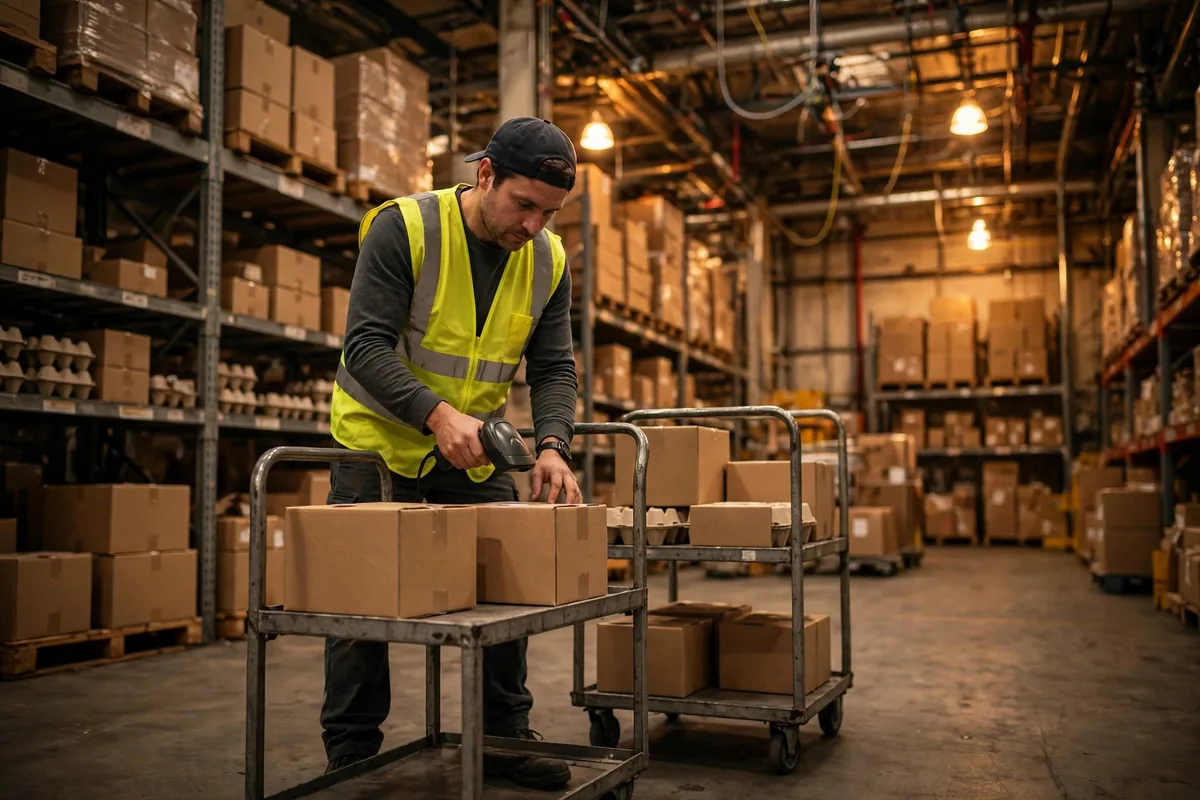
The best warehouse I have seen runs three gates at outbound. First, the system matches the printed SKU against the order automatically. Second, a scanner re-reads the label after it is applied. Third, a sample check runs against the packing list before loading. It sounds slow, but those three gates catch errors inside the building, where fixing them costs a few seconds of labor. Without them, errors reach the customer, and then you are paying returns, penalties, and refunds.
Selection has to cover this whole chain, not just the printer. Before signing, test whether the printer supports your WMS label templates, whether its barcode formats match what your customers require, and what the real-world read rate is with your scanners on your label stock. Test it before go-live, not after. The full picture of labels, scanners, and setup is covered in the warehouse barcode system labels scanners setup guide. This article stays on the two sides that guide leaves thinner: selection and the commercial terms.
One more commercial trap: consumable lock-in. Some printer vendors sell the machine cheap and make their money on proprietary ribbons and labels that only they supply. When you negotiate, get consumable unit prices, compatible-consumable policy, and printhead warranty terms into the contract. Do not judge the deal on the machine price alone.
Who Pays for a Bad Label: Ask These Three Questions Before You Sign
From a business perspective, printer selection is really a negotiation about what happens when things go wrong. The blame chain for a bad label is long: printer fault, consumable fault, system template fault, or operator fault. If the contract does not say who owns each link, a dispute turns into weeks of finger-pointing between client and 3PL.
My negotiation checklist is just three questions, and every one of them was paid for with real money. First, above what mislabel rate does the 3PL bear responsibility, and how is the payout capped? Second, what is the acceptance standard for labels and consumables, and who gets to judge it? Third, who owns the outbound verification step, and how is a missed check apportioned? Get those three answers into a contract appendix. They look like paperwork on a quiet day, and they are a lifeline on the day something goes wrong.
Let me close with a second client story, because it shows the other side. Early this year, a beauty e-commerce client rebuilt their printing setup along exactly these lines before peak season: industrial machines on the main lines, desktop units kept for reprints, low-temperature stock for the cold-chain zone, and one added scan-verification gate at outbound. Over two peak months, mislabel complaints fell from more than a dozen the previous quarter to two. The savings on payouts and rework paid for the new machines several times over. And the client's tone changed completely, from daily phone calls to a monthly report review.
Do the three-year math before you sign, too. An industrial machine looks several times the price of a desktop unit, but spread over hundreds of thousands of labels across three years, its per-label cost can actually come out lower. Run the other way, a desktop machine used as a main line unit racks up printhead replacements, peak-season downtime, and mislabel payouts, and its three-year total often overtakes the industrial machine. Negotiate on per-label cost, not on machine price. It is a much stronger position.
So my conclusion is simple: do not judge a warehouse barcode printing system on machine price. Judge it on three things: does the volume match, is the material right, and does verification exist? An oversized machine can sit idle without hurting anyone. A wrong label costs real money. Next time you negotiate a contract, ask those three questions first, and only then sign.
By Susan, 3PL Sales Director