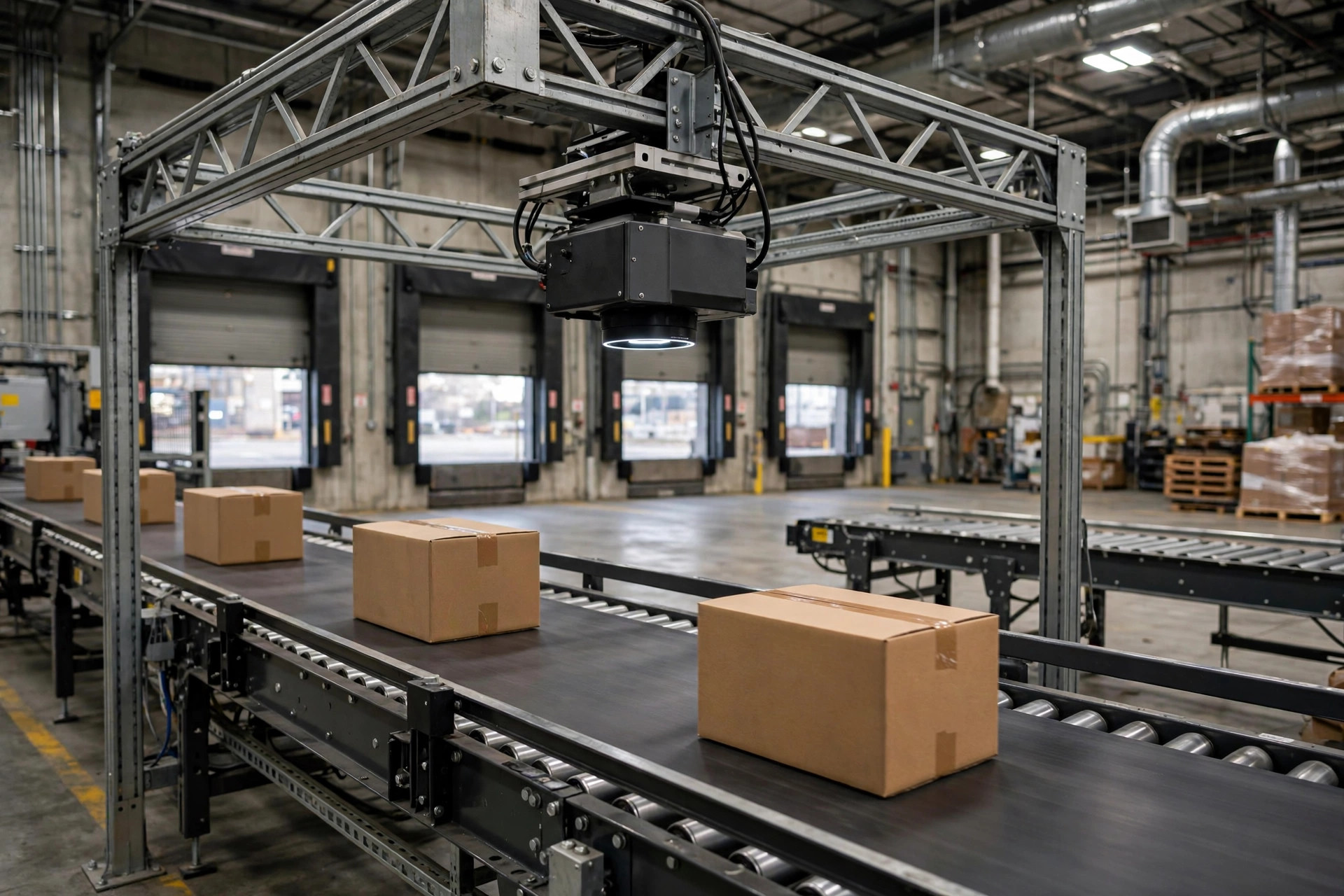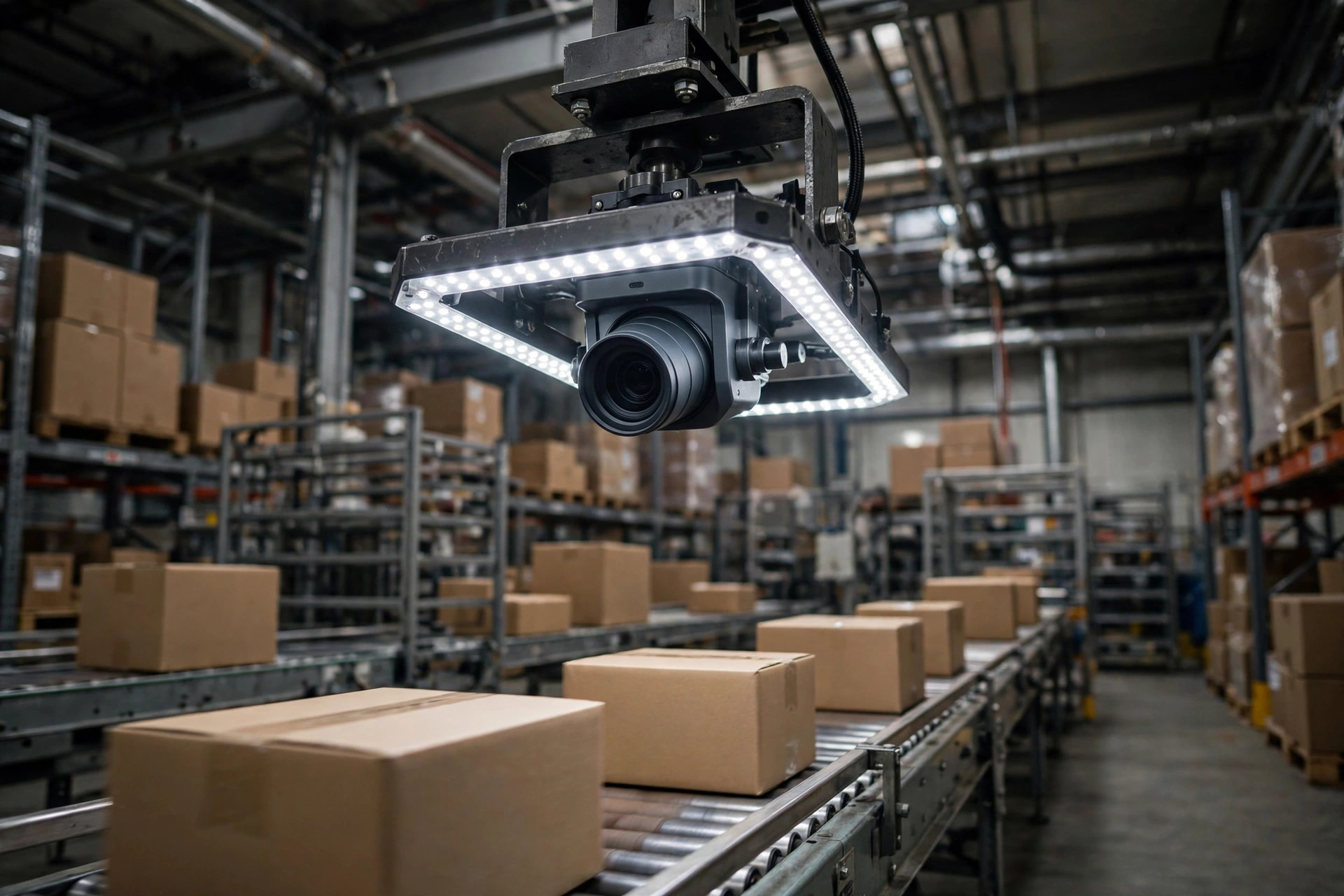
Here's the conclusion up front: if your AI vision inspection system's false positive rate climbs past 20-30%, your line workers will find a way to turn it off. Not "might" — will. I've seen this exact failure three times: excitement at go-live, the shift lead quietly muting the alarms two months later, and a rescue call six months later. The rescue was never a more expensive model — it was four steps: bad-case collection and labeling, tiered thresholds (block / alert / log-only), lighting and camera-position fixes, and a phased rollout. Every step below is an executable checklist.
Why False Positives Pile Up: The Four Real Culprits
Nine times out of ten, false positives are a site problem, not a model problem. Four culprits:
- Changing light. A warehouse is not a lab. Morning sun angles through high windows at 10 a.m. and it's gone by 4 p.m.; a forklift drives past and blocks the light for three seconds. The model was trained under constant lighting, while your site changes its lighting several times a day.
- Carton glare and wrinkled labels. Packing tape and coated shipping labels reflect hard. A crooked or wrinkled label with half the barcode under tape — a human glances and knows "this box is fine," while the model sees "missing features" and fires an alarm.
- Sample bias. The training set was full of "perfect boxes": straight, labels neatly applied. On your real line — tilted boxes, upside-down labels, crushed corners — everything unseen gets flagged as an anomaly.
- One threshold for everything. The vendor ships with a single threshold for the whole warehouse. But inbound and outbound have different lighting, speeds, and carton mixes. One threshold for the whole floor guarantees false positives.
The Rescue Story: Bringing a Switched-Off System Back to Life
A true story. A small-appliance client installed vision inspection at the end of their conveyor to catch missing labels and damaged cartons. In week one, their own count put the false positive rate past 50% — every second alarm bogus. The reviewer clicked "no issue" hundreds of times daily; by day three the shift lead muted the alarms, minimized the window, and the system effectively didn't exist.
Three months later they called us — not to tune it, but to "prove it's useless so we can write it off." We went in and did one thing first: for five straight days, we saved every alarm screenshot with the reviewer's verdict, building a labeled set of a couple thousand bad cases. The result? More than two-thirds of the false positives came from just two causes: glare during the midday sun window, and barcode read failures on one type of dark coated carton.
We then ran the four-step tuning below. Two weeks later the false positive rate was under 10%. The warehouse manager's exact words: "If we'd known it was tuned like this, we'd never have switched it off."
Another client had the same symptom; their first instinct was "the model is bad, switch vendors." They did. The false positives stayed — because nobody touched the lighting or the camera mounts. I've seen this pit three times: tune the model, ignore the site.
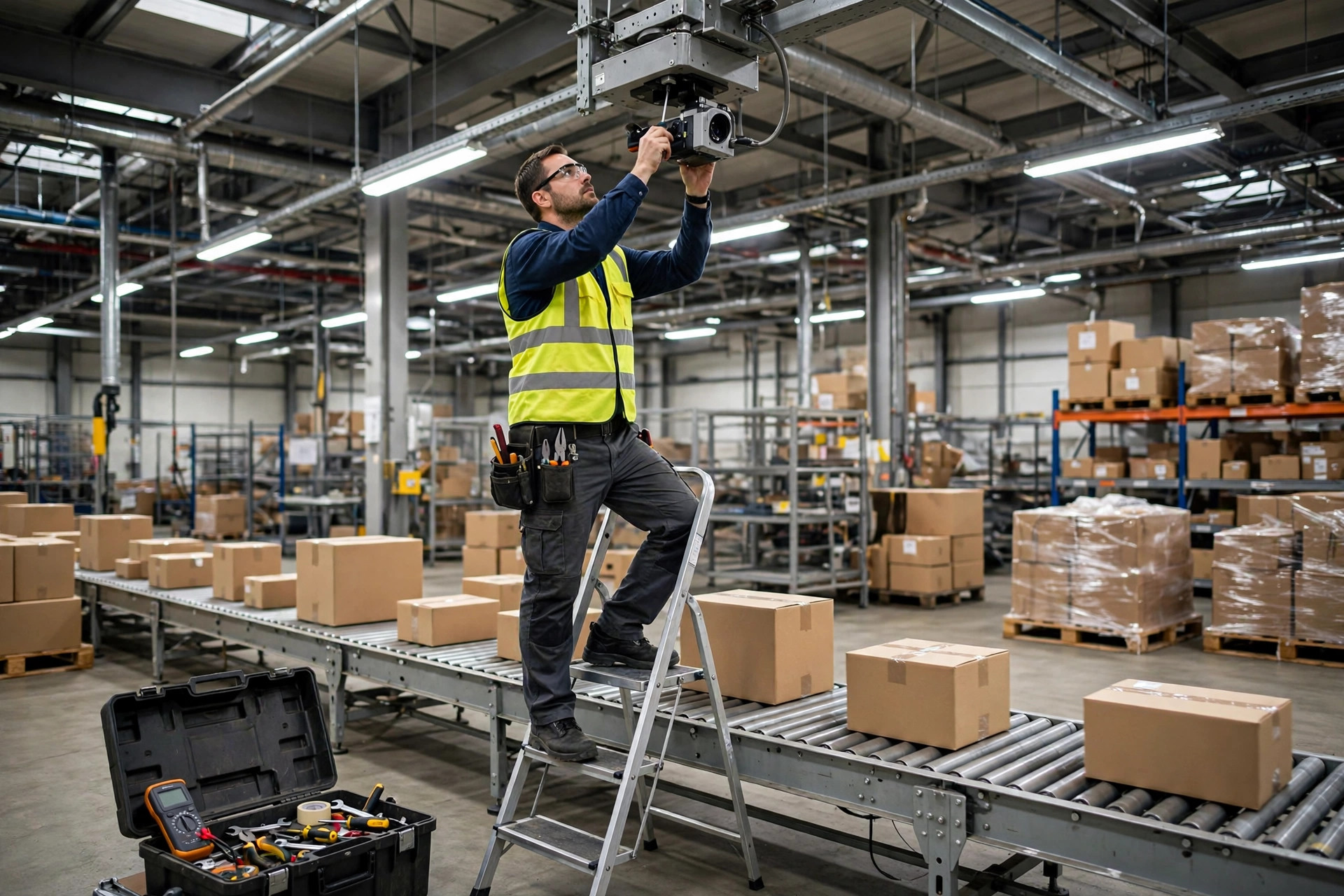
Four Steps of False Positive Tuning: A Go-Live-Eve Checklist
Step 1: Collect and Label Bad Cases (5-7 Days)
Don't touch parameters yet. Gather evidence first.
- Put a review terminal at the inspection station and require the reviewer to mark every alarm "real defect / false positive" — the system auto-saves each screenshot.
- Collect for 5-7 consecutive days, covering all shifts and sunny and cloudy days. Target: at least several hundred false-positive screenshots.
- Tag false positives by cause — glare / shadow / wrinkled label / deformed carton / motion blur / other — and build a distribution table. Most will cluster in 2-3 causes; fix those first.
The labeler must be a veteran line worker, not an ML engineer — a veteran sees "sun glare" instantly; an office engineer can only guess.
Step 2: Tiered Thresholds (Block / Alert / Log-Only)
A single one-size-fits-all threshold is the root of all evil. Switch to three tiers:
| Tier | Trigger | Action | Use for |
|---|---|---|---|
| Block | High confidence, clear defect | Stop the line / divert to reject lane | Completely missing barcode, severely damaged carton |
| Alert | Medium confidence | On-screen alert with sound, line keeps running, manual spot-check | Suspected wrinkled label, light glare |
| Log-only | Low confidence | Save image and log, don't disturb the line | Feeds later review and retraining |
How to do it:
- Downgrade everything to "alert + log-only" for three days and count triggers per tier.
- Set "block" high — better to let one suspicious box through than stop the line dozens of times daily. One stop costs more than a pile of misses.
- Set thresholds per station. Inbound and outbound get their own parameters in the config file. Never share.
Step 3: Fix Lighting and Camera Position (Cheapest Step, Biggest Payoff)
This is the step I check on every project, and the best-ROI step of all:
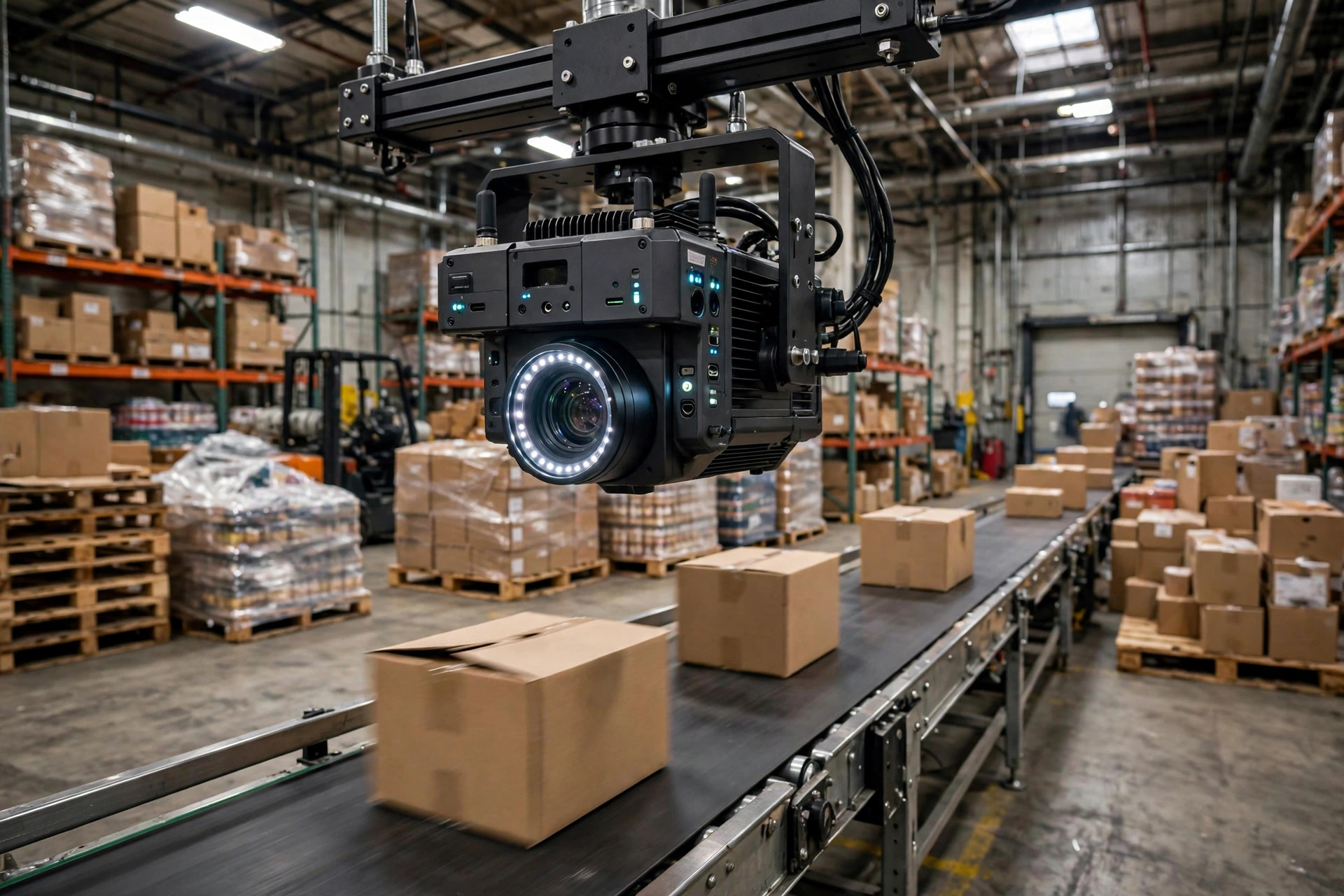
- Fit the camera with a light shield plus its own fill light (ring light or bar light) so lighting inside the camera's view stays constant — immune to high-window sun and forklift shadows.
- Mount the camera at an angle off the direct line of high windows and overhead lights; roughly 15-30 degrees to the side cuts carton surface glare dramatically. (My field-tuned rule of thumb — adjust per carton type.)
- Check shutter speed and gain: a slow shutter smears images on a fast line. Bind exposure to line speed, not fixed values.
- Re-run for three days and compare the before/after distribution. Glare-type false positives should collapse; if not, keep adjusting the light — not the model.
Step 4: Phased Rollout (Don't Switch Everything On at Once)
- Start with one line or one station. Run 1-2 weeks; expand only after the false positive rate holds under 10%.
- When expanding, repeat Step 1 per line — don't assume one tuned line copies to the floor. Lighting and carton mix differ.
- Go-live-eve checklist: Is the threshold config file backed up? Does the review terminal's "real / false" button work? Does the shift lead know how to temporarily downgrade to log-only? Is someone reading the alarm log daily? If any answer is no, don't go full-on tomorrow.
Doing the Math: The Hidden Cost of False Positives
The AI column wants ROI talk, so here's the math. These aren't official figures — they're my estimates from typical sites; plug in your own numbers and redo it:
| Cost item | False positives ignored | After tuning |
|---|---|---|
| Manual review | Hundreds of clicks a day per person, roughly half a headcount | Down to 20-30% of that |
| False line stops | Dozens a day, minutes each | Only block-tier stops, rare |
| Missed defects after switch-off | System off = zero inspection; customer complaints and returns keep coming | System online, miss rate controlled |
| Tuning investment | Zero (but the system was money wasted) | 1-2 weeks of labor + minor lighting hardware |
And here's the counter-intuitive take: zero false positives is not the goal — "the line is willing to keep it on" is the goal. They're two ends of a seesaw — squeeze false positives to zero and misses rise. One missed defect (a wrong shipment, a damaged box reaching the customer) costs as much as hundreds of false-positive review clicks. So the threshold strategy is always "better to flag a few extra suspects than let one real defect through" — but the extra flags must go to "alert / log-only," never stop the line. That's the whole point of Step 2's tiers.
Common Failure Points (Read Once More Before You Leave)
- Tuning only the model, never the site. I've seen this pit three times — three months of model iteration achieves less than one fill light.
- One threshold for the whole floor. Different stations and shifts need separate thresholds.
- Outsourcing labeling to people who've never worked the line — bad cases must be labeled by veterans, or the labels are wrong and retraining drifts further off.
- Going full-on day one: the first false-positive spike gets the system switched off the same day, and you never collect bad cases.
- Nobody reads the alarm log. After go-live, someone must spend 10 minutes a day on it — it's the only channel surfacing new false-positive patterns. No reader means you installed nothing.
AI vision inspection isn't "install it and it works" equipment — it's a "the more you tune it, the better it works" system. Treat it as a one-time purchase and it hands you a one-time lesson; keep tuning it as a line tool and it starts saving you money.
By Lin Xiao, WMS Implementation Consultant