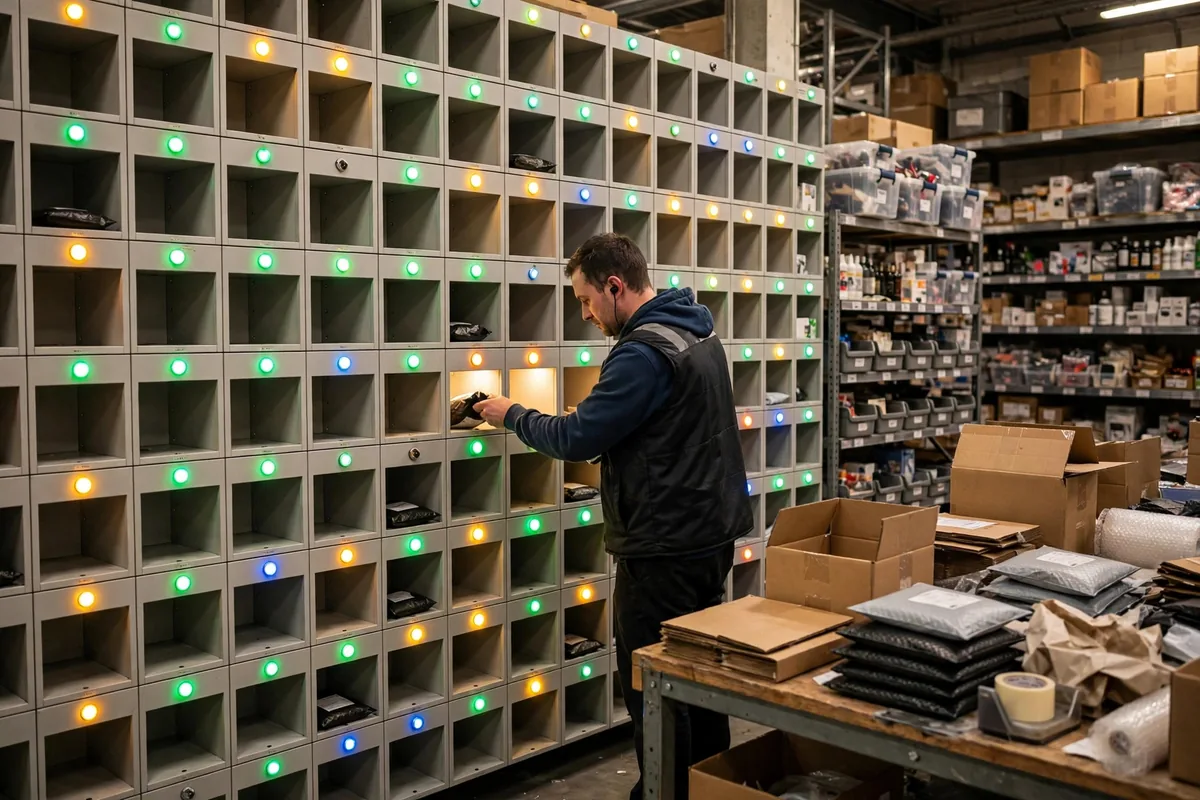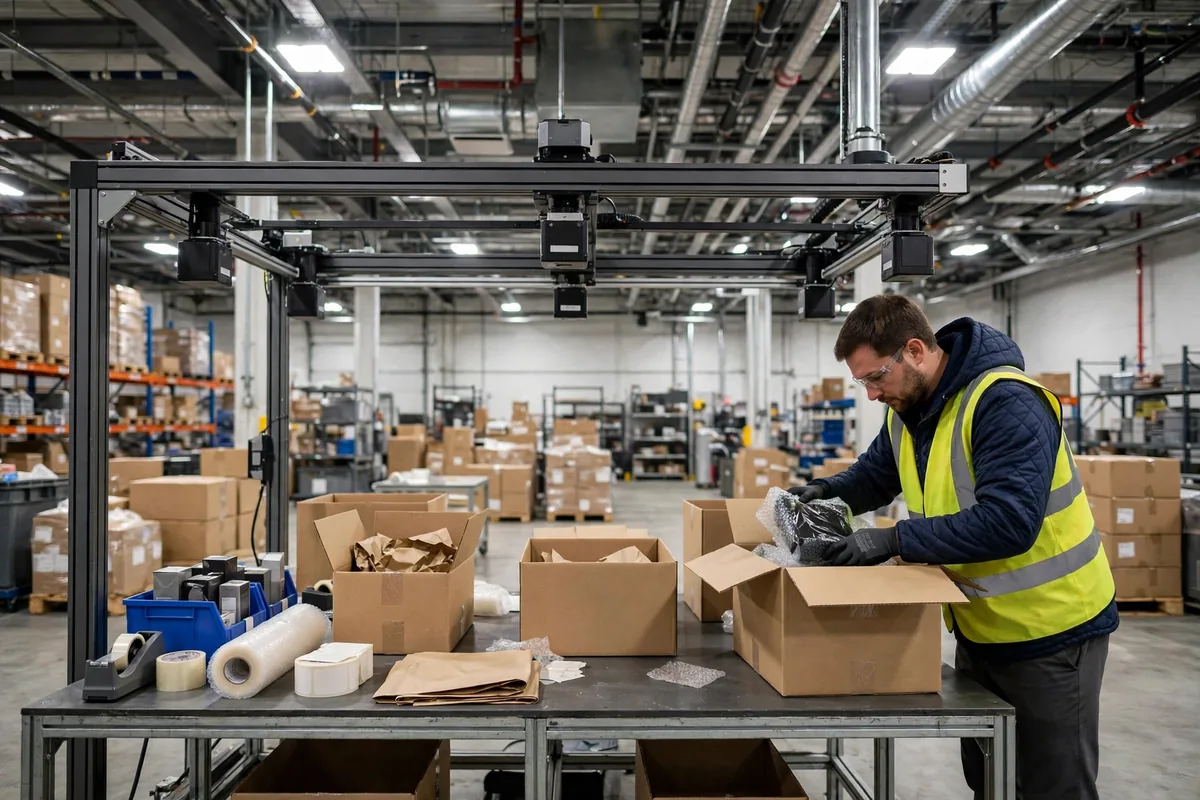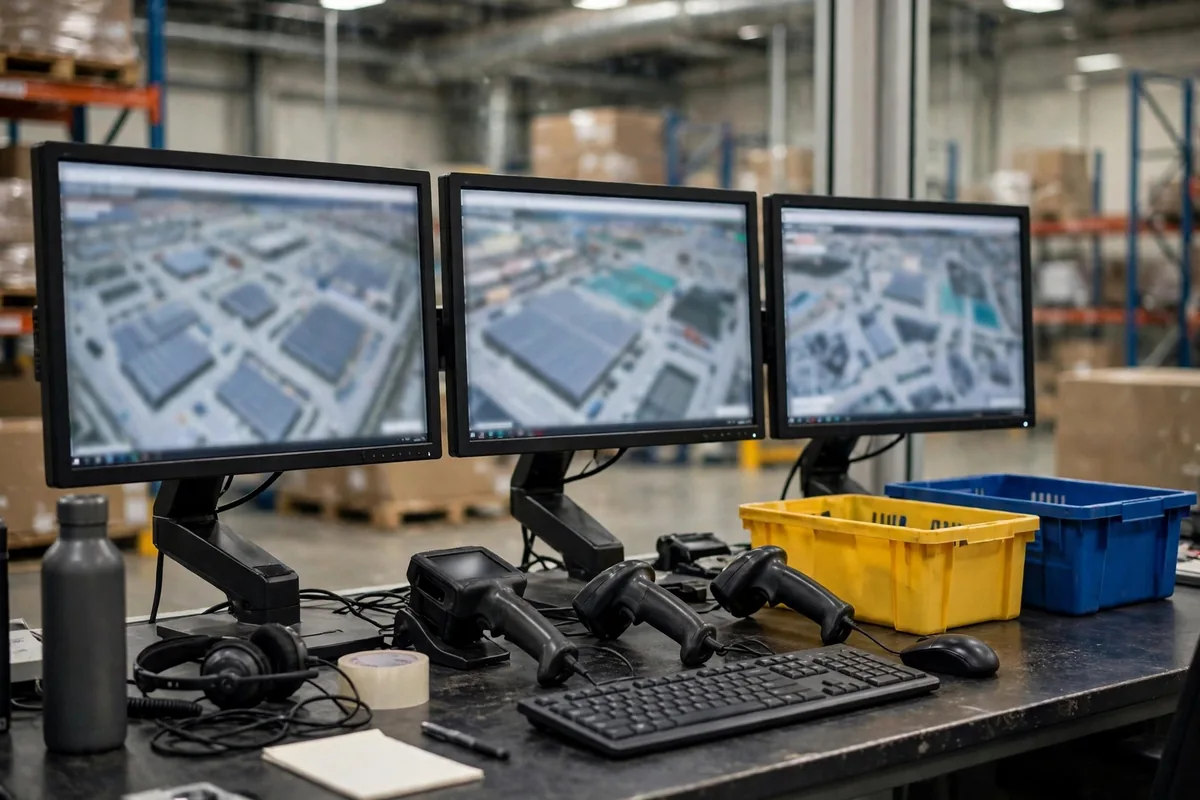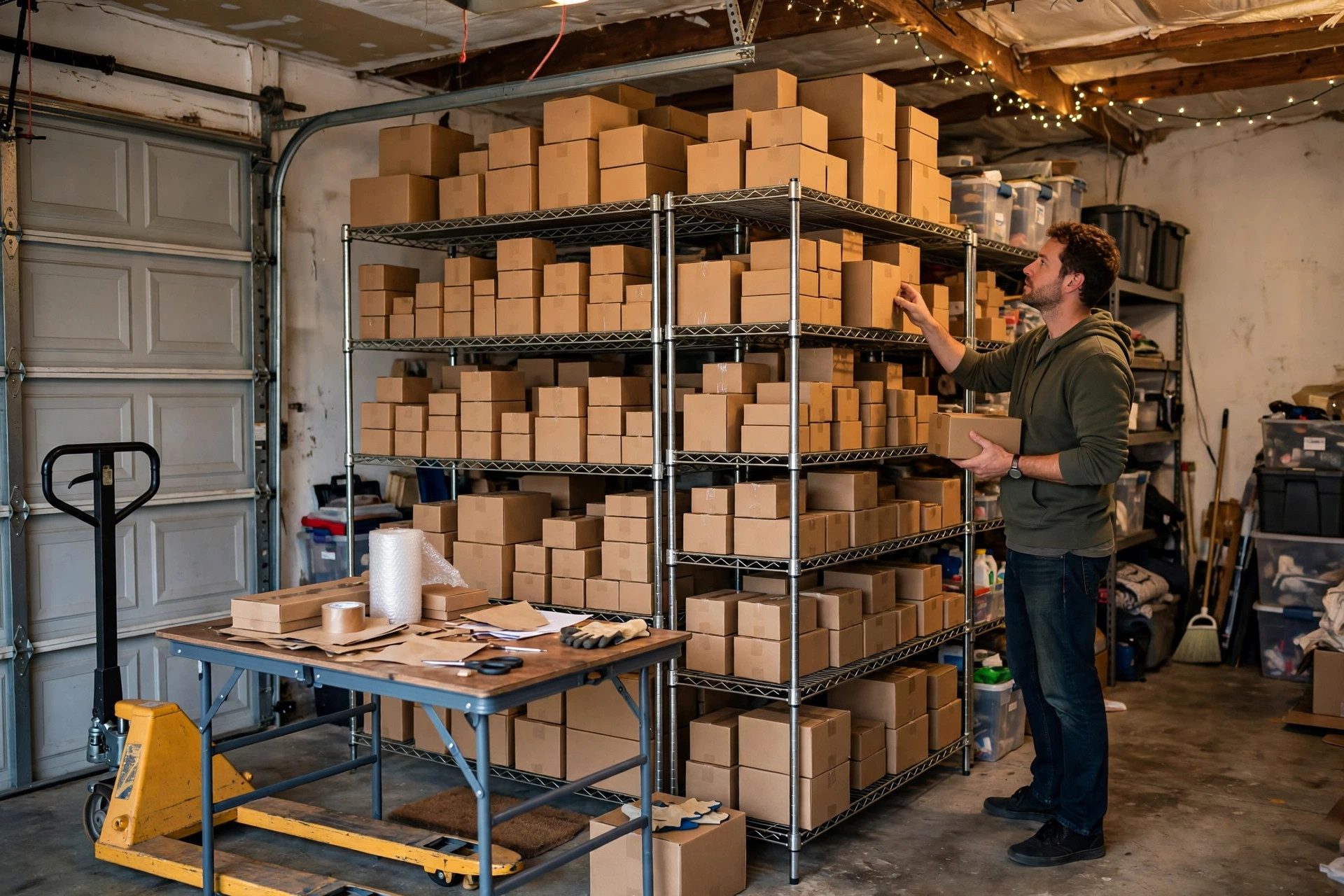
It was 6:30 on a peak-season morning when I walked into the warehouse — we were two weeks into a small warehouse WMS trial — and found Lao Zhang crouched by a rack, staring at a printed pick list. The location on the paper said A-03-02, but that slot had been taken over by new stock last week. He looked up at me and said, "Boss, I've been hunting for this order for ten minutes, and the customer is waiting." That moment stuck with me. My first thought wasn't to blame anyone. It was a question: how much longer can a small warehouse run on people's memories instead of a small warehouse WMS that actually fits?
Fellow warehouse folks ask me all the time whether a small warehouse needs a WMS. My answer is never a simple yes or no. I tell them to look at three lines first: order volume, SKU count, and the cost of mistakes. When two of the three are pressing on you, it's time to look seriously. When only one is, you can usually keep going a while longer.
Small Warehouse WMS: Three Lines That Tell You It's Time
The first line is order volume. Once you're steadily shipping more than 150 orders a day, paper lists and memorized locations start breaking down. 150 doesn't sound like much, but peak season doubles it to 300, and that's when pickers start burning their energy walking back and forth and accuracy falls off a cliff. I know a small home-goods warehouse doing about 120 orders a day in normal times. They held it together fine until a big promotion pushed them to 400 a day. In three days they shipped 27 wrong orders. Return shipping, re-picking, customer service calls, and bad reviews ate a big chunk of that month's profit.
The second line is SKU count. Once you pass 500 SKUs, human memory stops being reliable. With a small range, veteran staff can find anything blindfolded. Once the range grows, new hires spend their first week just getting lost. Our SKU count once jumped from 300 to 900 in a single quarter. During that stretch, the most common question from new staff was "where on earth is this product?" Veterans got annoyed at being asked all day, new hires felt useless, and you could watch morale sink.
The third line is the cost of mistakes. A wrong shipment doesn't cost you one order's margin. It costs return shipping, re-picking, customer service time, and a possible bad review, all added up. Some products are cheap and a mistake is no big deal. Others are custom or high-value, and one wrong shipment stings for days. Every warehouse's math here is different, so do your own sums instead of guessing.
If two of the three lines are pressing on you, put a small warehouse WMS on the agenda. If only one is, tidy up your location codes and pick paths first. Excel plus a scanner can still carry you for a while.
Excel Plus a Scanner vs. a Lightweight WMS
A lot of small warehouse owners ask me: a scanner already reads barcodes into Excel, so why pay for a system? To be honest, the difference isn't whether you can scan. It's whether the system knows anything after you scan.
Excel plus a scanner still leaves the real management in people's heads. The scanner turns a barcode into a number, but where the goods sit, which order to pick first, and how much stock is left all live in someone's memory or on a second spreadsheet. When one person takes a day off, half the warehouse's invisible knowledge takes the day off with them. A lightweight WMS ties location, stock, and tasks together: goods get a location the moment they arrive, picking follows a route the system plans, and stock counts drop in real time. People leave. The rules stay.
I once ran the numbers for a fellow owner (hypothetical example): his warehouse shipped 200 orders a day with four pickers. On paper lists and Excel, each picker had about six effective picking hours a day, with the other two eaten by searching, double-checking, and fixing mistakes. After switching to a lightweight WMS, most of the searching time went away, and the same four people could handle close to 100 extra orders a day. Don't take a vendor's word for that kind of math. Time it yourself on your own floor with a stopwatch.
| What you're comparing | Excel plus scanner | Lightweight WMS | | Stock accuracy | Found out at month-end stocktake | Live deductions, gaps spotted the same day | | Pick path | From memory, detours are normal | System plans the shortest route | | New hire ramp-up | Two weeks shadowing a veteran | Following system prompts, independent in two or three days | | Dependence on people | When a veteran leaves, the know-how leaves | The process lives in the system | | Cost | Almost nothing | Annual subscription or one-off license, plus setup time |
Small Warehouse WMS Features Worth Cutting
When vendors demo a system, the more features they show you, the calmer you should stay. For a small warehouse, picking a WMS is about cutting features, not adding them.
Wave picking, automatic replenishment rules, multi-warehouse transfers, billing and settlement — these are standard kit for big warehouses and mostly useless for a small one right now. They look great in a demo, and then nobody uses them after go-live, while someone still has to maintain the master data behind them. We made exactly this mistake the first time we bought a system with automatic replenishment built in. Our actual replenishment rule was "Lao Zhang glances at the shelf and tops it up when it looks low." The system's replenishment parameters sat untouched for six months.
A small warehouse really needs just four things: inbound stock gets a location, picking comes with a check step, stock counts stay accurate in real time, and you can export data for reconciliation. Get those four running smoothly for six months before you even think about adding more. The system is there to serve your people, not to decorate a sales deck.
Here's a counterintuitive call that some people won't like: the biggest trap in a WMS project for a small warehouse isn't the money. It's copying a big warehouse's process wholesale. Big warehouses have one person for receiving, one for quality checks, one for verification. In a small warehouse one person does all three. If you force five big-warehouse checkpoints onto that person, your staff will revolt on day one. Processes should follow people, not the other way around. If the system can cut a step, cut it. If picking and checking can be merged, merge them. Don't strangle efficiency in the name of looking proper.
Don't Force Go-Live on Your Veterans
One last thing, about go-live. The best system in the world fails if your veteran staff push back. The worst go-live I ever saw was a boss announcing on Monday morning that everyone would use the system from that day on, with zero training. Wrong shipments doubled that day, and by day three someone had quit.
What works in our warehouse now is this: pick the most cooperative veteran first, let them get comfortable with it, then let them teach the others. Veterans aren't afraid of learning something new. They're afraid twenty years of experience is about to be replaced by a computer. Show them the system saves them effort instead of replacing them, and they'll come around. Spend fifteen minutes at the end of each day in the first week listening to where people got stuck. Fix what you can the same day, and log the rest to argue with the vendor.
Don't rush the rollout either. A small warehouse has no dedicated IT person, so during go-live the boss is half the implementation team. My advice is two steps: first receiving and picking only, run it for two weeks until it's stable, then add stocktaking and reconciliation. Small steps mean small falls.
At the end of the day, a small warehouse WMS decision comes down to three bills: the bill for mistakes, the bill for labor, and the bill for what your veterans feel in their gut. Get all three clear in your head, and no salesperson can lead you by the nose. You buy a system to do work for you, not to sit on a shelf and look impressive.
By Chen Feng, Warehouse Operations Manager