A warehouse pick and sort wall does not have to be automated to be useful. I run a 3,000-square-meter warehouse in Dongguan with five pickers, and when a sales rep showed me an automated sorting wall last year, I closed the quote before I finished reading it. Not because I dislike automation, but because a shop shipping four or five hundred orders a day cannot carry that kind of capital cost. So we built our own wall out of timber, lights, and barcode scans, and it fixed the exact problem that was costing us real money. This is the math behind that decision.
The mess first: when volume rises, picking breaks first
At around 200 orders a day, our old method worked fine. One picker took one order from start to finish. It was slow, but errors were rare because one person owned the whole order. By October 2025, ahead of the peak season, daily volume climbed to about 480 orders, and the cracks showed all at once. A picker would carry twenty orders in one trip, walk the aisles, then sort everything again at the packing bench. Goods were often picked correctly and packed into the wrong parcel. One evening I found three mis-shipped parcels, and the return shipping plus reshipping cost more than a week of boxed lunches for the team.
Hiring did not solve it: recruiting was hard, overtime expensive, and there was no room for a second packing line. Then I visited a friend running an apparel warehouse nearby, shipping over 600 orders a day with no automation. His team used a simple rack wall with lights, and mis-picks dropped sharply. I sketched a version that night and had a carpenter build the frame the next day.
What a warehouse pick and sort wall actually looks like
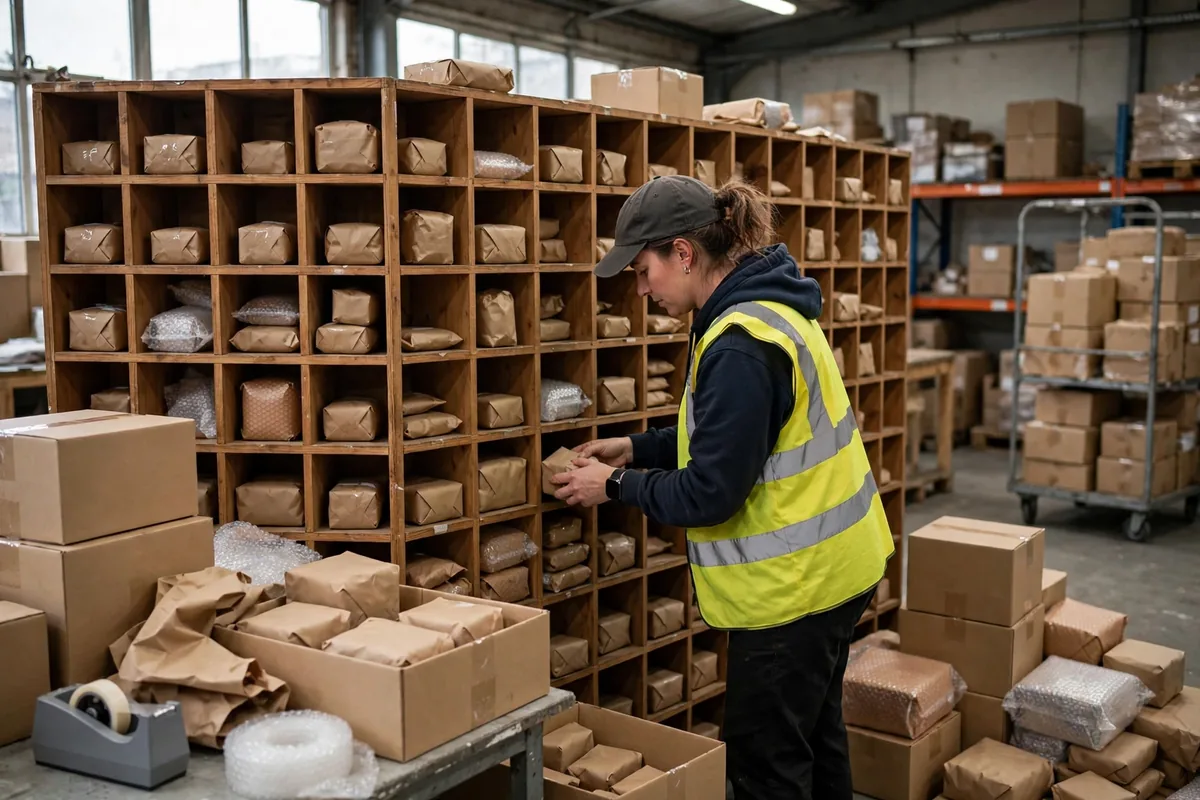
A wall of cubbies stands at the end of the picking route. Each cubby holds one order, or one customer, for one wave. Pickers distribute picked goods into cubbies, and packers pull goods out of cubbies for checking and packing. There is no conveyor and no automatic sorter. The system runs on cubbies, eyes, and one barcode scan.
Our wall is timber, three levels high, with 48 cubbies. Each cubby holds roughly two shoebox-sized parcels. We left more than a meter of aisle in front so a cart can pass and a person can turn comfortably.
Here is the counterintuitive part: more cubbies does not mean faster. Our first sketch had 72 cubbies. It looked impressive on paper, but pickers spent too long hunting for the right cubby, and the top row was out of comfortable reach. We cut back to 48. The most-used cubbies sit between waist and shoulder height, and rarely used ones go on the top and bottom rows. Search time dropped immediately. For a small warehouse, the first test of a wall is whether a person standing in front of it can work without strain, not how many cubbies it holds.
Cubbies should follow volume, not ambition: take your last two weeks of wave data, find the largest orders opened in a single wave, and multiply by 1.2 for slack. We open about 40 orders per wave, so 48 cubbies fit, with eight spare for rush additions and returns. Too few and waves stay small; too many and finding each cubby slows everything down.
How to lay out the cubbies: sort by shipping rhythm, not by customer name
My first layout mistake was sorting cubbies alphabetically by customer name. It looked tidy and confused everyone, because urgent and non-urgent orders sat side by side. We changed to shipping rhythm: orders leaving today go in the middle, easy-reach zone; orders leaving tomorrow go up top; orders waiting for a missing item go in a bottom corner.
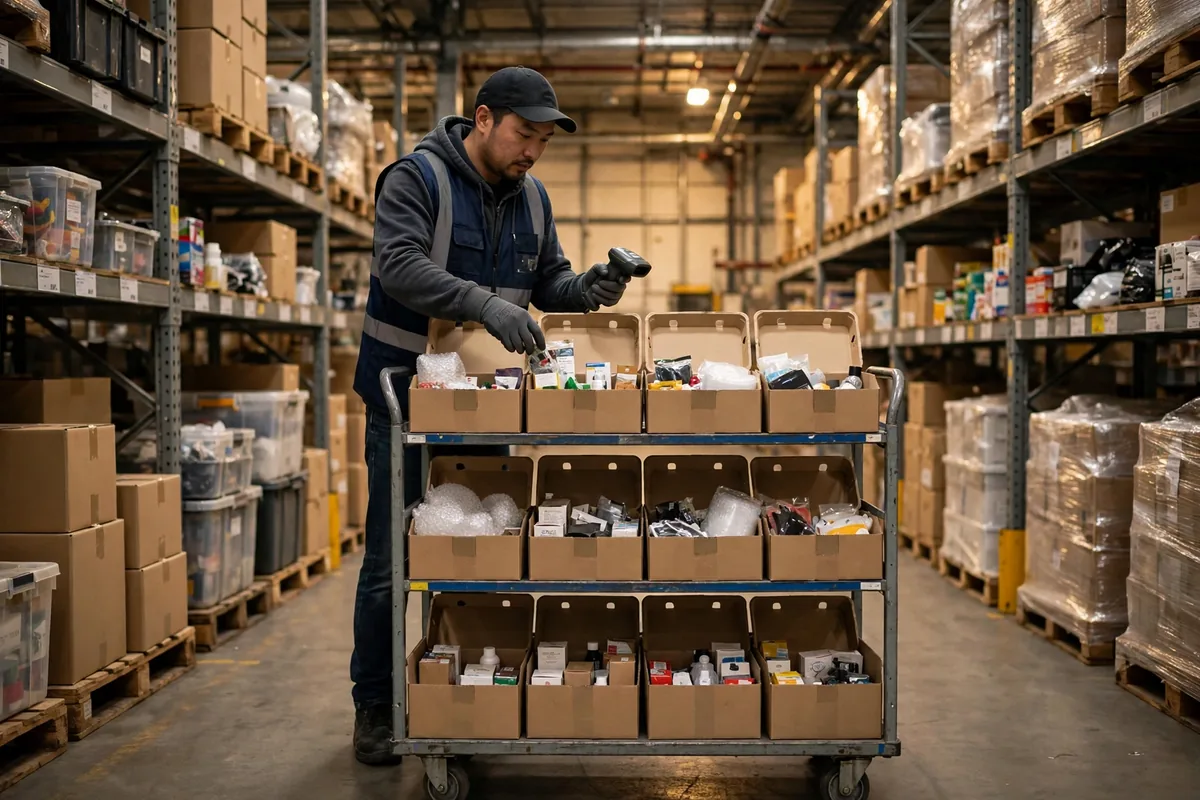
The daily routine is deliberately low-tech. Before each wave, the team lead writes the wave-to-cubby map on a whiteboard, and each cubby gets an erasable card showing the last digits of its order number. A picker scans the product code, then the cubby code; a wrong scan makes the handheld beep. Do not skip that scan: before it, we relied on eyes matching order digits, and busy shifts still produced errors. A handheld plus printed cubby codes is a cheap second pair of eyes.
The real control point is double checking, not just dropping goods into cubbies: scan once when distributing into a cubby, scan again when packing pulls goods out, and stop packing if the two scans disagree. In the first month under that rule, mis-shipments fell from more than a dozen a month to two or three. If you want to tighten the second-sort step further, compare your checkpoints against this put-wall secondary sortation guide and check which step in your own flow is most likely to be skipped when the shift gets busy.
Lights plus scanning: a low-cost combination that actually pays
I hesitated over light strips, worried about spending on decoration. The math settled it. We fitted lights only to the two most-used middle rows, not the whole wall, for under 500 dollars in parts. When a picker drops goods, the light comes on; when a packer takes goods, it goes off. Eyes no longer scan all 48 cubbies. The lesson is to light only the zone where errors concentrate, not the entire wall for the sake of symmetry.
Here is our real comparison, using our own spending and measured results rather than vendor brochure numbers:
| Item | Manual wall (our warehouse) | Automated wall (sales quote) |
|---|---|---|
| Upfront cost | Frame, lights, and scanning for roughly 2,000 dollars | Equipment, installation, and tuning in the tens of thousands |
| Time to go live | Two days of carpentry, one week of tuning | Vendor quoted two months, plus site tuning |
| Staffing at 500 orders a day | Five pickers plus two packers, rarely overtime | Packing checks still needed; main saving is walking distance |
| Changing product mix or wave size | Swap cubby cards and rewrite the whiteboard | Changing layout means changing parameters or hardware |
| When something breaks | Replace a light strip or a board | Wait for vendor support while the whole wall is down |
That table is not against automated walls; it says small warehouses should do their own math first. Below 500 orders a day, automation's walking-time saving takes a very long payback period, while a manual wall's error saving shows up immediately. After go-live, picks per picker rose from under 90 to about 120 a day, and overtime fell from three or four days a week to about one.
A second case makes the same point from a different angle. In March 2026, a friend running a cosmetics warehouse in Hangzhou, shipping just over 300 orders a day, copied our 36-cubby wall but laid cubbies out by brand, so pickers ran all over the floor. I suggested laying out by wave and shipping channel instead, with cubby cards changed daily; two weeks later packing errors had roughly halved. The frame was never the valuable part; the layout logic and checking habit were.
When a warehouse pick and sort wall should retire
A manual wall has a ceiling, and pretending otherwise would be dishonest. I set three red lines for myself. If any one of them holds for a full month, I will seriously evaluate automation. First, daily volume stays above 800 orders and waves already fill every cubby, so adding cubbies means reaching beyond comfortable height. Second, the average order has more than eight picked lines, so cubbies overflow and even double scanning cannot hold errors down. Third, there is no floor space for a second wall and no headcount to add, so adding people and walls stops working as a growth path.
Until a red line is crossed, try cheaper moves first: smaller waves, color zones on cubby cards, large cubbies for bulky items, and one row for returns so abnormal orders do not crowd normal ones. That can extend a manual wall's life by six months to a year.
My advice comes down to four points: measure two weeks of data before fixing the cubby count; never drop the scan-and-check step, because a manual wall saves equipment money, not checking money; light only the busiest zone; and spend ten minutes daily reviewing errors, adjusting the cubby before blaming the person.
A small warehouse has its own way of surviving and need not copy a large warehouse's equipment list. Get one manual wall running smoothly, bring errors down, cut overtime, and only talk about automation when volume genuinely fills the wall. By then you will have real data, and you will negotiate with a vendor knowing exactly what you need.
By Xiao Ma, Small Warehouse Owner