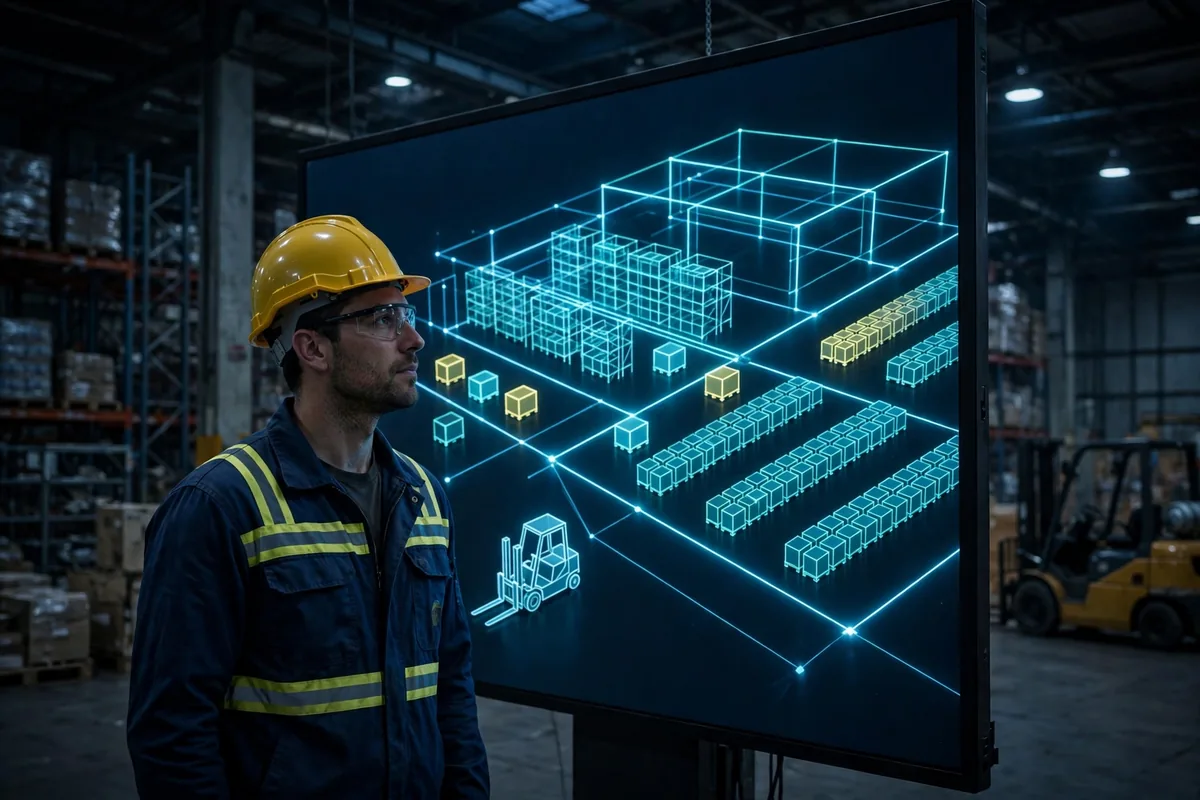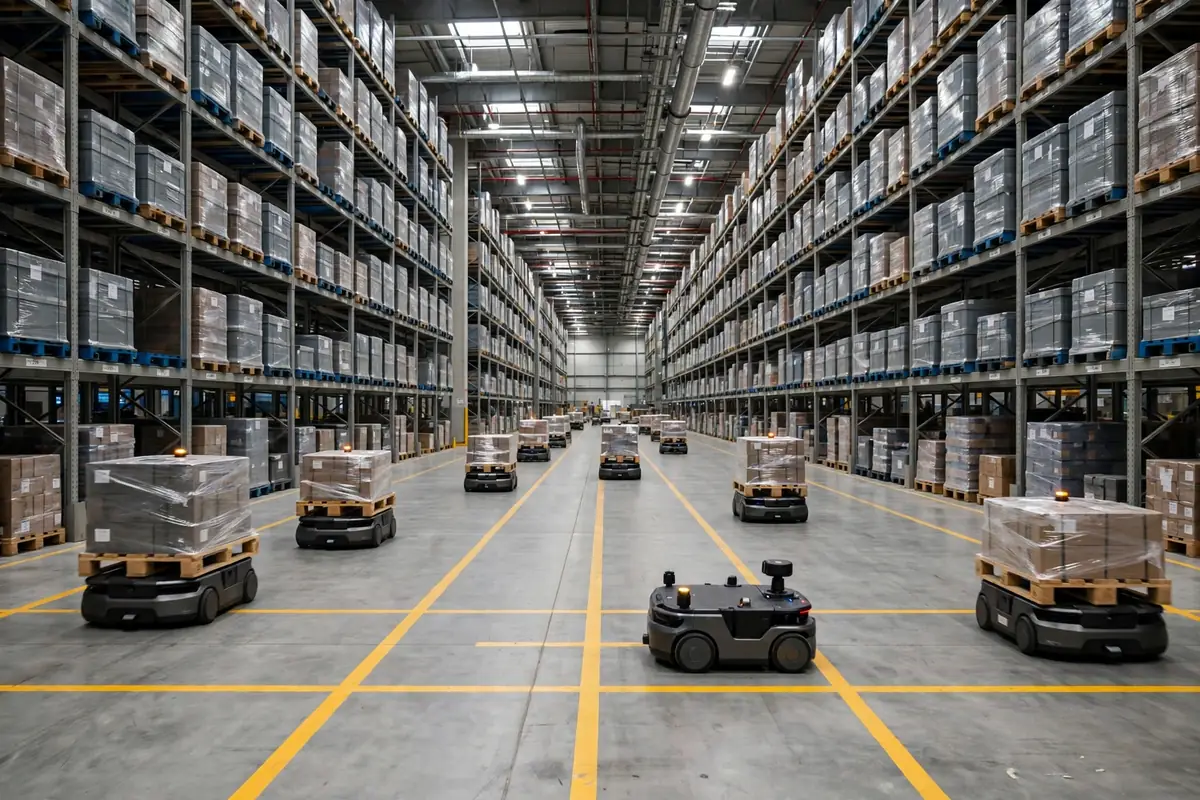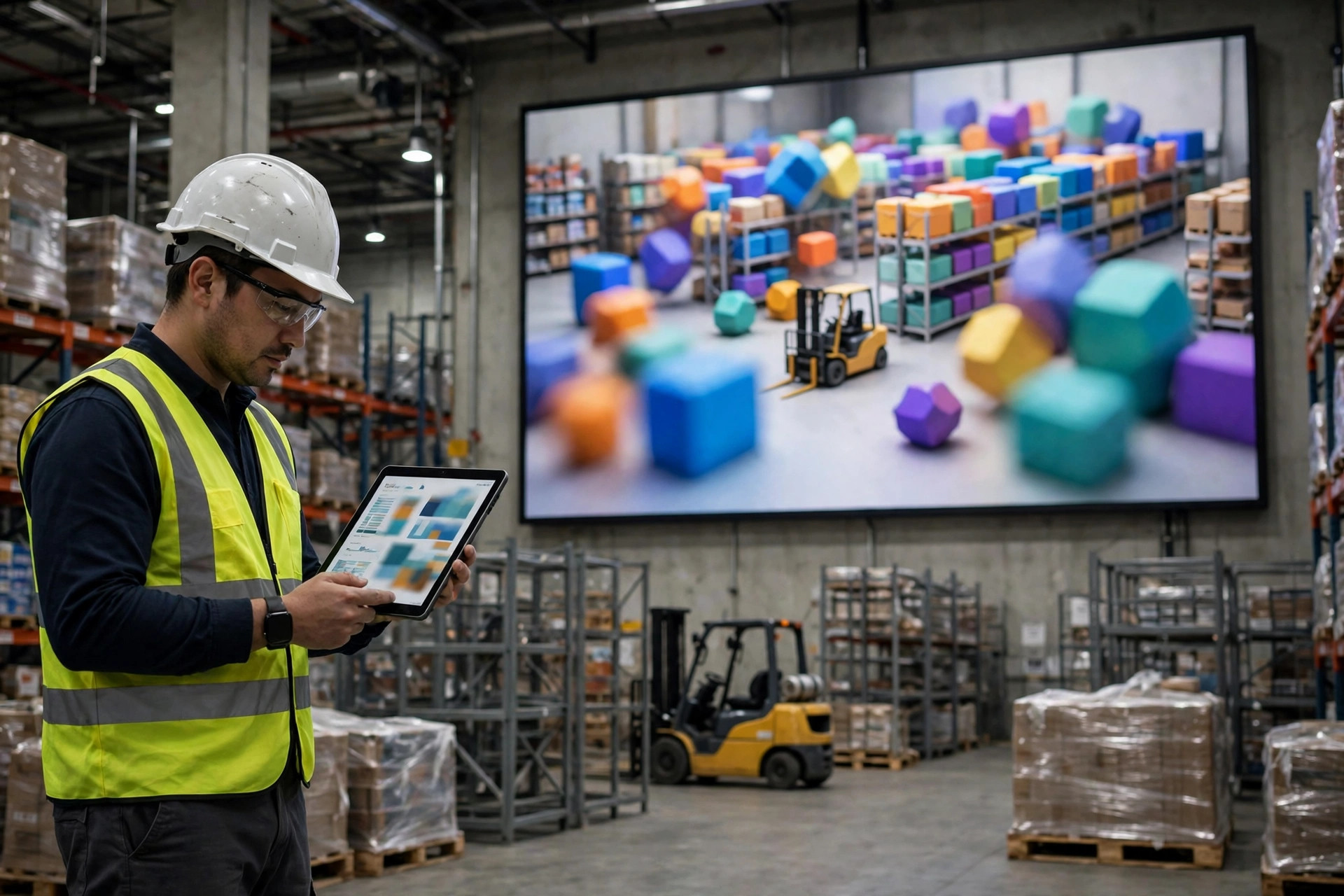
Last fall, a digital twin vendor came to our warehouse to give a demo. The projector lit up and little forklifts glided across the screen smoother than any real forklift I have ever owned, orders flowing down every aisle like water, soft music underneath — it looked like a science fiction movie. I asked: can it fix the dock-door intersection that jams every day? He paused: model first, data first, whole package first. I did not read the quote closely. There were too many zeroes, and I lost count twice. We are a small warehouse. We cannot burn that kind of money. I walked him out politely.
But the question stuck with me that night. What does a warehouse digital twin simulation actually simulate? It does not simulate what a warehouse looks like. It simulates the four places where a warehouse gets stuck: freight routes, people-equipment collisions, the pace-setting step, and labor allocation when things get busy. The animation just paints those four questions in pretty colors. Pretty is not the same as accurate. In most demos, the little trucks never get stuck or take a wrong turn. If my warehouse worked like that, I would already be rich.
A Digital Twin Simulates Four Choke Points, Not a Building
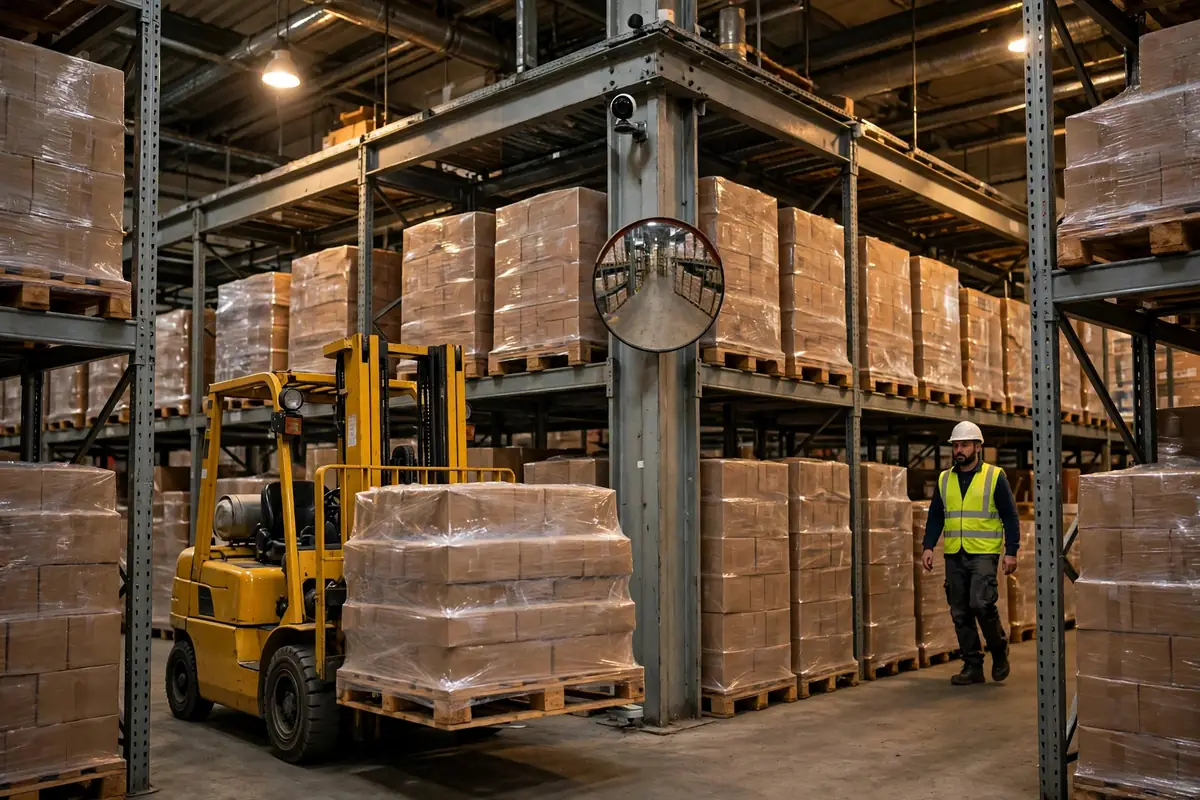
Start with travel paths. Our warehouse is about 3,000 square meters — not big, but plenty big enough to get tangled at peak. For a while, every time outbound orders spiked, pickers pushing carts met replenishment workers head-on in the main aisle, and somebody always had to back up. Days of standing on the floor showed the pattern: the collisions were not caused by too many people, but by picking and replenishment routes sharing one main aisle, with both crews peaking in the same hour. That is what a simulation is supposed to calculate — at different volumes and times of day, which aisle clogs first, for how long, and whether making it one-way fixes it. You can work through that first version with a floor plan and a pencil.
Then there is pace. Every step has its own speed: picking, packing, and checking each take so many minutes per order. The slowest step is the ceiling for the whole line. We went through a stretch where packing could never keep up — pickers flew, boxes piled up beside the packing benches, and the checking crew stood around with nothing to check. A simulation lines up every step's speed side by side and shows you where the real bottleneck sits, instead of letting you add people to whichever crew complains loudest. Gut feel lies. Pace does not.
The other two are bottlenecks and labor scheduling. A bottleneck is pace's close cousin: when volume jumps, which step breaks first? Scheduling is a question of timing: how many people on the morning shift, how many at night, whether to bring in temp help for a promotion week. A simulation puts all four into one model, and what comes out is not an animation — it is a decision: change this aisle, add a person there, swap this sequence. Worth it or not.
My favorite lesson came one Tuesday just after nine, when picking and replenishment peaks collided head-on. Three carts wedged in the main aisle, two more queued behind. Ten minutes of watching showed it: the replenishment crew always entered through the main aisle at nine sharp, and the pickers always started their first wave at nine sharp. One hour of overlap, daily. We moved replenishment to eight-thirty, reserved the main aisle for picking at nine, and the collisions stopped. That day taught me that a simulation is really about time, not space.
What a Demo Hides That a Real Simulation Must Show
Three things, and they matter more than the graphics. First, in a demo the freight is always in the right location. In a real warehouse it often is not: a cycle count off by a unit or two, a location code mistyped by one letter, returns sitting in a corner nobody has processed. A model that only simulates the ideal case produces ideal-case answers, and those do not survive contact with the floor. Second, in a demo people never get tired, never call in sick, never take a wrong turn. In a real warehouse, when a veteran takes a day off and a new hire covers, output drops immediately. If the model has no room for that swing, the schedule it prints is scrap paper. Third, a demo shows you the result but not the assumptions. What parameters were assumed, whose order data it ran on — if none of that is laid out for inspection, the animation is just a sales pitch with better lighting. Before any demo I now ask: what exception rate, whose real data, and can it run a worst day?
Our Small Warehouse Version: A Spreadsheet, a Stopwatch, and Chalk
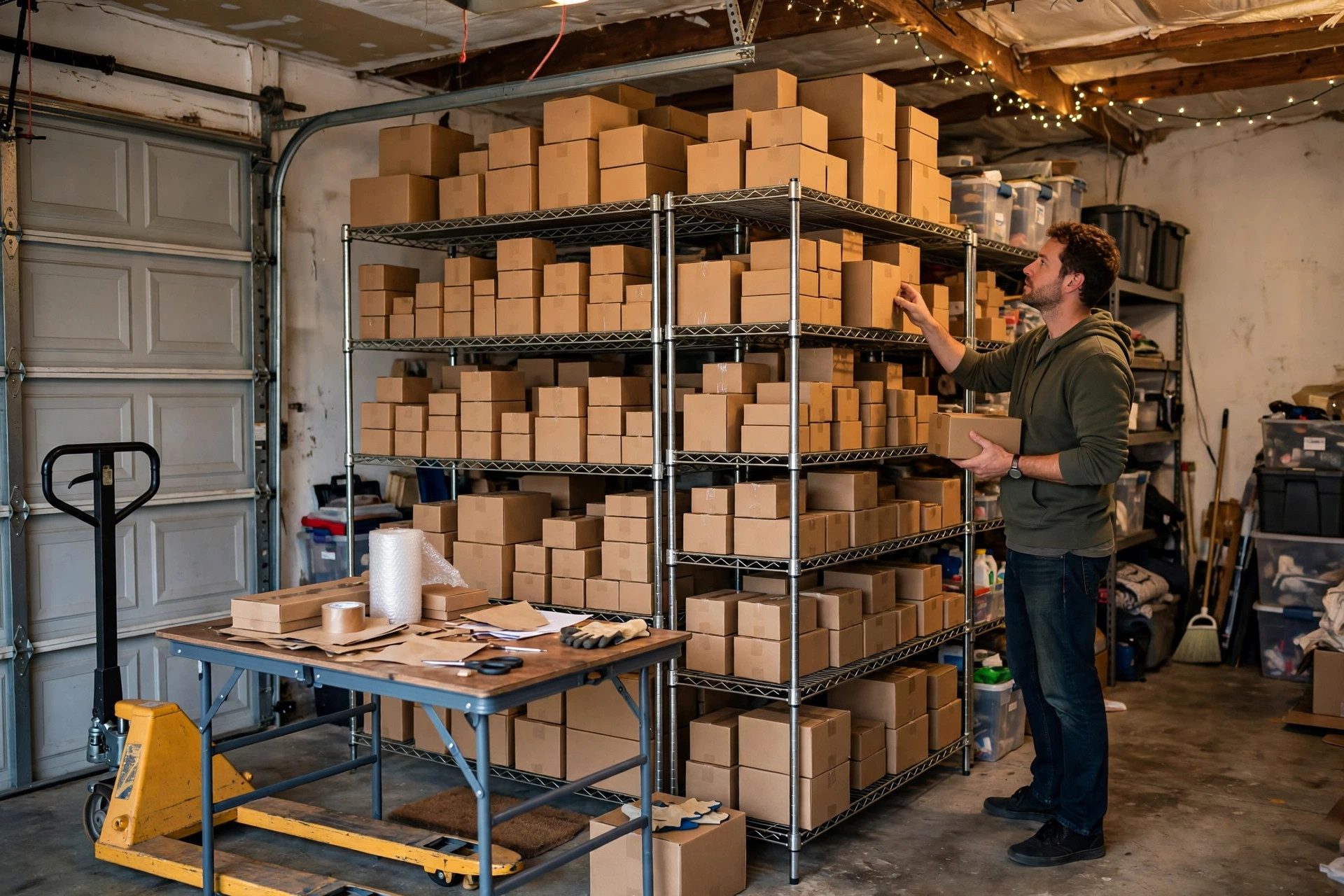
The big-company package is not for us, but the thinking behind simulation absolutely is, and a small warehouse can do a homemade version. My toolkit has three items: a spreadsheet, a stopwatch, and chalk. The stopwatch measures pace — follow each step for three days and take an average. The chalk draws travel paths — mark picking and replenishment routes as one-way on the floor and watch for a week. The spreadsheet does the what-if math — plug in order volume, headcount, and each step's speed, and work out which step breaks first when volume jumps thirty percent.
Here is the math from our own warehouse, worked as an illustrative example with our numbers, not an industry benchmark:
| Step | Before | After the fix |
|---|---|---|
| Pickers meeting head-on | Dozens of back-ups every peak day | Head-on meetings basically gone |
| Queue at the packing benches | Boxes spilling into the walkway | Visibly shorter queues |
| Evening overtime | Nearly daily before a promotion | Overtime days cut by well over half |
The improvement did not come from a digital twin. It came from the homemade method. In the first month after the aisle change, the pickers told me themselves it felt smoother — and they would not invent that just to flatter me. Later I ran a promotion scenario in the spreadsheet: last year's biggest day plus thirty percent, and the math said packing would break first. We added a third packing bench a week early, and the promotion days stayed calm. Total cost: a few dollars of chalk, a spreadsheet we already had, and my phone's stopwatch.
The homemade version has failed me too. Once I scheduled labor off average order volume, and then a morning wave of rush orders landed all at once. The average said we had enough people. Reality said otherwise. Since then I have one rule: never schedule off the average. Schedule off the worst day. Averages are for reports; the floor has to survive the worst day. Now every scenario gets a second version — the unlucky version: volume up, one person out sick, one piece of equipment down, all three at once. If the warehouse can still turn under that, the plan passes.
Is a Digital Twin Simulation Worth It? Three Checks
Check one: does your warehouse have a choke point that keeps coming back? If the problem moves daily, the operation is not stable enough to model yet. Tidy the floor first. Check two: can you get real order volumes and real pace numbers? A model fed on guesses is a fancier sales pitch, worse than an old hand's experience. Check three: is the change it suggests small enough to try cheaply? The real value of a simulation is calculating before you spend, so you do not spend big money changing the wrong thing. If the model's answer is "buy a whole new system," the vendor is doing the math for you. If the answer is "make this aisle one-way, stagger replenishment by an hour, add one packing bench," then the simulation has earned its keep.
At the end of the day, a warehouse digital twin simulation is not a big-company privilege and it is not a cartoon. It is just a way to ask "what happens if we change this?" and get an answer from data before you spend money. Small warehouses cannot afford the full package, but we can afford the homemade version. Get travel paths, pace, bottleneck, and schedule straight with clumsy tools first. When the business genuinely grows, then consider a proper system — and you will walk into that negotiation with real data and a specific problem.
Small warehouses have their own way of surviving: other people burn money on animations, and we work our own warehouse out with chalk and a spreadsheet first.
By Xiao Ma, Small Warehouse Owner