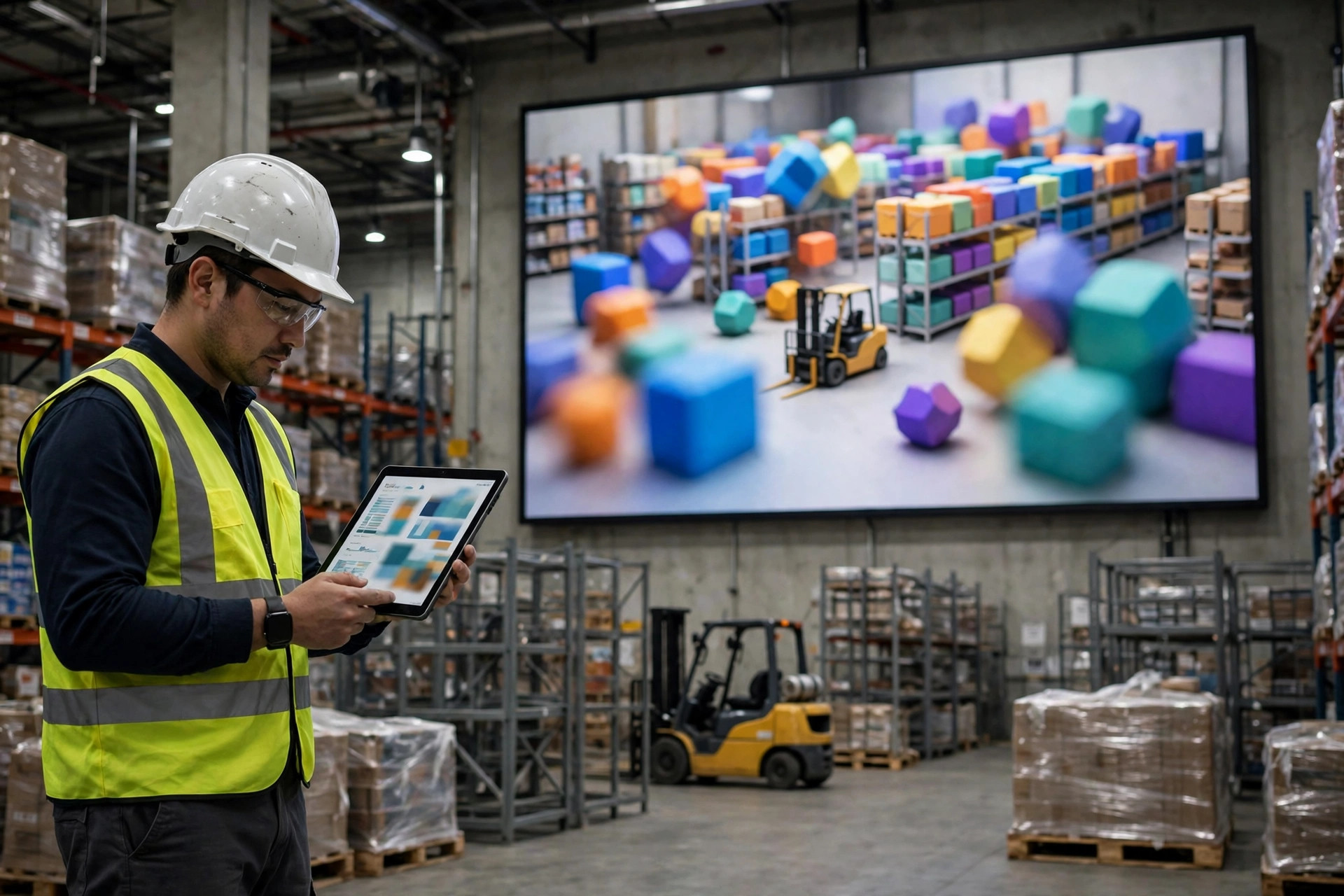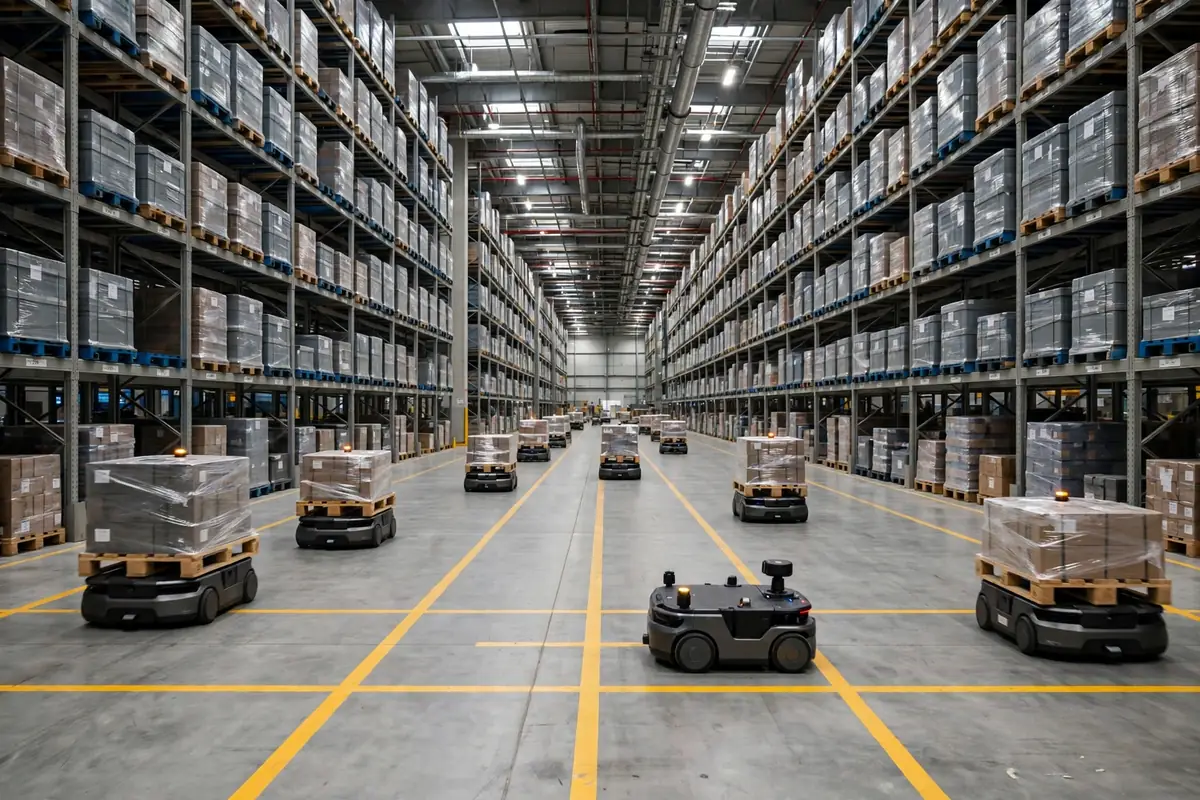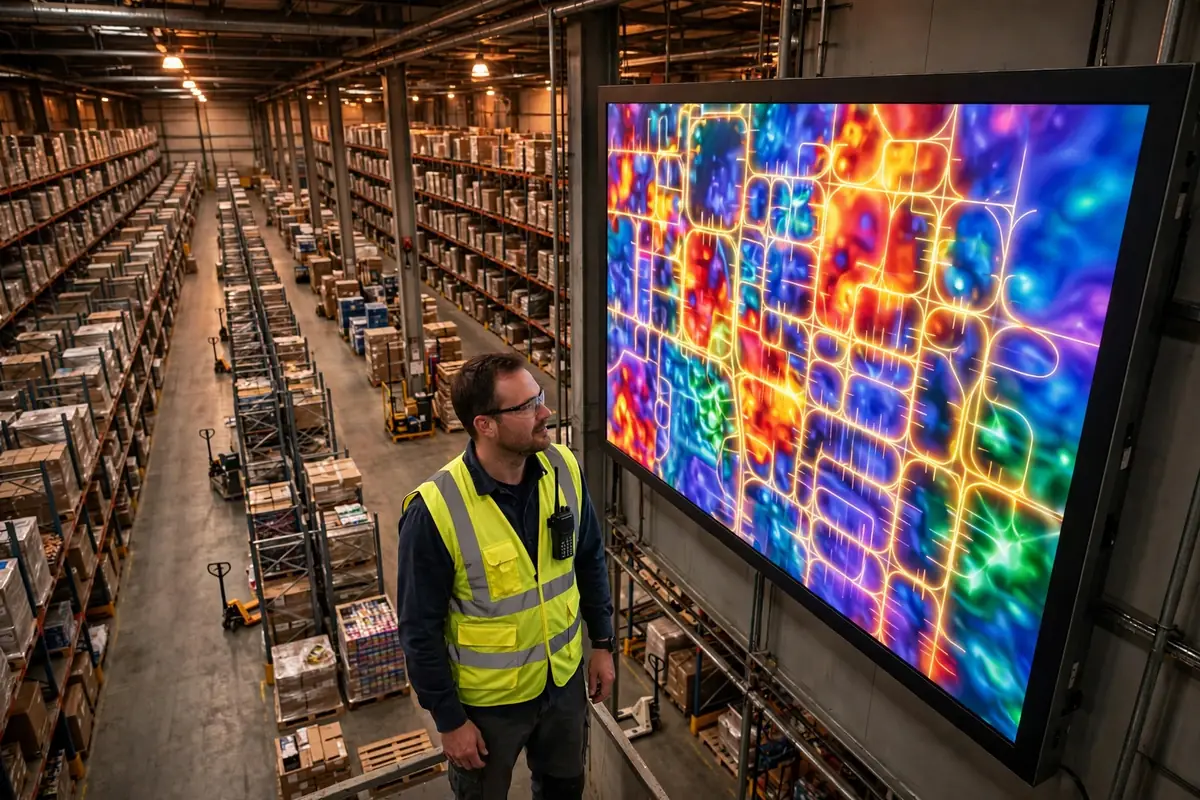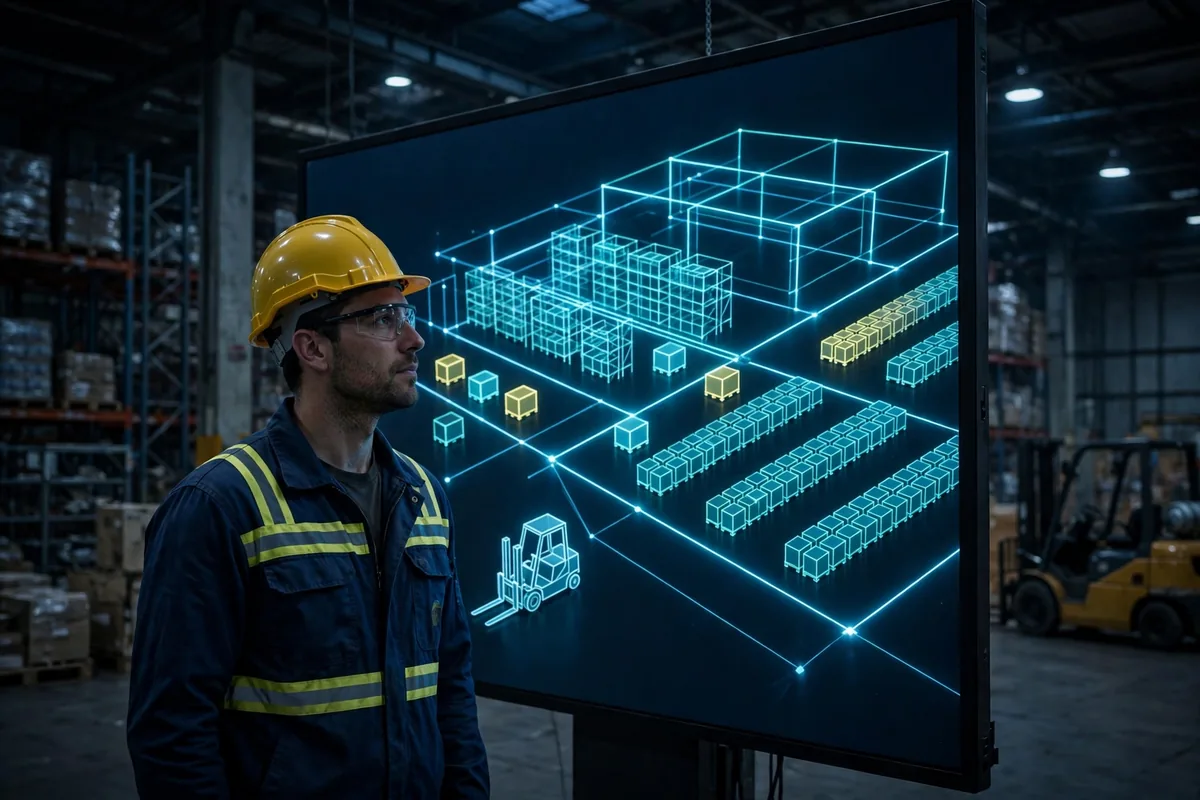
A few days ago I watched a video of a warehouse digital twin dashboard — a 3D model spinning around, racks, forklifts, conveyors all moving on screen, comments full of people saying how cool it was. Honestly, my first reaction wasn't "cool." It was an eye-roll. It looks amazing, sure, but how many extra orders will it help me ship? I sell products. I'm not running a tech expo.
Complaints aside, a lot of people have been asking me about this technology lately. Vendor slide decks keep getting shinier, full of phrases like "real-time mapping" and "physical-virtual sync." I spent a few months on this — visited two warehouses actually using the technology, talked to a few fellow sellers — and now I'll lay it out plainly: is it a real tool, or just another new buzzword?
Warehouse Digital Twin: What It Actually Is
Let me explain it in plain language. A digital twin is a living model of your warehouse built inside a computer: what the racks look like, where the forklifts drive, where orders come from, all modeled one-to-one against the real warehouse, then hooked up to live data so the model on screen moves along with the real building. A pallet shows up in the warehouse, a pallet shows up in the model. An aisle gets blocked, you can see the blockage in the model right away.
There's a key distinction here that a lot of people get wrong. A plain 3D rendering is dead — once it's built, it never changes. It is alive because it keeps eating real data and stays in sync with the physical warehouse. Cut off the live data feed and what you have left is an expensive 3D picture: pretty, not useful. This isn't my own invention — public reference material defines it exactly this way, as a computational model plus continuous synchronization with real data from its physical counterpart.
Once you get this, you'll have a yardstick for every vendor demo. If the demo only spins the model around and never shows you where the data comes from or how often it updates, you're probably being sold a rendering.
Three Digital Twin Uses That Actually Work in Warehouses
The two warehouses I visited were a mid-sized home-goods warehouse and a 3PL handling fulfillment for several brands. In their operations, it has exactly three uses that genuinely work. I'm not saying a fourth doesn't exist — I'm saying I haven't seen one deliver results.
The first is layout simulation. Before opening a new warehouse or changing a layout, test it in the model first. Turn a rack around, move the picking zone, and the model tells you how much less walking your pickers will do each day. The 3PL had rented an adjacent unit for expansion, and before moving anything they tried three layouts in the model and picked the one with the shortest pick paths. Their manager told me that single simulation saved them one round of "build it, then realize the walking routes are terrible" rework. Moving racks and re-coding locations after the fact costs a fortune, and shutting down half the warehouse for a day hurts even more.
The second is route optimization. Before a big promotion, feed historical order data into the model and simulate the picking peak: which aisle will jam, which hot SKU should be moved closer to the packing bench. The home-goods warehouse manager told me they ran the model before a promotion, moved three hot SKUs in advance, and congestion in the aisles dropped by nearly half compared with the previous year. That's their own post-event measurement, and I can't vouch for the exact figure — but the direction is right. Better for a problem to show up in the model than on promotion day itself.
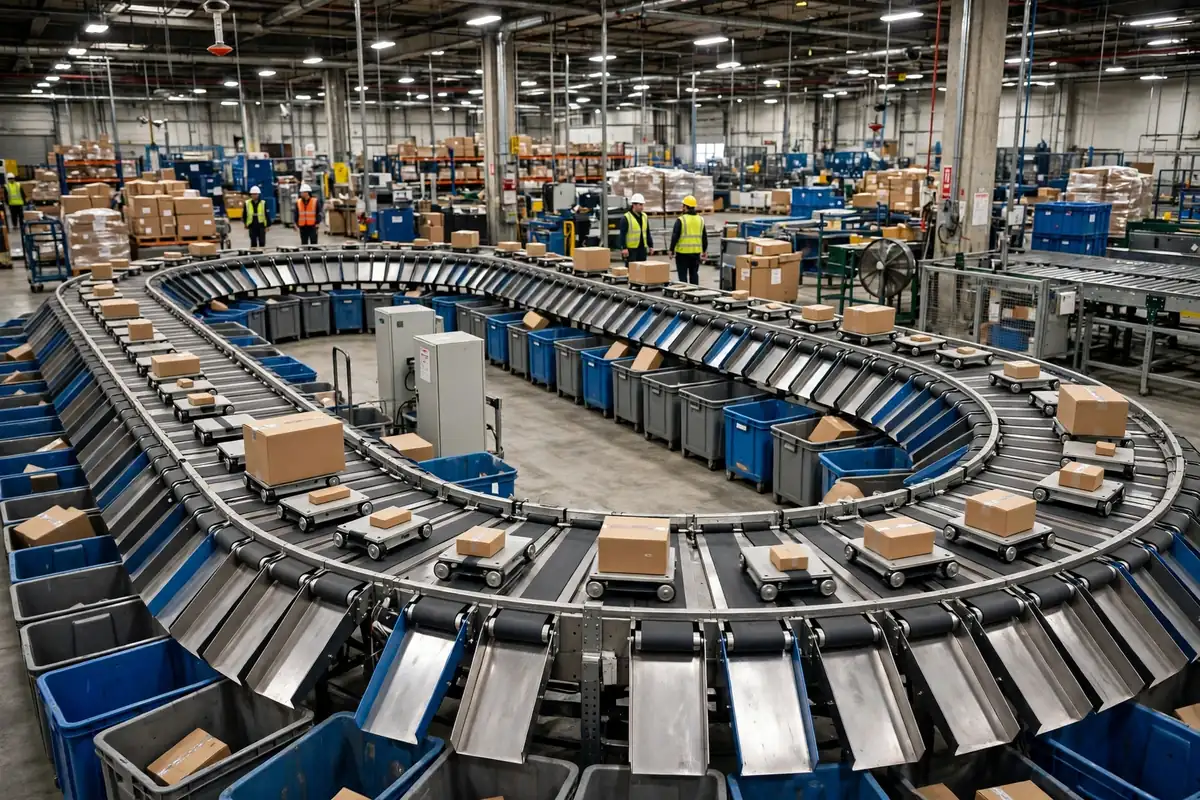
The third is exception rehearsal. Equipment breaks, the warehouse overflows, one sales channel suddenly explodes — when these things actually happen, panic is guaranteed. In the model you can rehearse first: if this conveyor stops for two hours, how many orders pile up, and how many people do you need to shift to manual sorting? Rehearse it once, and when it really happens you already have a plan.
| Use case | Problem it solves | Who needs it most | | Layout simulation | Test before building, avoid rework | Mid-to-large warehouses opening or expanding | | Route optimization | Spot jams before promotions, move stock early | Warehouses with big volume swings and peak seasons | | Exception rehearsal | Practice for breakdowns so real incidents don't cause chaos | Warehouses relying on automation where downtime is costly |
Doing the ROI Math Without the Hype
My rule is to talk ROI without cheerleading, so here it is. It is not cheap: modeling, data integration, system connections, annual maintenance — none of it is small money. Most small warehouse owners look at the quote and their first reaction is "no thanks."
Let me run the numbers for a mid-sized warehouse (hypothetical example): one-off modeling and integration, say 400,000 yuan; annual maintenance and data services, say 80,000 yuan. On the return side: one avoided layout rework, say 150,000 yuan saved; better promotion routing with fewer temp workers and fewer errors, say 100,000 yuan a year; one avoided line stoppage, say 50,000 yuan. On those assumed figures, you'd roughly break even in year two and start coming out ahead in year three. The math is rough, but the conclusion is honest: it pays back slowly. If you expect it to pay for itself in three months, don't touch it.
Now for the counterintuitive part. Most people assume the biggest value of it is that flashy big screen. After visiting those two warehouses, I think the opposite: the screen is the least valuable part. The real value is the data and the simulation engine behind it — the screen is just a monitor. Take the screen away and the simulation still runs. Cut the data feed and the screen is just a screensaver. If a vendor spends most of the meeting talking about how beautiful the screen is and how smooth the animations are, be careful. They may be selling you the cheapest part at the most expensive price.
Should Small and Mid-Sized Warehouses Bother?
By now the conclusion is pretty clear. Small warehouses: don't bother yet. Your volume, SKU range, and layout changes aren't complex enough for this. The data in Excel and your WMS is already enough. Spending hundreds of thousands on a model whose conclusions you could mostly guess from experience is money down the drain.
Mid-sized warehouses: worth a look, but only if the conditions fit. Consider it when two of these three apply: you're planning a new warehouse or a major layout change; your volume swings hard with two or three peak seasons a year; or you already run enough automation that a line stoppage costs real money. If none of the three applies, your pain is somewhere else, and the money is better spent there.
If you do go ahead, don't model the whole warehouse on day one. Pilot one zone first — the picking area, say — run it for three months, and check whether the simulation's conclusions are accurate and whether the team actually uses it. Expand if the pilot works, stop if it doesn't. The cost of a failed pilot is manageable. This approach genuinely works for me — not because I've deployed one myself, but because I pilot everything small before committing. It keeps the cost of a wrong bet low.
A digital twin isn't a scam, but it isn't magic either. It's a tool built for warehouses with real complexity, not a standard feature for every warehouse. Figure out whether your warehouse is complex enough to deserve one before you talk about buying.
By Ah K, E-commerce Seller (5 yrs)