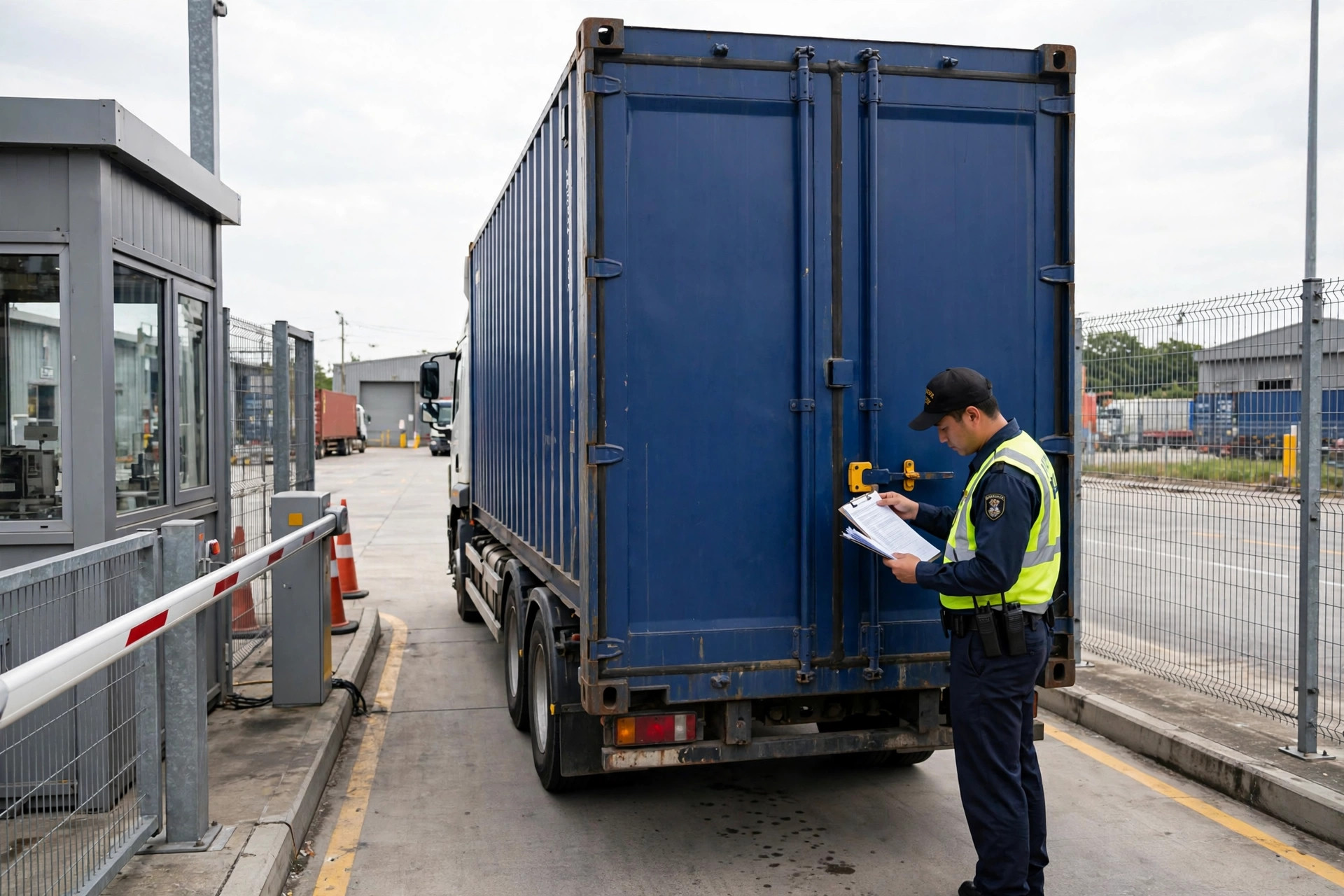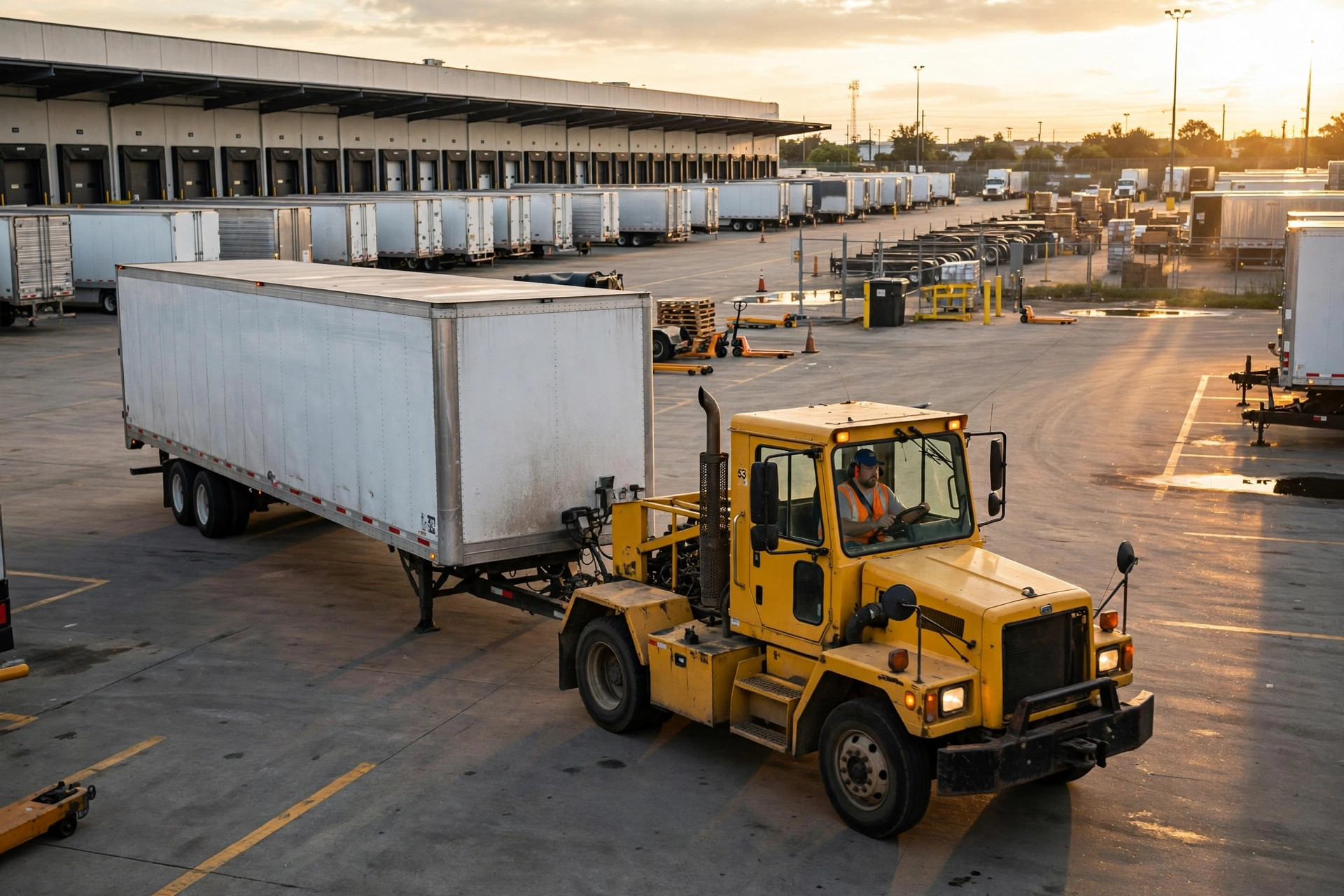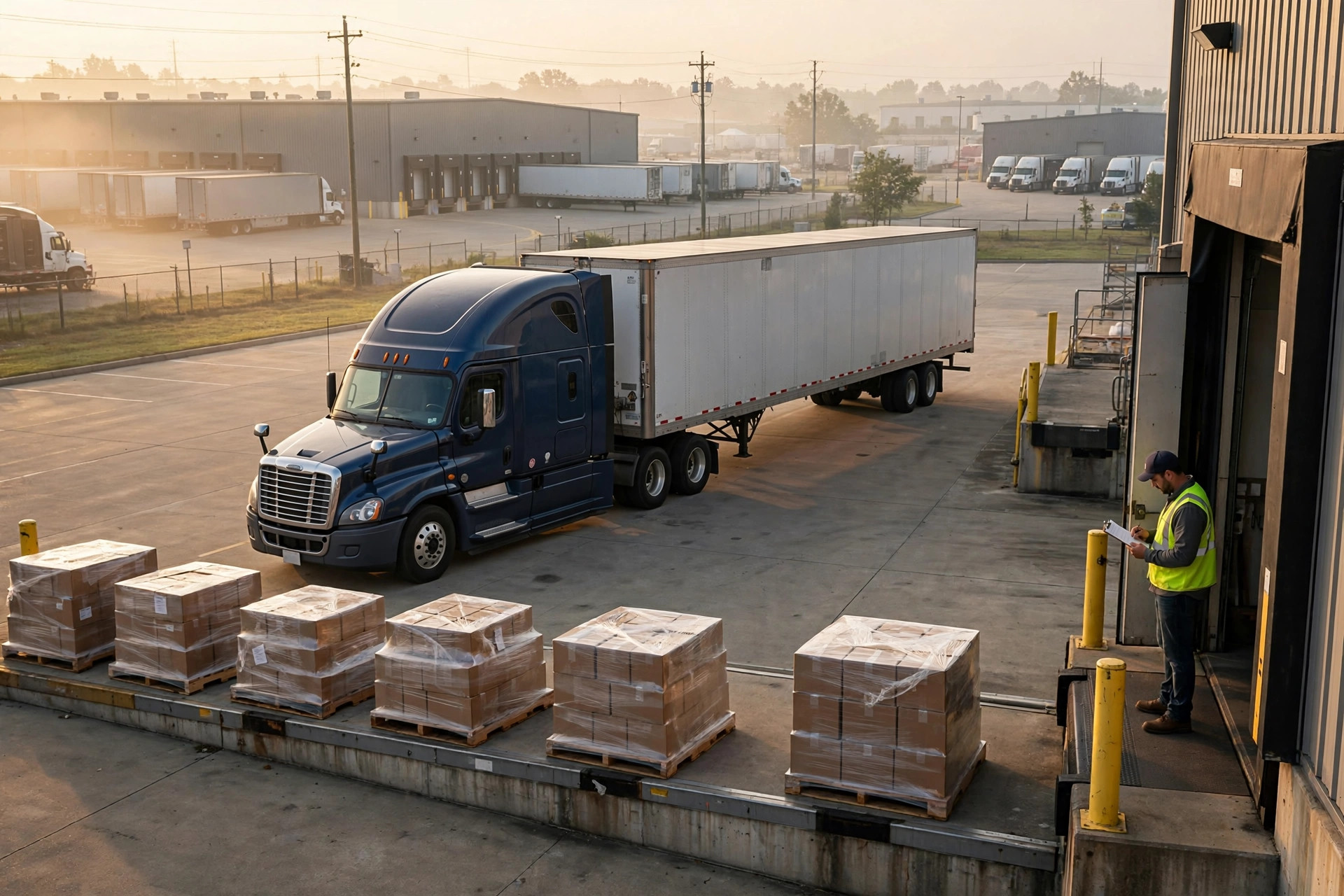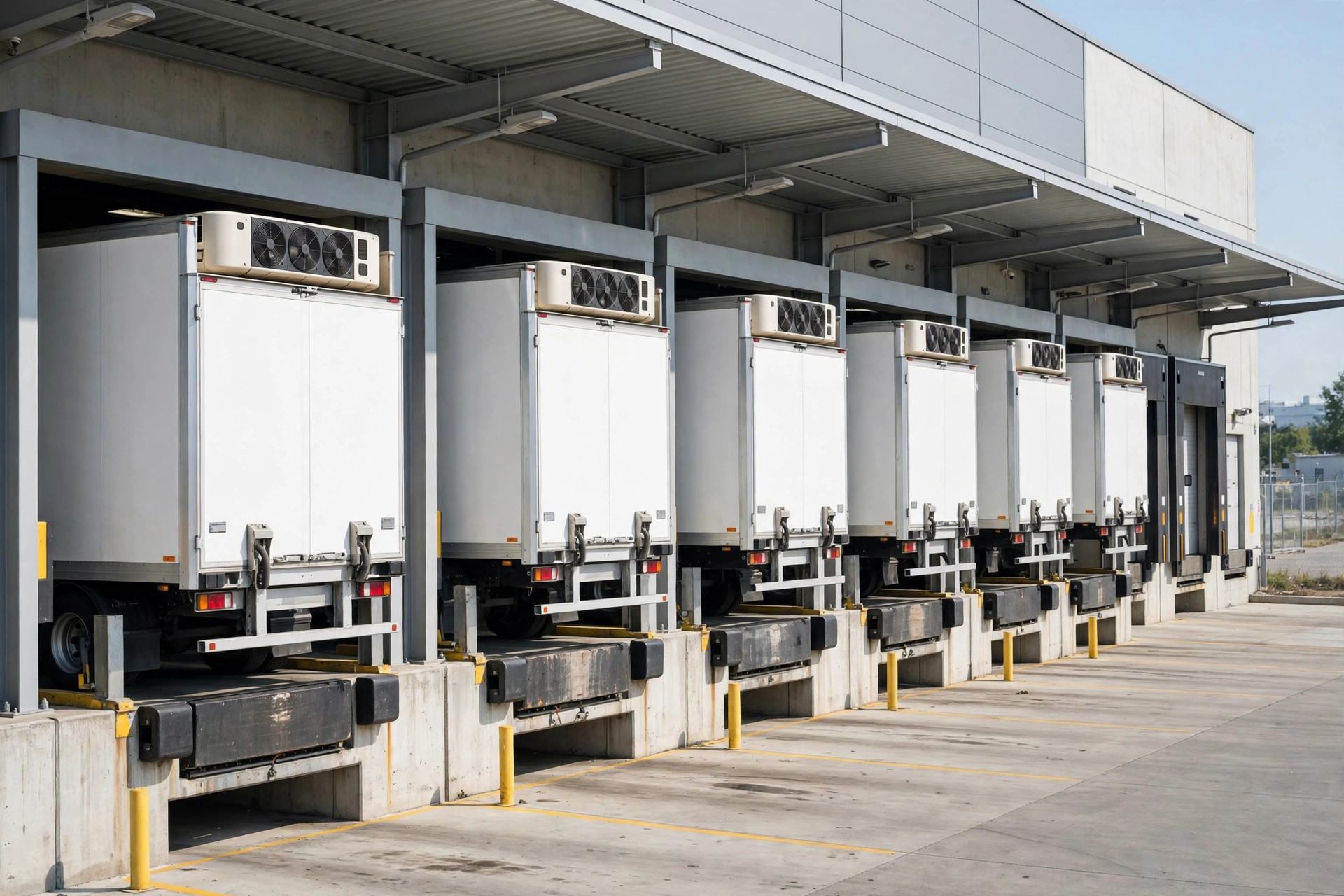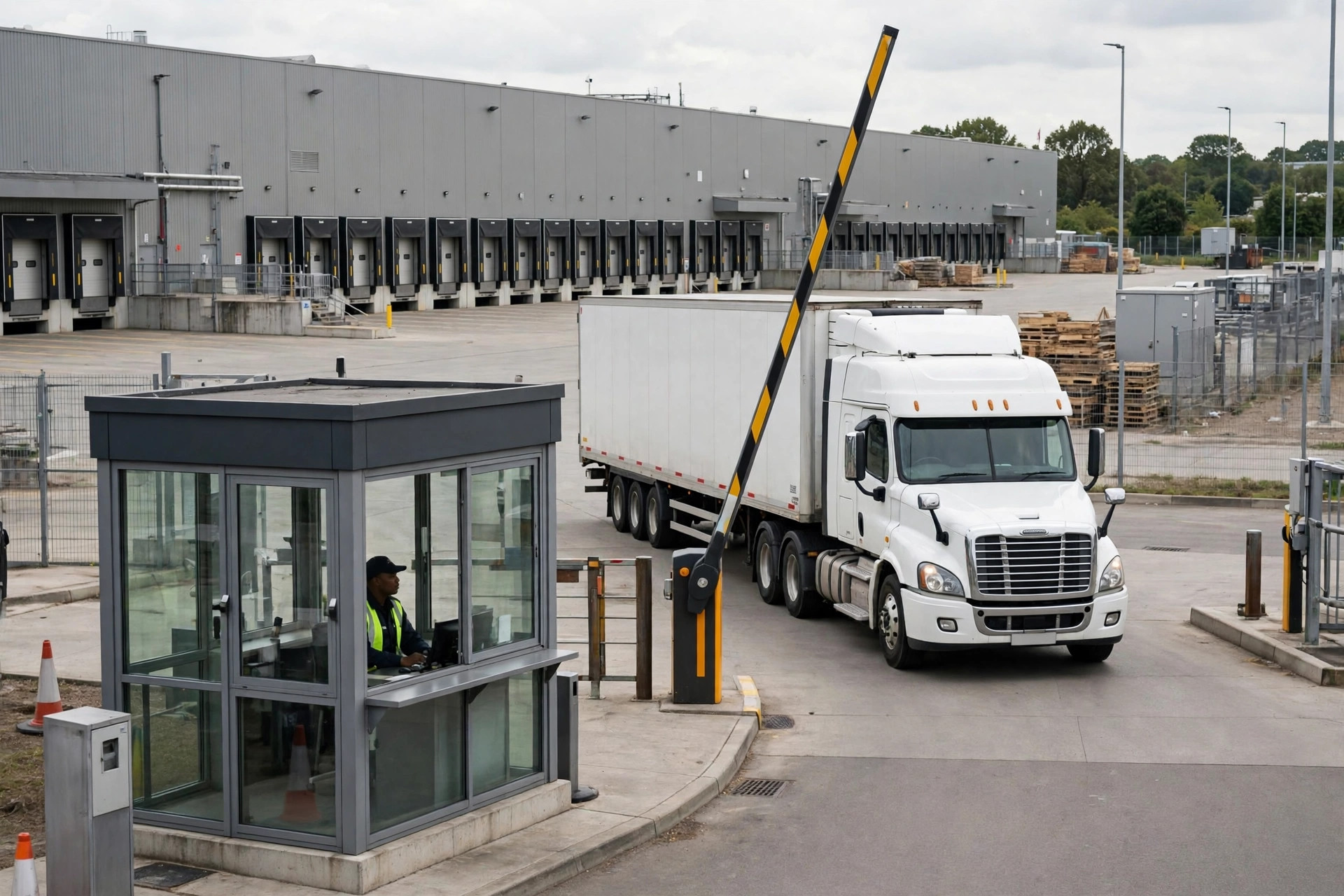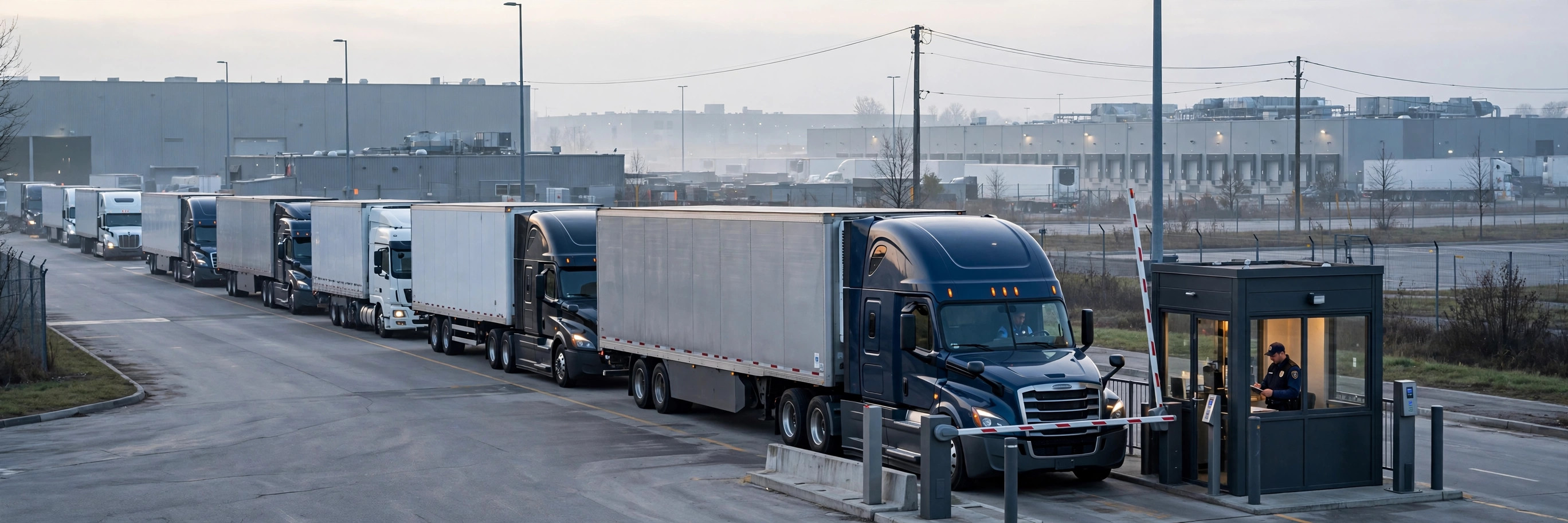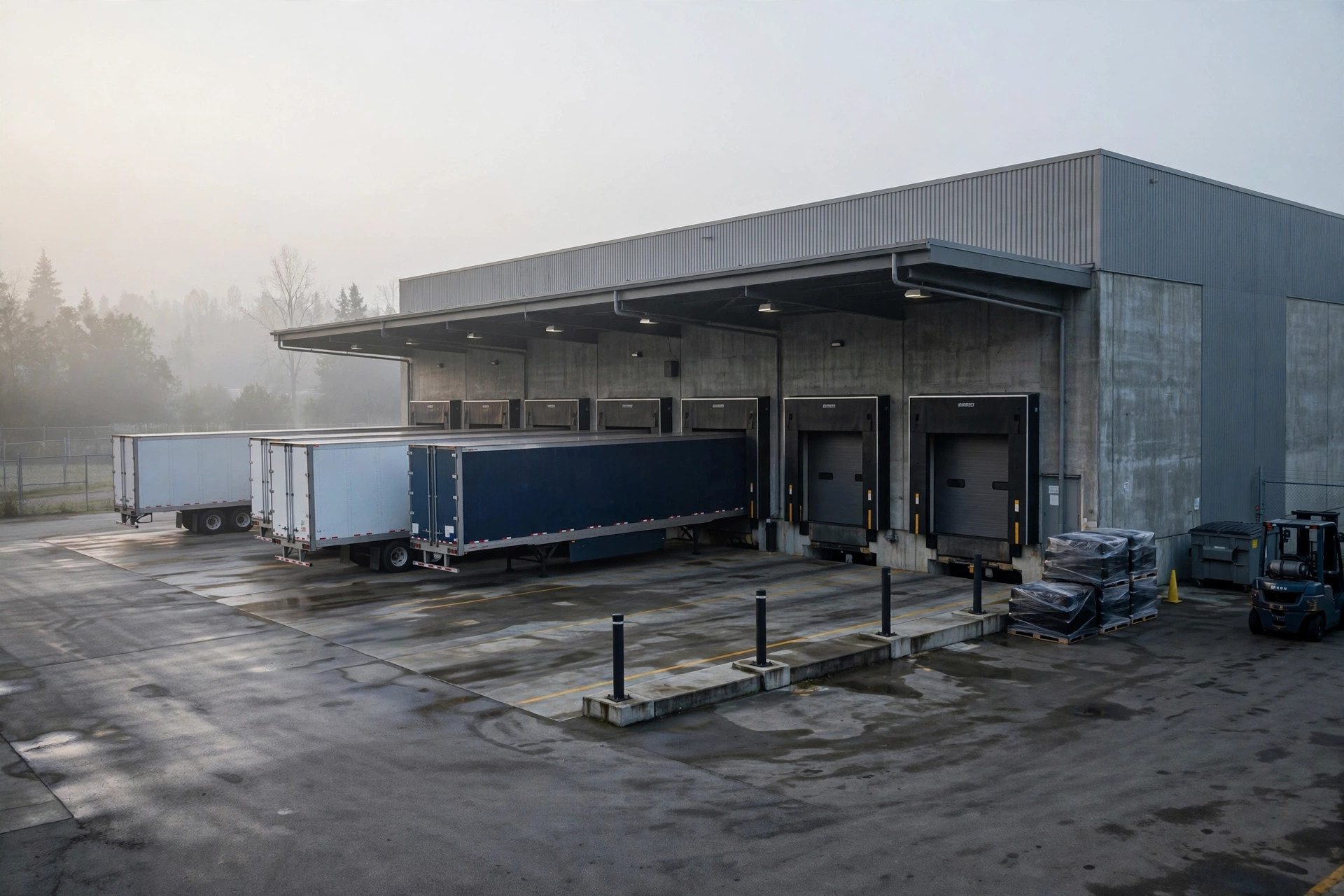
A 3PL in Mira Loma runs 40 dock doors for six clients. Last peak season, the ops manager vented to me: Client A had five trucks booked for 8 AM, Client B had three trucks booked for 8 AM — different doors, same window, sounds fine, right? Except A's loads averaged 40 pallets each and B's averaged six. A's trucks were still unloading at noon. B's drivers waited three hours at the gate, and one of them called B's logistics director directly to complain.
The biggest trap in shared-dock scheduling isn't "can't get a slot" — it's "got a slot but can't use it." What a dock can handle in a window depends on volume, labor, and equipment, not just the clock. When multiple clients share one dock pool, the appointment system has to manage down to the workload layer. Otherwise you're just issuing permits for conflicts.
First, do the math: how many pallets can a window actually absorb
Most YMS appointment modules manage the parking spot, not the freight. A truck books a door from 9 to 11, and the system treats that door as occupied 9-to-11. But whether that truck unloads 5 pallets or 50 makes all the difference in the world for dock capacity.
What I do is build a workload profile per client: pull the last three months and compute average pallets per truck and average load/unload time. Client A: 38 pallets, 2.5 hours. Client B: 8 pallets, 40 minutes. Once the profiles exist, the scheduling rule changes from "one truck per window" to "X pallet-equivalents per window."
Then group the doors by capability — doors near receiving with hydraulic levelers become "fast-unload doors," remote ones become "standard doors." Big-volume clients get scheduled to fast-unload doors first; small-volume clients fill the gaps. That Mira Loma site went from 90 to 120 trucks a day through the same 40 doors after the change, and the gate queue essentially disappeared.
Write the priority rules into the system — not the dispatcher's gut
Sharing docks across clients, the worst failure mode is the dispatcher "going by feel." Client A is the big account, so the dispatcher never dares to delay them — always first. Client C is small, always bumped to midnight. Works for a quarter; then Client C leaves.
Priority rules have to live in the YMS, public and auditable. My template has three tiers. Tier one: contract SLAs — if the contract says "unloading starts within 2 hours of arrival," the system auto-prioritizes it. That's a legal obligation, non-negotiable. Tier two: time sensitivity — outbound loads with a carrier cutoff (say, today's UPS cutoff) outrank inbound with no deadline. Tier three: client tier.
And always keep 10–15% of doors as a flex pool, never pre-assigned. There will always be surprise add-ons, drop trailers, equipment failures — the flex pool is the shock absorber. An appointment system with no flex pool shatters the day's plan at the first exception.
No-shows need consequences, or the schedule is wallpaper
An appointment system that can't handle no-shows is decoration. My penalty ladder is simple, three rungs.
Rung one: under 30 minutes late — the slot rolls, the door is held, but the truck goes into the day's flex pool with no guaranteed window. Rung two: more than 30 minutes late or a no-show — the appointment is void, rebook into whatever's left that day, which is usually the evening. Rung three: three no-shows in a month — next month that client's booking quota drops 20%, and the capacity goes to clients who show up.

The hardest part of this design isn't the design — it's enforcement. The first time you cut a big client's quota, sales will erupt. My approach: bring the data. Show how many extra hours Client B's drivers waited last month because of Client A's no-shows, and what that cost in detention. Data ends the argument. Shared docks aren't won on door count — they're won on rules. With rules that hold, 40 doors do the work of 60. Without them, 60 doors still jam every day.