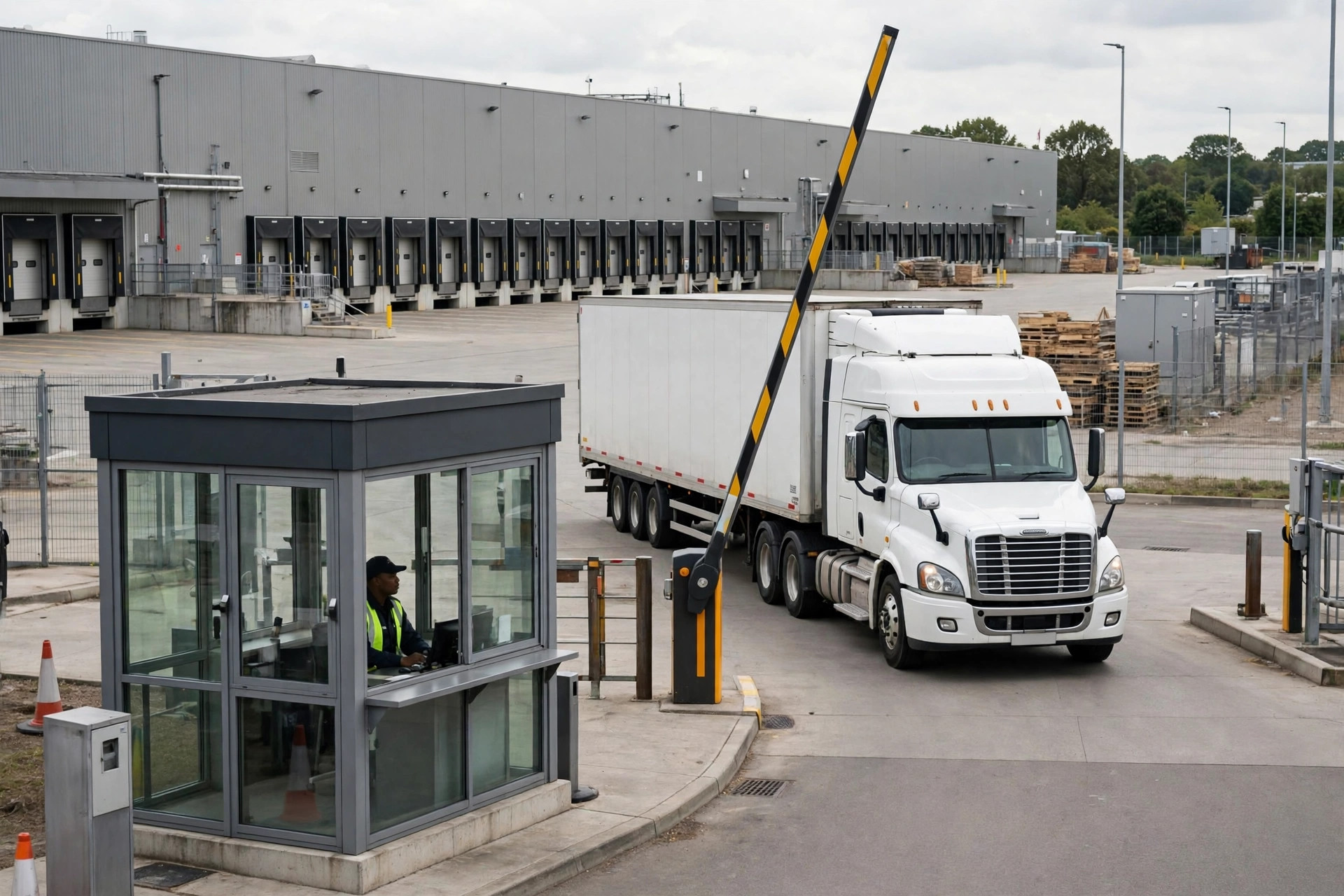
Bottom line first: auto-generating WMS receiving tasks from YMS appointments is 90% business-rule alignment and 10% API work. Nail the rules — one appointment equals how many receiving tasks, at what time granularity — and the API takes two weeks. Get them wrong, and two integrated systems still won't understand each other while drivers idle at the gate.
I watched this fail in person last year.
The Scene: The Truck Is Here, the WMS Has No Idea
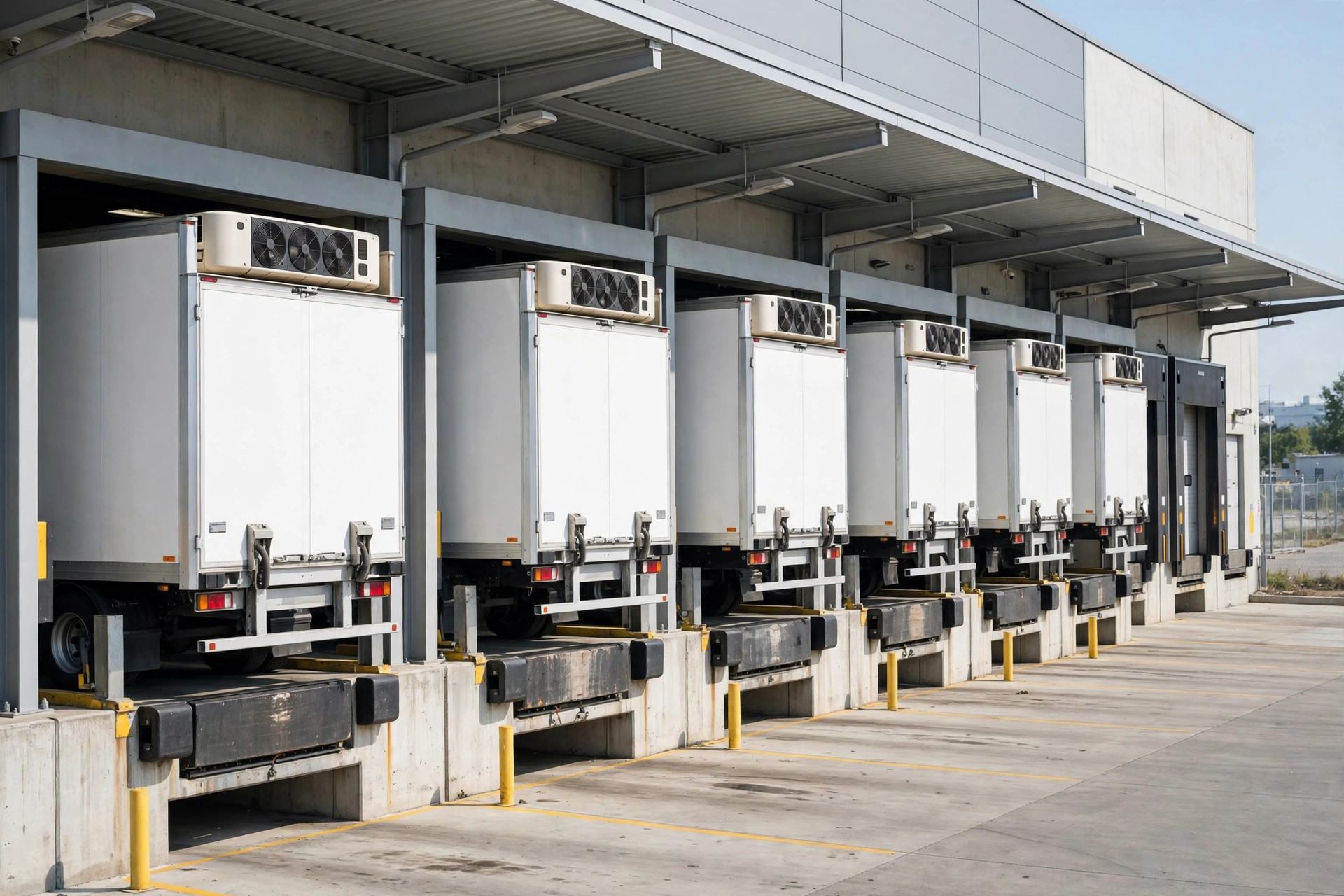
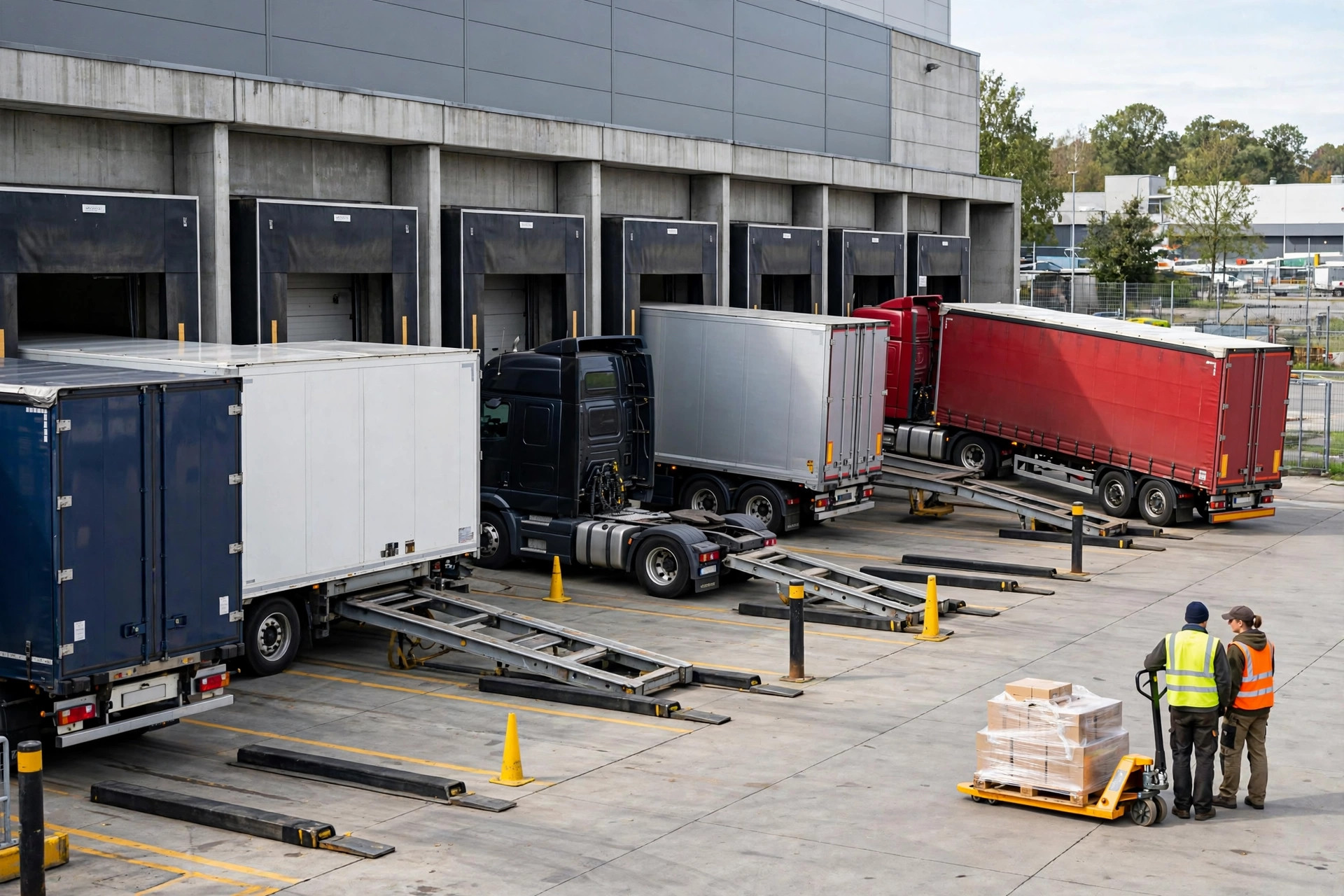
March 2025. I'm at a 3PL warehouse in Ontario — 80,000 square feet, 22 receiving dock doors, a YMS installed three years ago, and a mainstream WMS. Both good systems. They just weren't connected.
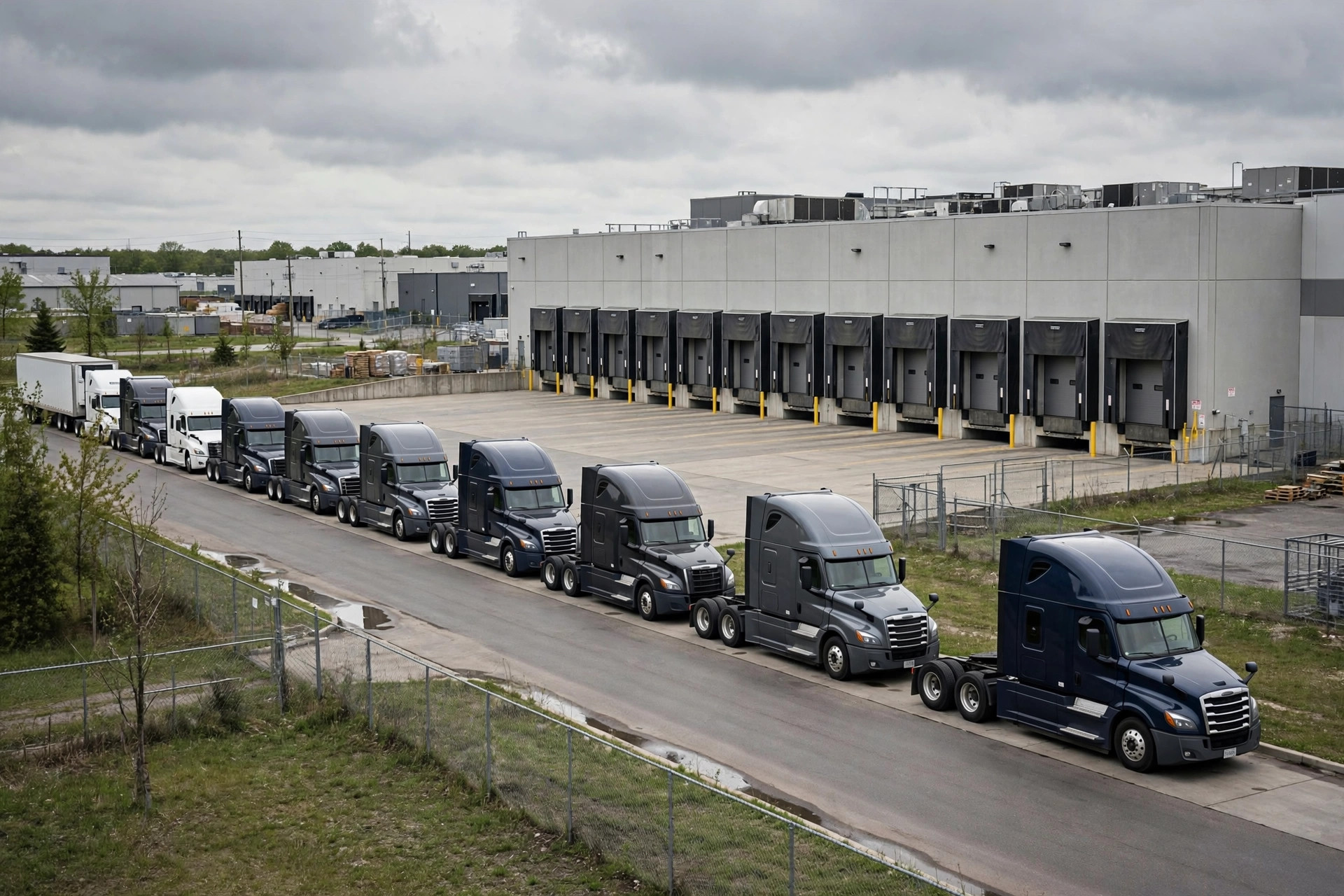
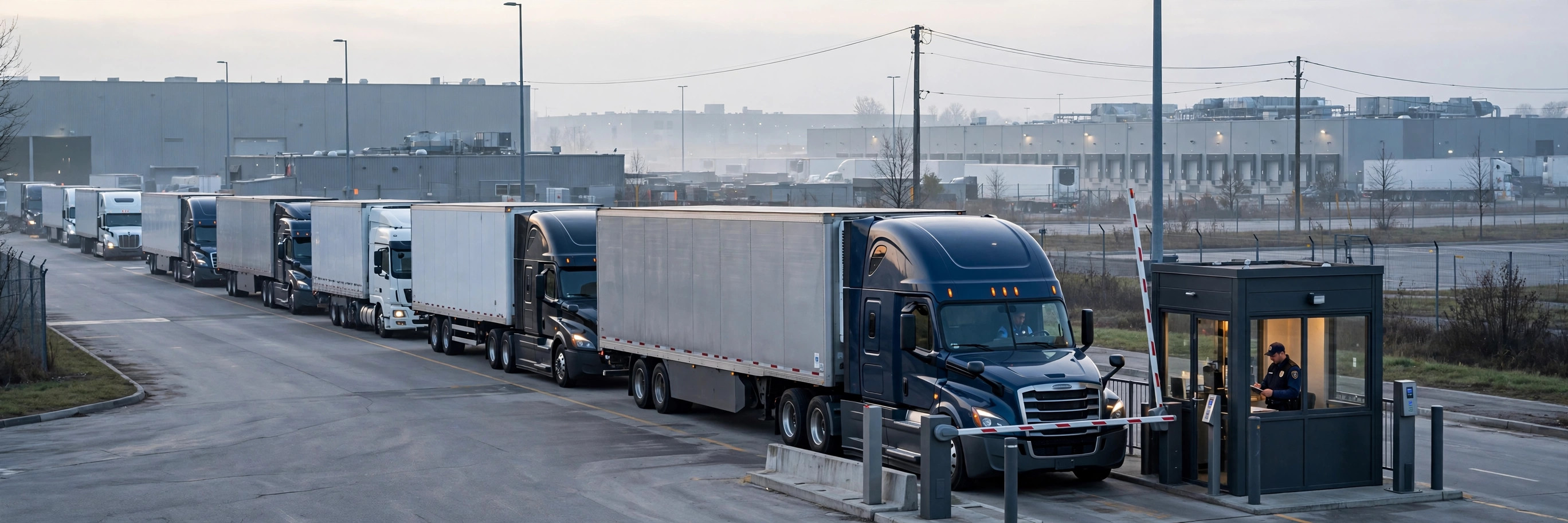
Tuesday, 2:00 PM. Six trucks on the YMS appointment board. At 2:40, the first truck scanned its plate at the gate and backed into dock door 7. The WMS didn't see this receiving order until 3:20 — because a clerk refreshed the YMS screen every half hour and manually created receiving tasks. For those 40 minutes, the driver sat in the cab, the receiving lead hunted for paperwork, and the ASN still said "expected arrival" — nobody had updated it to "on site."
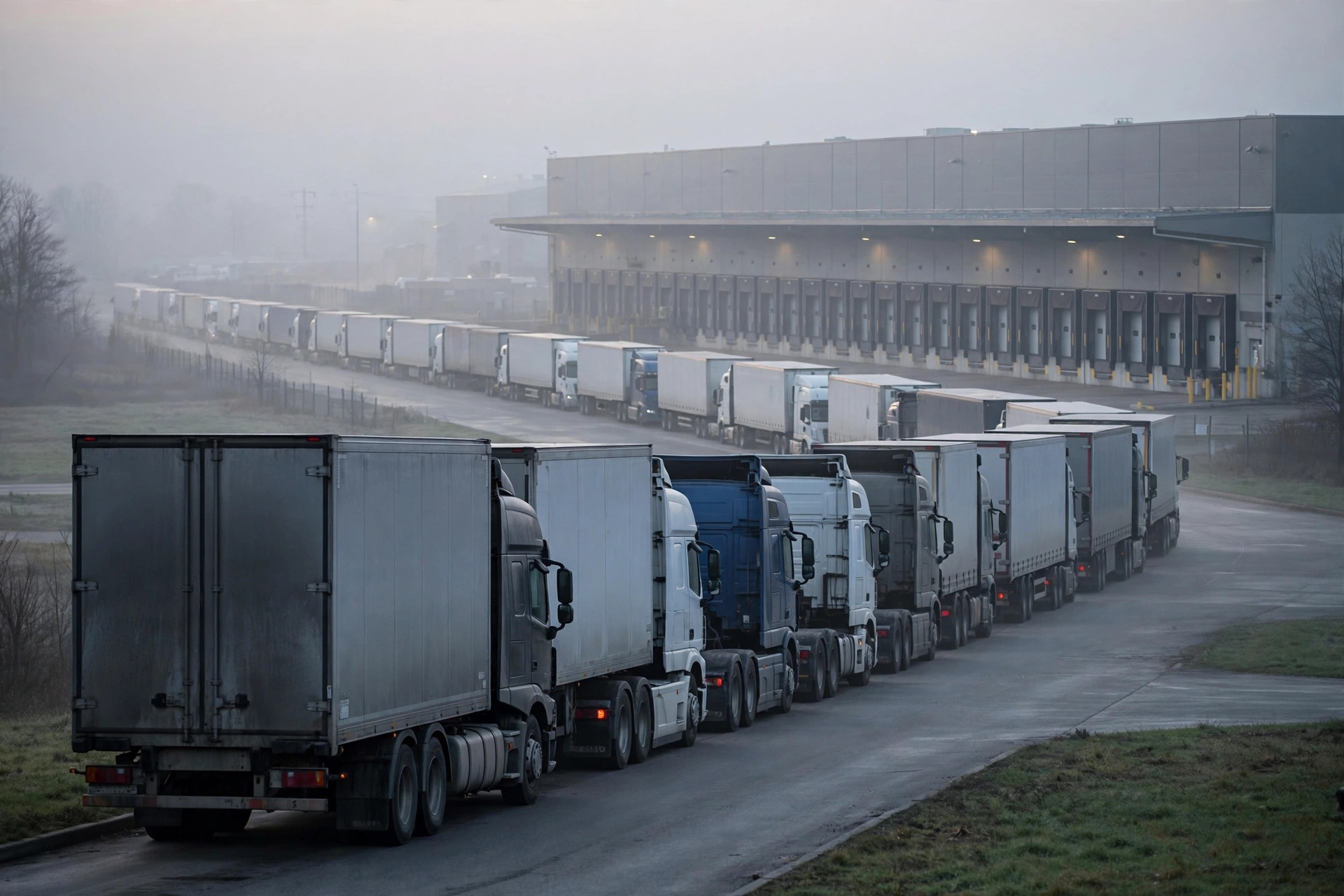
That afternoon, six trucks averaged 2 hours and 40 minutes between gate check-in and the start of unloading. That week the warehouse got a detention invoice: three trucks, billed at $60 an hour past the 2-hour free window — just under $800. Over $30,000 a month. Same script, three times — only the city and warehouse name change.
This isn't an edge case. An FMCSA study found drivers were detained on roughly 1 in 10 stops, averaging 1.4 hours past the 2-hour free period. ATRI's 2024 report: in 2023, drivers lost 135 million hours to detention at shipper and receiver facilities, with nearly 40% of all stops affected. If your YMS and WMS still pass messages by hand, you're contributing to that number.
Why: YMS and WMS Are Two Different Worlds
The disconnect points are structural. The YMS world is vehicles and time: appointment IDs, plates, gate-in times, dock doors. The WMS world is cargo and tasks: ASNs, SKUs, carton counts, receiving tasks, putaway.
Three things never line up on their own:
One: one appointment does not equal one receiving task. A full truckload can be one ASN — or a mixed load from three suppliers. The YMS says "Appointment A-2301, 14:00, door 7." The WMS needs three receiving orders with tasks assigned to receiving and QC. It's one-to-many, and it's the first thing every integration plan has to nail down.
Two: the time granularity doesn't match. YMS appointment windows run an hour or coarser; WMS labor planning runs on 30-minute beats. The YMS says the truck arrives at 14:00. The receiving lead's real question is: "2,000 cartons, two ASNs, two people for 1.5 hours — do I have enough hands on the 14:30 beat?" Information at the wrong granularity is useless.
Three: no status write-back. Even when appointments get pushed over, the WMS never tells the YMS "receiving is done, release this truck." The gate guard works the radio, and the trailer sits an extra 40 minutes as routine.
The 7-Step YMS–WMS Integration Playbook
This is the standard sequence I've run three times. Do it in order — don't skip steps.
Step 1: Audit appointment-to-ASN mappings. Produce a table.
Pull 30 days of YMS appointments and walk through each one: how many ASNs per appointment? How many suppliers? Full truckload or LTL? Cover at least 100 appointments. I've seen this pit three times: teams skip it, go straight to the API, and discover on day one that 30% of appointments are one-truck-many-orders.
Step 2: Unify the time granularity at 30-minute windows.
Change both the YMS appointment rules and the WMS receiving rhythm to 30-minute slots — "14:00–14:30," not "Tuesday afternoon." Pure business rule, zero code — but it's the foundation of the whole integration.
Step 3: Sign off on the field-mapping table.
This is the core deliverable. When an appointment pushes to the WMS, map it like this:
| YMS appointment field | WMS receiving task field | Notes |
|---|---|---|
| appointment_id | ASN / receiving order number | One-to-many: appointment ID goes in "source appointment" field |
| plate_number | Pre-registered plate | Gate scan auto-matches, no manual entry |
| time_window | Planned receiving start | 30-minute granularity per Step 2 |
| dock_door | Assigned dock | WMS may reassign by zone proximity |
| qty (cartons/pallets) | Expected receiving volume | For labor planning only, not hard validation |
| carrier | Carrier | Used for detention reconciliation |
| commodity | Zone pre-assignment | e.g., cold chain → cooler zone |
| status | Receiving order state trigger | Gate-in → create task; gate-out → close task |
Get the YMS owner, the WMS owner, and the receiving lead to sign this. Item one on my go-live-night checklist: a signed copy of this table. Verbal alignment doesn't count.
Step 4: Run one-way push for two weeks.
YMS → WMS only: when a truck scans its plate at the gate, a receiving task auto-creates in the WMS (status = pending) with appointment ID, plate, door, and expected volume. Two weeks. The goal is validating the mapping table and time granularity — nothing else.
Step 5: Add status write-back.
WMS receiving complete → writes back "receiving done" to the YMS, and the gate releases the truck. WMS exception (rejection/shortage) → "exception pending," truck holds. Once this is live, the guard's radio can basically retire.
Step 6: Automate detention reconciliation.
Join YMS gate-in/gate-out timestamps with WMS receiving start/complete timestamps and you have the complete vehicle dwell timeline. Past the 2-hour free window, the system computes what you owe (industry practice is $50–$100 an hour — check your contract). This is the step finance notices: the Ontario warehouse cut its monthly detention bill from over $30,000 to under $8,000 within three months of go-live.
Step 7: Run a month, then tune.
Pull no-show rate, early/late distribution, and door utilization. Any carrier that books 14:00 and shows at 16:00 three times running gets its appointment window automatically adjusted. Continuous, not one-and-done.
How Deep Should You Go: A Decision Framework
Not every warehouse needs all seven steps:
- Under 15 trucks a day: stop at Step 4. Low volume — one-way push solves "the truck is here and nobody knows." Write-back isn't worth the effort.
- 15–40 trucks a day: go to Step 6. Detention starts to hurt here, and automated reconciliation pays for itself.
- Over 40 trucks a day, or multi-temperature / multi-client: all seven steps. Appointment no-shows and door conflicts become the main problem — you need the continuous tuning.
Three Go-Live Disasters I've Personally Fixed
Disaster 1: One-to-many coded as one-to-one. November 2024, an apparel import warehouse in Tracy — 40 trucks a day in peak season, a third of them mixed loads. The API was written one-to-one. On day one, 13 receiving tasks had the wrong ASNs, and receiving stopped the line for two hours to fix orders by hand. Lesson: wherever "appointment" and "order" aren't one-to-one, the code needs those if-branches.
Disaster 2: The YMS appointment time is a plan; the WMS treated it as a promise. A truck booked for 14:00 showed at 15:30. The WMS created the task at 14:00 sharp and assigned a receiver, who waited at the dock for 90 minutes. The fix: trigger the push on "plate scanned at the gate," not "appointment created." Trigger on physical events, not on plan times.
Disaster 3: No idempotency on write-back, triple release. The write-back API got retried three times by the YMS. The WMS closed the same receiving order three times and the gate system thought three trucks had arrived. The fix: idempotency keys on every write-back endpoint (appointment ID + status as the unique key). Go-live-night checklist item: every write-back endpoint must be idempotent.
The Counter-Intuitive Take
Here's the part that surprises people: in this integration, the API is the least important piece.
Too many projects burn 80% of their time on interface tuning and retry logic — then find appointments and receiving tasks still don't line up. The real problem was never the API. It was the business rules: time granularity, the one-to-many relationship, the trigger timing. Get those three wrong and a hundred successful API calls won't help.
The correct order is always: align the business rules (Steps 1–3) → get one-way flow working (Step 4) → then talk bidirectional and optimization (Steps 5–7). The API is the last 10% of grunt work.
One thing you can do tomorrow: export 30 days of YMS appointments and count the one-truck-many-orders. If it's over 20%, your integration design has to be one-to-many from Step 1. That single number will save you from at least two of the three disasters above.
By Lin Xiao, WMS Implementation Consultant