Whether a warehouse should adopt a paperless picking method is not decided on a trade show floor. It is decided by your order profile. I have watched too many operations pick the hardware first and then hunt for reasons to justify it, only to quietly bring paper back three months later. This piece sticks to three questions: how the three approaches actually work, where the line between them falls, and what breaks after go-live.
How Each Paperless Picking Method Works
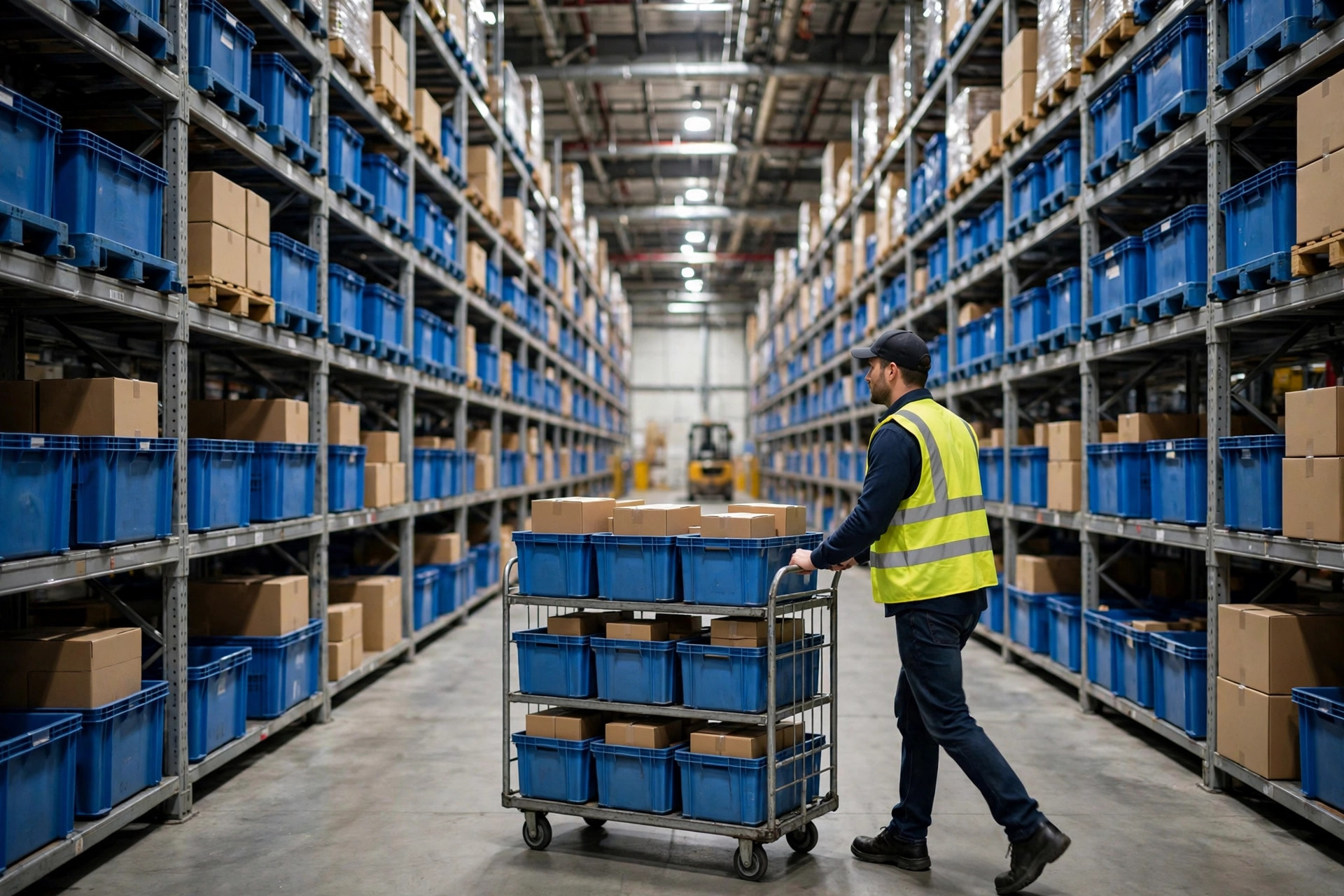
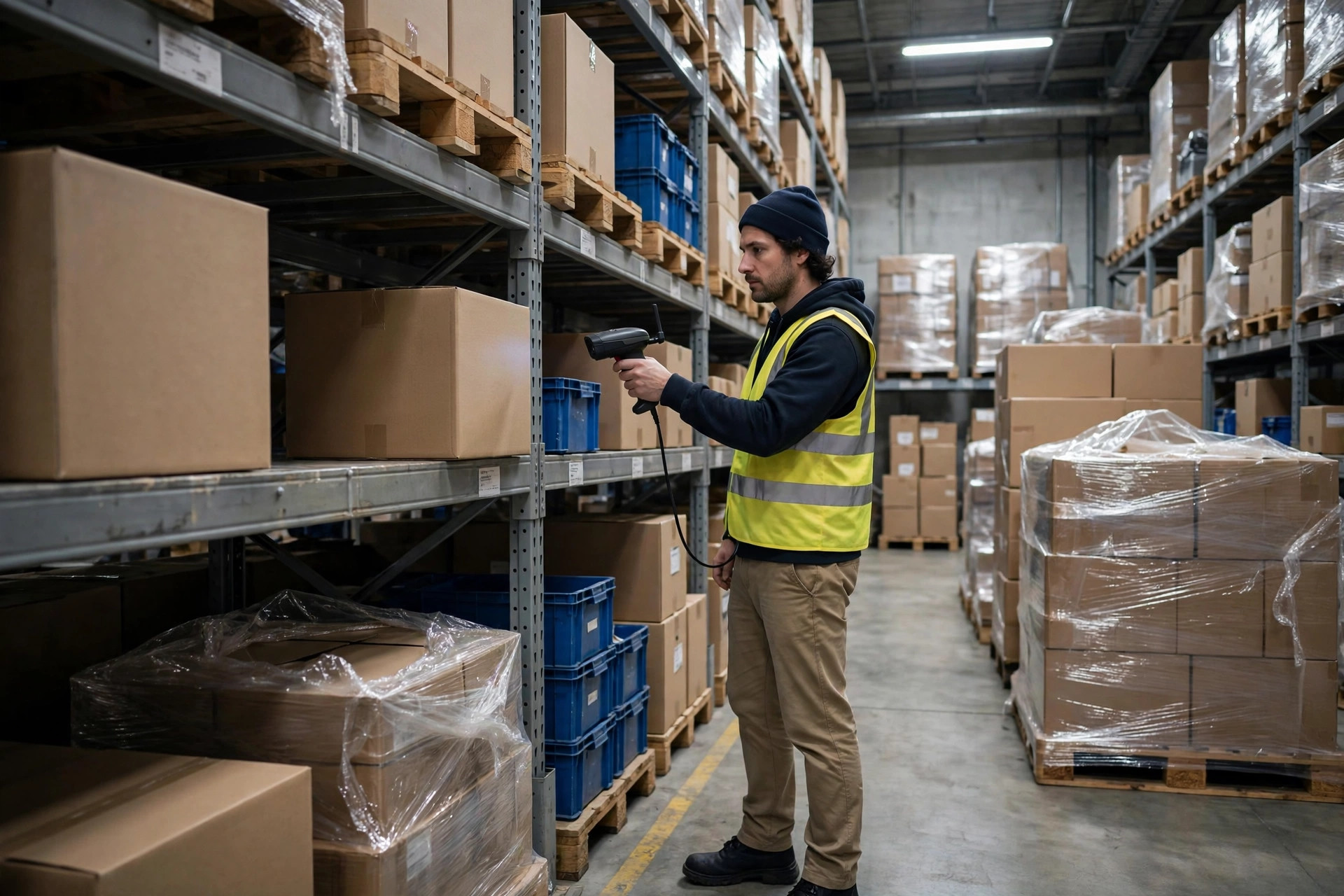
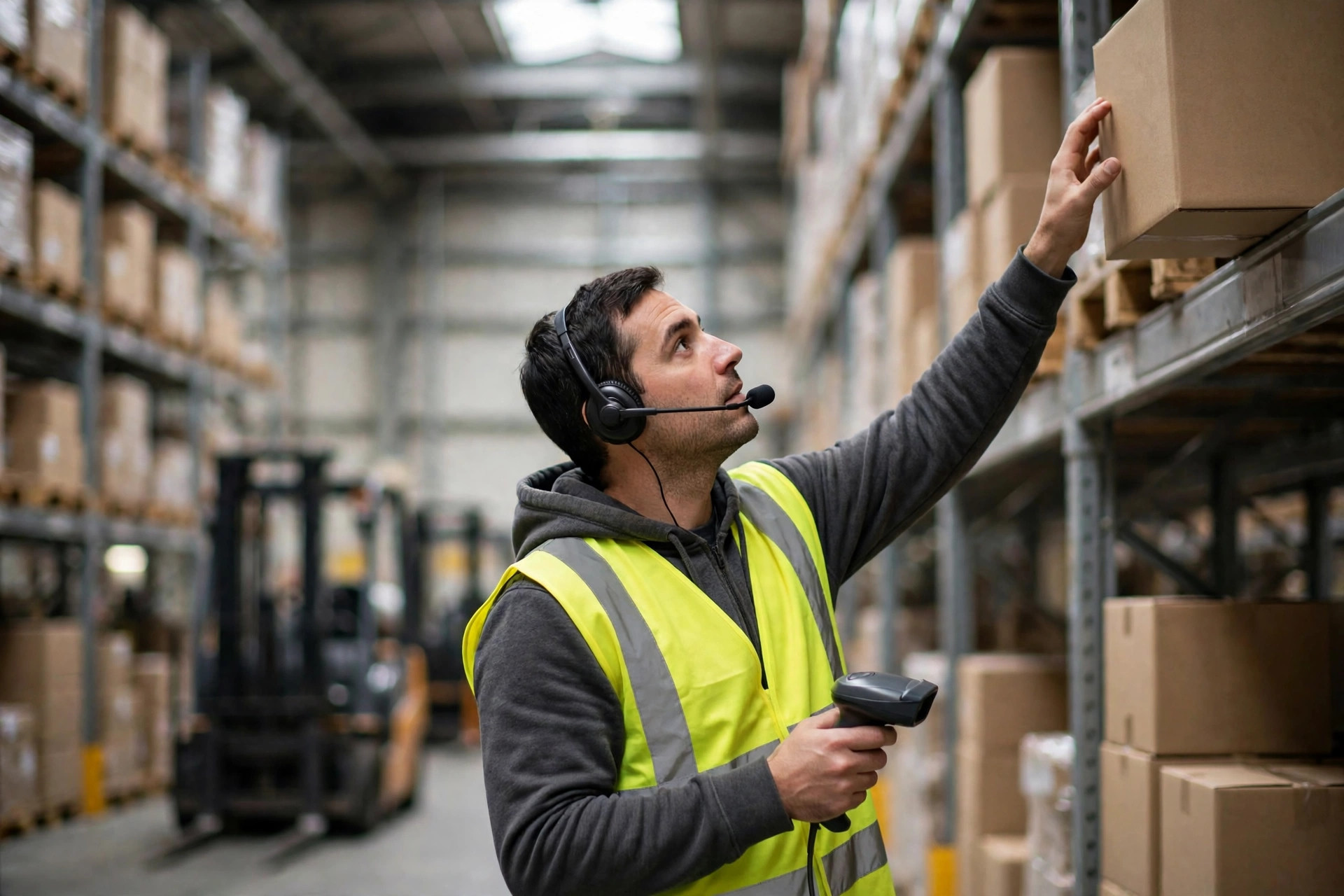
RF scanning is the most honest of the three. The picker walks to a location, scans a code, and the screen says how many to take; after picking, another scan confirms it. Think of it as driving with turn-by-turn navigation, where every step gets checked before you move on. Throughput here does not come from the device, it comes from walking distance and scan actions. In projects I have worked on, one picker typically completes 60 to 120 order lines per hour, and the spread is driven by travel, not by which terminal model you bought. Training takes half a day. Where products look alike and batch mix-ups are expensive, that scan confirmation earns its keep. The ceiling is just as plain: both hands are busy in sequence, picking, scanning, and placing, so speed tops out early.
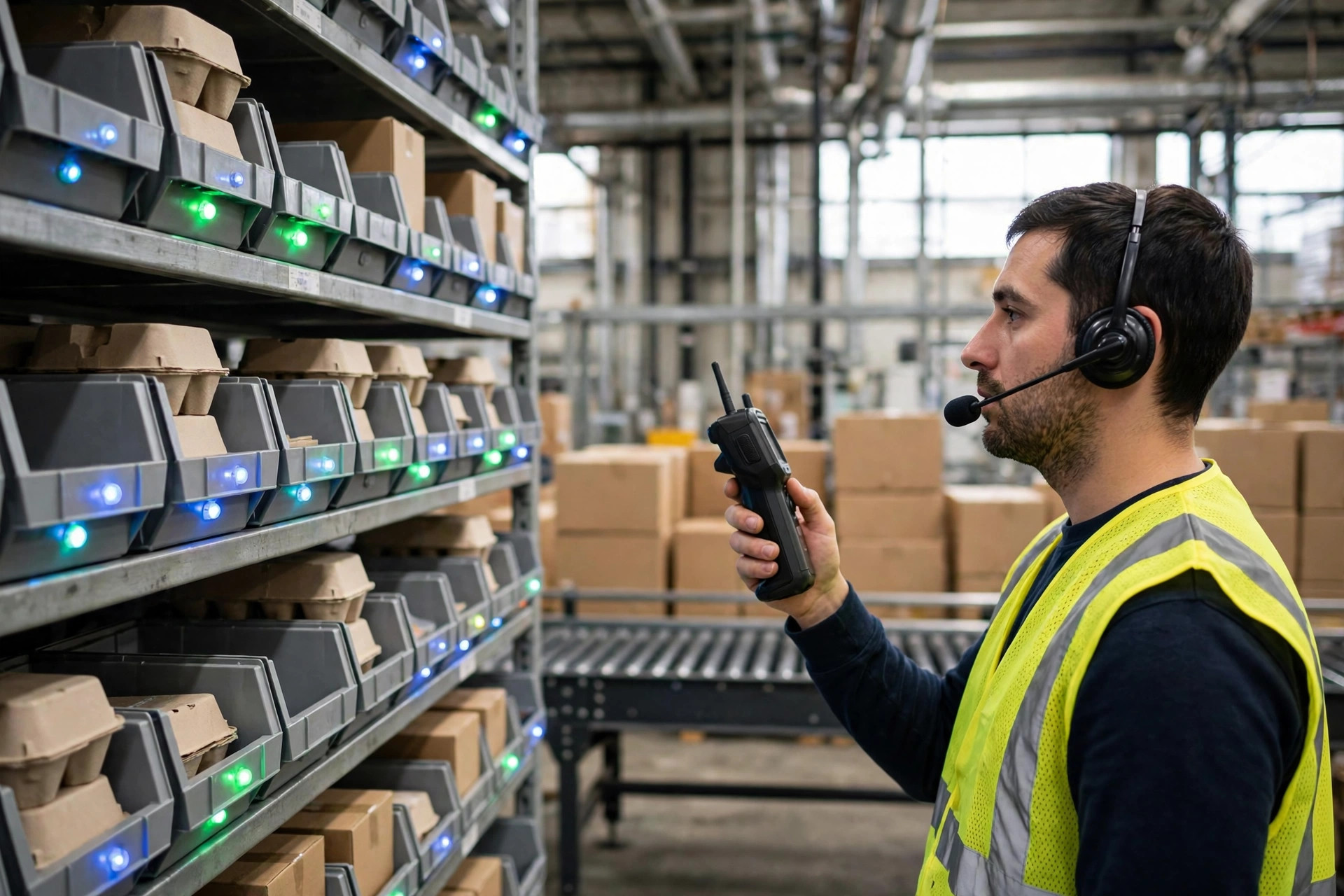
Voice frees the eyes and the hands. The headset calls out a location and a quantity, and the picker reads it back to confirm, with both hands on the product the whole time. You can think of it as moving the navigation screen into your ear. In the fall of 2023, a beauty warehouse in Jiaxing, Zhejiang, switched to voice because its orders were line-heavy, its items small, and its locations dense; pickers had been glancing down at screens hundreds of times a day, and necks and eyes were paying for it. Lines per person per hour moved from around 90 to around 130, and the error rate fell rather than rose. Voice has one weak spot, and it is the environment: in high noise, recognition wobbles, and a team with many accents or dialects needs real time for voice model training. In a cold store, talking through a mask into a headset microphone costs accuracy too.
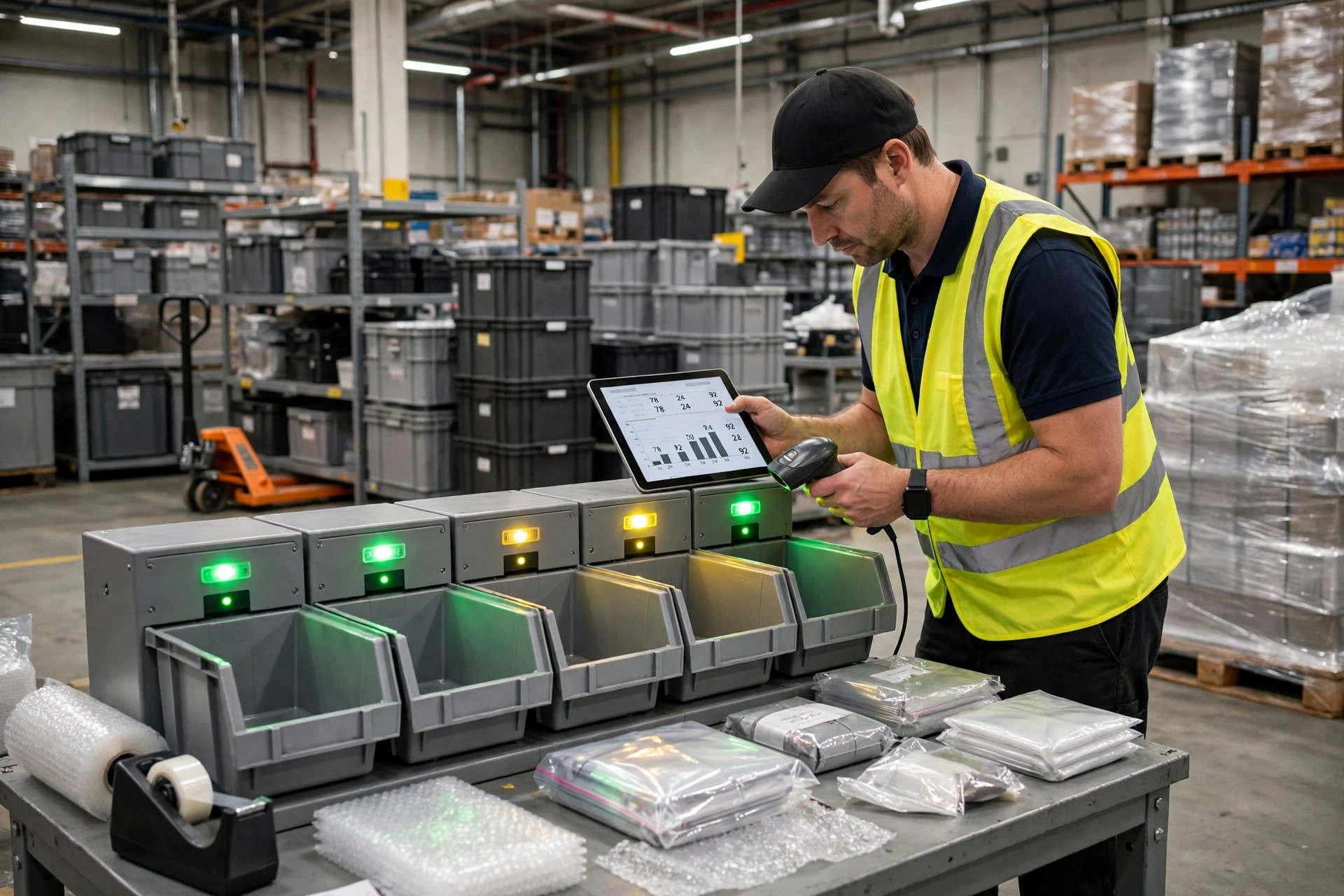
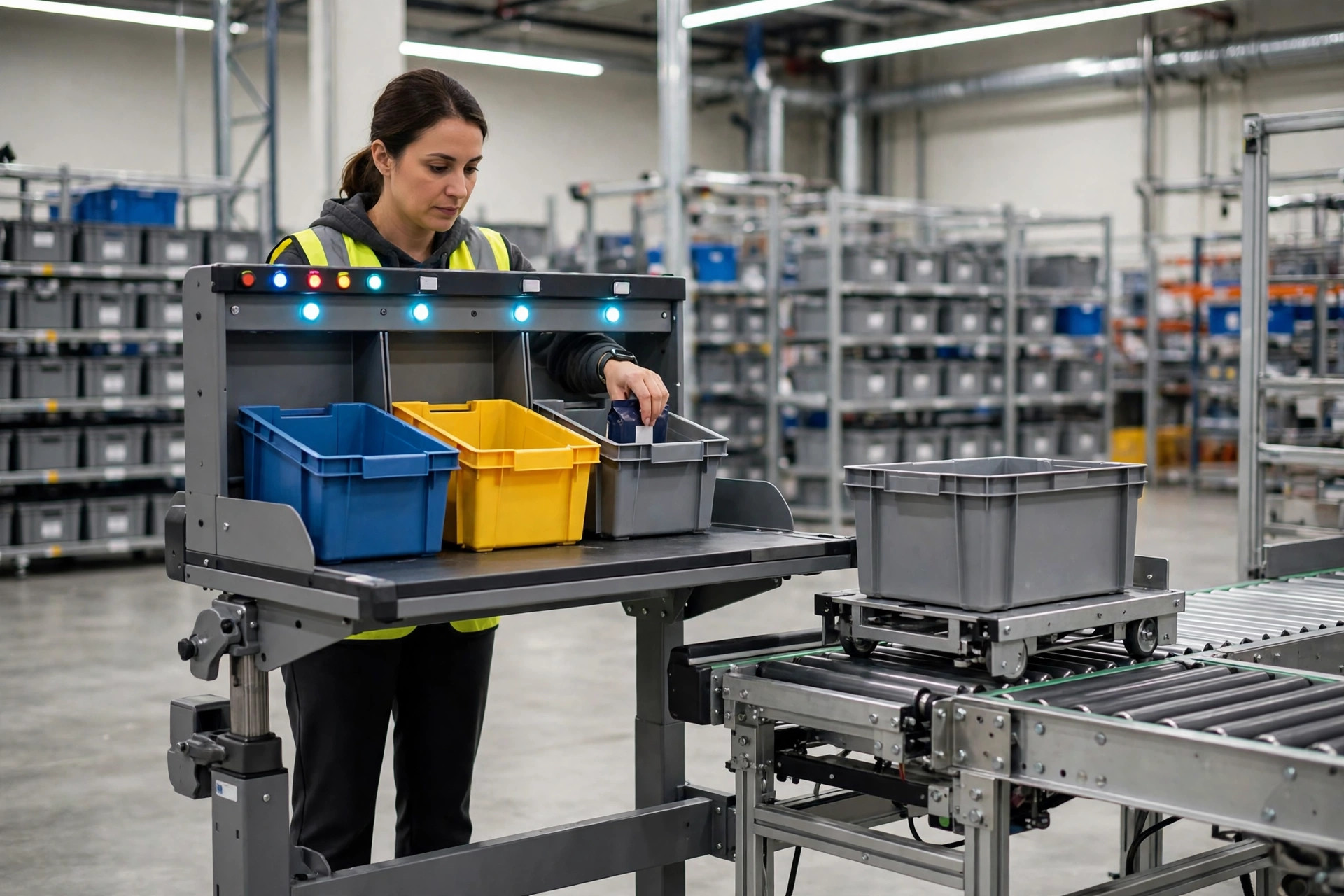
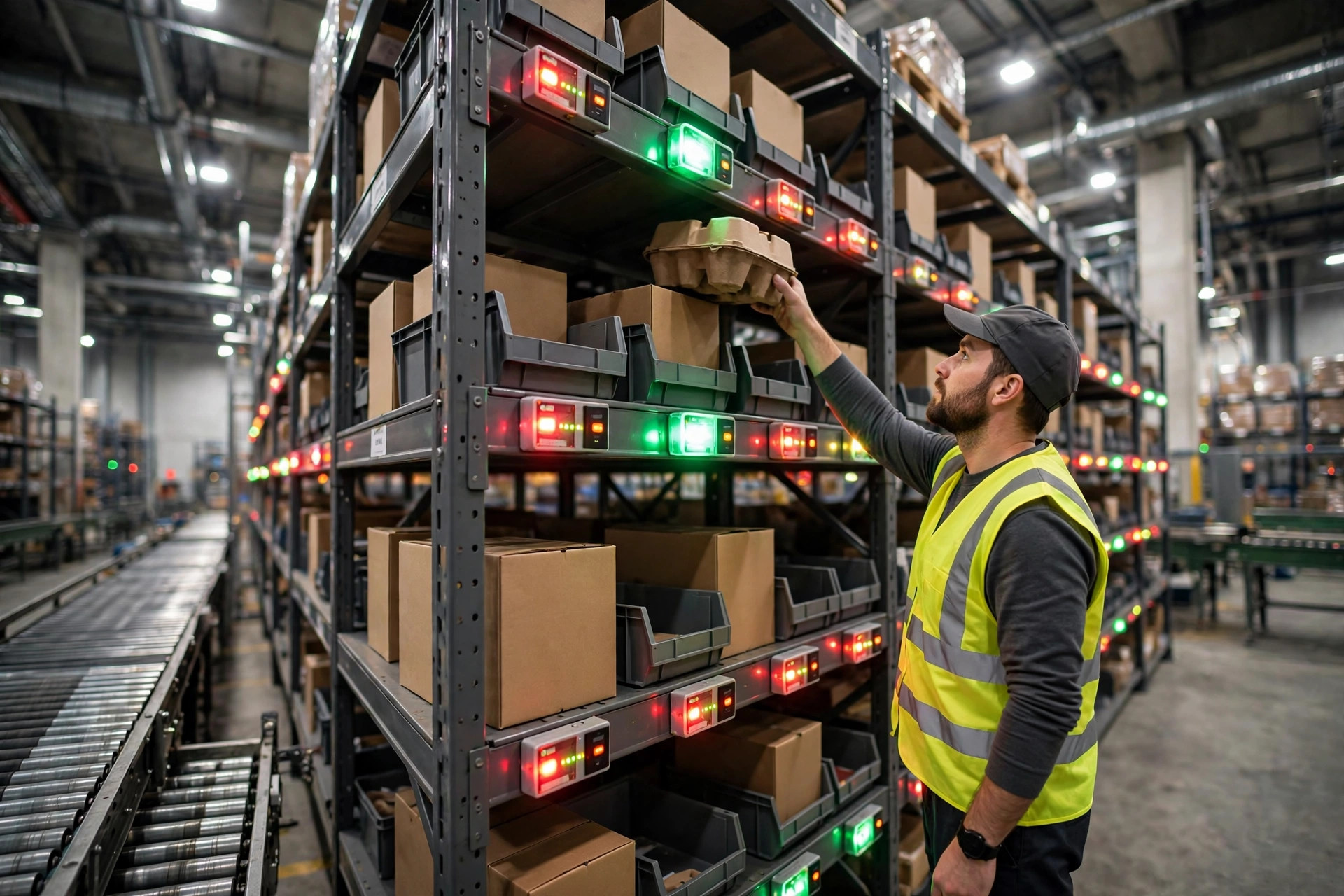
Light-directed picking works on a different logic. A light on the shelf glows, you walk to the glowing slot, take the quantity shown, and press the light to confirm. The eye does not hunt for a location, it hunts for a light, and speed comes from not having to think. It shines in small, dense split-case zones, a few dozen meters of rack facing a conveyor, hundreds of slots. The hard constraint is physical: lights are bolted to the rack. Move a location and the light, the wiring, and the controller all have to move with it. In a warehouse where the product mix turns over every few months, that rework eats whatever time the lights saved.
There is one more difference people underrate: how each approach confirms. Scanning is the strictest, voice read-back sits in the middle, and pressing a light is the easiest and the loosest. The more an error costs you, the further toward strict you should lean. The more fragmented and time-pressed your orders are, the further toward fast you should lean. That trade-off runs through the rest of this piece.
The Paperless Picking Method Decision Line
I select on four numbers: lines per order, SKUs in stock, one-way travel distance in the pick zone, and what one error costs. Below 5 lines per order, with mostly full-case orders, RF scanning is enough; voice and lights are overkill. Above 15 lines per order, with under 2,000 SKUs in a concentrated zone, lights start to win. High lines per order with scattered locations and long walks is where voice earns its price. Above 10,000 SKUs spread across zones, RF scanning is the most stable choice, because it needs no location rework, and temporary staff can be added fast.
| Factor | RF scanning | Voice | Light-directed |
|---|---|---|---|
| Lines per order | Best under 5 | Pays off above 10 | Fastest above 15 in a tight zone |
| SKUs in stock | No real limit | No real limit, allow voice training time | Best under 2,000 with a stable mix |
| Pick face | Scattered or large sites | Scattered or large sites, voice leads | Small, dense split-case zones |
| Error cost | Scan confirmation, strictest | Read-back confirmation, middle | Press-to-confirm, loosest |
| Change cost | Terminals plus WMS interface | Headsets, voice service, training | Light bars, controllers, wiring work |
In the spring of 2024, an auto parts warehouse in Foshan asked me to review a light installation that was not working. Nearly 40 percent of its SKUs had changed within a year, so lights and locations no longer matched, and pickers had started working from memory. Its error rate ended up higher than before the lights went in. Switching back to RF scanning, with voice added in one high-line zone, brought errors back below the old level within three months. The lesson is blunt: with an unstable product mix, lights are a false requirement, no matter how bright they glow.
Here is the counterintuitive part: the fastest approach is not always the cheapest approach. Lights post beautiful cycle times in a small, dense warehouse, but the bill includes shutdown installation, controller upkeep, and the labor of moving lights when locations change. Voice sounds the most advanced, yet in a loud or interference-heavy building, rework from misrecognition can eat more speed than hands-free picking saves. RF scanning looks the least exciting, and it has almost no environmental gate, which is exactly why it is the hardest to break in a warehouse with high staff turnover or a seasonal temp surge. Selection is not about picking the most advanced tool. It is about picking the tool least likely to fail in your building.
Before you price any of this, it helps to see why more warehouses are dropping paper tickets, because paper hides its cost in searching, checking, and rework, and the three approaches here are really three ways of buying that time back.
Maintenance: What Breaks After Go-Live
RF terminals fail on batteries and screens. Replace batteries after a few hundred cycles, on a schedule, not when a whole batch dies on a peak day. A cracked screen is not cosmetic: once the scan window is scratched, failed reads climb immediately. Voice fails on headsets and voice data: treat headsets as consumables and stock them quarterly, not yearly, and update the voice library whenever new staff, new accents, or new product names arrive, or recognition slides downhill so gradually that you will blame the pickers first. Lights fail on controllers and cabling: one controller drives dozens of lights, so one controller failure darkens a whole section, and the spare-part and swap routine has to exist before go-live, not after the line stops.
One more gate applies to all three: the WMS interface. Every approach pulls tasks from the WMS and sends confirmations back, so an interface hiccup hits the floor at once. Before go-live, run two tests: a disconnect-and-resume test, proving the floor can keep running when task downloads are interrupted, and a peak concurrency test, proving dozens of terminals reporting back at once will not queue the interface into timeouts. If either test fails, the go-live date is not real yet.
Worth It? Watch One Number
Do not judge the purchase on unit price. Judge it on cost per picked line: fold in depreciation, consumables, maintenance labor, training, and error rework, spread across every order line, and compare that against the paper era. Take the Jiaxing case: lines per person per hour rose from around 90 to around 130, rework time fell by roughly 20 labor hours a week, and once hardware and service were spread across lines, cost per line came in about 20 percent below the paper baseline. That number is what payback means. Run the same math on a warehouse averaging 3 lines per order and lights will not pay: the seconds saved per line never cover the depreciation on bars and installation.
So, is the money worth it? Watch one number: cost per picked line, down or not, and by how much. If it is down, buy it. If it is not, the prettiest hardware on the floor is still decoration.
By Da Liu, Automation Engineer