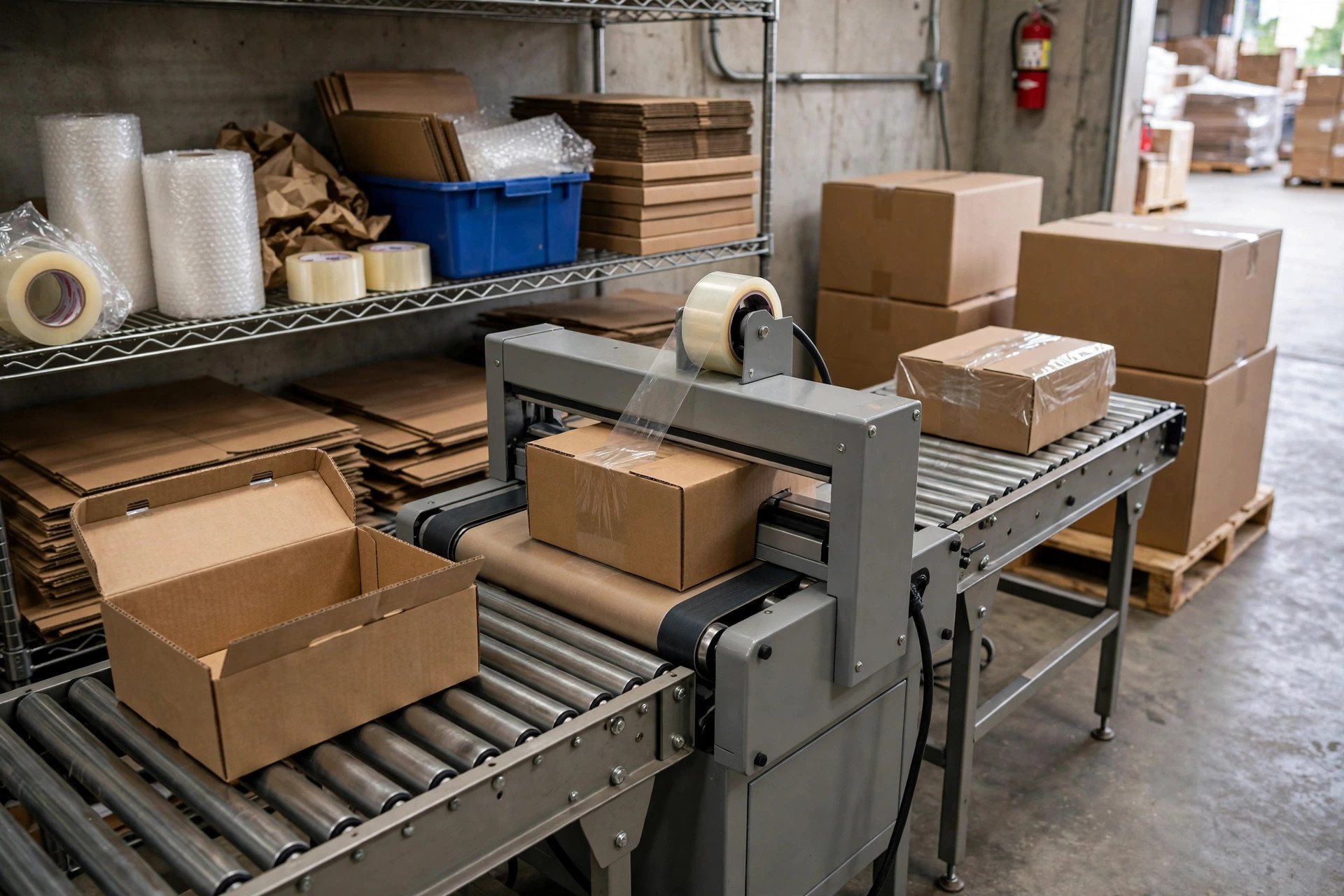
Conclusion first: a GS1-128 case label is not "good enough if it scans." It is a scannable data packet glued to the outside of the case. When the retailer's DC scans it, their system must immediately parse what is inside, how much, and which batch it belongs to. Get the data structure wrong and the barcode can beep all day without getting your cases accepted. I have seen this exact failure three times, and every time the labels were already printed.
What a GS1-128 Case Label Actually Carries
A retail DC does not care about the case number in your WMS. It reads the label on the case. One scan has to tell the receiving system whether the case can be put away, where it goes, and which purchase order it matches. Without structured data, receiving staff type everything by hand, and one mistyped digit sends product to the wrong slot. That is why retailers mandate one shared format: every supplier's label parses under the same rules.
In 2023, a 3PL in eastern China shipped to a retail chain using its own WMS case-number barcodes. The barcodes scanned fine in the 3PL's own warehouse, so nobody worried. At the DC, the receiving system could not parse an SSCC from the label and rejected the whole truck. More than 800 cases sat at the gate for two days while the team peeled labels, reprinted, and rescanned case by case. After that, the 3PL added one hard rule: before any shipment leaves, labels get tested against the retailer's parsing rules. Scanning in your own system does not count.
How to Build a GS1-128 Case Label, Step by Step
Four steps: confirm the spec, encode the data, print, verify. Skip one and you will redo the rest.
Step 1: get the retailer's label specification. Every retailer differs: label size, placement, which application identifiers are mandatory, minimum barcode grade. Do not guess from experience. Ask for the current version of the spec, print it, and pin it beside the packing station. Specs get updated; last year's version is void.
Step 2: encode the data. The heart of GS1-128 is the application identifier (AI): the two-to-four digits in parentheses that tell the system what the following string means. The ones you will use most, per GS1's official definitions:
| AI | Meaning | Format |
|---|---|---|
| (00) | SSCC, the case's unique number | 18 digits |
| (01) | GTIN, product identifier | 14 digits |
| (10) | Batch / lot number | Up to 20 characters |
| (21) | Serial number | Up to 20 characters |
| (310x) | Net weight in kg, x = decimal places | 6 digits |
| (15) / (17) | Best-before / expiration date, YYMMDD | 6 digits |
| (37) | Count / quantity | Up to 8 digits |
The most important field is the SSCC: one code per case, never reused on another case. SSCCs are built from a company prefix plus a serial reference; follow GS1's official allocation rules rather than inventing your own prefix scheme.
Step 3: print. Thermal printers are the usual choice, and a dirty printhead or low darkness setting drops your barcode grade fast. My rule: print one test label at the start of every batch, scan it, and check the parsed result against the human-readable text before running the batch. Re-test whenever you change ribbon or label stock; different consumables print differently.
Step 4: verify. Verification is not "it beeped." Check every parsed field: the SSCC resolves in the system, the GTIN matches the physical product, batch and quantity match the packing list. Keep one verified sample label on file. When something goes wrong, that sample is your evidence.
In 2024, on go-live night at an export warehouse, test scans passed and the first production batch failed at the DC on a handful of cases. The cause was dust on the printhead: barcode edges came out fuzzy, readable at close range by a handheld scanner but not by the DC's long-range scanners. A new printhead, higher darkness, and a reprint fixed it. Since then my checklist has one more line: printhead cleaning and the test label go in every shift handover log.
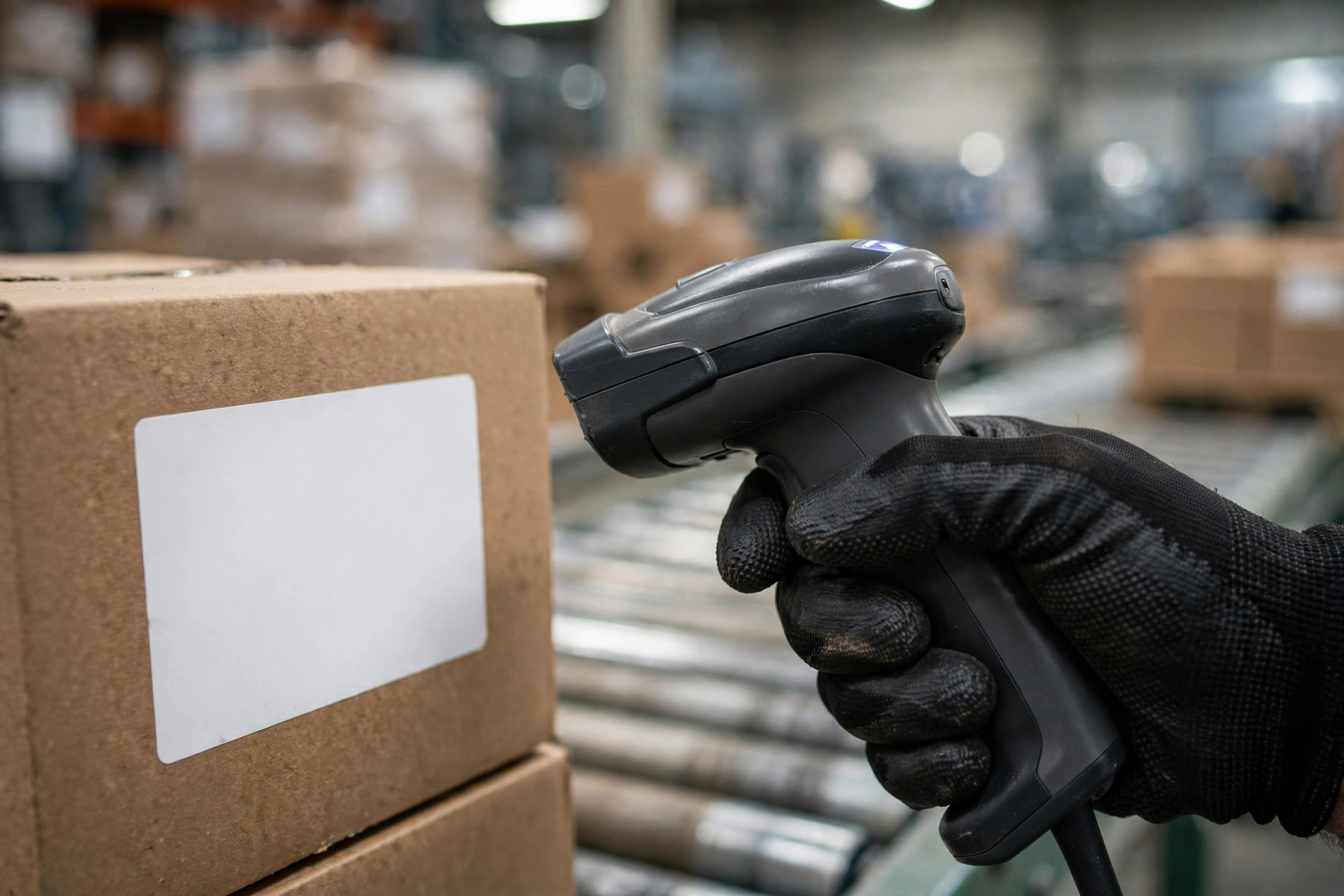
Go-Live Night Checklist: When a Case Will Not Scan, Check in This Order
- Spec: are you on the retailer's current label spec? Old specs are void.
- Parse: scan three cases and read every parsed field. A beep is not proof.
- Print: is the printhead clean, is the darkness right, did the test label pass?
- Placement: is the label in the right spot, straight, with no crease across the barcode?
- Data: any duplicate SSCCs? Do batch and quantity match the packing list?
The counterintuitive part: more information on the label is not better. Some warehouses print everything they can think of, afraid of leaving something out. Every extra field is another chance to get it wrong, and the DC parser can fail on data it never asked for. Print exactly what the retailer requires, no more, no less. And remember the split: a barcode that scans is not the same as a compliant label. The beep only proves the print is clean. The structure is a separate check. Test both, or you will pay for a round trip.
Now the rework math. One reworked case takes at least three actions: peel the old label, print a new one, rescan to verify. A thousand cases means three thousand actions, more than two people finish in a day, plus truck waiting time and a second delivery. One extra minute of verification at the packing table saves a day of waiting at the DC. You do not need exact cents to see the direction: the earlier you verify, the cheaper it gets. Chargeback amounts follow each retailer's current policy, so I am not quoting figures here.
Before you seal the case, scan it standing in the receiver's shoes. Match the parsed result against the packing list line by line, then seal and ship. Five minutes now saves a truck coming back.
By Lin Xiao, WMS Implementation Consultant