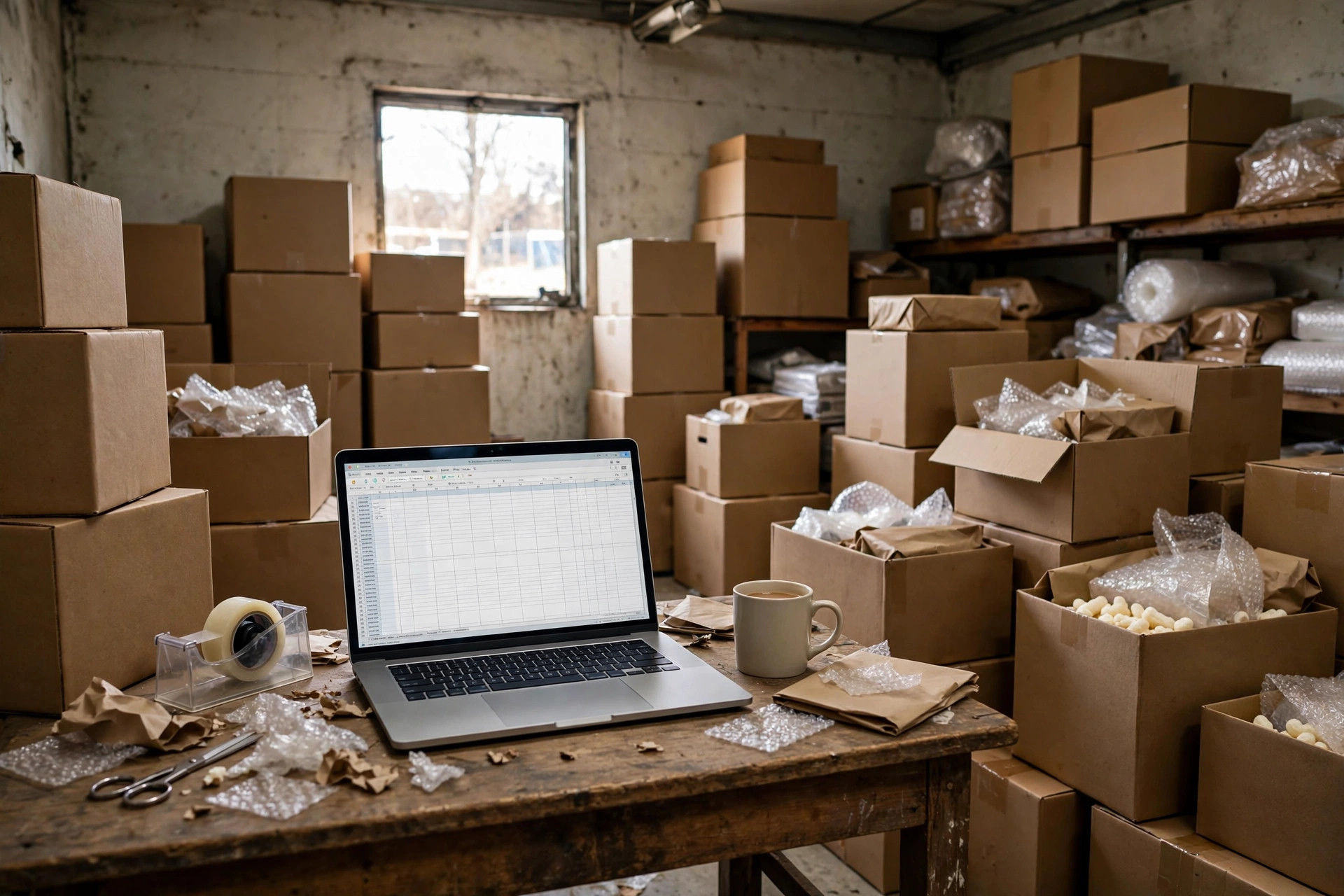
One of our clients — an auto-parts e-commerce seller in Shenzhen — ran his entire warehouse on Excel in 2023. It started beautifully: 3,000 SKUs, one spreadsheet, one sharp girl handling inbound, outbound, and stock. Two years later they had over 20,000 SKUs, and the inventory file had swollen to seventy or eighty thousand rows, nearly 200 MB. A week before the November 11 shopping festival, she told me the file took five or six minutes just to open, froze on every filter, and eventually wouldn't open at all. Past eleven at night, the boss called me: "Susan, the warehouse can't ship tomorrow. You have to save me."
Midnight rescue calls like that don't surprise me anymore. I've signed over a hundred warehousing contracts, and I've watched this exact Excel collapse play out more times than I can count. Here's the truth up front: Excel doesn't crash because of the software. It crashes because of the process. Excel has no bin-location concept, no FIFO, no permission control. Three people editing one file at the same time turns your stock count into a guessing game. The order clerk changes a row, the cycle-count person never refreshes, the warehouse picks from the old sheet, and nobody knows anything shipped wrong until a customer complains. That's not Excel's fault — you handed a spreadsheet a job that belongs to a system.
Where Excel Warehouse Management Really Hits Its Ceiling
Bosses always ask me: "Susan, give me a number — how many rows can Excel handle?" My answer usually disappoints them: there is no such number. I've seen five thousand SKUs run fine on Excel, and twenty thousand rows turn into a daily fire drill. The ceiling isn't about row count. It's about three things.
First, one SKU, one location. Excel tracks "how many" just fine. It cannot track "where." Once you pass a thousand SKUs across dozens of aisles, finding stock depends entirely on the veteran picker's memory. He calls in sick one day, and half your warehouse stops. That's not a data-volume problem — Excel simply has no location dimension. In a spreadsheet you can write "200 units of SKU-A left," but you can't write "150 units at bin A-03-2, 50 units in the returns inspection zone." The bigger the inventory, the more picking becomes a lottery.
Second, concurrency. One person on Excel is a magician. One person entering orders, one doing counts, one handling after-sales — three people opening the same file — and conflicted copies pile up fast. The worst client I saw had over forty files named "inventory (FINAL) (really final).xlsx" in a single month. Month-end reconciliation made people cry.
Third, traceability. Change a number in Excel and nobody knows — who changed it, when, why, all on the honor system. In a system that's called an audit log. In Excel it's called trust. Trust is the most expensive cost there is.
Here's an insider detail from the sell side while I'm at it: when a 3PL quotes you, a client running on Excel gets a quietly higher operations fee in our heads. Same order volume, systemized client versus spreadsheet client — the quote can differ by well over ten percent. Why? Because every exception is manual: mismatched counts get investigated order by order, mispicks get intercepted by hand, customer service digs through three files to answer one tracking question. You think Excel saved you the system money. It all comes back in the ops fee, plus endless finger-pointing. Next time you get a quote, ask: "Does this exception-handling line get cheaper if I have a system?" Watch the sales rep's face. That'll tell you I'm right.
The Three-Tier Line: Excel vs. Lightweight WMS vs. Full WMS + BI
Here's the table I've drawn for clients a hundred times:
| Dimension | Excel still holds | Time for a lightweight WMS | Time for full WMS + BI |
|---|---|---|---|
| Inventory rows | Under ~20k rows | ~20k–100k rows | 100k+ rows |
| SKU count | Under 1,000 | 1,000–5,000 | 5,000+ |
| Daily orders | Under 100 | 100–500 | 500+ |
| Crash signal | Minutes to open, filters freeze | Wave picking doesn't reconcile, stock can't be found | You need replenishment forecasting, multi-warehouse transfers, dashboards |
Note: the crash signal beats the row count. If your file already takes minutes to open, start talking to vendors now — don't wait for the holiday peak. The day Excel dies is the most expensive day to migrate: freight is sitting in the warehouse, orders keep coming in, the new system isn't built yet, and you're throwing bodies at the problem by hand.

The Insider Clause: On Excel, Your Contract Protections Silently Expire
In 2024, a 3C accessories trader in Dongguan was doing 300+ orders a day, planning pick waves in Excel. Month-end full count: the books didn't match reality, dozens of high-value SKUs missing. The boss wanted our 3PL to pay up. I pulled the contract: the inventory-variance clause only kicked in above a 2% discrepancy rate — and, crucially, only system data counted. Excel didn't qualify. He'd been running his books on a spreadsheet, which meant that compensation clause was dead on arrival. Nobody reads that line when signing. Everybody remembers it when things go wrong.
This is what the sell side won't volunteer: 3PL pricing and liability terms assume you have a system. On Excel, half the clauses that protect you quietly stop working, and when there's a dispute, "inconsistent data sources" is all it takes to shut you down. The contract says "per system inventory." No system, no evidence.
And here's the math. One mispick: reship freight, return pickup, customer-service back-and-forth — easily ten dollars a pop. Two hundred orders a day at a 1% error rate is two bad orders a day, and a few thousand dollars a month going up in smoke. That money would cover a lightweight WMS subscription for a quarter. I've run this calculation for clients many times, and Excel loses every time. Excel is free. Bad orders are not.
There's a hidden ledger too: manual reconciliation. That Shenzhen auto-parts girl spent two to three hours a day reconciling spreadsheets — sixty, seventy hours a month, close to a full-time salary a year burned on matching cells. Spend that money on a system and it pays for itself by year two. Most bosses never see it because the time comes in fragments — two hours a day feels like nothing until you add up the year.
The Counterintuitive Part: Excel's Problem Is That It's Too Convenient
Here's the contrarian take: Excel's problem isn't that it's outdated. It's that it's too convenient. Convenient enough that you keep borrowing against your process — "this works for now," "just add a notes column," "Xiao Wang, reconcile it manually." Every shortcut felt cheap at the time. When the bill comes due, it's principal plus interest. The textbook example is cycle counting: in the Excel era you shut the warehouse down for half a day once a month; with a system, daily cycle counts happen in passing. The whole shutdown ritual disappears.
And one more contrarian line: the best time to switch systems is while the business still works. Negotiate the system, migrate the data, and run a pilot six months before you need it — that's the cheapest path. Wait until it collapses, and every dollar is emergency-room pricing.
Next Time You Negotiate a Contract, Ask These Three Questions
Question one: How long is implementation, and who migrates the historical data? Seventy thousand rows of Excel history — data cleansing, SKU master setup, bin-location coding. Does the vendor take that on, and is it billed? Get it in the contract. Plenty of vendors stay quiet about it during quoting, then charge per person-day at implementation. It'll give you a heart attack.
Question two: Can we pilot in one small warehouse, one category first? Never flip the whole warehouse at once. How is the pilot priced, and can you walk away if it fails? A vendor willing to put pilot terms in writing usually has real confidence in their implementation.
Question three: My data — what format does the export come in, and who owns it? If you ever switch systems again, can you take your inventory, orders, and tracking history with you, complete? Don't ask this now, and it becomes the vendor's moat later — your data locked in their system, and you can't leave even if you want to.
Excel is a fine tool. It carried plenty of small warehouses through their earliest days. But roads get longer, and eventually you need a different vehicle. Just don't wait until 11 p.m. to call me — by then I can save your warehouse, but I can't save your books.
By Susan, 3PL Sales Director