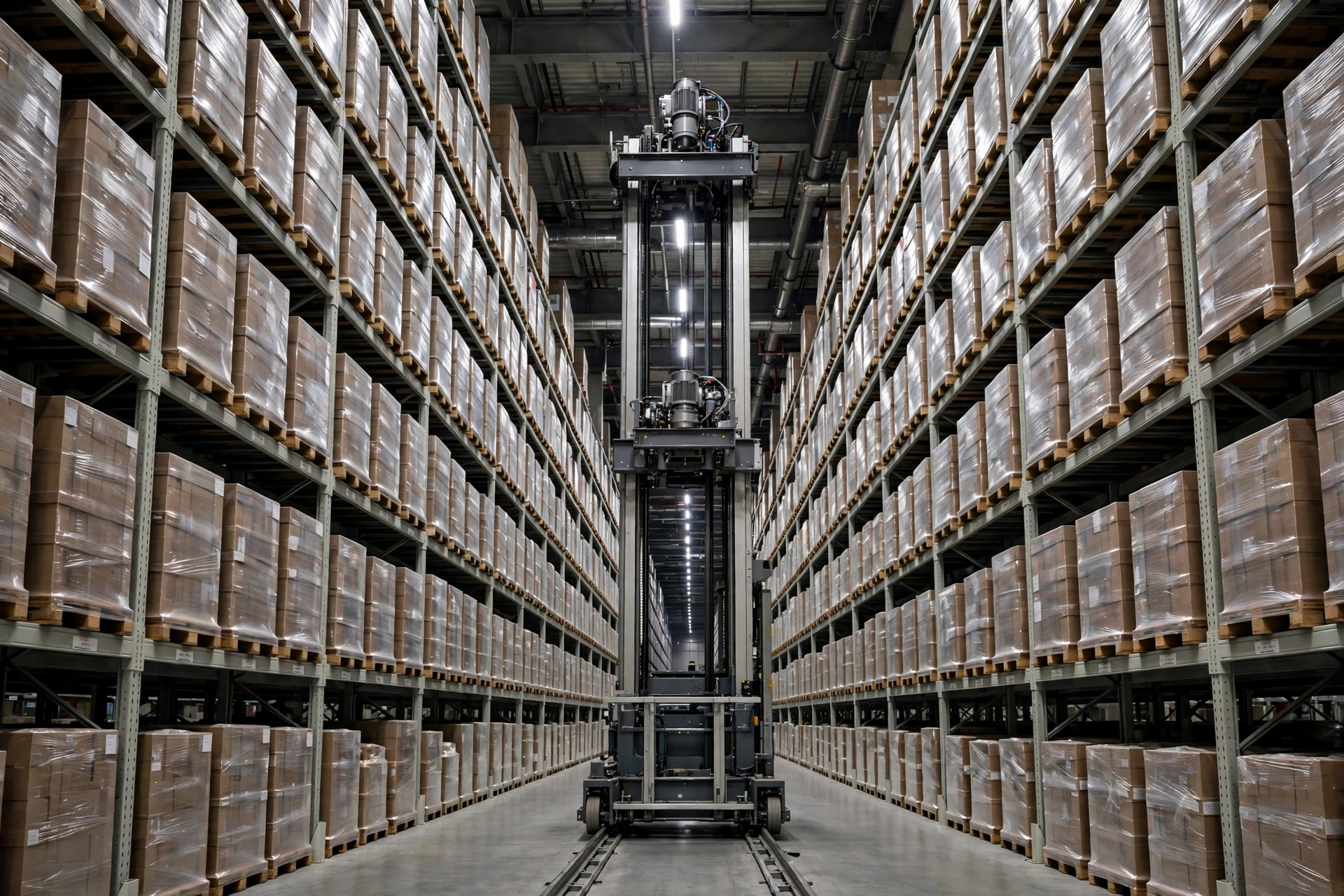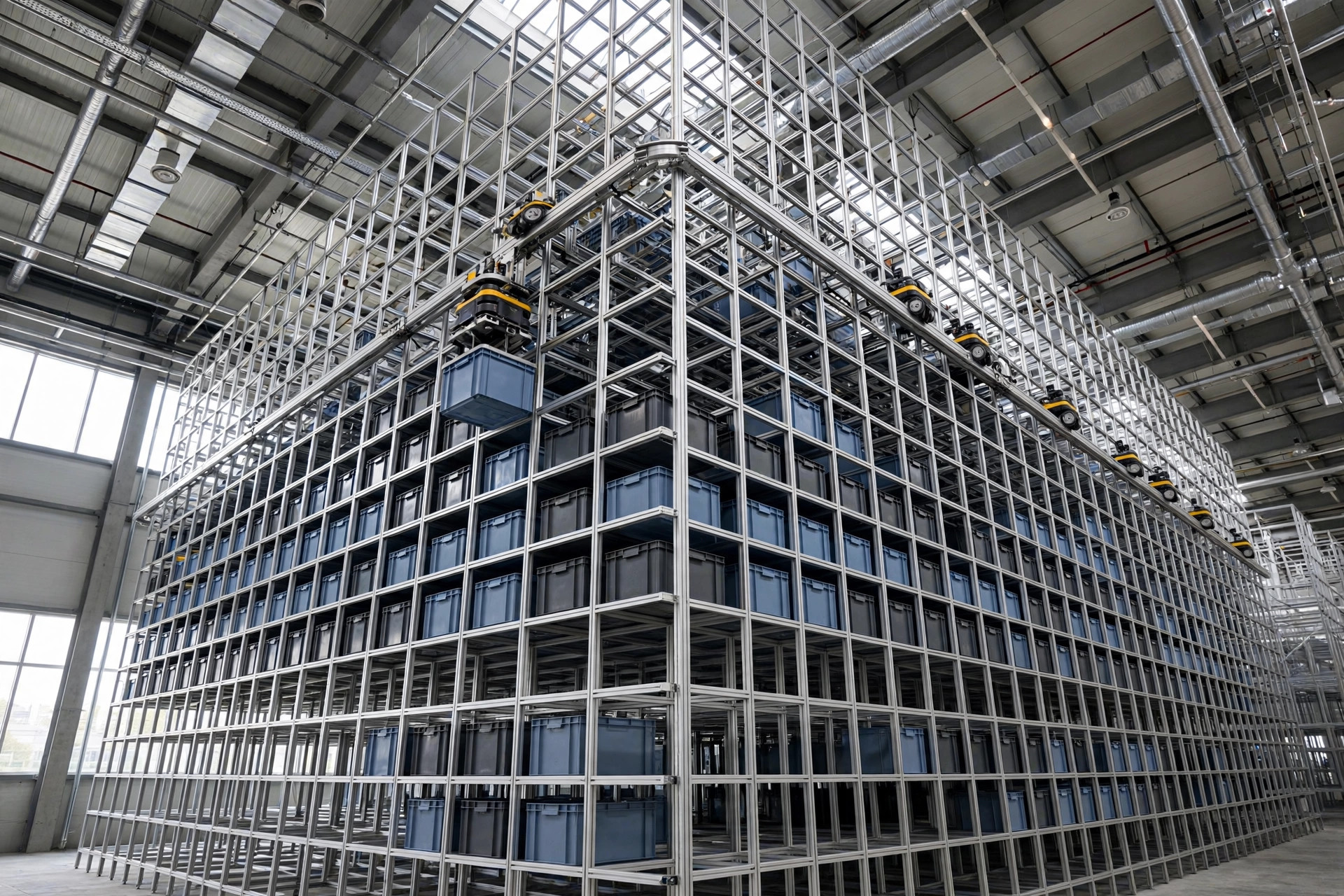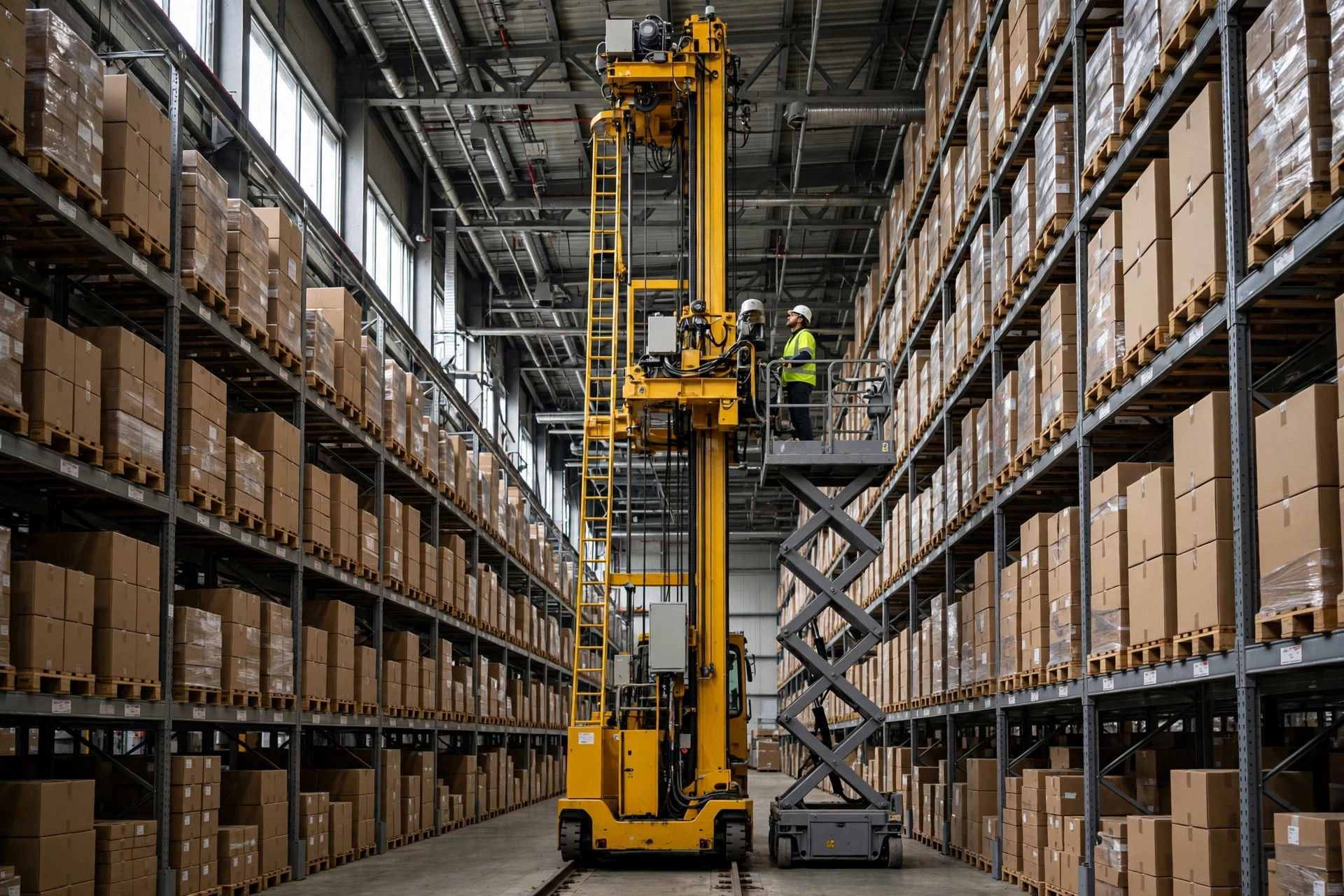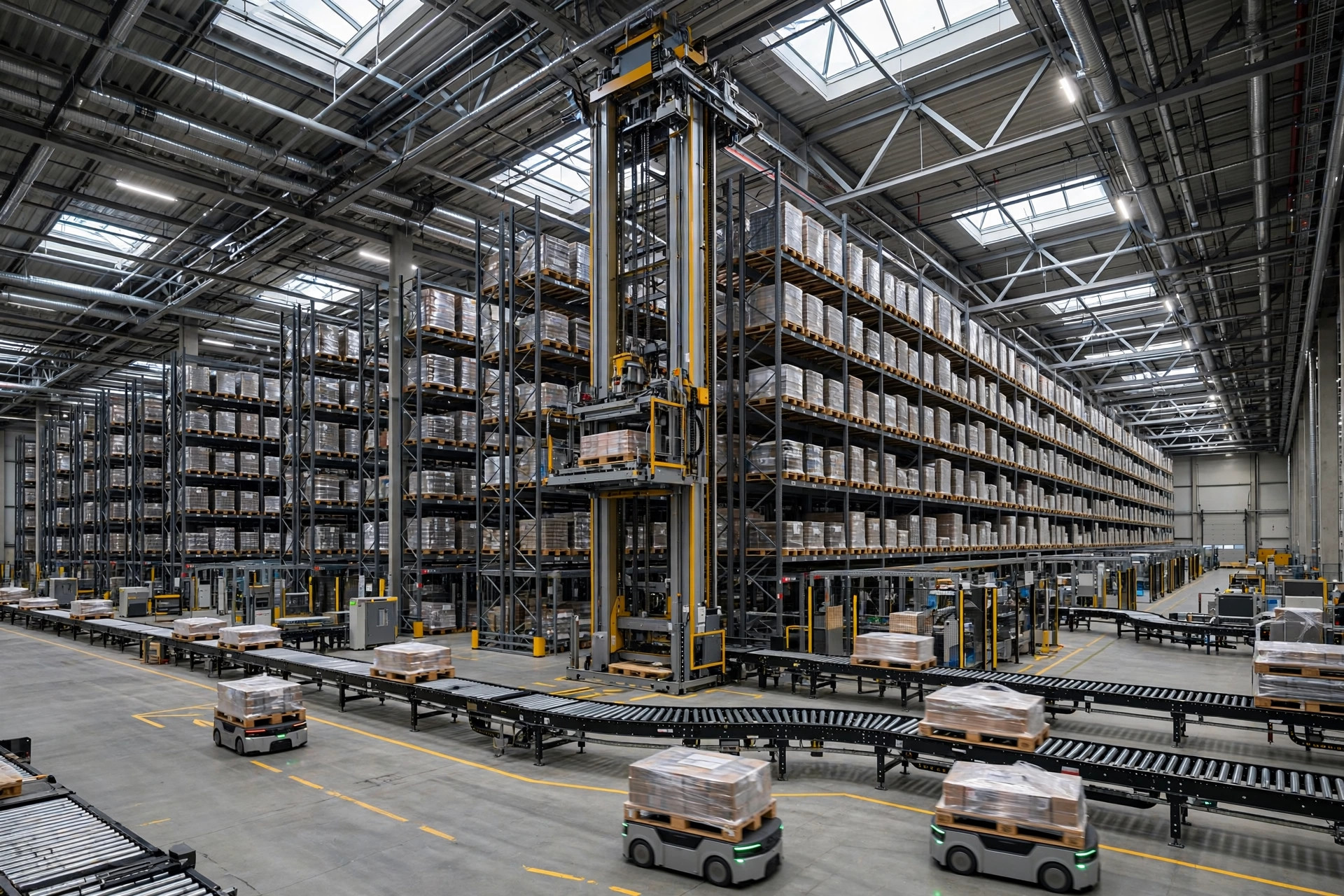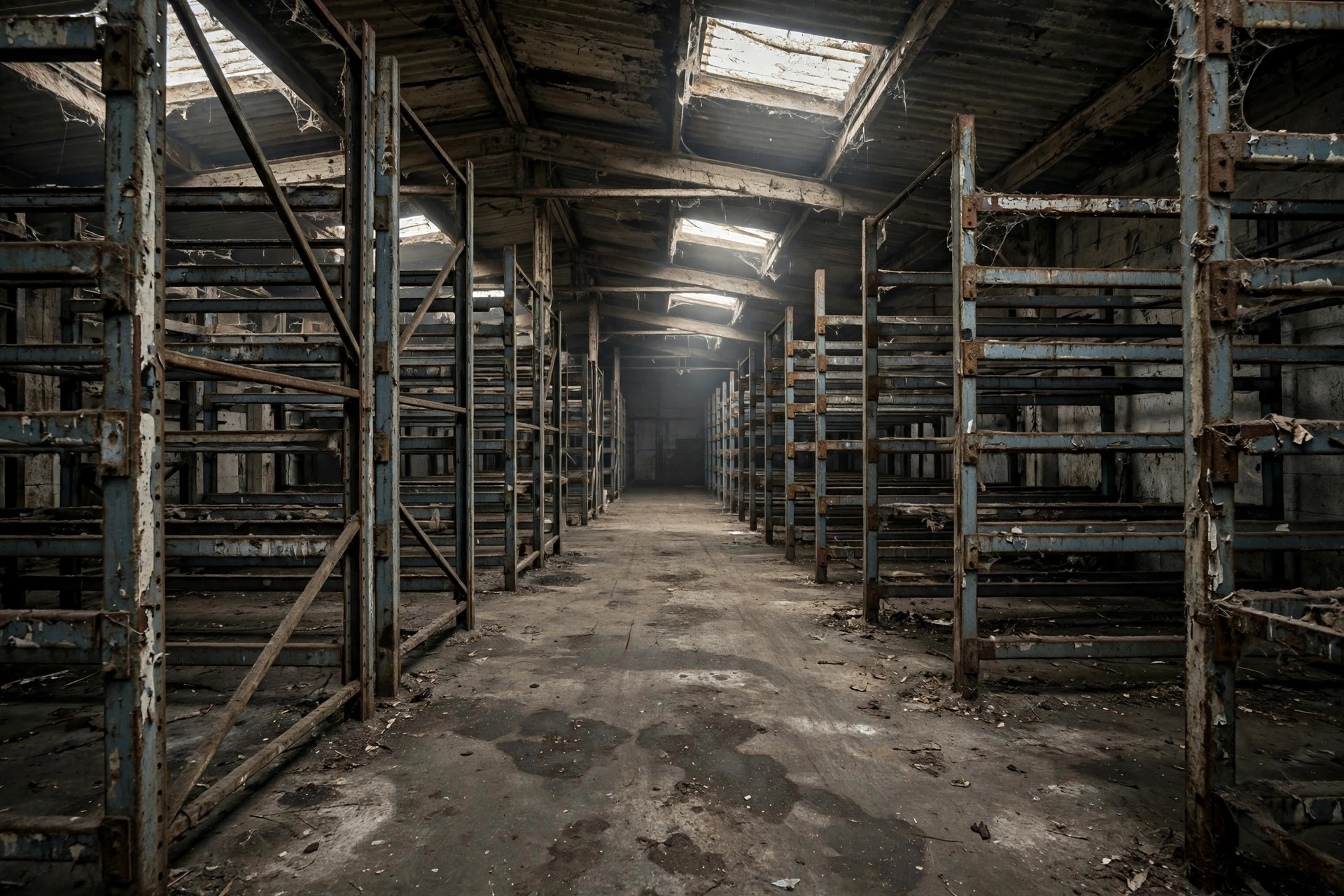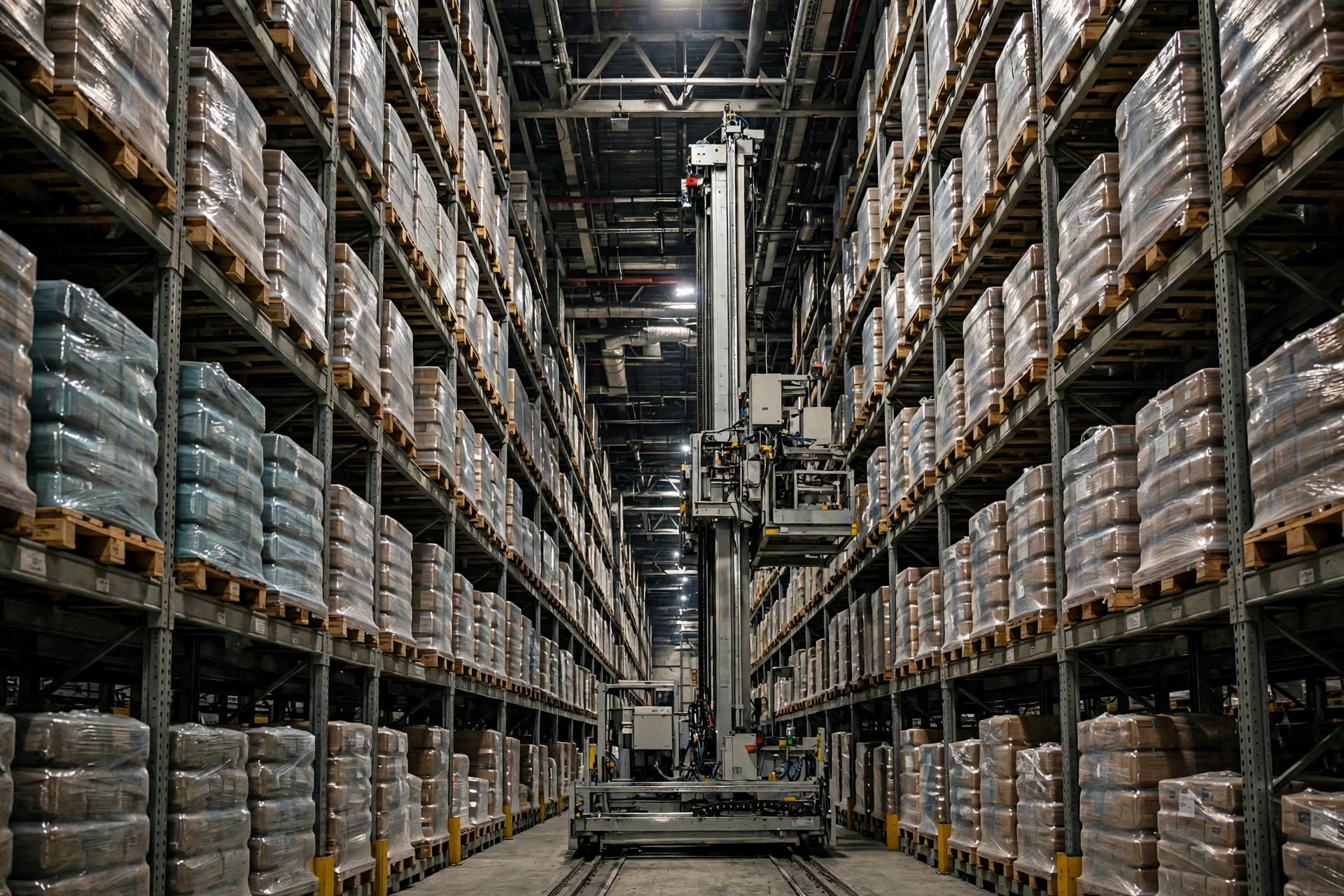
Last summer I walked a 3PL site in Ontario with a dozen AS/RS aisles and cranes running twenty-plus meters high. Right in the middle of my visit, the utility did a grid switchover and the whole building went dark for under a minute. When the lights came back, the operation was a mess for an entire shift. Nothing was broken. Nobody just knew what to do first.
That's the misconception I keep running into: people treat a warehouse blackout like a pause button. It isn't. The power cut doesn't hurt the equipment — it destroys the order. A multi-ton crane frozen mid-air, a control system full of tasks in unknown states, a recovery sequence nobody rehearsed. That is the real cost of an outage, and today I'm laying out the whole playbook.
What Actually Happens in the First Second
When power drops, a stacker crane doesn't glide to a stop. It e-stops. The drive motors lose power, the mechanical brakes slam on, and the machine freezes exactly where it is — maybe mid-aisle, maybe with a pallet hanging ten meters up on the load platform.
Three things matter in that moment. First, the suspended load. The brake is holding, but if it's worn or the pallet was poorly stacked, the jolt of power restoration can send freight down. Step one after any outage: clear the area, rope off both ends of every aisle, nobody goes in.
Second, the task queue in the control system. Every task the crane was executing still shows "in progress" on screen, but the machine isn't moving. Worse, if the servers lost power too, the in-memory queue may be gone entirely. After restoration, nobody can say which pallets actually shipped and which are still in limbo. Remember this: in a blackout, power to the controls matters more than power to the drives.
Third, the restoration surge. Voltage is unstable the moment power returns, and that's brutal on variable-frequency drives and controllers. Any veteran electrician will tell you: bring big equipment back up one unit at a time, never all at once.
The UPS Protects the Brain, Not the Muscle
A lot of warehouses install a UPS and call it a day. That's the biggest misunderstanding in this business. A UPS protects the control layer — the PLCs, the servers, the network switches, the "brain." It does not power the massive drive motors that move a crane. The current draw is simply too large; sizing a UPS for that would cost a fortune.
Size the UPS around the control circuits: enough to keep the controls alive without rebooting, without losing data, long enough to start the generator or shut down in an orderly way. How long? My rule of thumb is "long enough to reach the next step" — typically on the order of fifteen minutes to half an hour. It's a bridge, not a destination.
Here's a trap I've seen more than once: the UPS gets installed and nobody ever tests how long it actually lasts. Batteries go three years without replacement, capacity fades, and when the outage hits, the UPS dies first and the controls reboot anyway. A UPS isn't a install-and-forget device. Run a load test every quarter and replace batteries on the manufacturer's schedule.
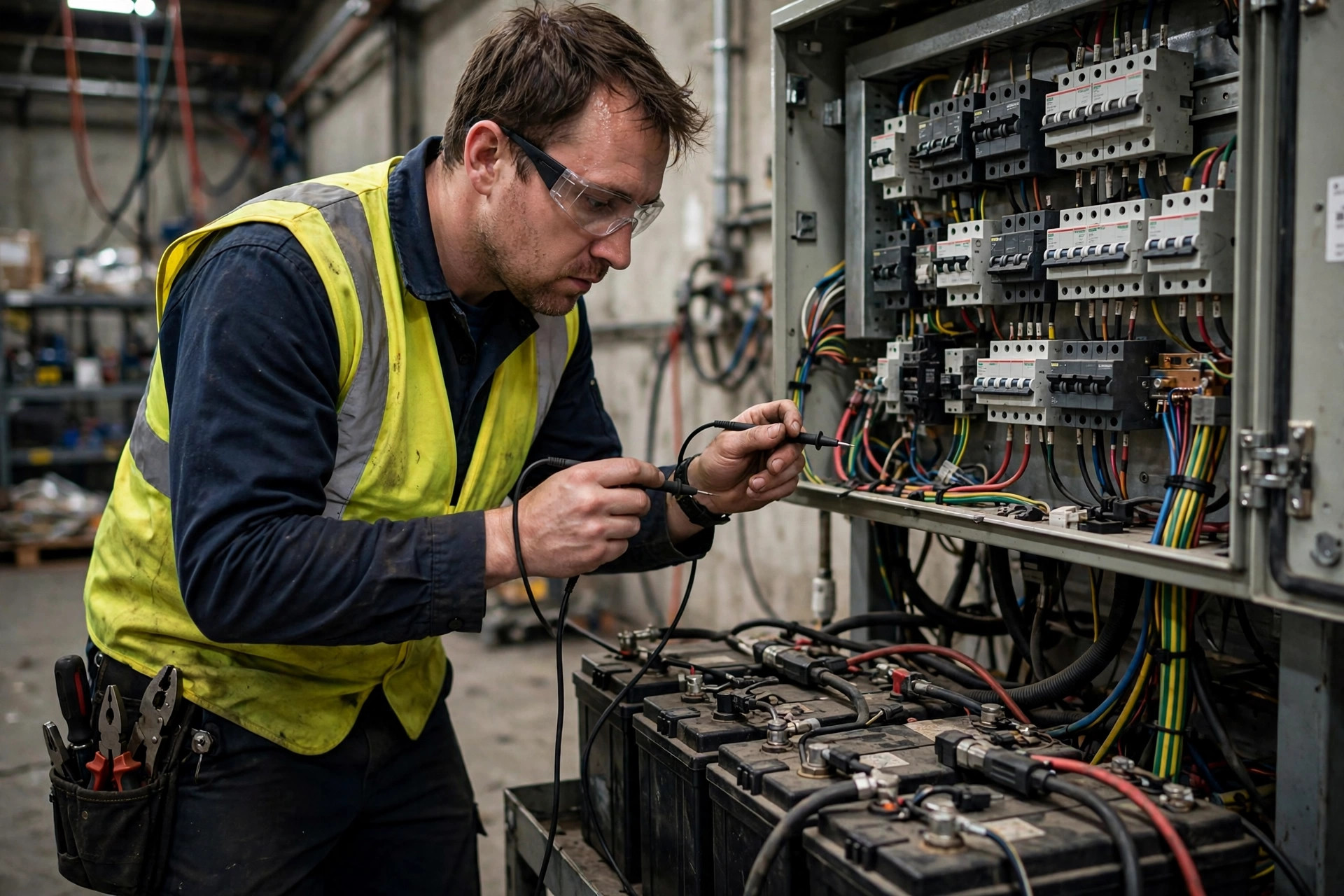
For exact electrical sizing numbers, follow the equipment manufacturer's manual and your local electrical code — don't copy someone else's design. Every facility's load profile is different, and copying is how you dig your own hole.
Generators, Dual Feeds, and the Last Resort: Manual Retrieval
The UPS only saves the brain. Where does the muscle get its power? Two options: dual utility feeds, or a generator.
Dual feeds mean two utility incomings with an automatic transfer switch between them. One feed fails, the switch moves to the other, typically within seconds. But understand what it protects against: a single feed failure — not a regional blackout. During the Texas freeze blackout of 2021, both utility feeds could go dark together. Against a regional outage, dual feeds are barely better than one.
A generator covers the regional case. Whether it's worth it depends on whether your business can wait: if four dark hours in the AS/RS collapses your entire outbound plan, the generator pays for itself. From auto-start to carrying load takes anywhere from tens of seconds to a few minutes, and the UPS covers that gap. Size the fuel tank for how long you want to ride it out, and plan the refueling route before you need it.
Then there's the third scenario: you have neither, or the generator fails too. Time to accept reality and go manual. Manual retrieval from an AS/RS means doing the crane's job with people and forklifts — pulling from assigned locations using the last inventory printout from the system, with reach trucks. You'll run at maybe twenty to thirty percent of normal throughput, but you keep shipping.
A manual plan stands on three legs, and all three are non-negotiable. First, paper location maps and inventory lists, refreshed monthly, kept in a file cabinet in the electrical room — not just on a computer you can't open without power. Second, designated reach-truck operators who actually practice this, not whoever happens to be standing around. Third, a pre-defined emergency outbound staging area, with written rules for where manually retrieved freight goes and how it gets verified. Without these three, the manual plan is fiction.
The Real Headache Starts When the Power Comes Back
Most people think restoration is the end of the story. It's actually the harder half. Get the sequence wrong and you'll have alarming equipment and scrambled inventory.
Step one: power up one unit at a time. Controls first, then drives; one crane verified healthy before the next. Don't rush it — slamming everything on at once can trip the freshly restored grid with inrush current.
Step two: home the cranes. After an e-stop, the position encoders may have lost their reference, so each crane needs a homing cycle to find its origin again. Before homing, confirm there's no suspended load on the platform — retrieve it manually first. Never home a crane carrying freight.
Step three: reissue tasks. Every task still marked "in progress" in the control system gets voided and re-released. Anything that physically completed — freight that actually left the building — gets confirmed by hand after a physical check. This is the slowest, most error-prone part of recovery; I recommend two people cross-checking each other.
Step four: verify inventory. Cycle-count every location that had activity around the outage — at least a dozen or so slots — and widen the count until the books match reality before resuming normal operation. Skip this and you'll spend the next few months paying for it in recounts.
One last thing: drills. A plan on paper is the same as no plan. Run a real outage drill at least twice a year — actually drop power, or at least simulate the outage signal — walk the full sequence above, time it, log every problem, and update the plan. Keep the drill records on file. After a real incident, the first question from the insurer is always: have you drilled this? With no records, the prettiest plan in the world won't help you.
Pick a quiet shift this month and run one drill. You'll find at least three things wrong with your plan — that's normal, that's what drills are for. When the real blackout comes, you'll be glad you did.