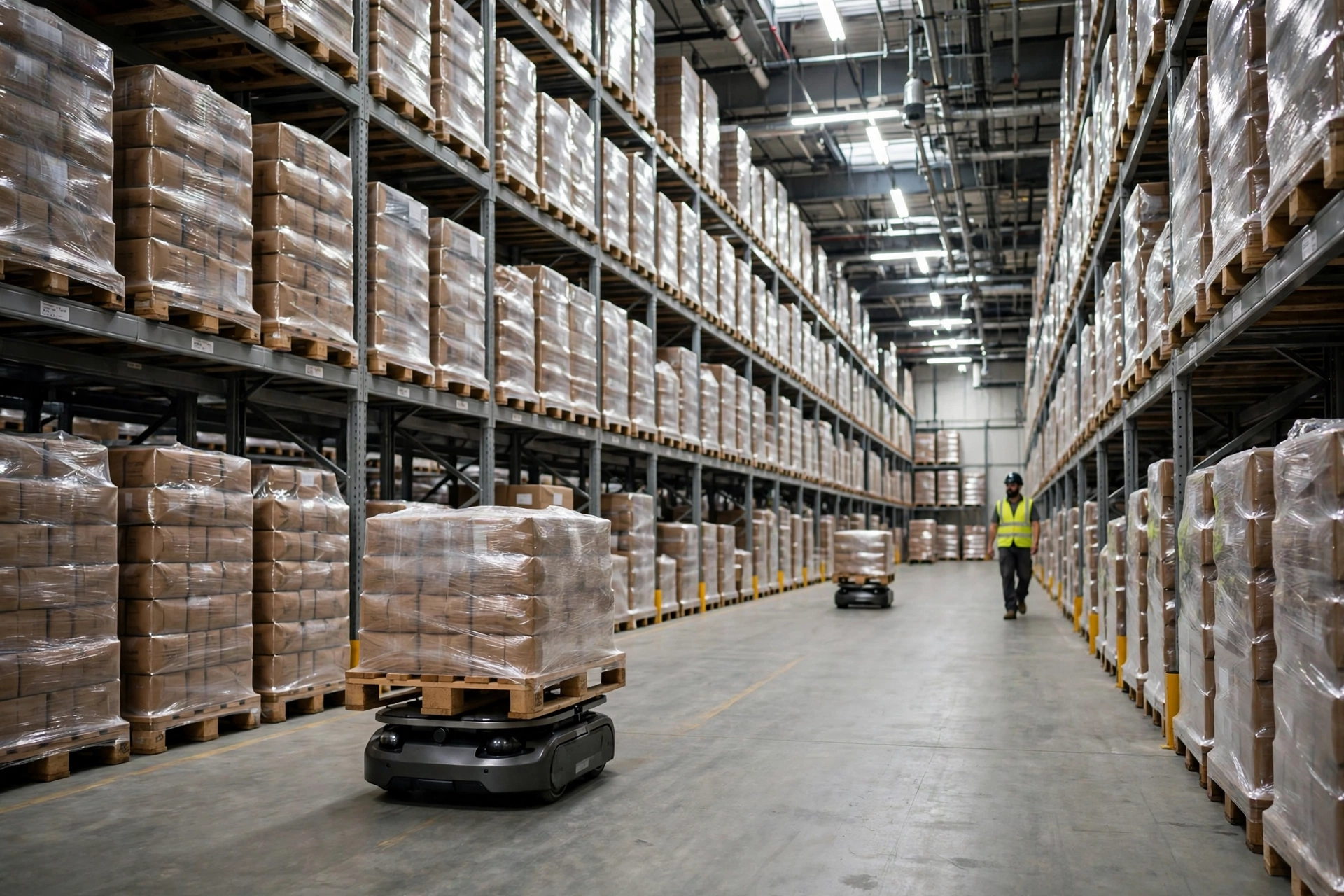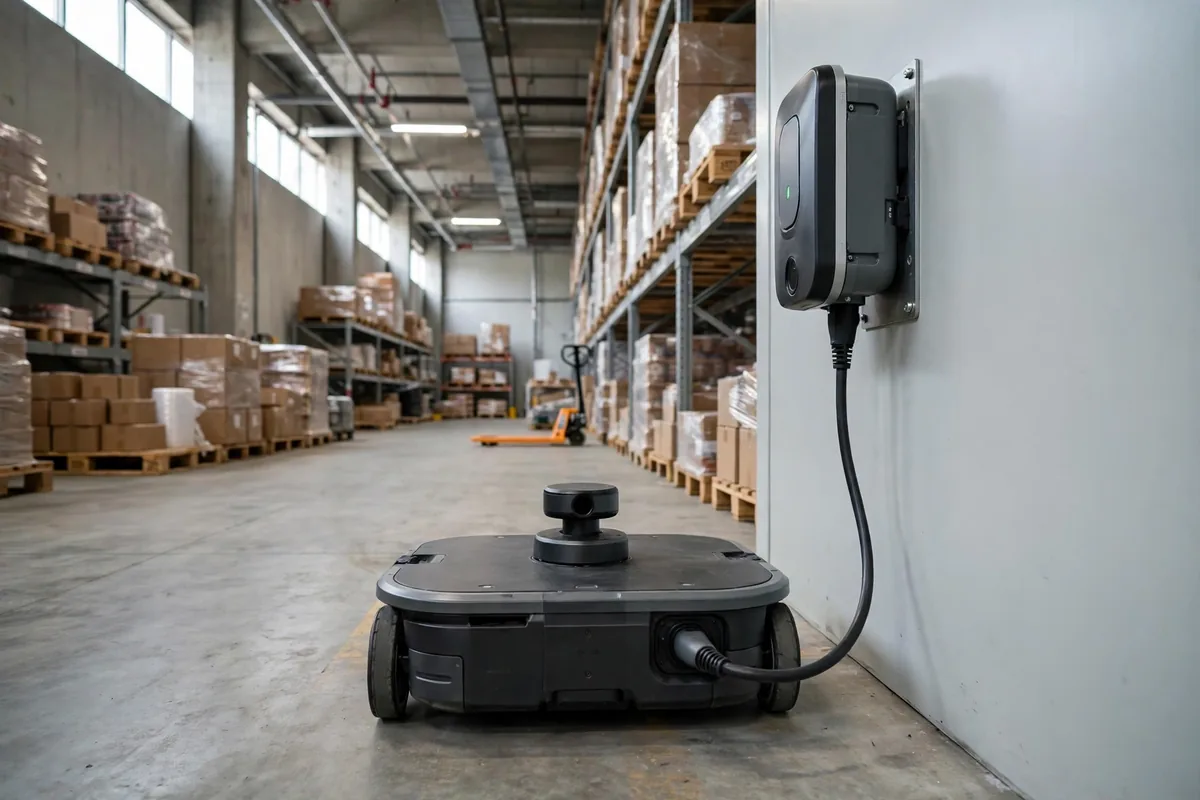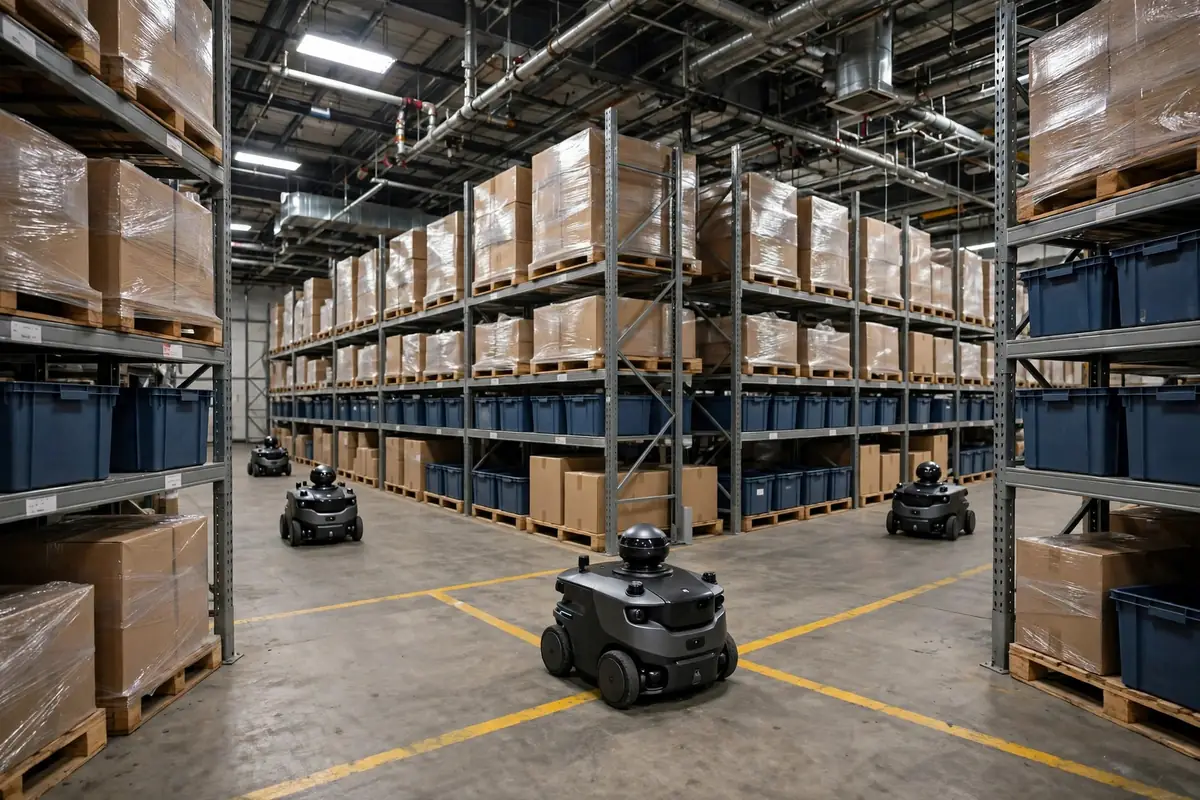
Last November, a 3PL warehouse in East China called me about their AMR fleet "suddenly going stupid." The cause was a skipped AMR map update after a layout change. Three robots were nose-to-nose in the same aisle, neither willing to back up; two more were circling a rack zone dismantled a week earlier, hunting for a home that no longer existed. The AMRs were still driving on the old map while the real world had already changed.
That is what AMR map update work is really about. An AMR does not navigate by looking around. It drives on the map in its head, and the moment that map goes stale, the robot is walking from memory with its eyes closed. Think of it this way: you can walk a road you have walked for three years with your eyes shut, right up until someone builds a wall in the middle of it.
What actually happens when the map goes stale
Here are the failure modes.
The first failure mode is a collision. A rack moves 1.5 meters; on the old map that space is still open floor, so the AMR drives straight through its planned path and only sees the obstacle at the last second. The emergency stop itself is not the expensive part — what it does to the load is. I once saw an AMR carrying an 800-kilo load slam to a stop at an aisle entrance; half a pallet of cartons slid off, and two people spent 40 minutes cleaning it up (illustrative scenario; actual time depends on the freight). One emergency stop is cheap. One in the middle of the outbound peak is not.
The second failure mode is deadlock. Two robots meet head-on in an aisle that is now one-way with a passing point; the old map still says two-way. Both wait, neither backs up, and the fleet manager has no resolution logic for a rule that does not exist on its map. One stuck point backs up the whole aisle.
The third failure mode is the quiet one: detours and localization drift. The map still holds a dismantled rack zone, so the planner routes robots around an obstacle that does not exist, adding 20 to 30 meters per trip. Worse, the reference features the robot localizes against have moved, so its position estimate drifts until the docking point is off by 10 centimeters and pallets stop landing squarely on the conveyor. Nothing explodes. It is a slow leak, and a month later the fleet's cycle time has dropped and nobody can say why.
I have lost count of how many times people blamed "unstable AMRs" for this. Most "unstable AMR" problems are unstable map management. The people just never treated the map as an asset that needs version control.
Three ways to update a map — and none of them is free
There are really only three approaches. Which one you pick depends on how much changed and how fast you need it done.
The first is a full remap. Stop the fleet, send one robot — or push a mapping rig by hand — through the whole warehouse, generate a fresh map, and push it to every unit. It is clean — the new map matches reality exactly — but it costs a night shift of downtime, remapping time, and re-teaching charge points and docking points. The following figures are illustrative assumptions, not measured data: for an 8,000-square-meter warehouse, a full remap plus re-teaching runs about 4 to 6 hours with the fleet stopped. For a big change — a whole storage zone swapped out, all aisles redrawn — do not hesitate. Remap.
The second is a partial update. Rescan only the changed area and stitch the new patch into the old map. Think of it as patching the map. It is fast — a small change takes an hour or two — but the seam is the risk: the new patch and the old map must align, and obstacle boundaries on both sides of the seam must be cleaned up, or robots will "hesitate" at the seam, driving through and backing out again. Partial updates are for small changes: moving one or two rows of racking, adding a staging zone, moving a charge point. If the changed area is more than 20% of the site (illustrative scenario), stop patching and do a full remap.
The third is a dynamic semantic layer. On top of the base map, you add a layer of meaning: this zone is staging, that aisle is one-way, this spot is temporarily blocked. The semantic layer can be edited any time without touching the base map, which suits a warehouse that changes every day. But it treats the symptom, not the disease: if a wall in the base map was actually demolished, the layer cannot cover it. And it needs a human to maintain it. A layer nobody maintains becomes another stale map within three months.
The decision boundary:
| Scale of change | Recommended approach | Downtime (illustrative) | Risk |
|---|---|---|---|
| Move 1–2 rack rows, add one staging zone | Partial update | 1–2 hours | Seam alignment |
| Swap a storage zone, redraw aisles | Full remap | One night shift (4–6 hours) | Docking points must be re-taught |
| Temporary controls, wave-by-wave changes | Semantic layer | No downtime | Dies if nobody maintains it |
| Change covers >20% of the site | Full remap | One night shift | Do not patch this |
No approach is universal. The honest question is how big the change really is. The most common mistake I see is using a partial update to paper over a major change. Patch on patch, and the map becomes a layer cake — and eventually nobody can say which layer is telling the truth.
The checklist before you move a single rack
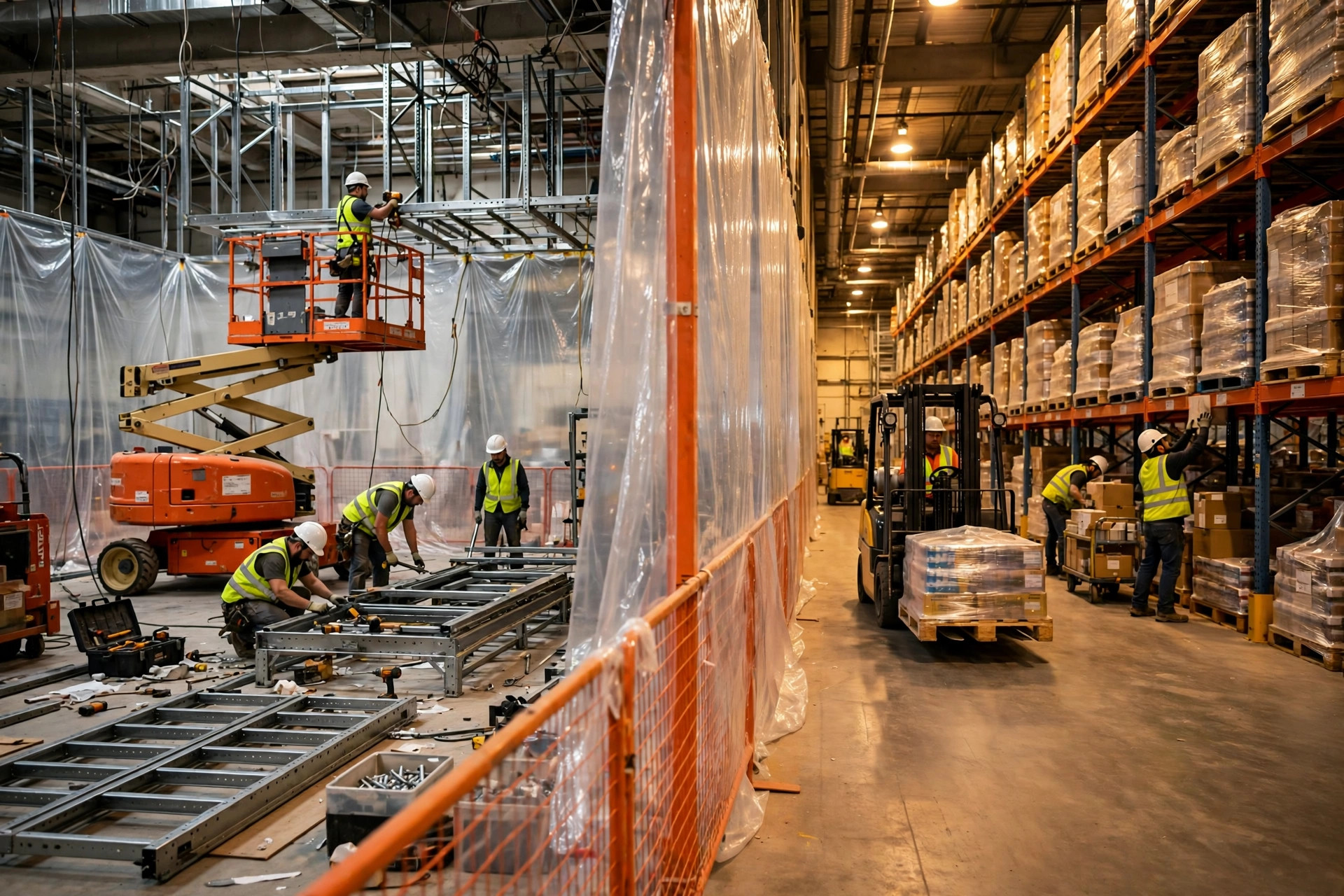
The real work happens before the layout changes. My rule: any layout change clears the AMR checkpoint first, and only then does anyone touch a rack.
Step one, freeze the task queue. Before the change window starts, drain the AMR task queue: let in-flight tasks finish and stop accepting new ones. Do not let robots keep driving on the old map while forklifts move racking around them.
Step two, mark the change zone as blocked in the system. Even if you are only moving one row of racking, make the blocked zone bigger than the actual work area, leaving a safety margin for forklifts and people.
Step three, update the map. Pick the approach from the table above, remap or patch, then validate with a single robot before pushing to the whole fleet: docking points accurate, charge points aligned, a clean run down the main aisle.
Step four, restore service: one robot, then two, then the whole fleet, watching the dashboard for deadlock warnings and drift alarms in the first hour.
One sloppy change ending in a collision plus a deadlock — two hours of downtime, one hour of rework, plus a remedial remap (illustrative figures) — costs more than ten careful checklists.
Mixed fleets: map version mismatch is the biggest trap
One more trap: two brands of AMR in the same warehouse, running different map versions.
Brand A runs the new map, Brand B the old one. Two robots meet at one intersection, each driving a different world, while the fleet manager thinks they share one. Avoidance, yielding, priority — all of it assumes everyone reads the same map. Break that assumption and the scheduler is decoration.
The fix: unify map versioning and publish together. Every update gets a version number, say 2026-11-18-v3. Both brands' robots must confirm receipt of that version and pass a checksum before the release counts as done. Whichever brand falls behind stays parked and waits. If the two brands use different map formats, have the conversion tool ready in advance — discovering on change night that it will not convert wastes the whole shift.
The counterintuitive part: the more accurate the map, the more often it needs updating.
Most people assume a finely built, high-precision map needs less attention. Wrong. A high-precision map is more sensitive to change: move a rack 5 centimeters and a low-precision map may not care at all, while a high-precision map loses a localization reference and starts alarming. Precision is a double-edged sword. You get the docking accuracy, and you accept the freshness requirement that comes with it.
My judgment: AMR map updating is not a repair job you do after something breaks. It is a routine operations task, at the same level as cycle counts and preventive maintenance. The layout changes, the map follows. Nothing changed? Verify it anyway. My boundary: a full-map consistency check monthly, high-traffic zones eyeballed weekly — send one robot down the main aisles and watch drift alarms and path deviation.
Is the money worth it? Look at one number: what your last map-staleness stoppage cost, divided by what one proper map update costs. Above 3, stop debating and write map updates into your standard operating procedures.
By Da Liu, Automation Engineer