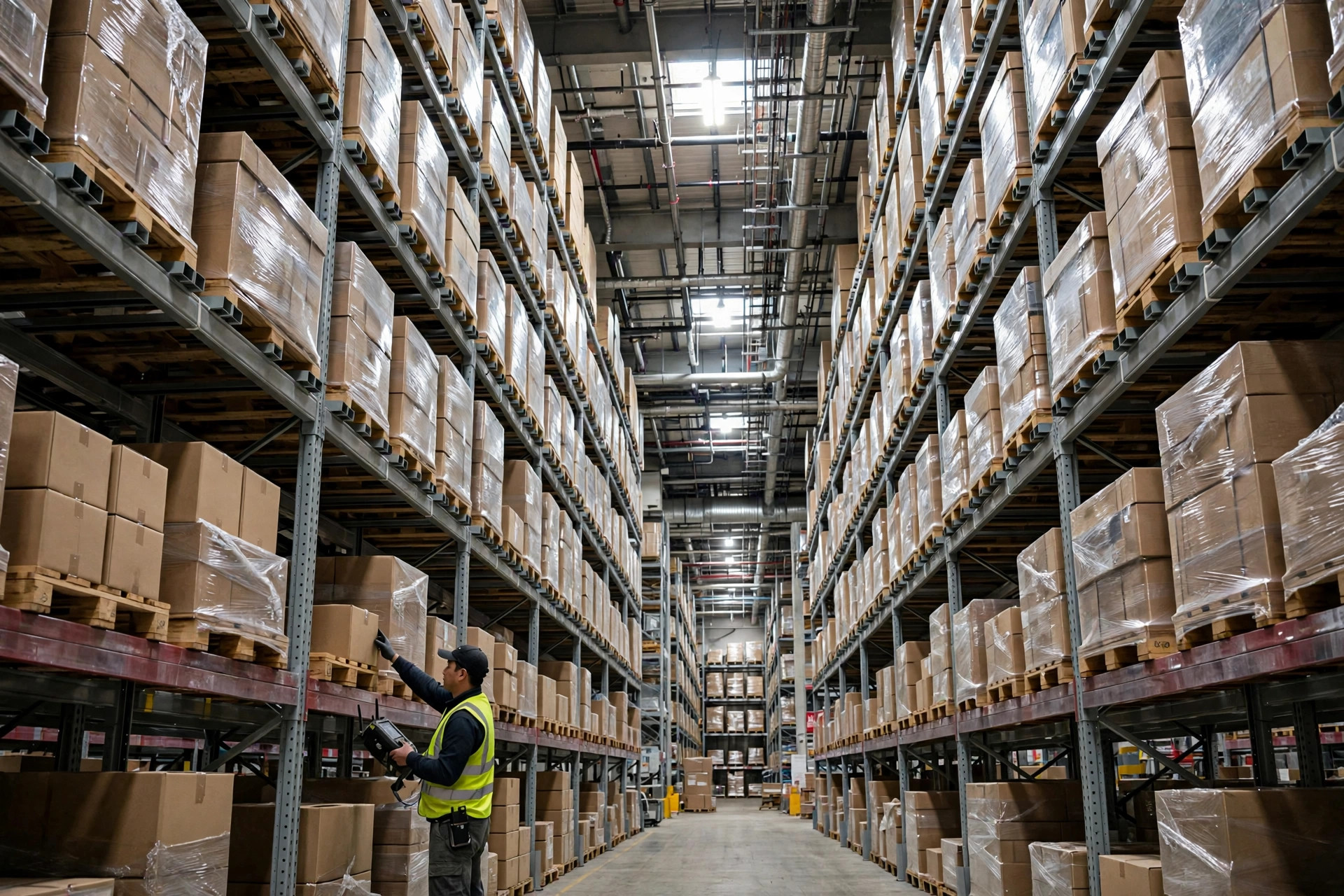
Verdict up front: a warehouse network outage comes in two flavors. The link between your RF guns and the WMS goes down — call that a broken arm. The WMS server itself dies — that's a stopped heart. A broken arm is handled by offline mode on the handhelds; a stopped heart can only be ridden out on paper tickets plus reconciliation afterward. Picking and receiving must have offline contingency. Dashboards and reports can be gambled on — lose that bet and you just look at them later; freight still ships.
In 2021 I was running a WMS go-live at a 90,000-square-foot 3PL warehouse in Ontario, California: 30 Zebra TC52 handhelds on the floor, more than 4,000 outbound orders a day in peak season, everything driven by RF scans. One afternoon the computer-room AC failed, the core switch overheated and rebooted, and WiFi went dark for 40 minutes. Every terminal screen lit up with "connection failed" while pickers stood in the aisles with nothing to do. For 40 minutes the warehouse was effectively shut down — not for lack of freight, but because nobody knew what to pick or where to put it. After that day, offline contingency went into the acceptance checklist of every WMS project I touch. No contingency, no go-live.
When the Network Drops, Can the RF Guns Keep Scanning?
Yes — but only if the handheld app has a real offline mode, not the kind the sales deck talks about.
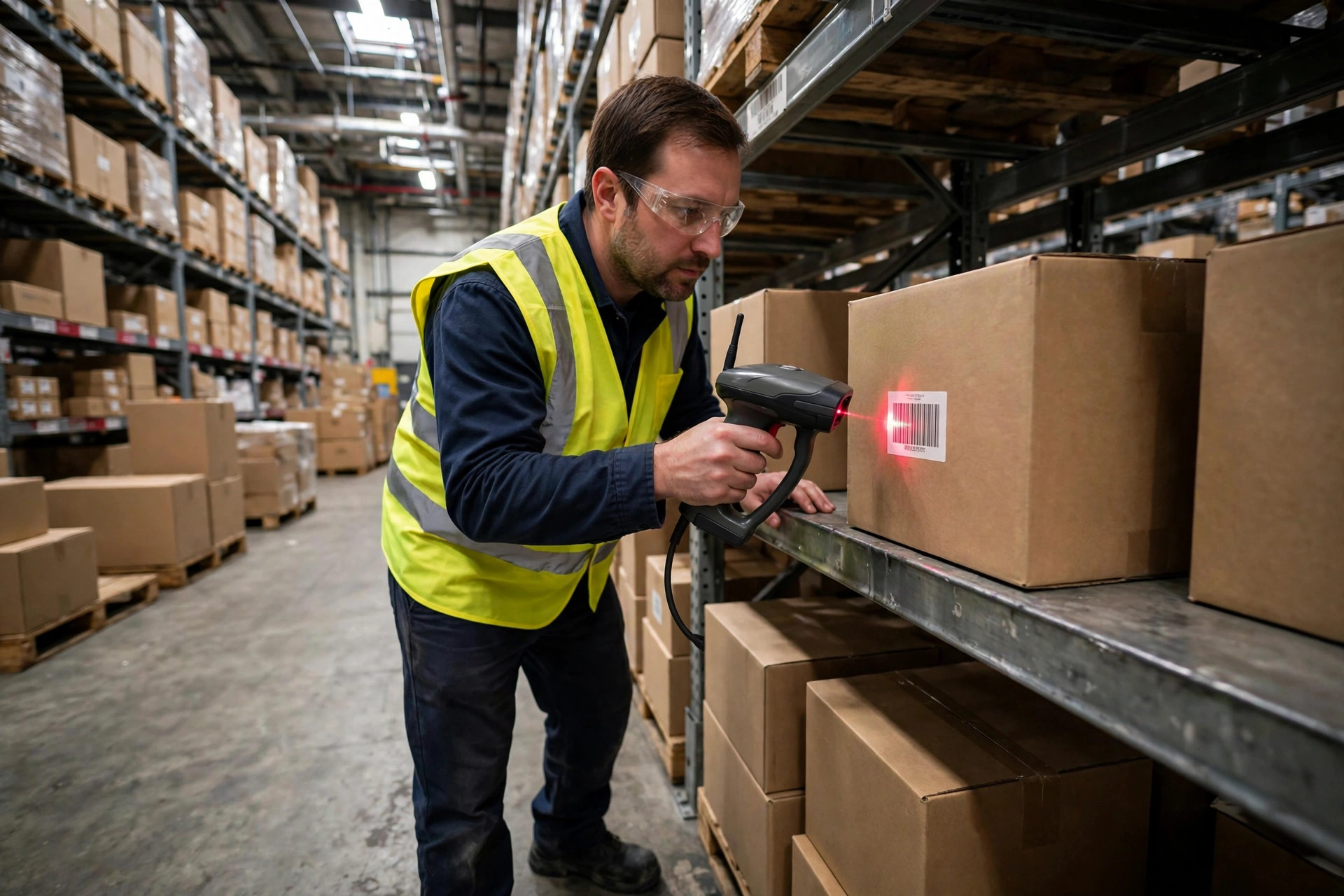
Plenty of WMS vendors claim offline support when all their mobile app really caches is the login screen, with zero task data stored locally. Don't take the demo at face value. During acceptance, pull the plug and test: with the network down, can you still scan-pick, scan-putaway, and cycle count, with every scan stored on the device? If yes, that's offline mode.
Two things have to be true for it to work. Before the shift starts, the system must push the day's wave tasks, location master data, and the item barcode library down to each terminal — a Zebra TC52-class Android device holds tens of thousands of task records without breaking a sweat (check your vendor's documentation for exact limits). Once the network drops, every scan is timestamped and queued locally, then uploaded in order when connectivity returns. Miss either half and the whole thing is theater.
Here's a pitfall I walked straight into. Back in Ontario, the moment the network came back, 30 terminals flushed their queued scans at the server all at once and knocked the WMS data interface into timeouts: roughly half the records never got written, and the other half got written twice. We closed it out with two configurations. Upload throttling on the terminal side — staggered batches, not a flood. And idempotency checks on the server side — device serial number plus timestamp as the unique key, duplicates discarded on arrival. If those two aren't in your acceptance checklist, your offline mode is decoration.
Resume-from-breakpoint is the same idea applied to tasks. A wave pick dies halfway through a disconnect; when the link returns, the task should continue from the interrupted line, not re-download the whole wave. That means task progress is written locally in real time and the upload carries a "lines completed" marker. Test it explicitly during acceptance: kill the network at line 20, finish the rest offline, restore, and check whether the system honors those 20 lines. If it doesn't, send it back.
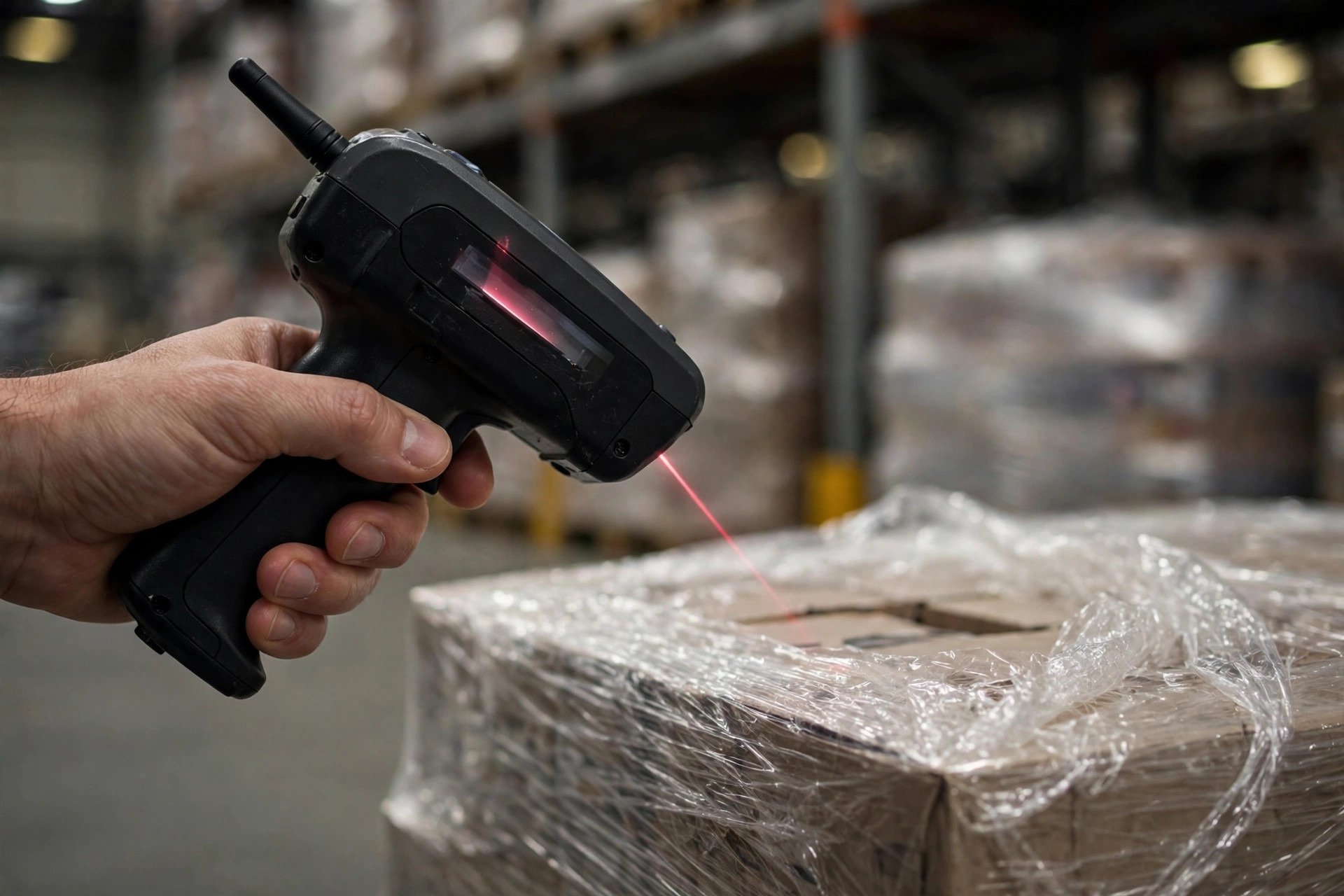
If the Server Really Dies, How Do You Run on Paper Without Chaos?
A dead server is beyond what offline mode can cover — the little data cached on a terminal won't survive a full shift. That's when paper tickets take over. But paper done carelessly is worse than standing still: once the books are a mess, you'll spend three days untangling them after recovery.
Three things need to be ready before disaster strikes, and all three are non-negotiable. Pre-printed emergency pick tickets, kept in the supervisor's office cabinet. Every line on the template carries a barcode slot — location barcode, item barcode, quantity field — always barcode plus human-readable digits together. Why? Because during after-the-fact entry, the clerk can scan the paper instead of keying SKUs by hand: faster, and far fewer mistakes. In our post-mortem sampling in Ontario, purely handwritten SKU tickets came back with an entry error rate 3 to 5 times the normal level (measured on that project, approximate); barcoded tickets were essentially clean.
Ticket numbering is the second piece. Every emergency ticket needs a unique number — something like EMRG-date-sequence. The supervisor logs by hand which tickets went to whom and which came back. Paper without numbers means you'll never know at reconciliation time whether a ticket went missing, and one missing ticket is one unresolvable mess.
The third piece is a two-person rule for back-entry. After the network returns, one person keys the paper data into the WMS while another spot-checks around ten percent (approximate — set your own tolerance). Until back-entry is done, the affected locations stay locked: no live moves allowed. Mix live transactions with back-entry and the books will never balance.
One part of paper fallback gets overlooked constantly: receiving. With the server down, no ASNs come through, so inbound freight goes straight to a staging area, logged on paper by trailer plate, piece count, and marks, with photos taken. Receiving transactions wait until the system is back. That staging area has to be marked out in advance — don't go hunting for floor space mid-crisis.
Once the Network Is Back, What Do You Reconcile First?
Network up doesn't mean business as usual. I work through three things in a fixed order, and the order matters.
Timestamps first. Whether the timestamps recorded offline line up with server time decides the sequence of your inventory ledger. Terminals and servers must both sync to an NTP source; drift by a few minutes and the offline and online records interleave wrong, and the resulting count variances will drive you mad. When I accept an offline design, I deliberately skew one terminal's clock by 10 minutes, kill its network, and watch whether the system flags it. A design that can't detect that fails acceptance.
Duplicates and drops second. Export the offline queue's upload log and match it line by line against the WMS inventory transaction table: did any scan get written twice (idempotency gap)? Did any scan vanish (upload timeout)? Check picking and putaway first — they're the high-frequency moves; receiving and cycle counts can wait their turn.
Paper closeout last. Retire the emergency tickets one by one: tickets issued, tickets returned, tickets entered — all three numbers must agree before you call it done. One short, and you follow the supervisor's handwritten log downward. That 40-minute outage in Ontario took an entire afternoon to reconcile (measured on the project). Forty minutes down, four hours of reconciliation — brief management on that ratio ahead of time, or they'll assume everything's fine the moment the WiFi bars come back.
And don't report "recovered" until the reconciliation report is signed. My rule: until that signature, the warehouse status stays "restricted operations" to the outside world.
Three Things You Can Do This Week
- Run a pull-the-plug test. Pick an off-peak window, kill one AP in the pick zone — or just flip a terminal into airplane mode — and see whether the app can finish a wave offline with all data intact after reconnect. You'll learn in twenty minutes whether your WMS offline mode is real.
- Print 50 emergency pick ticket templates. Build them in the barcode-plus-digits format above and lock them in the supervisor's office. Next server outage, you'll at least have paper.
- Sync NTP across every terminal and server. Log into each handheld, compare its clock to the server, and correct anything drifting more than a minute. It's the cheapest contingency investment you'll ever make.