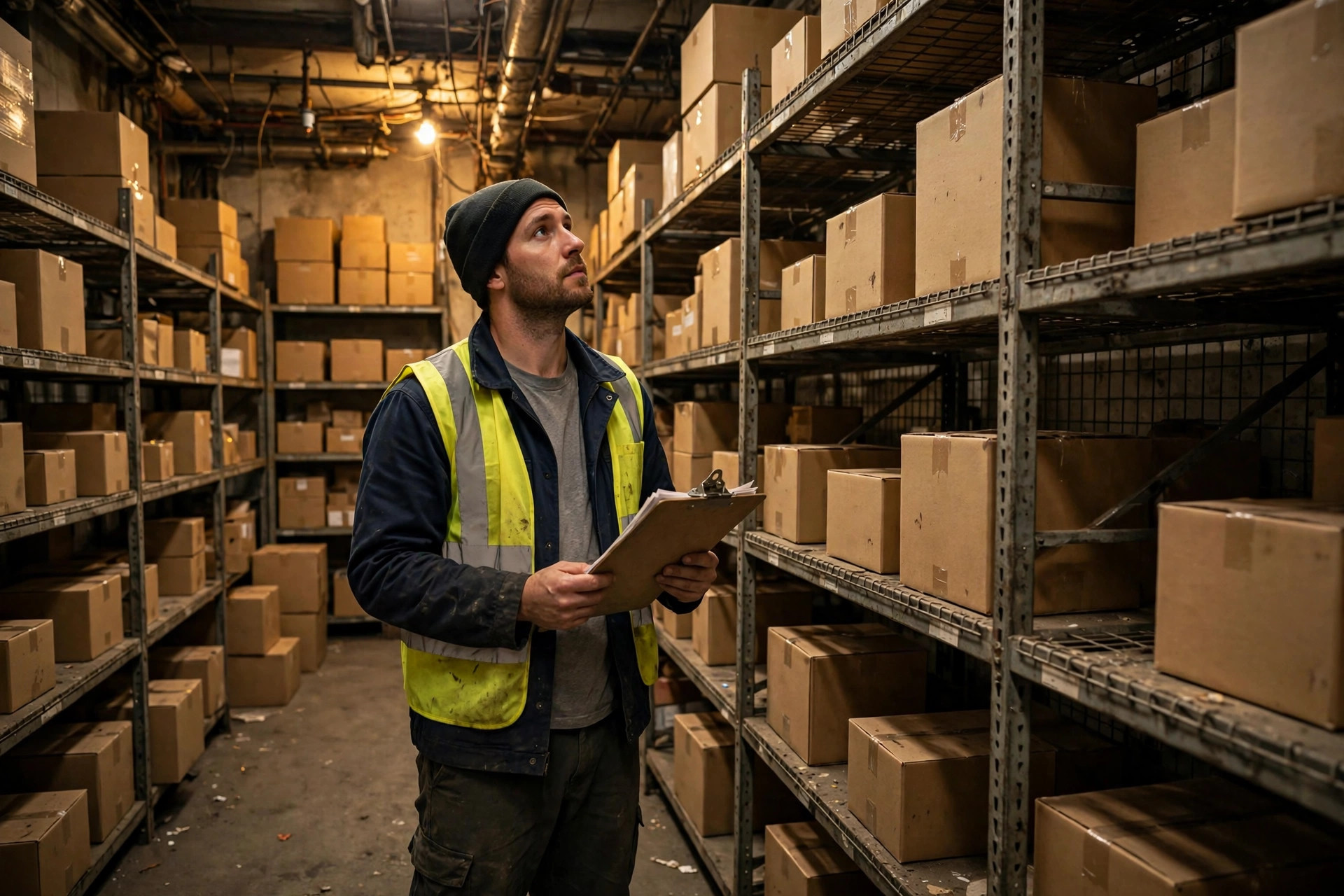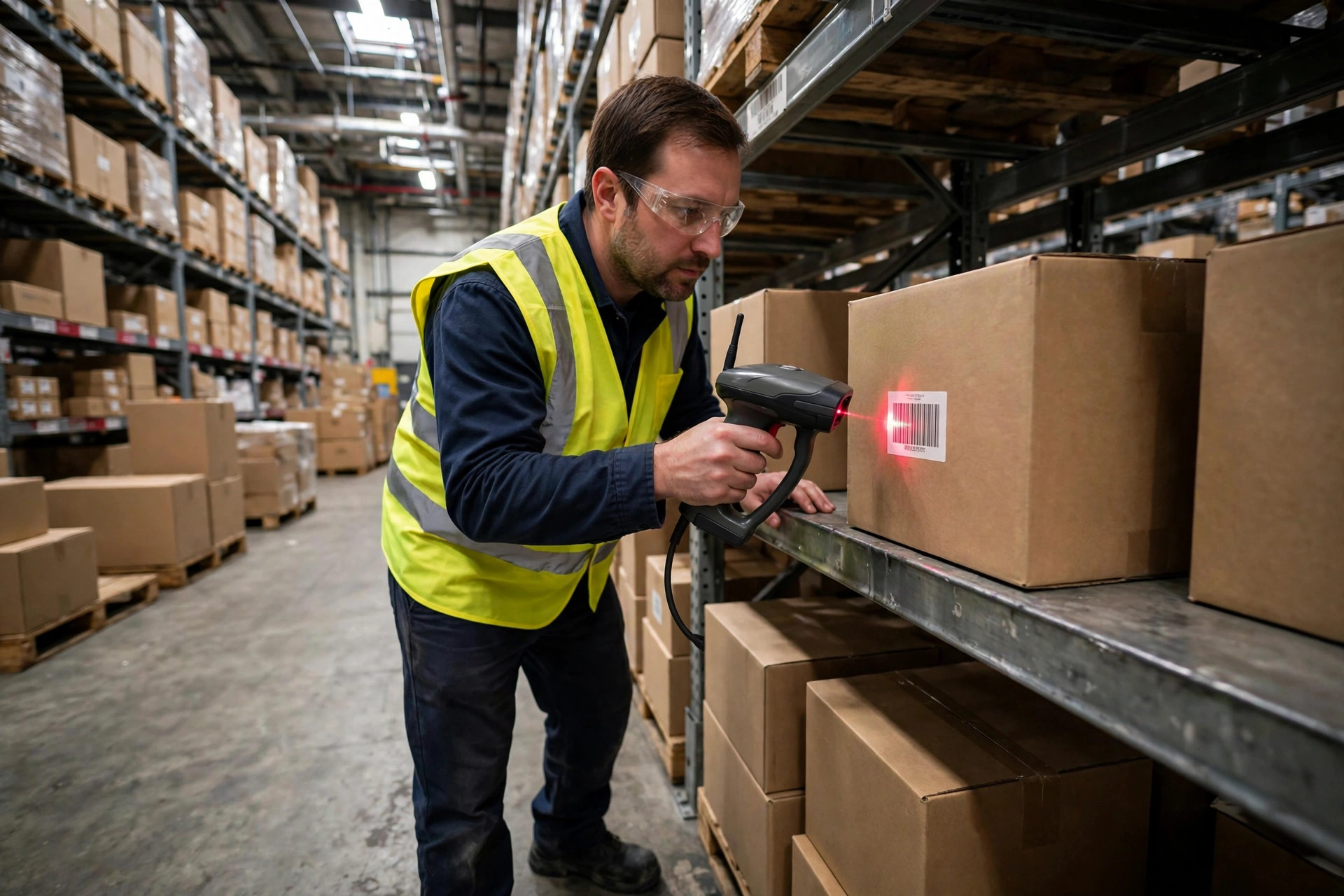
Bottom line up front. There is no universally correct answer in WMS handheld terminal selection, but there are three dividing lines: warehouses doing under 3,000 pick lines a day with fixed workflows — the classic RF gun is the safest bet. Warehouses with tens of thousands of SKUs, frequent exceptions, and photo documentation needs — go with an Android PDA. High-frequency pick stations where operators scan more than 800 times a day — a ring scanner paired with a wrist display or phone wins on speed. Picking the wrong device doesn't cost you the price difference; it costs you three months of rework after go-live. I've seen this exact failure three times.
First, Map the Battlefield: Three Mainstream WMS Handheld Terminal Form Factors
Warehouse data-capture devices come in endless varieties, but when it comes to WMS integration, there are three mainstream categories.
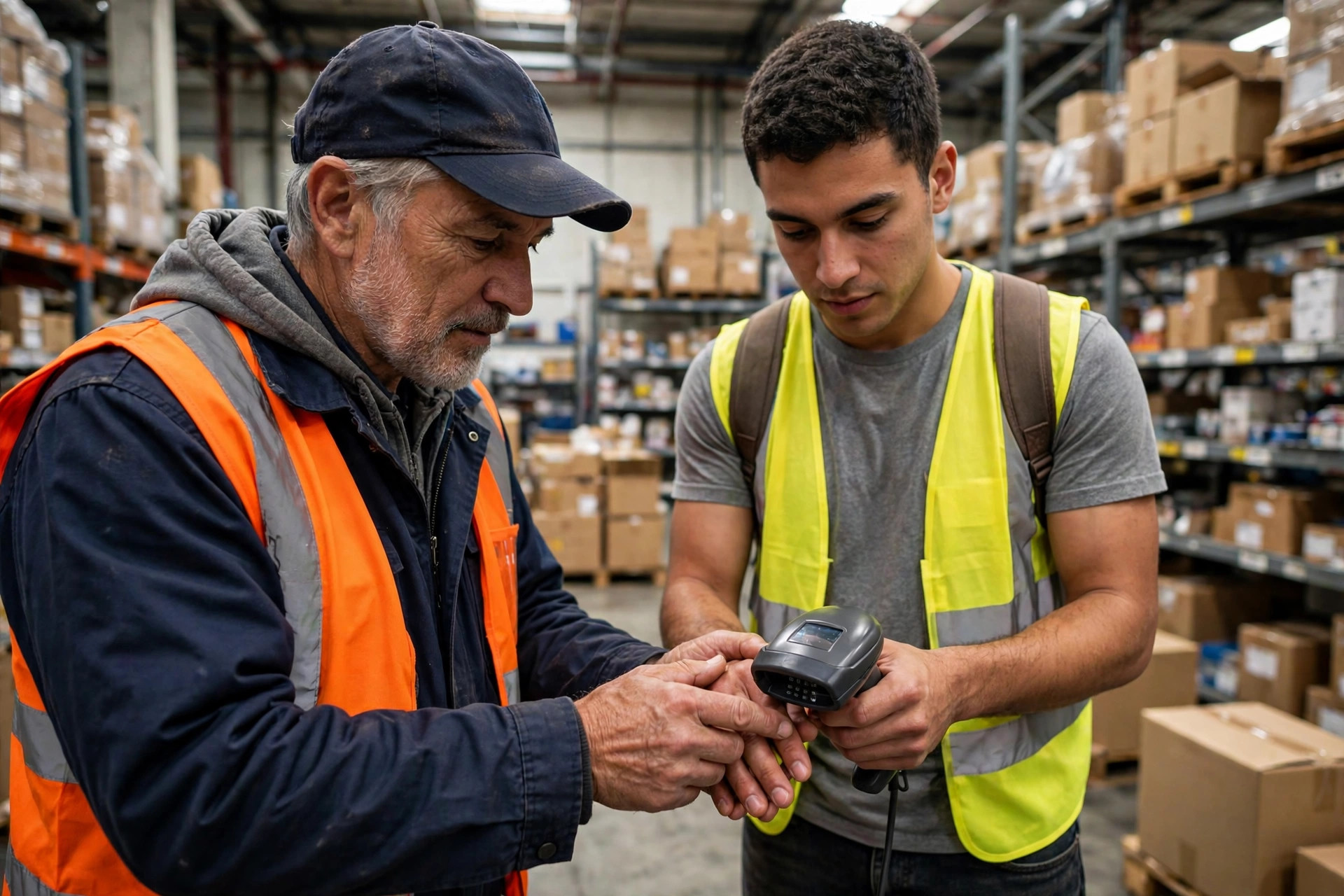
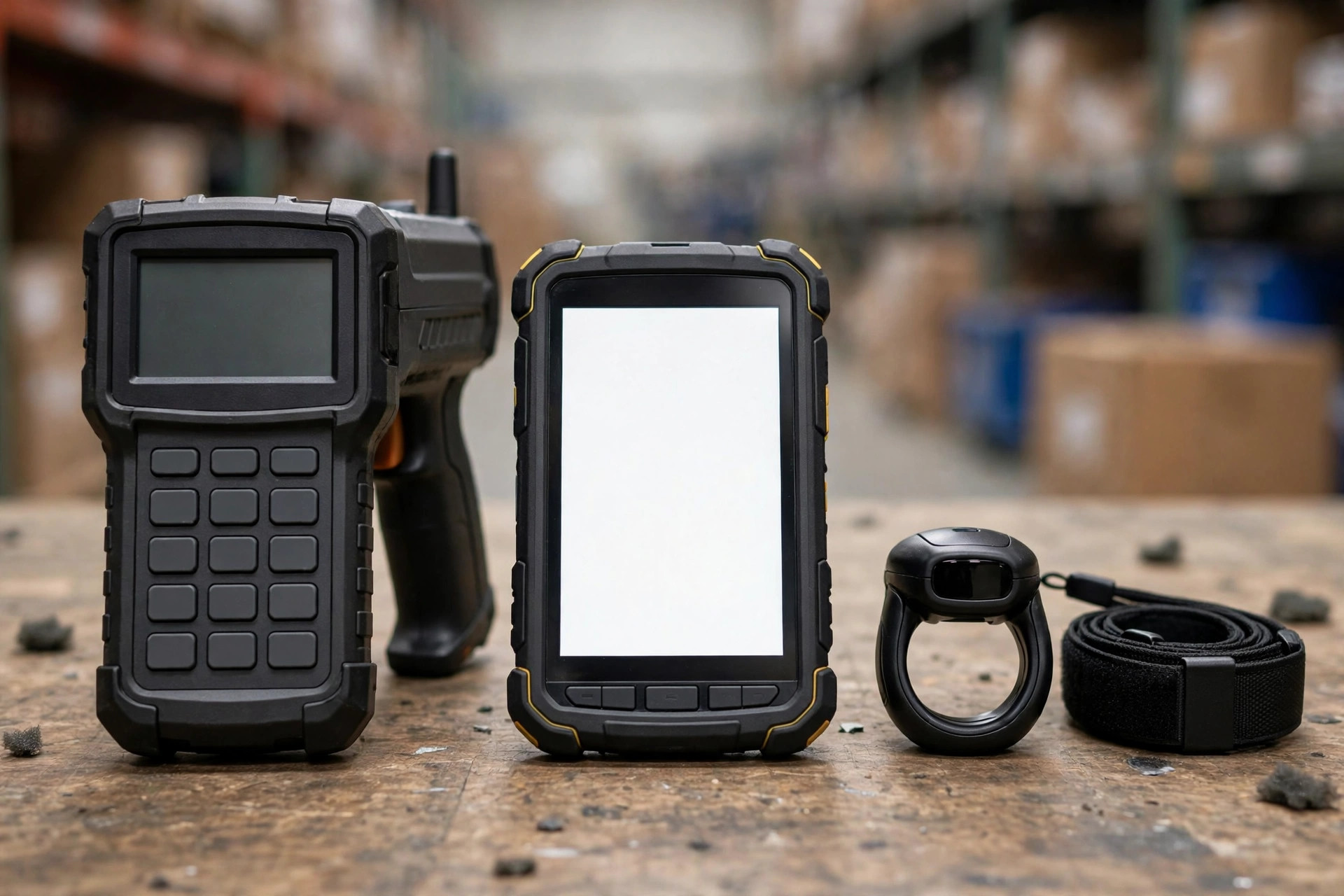
First, the classic RF handheld terminal. Industrial-grade body, physical keypad plus scan engine, running the WMS RF interface (Telnet emulation or a native Android app). It is brutally tough — a 1.5-meter drop onto concrete is usually a non-event — and the battery is built to last a full 8-to-10-hour shift. The downsides are equally clear: a character-based interface that chokes on complex workflows, and a design that hasn't changed in a decade.
Second, the smartphone-style PDA — the enterprise smart terminal. It looks like a ruggedized phone: big touchscreen, runs the full WMS app, takes photos, installs other apps. Flexibility is its whole pitch: when the process changes, you ship an app update instead of begging IT to rewrite a Telnet emulation script. The price: a big screen is a fragile screen, batteries generally don't match RF guns, and unit cost runs 30–80% higher (based on purchase prices from projects I've delivered; check current vendor quotes).
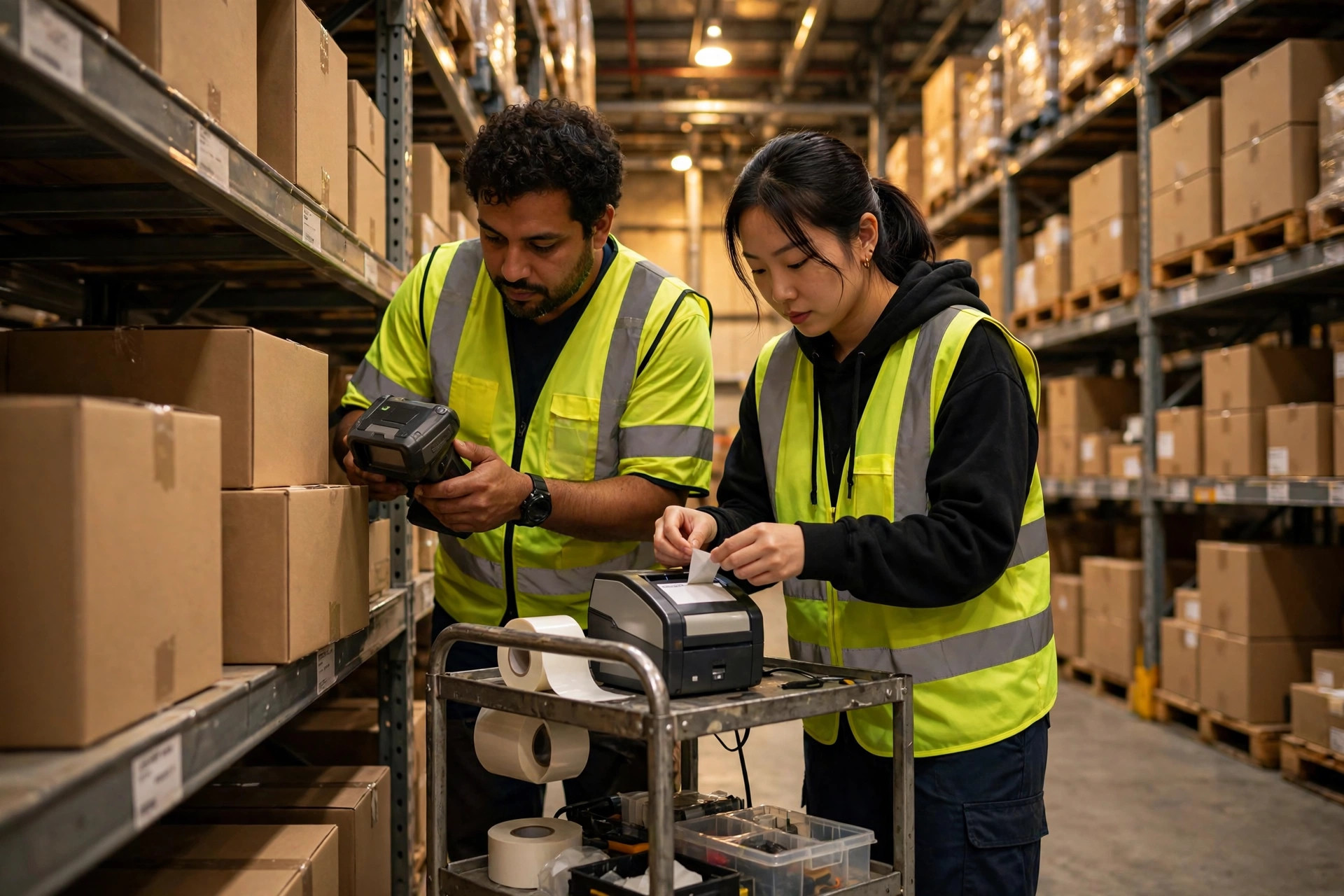
Third, the ring scanner. A scan engine worn on the finger, paired with a wrist-mounted mini display or a phone/tablet. Both hands stay free. The scan motion collapses from "pick up device — aim — put down device" to "raise hand, scan," saving 2–3 seconds per scan. One warning: it is not a standalone terminal. It needs a display device, so the full kit costs roughly what a PDA costs — don't be misled by the "cheap scan head" sticker price.
Four Steps to Lock In Your WMS Handheld Terminal Selection
Step one: count your scan frequency. Shadow your busiest pick station for a full shift and count scans. Eight hundred scans a day is the watershed. Below it, all three device types are viable and other factors decide. Above it, the ring scanner's efficiency advantage starts to dominate — 2–3 seconds saved per scan adds up to more than half an hour a day, 10-plus hours a month of labor productivity.
Step two: decide whether your process needs a "screen." The RF gun's interface is character-based — fine for the fixed triplet of "scan location, scan product, enter quantity." But if your workflow includes exception handling (wrong lot? pick a reason code; photo evidence; electronic proof of delivery), a character interface will drive pickers insane. That's PDA territory: big screen, touch, camera, done in one pass. Simple test: walk your nastiest exception flow on the RF interface. If it takes more than five screens, don't use the RF gun.
Step three: calculate TCO, not just purchase price. An industrial RF gun lasts five years; a PDA generation turns over every three to four (Android version churn, battery degradation). Count consumables too: scan-engine life on RF guns, screen protectors and cases for PDAs, wrist straps and ring mounts as wear items. Build the three-year total-cost-of-ownership table. Often, a 30% purchase-price gap gets half-eaten by lifespan and repairs.
Step four: validate compatibility — and this one goes on the go-live-eve checklist. Take real devices, connect to your WMS test environment, and run the full flow: login, receive task, scan, exception, submit. Test Wi-Fi roaming hardest of all. When a picker walks from Zone A to Zone B, does the session survive the AP handoff? I've seen this exact failure three times: devices that behaved perfectly in the conference room dropped sessions all over the warehouse floor, and the root cause turned out to be AP power and channel planning. The device vendor took the blame. Unfairly.
The decision framework, in one table:
| Scenario | Recommendation | Why |
|---|---|---|
| Under 3,000 pick lines/day, fixed workflow | Classic RF gun | Most stable, toughest battery, lowest TCO |
| 10,000+ SKUs, frequent exceptions, photo needs | Android PDA | Big screen + touch + camera, maximum process flexibility |
| High-frequency stations (800+ scans/day) | Ring scanner + wrist/phone | Hands free, fastest per-scan |
| Freezer (−18°C and below) | Industrial RF gun, wide-temp version | Consumer batteries simply quit in the cold |
| Tiny budget, small warehouse | Refurbished RF guns | Don't improvise with consumer phones (see below) |
Classic Rollouts Gone Wrong: How Clients Break It, and How We Fixed It
Failure one: using consumer phones as PDAs. On a 3PL project I delivered, the client wanted to save money and equipped 40 pickers with consumer smartphones plus Bluetooth scan guns. Three months later: two swollen batteries, five shattered screens, dozens of Bluetooth dropouts a day, and a mutiny brewing among the pickers. The fix: replace everything with enterprise PDAs and sell the phones at a loss. The procurement savings didn't cover three months of productivity loss and rework. This lesson goes into every project's go-live-eve checklist: warehouse devices must be industrial grade. Iron rule, no exceptions.
Failure two: ring scanners nobody wears. An e-commerce warehouse deployed 20 ring-plus-wristband kits before peak season; half the pickers found them "uncomfortable" and left them in lockers. Post-mortem: nobody on the floor had trial-worn them during selection, and the wristband came in one size — after a full shift, wrists had strap marks. The fix: adjustable wristbands, ring mounts in three sizes, and a two-week adaptation period. Units per hour went from 10% below the RF-gun baseline during the trial's first days to 15–20% above it (measured on that project; your mileage will vary). Conclusion: ergonomics is not a detail. Selection without a floor trial is gambling.
Failure three: blaming the device for the Wi-Fi. Worth repeating because it's the most common. RF interfaces — Telnet emulation especially — are brutally sensitive to network jitter. A 2–3 second dropout during an AP handoff kills the session; the picker re-logs in; twenty of those a day and morale is gone. The go-live-eve checklist must include this item: walk the farthest corner and the highest rack level with the device in hand, and watch whether the session drops. If the network isn't right, no device choice will save you — fix AP placement and channel planning first, then talk devices.
One action you can take this week: go count scans at your busiest station. Eight hundred a day is the line. Above it, borrow two ring-scanner kits for a two-week trial and let the floor vote. Below it, check the battery health on your RF guns and replace what's dying. There is no standard answer in device selection — only the answer that matches your frequency, your process, and your network. State the conclusion first, then validate. Never the reverse.
By Lin Xiao, WMS Implementation Consultant