Conclusion first: putaway strategy is not about finding an empty bin. It is about setting the pick speed your team will live with three months from now. Where new stock goes today decides how far pickers walk, how often they bend, and how many orders they finish per hour for the next quarter. Get putaway right and picking gets faster on its own. Treat putaway as an afterthought and no picking process fix will make up for it.
I have led more than 30 WMS go-lives, and I have watched the same pattern repeat. Receiving finishes, a forklift driver finds the nearest empty location, the system records the right bin, and everything looks correct on paper. Three months later the symptoms show up: a best-selling SKU is scattered across seven or eight aisles, one order crosses half the warehouse, and slow movers occupy the best spots near packing while fast movers live in the far corner. That is not a picker problem. The route was set wrong on the day the stock was put away.
Putaway Starts With Velocity, Not Empty Space
Before anyone looks for an empty location, ask how fast the SKU moves. The standard approach is to rank SKUs by pick lines and split them into fast, medium, and slow groups. Roughly 20 percent of SKUs drive around 80 percent of picks, a pattern that shows up again and again in warehouse data. Those fast movers are few in number but dominate the workload, so they earn the locations closest to packing and inside the ergonomic picking band.
That band, the golden zone, runs roughly 60 to 160 centimeters off the floor, from knee to eye level. Picking inside it is the least tiring motion a worker makes. Published warehouse guidance puts a pick from the golden zone at about 3 to 5 seconds, against 8 to 15 seconds from floor level or above 180 centimeters, where the worker has to squat, stretch, or climb. A few seconds per pick sounds small until you multiply it by several thousand pick lines a day.
Travel is the bigger cost. Research cited across warehouse operations puts travel at about 50 percent of total order picking time, and picking itself at roughly 55 percent of warehouse operating cost. Good slotting can cut picker travel by 20 to 40 percent, a large gain for a change that costs no new equipment.
Here is the decision table I use with clients. It covers the common cases, and you can adopt it directly:
| SKU type | Location | Height | Notes | | Fast mover, small item | Aisle nearest packing, flow rack or pick face | 60 to 160 cm | Keep replenishment ahead of demand | | Fast mover, heavy item | Same near zone, but at waist height or floor level | 40 to 80 cm | Heavy stock never goes up high; safety wins | | Medium mover | Next ring of aisles, standard racking mid-level | 60 to 160 cm | Review velocity every few weeks | | Slow mover, light item | Far aisles or upper rack levels | Above 160 cm | Free the golden zone for fast movers | | Slow mover, heavy item | Far ground level or low level | Floor to 80 cm | Do not lift heavy slow stock for the sake of space |
Here is a counterintuitive point: fuller is not always better. A warehouse with every location stuffed looks efficient on a space utilization report, yet pickers spend their shift weaving around congested aisles and waiting for forklifts to clear. Leaving 10 to 15 percent of locations flexible, so fast movers can be replenished nearby and aisles stay clear, often produces faster picking overall. When space utilization and pick speed conflict, pick speed should win.
Putaway in Five Steps, Starting at Receiving
Putaway rules only work when they become actions inside the WMS at receiving time, not words in a document. The process I implement on projects has five steps.
Step one, tag every SKU with a velocity class before receiving. Fast, medium, or slow, based on pick lines. A new product has no history, so assign it a provisional class based on similar products, mark it as provisional, and set a review after 30 days using real pick data. A SKU without a velocity tag must not receive a putaway task.
Step two, let the system recommend the location. The recommendation follows a fixed order: velocity class sets the zone, size and weight set the height, and order affinity sets the neighbor. Items that frequently ship together belong in adjacent aisles, because that removes return trips.
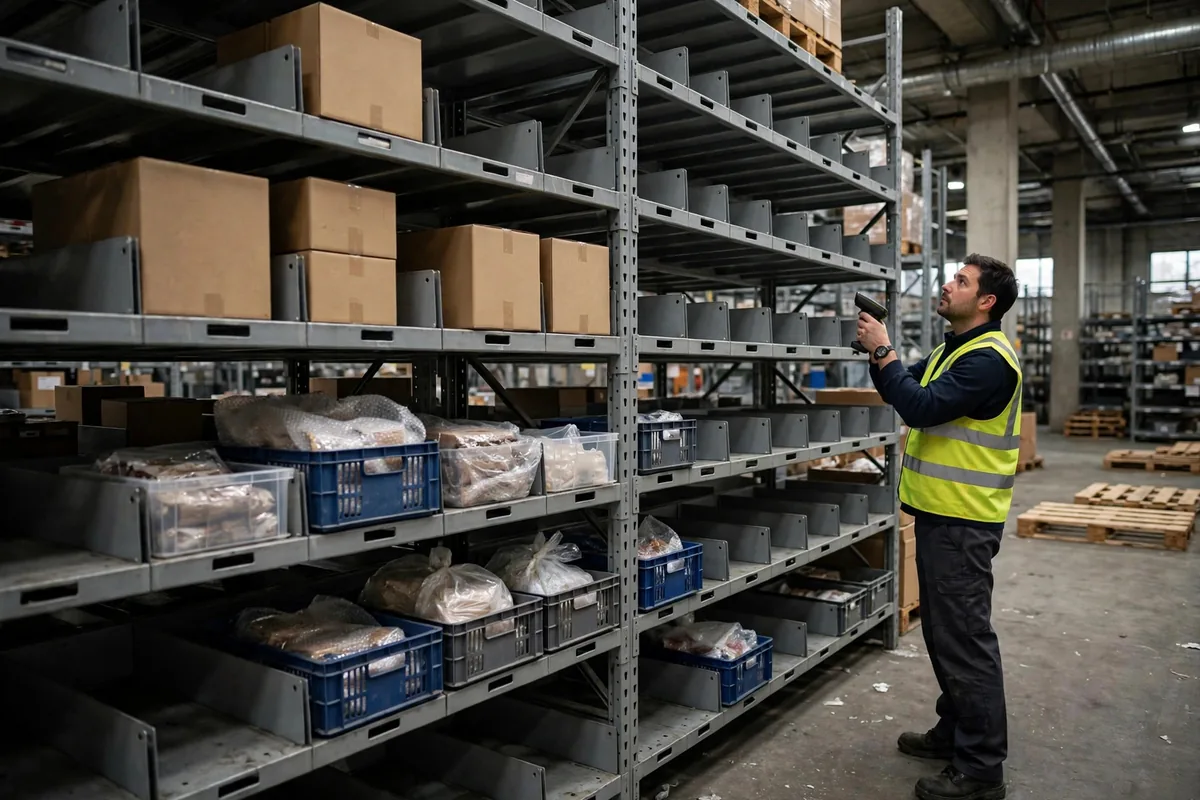
Step three, scan to confirm at the location. The driver arrives at the recommended bin, scans the bin label first, then puts the stock away. The system checks that the SKU matches the location and raises an alert if it does not. The extra scan looks like overhead, but it stops stock being recorded correctly in the system yet physically in the wrong place, discovered only when a picker stands at an empty bin.
Step four, sample-check putaway daily. Pick 10 putaway tasks at random each day and verify that the physical stock, the bin, and the system record agree. The point is to find rule defects early. If one zone keeps failing, the rule is wrong: the bin labels may be unclear, or the recommended logic may fight the actual traffic flow on the floor.
Step five, reslot every quarter. Velocity changes: seasonal items, promotions, and new products all shift the ranking. A full reslot is warranted sooner when the SKU mix shifts by more than 20 percent. You do not need to move the whole warehouse. Start with the SKUs where the gap between the current location and the target location is largest and the pick volume is highest.
Let me tell you about a project. Illustrative example: in March 2024, a 3PL warehouse in Guangdong, about 8,000 square meters with roughly 6,000 SKUs, had its best sellers scattered across 9 aisles, and a typical five-line order crossed four aisles. We reslotted by moving the top 20 percent of SKUs by pick volume into the two aisles nearest packing, inside the golden zone, and pushing slow movers to far, high locations. In this illustrative example, average walking distance per order fell from about 320 meters to about 190 meters, and pickers walked about 4 kilometers less per day. Those figures are built from that warehouse's order profile, not a measured guarantee, but the direction is reliable: meters saved become extra orders processed each day.
The opposite story is just as instructive. Illustrative example: in June 2025, an e-commerce warehouse in eastern China rushed a batch of best sellers into the nearest empty locations by the receiving dock to speed up putaway during a sales peak. Those locations were the farthest from packing. For three days pickers walked about 2 extra kilometers per shift, orders backed up past midnight, and the team spent a full weekend moving the stock back. Ten minutes saved at putaway cost three days at picking plus a weekend of rework. I have seen this mistake three times, and the excuse is always the same.
Putaway Mistakes to Check Before Go-Live
Close with a go-live night checklist. Check each item off before the system goes live, and do not go live with an unchecked item.
One, the velocity data window is too short. One month of pick history will mistake a seasonal peak for normal demand. Use at least 3 months of data, and 6 to 12 months broken down by season for seasonal ranges.
Two, the rule looks at pick frequency but ignores size and weight. Large fast movers need big ground-level locations near packing, not small golden-zone bins. Velocity, size, and weight must all sit in the rule.
Three, new products have no default class. A new SKU arrives, the system has no velocity tag, and the operator puts it wherever there is space. Give every new product a provisional class and a 30-day review alarm. It is the cheapest fix available.
Four, reslotting moves stock but never updates the rule. Every reslot must include a review of the recommendation logic, the velocity tags, and the bin labels.
Five, putaway is treated as the receiving team's job alone. Operations sets the velocity standard, systems builds the recommendation logic, and the floor team confirms the traffic flow works in practice. If any side is missing, the rule drifts within three months.
Putaway has no shortcut. Spend 30 extra seconds placing stock by the rule at receiving, and picking saves hours every day. Calculate velocity first, write the rule into the system second, and review it every quarter. Do those three things and the pick speed three months from now will not disappoint you.
By Lin Xiao, WMS Implementation Consultant